





logo
menu

Grok AI Detector

Wondering if Grok wrote that post? Get a free AI score for drafts and replies.
Content
Paste Text
Upload Document
Try Example
ChatGPT
Claude
Human
Human + AI
0 / 600 words
Result
AI-generated
?%
Mix-generated
?%
Human-written
?%
Add text and click "Detect AI" to see the results.
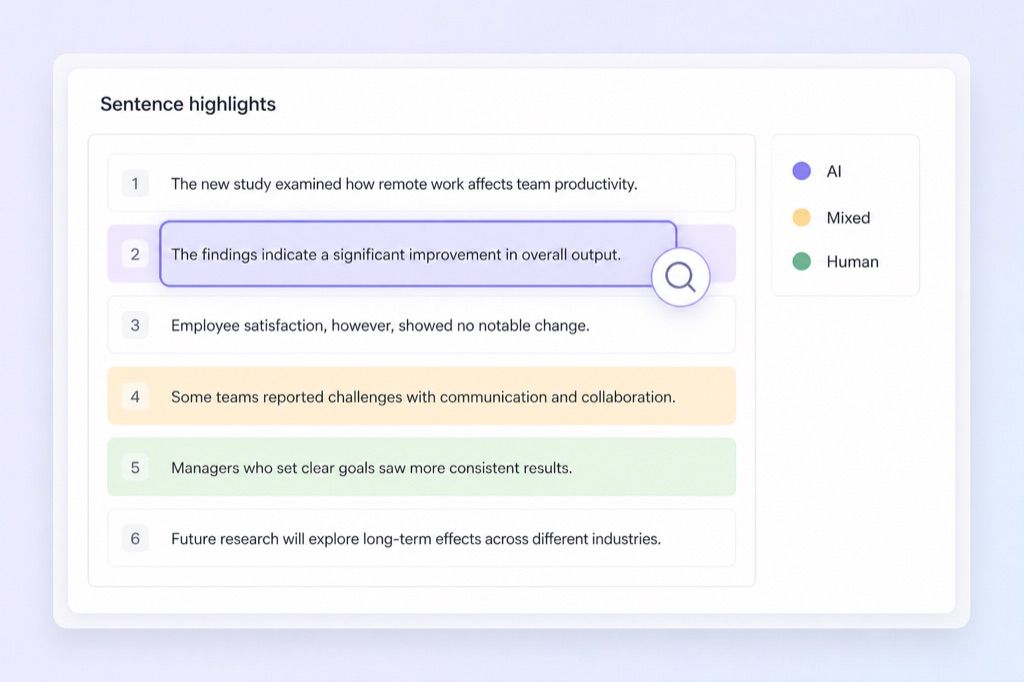
Highlighted AI-Generated/Paraphrased Sentences
List sentences likely AI-generated here
350K+
Scans Performed Monthly
99%
Proven Accuracy Rate
4.9
Average User Rating

Why Choose Our Grok AI Detector

Grok Pattern Coverage

Grok Pattern Coverage

Get Grok pattern coverage for posts, replies, and drafts that may have been written or heavily shaped by Grok.

Post-Level Flags

Post-Level Flags

Use post-level flags to pinpoint sentences that look AI-written, mixed, or paraphrased instead of judging the whole draft blindly.

Long-Form X Review

Long-Form X Review

Check long-form X posts, replies, and social commentary to see whether Grok likely shaped the text.

Edited Grok Drafts

Edited Grok Drafts

Catch edited Grok drafts that were lightly revised by a human but still keep predictable AI rhythm and structure.

Flexible Input Checks

Flexible Input Checks

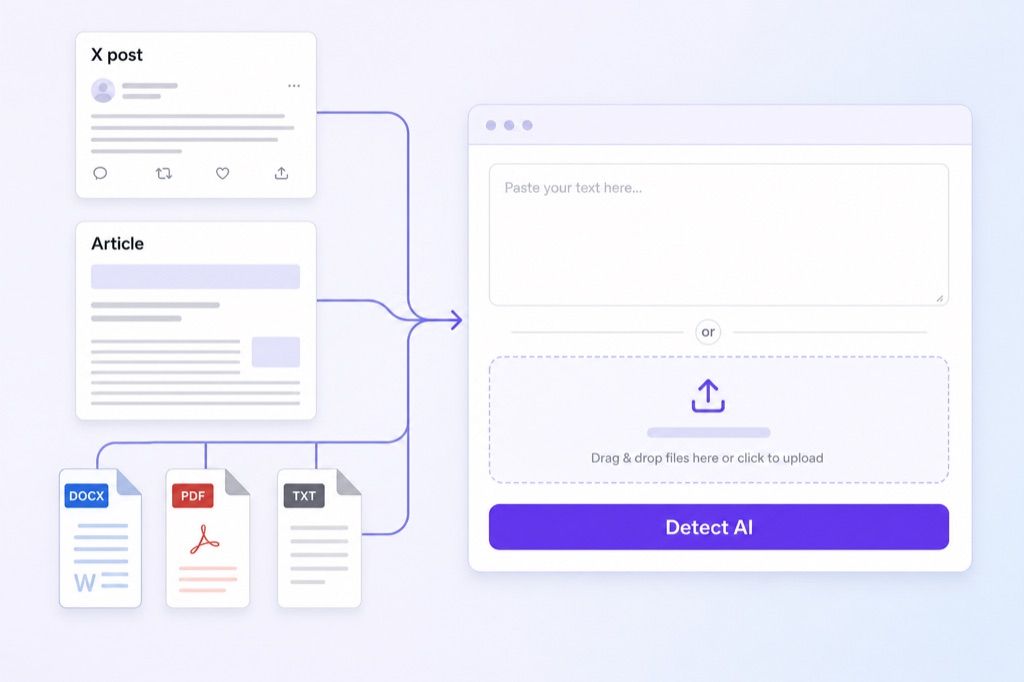
Use flexible input checks for longer Grok reviews, whether you paste suspected text or upload .docx, .pdf, and .txt files.

Private & Secure Processing

Private & Secure Processing

Keep your text private with secure processing. We follow GDPR-minded practices and do not use submissions to train future language models.

Detect Grok-Style AI Writing

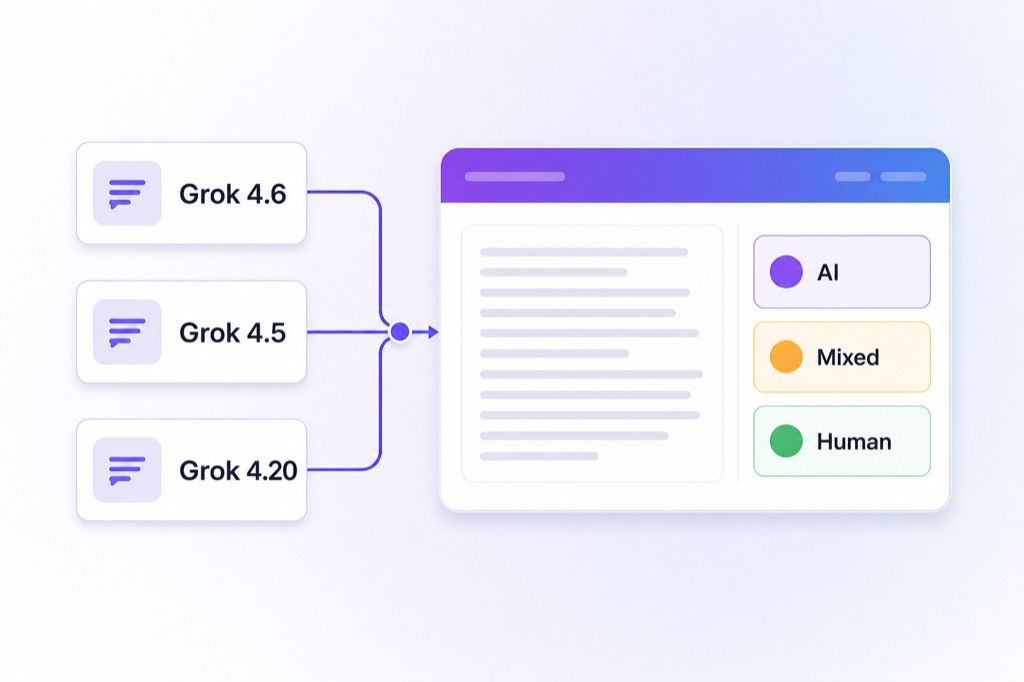
Grok can produce casual posts, replies, and explainers that still follow predictable AI structure. Lynote checks whether the writing looks Grok-generated and returns AI, mixed, and human-written percentages. You get a clear breakdown that helps you decide which parts deserve closer review.

Review Grok Sentence Highlights

Grok-generated text can sound casual while still repeating polished AI sentence shapes. Lynote highlights the lines that raise the AI score, so you can review the exact parts that look machine-written.

Check X Posts and Uploaded Files

Checking X posts and uploaded files should fit the content you already have. You can paste suspected X posts directly into the interface or upload formal documents for review. This workflow helps you check different formats without converting files first.

How to Check Text With Our Grok AI Detector

Step 1. Paste Text or Upload Document

Step 1. Paste Text or Upload Document

Paste your suspected Grok text directly into the detection box for a quick check. Alternatively, upload a full .docx, .pdf, or .txt file to review longer essays or articles.

arrow
Step 2. Click Detect AI

Step 2. Click Detect AI

Once your text or document is ready, click the Detect AI button to start the scan. The system will immediately begin analyzing the content for machine-generated patterns.

arrow
Step 3. Review the Report

Step 3. Review the Report

Read the AI, mixed, and human percentages to understand the score. Then review the highlighted sentences to see which parts need manual attention.

Who Should Use This Grok AI Detector?

Educators

Educators

Review student essays to identify Grok's conversational patterns. Ensure academic integrity by scanning assignments for AI-generated text before final grading.

Content Editors

Content Editors

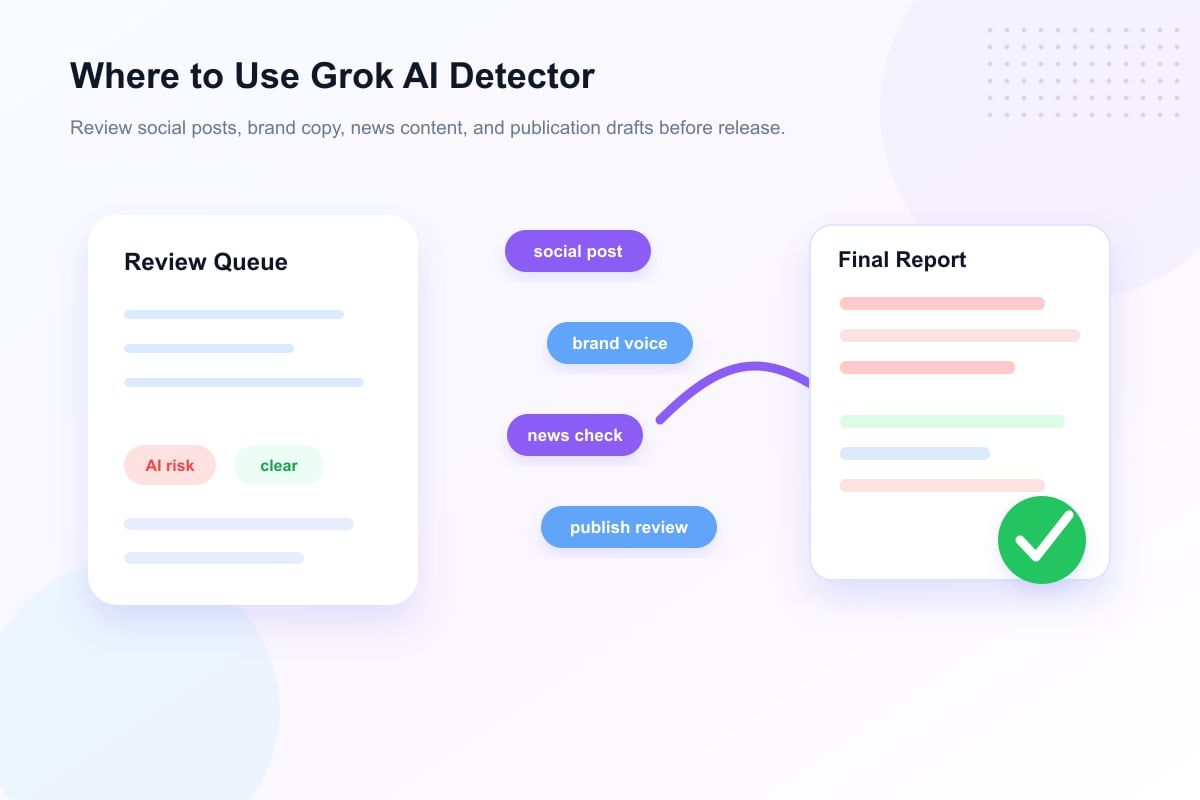
Check freelance article submissions for Grok-like AI writing. Review the flagged lines before accepting or editing the draft.

Social Media Reviewers

Social Media Reviewers

Check long-form X posts before amplifying them. See whether trending threads may have been drafted by Grok rather than a human.

Journalists

Journalists

Review source-provided .txt statements, press releases, and comments. Use the AI score to decide which received text needs closer verification.

Community Moderators

Community Moderators

Scan pasted forum discussions for bot-like text generation. Keep your community human by running an AI detector Grok scan on automated replies.

Publishers

Publishers

Evaluate .docx manuscript drafts before final acceptance. Screen incoming book chapters to see whether the writing looks AI-generated or human-crafted.

What Our Users Say

Arthur Pendelton

Arthur Pendelton

High School Educator

starstarstarstarstar

"This tool is useful for checking student essays submitted as .docx files. It evaluates structured documents for Grok-like conversational tone."

Carlos Mendoza

Carlos Mendoza

Social Media Reviewer

starstarstarstarstar

"I use this AI detector for Grok to review long-form X posts before sharing them. It is specifically tailored to spot AI patterns quickly."

Kenji Sato

Kenji Sato

Senior Content Editor

starstarstarstarstar

"The report breaks down text into AI-generated, mixed, and human-written percentages. Using the mixed percentage helps me find blended AI text in PDF reports."

Jamal Washington

Jamal Washington

Investigative Journalist

starstarstarstarstar

"It highlights specific sentences that exhibit Grok's paraphrased or overly formal patterns. Spotting AI sentences in source-provided .txt quotes saves me hours."

Elena Rostova

Elena Rostova

Community Moderator

starstarstarstarstar

"The paste box is great for quick checks. I regularly scan long forum posts to spot AI-written replies."

Priya Desai

Priya Desai

Acquisitions Publisher

starstarstarstarstar

"I appreciate the GDPR-minded processing and no-training policy. It helps when our team checks confidential manuscript drafts."

Frequently Asked Questions

Still got questions about our Grok AI detector? Here are the answers.

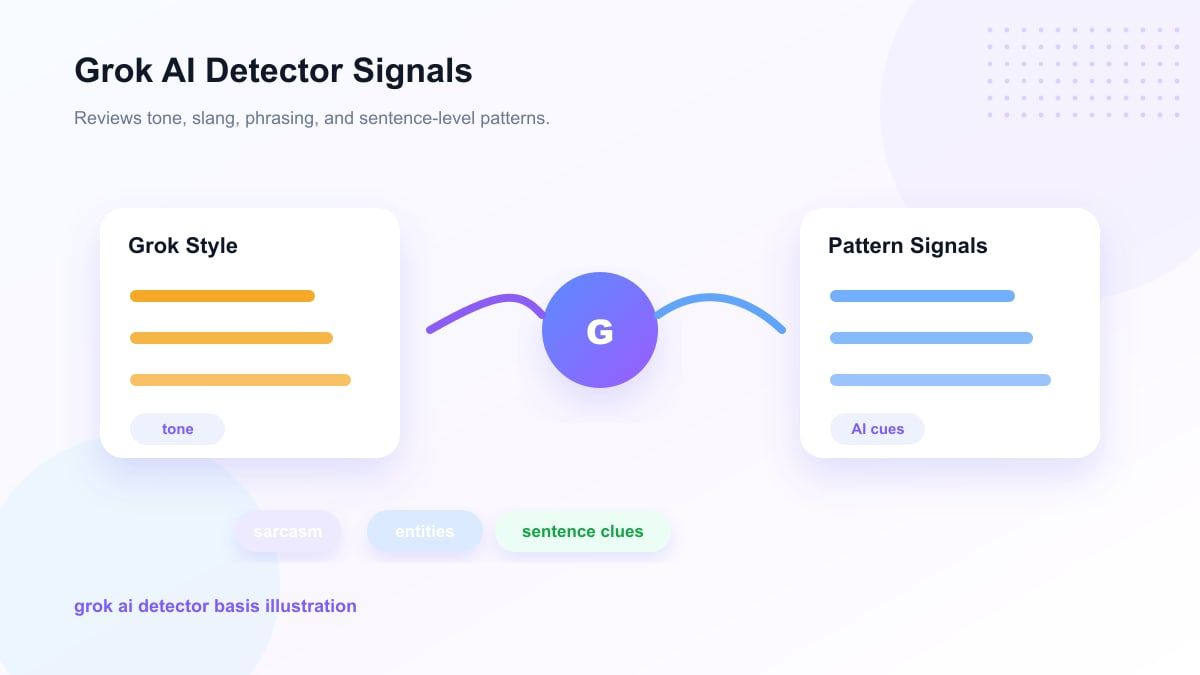
The tool reviews sentence structure, phrasing, and repeated writing patterns that may appear in Grok-generated text. It then returns AI, mixed, and human percentages so you can judge the text with clearer evidence.

It can provide a useful review signal for newer Grok-style outputs by highlighting sentences with AI-like phrasing and formatting. Treat the result as a probability signal, not a final verdict.

Yes. You can upload .docx, .pdf, or .txt files directly, or paste text into the detector for a quick scan.

The free detector supports up to 600 words in the text box. Pro users can check up to 3000 words per request. For longer Grok-related content, upload a .txt, .pdf, or .docx file instead.

No. Your documents are processed for detection purposes with privacy-minded handling and are not used to train AI models.

Copy the text from the X post and paste it into the detection box. Click the scan button to see sentence-level highlights that may indicate AI writing.

The percentages show the probability of how the text was created. The AI score indicates how much of the content matches synthetic patterns common to models like Grok. The human score reflects natural writing, while the mixed category highlights sections where AI-generated drafts were likely edited.

An AI detector for Grok focuses on writing that may come from Grok-style generation, including posts, replies, and longer drafts. Generic scanners may miss those model-specific patterns when reviewing social posts or articles.

Grok AI Detector: Scan Text for AI Content | Lynote