

AI to Humanize Text Converter- Lynote AI Humanizer
Content
Result

Your humanized result will be ready here. To begin, paste your AI-generated text in the left box.
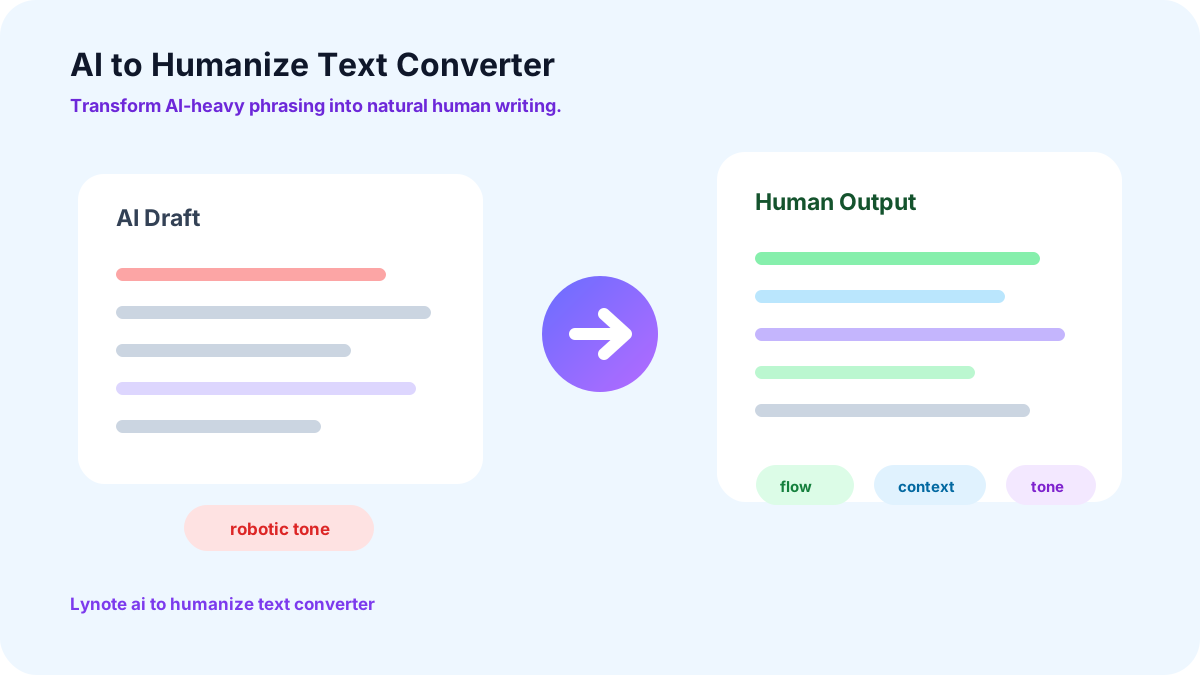
AI to Humanize Text Converter
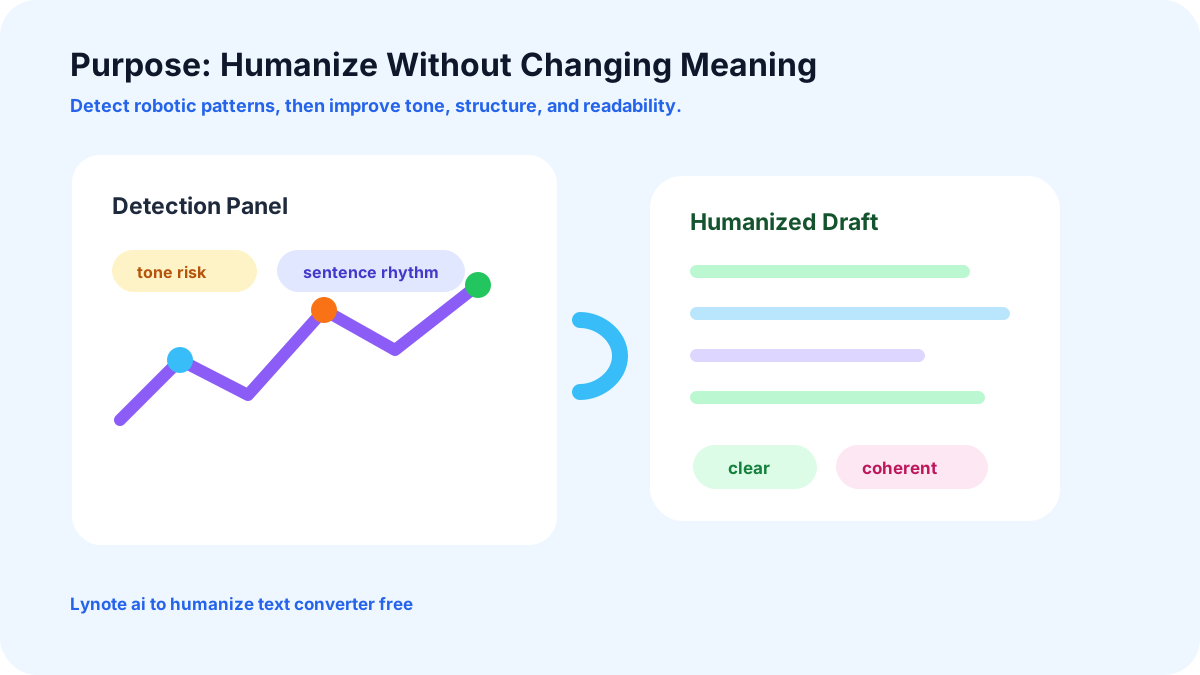
What is the Purpose of AI to Humanize Text Converter?
Why Choose Lynote AI to Human Text Converter?

No Credits Required
Lynote AI to Humanoid Text Converter is available for everyone to use without thinking about credits. You can avail its free version, which allows text conversion for up to 300 words for free.

Built on Advanced Language AI
Our AI to Human Text Converter is built on advanced NLP and LLMs. It can effortlessly differentiate between AI and Human language to provide an accurate output.

Supports Multiple Languages
The Text Converter tool is not limited to a single language. It supports 80+ languages for both input and output.

User-friendly
You do not need to go through lengthy processes to humanize AI text with Lynote. Simply go to our official site, paste your text, and humanize.

Outperform AI Detection
Whether it's Turnitin or ZeroGPT, the text converted by Lynote can surpass any AI detector. It focuses on every small detail while paraphrasing to ensure 99% accuracy in results.

Contextual Understanding
Large-scale language-model technology allows our tool to understand the contextual meaning of the provided text. It quickly humanizes the input while maintaining the original quality.
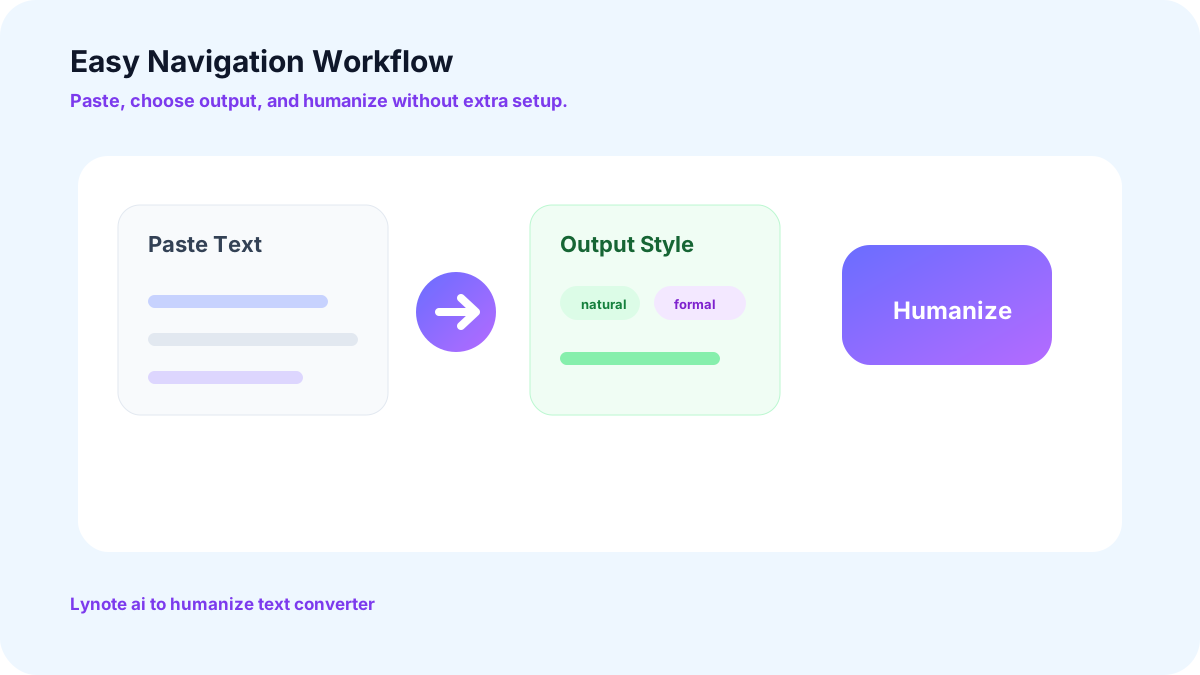
Easy to Navigate AI to Humanize Content Converter
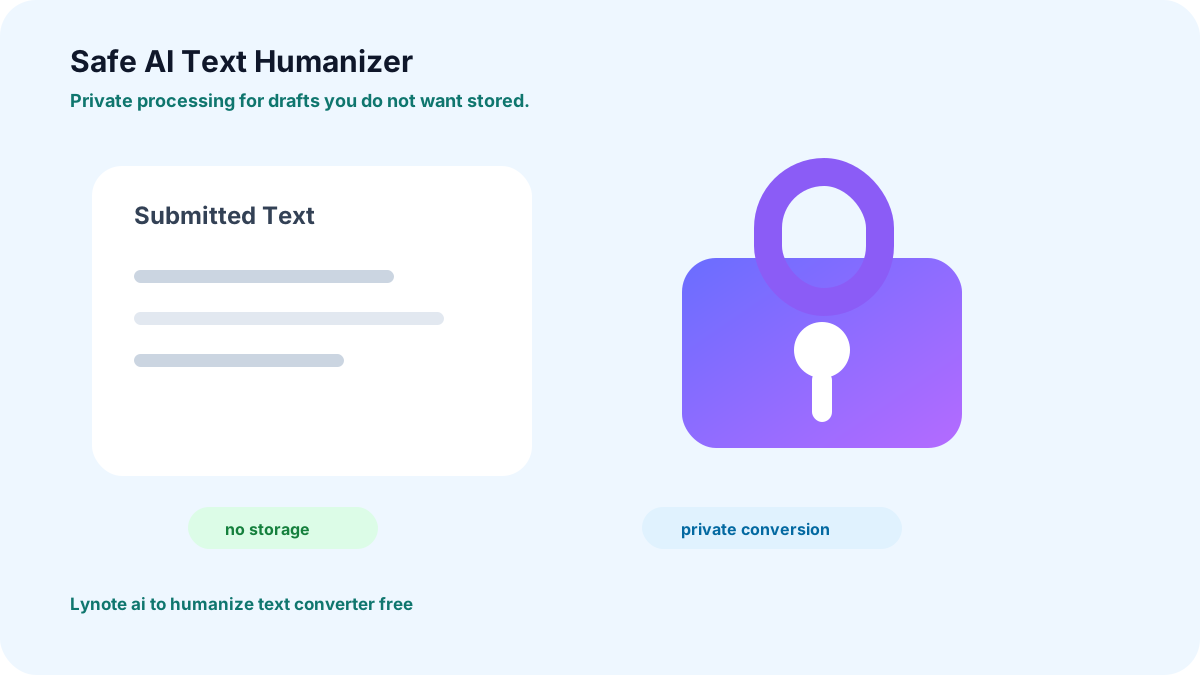
Safe AI Text Humanizer
Your privacy stays yours. Lynote does not require personal information to humanize AI-generated text, nor does it store the text you submit for processing. Your content remains private rather than being retained in our systems. This means you can use Lynote to humanize your text without creating a record of your submitted content.
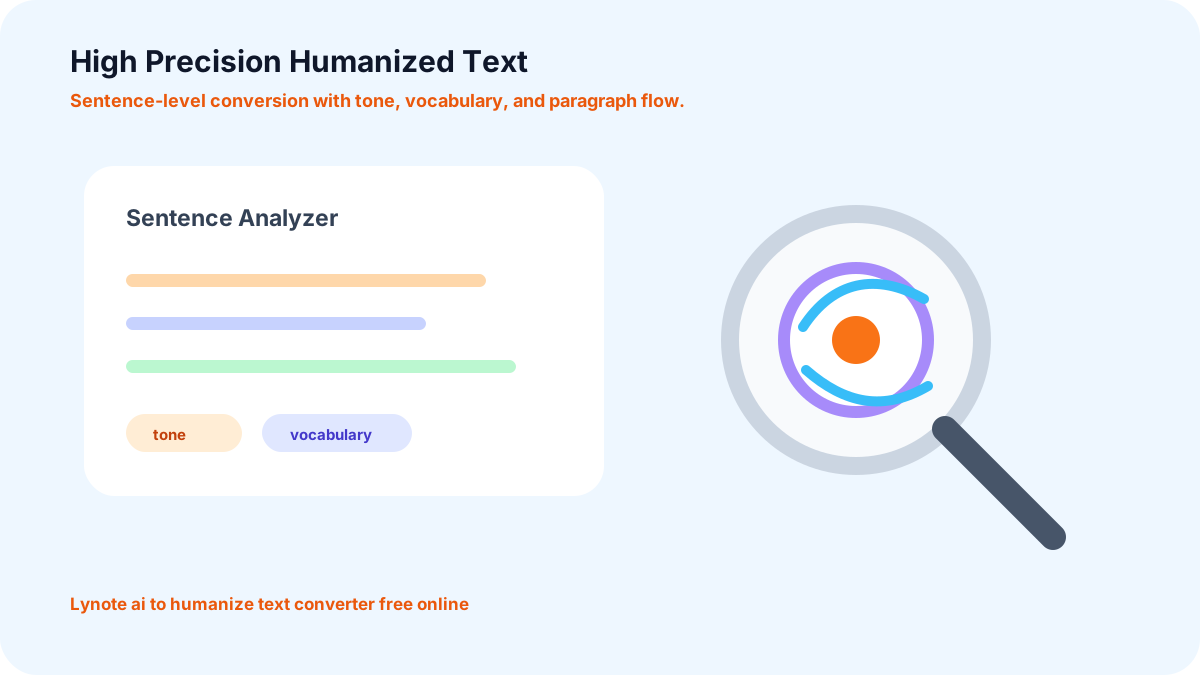
Convert AI to Humanized Text with High Precision
The Lynote AI Text to Humanize Converter offers high precision. It analyzes your draft at the sentence-level. Once the analysis is complete, it proceeds to convert the text into human-written output by improving sentence structure, using field-specific vocabulary, and varying paragraph flow. This helps the overall document sound more natural.
Who Can Benefit from Our Free AI Text Converter?

Content Marketers and Strategists
Creating engaging marketing content takes time. AI can speed up the process, while Lynote humanizes your content, making it sound natural, relatable, and engaging for your target audience.

Business Professionals
Drafting countless emails or writing business proposals each day is exhausting. You can use AI to reduce your workload and humanize the AI text using Lynote. It can adapt content to a professional tone for business communication.

Students
When it comes to completing school or college work, students find AI their best friend. However, teachers can easily recognize AI-written content. To sort this out, use Lynote AI Humanizer and submit your assignments without any worries.

SEO Experts
Google can recognize AI-generated content easily. Improve the content with Lynote AI. Refine readability, sentence flow, and tone to create more natural, engaging content that aligns with your audience and SEO goals.
How to Use Lynote AI to Human Text Converter?
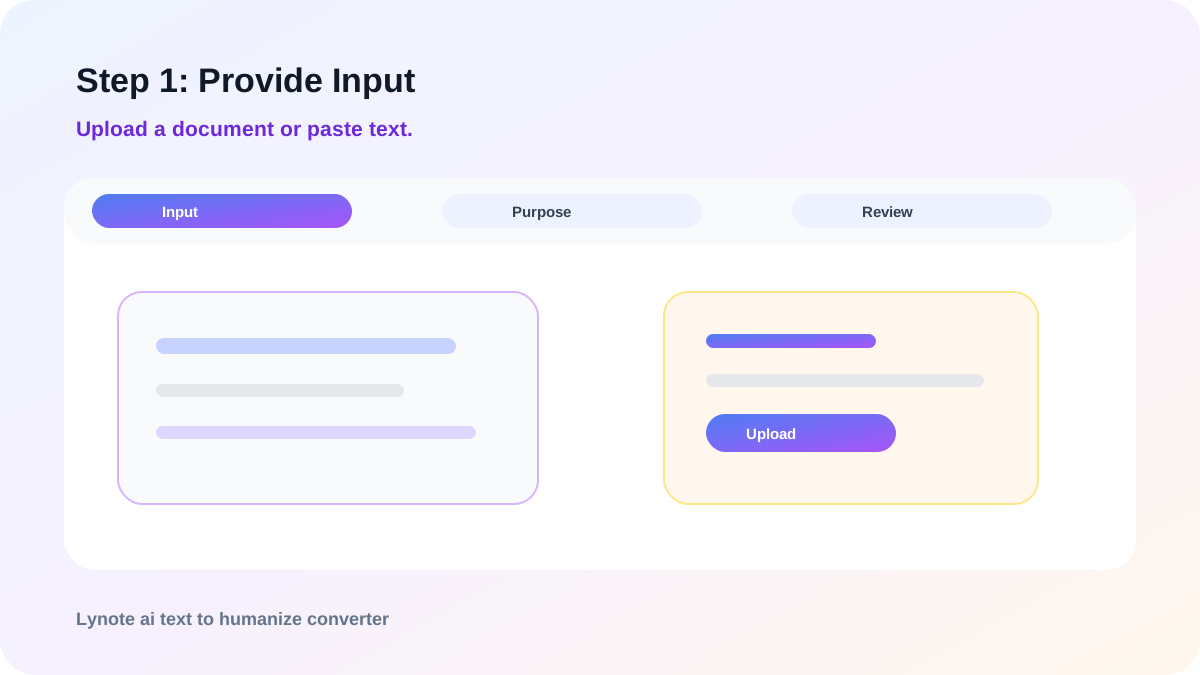
Step 1: Provide Input
Upload the document in PDF or DOCX format. You can also simply paste the text.

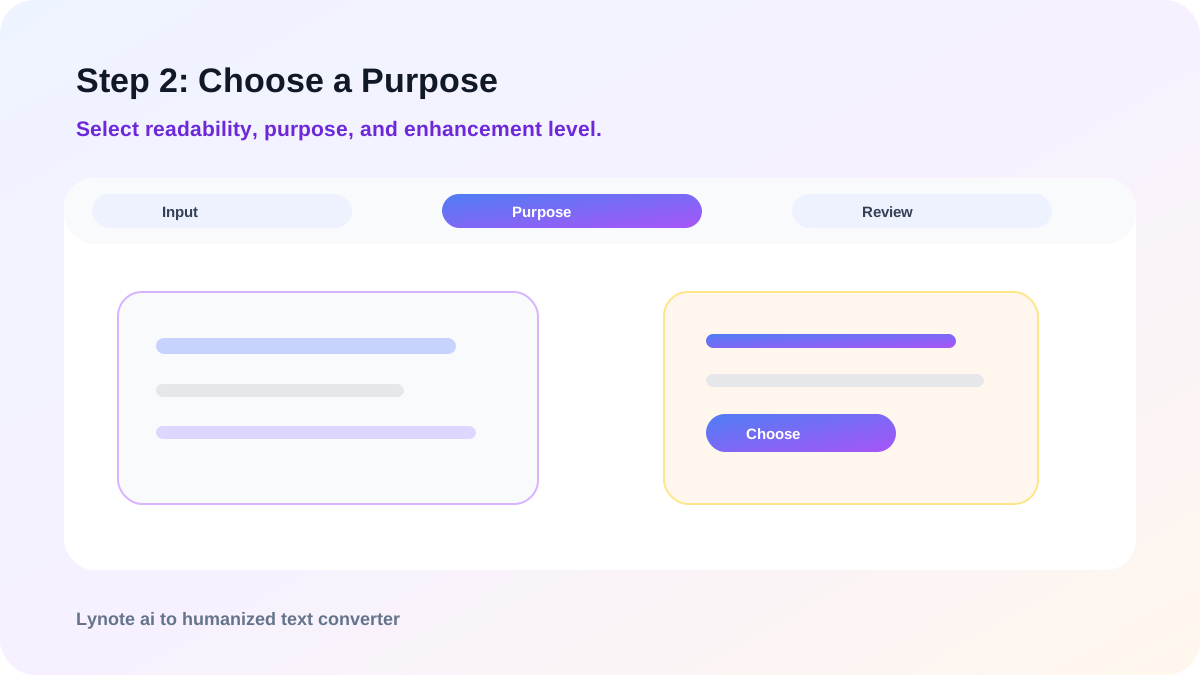
Step 2: Choose a Purpose
Select readability, purpose, and the level of AI enhancement. It can be simple, standard, or enhanced.
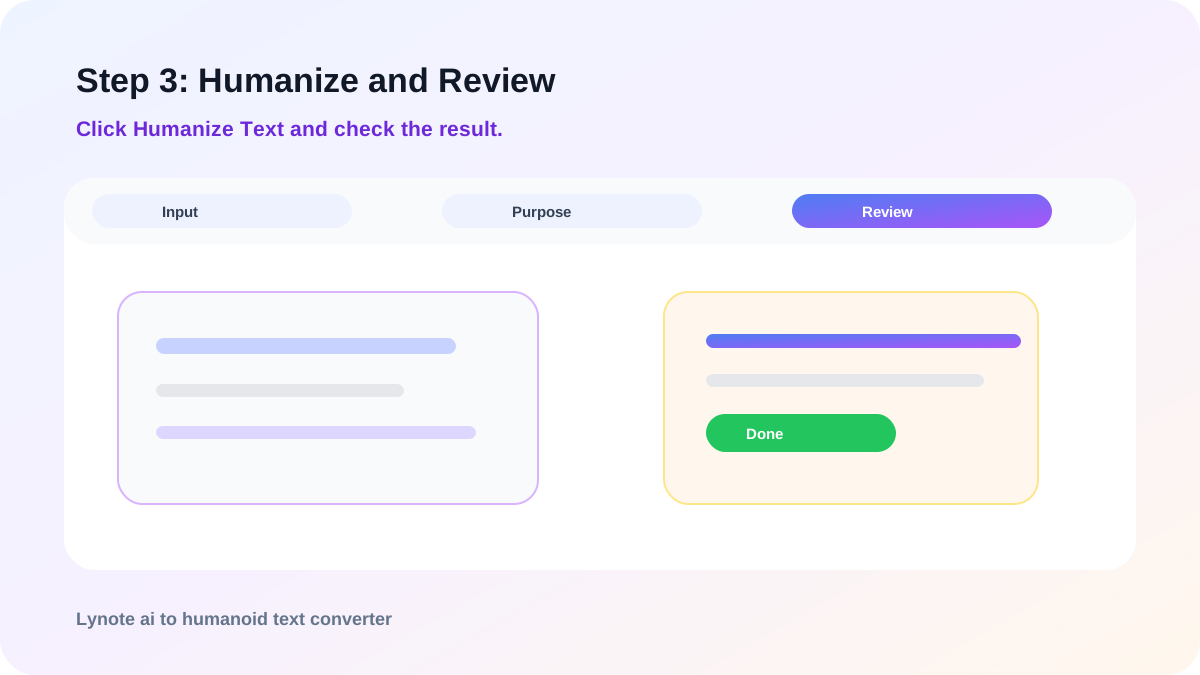
Step 3: Humanize and Review
Click on “Humanize Text” and check out the final output in the result box.
How Does Lynote Humanize AI Text?
Machine Learning
Lynote AI Text Converter is trained using advanced machine learning techniques. It uses LLMs to identify patterns associated with AI-generated text.
Natural Language Processing
After identifying the AI-generated sentences, it uses NLP to transform the text into human-written content. It enhances the flow of sentences without changing their contextual meaning.
FAQs
You can use Lynote AI to Human Text Converter free. The tool allows free conversions for up to 300 words per scan. The minimum word count to run a scan is 60 words.
Yes, while converting AI text, Lynote also ensures that the final output is plagiarism-free. It paraphrases the file without copying data or reproducing exact sentences from the internet.
You do not need to make an account to use Lynote. It is an online free tool that can be used unlimited times without any sign-up required.
Yes, you can use Lynote AI Text Converter for academic purposes. While humanizing the text, set the tone to “academic” and click on “Humanize AI.” It will humanize the document in an academic tone.
No, ZeroGPT cannot detect text that is humanized using Lynote. It can bypass most advanced AI detectors, including Turnitin, Originality, and Quilbot.
Lynote is one of the best AI to Human Text Converters. It offers unlimited free access to its users. In addition, it has a 100% passing rate.
Transform AI Writing into Human-written Content for Free
Looking for a reliable online tool to humanize AI Content? Try out Lynote for free. Simple interface, limitless usage, and no extra charges.
More Lynote Tools for Human Text Conversion and AI Review


Guides on Humanizing AI Text, Detection, and Natural Rewriting
Explore Lynote resources about rewriting robotic drafts, checking AI text, reducing detector risk, and building smoother human-like content workflows.


