

GPA Converter
Turn letter grades and credits into a 4.0 GPA, or recalculate your courses using another supported grading scale.
Start with the final grades on your report card or transcript. If your school reports percentages, use its grading chart to find the letter grade for each course before entering it.
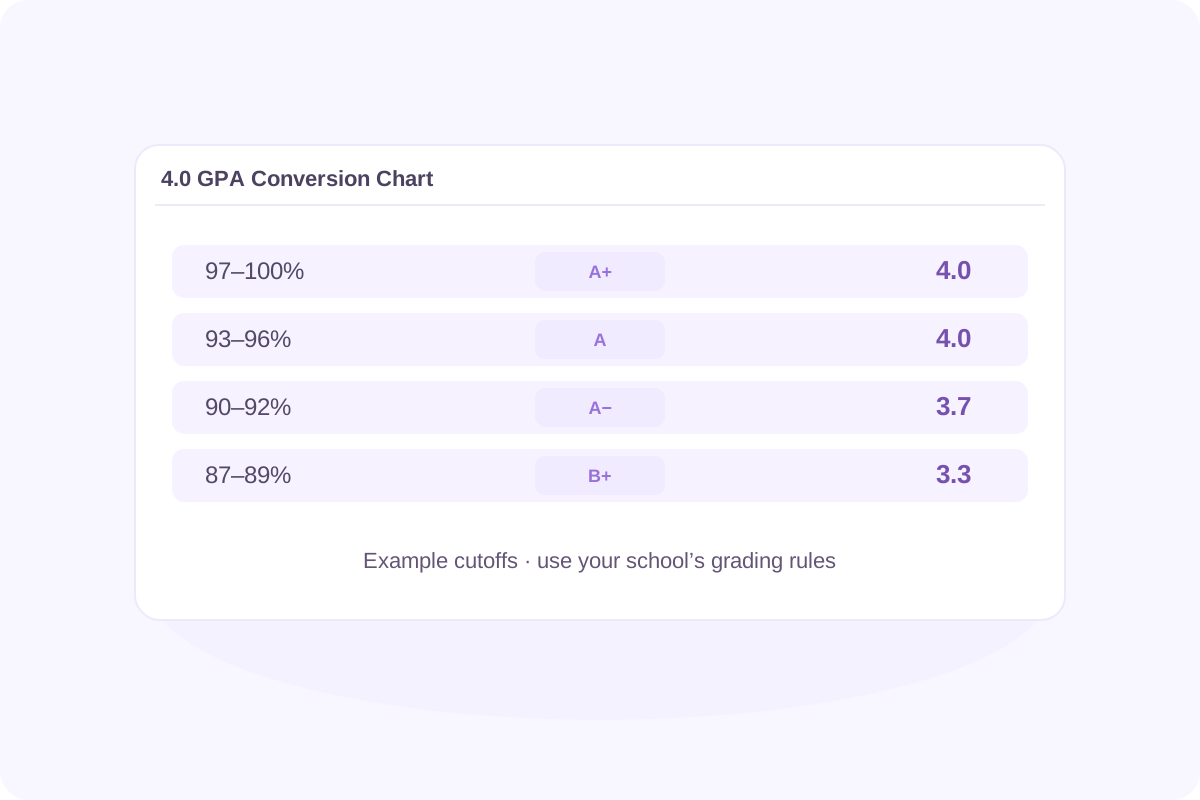
4.0 GPA Conversion Chart
Use this chart to see how a percentage can map to a letter grade and then to grade points. The percentage ranges are examples for whole-number grades. Use your school’s cutoffs and rounding rules to find your actual letter grade.
| Example percentage | Letter grade | Grade points on Lynote’s default 4.0 scale |
|---|---|---|
| 97–100% | A+ | 4.0 |
| 93–96% | A | 4.0 |
| 90–92% | A− | 3.7 |
| 87–89% | B+ | 3.3 |
| 83–86% | B | 3.0 |
| 80–82% | B− | 2.7 |
| 77–79% | C+ | 2.3 |
| 73–76% | C | 2.0 |
| 70–72% | C− | 1.7 |
| 67–69% | D+ | 1.3 |
| 63–66% | D | 1.0 |
| 60–62% | D− | 0.7 |
| Below 60% | F | 0.0 |
In this example, 88% is a B+, worth 3.3 grade points on the default scale. Those points describe one course. To calculate your GPA across several courses, multiply each course’s grade points by its credits, add the results, and divide by the total credits counted.
How to Convert Your Grades to GPA
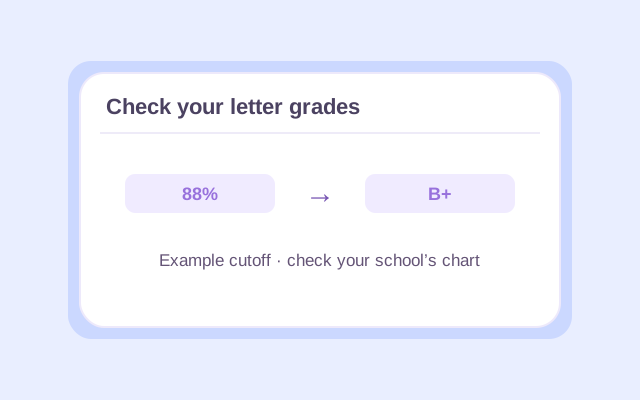
Step 1. Check Your Letter Grades
Use your final course grades. If they’re listed as percentages, look up each letter grade using your school’s grading chart.
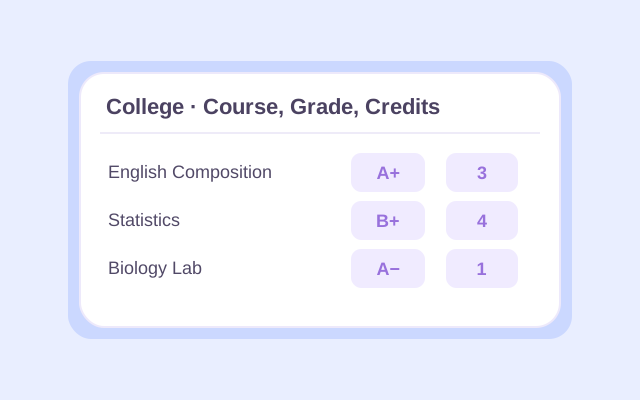
Step 2. Add Courses and Credits
Select College or High school. Enter each course name, letter grade, and credits. In High school mode, select each course’s level.
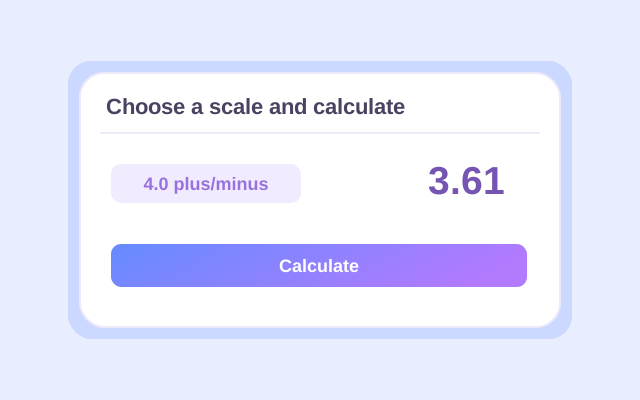
Step 3. Choose a Scale and Calculate
Open Change to choose a grading scale. Click Calculate to see your GPA and check the course breakdown.
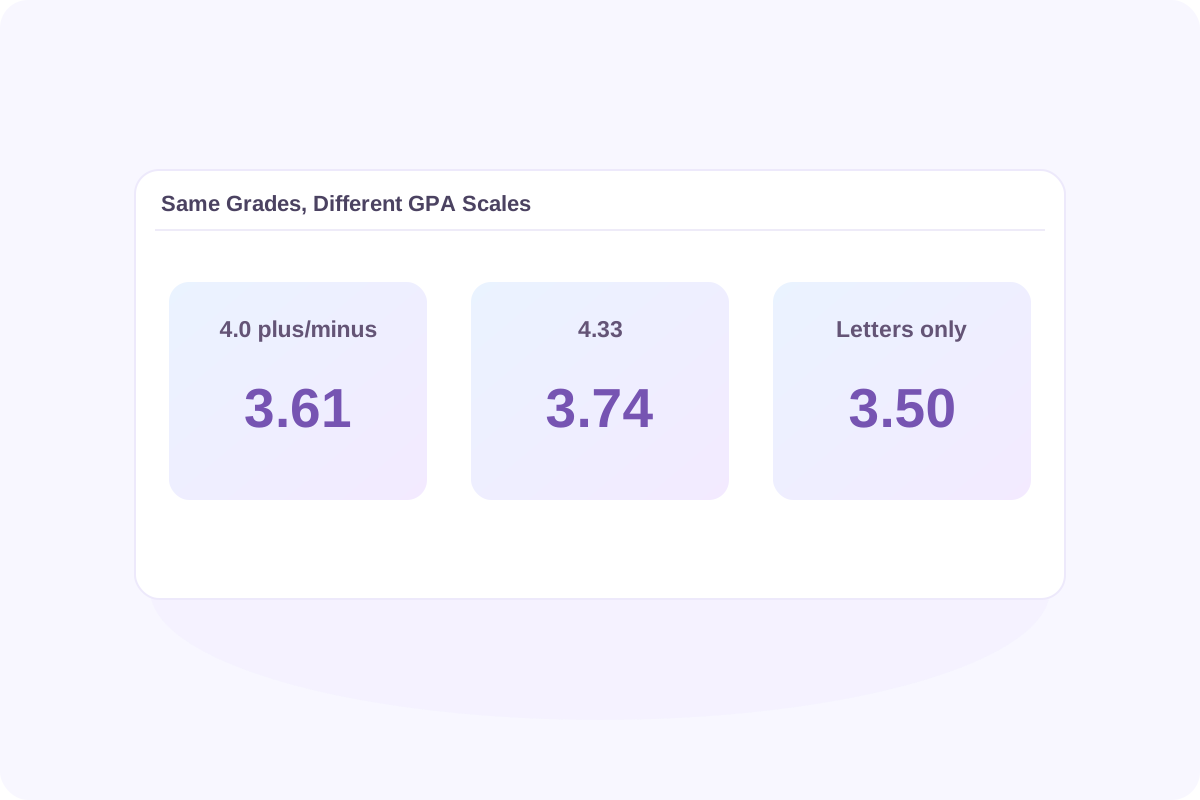
Same Grades, Different GPA Scales
A GPA scale converter applies different grade-point values to the same course record. Lynote lets you recalculate your entered courses using three presets:
- 4.0 plus/minus keeps distinctions such as B+ and B−. An A+ and an A both count as 4.0.
- 4.33 (A+ = 4.33) changes the value of A+ to 4.33 and keeps the other grade-point values the same.
- Letters only ignores plus and minus signs. A− counts as A, and B+ counts as B.
Try this example in College mode. The percentages show how the example grades were assigned. Enter the letter grades and credits in the calculator.
| Course | Example percentage | Letter grade | Credits |
|---|---|---|---|
| English Composition | 98% | A+ | 3 |
| Statistics | 88% | B+ | 4 |
| Biology Lab | 91% | A− | 1 |
| Total | 8 |
| Grading preset | Total quality points ÷ GPA credits | GPA |
|---|---|---|
| 4.0 plus/minus | 28.90 ÷ 8 | 3.61 |
| 4.33 | 29.89 ÷ 8 | 3.74 |
| Letters only | 28.00 ÷ 8 | 3.50 |
The 4.33 preset raises the value of the three-credit A+. In Letters only, the one-credit A− gains points, but the four-credit B+ loses more. The course credits explain why the result falls to 3.50.
Can You Convert an Existing GPA to a 4.0 Scale?
You can convert your record to a 4.0 scale by recalculating the individual courses under the target grading rules. Start with each course’s final grade, its GPA credits, and the grade-point values you need to apply. If those values match a Lynote preset, enter the courses and calculate.
From a 100-point scale
To convert percentage to GPA, look up the letter grade for each course. Then calculate GPA using those letters and their credits. An overall percentage such as 88% gives you less information than the individual grades. Converting that average once can give a different result from converting each course and then calculating GPA.
From a 5.0, 6.0, or 10-point scale
A total such as 4.2 out of 5.0 doesn’t tell you which grades, credits, or course bonuses produced it. Multiplying by 4 ÷ 5 simply rescales the number. It cannot reproduce a course-by-course 4.0 GPA. Use your transcript and the receiving institution’s conversion rules when you need a result for an application.
From weighted GPA to unweighted GPA
To convert weighted GPA to unweighted, use the original course grades and credits. In High school mode, select each course’s actual level. Lynote shows both results for the courses you enter. The unweighted result uses the base grade points, and the weighted result includes the tool’s applicable course bonuses. There’s no fixed amount to subtract from an overall weighted GPA.
Check Your Result Before You Report It
If you’re preparing a college, university, or scholarship application, check the recipient’s instructions before reporting a converted GPA.
- Match the grading scale. Confirm which grade-point values to use, including how the institution treats A+ and plus or minus grades.
- Check which courses count. Review GPA credits, repeated courses, transfers, and any pass/fail grades before comparing totals.
- Label the result correctly. Check whether the application asks for a term or cumulative GPA and whether it wants a weighted or unweighted result.
- Use the requested format. Follow the institution’s instructions for rounding and for reporting your original transcript GPA and scale.
GPA Converter FAQ
Lynote calculates GPA from letter grades and credits. If your grades are percentages, use your school’s chart to convert them to letters first, then enter them in the calculator.
It depends on your school’s cutoffs. In the example chart on this page, 90% is an A− worth 3.7 grade points. At a school where 90% earns an A, it may be worth 4.0.
If you have your course grades and credits, enter them and select 4.0 plus/minus. Lynote will apply the 4.0 values to those courses. If your school uses 4.3 or another set of grade-point values, check its published policy before comparing results.
Lynote’s High school mode can calculate a weighted GPA from your grades, credits, and course levels. On a 4.0 base scale, an A in an AP or IB course can earn 5.0 grade points with Lynote’s course bonus. The tool does not offer a separate 5.0 preset for rescaling a single GPA.
Yes, if you have the individual course grades, credits, and levels. Enter them in High school mode and review the weighted result alongside the unweighted one. An unweighted total alone doesn’t show which classes qualify for extra points.
A GPA can come from many combinations of grades and credits, so it doesn’t correspond to one exact percentage. Use your original percentage grades or the conversion table required by your institution.
Recalculate all included courses using their original grades and GPA credits under the target scale. Lynote’s Previous GPA field combines an existing GPA and its credits with new coursework. Use it when the previous GPA is already on the basis you want to report.
CGPA usually means cumulative grade point average. It describes the GPA across the included terms, while a semester GPA covers one term. Check the scale and the period covered before comparing the two numbers.
Use the conversion policy published by the university or credential evaluator receiving your record. Lynote has no preset for UK grades, A-level results, or IB exam scores. The IB course level in High school mode applies a weighting bonus to an entered letter grade.
Start by checking the grading preset, course levels, and GPA credits. Schools may count retakes, pass/fail courses, and transfer credits differently, or use a different rounding rule. Use your transcript for the official result.
Related GPA Tools & Guides
| Resource | When to use it |
|---|---|
| GPA Calculator | Calculate a GPA from your high school or college course grades and credits. |
| Weighted GPA Calculator | See how advanced course levels affect your high school GPA. |
| Unweighted GPA Calculator | Calculate your GPA using base grade points without course-level bonuses. |
| Cumulative GPA Calculator | Combine a previous GPA and its credits with new coursework. |
| GPA Scale Guide | Learn how percentage cutoffs, letter grades, and grading scales relate. |
More Tools for School and Writing


Calculate Your GPA
Have your grades and credits ready? Choose your scale and see how each course contributes to your GPA.
