1. Base Grade Points
The grading scale converts each letter grade into points. In Lynote’s default 4.0 preset, an A earns 4.0 and a B+ earns 3.3 before any course bonus.


See how Honors, AP, and IB classes affect your GPA. Compare weighted and unweighted results.
Use High school mode. Enter course names, letter grades, credits, and course levels to calculate both results from the same classes.
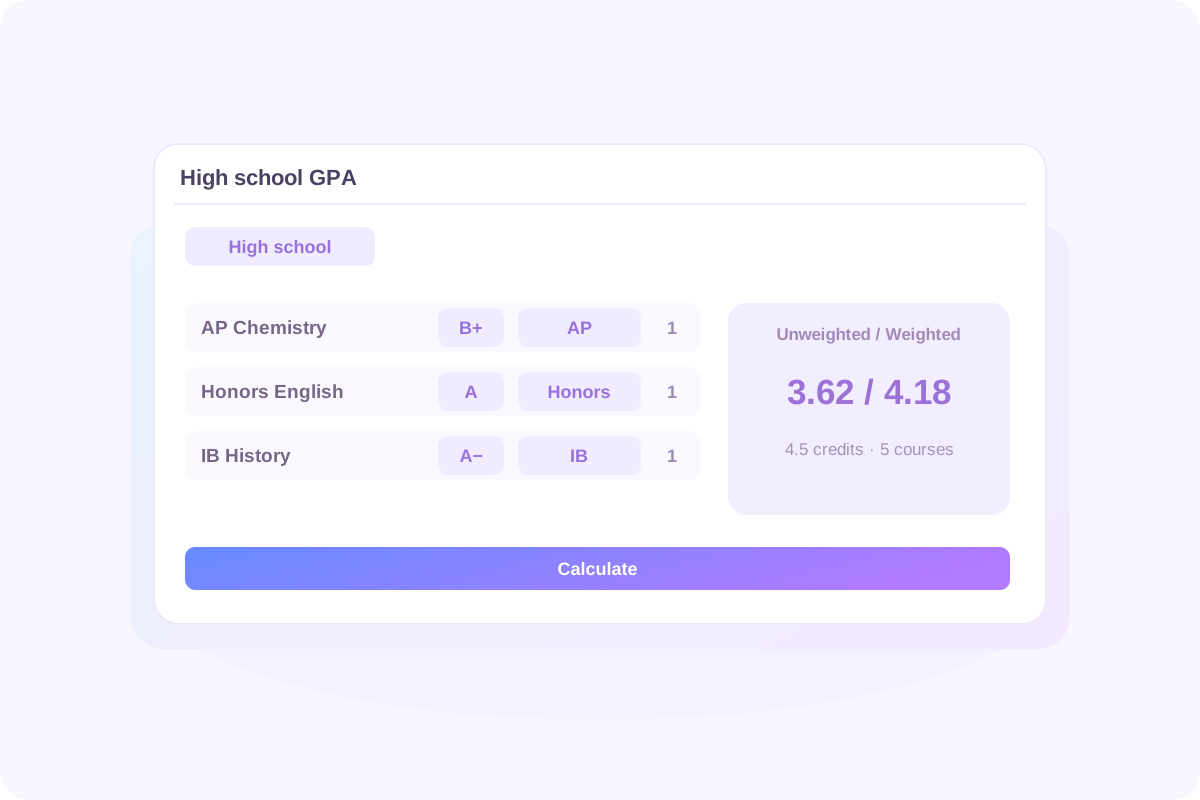
A weighted GPA combines your grades with extra points for eligible advanced courses. To understand the result, separate three inputs: the points assigned to your grade, the bonus assigned to the course level, and the credit value of the class.
The grading scale converts each letter grade into points. In Lynote’s default 4.0 preset, an A earns 4.0 and a B+ earns 3.3 before any course bonus.
Regular classes receive no bonus. Lynote adds 0.5 for Honors and 1.0 for AP or IB, except when the grade is F. These are the calculator’s rules; your school may use different ones.
Credits determine how much each class contributes. A 1-credit class has twice the influence of a 0.5-credit class with the same grade and level.
“Unweighted” means no course-difficulty bonus. An unweighted GPA can still account for credits, so classes do not necessarily contribute equally. A weighted average GPA uses each included class’s points and credits rather than simply averaging course letters.
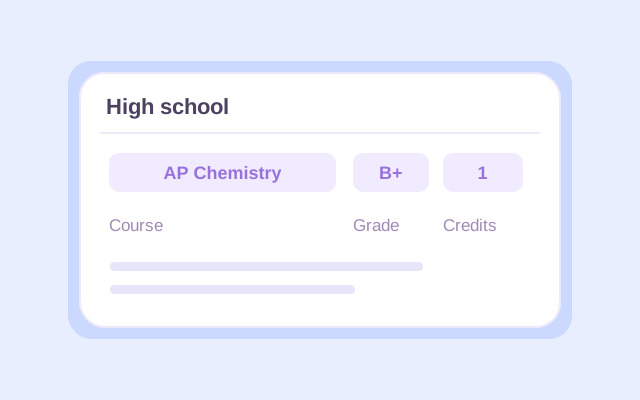
Select High school, then enter a name for every course you want included. Choose its letter grade and 0.5 or 1 credit, matching the coursework on your transcript. Group classes under the relevant school year. Use the grades your school reports. If your report card gives percentages or numerical scores, convert them using your school’s published letter-grade thresholds before entering them here.
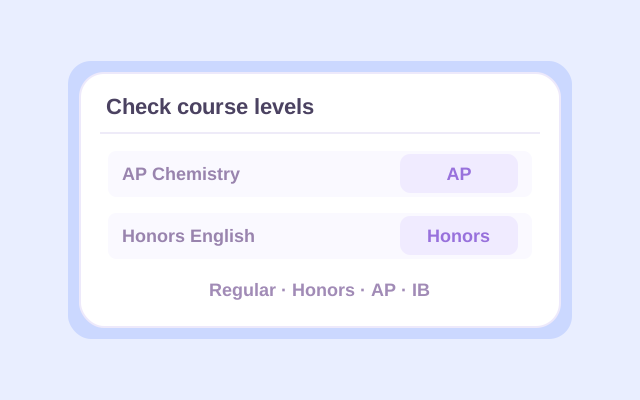
Select Regular, Honors, AP, or IB for each class. Check the grading preset before calculating. If you are updating an earlier weighted GPA, add it under Previous GPA with its corresponding credits and choose the Weighted type.
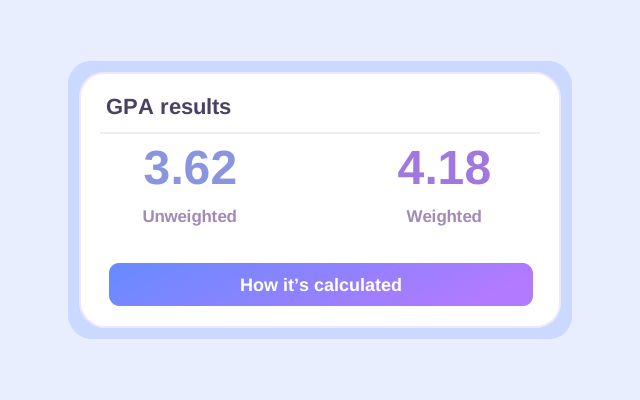
Click Calculate and review the weighted and unweighted results. Check the included courses, credit totals, and result labels. After changing an entry, calculate again before saving or exporting the updated result.
This table shows Lynote’s default 4.0 plus/minus preset. Each value is the course’s grade points per credit, before multiplying by its credits.
| Grade | Regular | Honors | AP / IB |
|---|---|---|---|
| A+ | 4.0 | 4.5 | 5.0 |
| A | 4.0 | 4.5 | 5.0 |
| A− | 3.7 | 4.2 | 4.7 |
| B+ | 3.3 | 3.8 | 4.3 |
| B | 3.0 | 3.5 | 4.0 |
| B− | 2.7 | 3.2 | 3.7 |
| C+ | 2.3 | 2.8 | 3.3 |
| C | 2.0 | 2.5 | 3.0 |
| C− | 1.7 | 2.2 | 2.7 |
| D+ | 1.3 | 1.8 | 2.3 |
| D | 1.0 | 1.5 | 2.0 |
| D− | 0.7 | 1.2 | 1.7 |
| F | 0 | 0 | 0 |
The 4.33 A+ preset changes the A+ base value. The Letters only preset removes plus/minus distinctions. Choose the preset that matches your grading policy; do not assume every available preset has the same upper limit.
A weighted GPA calculator on a 5.0 scale often describes a system where an AP or IB A earns 5.0 course points. With Lynote’s default preset, Regular and Honors classes retain their own values. The entire schedule is not automatically converted to a uniform 5.0 scale.
Start with five included courses using the default 4.0 preset. For each course, add the eligible level bonus to its base grade points, then multiply by credits. The result is its weighted quality points.
| Course | Grade / level | Credits | Base + bonus | Weighted quality points |
|---|---|---|---|---|
| AP Chemistry | B+ / AP | 1.0 | 3.3 + 1.0 | 4.3 |
| Honors English | A / Honors | 1.0 | 4.0 + 0.5 | 4.5 |
| IB History | A− / IB | 1.0 | 3.7 + 1.0 | 4.7 |
| Algebra II | B+ / Regular | 1.0 | 3.3 + 0 | 3.3 |
| PE | A / Regular | 0.5 | 4.0 + 0 | 2.0 |
| Total | Five courses | 4.5 | — | 18.8 |
16.3 base quality points ÷ 4.5 credits
18.8 weighted quality points ÷ 4.5 credits
The half-credit PE course contributes 2.0 quality points, not 4.0. This is why averaging the five per-course values without considering credits would give a different answer.
A weighted and unweighted GPA calculator makes the comparison useful when both results describe the same coursework. In this example, the advanced-course bonuses contribute 2.5 extra quality points across 4.5 credits.
The difference depends on eligible grades, course levels, and credits. It is not a fixed 0.5 or 1.0 added to your final GPA. A schedule containing only Regular classes produces the same two results under the same base scale.
Read the result scope before comparing numbers. A cumulative weighted result and an unweighted result for current classes cover different coursework. Export the recalculated details to Excel or CSV, or use the browser’s Print/PDF workflow to keep a reference. Recalculate after edits so the exported figures reflect your latest inputs.
One total GPA does not reveal the underlying grades, course levels, or credits. A weighted to unweighted GPA calculator needs those details to recalculate the result accurately.
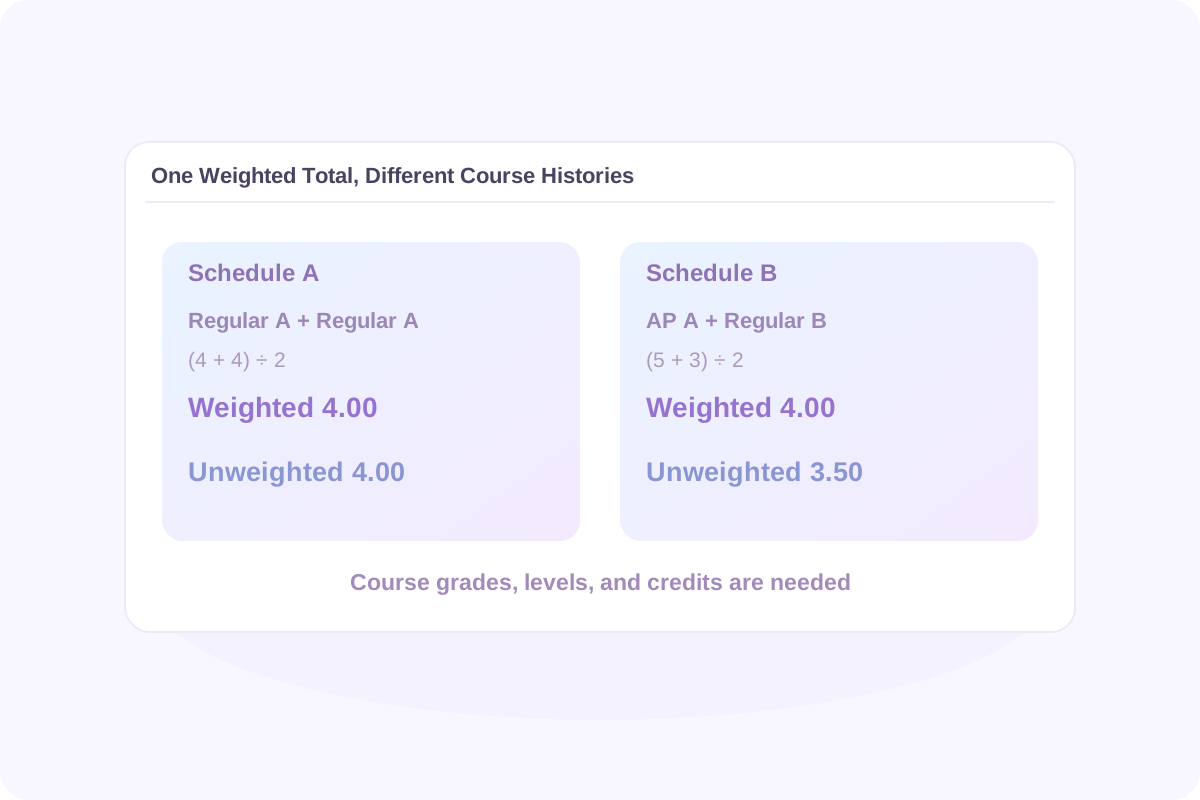
With equal credits, (4.0 + 4.0) ÷ 2 gives a 4.00 weighted GPA and a 4.00 unweighted GPA.
With equal credits, (5.0 + 3.0) ÷ 2 gives a 4.00 weighted GPA. Removing the AP bonus gives (4.0 + 3.0) ÷ 2 = 3.50 unweighted.
The same weighted 4.00 corresponds to two different unweighted results. Dividing a weighted GPA by 5 and multiplying by 4 cannot recover the missing course information.
The reverse has the same limitation: an unweighted to weighted GPA calculator needs the eligible levels and credits of your classes. Enter the coursework in High school mode to calculate both views instead of applying a single conversion factor to the total.
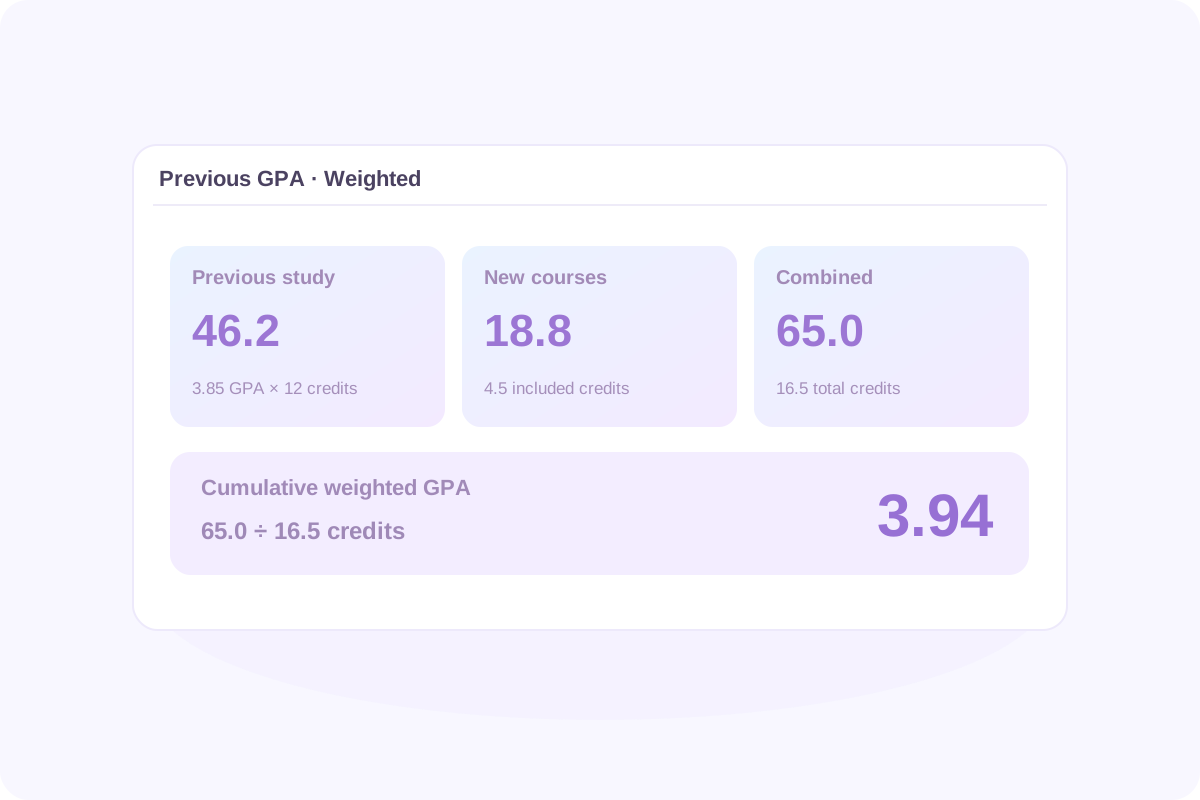
If you already have a weighted GPA, you can combine it with new coursework without re-entering every earlier class. Add the previous GPA, the GPA credits represented by that number, and the Weighted type. Use the same grading and course-inclusion rules for both periods.
| Coursework | GPA credits | Weighted quality points |
|---|---|---|
| Previous study: 3.85 weighted GPA | 12.0 | 3.85 × 12 = 46.2 |
| New courses | 4.5 | 18.8 |
| Combined | 16.5 | 65.0 |
65.0 ÷ 16.5 = 3.94 cumulative weighted GPA. The unweighted result remains 3.62 for current classes only, because the supplied history was weighted. To calculate an unweighted cumulative result, use corresponding unweighted history.
Do not average two semester GPAs equally unless their GPA credits are equal. Avoid entering earlier classes again if they are already included in Previous GPA. Using an earlier rounded GPA can also produce a small difference from a transcript calculated with full-precision quality points.
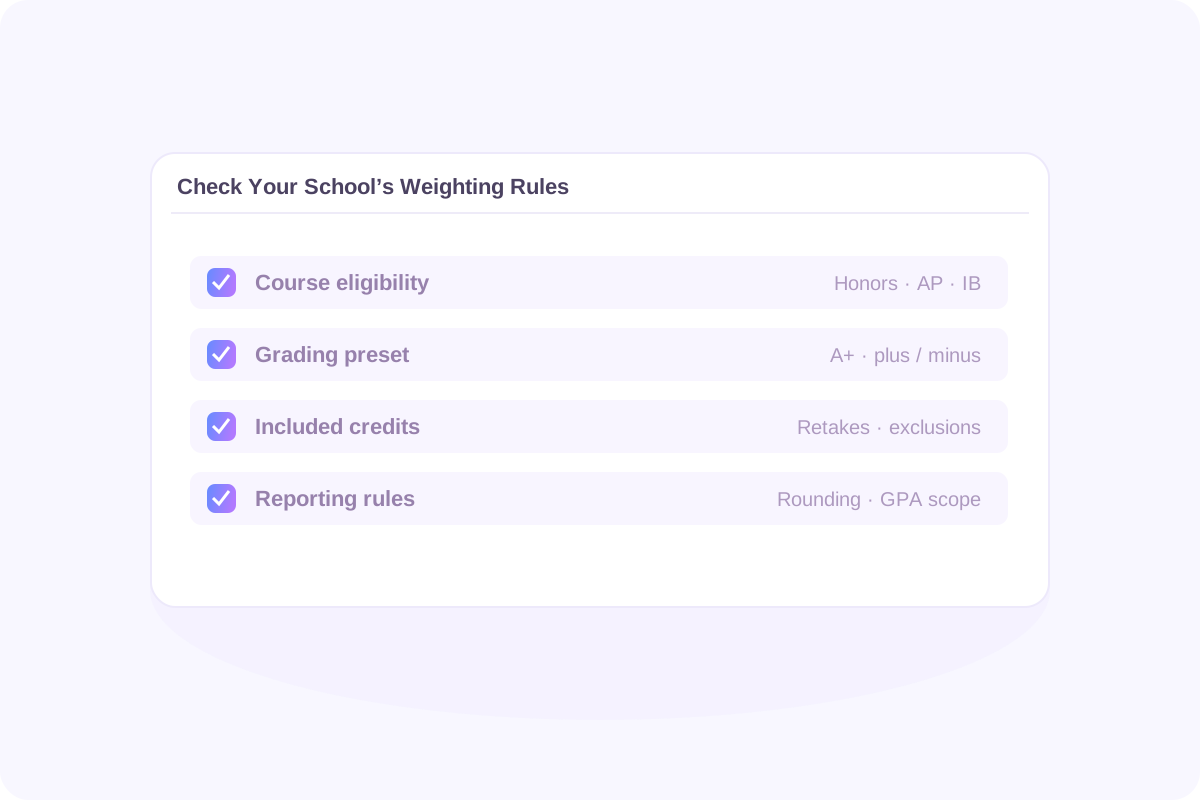
A calculator can apply its selected rules consistently while your school uses a different policy. Check these details before treating an estimate as a transcript match.
Lynote does not automatically identify district policies or provide custom course-bonus fields. If a required rule differs from the available presets, use the school’s calculation method for the official figure.
Confirm which Honors, AP, IB, or dual-enrollment courses receive extra points. Schools may distinguish course approvals, IB levels, or minimum grades in ways the calculator does not.
Check whether repeated courses, pass/fail results, or particular subjects count. Lynote includes an F with zero points and its GPA credits; P, NP, W, and I are excluded from both GPA points and credits.
Check A+, plus/minus treatment, semester versus full-year credits, and rounding. Enter the same coursework once, using the credit values your school counts toward GPA.
Under the default 4.0 base scale, a weighted GPA can exceed 4.0 because eligible advanced courses earn additional points. Read that number alongside the course mix and the unweighted result.
A Regular A earns 4.0 points per credit.
An Honors A earns 4.5 points per credit.
An AP or IB A earns 5.0 points per credit.
These are course-point references, not admissions categories. A total weighted GPA of 4.0 can come from different combinations of grades and course levels. It does not identify one unique letter-grade average.
Colleges may review or recalculate GPA using their own course selections and weighting. College Board explains how GPA scales and college treatment can differ. Compare published figures only after checking their definition.
University-specific systems need particular care. The University of California GPA requirements specify eligible coursework, years, and limits on honors points. A general weighted GPA estimate is not automatically a UC capped weighted GPA or an admission prediction.
Use a second calculation to compare a clearly stated scenario. Keep the rest of the schedule unchanged so you can see what one adjustment contributes.
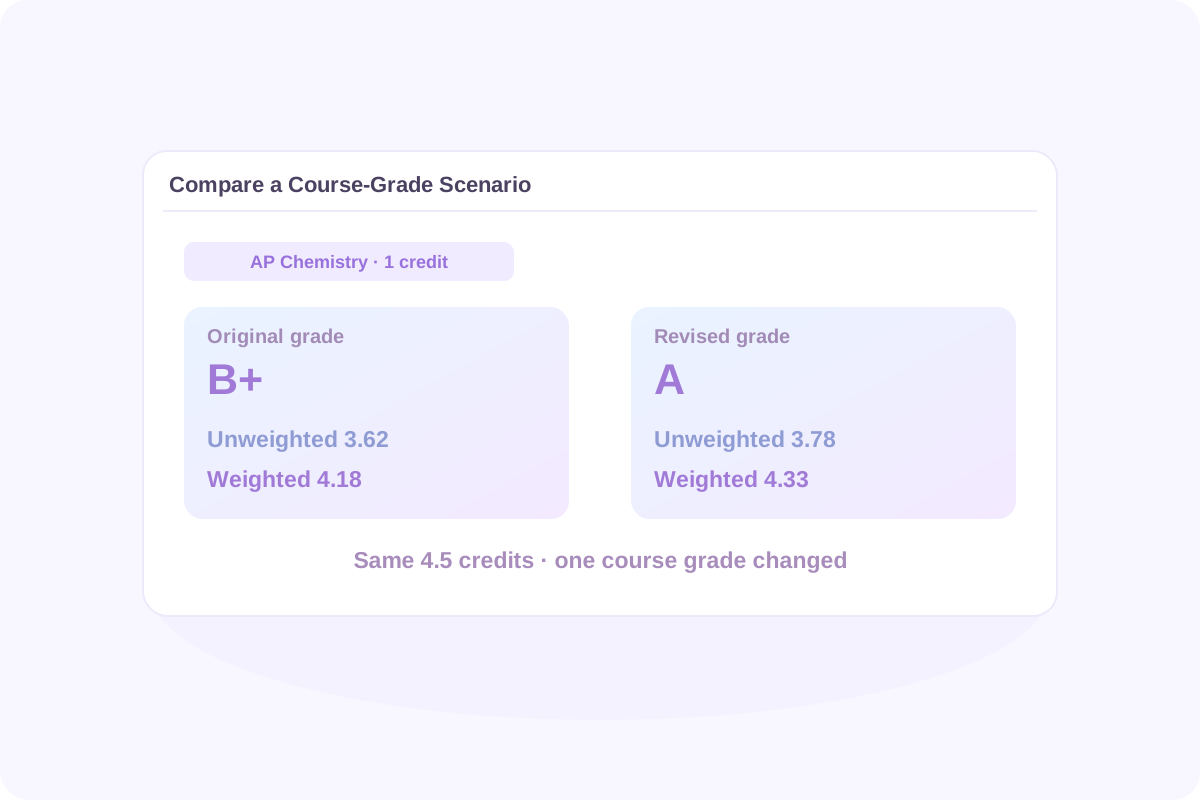
In the example, changing AP Chemistry from B+ to A adds 0.7 quality points. The new results are 17.0 ÷ 4.5 = 3.78 unweighted and 19.5 ÷ 4.5 = 4.33 weighted.
A different eligible level changes the bonus rather than the base grade. Use the level of the actual course, or clearly label a hypothetical schedule. Choosing AP in the calculator does not make a Regular course eligible for AP weighting.
A higher-credit course has more influence on the total. For one class, the calculator shows its course contribution; that value alone does not describe your whole transcript. These manual comparisons do not solve for a required final-exam score or automatically choose a schedule to reach a target GPA.
Convert each included letter grade to base points, add its eligible course-level bonus, and multiply by credits. Divide the sum of those weighted quality points by total included GPA credits. An F receives zero points and no bonus in Lynote.
Lynote adds 0.5 course points for Honors and 1.0 for AP or IB, except for an F. Credits determine the effect on the overall result. Your school may use different bonus eligibility rules.
With the default 4.0 preset, an AP or IB A earns 5.0 points per credit. A GPA of 5.0 would require every included course contribution to reach that value. A mixed schedule with Regular or Honors classes has different course-point limits.
The default calculation starts with a 4.0 base grade scale and adds eligible course bonuses. This can produce AP/IB course points up to 5.0. It does not rescale every grade to five points or turn a weighted total into an unweighted 4.0 result.
The current tool does not offer a 6.0 preset or custom course bonuses. Check the available grading presets and course levels against your school’s rules before using the result.
Credits are required. If your school gives every included class equal credit, enter the same supported credit value for each. If classes have different credit values, use the actual 0.5 or 1 credit values that apply.
The tool accepts letter grades rather than direct percentage or numerical entries. Convert each grade using your school’s thresholds first. A universal percentage-to-letter table could give the wrong result for your school.
No. Assignment weights combine components such as homework, exams, and projects into a course grade. Weighted GPA combines course grades, eligible course bonuses, and credits. Determine your final course grade before calculating GPA.
No. In Lynote, an F contributes zero quality points and keeps its GPA credits in the denominator. Other letter grades follow the selected preset and level bonus; verify whether your school applies additional grade restrictions.
These entries are excluded from Lynote’s GPA quality points and GPA credits. Schools can handle non-letter outcomes differently, so confirm your transcript policy when matching an official result.
There is no separate dual-enrollment or IB HL/SL selector. The tool offers Regular, Honors, AP, and IB. Use an available level only when its bonus matches the relevant school policy. Enter the reported course letter grade, not an IB exam score from 1 to 7.
Choose Weighted under Previous GPA and enter the earlier weighted GPA with its corresponding GPA credits. Add new coursework and calculate. Do not combine an unweighted historical GPA with weighted quality points or count earlier courses twice.
Not uniquely. Different course schedules can have the same weighted total but different unweighted totals. Enter grades, credits, and levels to recalculate both. The same information is needed to convert an unweighted total into a weighted one.
There is no single rule shared by every college. A college may use your reported GPA or recalculate it with its own course and weighting rules. For college coursework, credit-weighted GPA is a separate idea: College mode uses grades and credits rather than high-school Honors, AP, or IB bonuses.
No. UC uses specific course, year, and honors-point rules, including rules for college courses. Selecting an AP or IB level here does not apply those requirements automatically. Follow the official UC GPA instructions for a UC-specific calculation.
No. For an FCPS or North Carolina weighted GPA estimate, check the applicable district or school’s grading policy against Lynote’s presets. There is no automatic school-policy lookup or state-specific weighting preset.
A weighted average mark, or WAM, generally uses numerical course marks and credits under an institution’s rules. It is not the same as GPA with advanced-course bonuses. Lynote does not provide a universal WAM-to-GPA conversion.
Interpret it with the scale, included courses, unweighted GPA, and your goal. Weighted figures from different schools may not be directly comparable. A calculator result alone cannot establish class rank, admission chances, or scholarship eligibility.
After calculating, you can export Excel or CSV and use the browser’s Print/PDF workflow. Check the free allowance and credit requirements shown in the live tool before use; the calculator should not be treated as offering unlimited free calculations.
Do not rely on automatic saving or transcript synchronization. Export or record the results you need before refreshing or leaving the page. After editing an entry, calculate again to update the result and restore export availability.
Check the length of essays, reports, and application drafts.
Build a study outline for a topic you want to work on.
Organize supported learning materials into notes for review.
Revise wording for readability while following your course’s writing rules.
Review an AI-writing estimate as one signal, not proof of authorship.
Copy a blank character for formatting where permitted.
Translate supported documents to help you read learning materials.
Turn key concepts into flashcards for active recall.
Review the main ideas in supported lesson PDFs.
Transcribe supported recordings you have permission to process.
A GPA shows the result of completed work. These guides can help you organize the reading, notes, and recordings behind your next round of coursework.
Have your course grades, credits, levels, and school grading policy ready. Use High school mode to calculate weighted and unweighted results, then check how each class contributes.