AI Executive Summary Generator for Reports and Proposals

Drop files or browse

Add study materials to enable the AI to extract and structure content.



Why Use Our Executive Summary Generator?

Decision-Ready Structure
Use a decision-ready structure that brings the business question, main findings, recommendation, risks, and next action into view before a leader opens the full document.

Key Numbers in View
Keep material figures, dates, targets, and comparisons close to the conclusions they support. Important numbers should still be verified against the original source before sharing.

Grounded in Your Sources
Keep the summary grounded in the report, proposal, business plan, transcript, or research you provide. Lynote organizes the available source material rather than inventing evidence that is missing from it.

Several Sources, One Brief
Bring related files and links into one workspace when the decision depends on more than one document. The resulting brief can connect recurring findings without forcing readers through each source first.

Editable Before Sharing
The summary remains editable before sharing. Adjust emphasis, correct context, add an owner, or remove details that do not belong in the final executive version.

100+ Languages
Summarize source material for international teams and review the output in the language your audience uses. This is useful for regional reports, cross-border projects, and multilingual research.

Private Business Material
Your uploaded material is processed to create the requested output and is not used to train Lynote models. Use appropriate internal review for confidential, legal, or financial decisions.
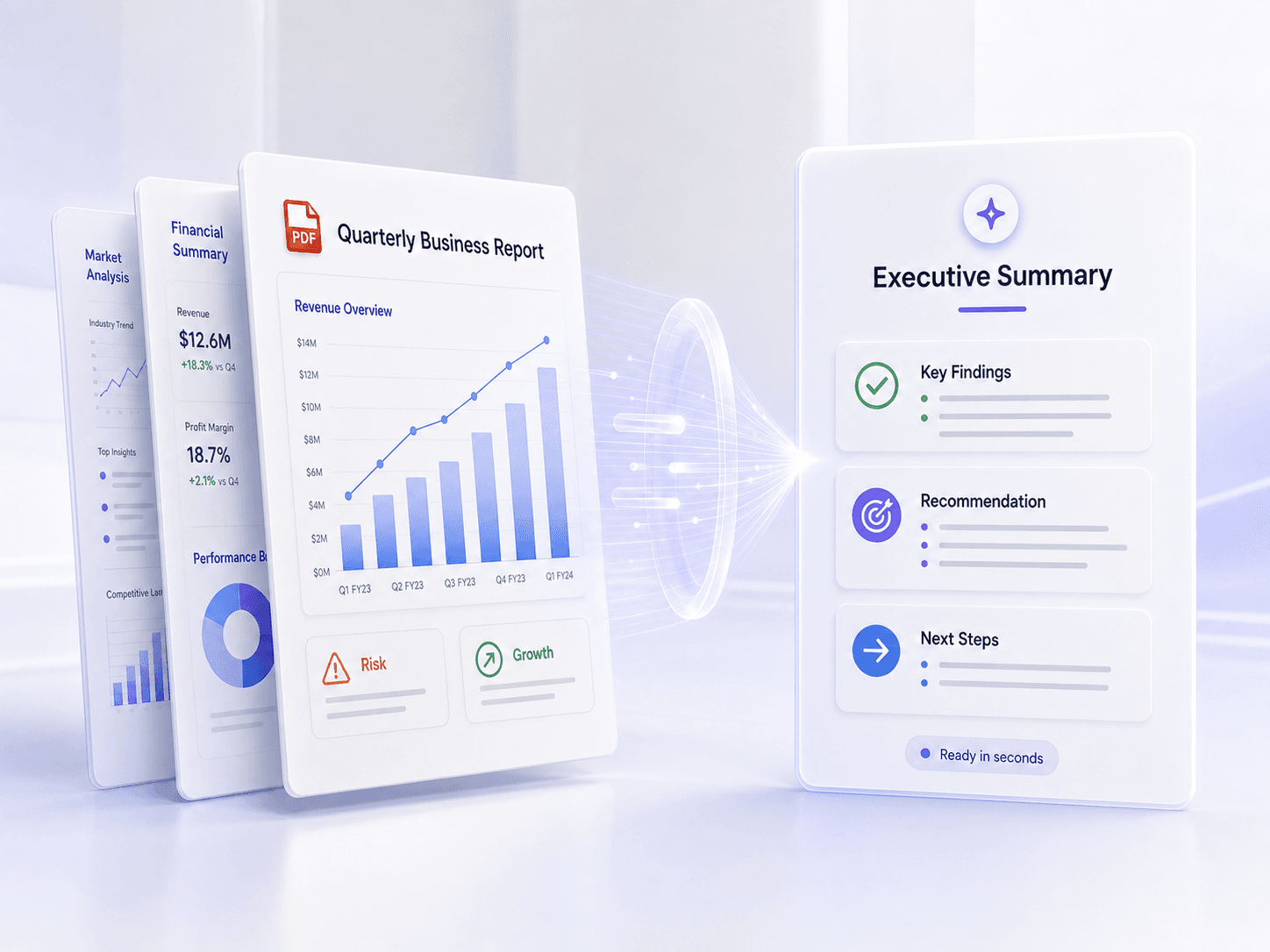
Generate Executive Summaries From Reports and PDFs
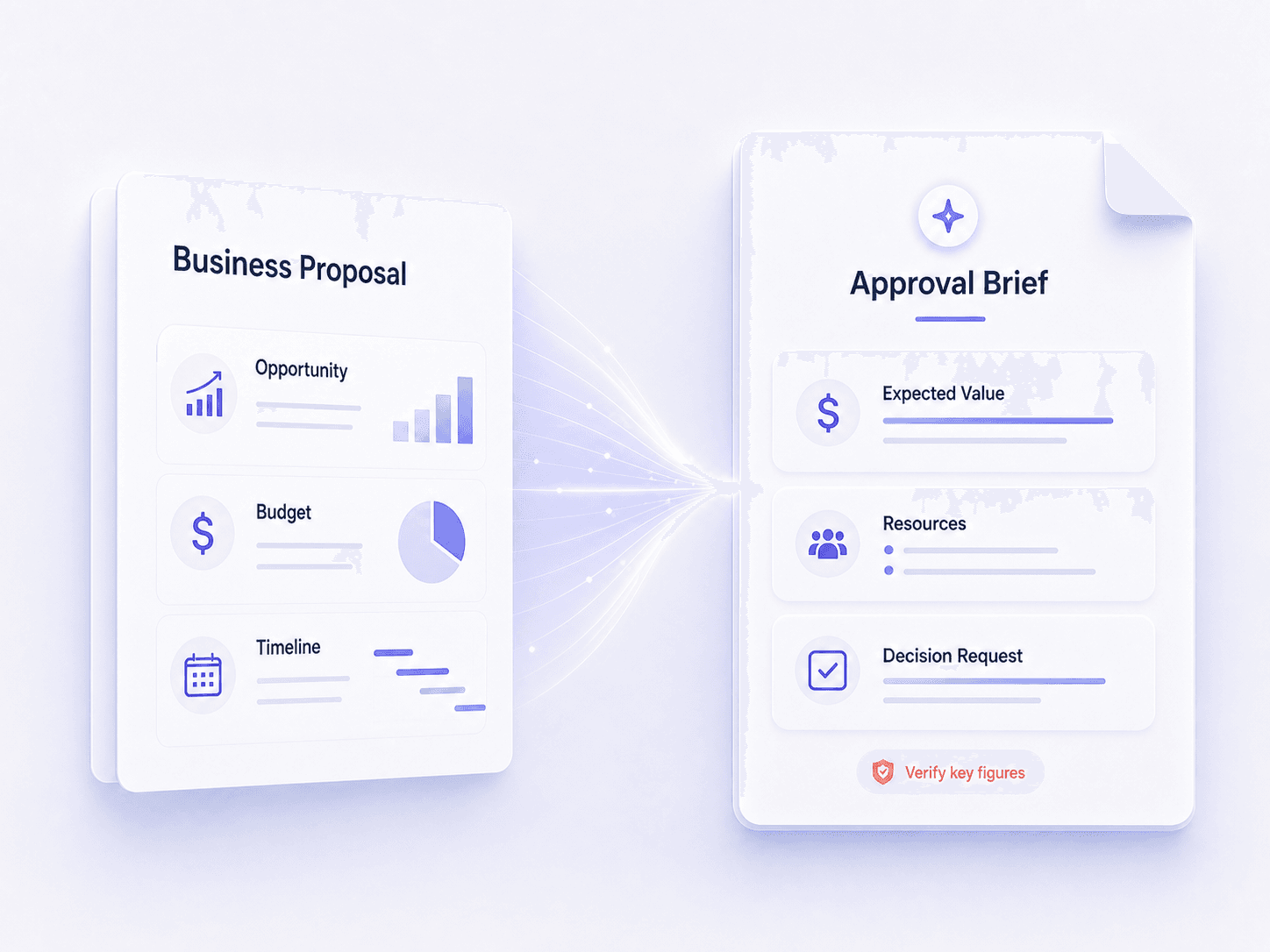
Create AI Executive Summaries for Proposals and Business Plans
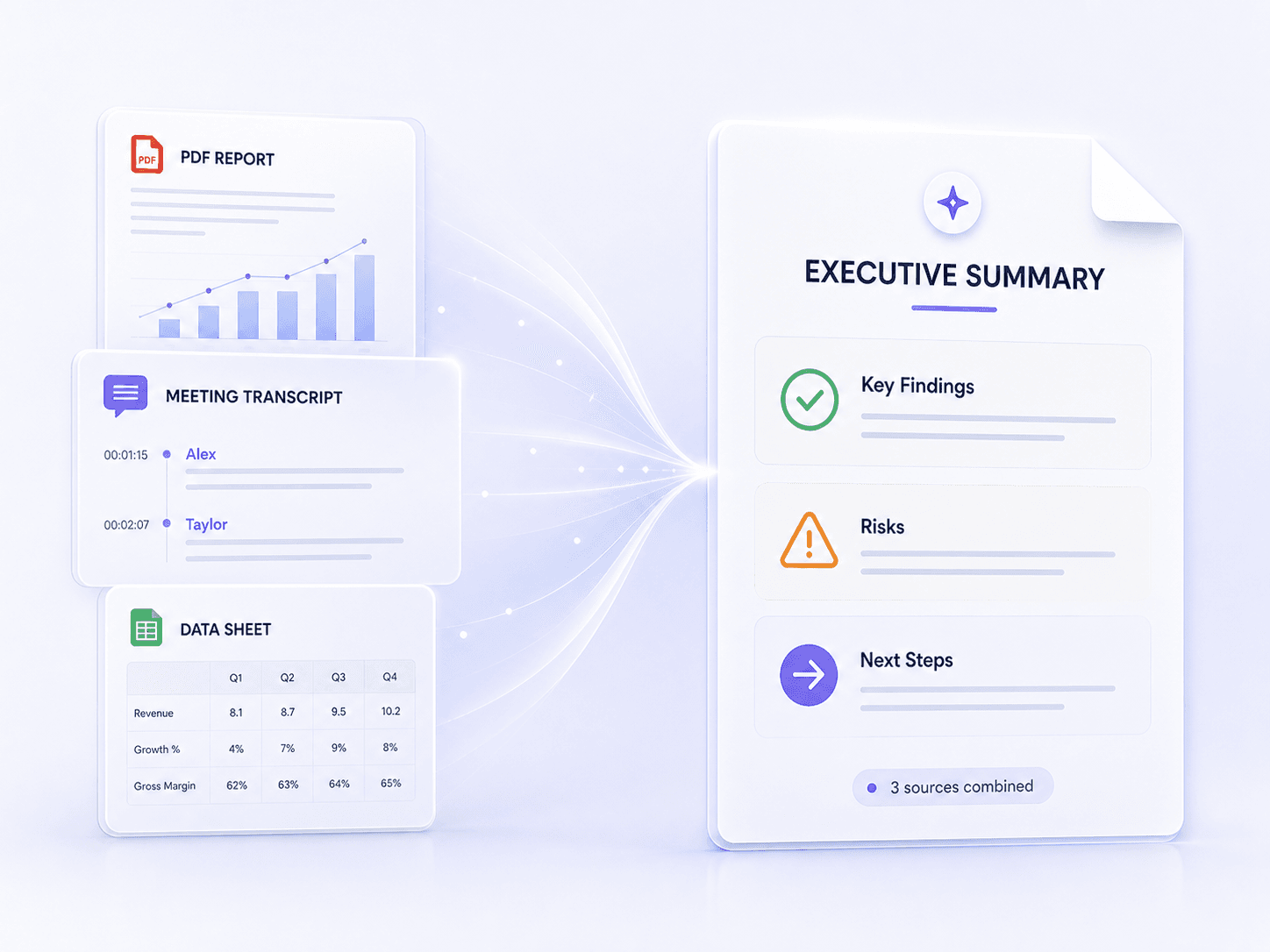
Combine Multiple Sources Into One Executive Summary
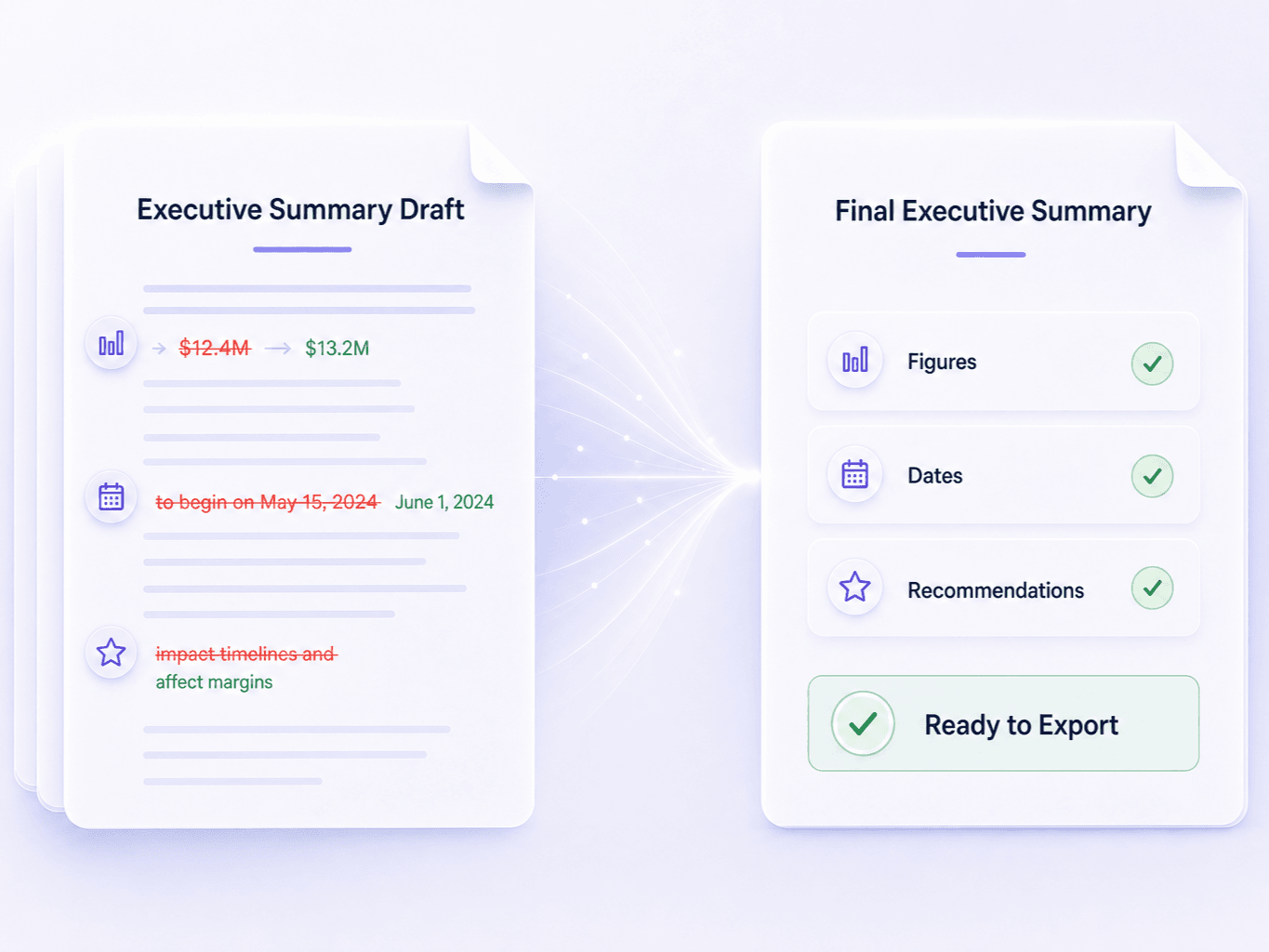
Refine Your Executive Summary Before Sharing
How to Generate an Executive Summary
Step 1. Upload Your Source Material
Add a report, PDF, proposal, business plan, research file, meeting transcript, webpage, or other supported source. Include the documents that contain the facts behind the decision.
Step 2. Generate the Executive Summary
Start the generator. Lynote identifies the central purpose, key findings, recommendations, risks, important figures, and next steps available in your source material.
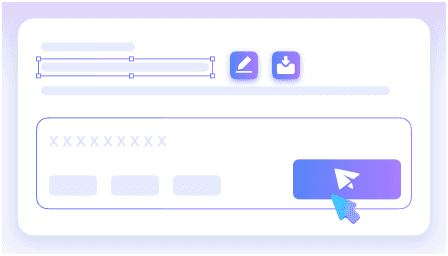
Step 3. Review, Refine, and Export
Check the draft against the source, correct any missing context, and tailor the emphasis for your reader. Then copy, edit, or export the executive summary for your workflow.
Who Uses an AI Executive Summary Generator?

Executives
Scan the decision, supporting evidence, risks, and requested action before deciding which parts of the full report need closer review.

Consultants
Turn research, discovery notes, and recommendations into a client-facing brief that makes the proposed direction easier to discuss.

Project Managers
Condense status reports and meeting records into decisions, blockers, owners, dependencies, and next steps for stakeholders.

Founders
Create a concise view of a business plan or proposal for investors and partners while keeping assumptions and financial details tied to the source.

Analysts
Surface material trends, comparisons, figures, and limitations from long analyses without removing the underlying evidence reviewers may need.

Researchers
Translate lengthy findings into an accessible overview for sponsors, collaborators, or non-specialist readers while preserving the study's scope and caveats.
How Professionals Use Lynote for Executive Summaries

Strategy Consultant

I had interview notes, market research, and the client's original brief open in separate files. The first summary gave me a useful structure, then I tightened the recommendation and checked every quoted figure before the review call.

Project Manager
Our steering group does not need every line of the weekly report. I use the draft to pull decisions, blockers, owners, and dates into one page, then the team confirms the wording before it goes out.

Startup Founder
The business plan was too long for an introductory conversation. This helped me create a shorter version around the problem, market, model, and funding use without pretending the numbers had been independently validated.

Research Analyst
What saved time was having the findings and limitations appear together. I still went back to the source tables for the final figures, but I did not have to build the whole briefing from a blank page.

Operations Director
Before leadership meetings, I need the point of a proposal quickly: what changes, what it costs, what could go wrong, and who owns the next step. The generated brief is a good draft for that conversation.

Policy Researcher
I used several reports for a sponsor update. The combined summary caught the themes that repeated across them, and I added the disagreements and citations that needed more nuance before sharing.
Executive Summary Generator FAQ
Answers about source files, structure, accuracy, length, free access, editing, and export.
An executive summary generator turns longer source material into a shorter overview for decision-makers. It can organize the purpose, major findings, recommendations, risks, important evidence, and next steps into a more scannable draft.
The right structure depends on the document and reader. Most useful summaries explain the issue or opportunity, the key evidence, the recommended direction, material risks or constraints, and the action or decision required.
Yes. Upload a supported PDF, document, or report and generate a summary from its contents. Clear, complete source files produce a more useful draft, so review scanned or poorly formatted material before relying on the result.
Yes. Related files and links can be brought into one workspace so recurring findings and connected decisions can be summarized together. Check the final brief for conflicts between sources and make those disagreements explicit.
Lynote provides free access so you can try the executive summary workflow online. Available usage and file capacity can depend on the current plan, so check the plan details when you need more volume.
There is no universal length. It should be brief relative to the source but long enough to explain the decision, evidence, recommendation, risks, and next step without forcing the reader to guess what matters.
Accuracy depends on the clarity and completeness of the source. Always verify names, dates, figures, commitments, and high-impact conclusions against the original documents, especially for legal, financial, medical, or compliance decisions.
Yes. Review and revise the draft before copying or exporting it. Add missing context, change the emphasis for your audience, and keep any supporting source available for readers who need to verify the details.