Project Reviews
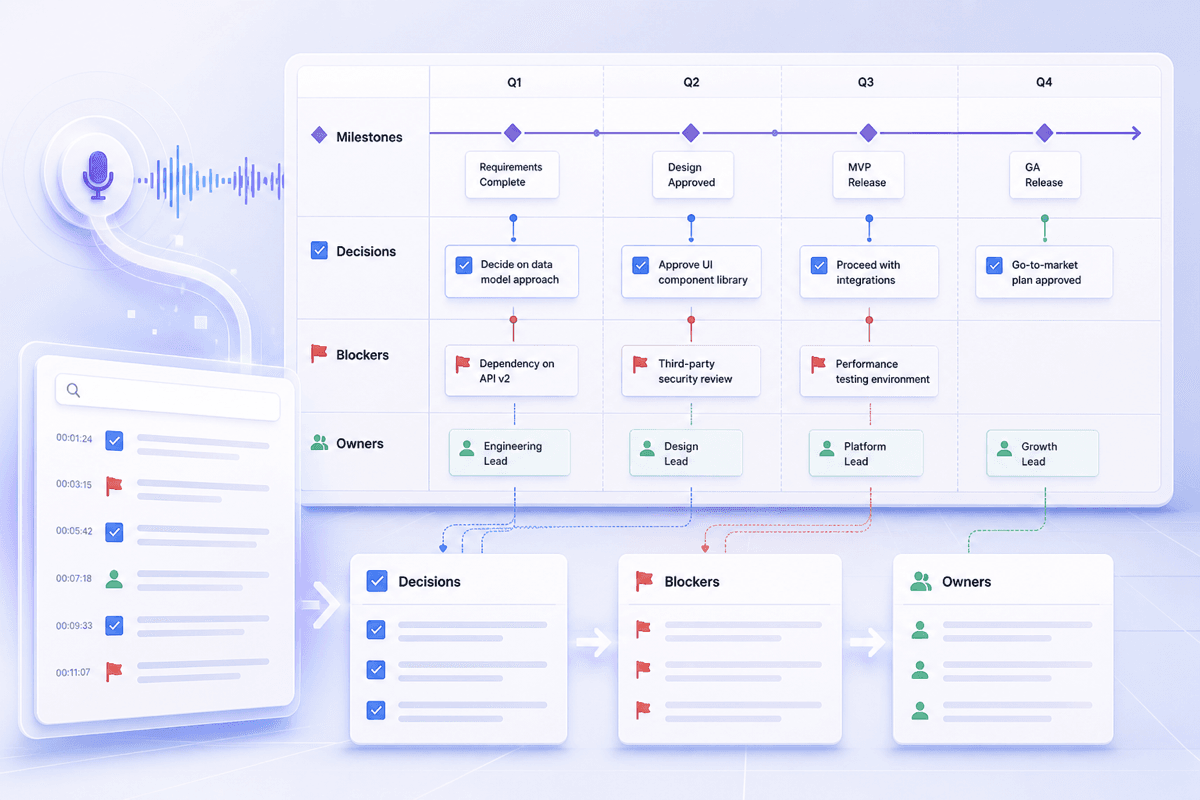
Keep milestones, blockers, decisions, and ownership easy to revisit after a project review without replaying the full recording.



Drop files or browse

Add study materials to enable the AI to extract and structure content.



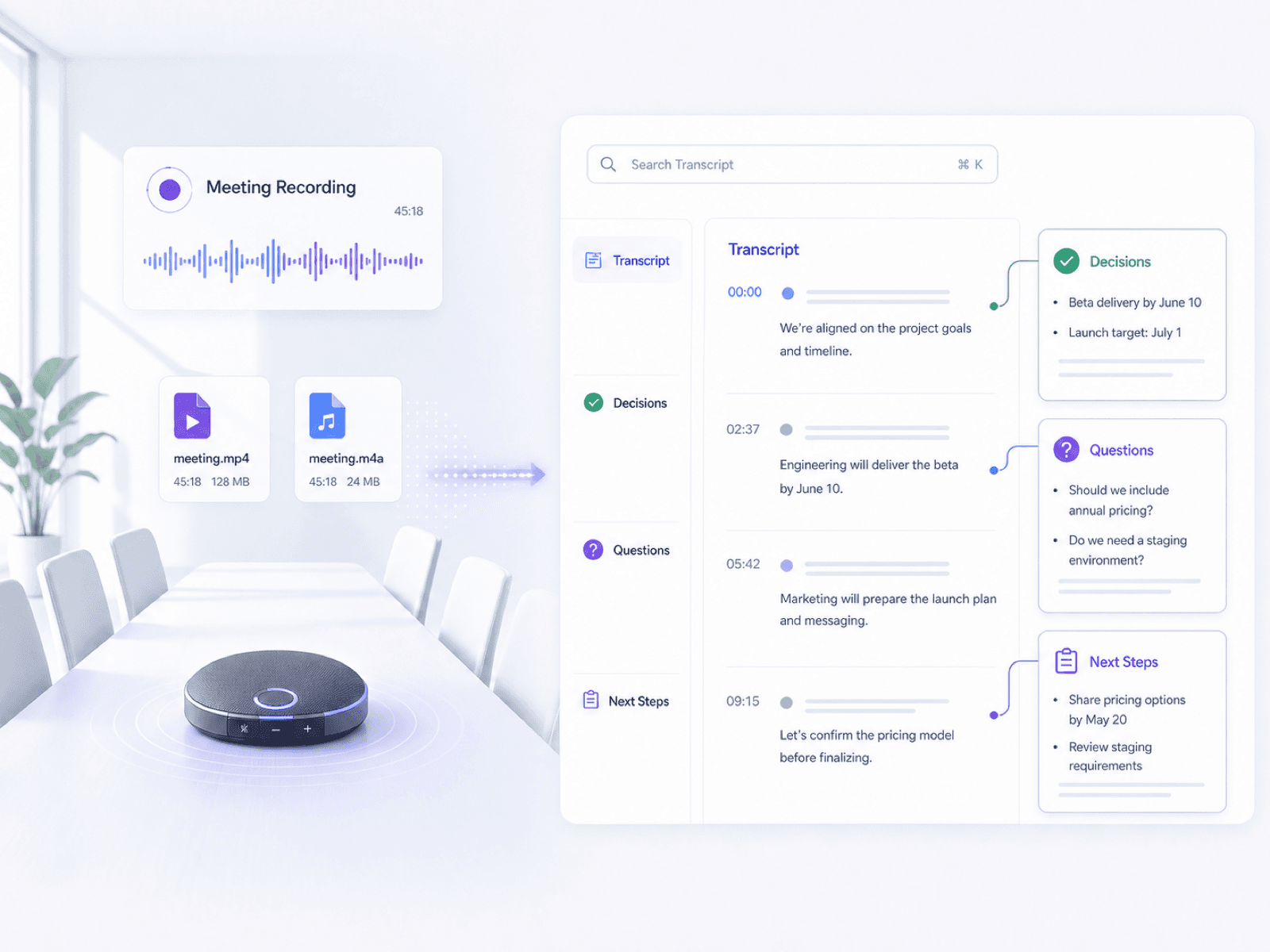
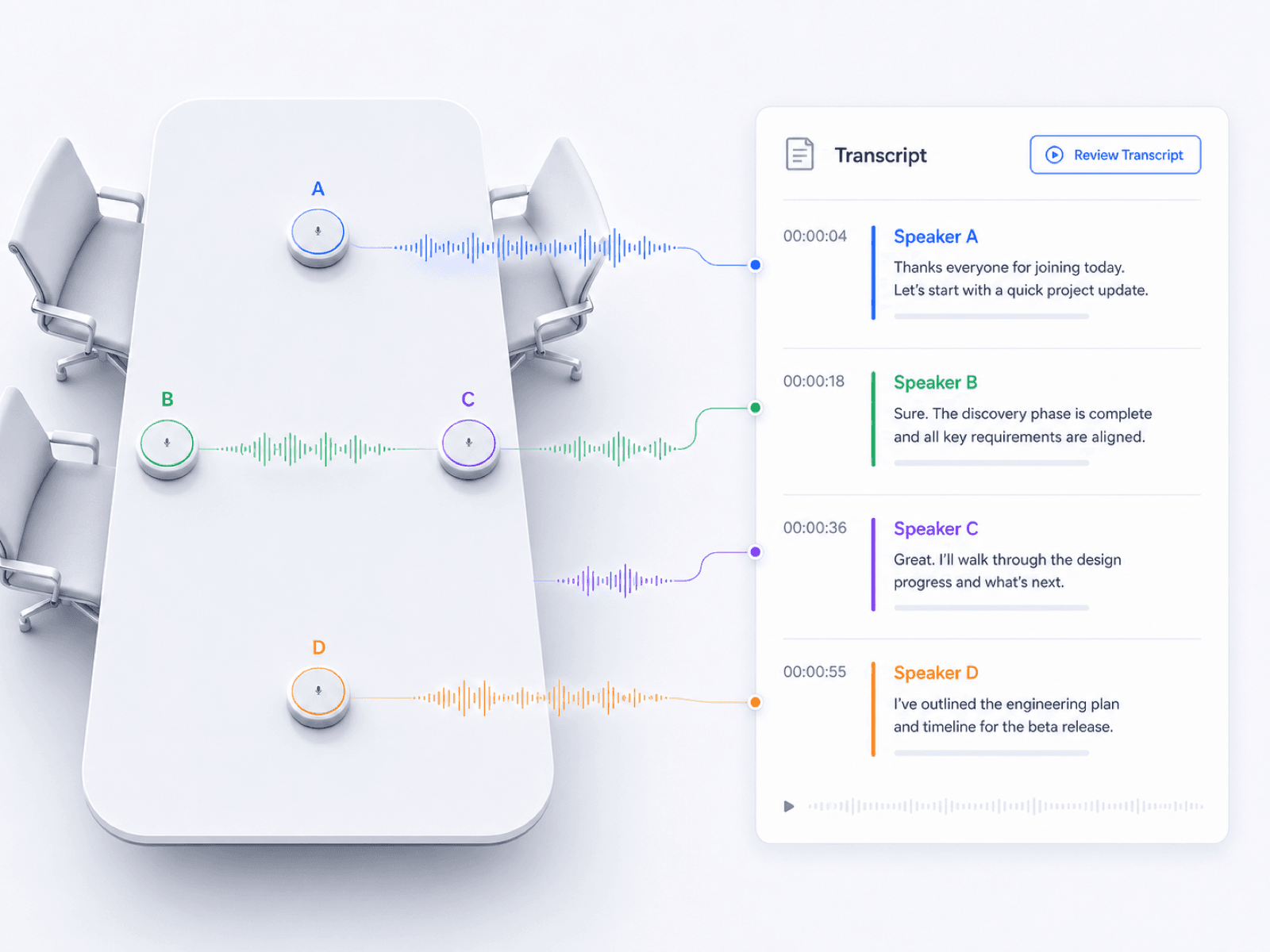
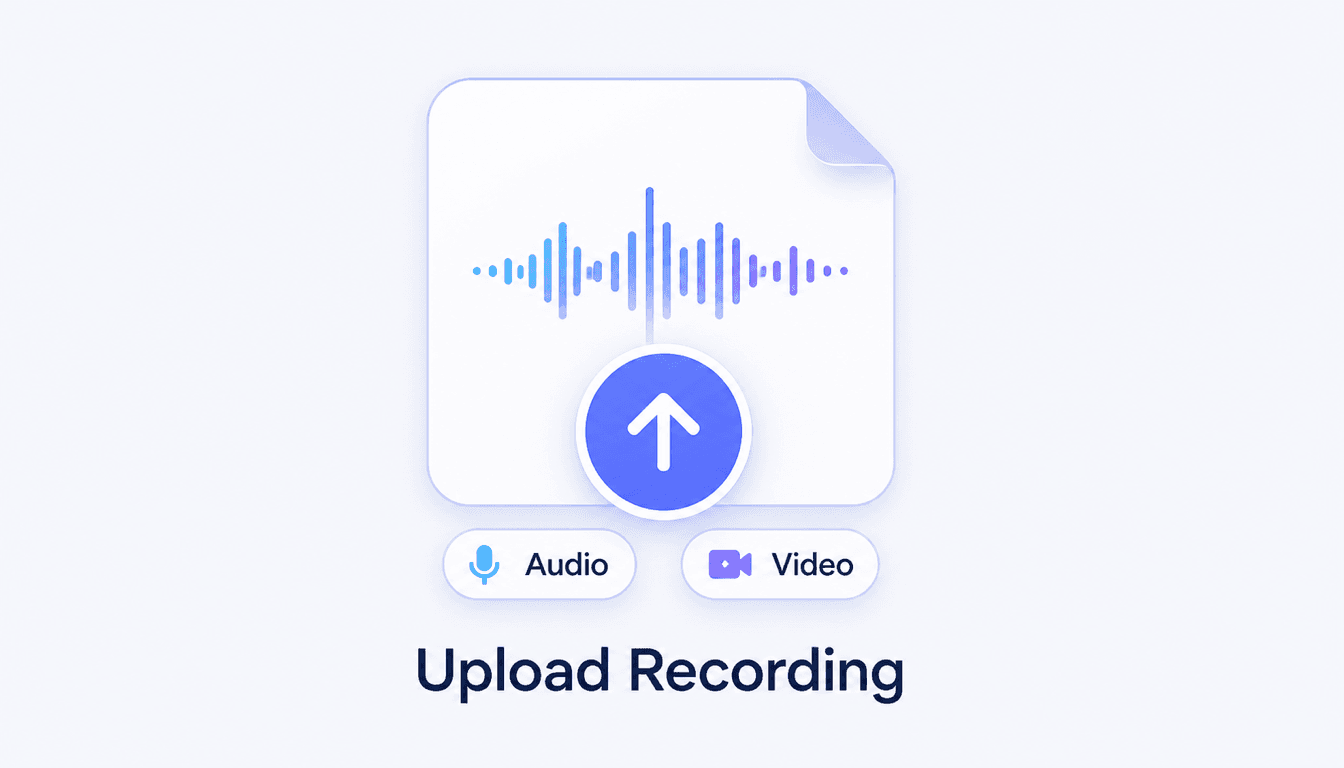
Add a recorded meeting as a supported audio or video file, or paste a supported link. Use the clearest available recording and make sure you have permission to process the conversation.
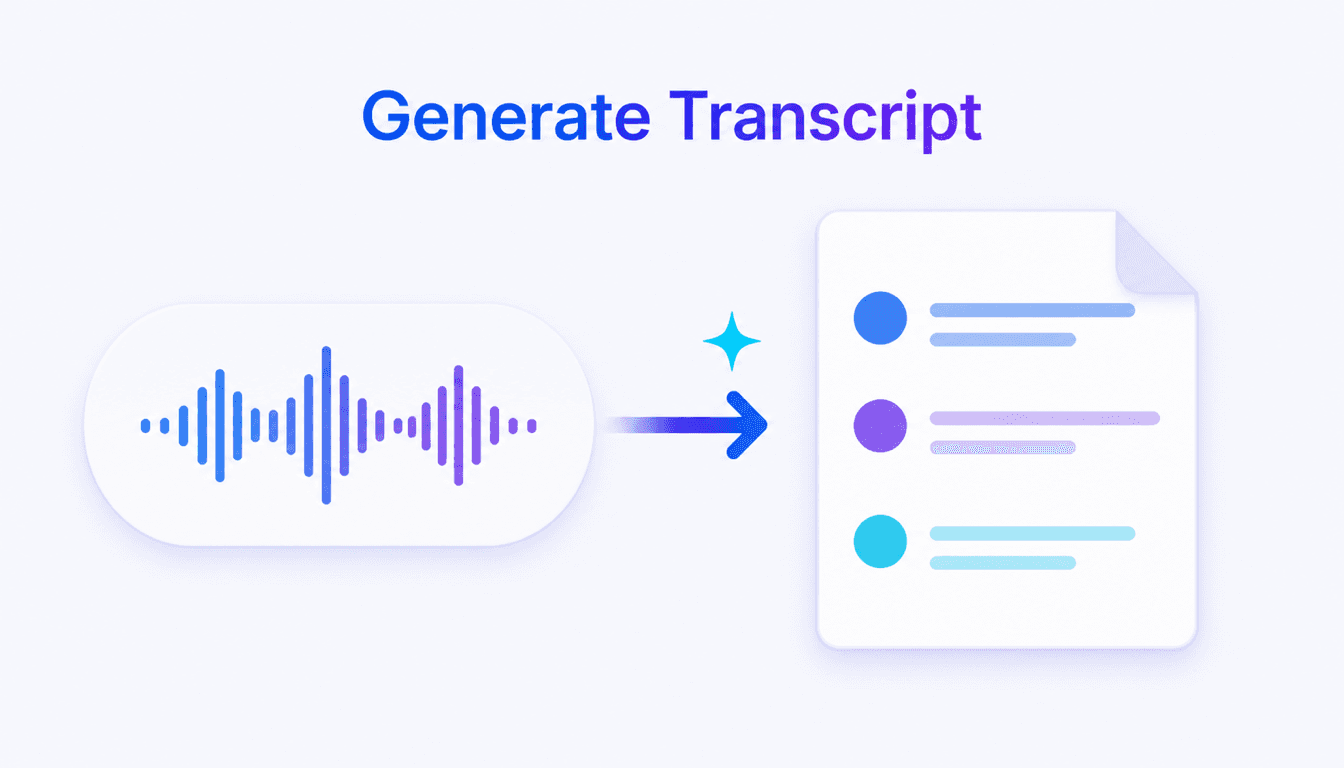
Start processing and let Lynote turn the spoken discussion into searchable text with organized notes. Meetings with background noise, overlapping speech, or unfamiliar names may need closer review.
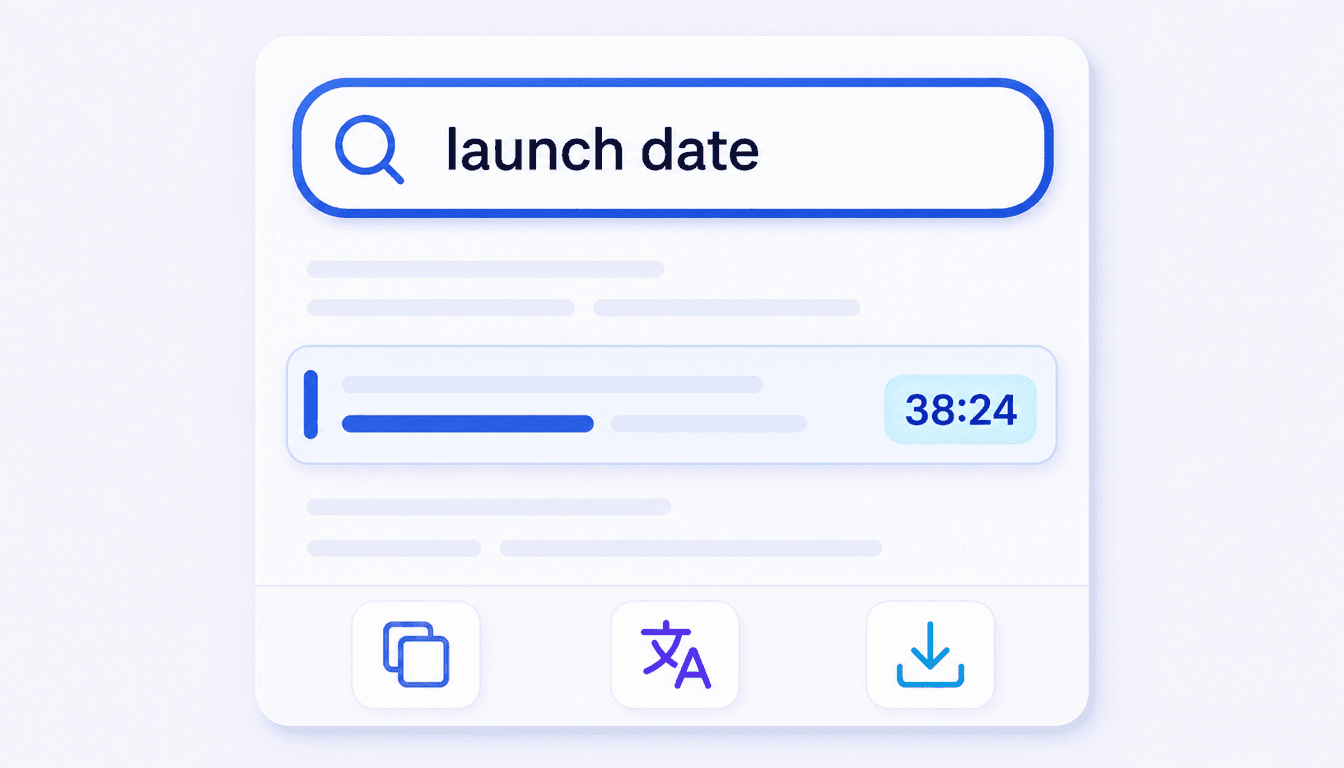
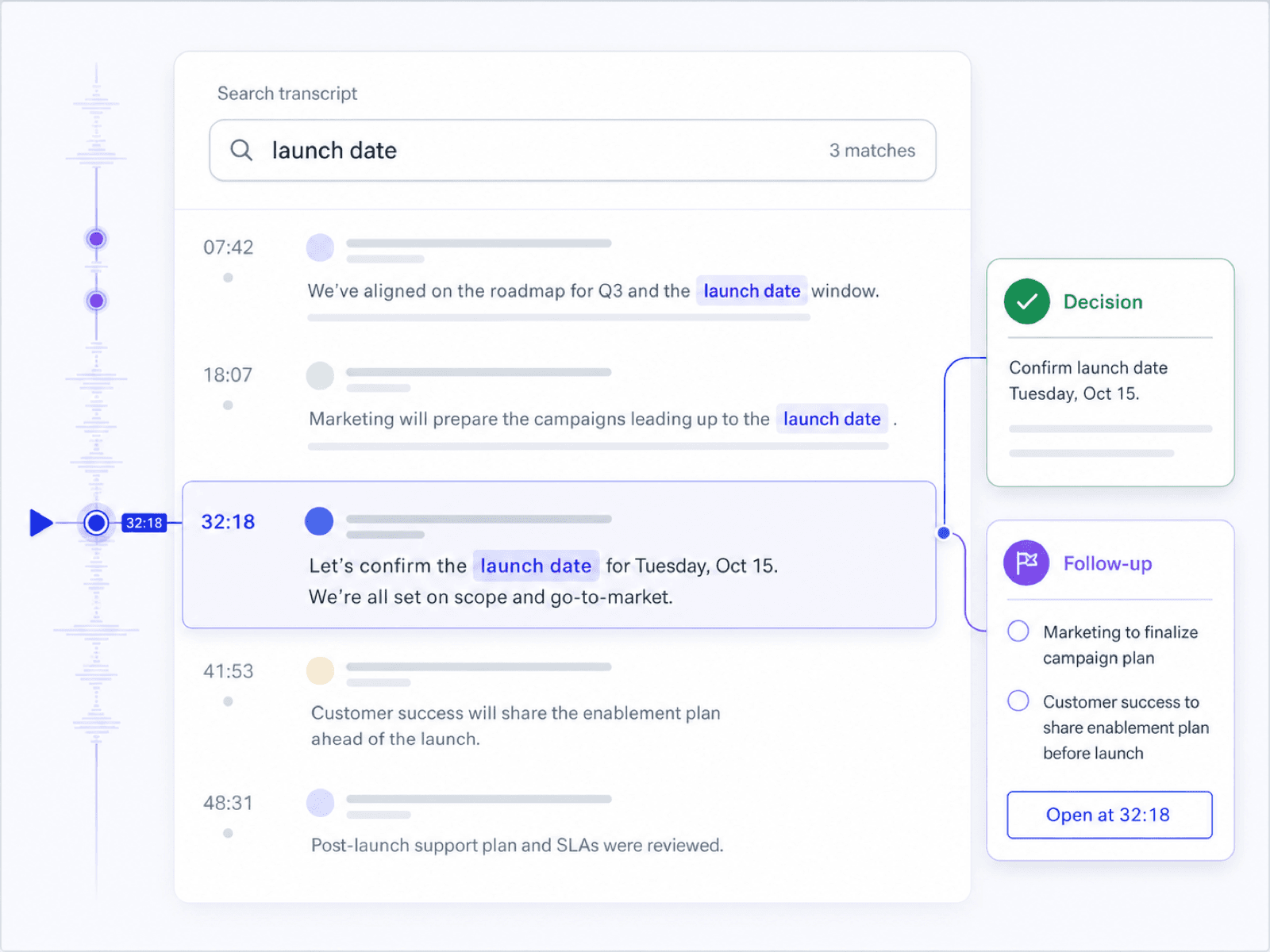
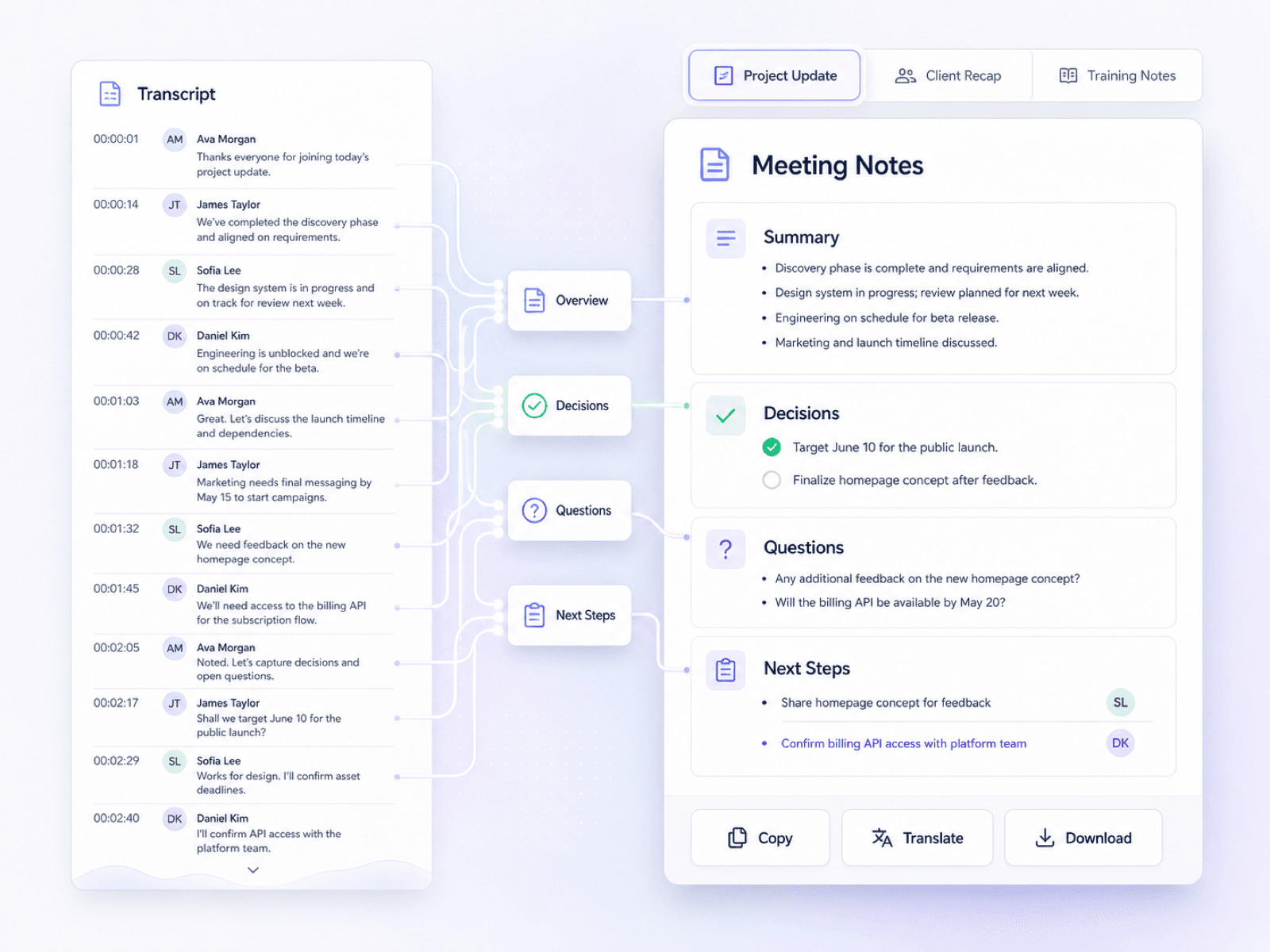
Search for a decision, question, or topic, edit the transcript where needed, and shape the useful parts into meeting notes. Copy, translate, download, or share the result only after checking important details against the recording.
Turn recorded meetings into searchable transcripts you can use to recover decisions, questions, objections, and next steps across real work situations.
Keep milestones, blockers, decisions, and ownership easy to revisit after a project review without replaying the full recording.
Search product questions, objections, commitments, and follow-up details from a recorded sales conversation before the next contact.
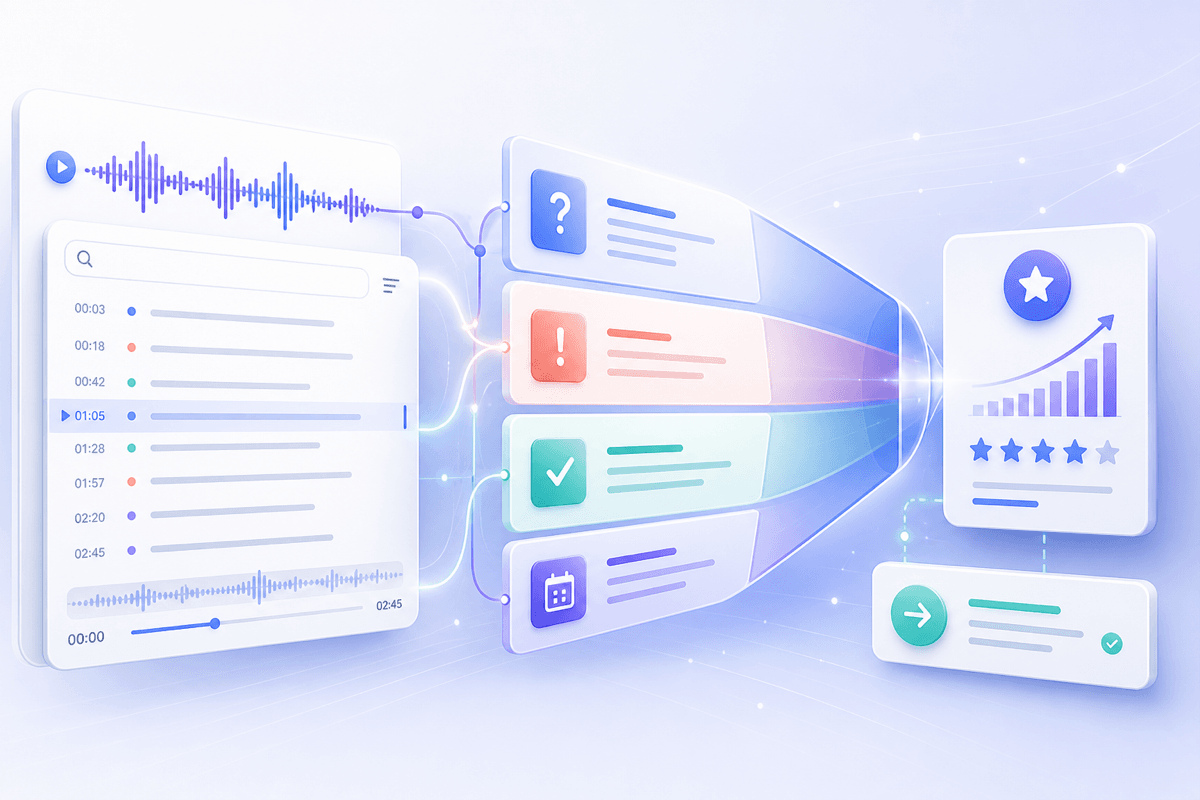
Return to a candidate's examples, qualifications, and answers when comparing interview notes or preparing a hiring debrief.
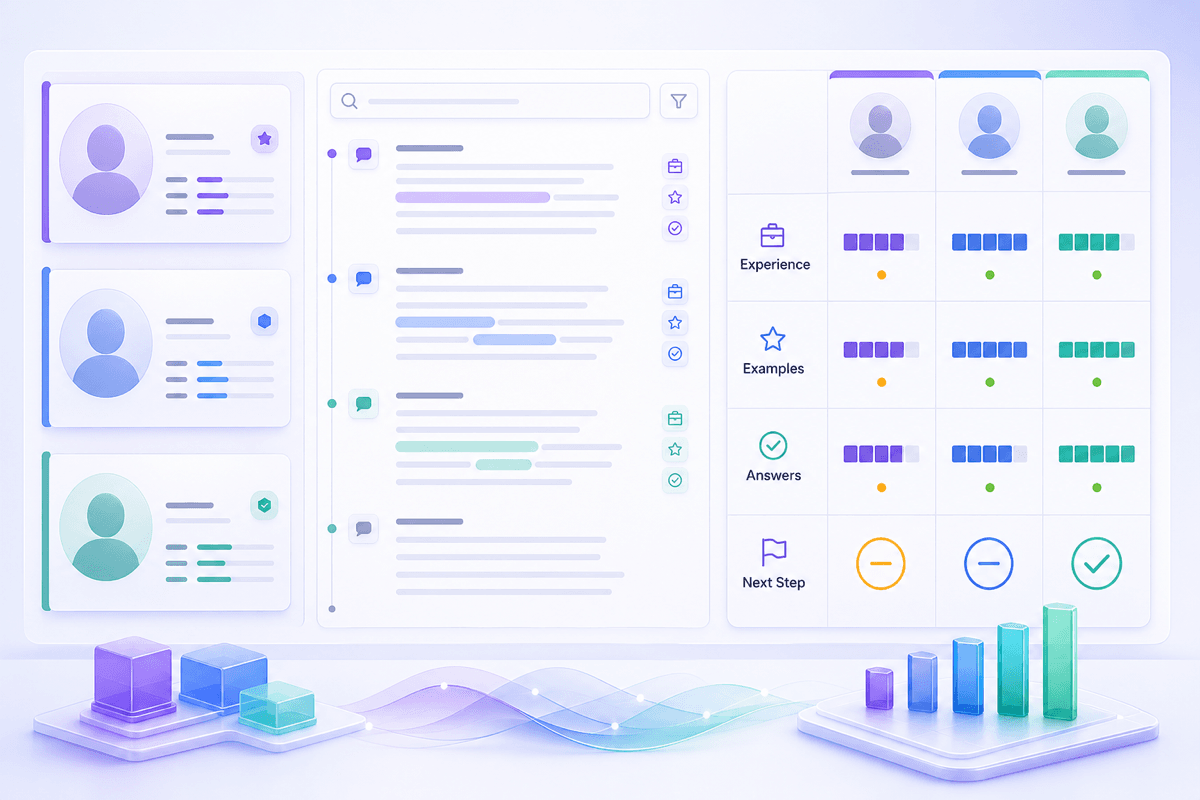
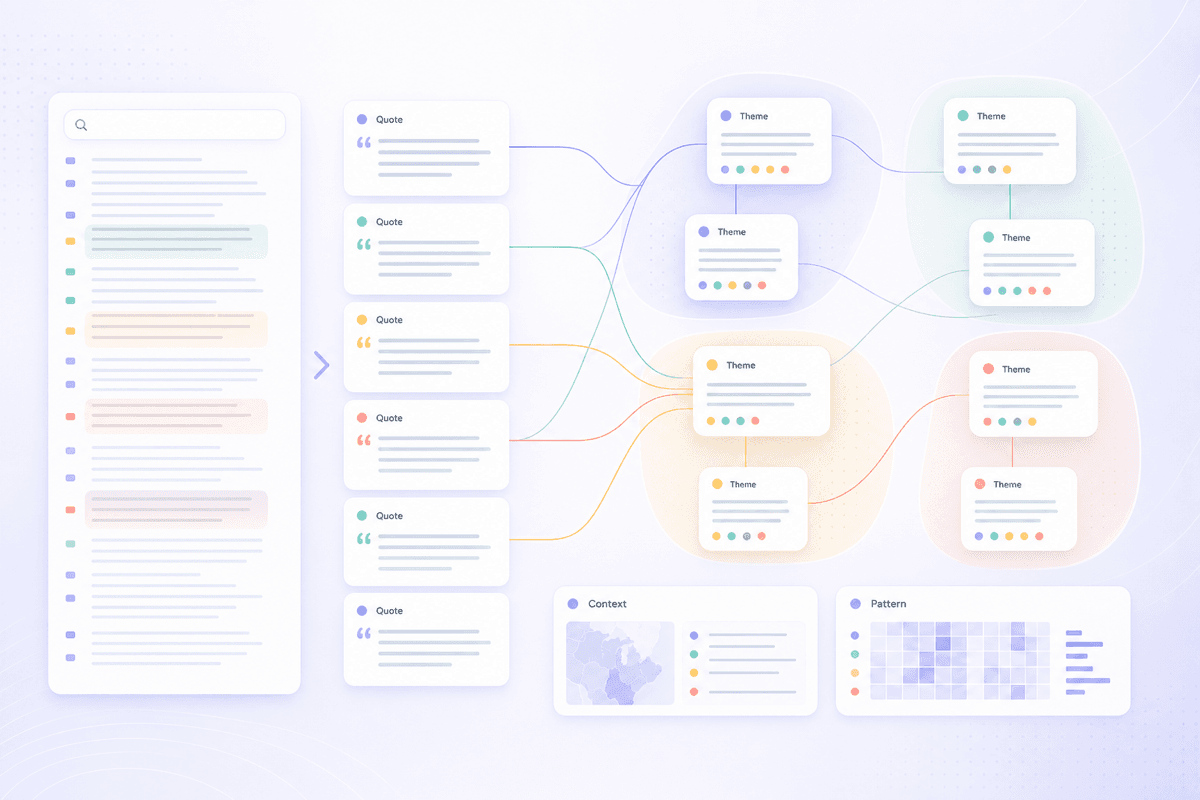
Trace participant responses, recurring themes, and exact discussion context while organizing qualitative research.
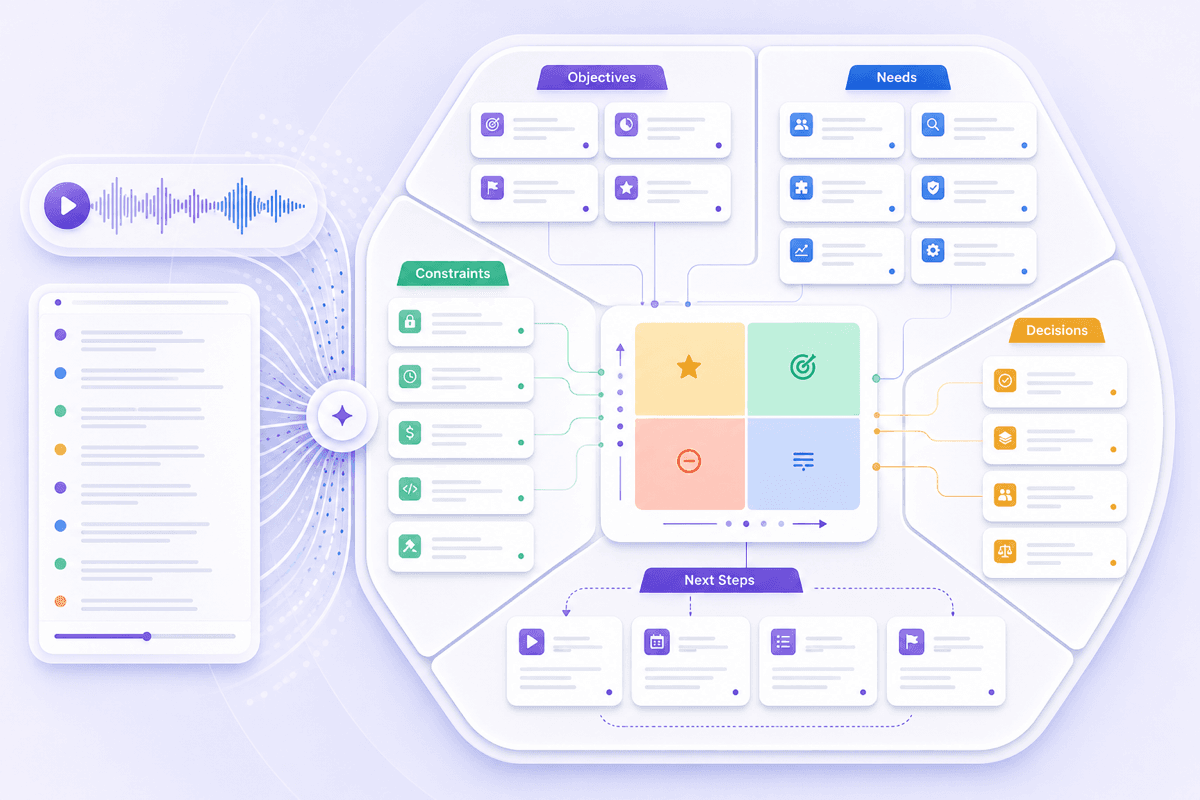
Revisit requirements, priorities, constraints, and agreed next steps before writing a proposal or project brief.
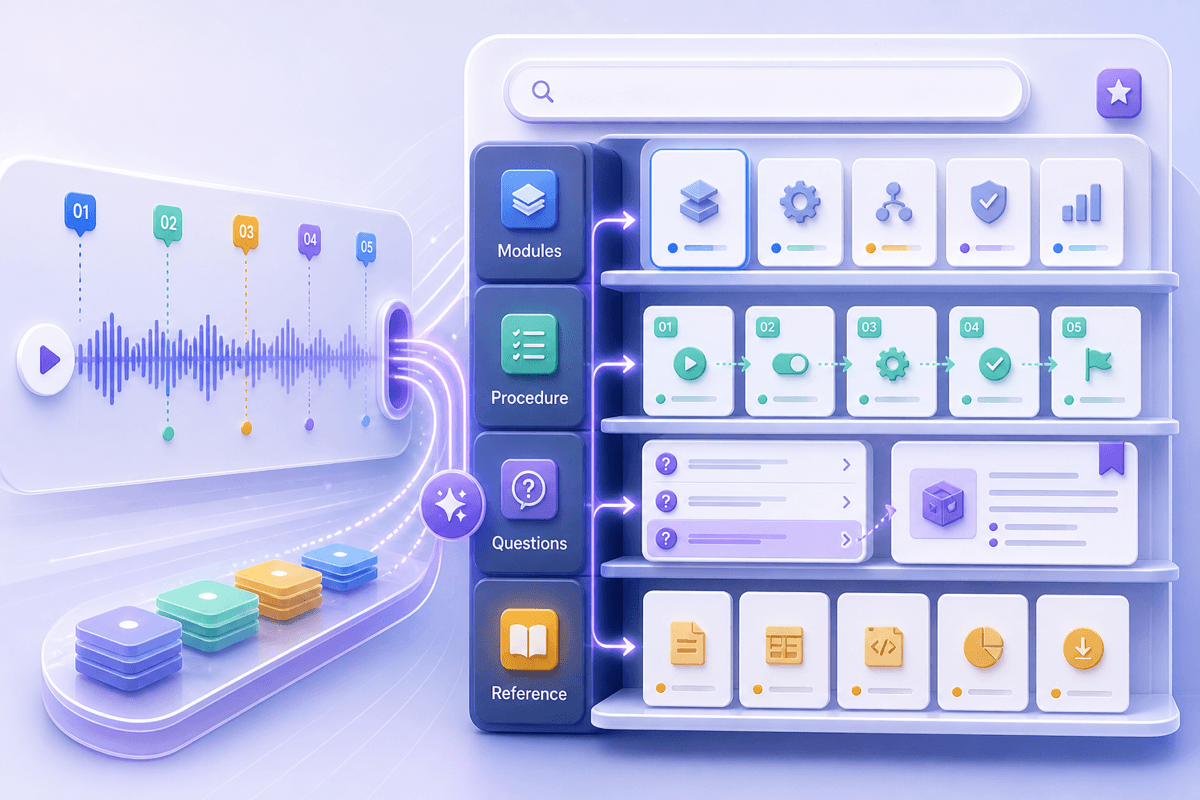
Turn recorded training into a searchable reference for procedures, explanations, questions, and later review.

Find decisions, blockers, and ownership discussions in recorded project meetings before preparing the next status update.

Revisit client questions, objections, requirements, and agreed follow-ups without relying on memory after a long sales call.

Review recorded candidate answers and interview context before completing structured notes or discussing the next hiring step.

Turn recorded interviews into searchable text, then trace themes and quotations back to the original conversation during analysis.

Recover stakeholder concerns, constraints, and decisions from discovery calls before drafting recommendations or a client recap.

Convert recorded workshops and review sessions into searchable references that employees can consult after the live discussion.

Search the full conversation and jump to the exact topic, phrase, name, or question you need instead of dragging through an hour-long recording.

Stay present in the meeting and give the discussion your attention instead of trying to capture every sentence. Use the recording to build the written reference afterward.

Find decisions faster by returning to the exchange around an agreement, objection, or unresolved question, then read the surrounding context before planning the next move.

Clean up names and wording, then reuse verified passages in meeting notes, briefs, research records, or training material.

Works with recorded meetings you already have. There is no meeting bot to invite and no need to change how your team runs the call.

Keep the recording, transcript, and follow-up notes in one workflow instead of passing sensitive content between separate tools. Review current privacy settings before uploading confidential discussions.

Project Manager

"We had settled a launch dependency near the end of a review call, but nobody remembered the exact wording. Searching the transcript took me straight to that exchange before I updated the project plan."

Sales Representative
"After a discovery call, I searched for the client's objections and read the surrounding discussion. My follow-up email was much more specific than the notes I had typed during the meeting."

Recruiter
"The interview transcript gave me a written record to compare with my scorecard. I still checked names and important answers against the recording before sharing my notes."

Researcher
"I use the transcript to locate recurring themes across long interviews. Once I find a passage, I return to the audio for tone and exact quotations before coding it."

Consultant
"A stakeholder raised a constraint that was easy to miss in my handwritten notes. The searchable record helped me recover it before I sent the first recommendation draft."

Training Manager
"We turned a recorded workshop into a reference for employees who joined later. Editing the transcript first made the final notes much easier to navigate."
Learn how recorded meetings become searchable transcripts, what you can do with the result, and where human review still matters.
AI meeting transcription converts the spoken discussion in a recorded meeting into searchable written text. The transcript can then be reviewed, edited, and organized into meeting notes.
Upload a supported audio or video recording, then start processing. Lynote analyzes the speech and creates a written transcript with organized notes. Clear audio and speakers taking turns generally make the result easier to review.
Yes. You can transcribe meeting recordings from Zoom, Google Meet, or Microsoft Teams when you have a supported file or link and permission to process it. Lynote works with the recording after the meeting; it does not join the call as a live meeting bot.
It can process meetings with multiple voices and make the discussion easier to follow. Overlapping speech, background noise, accents, and unfamiliar names can affect the transcript, so review speaker details before relying on them.
Yes. Search for a topic, phrase, or name, then edit unclear wording and organize useful passages into notes. Verify exact quotations and commitments against the original recording.
Where the workspace supports follow-up questions, you can ask about a decision, objection, explanation, or unresolved point in the imported meeting. Treat the answer as a navigation aid and check the source when precision matters.
You can use the free access currently shown in Lynote. Recording length, file size, and usage limits can vary by plan, so check the current in-product limits before processing a long meeting.
Only upload meetings you are authorized to process. For confidential discussions, review Lynote's current privacy policy and account controls before upload, then limit who receives the transcript.