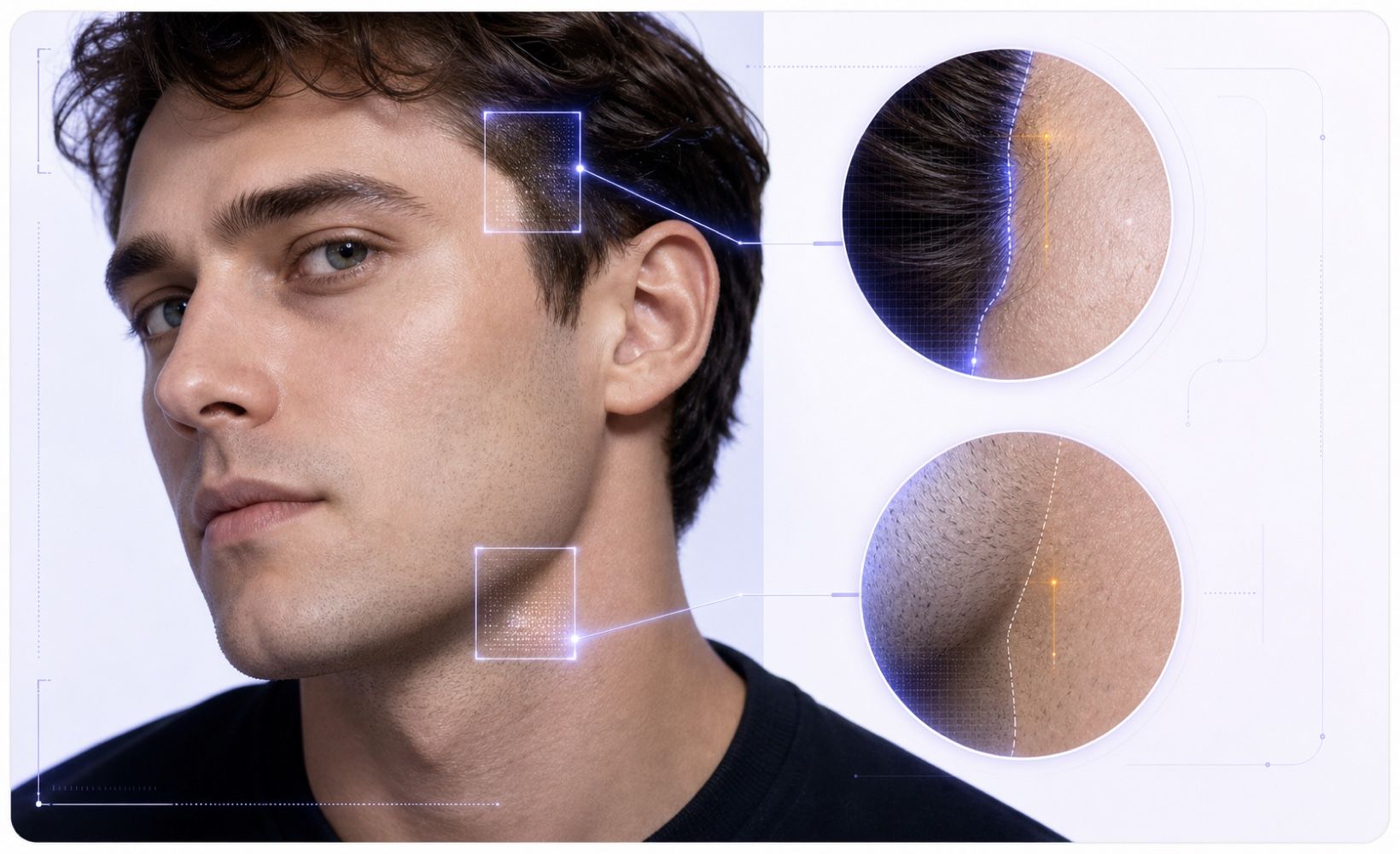
Check Face Edges and Skin Tone
Look around the hairline, jaw, ears, and neck. A pasted or generated face may blend poorly into the surrounding skin, clothing, or background.



Drag & drop or upload an image
JPG · JPEG · PNG · WEBP · max 10 MB
Detected then deleted · Reports are independently verifiable

Upload an image to start
Drop a file on the left, or pick one of the sample images.
Try one of our sample images
Worried the summary sounds fabricated or stiff from a large language model? Send it to the detector in one click to review originality and credibility.



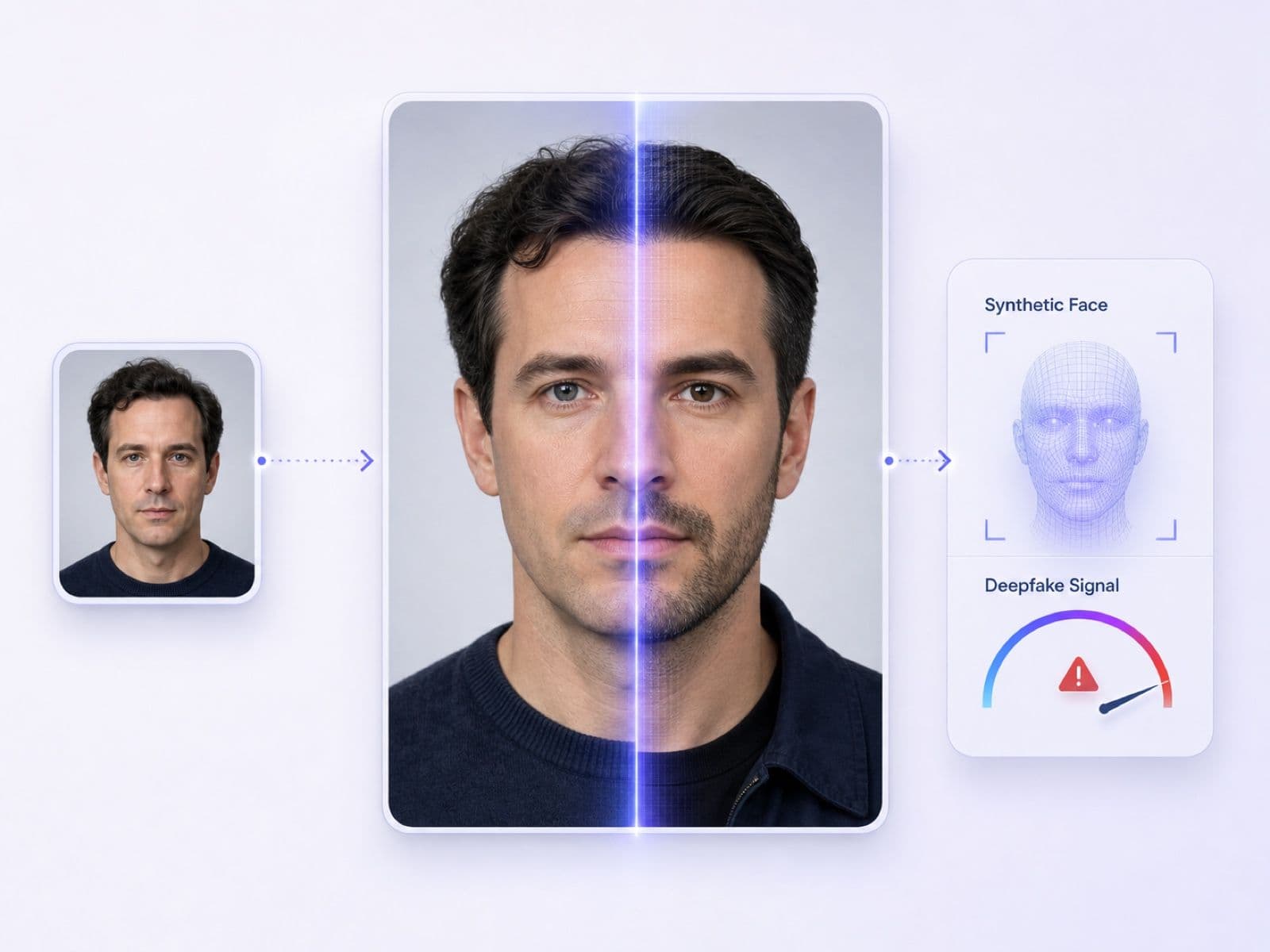

Prefer the original image when available because it may preserve more file and provenance information. A clear frame from a suspicious video can also be checked at image level.
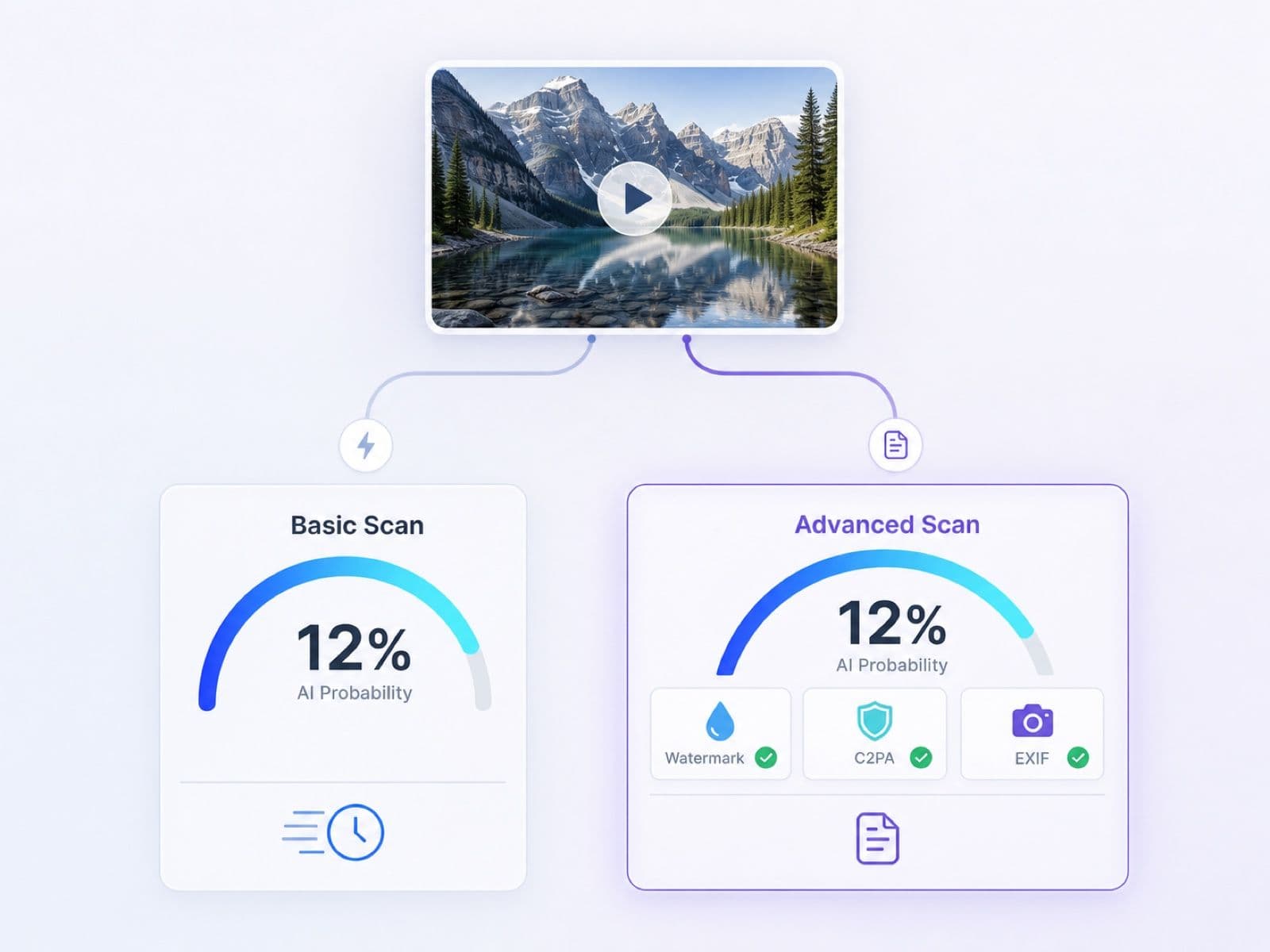
Run Basic Scan for a quick initial probability. Select Advanced Scan when watermark, C2PA, EXIF, and file evidence would help your review.
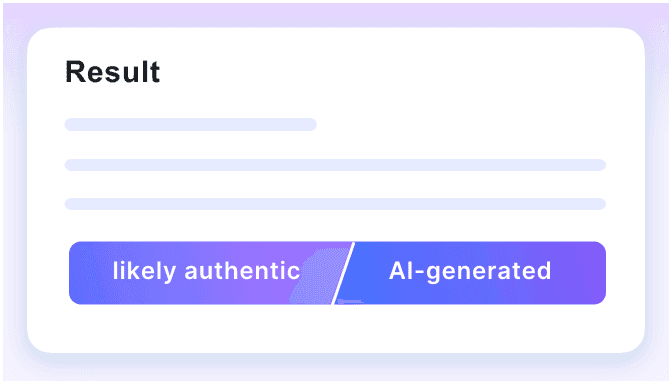
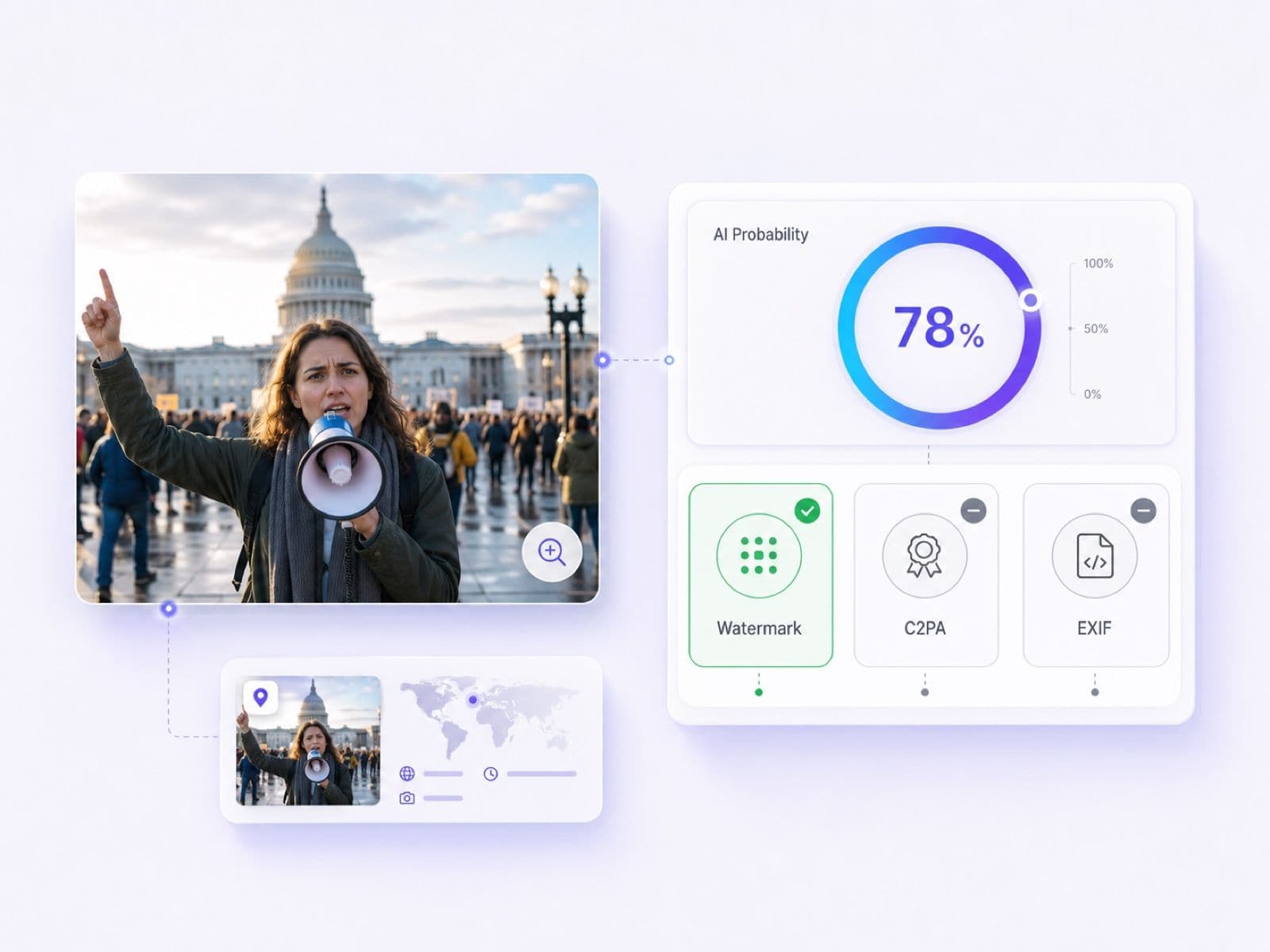
Review the AI probability, verdict, and available provenance signals together. Compare these details with the source context before deciding if the image needs further escalation.
A convincing face can still contain small inconsistencies. Slow down, inspect the details, and check where the image came from before deciding whether to trust it.
Look around the hairline, jaw, ears, and neck. A pasted or generated face may blend poorly into the surrounding skin, clothing, or background.
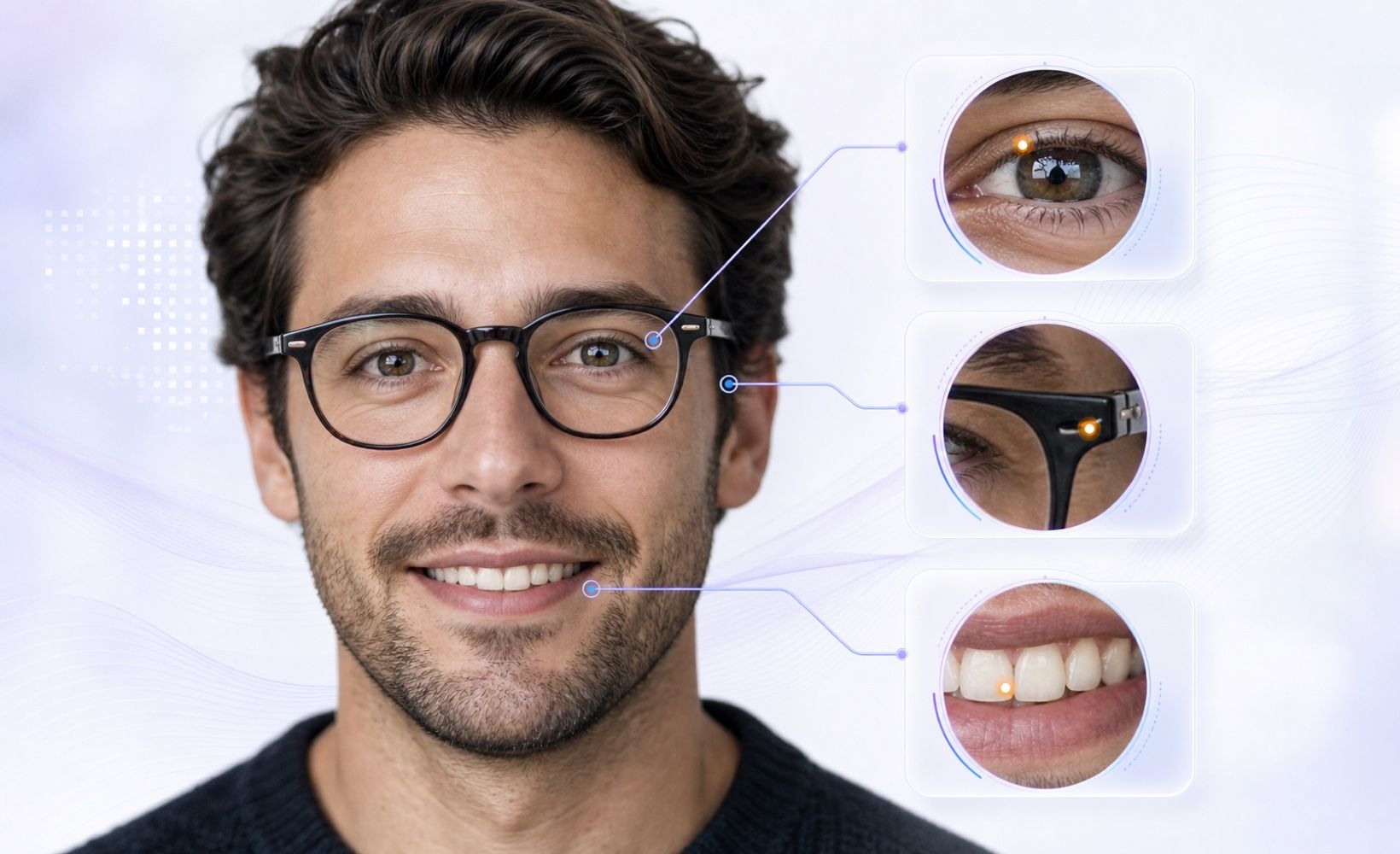
Compare pupils, catchlights, teeth, earrings, and eyeglass frames. Uneven reflections or details that change from one side to the other deserve a closer look.
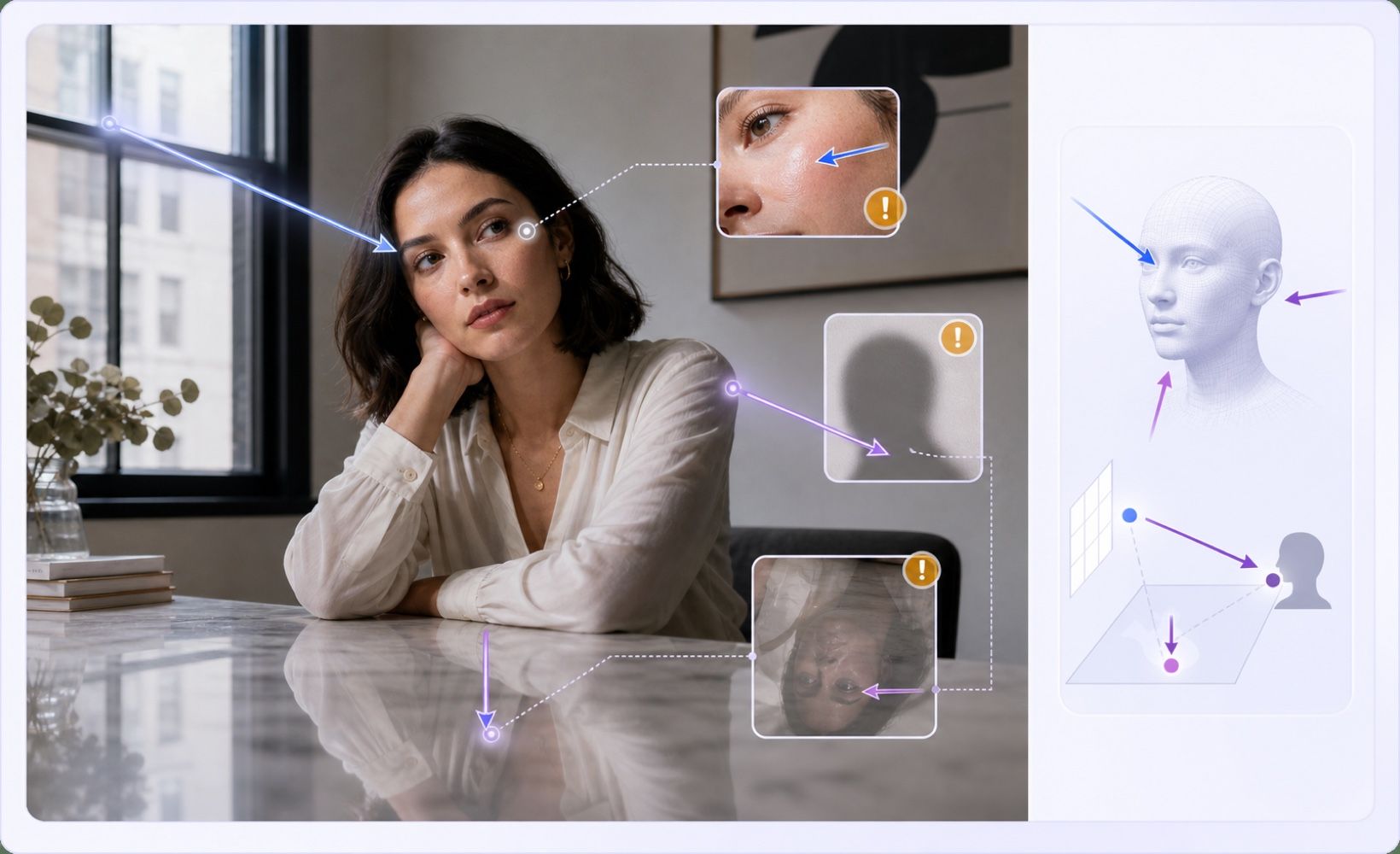
Check whether shadows, highlights, and reflections point in the same direction across the face and scene. Conflicting light can expose a synthetic composite.
Read signs, badges, labels, and small print. Also watch for repeating hair, fabric, crowds, or background objects that melt into one another.

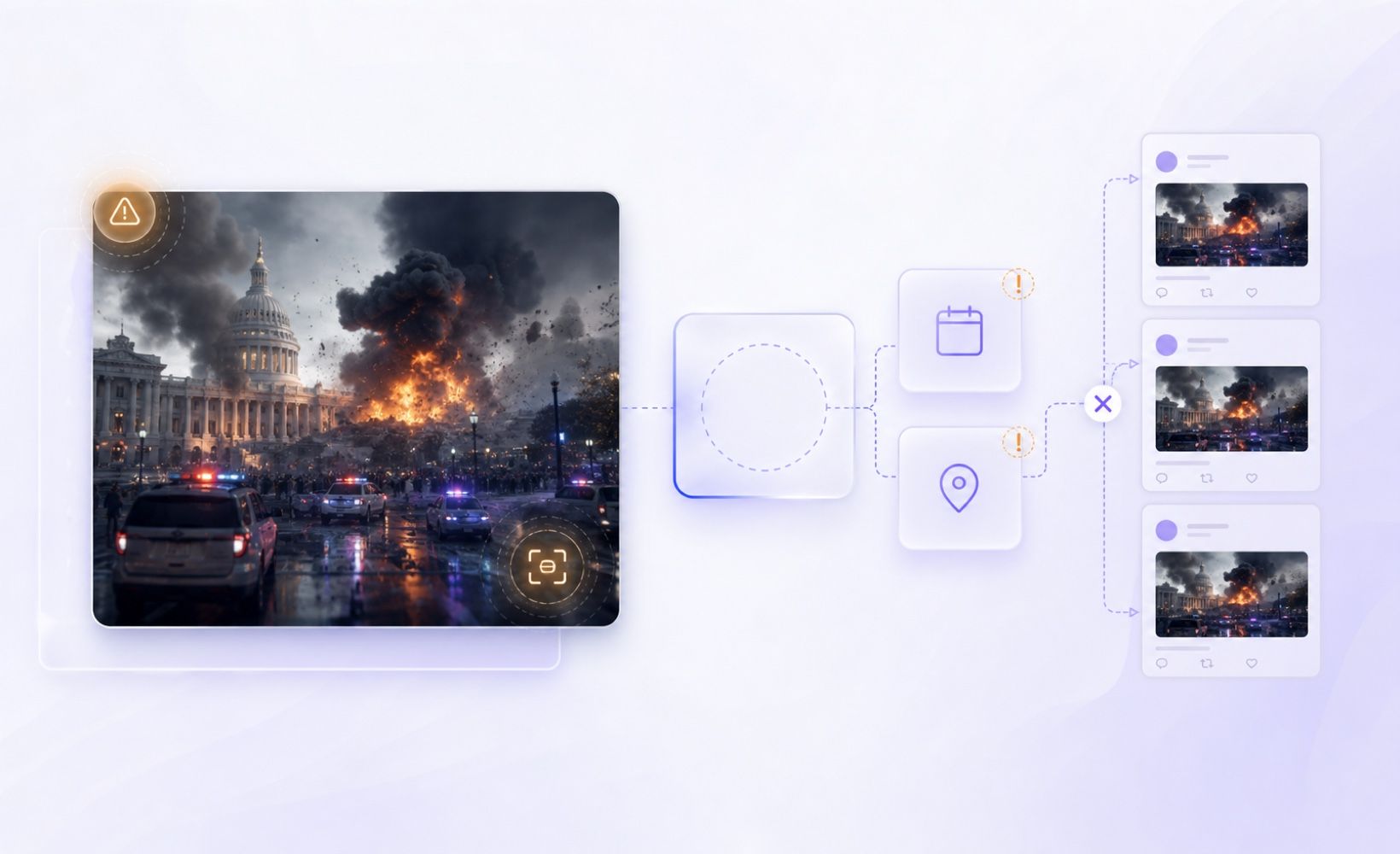
A dramatic image without a clear creator, date, location, or earlier source needs more verification, even when the picture itself looks polished.
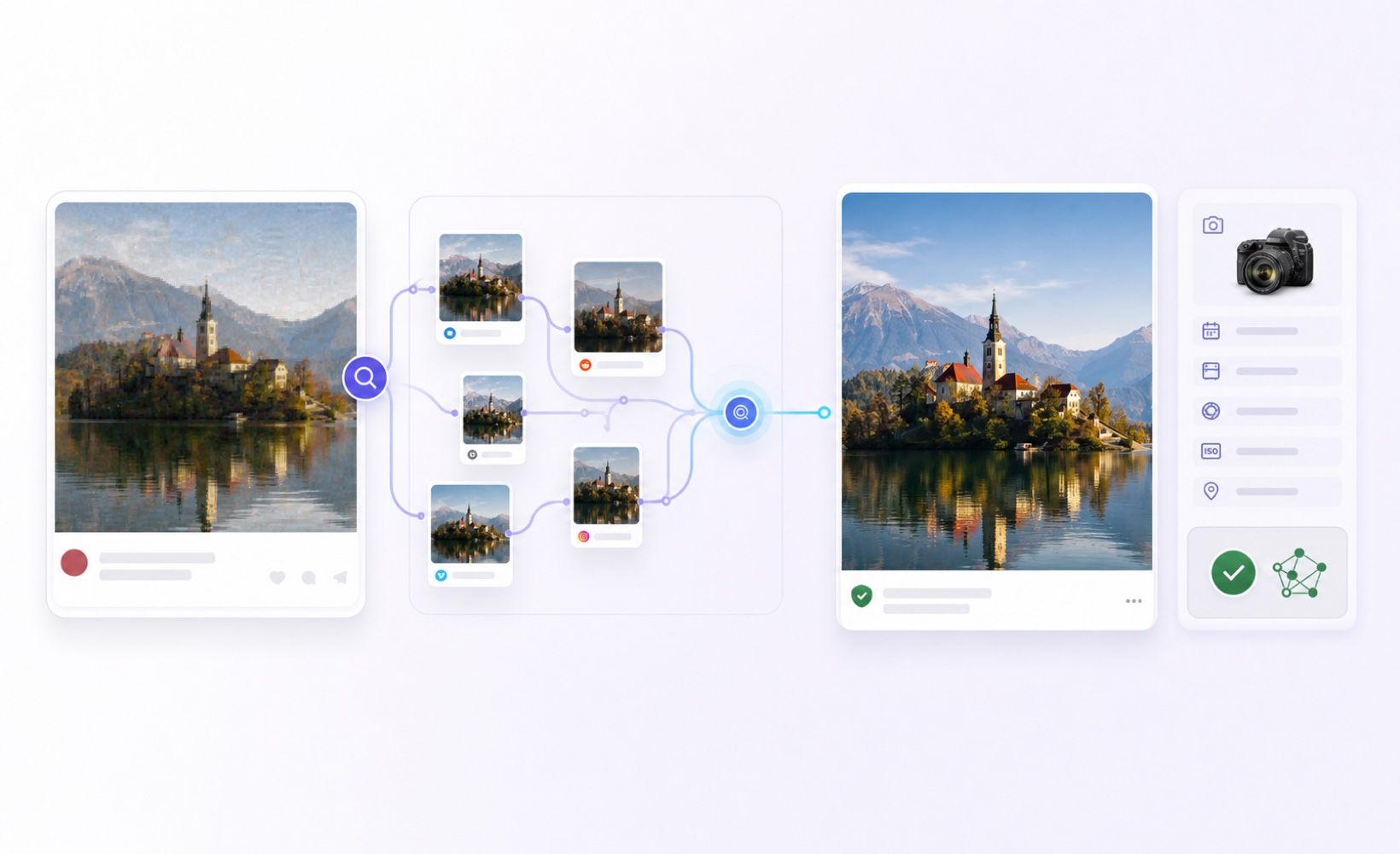
Ask for the original photo when possible and run a reverse image search. Earlier copies and intact metadata can provide context that a reposted screenshot has lost.

Public-Figure Impersonation

Fake Social Profiles

Romance Scams

Payment Scams

Viral News Images

Marketplace Identities

Suspicious Video Frames

Synthetic Portraits
Public-Figure Impersonation
Fake Social Profiles
Romance Scams
Payment Scams
Viral News Images
Marketplace Identities
Suspicious Video Frames
Synthetic Portraits

Get an image-level AI probability before a suspicious picture is shared, approved, or trusted.

Gather concrete evidence beyond appearance by reviewing EXIF data. Note that missing camera information is common after screenshots and social uploads.

C2PA credentials provide useful creation or edit history when present. Their absence is not a diagnostic signal.

Embedded AI watermark evidence supports your review when found. Not every AI generator embeds a detectable watermark.

View the probability, verdict, and report details directly in the interface. Share results easily or export them as a PDF.

Check a video frame as a still image. Motion, lip-sync, and audio analysis are outside the scope of this tool.

Start with the free online Basic Scan for an initial check. Advanced Scan is available when deeper Pro evidence is needed.

We label unavailable watermark, C2PA, or EXIF evidence carefully. Absence is never presented as proof of authenticity or fakery.

Triage a public-figure or breaking-news photo before publication, then verify its source and context.

Review viral portraits and political images while tracing the original source and the claim attached to them.

Screen suspicious avatars and profile photos connected to impersonation, catfishing, or coordinated platform abuse.

Examine identity photos used in payment scams or account recovery before escalating a case for deeper review.

Get an initial signal when a dating profile photo looks synthetic or copied from an invented identity.

Compare AI probability with provenance evidence while documenting examples of generated identity imagery for academic studies.

News Fact-Checker

"A public-figure photo was spreading before we could confirm its source. The probability and available C2PA details helped me decide what to verify next."

Content Moderation Analyst
"A profile portrait looked unusually polished, but appearance alone was not enough. I used the image-level result before escalating the impersonation report."

Digital News Producer
"I shared the PDF report with my editor while we checked an image attached to a breaking story. It kept the score and supporting details in one place."

Video Editor
"I checked a clear frame from a suspicious clip as a still image. The scope was easy to understand, so I did not confuse it with full video or audio analysis."

Fraud Operations Reviewer
"The screenshot had no EXIF data, but the report explained why that absence was not proof. That distinction matters when we review possible scam accounts."

Online Marketplace Moderator
"I ran a Basic Scan on a questionable profile photo before deciding whether the account needed deeper review. It gave me a useful starting signal."
Have questions about detecting deepfakes? We've got answers.
A deepfake image is a synthetic or AI-manipulated picture made to present something that did not happen or did not exist as shown. It can alter people, objects, places, documents, or entire scenes; face swaps and invented portraits are common examples, not the only forms.
Lynote analyzes the uploaded still image and returns an AI probability with available watermark, C2PA, EXIF, and file evidence. The result supports an initial review rather than proving who created the image.
No. Lynote does not analyze a full video's motion, lip-sync, or audio. You can upload a clear frame for image-level triage, but that result does not verify the entire video.
A subtle face swap can be difficult for any automated detector. Lynote may surface image-level AI signals and provenance evidence, but the result should not be treated as guaranteed face-swap proof.
Yes, false positives and false negatives happen. Highly compressed images or heavy filters can confuse the scanner. Always use the AI probability score as one piece of evidence, not absolute proof.
No. Screenshots, exports, messaging apps, and social platforms often remove metadata. Missing EXIF or C2PA is common and does not prove that an image is authentic or fake.
An original file may preserve more metadata and provenance information than a screenshot. A screenshot can still be checked, but it often provides less context for the review.
Basic Scan provides a free online starting point for an image check. Advanced Scan is the Pro option for deeper evidence.
You can upload standard image files, including JPG, PNG, and WebP for analysis.
Reverse image search looks for earlier copies and source context across the web. Deepfake detection assesses the uploaded file for AI likelihood and available evidence. For important decisions, use both approaches.
Yes. The result interface includes Share and PDF actions, so you can keep or send the report for further review.
No. The result is an image-level probability with supporting evidence, not legal authentication or identity verification. Confirm the source and context before making a high-stakes decision.