News and Viral Images
Review images circulating without a reliable source before publishing or resharing them.



Drag & drop or upload an image
JPG · JPEG · PNG · WEBP · max 10 MB
Detected then deleted · Reports are independently verifiable

Upload an image to start
Drop a file on the left, or pick one of the sample images.
Try one of our sample images
Uncover the truth behind any text. Use our free AI detector to instantly analyze and verify whether content is human-written or AI-generated.



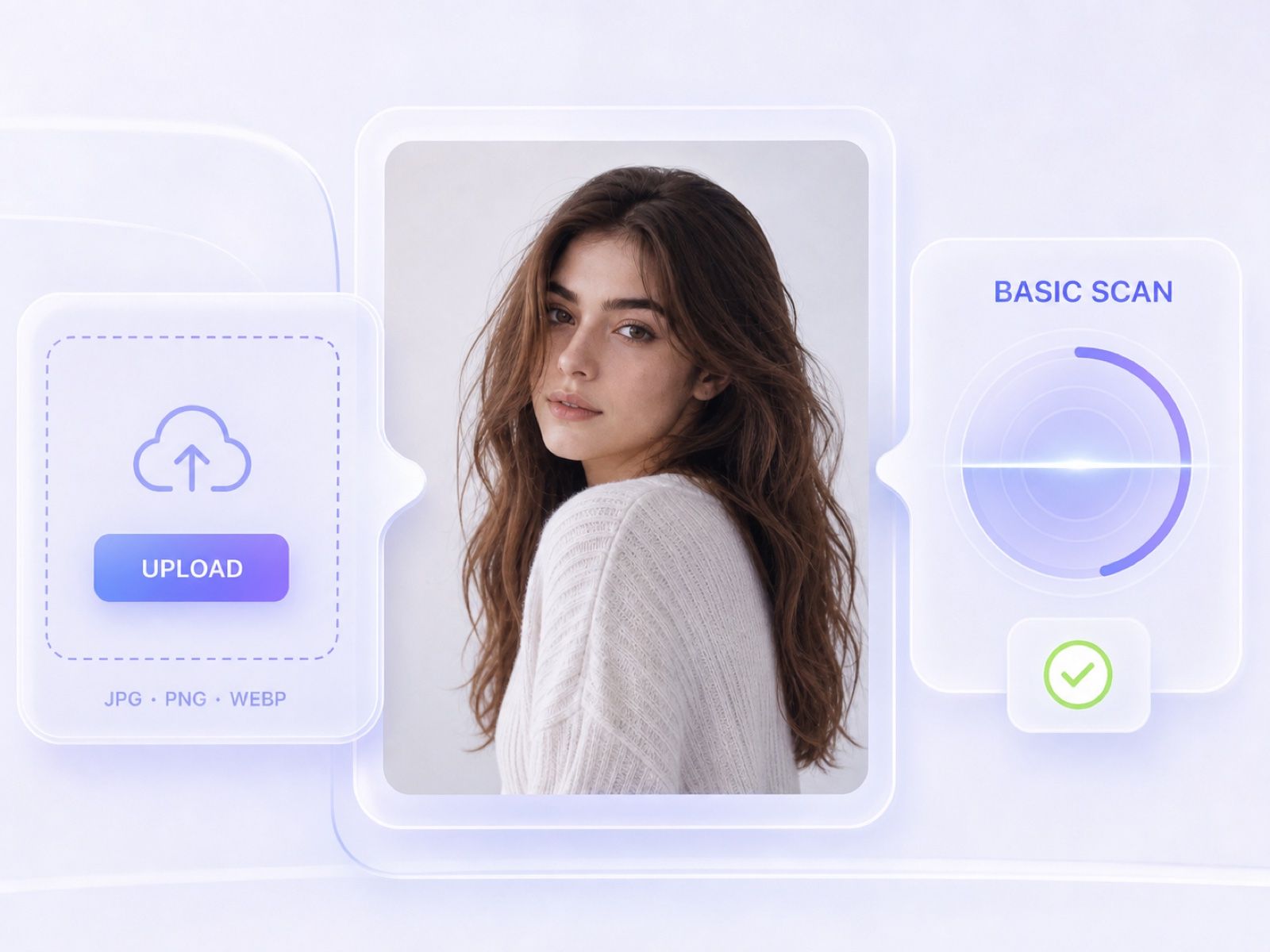
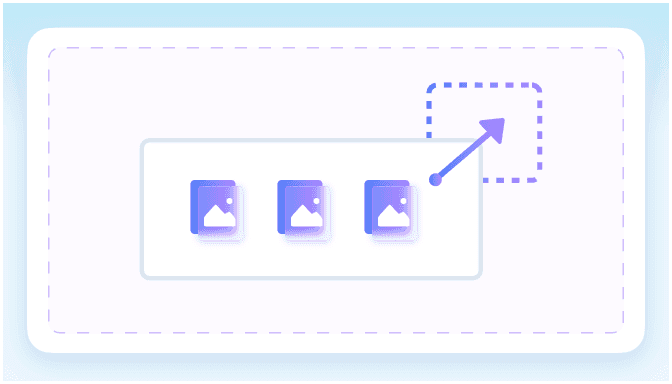
Drag and drop a supported image, choose one from your device, or open a sample to see how image fake detection works.
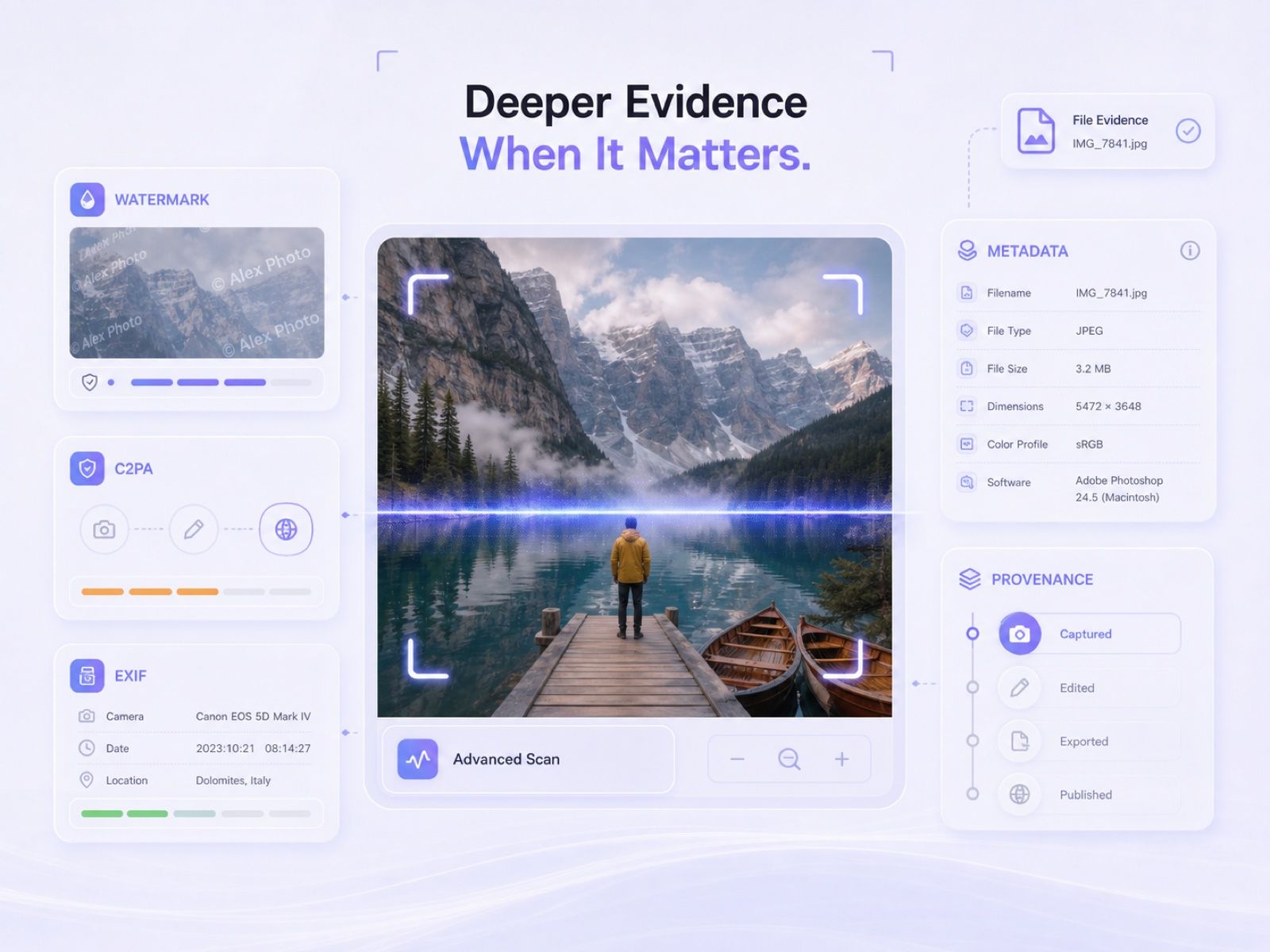
Use Basic Scan for quick triage or Advanced Scan when the image needs deeper provenance and metadata review.
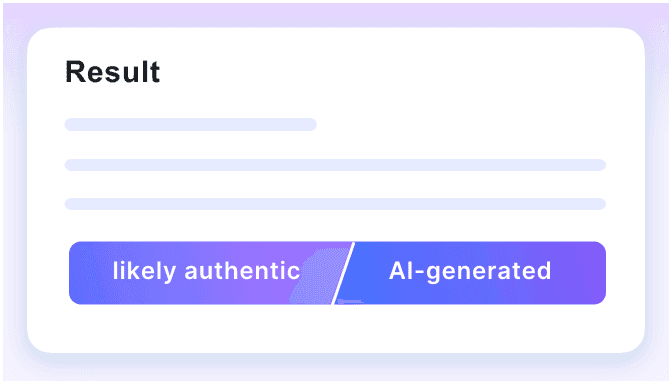
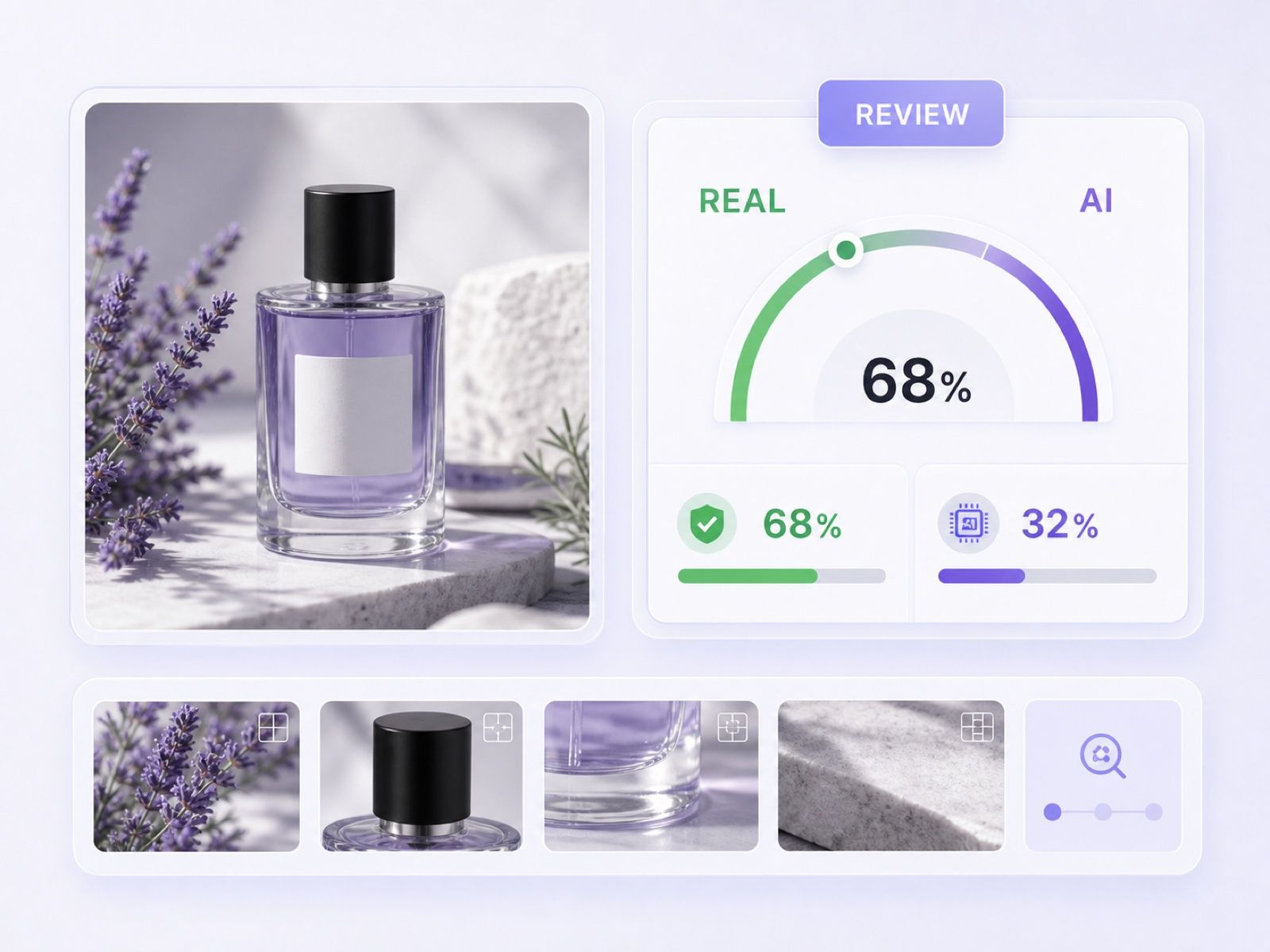
Read the verdict, probability scale, and available evidence. Compare the result with the source, context, and original file before making a high-stakes decision.
Check suspicious visuals when authenticity could affect trust, money, identity, publication, or moderation.
Review images circulating without a reliable source before publishing or resharing them.
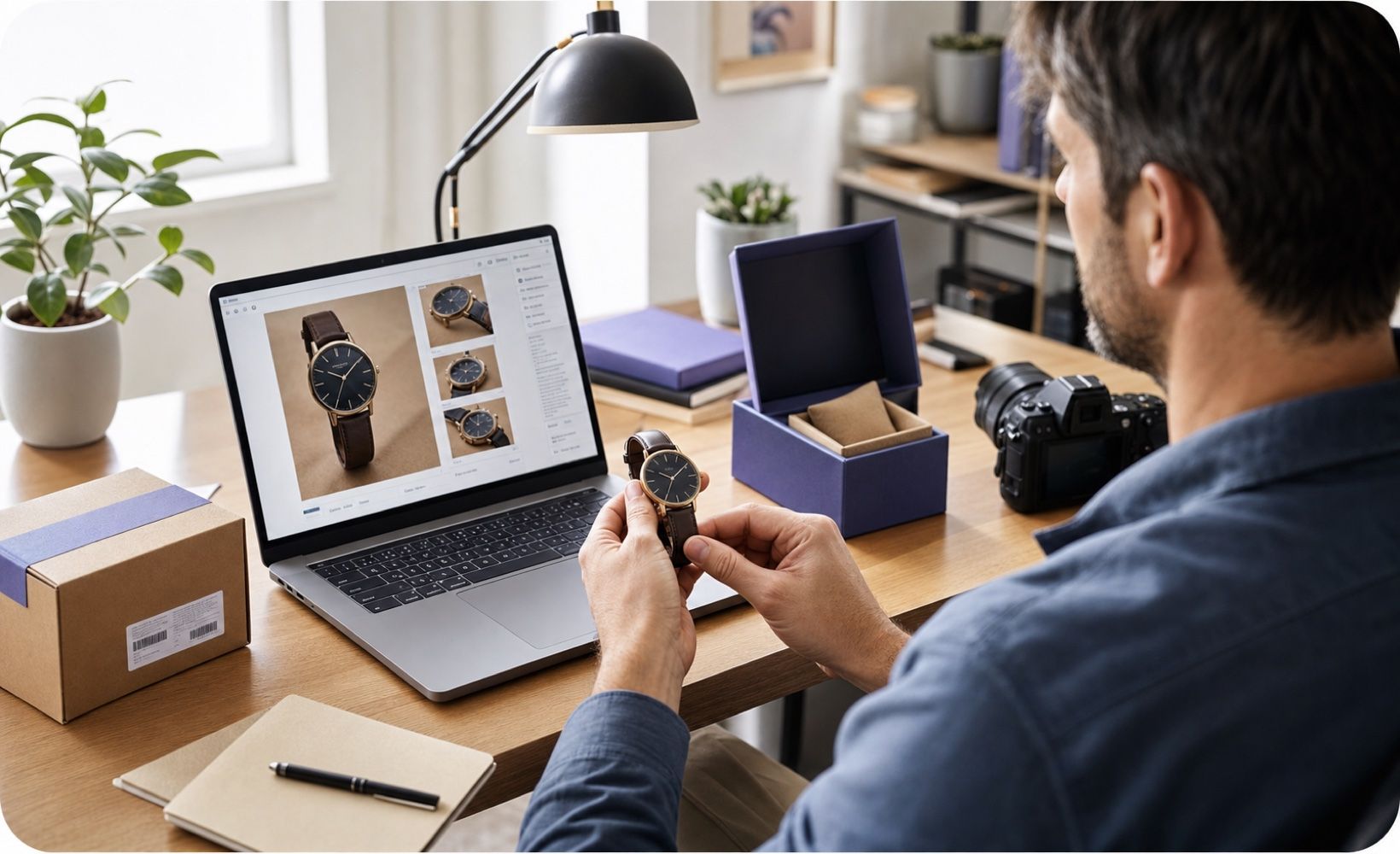
Inspect polished product photos and seller uploads when the visuals do not match the listing context.
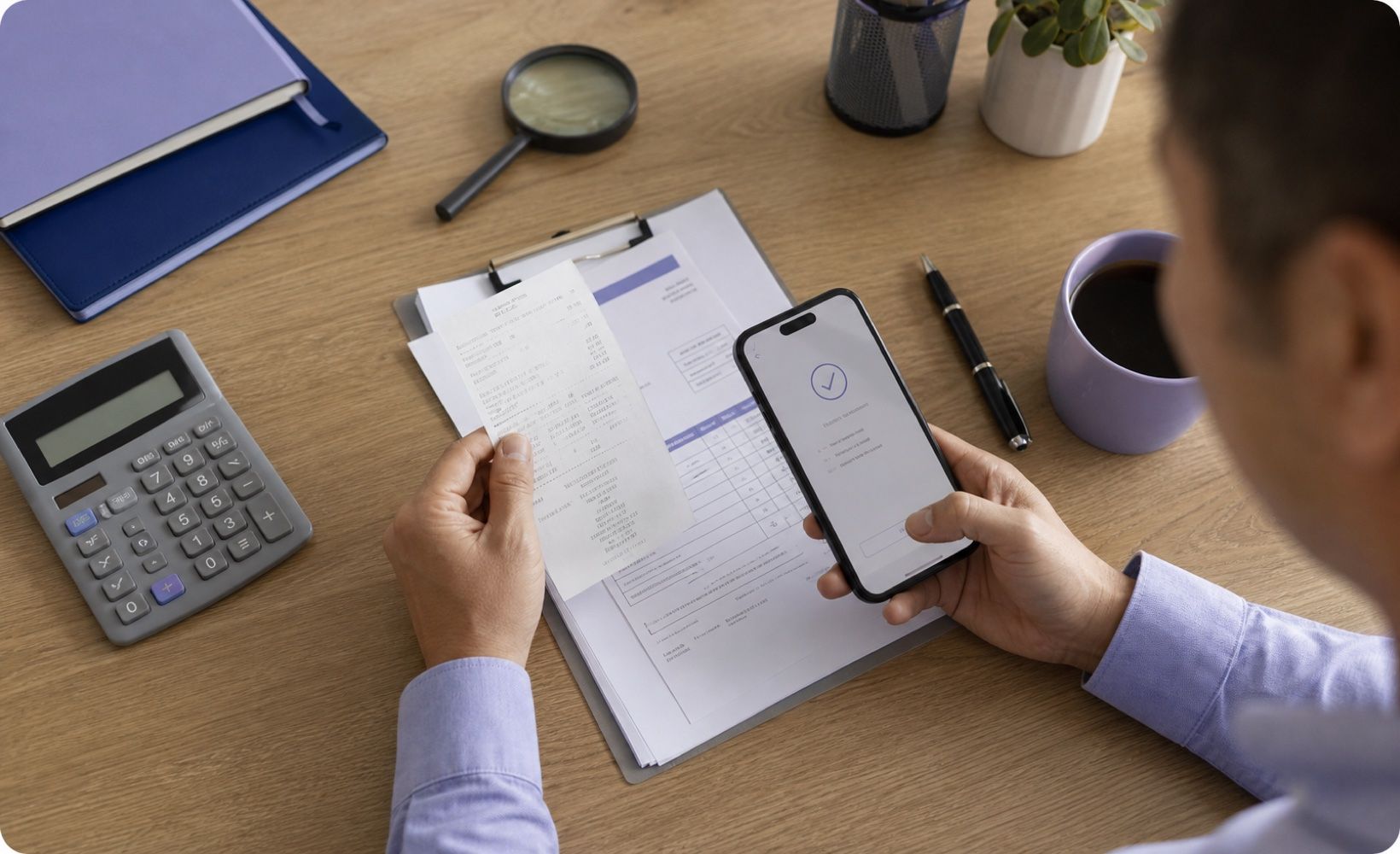
Look for synthetic or manipulated signals in receipts, invoices, and payment screenshots before approval.
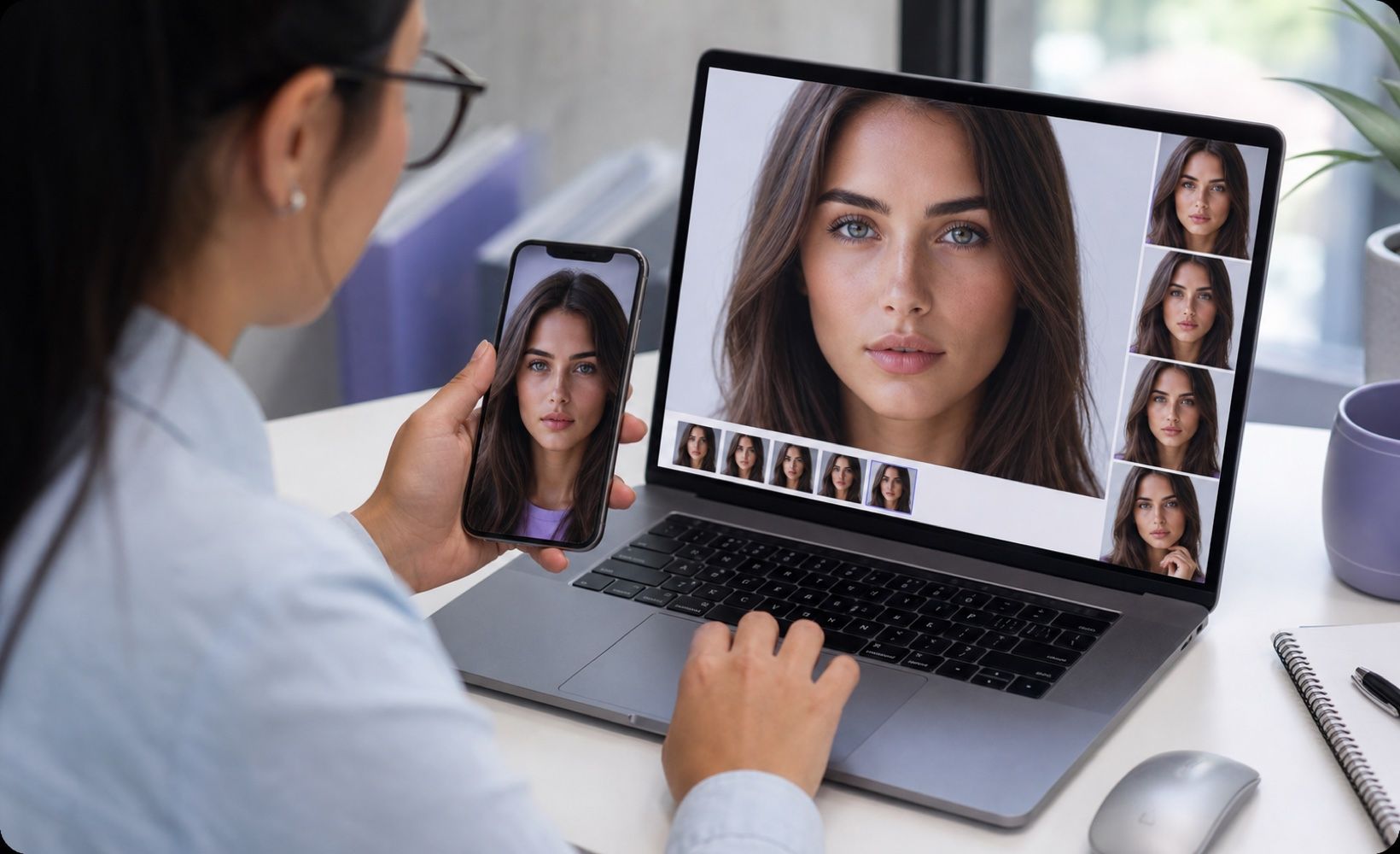
Check profile pictures and identity-style images that may have been generated or heavily altered.
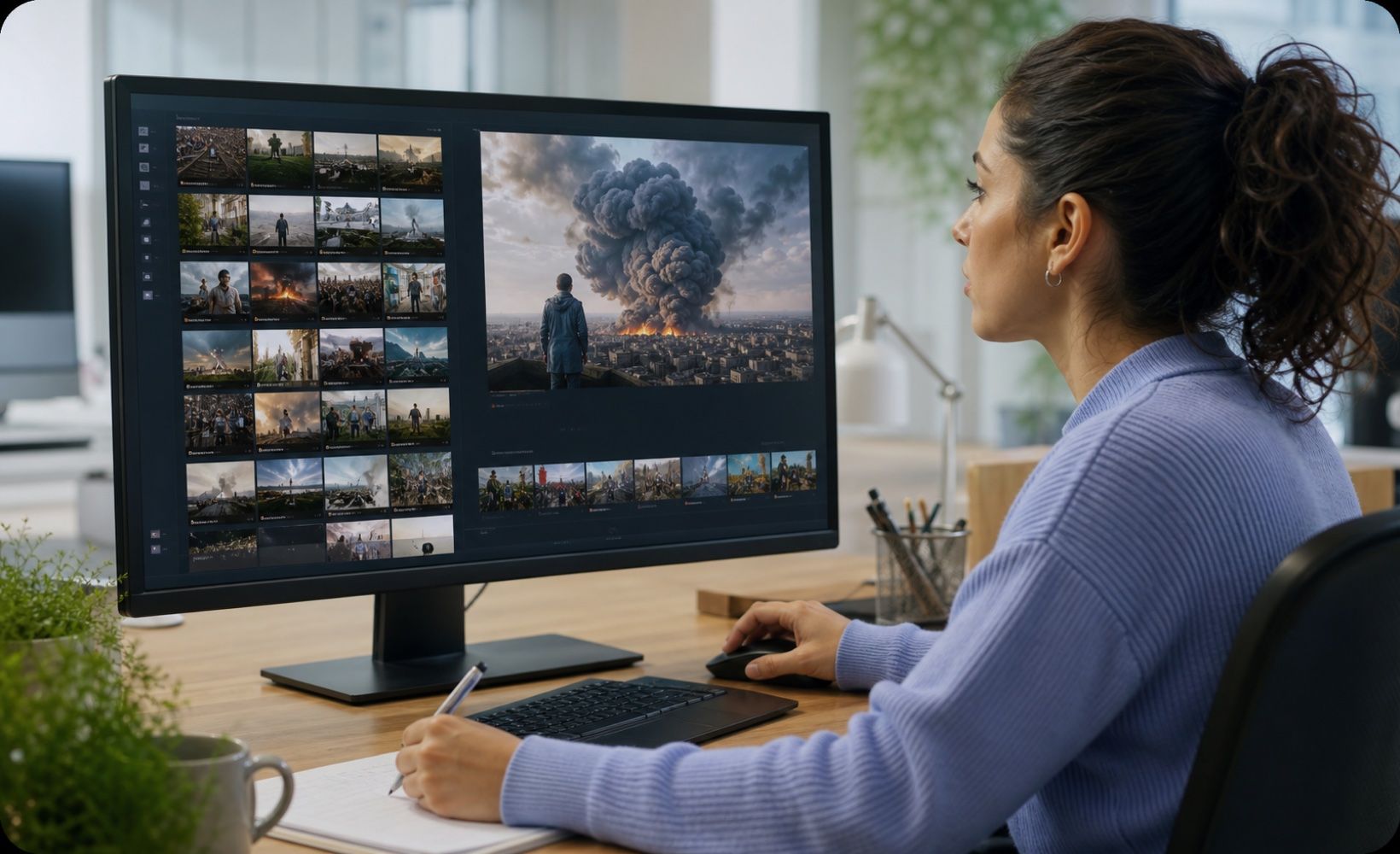
Review submitted artwork and design samples when authorship or disclosure matters.

Triage suspicious posts and user uploads, then escalate uncertain results for human review.

Read AI and human probability on a clear scale instead of relying on a vague visual impression.

Start with a fast Basic Scan, then use Advanced Scan when a decision needs more evidence.

See whether available AI watermark signals are detected while remembering that many generators embed no watermark.

Check whether standardized content credentials are present and use them as context, not conclusive proof.

Inspect available file metadata and note when camera or creator information is missing, partial, or inconsistent.

Document dimensions, file size, MIME type, color space, channels, and density in a deeper review.

Use available sharing and PDF report options to discuss findings with editors, clients, or review teams.

Uploaded images are processed for detection and then deleted, supporting privacy-conscious review workflows.

Review sourced and viral images before publication while documenting signals that require follow-up.

Inspect product photos, receipts, and seller evidence before approving a listing or claim.

Triage profile pictures, screenshots, and user uploads during moderation investigations.

Check third-party visuals before they appear in articles, campaigns, or branded social posts.

Assess visual assignments and presentation assets without treating a detector result as final proof.

Review incoming artwork, portfolio samples, and campaign assets when origin and disclosure matter.

Visual News Editor

A contributor sent a dramatic image with no clear source. The probability result helped me decide to request the original file before publication.

Marketplace Operations Lead
We use Advanced Scan when product photos and payment screenshots need more context than a quick visual check can provide.

Brand Content Manager
The Real-to-AI scale is easy to explain to teammates, and the evidence section keeps us from overreacting to one number.

Digital Researcher
I value the caution around missing watermarks and metadata. The tool gives me leads to investigate rather than pretending to deliver absolute proof.

Academic Reviewer
For visual assignments, I compare the result with drafts and student context. It supports a fairer conversation than judging from appearance alone.

Creative Operations Manager
A PDF report gives our agency a practical record when we need to discuss questionable assets with a vendor or client.
Answers about image fake detection, scan modes, supported files, privacy, and interpreting uncertain results.
A fake image detector reviews visual and file signals to estimate whether an image may be AI-generated, manipulated, or likely authentic. It provides evidence for review, not definitive proof.
Upload the image, run Basic or Advanced Scan, and review the probability scale and available evidence. Also check the source, context, and original file.
Basic Scan provides a free online workflow. Advanced Scan is a Pro mode for deeper forensic context and report features.
Basic Scan is designed for quick detection. Advanced Scan adds deeper evidence such as available watermark, C2PA, EXIF, file information, and reporting details.
No. Compression, screenshots, editing, and new generation methods can affect results. Combine detector signals with human judgment.
Yes, but heavy compression or low resolution may reduce useful evidence. Upload the clearest available version whenever possible.
You can upload JPG, JPEG, PNG, or WebP images up to 10 MB.
The image is processed for detection and then deleted. Avoid uploading material you are not authorized to review.
It can surface signals that support review of generated or manipulated images, but it cannot prove every edit or identify every editing method.
Yes. These files can be reviewed for suspicious signals, but decisions involving identity or money should include independent verification.
Yes. Use the result as an initial signal, then review account history, source context, and other available evidence.
Request the original file, compare known sources, inspect context, and use a deeper review before approving, rejecting, or accusing anyone.


