Editorial Image Approval
Check freelancer and contributor images before they are cleared for publication.



Drag & drop or upload an image
JPG · JPEG · PNG · WEBP · max 10 MB
Detected then deleted · Reports are independently verifiable

Upload an image to start
Drop a file on the left, or pick one of the sample images.
Try one of our sample images
Uncover the truth behind any text. Use our free AI detector to instantly analyze and verify whether content is human-written or AI-generated.



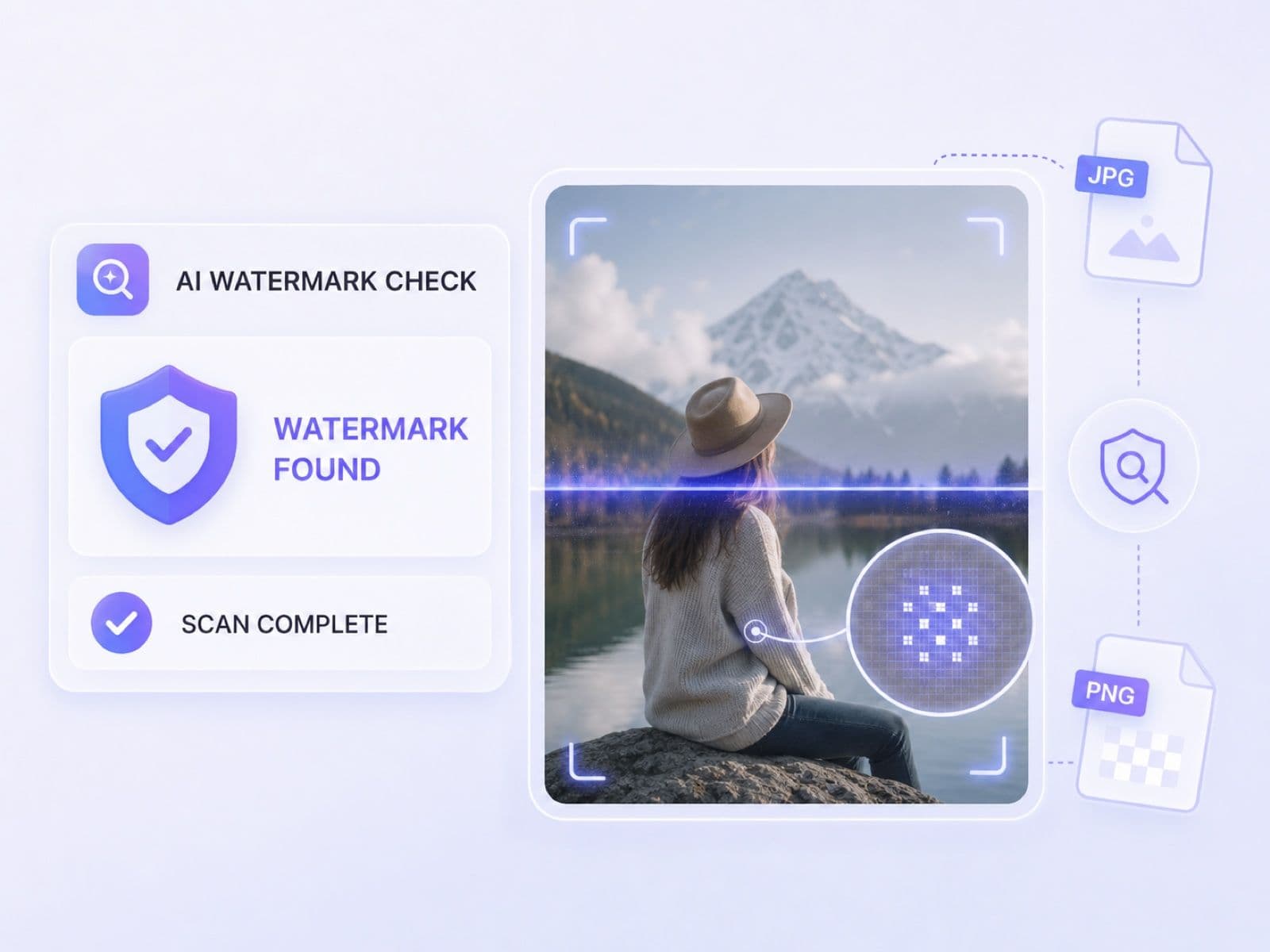
Drag and drop a JPG, JPEG, PNG, or WebP image up to 10 MB, choose a file, or start with a sample image.
Choose Basic Scan for a quick first pass or Advanced Scan for deeper watermark, provenance, and metadata evidence.
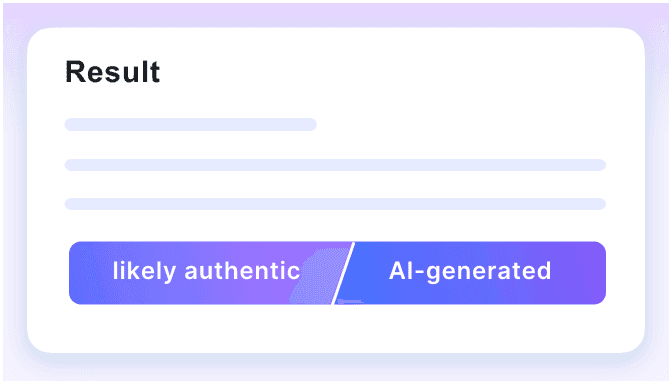
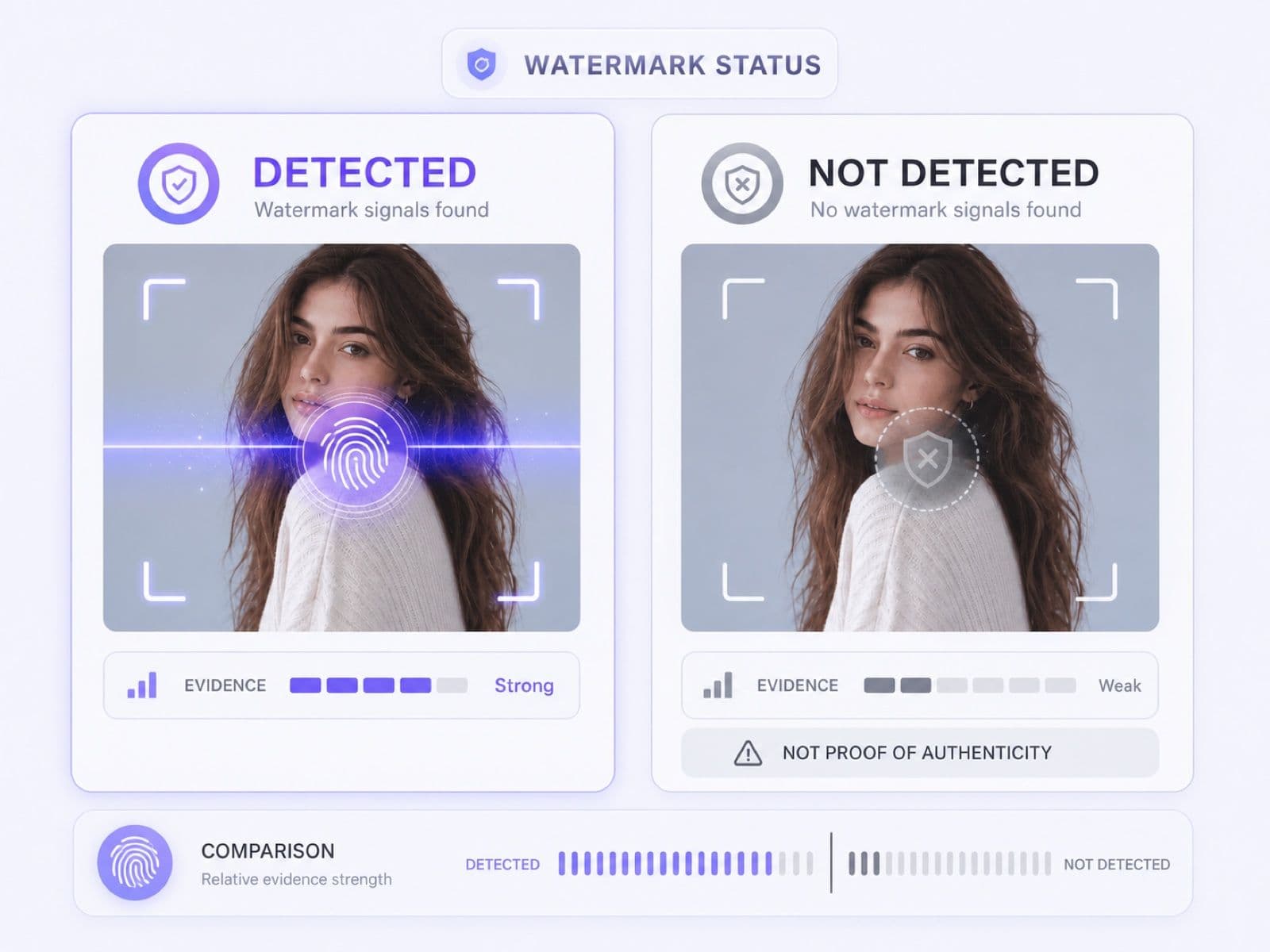
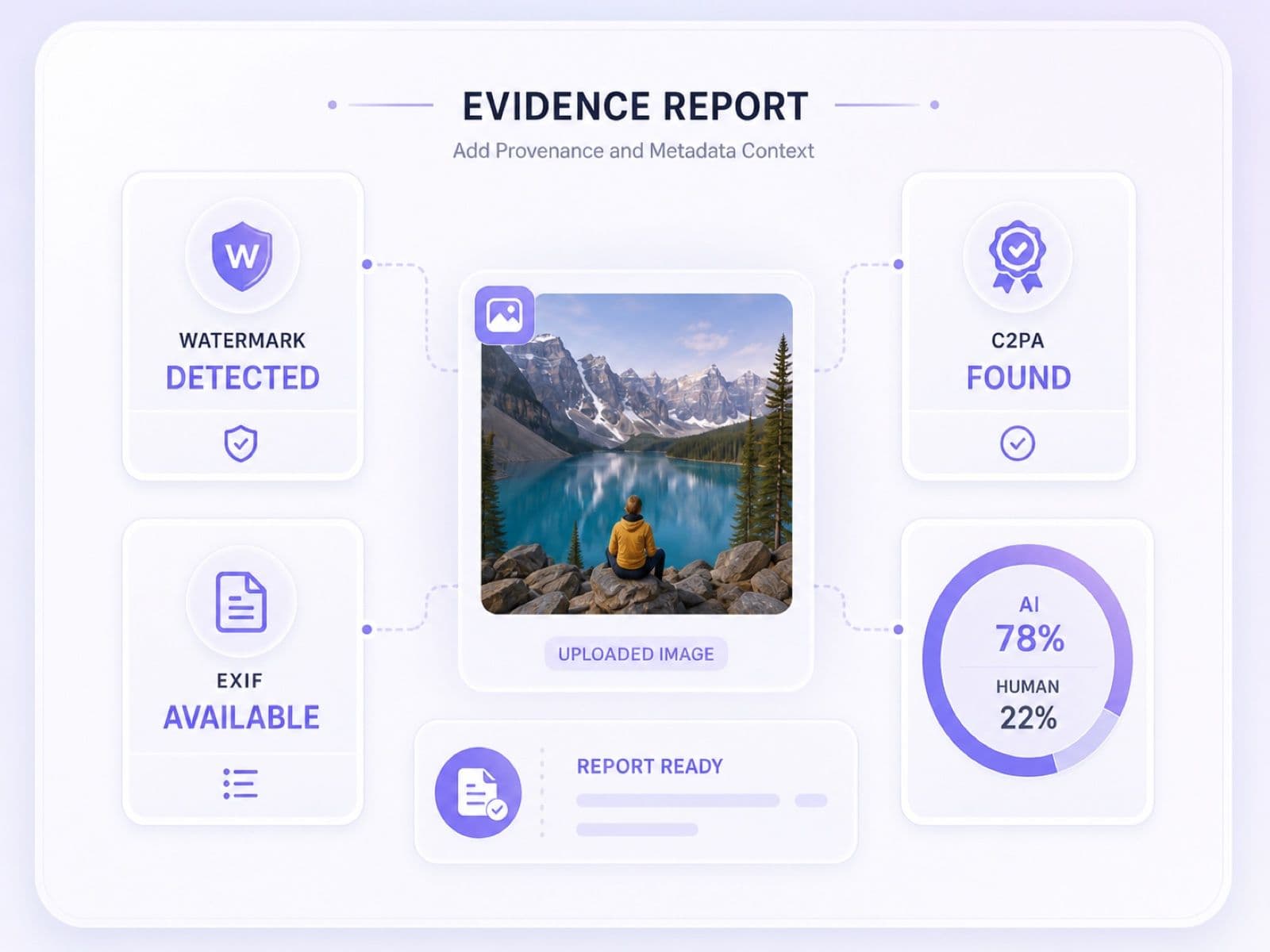
Review detected or not detected status alongside C2PA, EXIF, probabilities, and source context. Do not use watermark absence as proof of authenticity.
Use watermark evidence when an image's origin, disclosure, or review trail affects a real decision.
Check freelancer and contributor images before they are cleared for publication.
Inspect submitted artwork and presentation images while keeping human context in the decision.

Review product photos and profile assets when AI disclosure or origin matters.

Compare watermark evidence with provenance, metadata, and source reporting before resharing a claim.
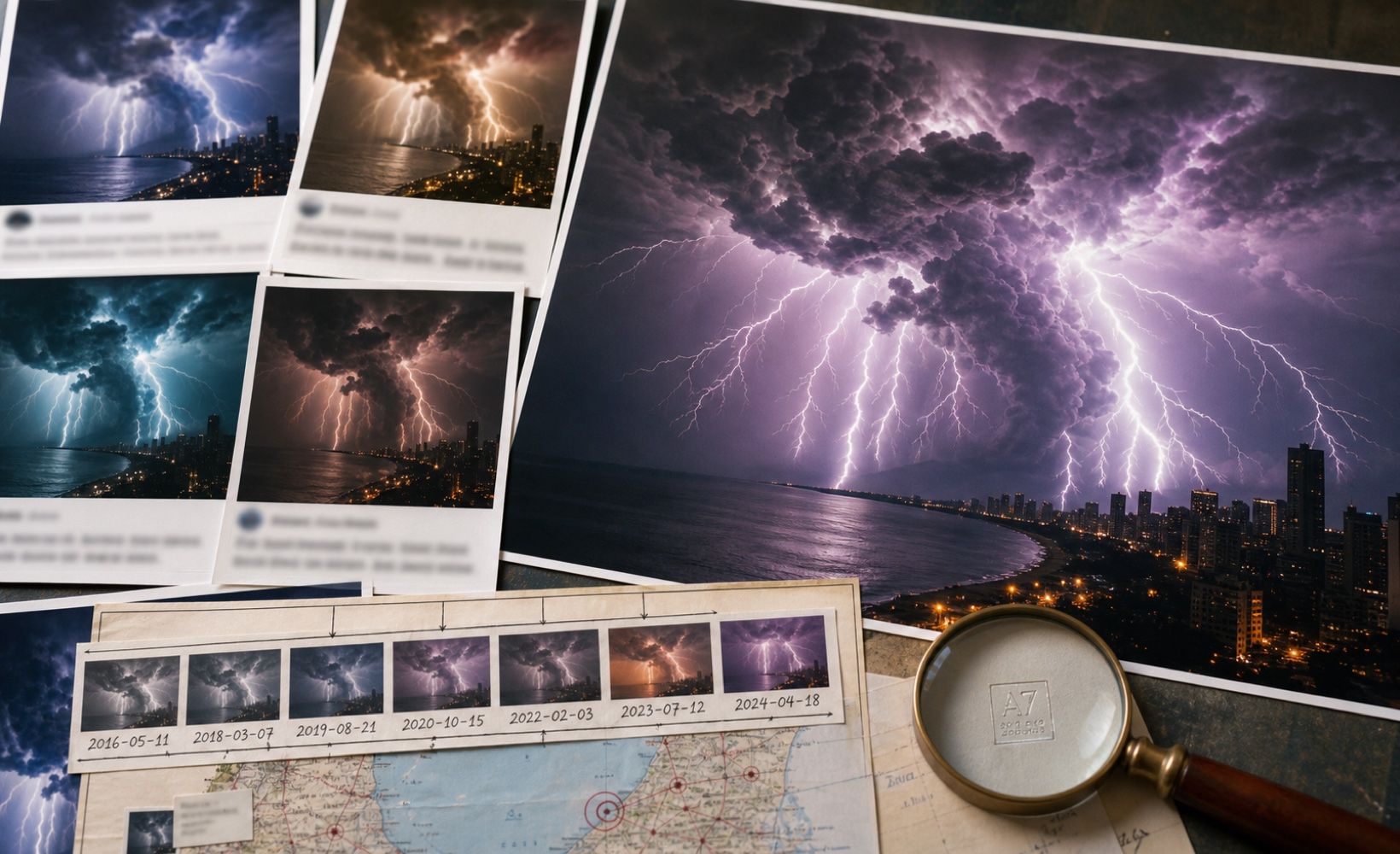
Check exported AI-assisted creative work for remaining watermark or provenance information.

Use a quick check to prioritize suspicious uploads for deeper manual investigation.

GPT Image 2
Nano Banana 2 & Pro
Midjourey
GANs
Stable Diffusion
Ideogram
Flux
Bing Image Creator
GPT Image 2
Nano Banana 2 & Pro
Midjourey
GANs
Stable Diffusion
Ideogram
Flux
Bing Image Creator

Check uploaded images for available AI watermark signals instead of scanning plain text for hidden Unicode characters.

See a direct evidence status designed to support review without turning absence into a claim of authenticity.

Review C2PA provenance and Content Credentials when present to understand what they may reveal about the image's creation or editing history.

Inspect available metadata and understand that missing or partial fields can result from normal re-encoding.

Use the Real-to-AI scale, AI probability, and human probability when watermark evidence alone is inconclusive.

Document file properties, model version, and report ID when a team needs a repeatable review trail.

Share available results or export a PDF when editors, clients, or reviewers need to discuss the same evidence.

The service processes each upload for analysis and automatically deletes the image afterward, limiting its time in the review workflow.

Check contributor images for watermark evidence before publication approval.

Review visual assignments for AI-origin signals without treating a tool result as final proof.

Inspect product photos and profile assets for watermark and provenance context.

Compare watermark, C2PA, EXIF, and probability signals on suspicious news images.

Check exported AI-assisted artwork for remaining watermark or provenance information before delivery.

Triage user-uploaded images and escalate uncertain cases for deeper review.

Publishing Editor

I check contributor images before approval. A watermark status gives me a concrete reason to request source files when the origin is unclear.

Marketplace Moderation Lead
The combination of watermark, C2PA, and EXIF context is more useful than a simple fake-or-real label for product listing reviews.

Visual Fact-Checker
On viral images, I compare the watermark evidence with probability and source reporting. It helps structure the investigation without replacing it.

Academic Integrity Reviewer
The not-detected explanation matters. It prevents reviewers from treating a missing watermark as proof that a visual assignment is human-made.

Freelance Illustrator
I use the report during client delivery when AI-assisted artwork needs a clearer disclosure and review trail.

Trust and Safety Analyst
For sensitive uploads, the processed-then-deleted workflow gives our team a more practical first-pass review option.
Answers about hidden image watermarks, Detection Evidence, C2PA, EXIF, scan modes, privacy, and interpretation limits.
An AI image watermark detector checks an image for available signals that may indicate AI generation or provenance. Results should be interpreted with other evidence.
Upload a supported image, run the scan, and review the AI watermark status in Detection Evidence together with provenance, metadata, and probability signals.
Lynote checks available watermark signals, including evidence that may not be visually obvious. It cannot promise detection of every proprietary or future watermark technology.
Basic Scan provides a quick first pass. Advanced Scan adds deeper forensic evidence, including available watermark, C2PA, EXIF, file details, and reporting information.
It reports whether an AI watermark was detected and can add C2PA and EXIF status. Each result includes explanatory context to reduce overinterpretation.
No. Many AI generators embed no watermark, and watermark data may be removed or changed. Use other evidence and human judgment.
No. This page checks image files. An AI text watermark detector usually looks for hidden Unicode characters or formatting in pasted text, which is a different task.
Lynote accepts JPG, JPEG, PNG, and WebP images up to 10 MB.
Images are processed for detection and then deleted. Only upload files you are authorized to review.
Basic Scan provides a free first-pass image check. Advanced Scan is a Pro mode for deeper forensic evidence and report features.
No. A watermark AI detector, watermark detector AI service, or watermark AI checker may inspect different evidence. Watermark systems vary by generator, so no tool should claim universal coverage.
Check the original source, C2PA and EXIF context, image history, and other verification methods before making a decision.