Check School Writing
Review essays, discussion posts, and homework drafts when the writing feels unusually polished or different from the student's usual voice.



Drag & drop or upload an image
JPG · JPEG · PNG · WEBP · max 10 MB
Detected then deleted · Reports are independently verifiable
Upload an image to start
Drop a file on the left, or pick one of the sample images.
Try one of our sample images
Uncover the truth behind any text. Use our free AI detector to instantly analyze and verify whether content is human-written or AI-generated.




Paste writing into Lynote AI Detector or upload an image to Lynote AI Image Detector. Instead of relying on a quick impression, you get clearer signals about whether the content looks AI-generated, mixed, edited, or likely human-made.

An AI or not result should guide review, not replace judgment. Lynote helps you inspect scores, sentence highlights, and image authenticity clues before you publish, approve, submit, or question the content.

Text and images can be checked directly in Lynote. For voice clips, videos, and music, this page gives practical signs to review manually, so you know when to ask for source files, context, or a second opinion.
Paste a paragraph, essay, post, or product copy into the AI text checker, or upload a photo, artwork, receipt, screenshot, or profile image.
Let Lynote analyze the supported content and return clearer AI signals than a quick yes-or-no guess.
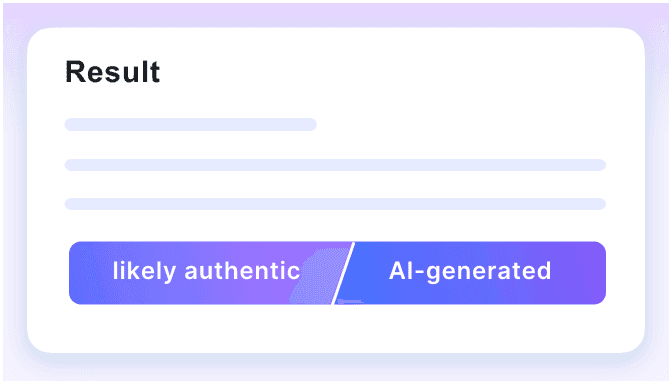
Look at scores, highlighted sentences, visual clues, source context, and your own judgment before you decide what to do next.
A useful AI check does not just answer yes or no. It shows which signals deserve review, where the content may need context, and why one score should not be treated as final proof.
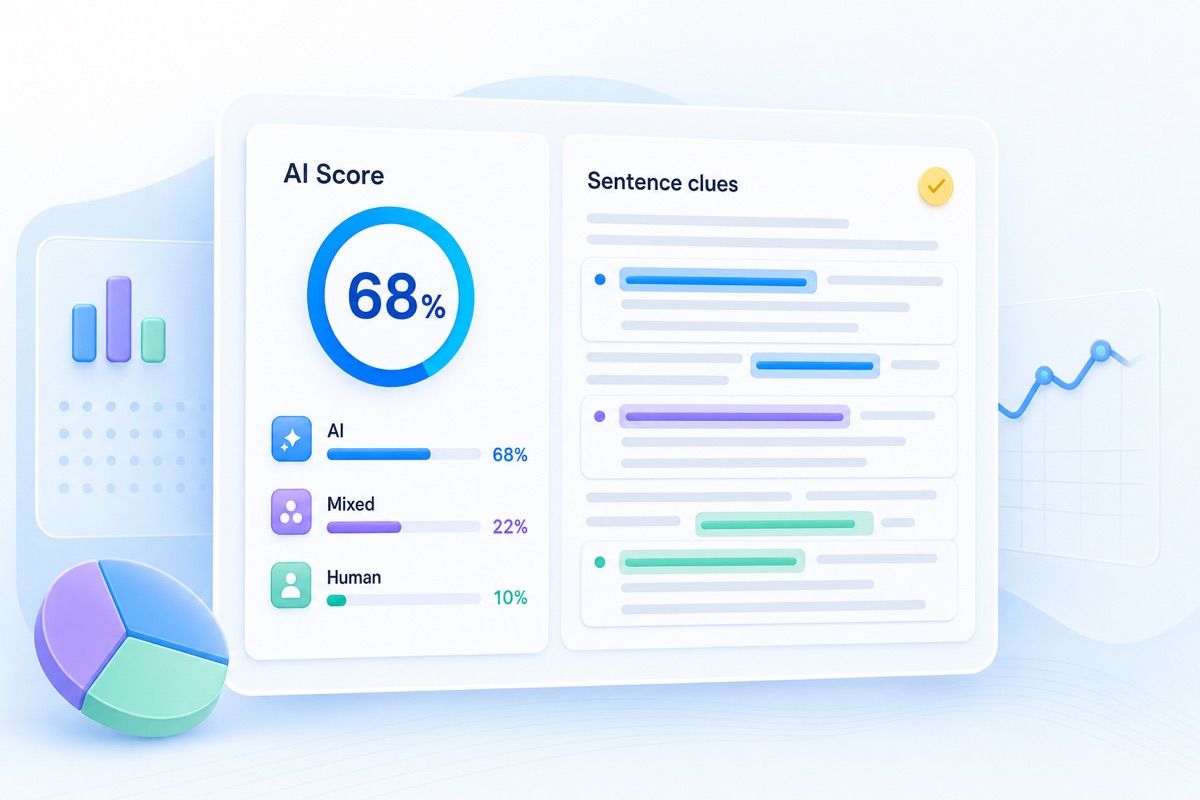
Use the result as a review workflow:
Run a check when content affects trust, money, identity, grading, publishing, moderation, or reputation.
Review essays, discussion posts, and homework drafts when the writing feels unusually polished or different from the student's usual voice.
Check product photos, marketplace images, and seller visuals before you approve a listing, ad, refund, or customer-facing claim.

Use extra care with receipts, invoices, ID-style images, and payment screenshots when small edits could affect trust or approval.

Look closer at avatars, dating profiles, creator accounts, and user-submitted photos that appear realistic but have no clear source trail.

Review illustrations, design samples, portfolio images, and creative assets when originality or authorship matters.
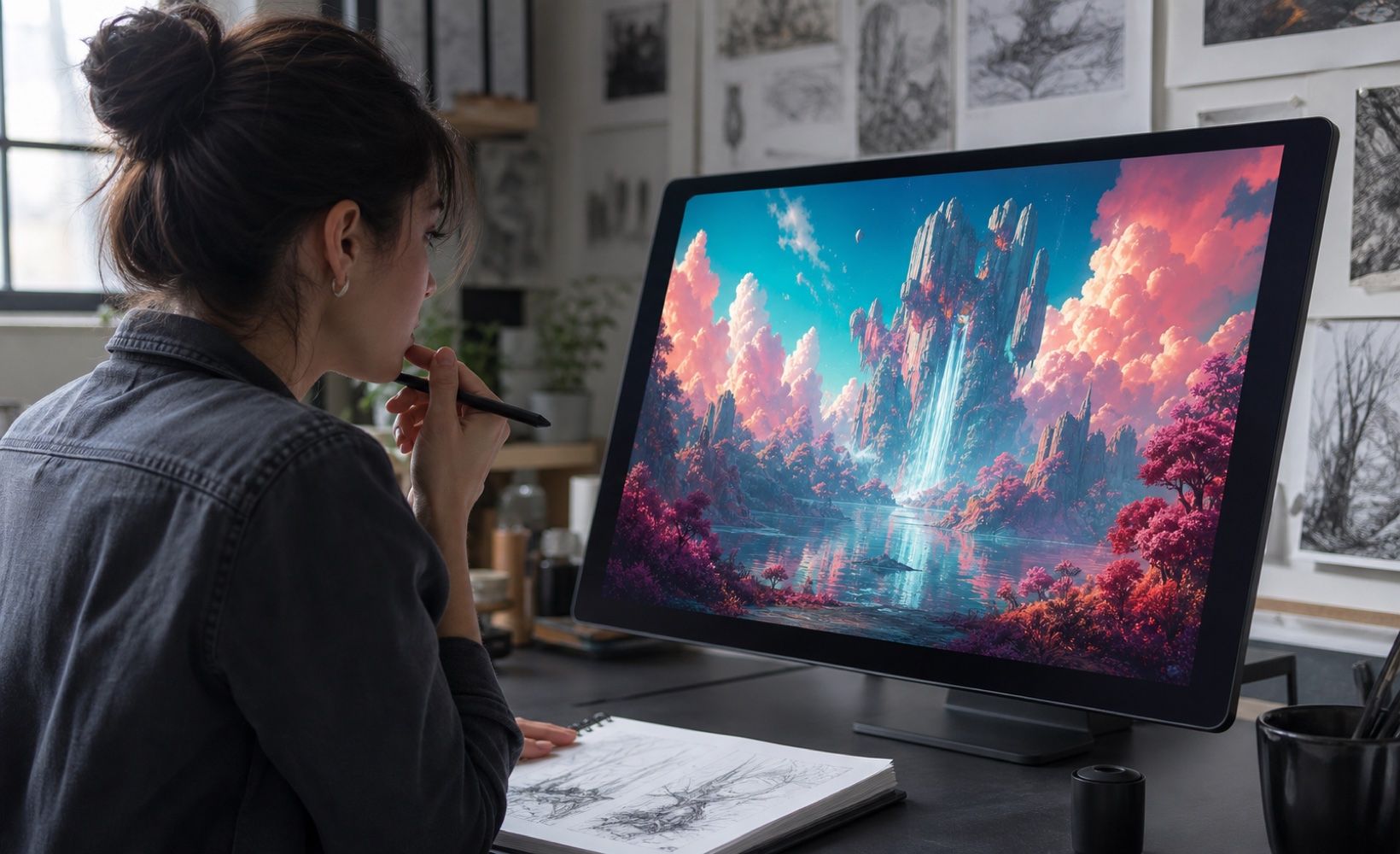
Slow down before resharing dramatic images, screenshots, or public claims that spread without reliable source context.

Modern AI image tools can create polished faces, products, scenes, and artwork. The stronger check is not whether the image looks beautiful, but whether the small details stay coherent.
Look at text, labels, reflections, repeated textures, hands, backgrounds, and source history. Then use Lynote AI Image Detector when the image affects a real decision.

GPT Image 2

Nano Banana 2 & Pro

Midjourey
GANs

Stable Diffusion
Ideogram
Flux

Bing Image Creator
GPT Image 2
Nano Banana 2 & Pro
Midjourey
GANs
Stable Diffusion
Ideogram
Flux
Bing Image Creator

Use one Lynote workflow for the two AI-or-not questions people ask most often: whether writing is AI-generated and whether an image looks synthetic or edited.

Get signals that help you decide what needs closer review instead of relying on a first impression or a vague feeling that something looks off.

For text, Lynote can highlight specific lines that may look AI-written, so you can review the exact areas that matter.

For images, Lynote helps review AI probability, human probability, metadata, and visual patterns that are easy to miss at first glance.

Use it before grading, publishing, approving listings, reviewing receipts, checking profiles, or trusting visuals shared online.

Lynote encourages review, not overclaiming. Treat results as evidence to combine with source files, context, and human judgment.
A high AI signal should start a review, not end the conversation. Use these steps before making a final call.
Review the score, highlighted sentences, visual details, metadata, and source context before deciding what the result means.
Check earlier drafts, original files, camera uploads, creator history, or account context when the content affects a decision.
If the result matters, request notes, references, source images, file history, or a short explanation from the person who submitted it.
Do not accuse, reject, or approve based on one signal alone. Use the result as part of a broader review process.
For your own work, revise weak text or replace uncertain visuals. For third-party content, verify origin before relying on it.
Save screenshots, reports, source links, and notes when the review affects grading, payment, publishing, moderation, or compliance.

Check essays, assignment drafts, presentations, and submitted images when AI involvement needs careful review.

Review articles, contributor drafts, images, screenshots, and visual claims before they go live.

Inspect product images, receipts, seller visuals, and proof-of-payment screenshots before approval or customer decisions.

Check blog drafts, landing pages, social posts, and campaign visuals before publishing to a wider audience.

Screen suspicious profiles, avatars, manipulated documents, and synthetic-looking content during moderation workflows.

Review artwork, portfolio pieces, design samples, and visual assets when originality or disclosure matters.

Graduate Student

I used Lynote before submitting a paper that had been heavily edited with AI. The sentence highlights helped me revise the parts that sounded too automated.

Marketplace Manager
A seller uploaded product photos that looked too perfect. Lynote gave our team a clearer reason to request original files before approving the listing.

Content Editor
The AI or not workflow is useful when a draft feels polished but generic. I can check the text, review the highlighted lines, and ask the writer for context.

Fact-Check Researcher
For viral screenshots and images, Lynote helps me slow the process down. I still check the source, but the visual signal gives me a better starting point.

Teacher
I like that Lynote does not force me to treat one score as proof. It gives signals I can compare with drafts, classroom context, and student explanations.

Creative Lead
We use it as a quick authenticity check before client delivery. It is especially helpful when images, captions, and ad copy come from different contributors.
Answers about checking AI text, AI images, review signals, and what to do when results are uncertain.
AI or not means checking whether content was likely made by artificial intelligence or by a human. The question can apply to text, images, posts, screenshots, profile photos, voice clips, videos, music, and other media.
Yes. Lynote AI Detector can review text and return AI-generated, mixed, and human-written signals, with sentence highlights for lines that deserve closer review.
Yes. Lynote AI Image Detector can help review whether an image appears AI-generated, edited, or likely human-made.
Yes, for supported formats. You can check text or images with Lynote, then use the manual signs on this page to review voice, video, or music more carefully.
No. AI detection should be treated as a signal, not final proof. Combine the result with source context, original files, creator history, and human judgment.
Zoom into hands, text, labels, reflections, shadows, repeated textures, background objects, and source history. If several details look wrong, run a supported check or ask for the original file.
Look for generic claims, repetitive paragraph rhythm, missing examples, vague transitions, and a voice that does not match the writer. A detector can add another layer of review.
This page provides review tips for voice, video, and music. Lynote should only be used as a direct detector for formats that are live: text and images.
Do not rely on one clue. Save the content, check the source, compare it with known originals, run a supported detector, and ask for context or source files when the decision matters.
Yes. Lynote offers free access to core AI tools, with higher usage limits and advanced options available on paid plans.


