

AI Chat With Images

Drop files or browse

Add study materials to enable the AI to extract and structure content.



Why Choose Our AI Image Chat Tool?

Interactive Conversational Q&A
Use interactive conversational Q&A to ask follow-up questions about specific picture details within a continuous chat thread.

Deep Visual Analysis
Apply deep visual analysis to accurately interpret complex charts, graphs, and diagrams beyond basic image recognition.

Multilingual Support
Utilize multilingual support to upload foreign images and conduct cross-language chat workflows in your native tongue.

Free to Use
Access free AI chat with pictures instantly, with no hidden costs. Enjoy this AI chat with pictures free of charge.

Broad Format Compatibility
Benefit from broad format compatibility in this perchance AI chat with image tool, supporting JPG, PNG, WEBP, and screenshots.

Private and Secure
Uploaded photos and sensitive screenshots are processed securely, backed by strict privacy controls to protect data.
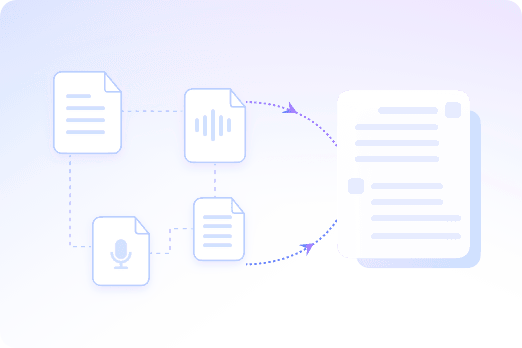
Chat With Multiple Images in Batch
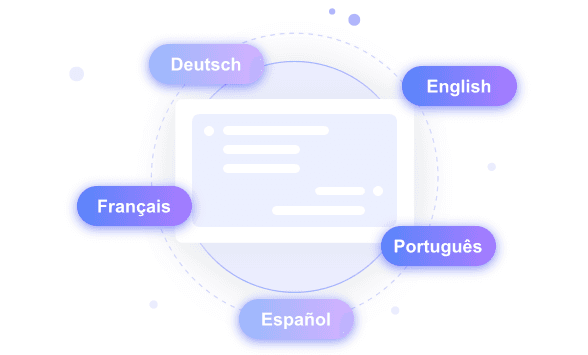
Chat With Images in Your Own Language
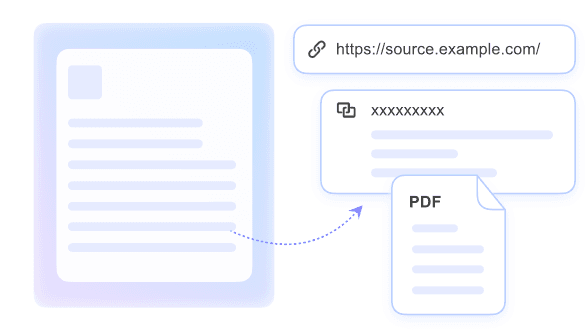
Unlock Hidden Data From Screenshots and Scanned Photos
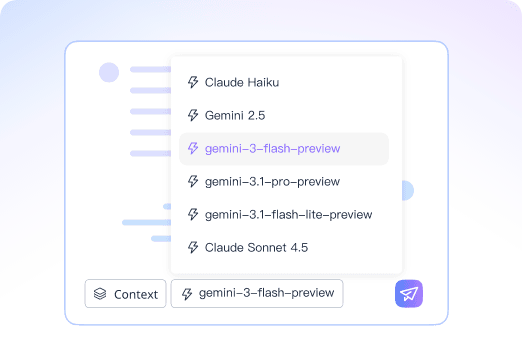
Maintain Accurate Context and Understanding of Visual Elements
How to Chat With Images in 3 Steps
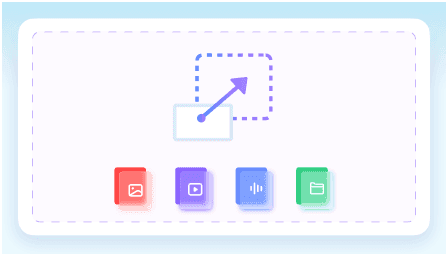
Step 1. Upload Your Images
Add photos, screenshots, or diagrams directly to the workspace. This creates a shared visual context base for the AI to analyze, preparing your files for immediate questioning.
Step 2. Ask Your Questions
Type direct questions about the visual content you uploaded. You can request detailed explanations, translations, or targeted data extraction based strictly on the provided picture.
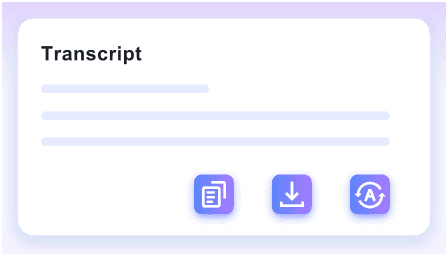
Step 3. Review and Share
Summarize the visual insights provided by the AI response. You can then translate your findings and share the generated notes directly with your team for collaborative work.
Who Can Benefit from AI Picture Chat?

Students
Upload lecture slides and diagrams to get complex visual concepts explained instantly with our AI chat with images.

Researchers
Analyze data charts and graphs to extract key metrics without manual data entry using an AI chat with image upload.

Designers
Upload UI screenshots and mockups to get AI feedback on layout and visual hierarchy during your AI chats with pictures.

E-Commerce Sellers
Compare product photos in batch to generate accurate, visually-grounded product descriptions through a free AI chat with pictures.

Engineers
Start an AI chat with image files like complex schematics and blueprints to quickly locate specific technical details.

Social Media Managers
Extract text from infographics and memes to repurpose visual content into written posts using a perchance AI chat with image.
What Our Users Say

Biology Student

"I used the free AI chat with pictures to understand a complex cell biology diagram. It provided detailed explanations of the organelles without any hidden costs."

Data Researcher
"This tool performs deep analysis on dense statistical charts for my academic papers. The AI chat with images extracted the exact metrics I needed from a scanned PNG."

Online Store Owner
"Using this AI chat with pictures free tool to batch upload product JPEGs changed how we compare inventory features instantly. It saves hours of manual cataloging."

Mechanical Engineer
"I rely on accurate context to decode confusing electrical schematics. This AI chat with image upload maintains perfect understanding of complex PDF blueprints."

UX Designer
"The interactive chat lets me ask follow-up questions about my UI mockups. It feels like a real conversation when reviewing design layouts with this AI chat with image tool."

Marketing Manager
"I unlocked hidden data by extracting text directly from a competitor's infographic. Using perchance AI chat with image capabilities makes analyzing campaign screenshots incredibly simple."
Frequently Asked Questions
Still got questions about chatting with images? Here are the answers.
Chatting with an image means you upload a visual file and ask an AI questions about its specific contents. The tool analyzes the graphics, reads any text, and provides context-aware answers based on what it sees. This allows you to extract information without manual data entry.
You can upload various standard visual formats, including JPG, PNG, and scanned PDF documents. This broad compatibility allows you to analyze everything from academic diagrams and UI screenshots to product photos and complex technical blueprints in one workspace.
Yes, you can upload several images in batch to cross-reference details. The AI reviews all files to answer questions spanning the entire visual context.
The AI reads the actual image rather than making guesses. It actively extracts embedded text, recognizes visual objects, and interprets layout structures. This deep analysis ensures that every answer is grounded in the specific data provided within your uploaded visual.
Yes, your uploads are processed securely with strict privacy controls. We do not use your private images to train public models.
Yes, we offer a free tier that lets you upload photos and interact with them instantly without a paid subscription.
Yes. The tool automatically detects text within your image and translates it into your preferred language during the chat session.


