




ZeroGPT AI Humanizer for More Natural Writing

Turn stiff AI drafts into clearer text with Lynote. Revise repetitive wording, improve sentence flow, and shape the result around your audience.

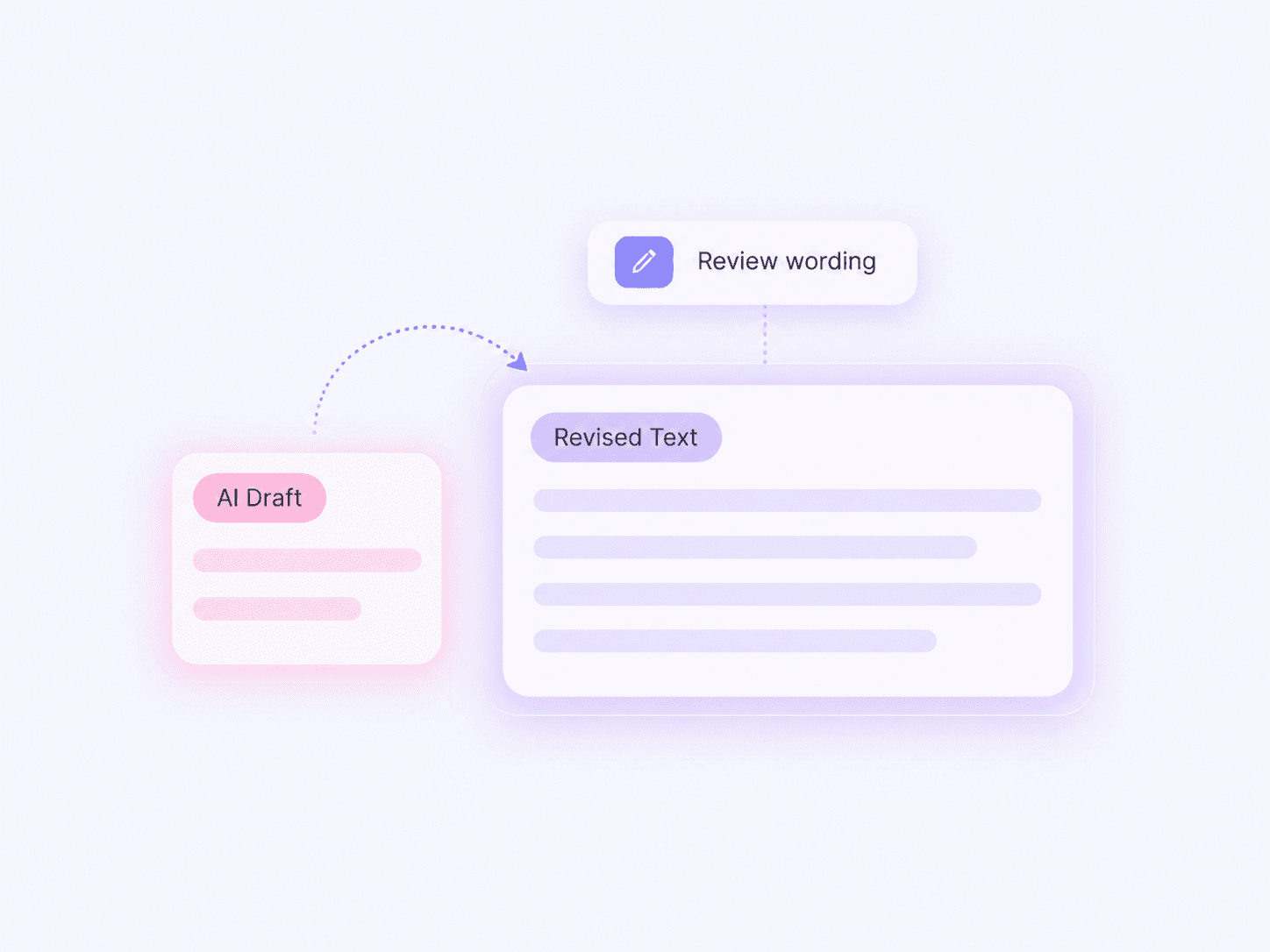
ZeroGPT AI Humanizer alternative - AI draft and revised text overview

What Is ZeroGPT AI Humanizer?

ZeroGPT AI Humanizer is a rewriting tool offered on the ZeroGPT website. Its humanizer revises wording, while its AI detector evaluates text for signs of AI generation. These are different tasks: a rewrite changes the text; a detection report provides an assessment.

Why Choose Lynote for Your Next Rewrite?

ZeroGPT AI Humanizer alternative - Give Stiff Sentences a Clearer Direction

Give Stiff Sentences a Clearer Direction

Start with a paragraph that takes too long to reach its point. Review a more direct version and keep the information your reader needs.

ZeroGPT AI Humanizer alternative - Improve the Flow Between Ideas

Improve the Flow Between Ideas

Read beyond individual word choices. Check whether each sentence follows naturally from the previous one and whether transitions explain the connection.

ZeroGPT AI Humanizer alternative - Adjust How Much You Rewrite

Adjust How Much You Rewrite

Choose an available rewriting setting that suits your draft. A paragraph that needs a small edit deserves a different approach from one that needs restructuring.

ZeroGPT AI Humanizer alternative - Start with Text or a Document

Start with Text or a Document

Paste a passage into the editor or upload a supported document. Check that the imported text is complete before processing it.

ZeroGPT AI Humanizer alternative - Compare Wording Before You Commit

Compare Wording Before You Commit

Keep your original nearby. Review changes to names, numbers, technical terms, and qualifications before replacing any text.

ZeroGPT AI Humanizer alternative - Keep Your Own Voice in the Result

Keep Your Own Voice in the Result

Use the rewrite as a starting point. Add the examples, observations, and phrasing that make the writing specific to you.

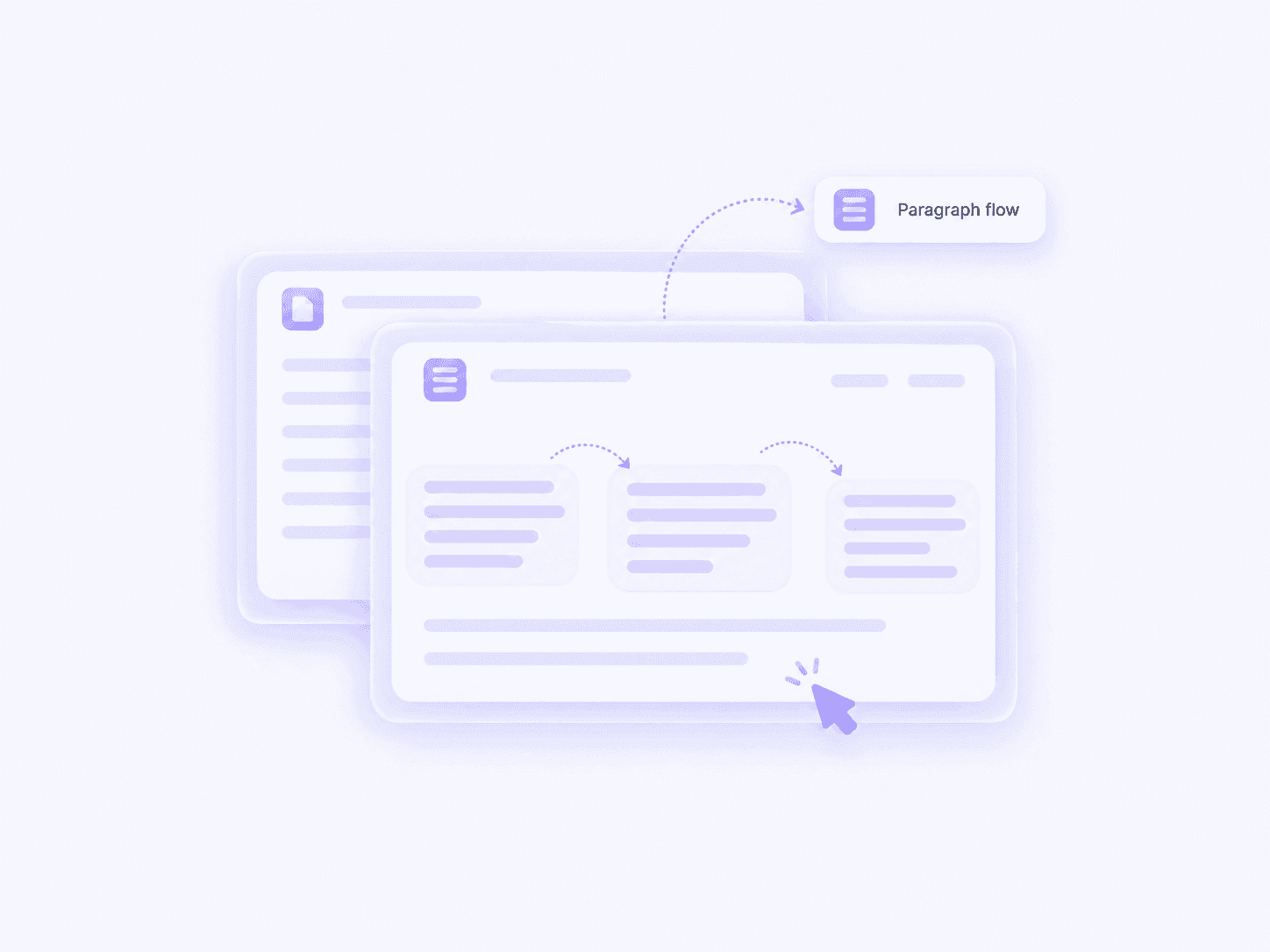
ZeroGPT AI Humanizer alternative - paragraph flow and sentence connections

Humanize AI Text with the Whole Paragraph in Mind

A sentence can be grammatically correct and still feel awkward in context. Repeated openings, unnecessary transitions, and long introductions can make a useful idea harder to follow.

Use Lynote to explore a different version of the passage. Compare how the revision introduces the main point, connects supporting details, and brings the paragraph to a close.

The strongest version should be easy to follow without losing the substance of your draft.

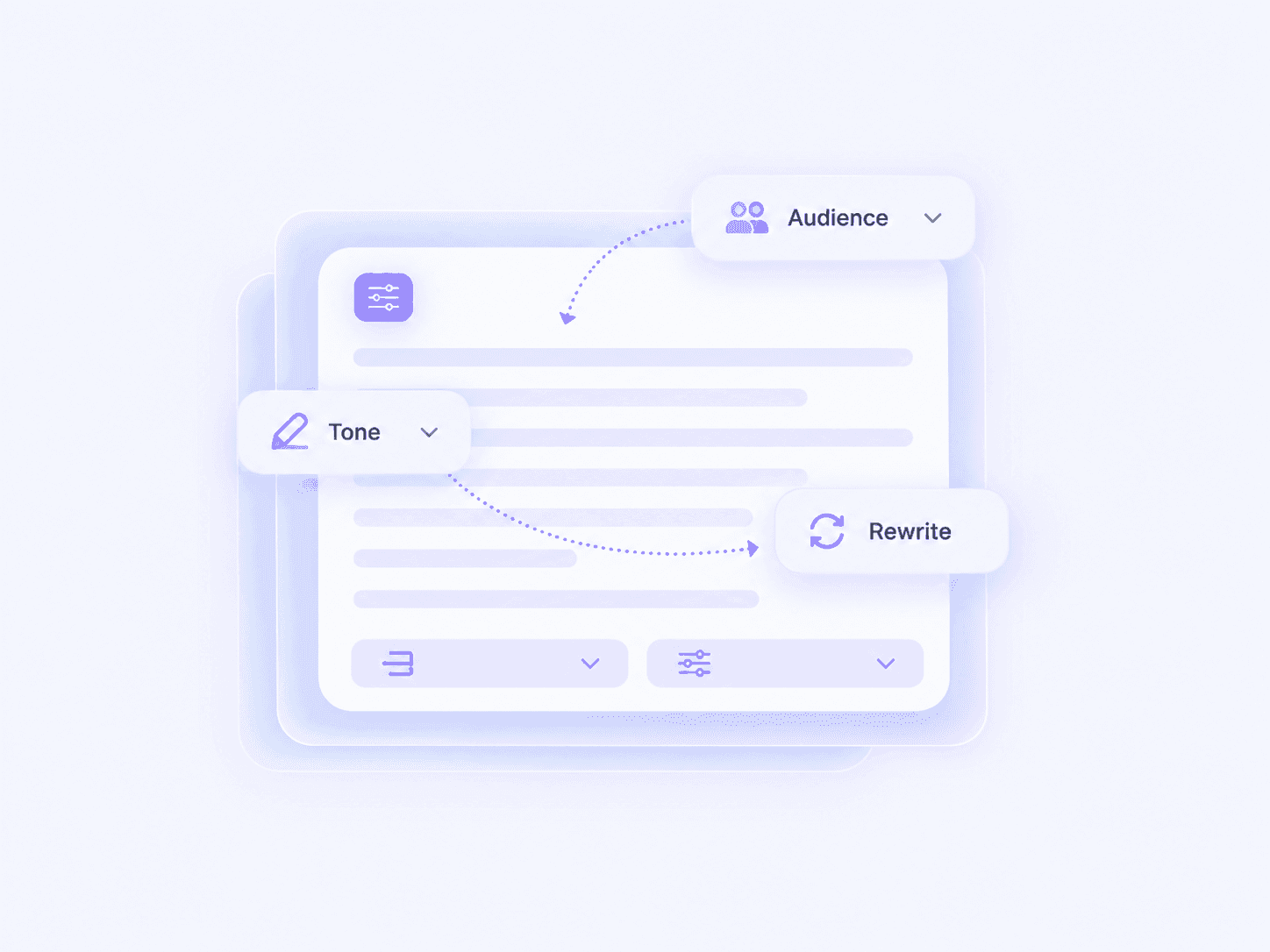
    ZeroGPT AI Humanizer alternative - audience and tone rewriting options

    Choose a Rewrite That Fits Your Audience

    A client update, a study explanation, and a product description serve different readers. Natural writing does not have to sound casual in every setting.

    Select the available settings that match your purpose, then read the result from your audience’s perspective. Keep formal language where precision matters and simplify wording where it creates unnecessary distance.

    When comparing an AI humanizer for ZeroGPT checks, evaluate the usefulness of the writing alongside any detector result.

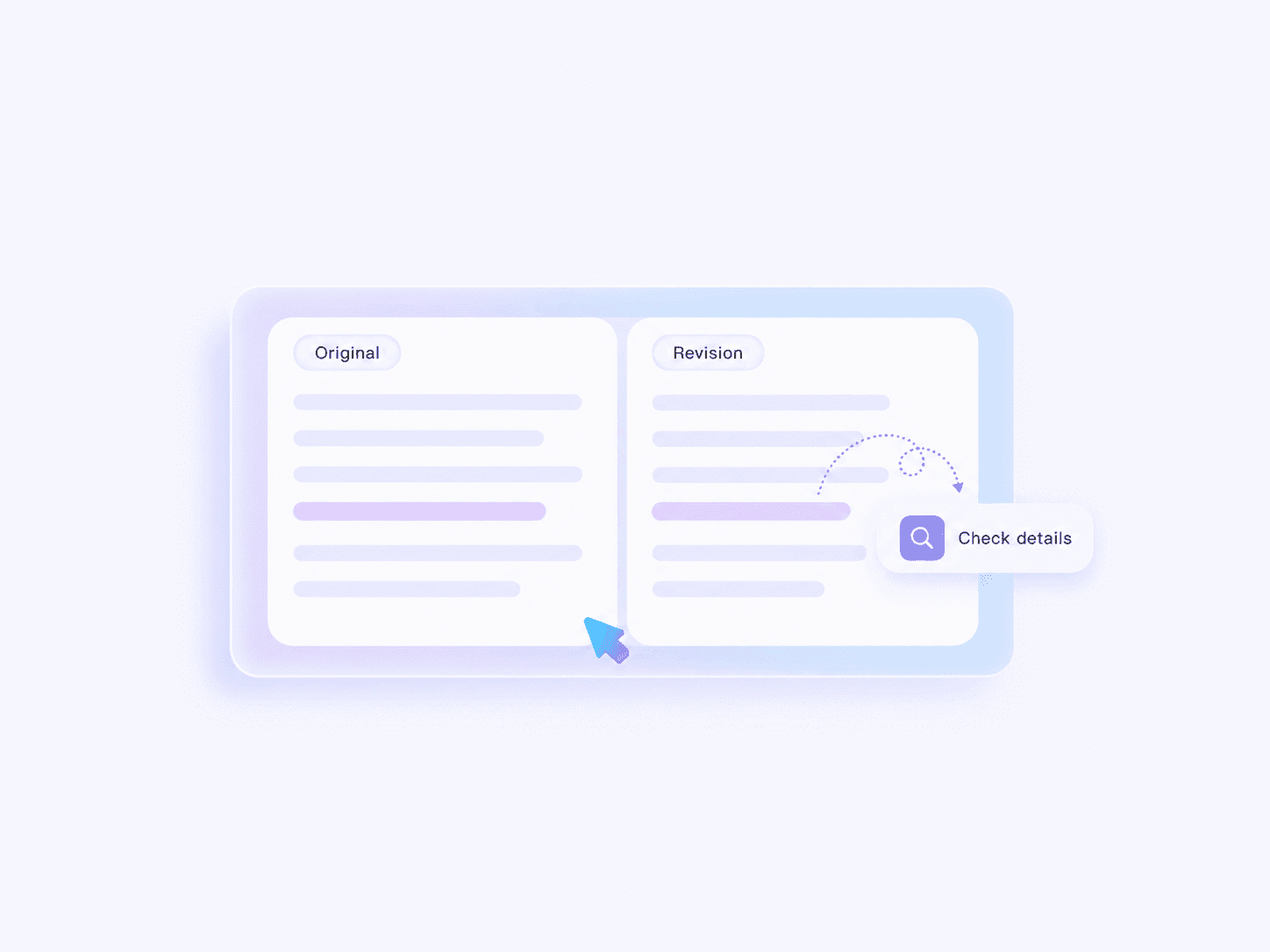
      ZeroGPT AI Humanizer alternative - original and revision detail review

      Check the Details That a Smooth Rewrite Can Hide

      Polished wording can still change a claim. A revision might remove a condition, strengthen an uncertain statement, or make an example sound like a general rule.

      Compare the original and rewritten passages carefully. Pay particular attention to dates, measurements, citations, and words such as “may,” “some,” and “usually.”

      Keep the version that expresses your intended meaning accurately.

        How to Humanize AI Text with Lynote

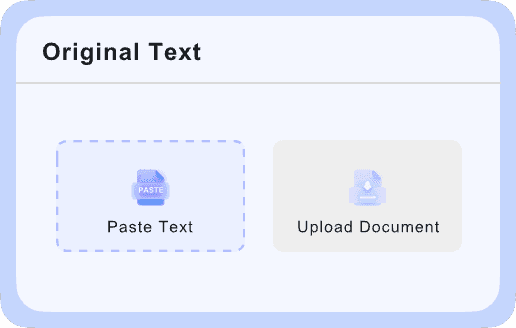
        ZeroGPT AI Humanizer alternative - add text or upload a draft
        Step 1

        Add Your Draft

        Paste your text or upload a supported document.

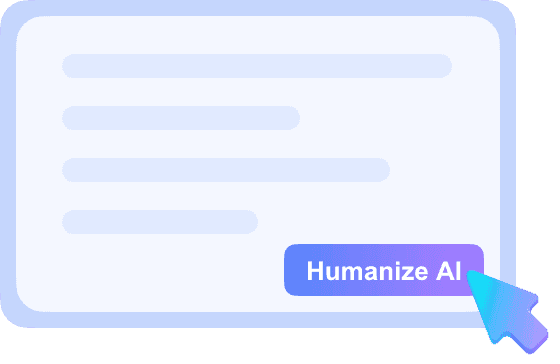
        ZeroGPT AI Humanizer alternative - select settings and humanize text
        Step 2

        Choose Settings and Humanize

        Select your preferred rewriting settings, then click Humanize.

        ZeroGPT AI Humanizer alternative - review and copy the revised draft
        Step 3

        Review and Copy

        Check the meaning and details, add your final edits, and copy the result.

        See How a Rewrite Can Make a Message Clearer

        A useful edit can remove unnecessary formality while keeping the request and its details.

        Original Draft

        In order to ensure that the launch remains on schedule, it is necessary for all team members to provide their feedback on the revised product page by Thursday afternoon. This will allow sufficient time for the implementation of any required changes before publication.

        Edited Version

        Please send your feedback on the revised product page by Thursday afternoon. That gives us time to make any needed changes before publication and keep the launch on schedule.

        What Improved?

        The request comes first

        Readers immediately know what they need to do.

        The wording is shorter

        “Send your feedback” replaces a longer instruction.

        The deadline stays intact

        Thursday afternoon remains unchanged.

        The reason stays clear

        The team needs time to make changes before publication.

        ZeroGPT Humanizer and AI Detector: How Should You Use the Results?

        A search for “ZeroGPT humanizer AI detector” often combines two goals: improving a draft and checking how a detector evaluates it.

        Keep those goals separate when reviewing your work. A more readable paragraph can still receive an AI flag, and a low AI score does not establish that its claims are correct.

        01

        Review the Writing

        Read the passage without looking at a score. Check whether the point is clear, the tone fits, and the supporting details are useful.

        02

        Investigate Flagged Passages

        If you use a detector, examine the relevant wording in context. Compare it with your source material and earlier drafts before making changes.

        03

        Make an Editorial Decision

        Keep revisions that improve communication. Avoid repeatedly rewriting a passage solely to pursue a different percentage.

        Comparing a ZeroGPT AI Humanizer Alternative

        Use the same passage when comparing tools. Choose text that includes a specific detail, a deliberate tone, and a claim whose meaning must remain precise.

        Writing Quality

        Meaning

        Does the rewrite preserve the point, conditions, and degree of certainty?

        Naturalness

        Would you comfortably use this wording with your intended audience?

        Specificity

        Are useful examples and concrete details still present?

        Flow

        Do the sentences connect logically without unnecessary repetition?

        Everyday Use

        Editing Control

        Can you choose an approach that fits the amount of revision needed?

        Review Effort

        How much correction does the output require before you can use it?

        Free Access

        What can you test under the current free allowance?

        Overall Cost

        Do the available limits and features fit the amount of writing you actually revise?

        Who Can Use a More Natural Rewrite?

        ZeroGPT AI Humanizer alternative - Bloggers and Editors

        Bloggers and Editors

        Revise repetitive introductions and awkward transitions. Keep source references, useful examples, and the article’s main argument.

        ZeroGPT AI Humanizer alternative - Marketing Teams

        Marketing Teams

        Explore clearer versions of product descriptions and campaign copy. Check that the revision preserves the offer and does not introduce unsupported benefits.

        ZeroGPT AI Humanizer alternative - Professionals

        Professionals

        Make emails, updates, and proposals easier to follow. Keep responsibilities, deadlines, and requests explicit.

        ZeroGPT AI Humanizer alternative - Students and Researchers

        Students and Researchers

        Improve the clarity of your own explanations. Preserve citations and technical qualifications, and follow the rules that apply to AI assistance in your work.

        ZeroGPT AI Humanizer alternative - Job Seekers

        Job Seekers

        Review generic resume summaries and cover-letter language. Replace vague wording with truthful details about your experience.

        ZeroGPT AI Humanizer alternative - Multilingual Writers

        Multilingual Writers

        Review phrasing that feels unnatural or overly formal. Check the output carefully where terminology, cultural context, or professional tone matters.

        FAQs About ZeroGPT AI Humanizer

        ZeroGPT offers an AI Humanizer on its website to revise AI-generated text. This Lynote page presents an independent alternative for rewriting and reviewing your draft.

        ZeroGPT currently advertises free humanizing on its official page and also promotes an advanced option. Check the current terms and available features before assuming the free and advanced experiences are the same.

        Open ZeroGPT’s official humanizer, add your text, and use its Humanize Text control. Review the rewritten passage before using it. Lynote provides a separate workflow through its own editor.

        Yes, you can explore a rewrite when a passage needs editing. First consider whether the wording is unclear, repetitive, or inappropriate for the audience. If your original text is accurate and expresses your meaning well, a flag alone is not a reason to replace it.

        No tool can reliably promise a particular result for every passage. ZeroGPT’s own page notes that its basic humanizer output may still be flagged. If you searched for “AI humanizer bypass ZeroGPT,” focus on producing writing you can explain and support rather than treating a score as the goal.

        Rewording does not create new research, evidence, or ownership of an idea. Keep citations where they are needed and add your own analysis. A different sentence structure does not remove the need to credit a source.

        Review the output rather than assuming it will. Rewriting can change emphasis, omit a condition, or alter technical wording. Compare important statements with the original and correct any differences.

        Compare meaning, naturalness, tone, and the amount of manual editing required. Use the same input passage for each tool. If you also run detection checks, keep those results separate from your assessment of writing quality.

        If you searched for “humanize AI text free ZeroGPT” or “AI humanizer free ZeroGPT,” review the current free access offered by each provider. Before processing a long document, check the editor’s word allowance, available settings, and any account requirements.

        No. Lynote and ZeroGPT are separate services. A Lynote rewrite or report is not an official ZeroGPT result.

        Return to the original and keep only the useful changes. Replace unfamiliar phrasing, restore your examples, and read the passage aloud. The final version should fit how you communicate with your readers.

        More Tools for Revising and Reviewing Your Draft

        Continue your writing process with tools for sentence revision, document editing, and AI-text review. Choose the tool that fits the passage you are working on.

        Give Your Draft a Clearer Voice

        Looking for a ZeroGPT AI Humanizer alternative? Start with one paragraph in Lynote, compare the revision with your original, and keep the changes that make your message easier to understand.