Japanese to English Translator Online

Why Choose Our Japanese to English Translator?

Free Online Translation
Translate supported Japanese text and files online without paying or installing software.

No Sign-Up Needed
No sign-up is needed: start a Japanese to English translation without creating an account first.

Text and Files Together
Translate text and files together by pasting a Japanese passage or adding a supported office document in the same tool.

English Ready to Reuse
Get reusable English that is ready to copy immediately, or download a translated file for further review.
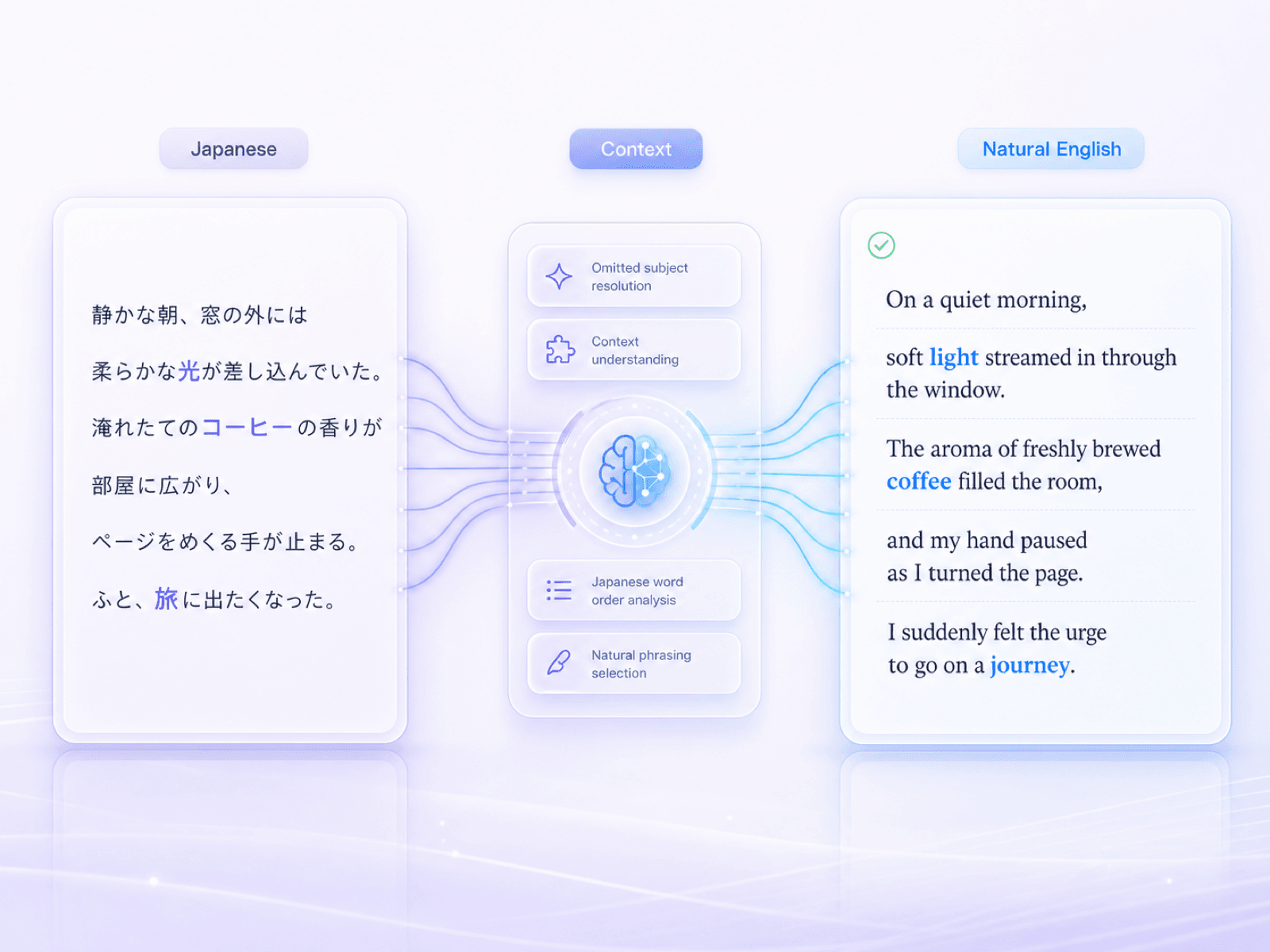
Natural English From Japanese Context
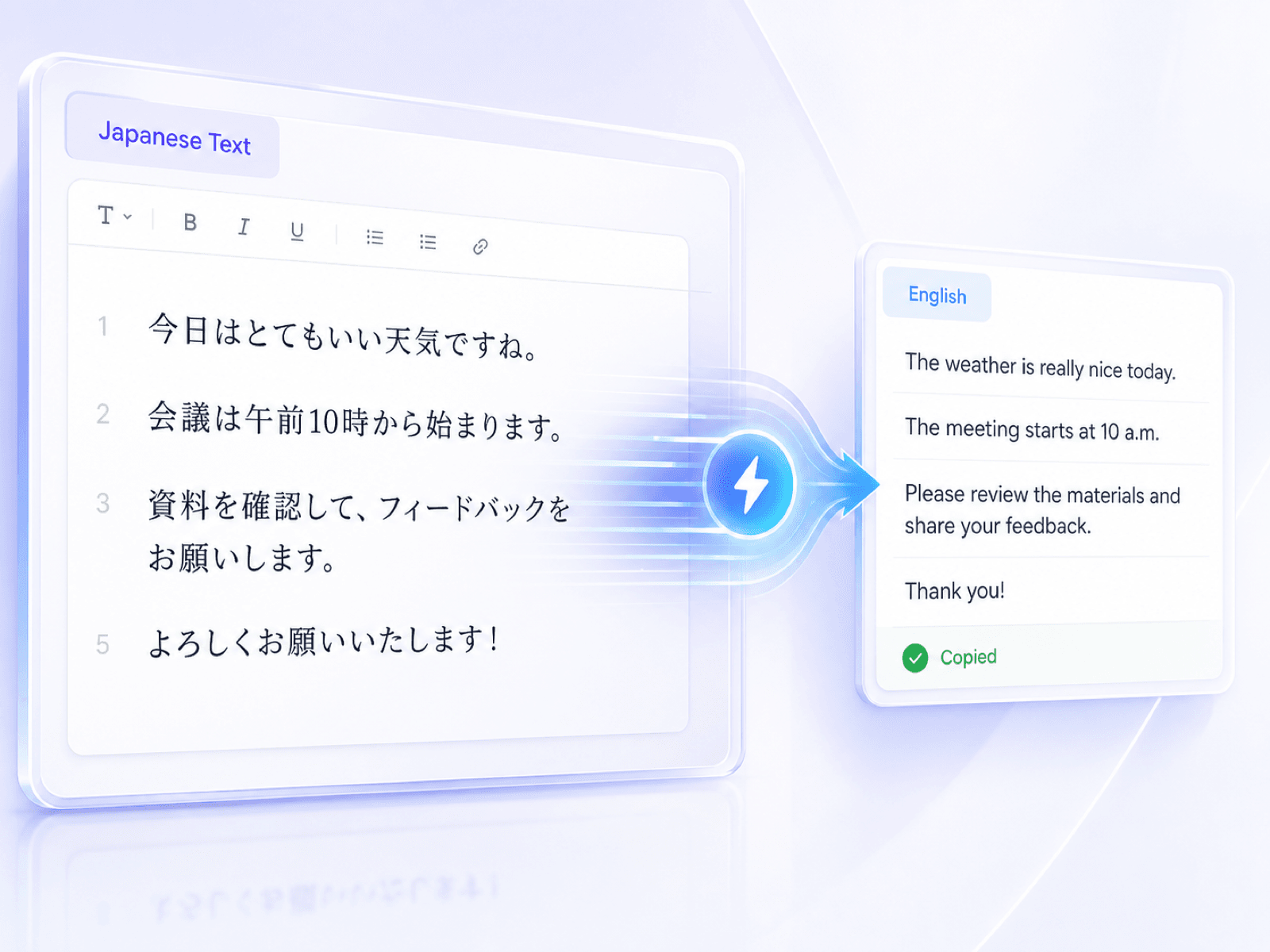
Translate Japanese Text in Seconds
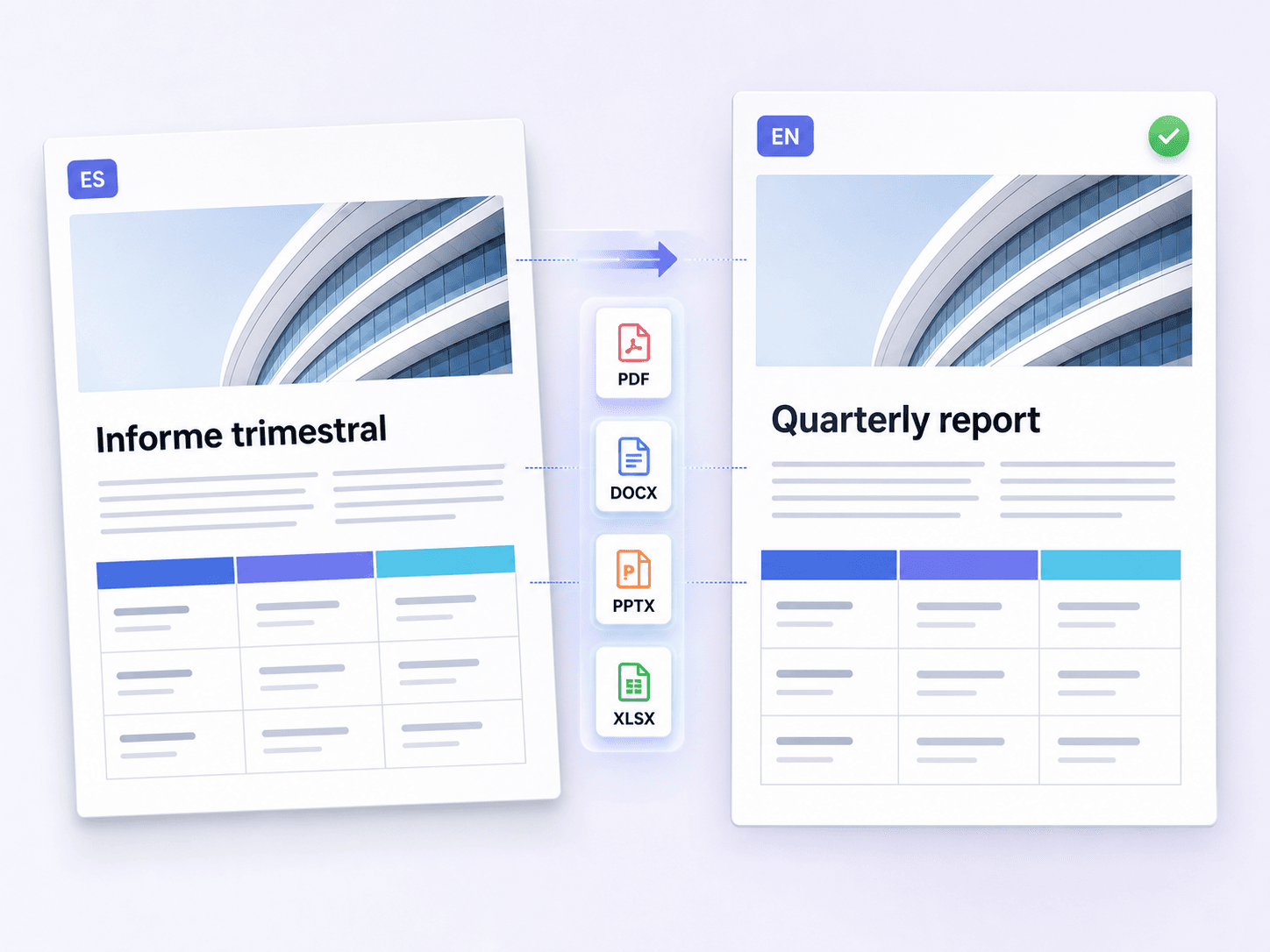
Translate Japanese Files With Their Layout
How to Translate Japanese to English
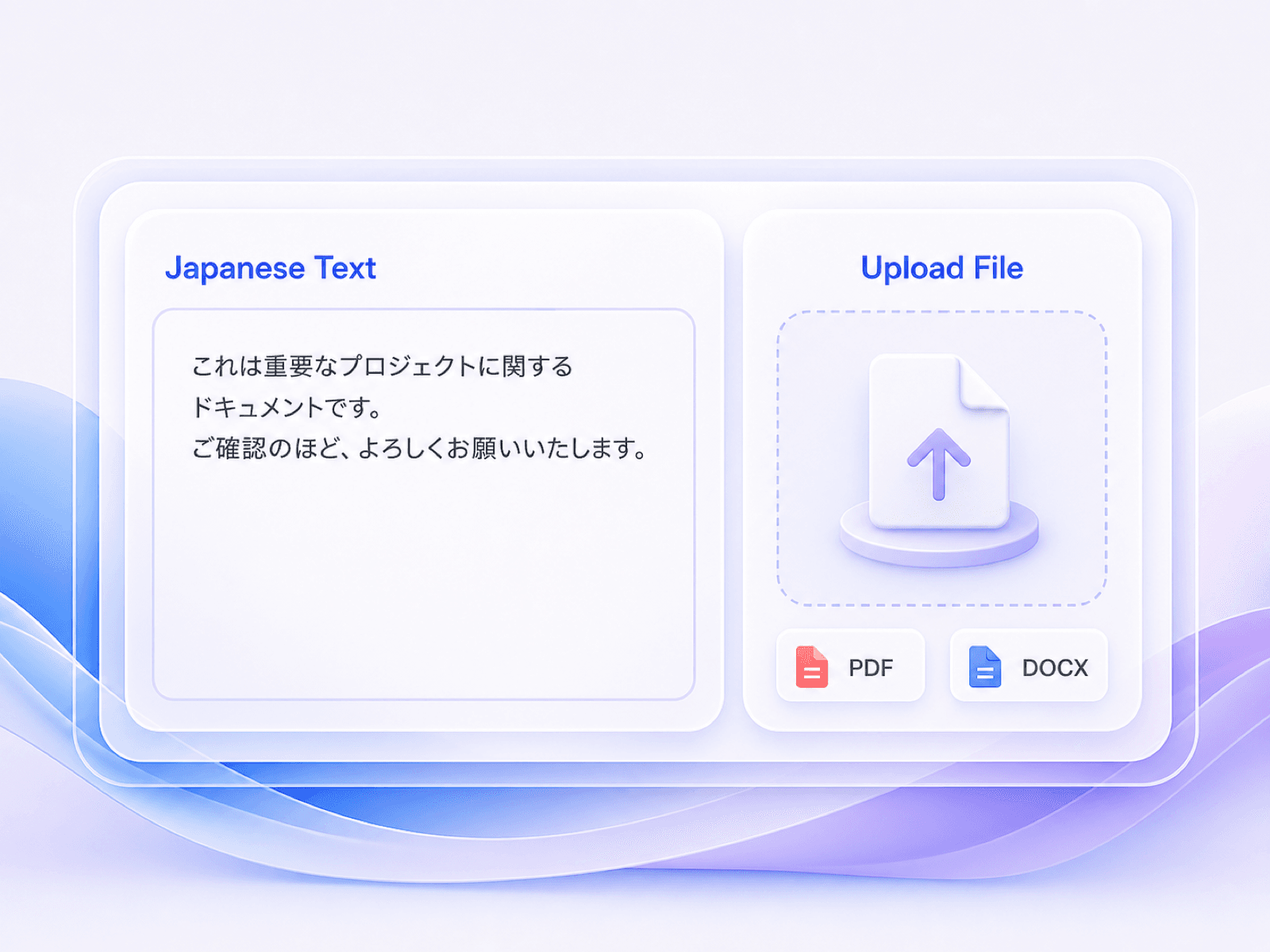
Add Japanese Text or a File
Paste up to 5,000 characters of Japanese text, or upload one PDF, DOCX, PPTX, or XLSX file up to 10 MB.

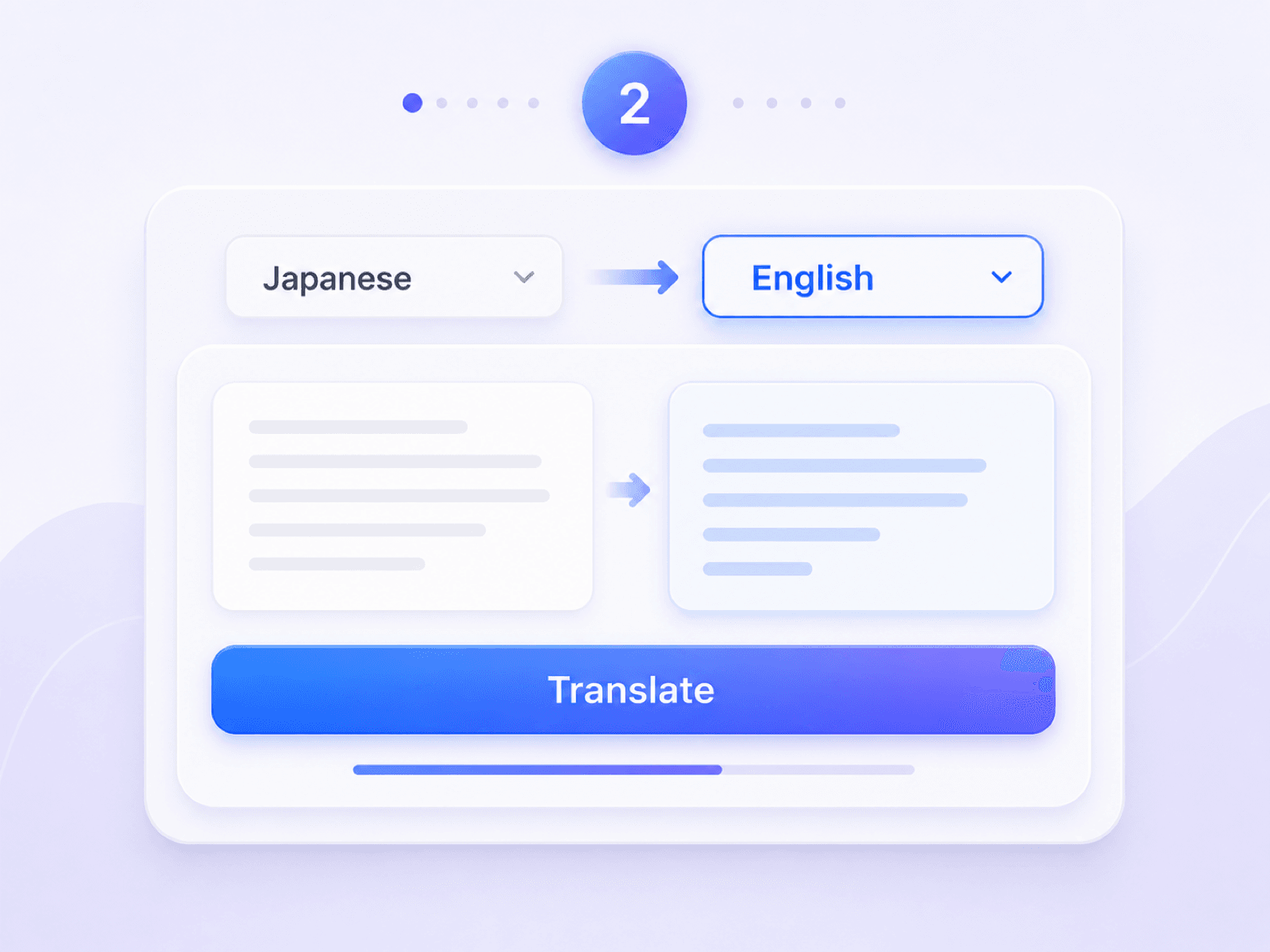
Choose Japanese and English
Set Japanese as the source and English as the target, or let Lynote detect the source language automatically.
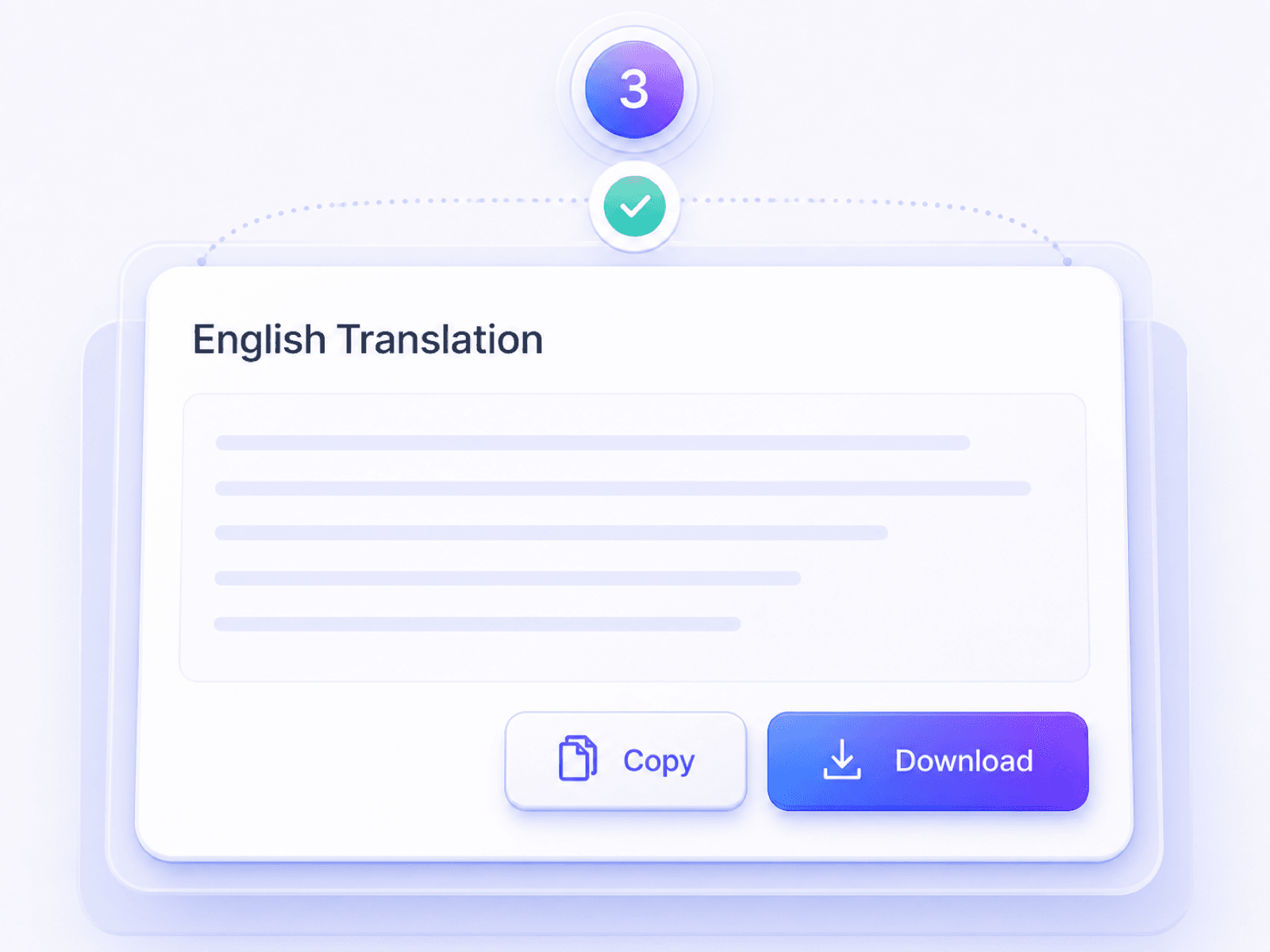
Review, Copy, or Download
Check inferred subjects, names, dates, numbers, honorific tone, and technical terms. Then copy the English text or download the translated document.
Who Uses a Japanese to English Translator?

Students and Researchers
Translate Japanese readings, journal abstracts, course notices, and source excerpts into English while checking names and specialist terms against the original.

Travelers and International Residents
Understand Japanese booking details, rental information, local notices, directions, and everyday messages before making plans or completing a form.

Global Business Teams
Turn Japanese emails, meeting notes, presentations, and supplier documents into working English for colleagues and cross-border projects.

Media and Localization Teams
Prepare English drafts from Japanese game text, manga notes, subtitles, and creative briefs before a native editor handles tone and character voice.

Customer Support and E-commerce Teams
Translate Japanese product questions, reviews, order messages, and support requests into English so teams can respond with the right context.

Administrative and Immigration Staff
Read Japanese certificates, application instructions, official notices, and supporting documents in English while retaining the source for formal verification.
Japanese to English Translation in Practice

Graduate Researcher

“I translated a Japanese abstract into English, then checked the inferred subject and terminology against the original before adding it to my literature notes.”

Travel Coordinator
“A Japanese hotel message used polite wording I did not fully understand. The English version clarified the request, and I verified the dates before replying.”

Exchange Student
“I pasted a university notice that mixed kanji and kana. The translation helped me find the room change, deadline, and documents I needed to bring.”

Customer Support Lead
“Our team translates Japanese customer messages for routing. We compare product names, model numbers, and implied subjects with the source before sending a response.”

Presentation Editor
“I uploaded a Japanese PPTX and received an English version with a workable slide structure. I only needed to adjust a few line breaks and brand terms.”

Operations Analyst
“A Japanese spreadsheet contained product labels and delivery notes. Translating the XLSX kept the data organized while I checked every code and quantity.”
Frequently Asked Questions
Answers about translating Japanese text and documents into English with Lynote.
Paste Japanese text or upload one supported document, choose English as the target language, and run the translation. Review the result before copying or downloading it.
Yes. Lynote is a free online Japanese to English translator for supported text and files, and no sign-up is required to start.
Yes. Paste Japanese sentences or passages of up to 5,000 characters per request. Mixed kanji, hiragana, and katakana can appear in the same input.
Use the online Japanese to English translator to upload one PDF, DOCX, PPTX, or XLSX file up to 10 MB. OCR is available for scanned PDFs that contain Japanese text.
AI translation is useful for everyday Japanese, but accuracy depends on context, omitted subjects, honorific language, names, and specialist terminology. Compare important details with the source. Legal, medical, immigration, and other high-stakes content should be reviewed by a qualified human translator.
Japanese often leaves out a subject that is understood from context, while English usually states it. Review whether the surrounding text supports “I,” “you,” “he,” “she,” “they,” or another subject.
English has no direct match for every Japanese honorific or level of keigo. A translation can express the intended formality through wording and tone, but important business or literary content still benefits from human review.
Yes. Swap the language direction, choose Japanese as the target, and start a new English to Japanese translation.