

Accurate Sentence Translator Powered by AI




Why Choose Our Sentence Translator?

Fast Results
Translate this sentence in seconds. Paste text, pick a language, and get instant output without waiting through extra steps or setup.

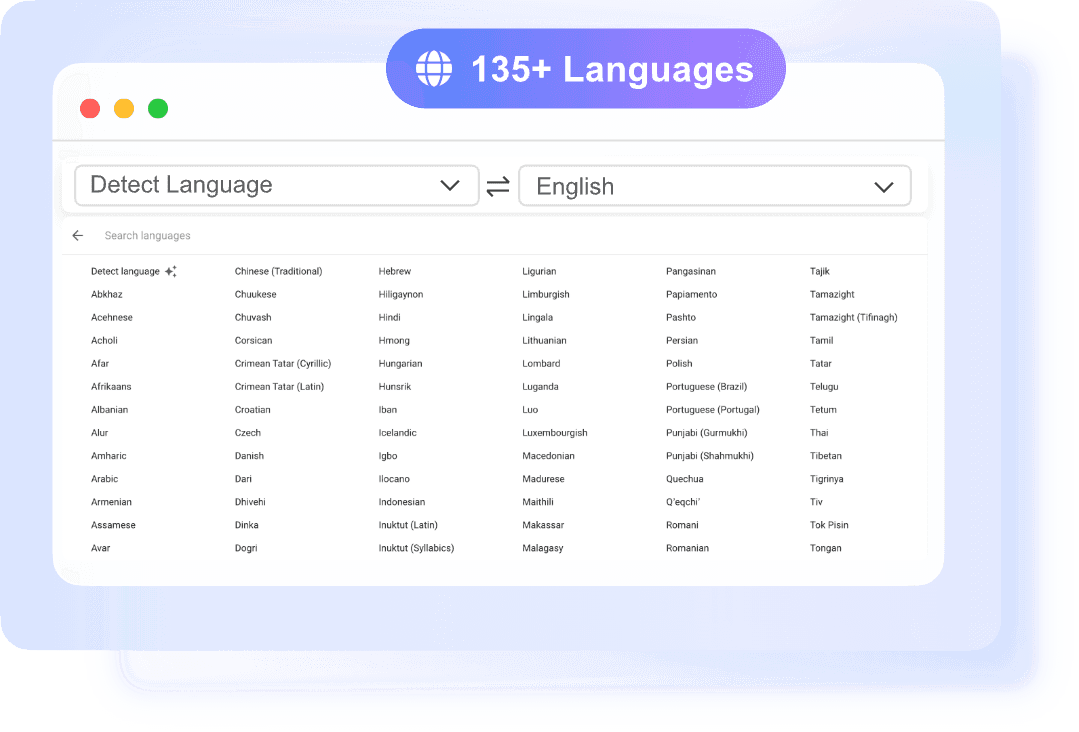
135+ Languages
Translate sentences across more than 135 languages with automatic source detection. It is useful when you do not know the original language.

Layout Preserved
When you translate documents, the downloaded file keeps fonts, tables, images, and overall structure closer to the original format.

No Sign-up
You can translate this sentence or a full document right away. No account is required to start using the tool.
Instant Sentence Translation with High Accuracy
Make Every Translated Sentence Sound Natural
Perfect for Daily Translation Tasks
How to Translate Sentences in 3 Steps
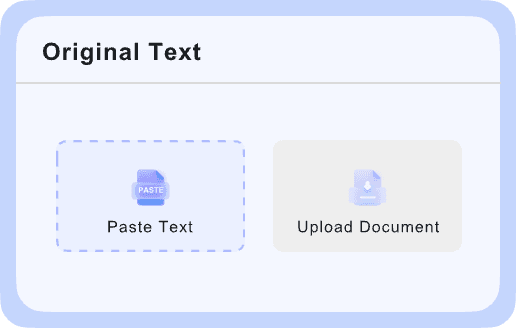
Paste Your Text
Type or paste your sentence into the input box to get started. The text translator supports up to 5,000 characters per request, so you can enter one line or a short passage.

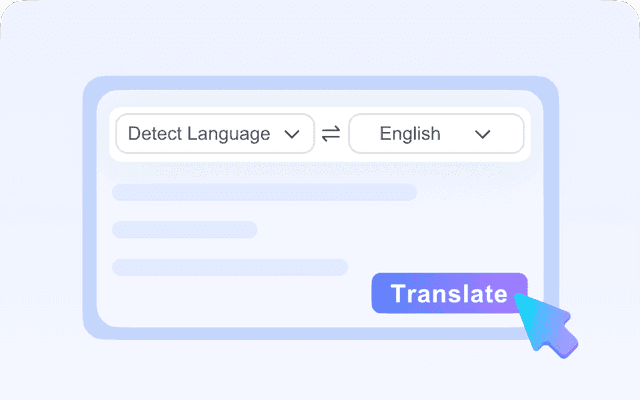
Choose Target Language
After you paste the text, select the language you want for the output. The source language is auto-detected, so you do not need to identify it manually first.
Copy Your Translation
Your translated result appears instantly after selecting the target language. Review the output, then click the copy icon to save and use it wherever you need.
Who Is This Sentence Translator For?

Students
Students often need sentence translation for reading assignments, source material, and short writing tasks. This tool helps translate sentences fast without adding extra steps. It is useful for checking meaning, comparing phrasing, or understanding a foreign-language excerpt. The simple paste-and-copy flow keeps study time focused.

Researchers
Researchers can use the tool to translate this sentence from papers, abstracts, survey responses, or reference material. Auto-detect helps when source text comes from mixed-language documents. For longer source files, supported document uploads make review easier while keeping the structure intact. That saves time during reading and note collection.

Business Professionals
Business professionals can translate sentences for emails, meeting notes, product details, and internal communication. Clear sentence translation reduces misunderstandings when teams or partners use different languages. If needed, one document can also be uploaded for translation with layout preserved. That helps keep work moving without manual reformatting.
What People Say About Us

PhD Student

"I use it as a sentence translator when I read foreign research abstracts. The output is fast, and the wording is clear enough to help me decide what to read in full."

Project Manager
"We often need to translate sentences from client emails before meetings. I like that it detects the source language automatically and gives me a usable version in seconds."

Travel Blogger
"I pasted short notes from hotel messages and transit updates, and the sentence translation was quick and easy to copy. It saves time when I'm moving between countries."

Sales Executive
"The document upload is what sold me. I translated a PPTX for an overseas partner, and the layout stayed intact enough to share right away."

Freelance Designer
"Sometimes I just need to translate this sentence from a client brief and move on. The no-sign-up access makes that kind of quick work much easier."

Operations Analyst
"I work with scanned PDFs, so the OCR support is genuinely useful. It helps me pull meaning from files that other tools usually can't read well."
Frequently Asked Questions
Still have questions about our sentence translator? Start here.
A sentence translator is a tool that converts short text from one language into another. It is useful when you need to understand a phrase, message, caption, or reply without translating a full document manually.
You paste text into the input box, and the tool detects the source language automatically. Then you choose the language you want and get the translated result almost instantly.
Yes. You can translate this sentence directly in the text translator without signing up.
The tool supports 135+ languages and can auto-detect the source language before translation. That means you do not always need to know what language the original sentence is written in.
Yes. In addition to sentence translation, Lynote can translate one document at a time in PDF, DOCX, PPTX, and XLSX formats.
For plain text, the translation appears immediately after you paste the content and choose a target language. This makes the tool a good fit for quick tasks like chat messages, short paragraphs, and website snippets.
The text translator supports up to 5,000 characters per request. That is enough for a single sentence, a few paragraphs, or a short passage you want to review quickly.