

AI Paragraph Translator Online




Why Choose Our Paragraph Translator?

Fast Results
Paste a paragraph and get paragraph translation in seconds. It works well for quick reading, writing, and reply drafts when you need the meaning right away.

135+ Languages
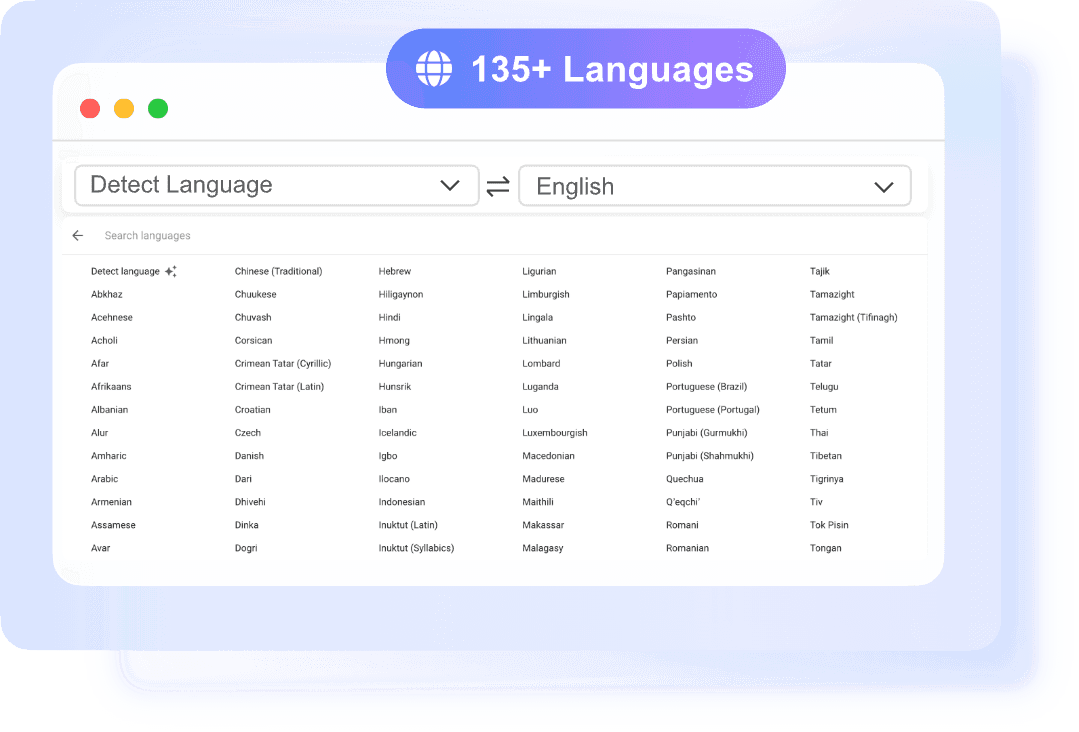
Translate paragraph content across 135+ languages with auto-detect for the source text. You can move from one language to another without extra setup.

Natural Output
The AI paragraph translator is built to keep sentences readable, not just literal. That helps your translated paragraph sound closer to normal writing.

No Sign-up
You can use the paragraph translator without creating an account. Open the tool, paste your text, and copy the result when it is ready.
Translate Paragraphs with Context-Aware AI
Translate Paragraphs into 153+ Languages
Translate Paragraphs Instantly for Writing, Study, and Work
How to Use Our Paragraph Translator
Paste Your Paragraph
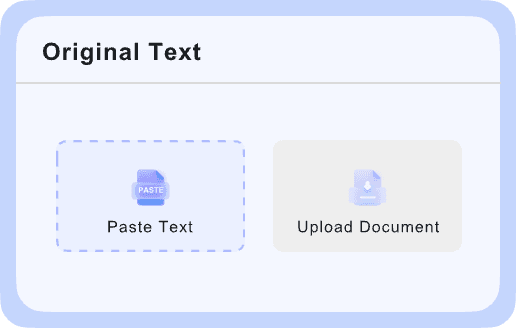
Type or paste your paragraph into the input box to start. The text translator supports up to 5,000 characters per request, which is enough for many emails, article sections, notes, and study passages.

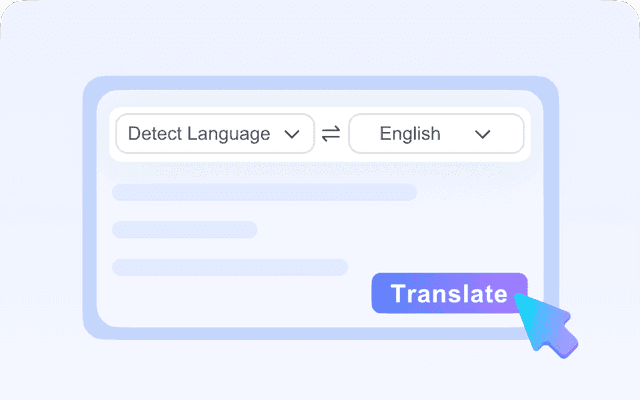
Choose Target Language
The tool can detect the source language automatically, so you do not need to set it manually in most cases. Then choose the language you want from 135+ options.
Copy Your Translation
After you choose the target language, the paragraph translation appears right away in the output area. Review the result, then click the copy icon to use it anywhere you need.
Who Should Use This Paragraph Translator?

Students
Students often need to translate paragraph sections from readings, notes, or reference materials. This tool helps them understand source text faster and rewrite ideas more clearly in another language. It is useful for homework, class prep, and bilingual study. The simple paste-and-copy flow also saves time during research.

Researchers
Researchers work with abstracts, findings, and source material from different languages. An AI paragraph translator helps them check meaning quickly before a deeper review. It is especially helpful when scanning papers, summaries, or quoted sections. For short text, the paragraph translator gives fast access to cross-language information.

Freelancers
Freelancers often handle client messages, briefs, and content across markets. They can use this tool to translate paragraph text for proposals, updates, or draft copy without slowing down their workflow. The output is quick and easy to copy into other tools. That helps with communication and delivery when working across languages.

Business Professionals
Business professionals may need paragraph translation for emails, reports, product notes, or internal communication. This tool helps them turn short blocks of text into another language without a complex setup. It is useful when clarity and speed both matter. For longer files, they can also upload supported documents one at a time.

Travelers
Travelers and expats can use this paragraph translator to understand signs, messages, booking details, or short local documents fast. Paste a paragraph for instant output, or upload one file when you need more context. Auto-detect helps when you are not sure which language you are reading. It is a simple way to get clear paragraph translation without extra setup.
What People Say About Us

PhD Student

"I use it as a paragraph translator for journal abstracts and class readings. The output is fast, and I can compare ideas across languages without reformatting everything by hand."

Freelance Designer
"I needed to translate paragraph text from client briefs in a few different languages. Auto-detect gets it right most of the time, and the copied result is clean enough to drop straight into my notes."

Operations Manager
"The document upload is what sold me. I translated a PPTX deck and the layout stayed usable, which saved me a lot of cleanup before sending it to our team overseas."

Travel Blogger
"For quick paragraph translation, this is one of the easiest tools I've used. I paste in local info, get the meaning right away, and move on without creating an account."

HR Specialist
"The AI paragraph translator helps when I receive short documents from international candidates. It is quick, readable, and useful for first-pass understanding before I share anything internally."

Sales Consultant
"I like that I can paste text or upload a file depending on the situation. For everyday paragraph translation, it is fast enough to keep conversations moving with global clients."
Frequently Asked Questions
Still have questions about paragraph translator tools? Here are the answers.
A paragraph translator is a tool that converts a full paragraph from one language into another while keeping the meaning as clear as possible. Unlike word-by-word translation, it works on the whole passage, which helps with context, tone, and sentence flow.
The AI paragraph translator lets you paste text or upload a supported file, then choose the target language. The source language can be auto-detected, so you do not need to identify it first. Lynote uses Google-powered neural translation to generate the result quickly, and you can copy the translated text or download the translated file.
Yes. Lynote lets you translate paragraph text without creating an account. You can paste up to 5,000 characters into the text box for instant translation, which is useful for emails, notes, captions, or short passages you need to understand quickly.
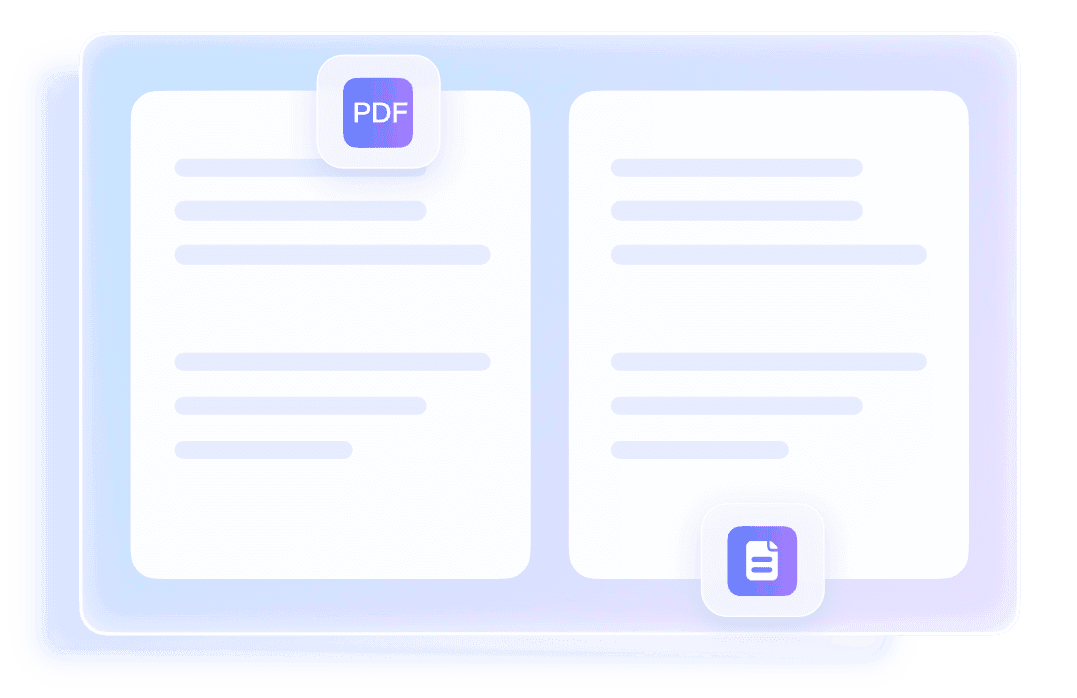
For document-based paragraph translation, Lynote supports PDF, DOCX, PPTX, and XLSX files. Files can be up to 10 MB each, and the tool processes one file at a time. If you only need to translate paragraph content from a short passage, you can also paste the text directly instead of uploading a document.
Yes, the document translator is designed to preserve layout in the translated file. That includes elements like fonts, images, tables, and general formatting where supported. This matters when you need a translated document that is still readable and shareable, not just raw extracted text.
Lynote supports 135+ languages for both text and document translation. The source language can auto-detect, and you can choose the output language from the available list. That makes it useful for everyday paragraph translation across common business, academic, and travel scenarios.