

Translate English to Japanese




Why Choose Our English to Japanese Translator?

Built for Japanese Writing Systems
Japanese translation often involves more than swapping words between languages. Lynote is useful when you need English to Japanese text that may include Kanji, Hiragana, Katakana, or mixed Japanese writing depending on the phrase and context.

Useful for Names, Words, and Sentences
Translate English words, short phrases, names, sentences, and paragraphs into Japanese for study, messages, drafts, and everyday checks. Name translation can depend on sound, usage, and preference, so Lynote gives you a practical draft to review rather than a fixed official naming result.

Japanese Characters to English
Reverse the direction when you need to translate Japanese characters to English. Paste Japanese writing, Kanji, Kana, or mixed text, then review the English meaning for reading, travel, class notes, product research, or support messages.

Text and Document Translation
Paste up to 5,000 characters for quick translation, or upload a supported PDF, DOCX, PPTX, or XLSX file up to 10 MB when you need to translate a Japanese document without copying every paragraph manually.
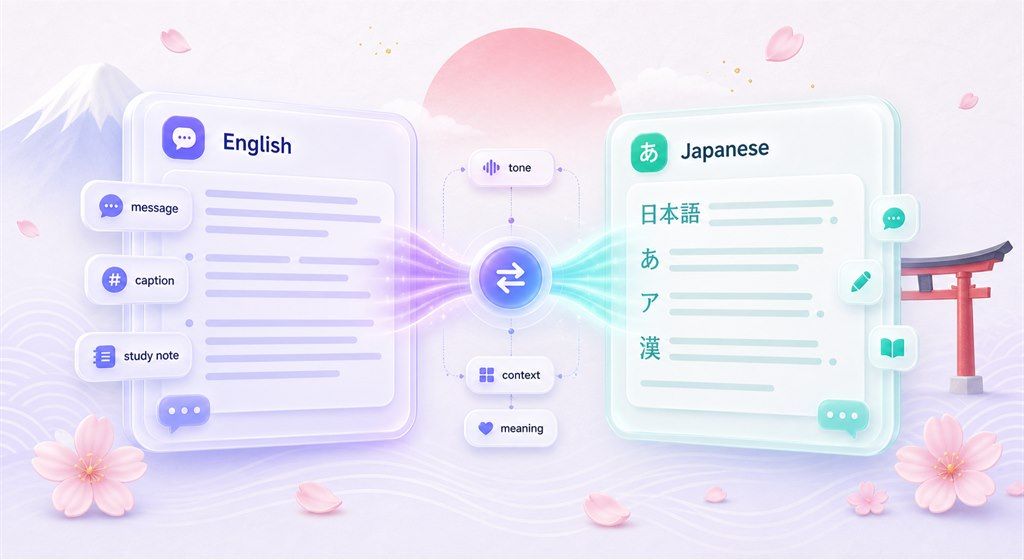
Translate English into Japanese Writing
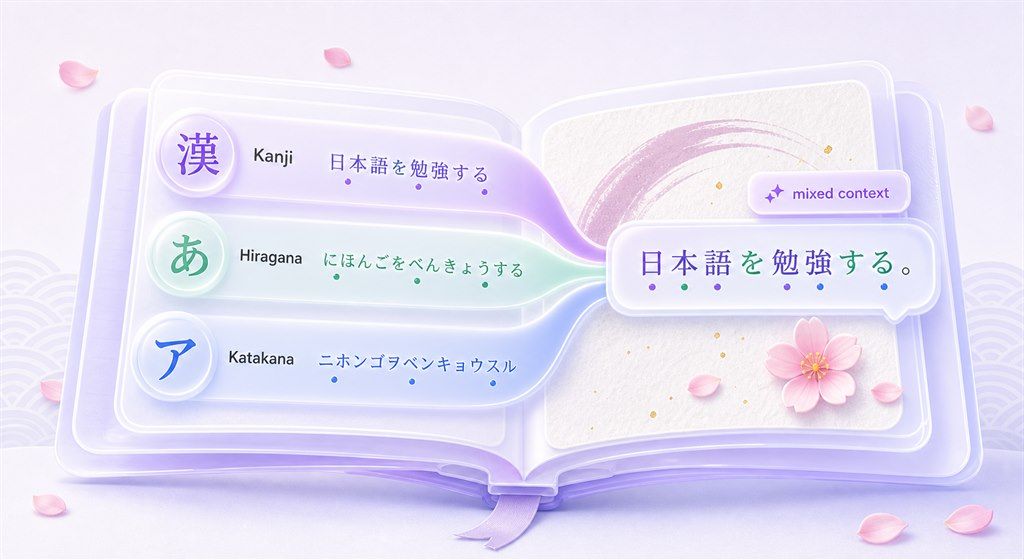
Work with Kanji, Hiragana, and Katakana
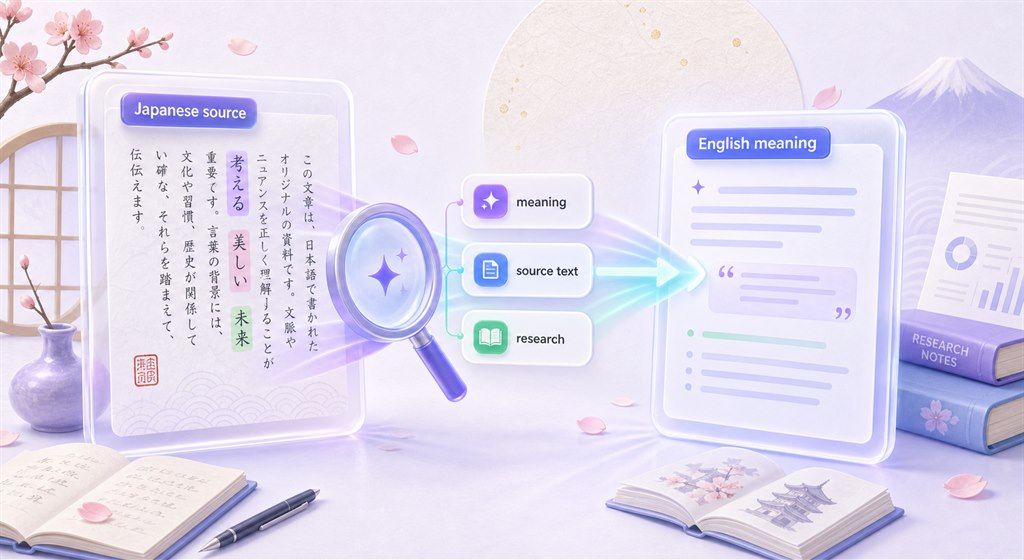
Japanese to English Translation for Source Text
How to Translate English to Japanese Online
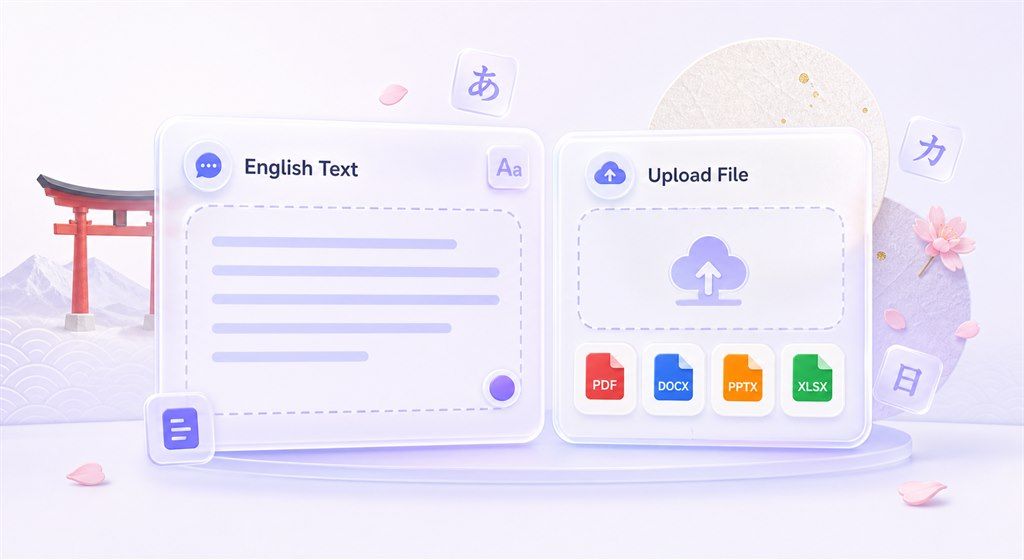
Step 1. Add English Text or Upload a File
Paste up to 5,000 characters into the text box for quick English to Japanese translation. For longer content, open the Document tab and upload a supported PDF, DOCX, PPTX, or XLSX file up to 10 MB.

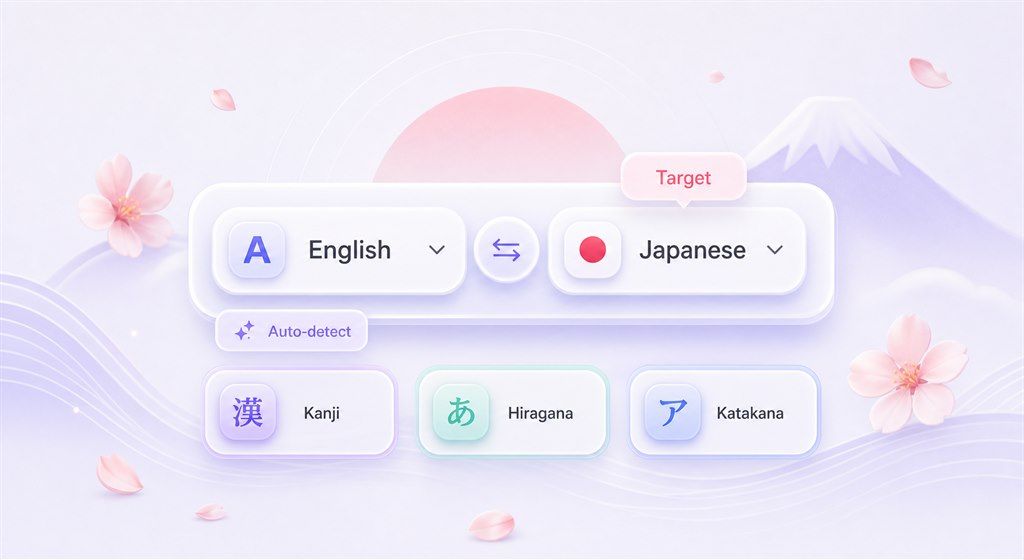
Step 2. Select Japanese as the Target Language
Choose English as the source language and Japanese as the target language. If the source language is unclear, use auto-detect, then confirm the language pair before translating.
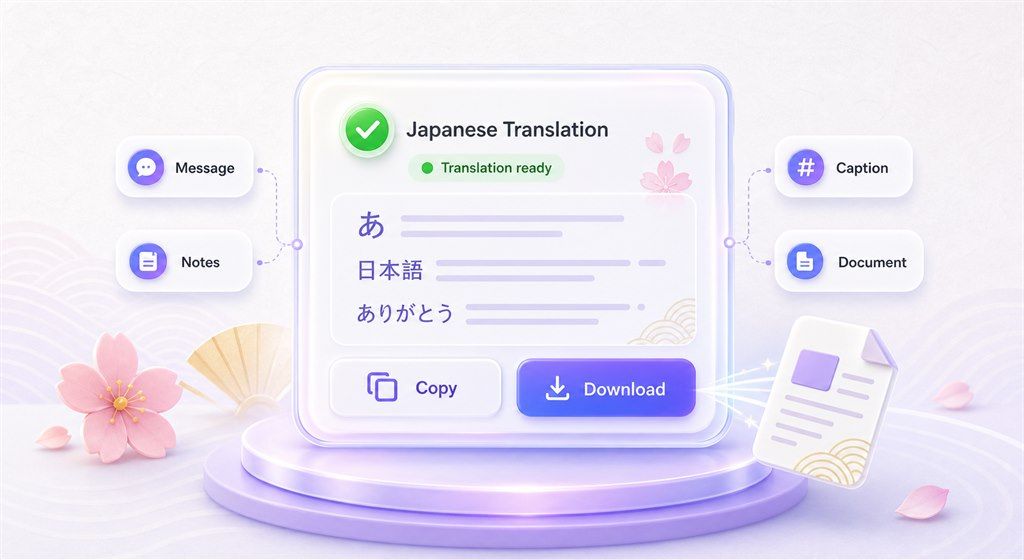
Step 3. Copy or Download the Japanese Translation
For text translation, copy the Japanese result and use it in messages, notes, captions, emails, or drafts. For document translation, download the translated file after processing.
Who Can Use This English to Japanese Translator?

Students and Japanese Learners
Translate English to Japanese for vocabulary, sentence practice, reading support, class notes, and Japanese writing review. Reverse the direction when you need Japanese to English meaning checks.

Creators, Travelers, and Fans
Use the translator for captions, travel notes, game text, manga or anime-related terms, simple messages, and copied Japanese text that needs a quick English meaning check.

Business and Document Users
Translate Japanese PDFs, Word documents, PowerPoint slides, Excel sheets, product notes, support messages, and internal drafts when you need a faster way to compare meaning across English and Japanese.
What People Say About Lynote

Japanese Learner

"I use Lynote to compare English sentences with Japanese writing. It helps me review the meaning before I add the text to my study notes."

Product Coordinator
"For short product notes, I can draft in English, translate to Japanese, and then send the result to a reviewer for final wording."

Graduate Student
"The Japanese to English direction helps me understand source paragraphs before I turn them into research notes."

Travel Planner
"I use it for travel text, booking details, and copied Japanese messages. It gives me a quick English meaning check."

Content Editor
"Kanji and Kana context matters. Lynote gives me a useful first draft that I can review before publishing."

Operations Manager
"Our team handles bilingual files. Lynote gives us one place to translate text and supported documents without switching workflows."
FAQs About English to Japanese Translation
Paste your English text into Lynote, choose Japanese as the target language, and run the translation. For longer content, upload a supported PDF, DOCX, PPTX, or XLSX file.
Yes. You can reverse the language direction and use Lynote for Japanese to English translation, including Japanese characters, sentences, and paragraphs.
Yes. English to Japanese translation may include Kanji depending on the word, phrase, and context. Review important results carefully because Japanese writing can mix Kanji, Hiragana, and Katakana.
Lynote can help translate English into Japanese text, and Japanese output may include Hiragana or Katakana where appropriate. If you need script-specific learning output, review the result and adjust it for your study goal.
Yes. Paste Japanese characters into the text box and choose English as the target language. This is useful for reading Japanese text, notes, websites, product labels, and short messages.
You can use Lynote for a draft name translation or transliteration check, but Japanese names can depend on sound, preferred script, and cultural context. Review name results before using them in formal materials.
Yes. Upload a supported PDF up to 10 MB and choose English as the target language. OCR can help when the PDF is scanned, though the result depends on scan quality and text clarity.
Yes. Lynote supports DOCX, PPTX, and XLSX document translation up to 10 MB, along with PDF. Use document translation when you want to translate longer files instead of copying paragraphs manually.
This page is designed for text and supported document translation. If your Japanese content is audio or speech, convert it to text first, then translate the transcript.
The text translator supports up to 5,000 characters per request. For longer content, use the document translation workflow with a supported file up to 10 MB.