

AI-Powered Article Translator


Upload Document
PDF, DOC, DOCX, PPT, PPTX
< 10M



Why Choose Our Article Translator?

Natural Output
Our AI article translator creates readable translations that sound natural, not stiff. It helps you translate article content while keeping the original message clear.

Fast Results
Paste text or upload a file and get article translation in seconds. This is useful when you need to review, publish, or share content quickly.

135+ Languages
Translate articles across 135+ languages with automatic source detection. You can move from one language to another without extra setup or manual selection.

Layout Kept
When you upload a PDF, DOCX, PPTX, or XLSX, the translated file keeps fonts, tables, images, and structure. That saves time on post-editing.

OCR Support
Scanned PDFs can still be processed through OCR before translation. This makes it easier to translate article files that are not already selectable text.

No Sign-Up
You can start using the tool right away without creating an account. It is a simple way to translate article text or documents with less friction.

Easy to Use
The workflow is straightforward: add your article, choose a language, and get the result. Whether you need quick reading help or polished article translation, it stays simple.
Translate Articles with High Accuracy and Natural Flow
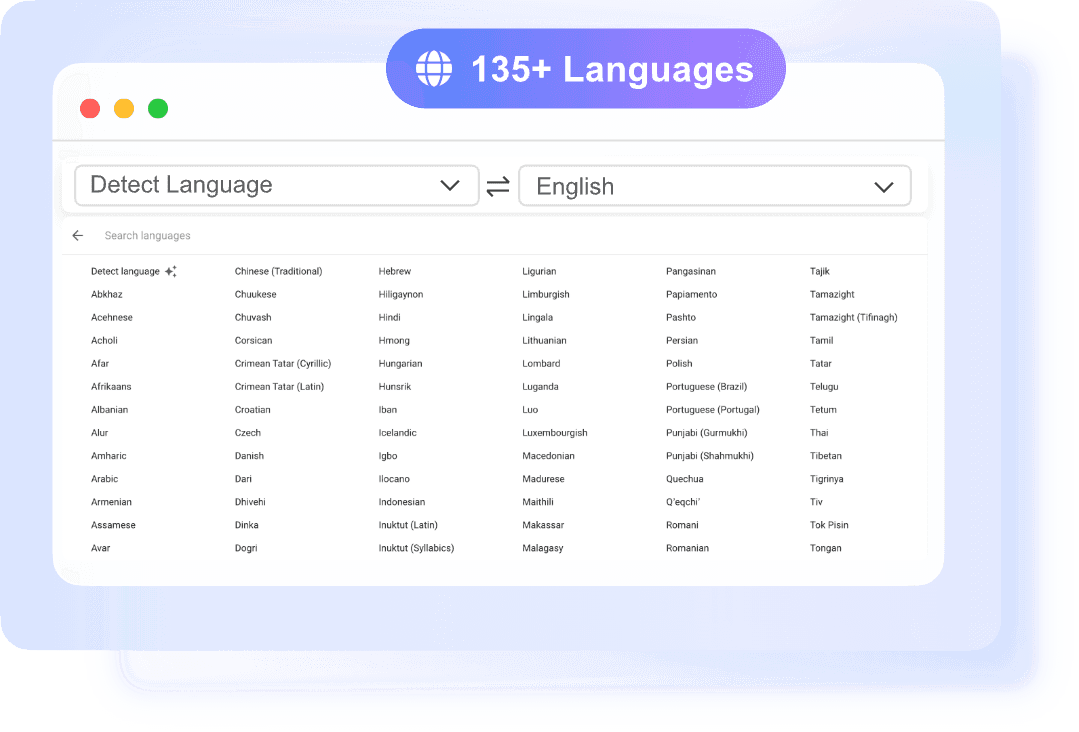
Translate Long Articles into Multiple Languages Instantly
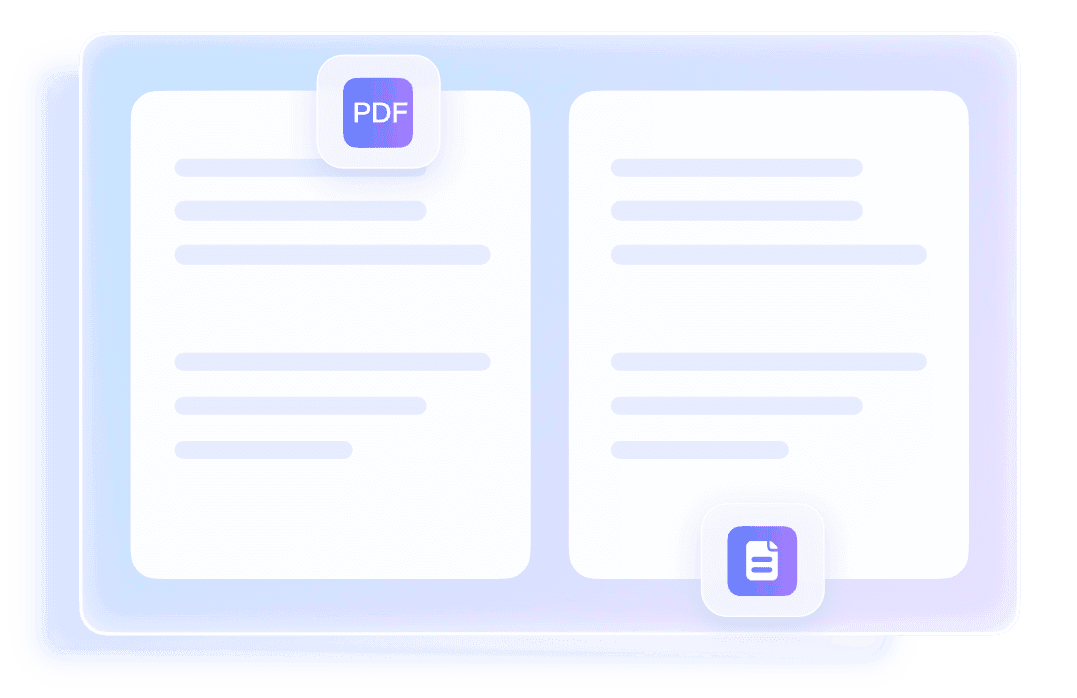
Preserve the Original Meaning, Tone, and Context
How to Translate Articles in 3 Steps
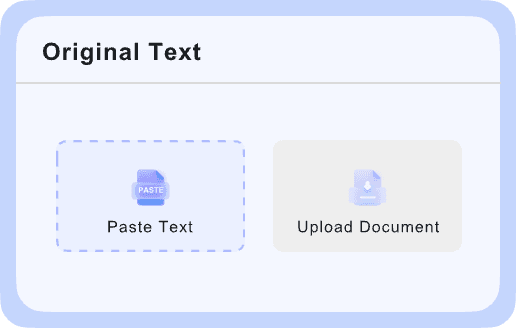
Add Your Article
To translate article content, start by pasting the text into the input box or uploading a document file.

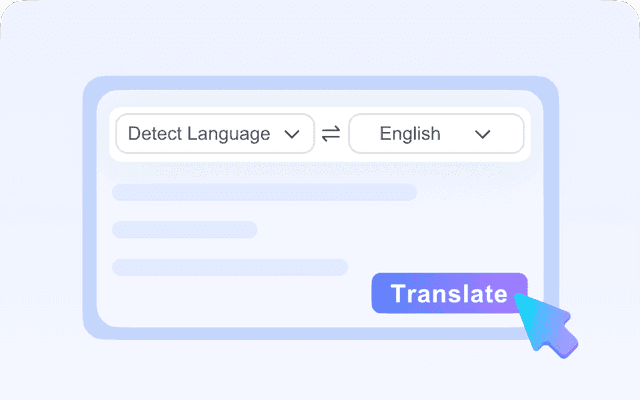
Select Target Language
The source language is detected automatically after you add your content. Then choose the target language from 135+ options.
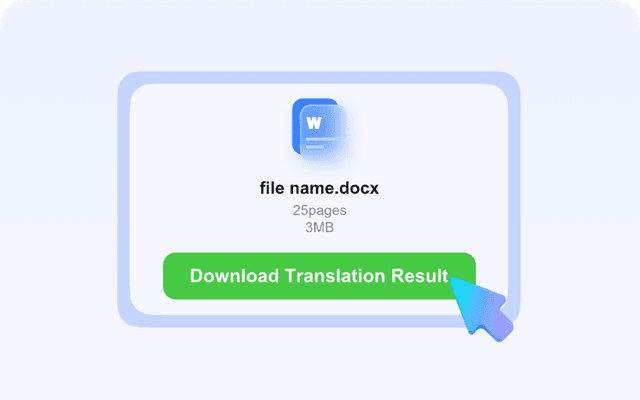
Copy or Download
Once the translation is ready, you can copy the text instantly or download the translated file. The full process is quick and easy to repeat.
Who Should Use This Article Translator?

Students
Students often need to read articles in other languages for class, essays, or reference work. This article translator helps them understand source material faster without reformatting documents by hand.

Researchers
Researchers use article translation to scan studies, abstracts, and academic writing from different regions. The tool helps translate articles into a readable version while keeping the meaning of technical sections clear.

Freelancers
Freelancers often work with clients, briefs, and source articles from different countries. An AI article translator helps them quickly understand content, adapt messaging, or prepare translated drafts for review.

Business Professionals
Business professionals may need to translate article content for market research, internal reading, or external communication. Lynote helps them move between languages without slowing down the workflow.

SEO Writers
SEO writers can translate articles for international keywords, multilingual blog content, and localized search intent. An article translator helps them keep the original meaning while adapting content for readers in different markets.

Content Creators
Content creators can translate articles, scripts, newsletters, and long-form posts for global audiences. It helps them repurpose existing content into multiple languages without rewriting everything from scratch.
What People Say About Us

PhD Student

"I use it to translate article PDFs for literature reviews. The layout stays readable, so I can focus on the content instead of fixing broken formatting."

Freelance Writer
"When I need to translate articles for client research, this saves me time. The text output is fast, and the language detection is usually right on the first try."

Operations Manager
"I tested the AI article translator on internal market briefings and external news summaries. It handled business language well and kept the tables in place."

SEO Analyst
"I often translate article text from foreign blogs to check trends in other markets. Being able to paste content and copy the result right away is really useful."

Exchange Student
"I used it for article translation from campus notices and local news pages. It was simple to use, and I didn't need to create an account just to get a quick translation."

Travel Blogger
"This is my go-to tool when I translate articles from regional travel sites. It helps me understand the source quickly before I turn the ideas into notes for my own work."
Frequently Asked Questions
Still have questions about article translator tools? Start here.
An article translator is a tool that converts article content from one language to another while keeping the meaning as clear as possible.
The AI article translator uses Google-powered neural translation to detect the source language and generate a translated version in your chosen target language.
Yes. You can translate articles by pasting text directly into the input box or by uploading a supported file. Lynote supports PDF, DOCX, PPTX, and XLSX documents, which helps when the article is part of a report, presentation, worksheet, or saved document.
For document uploads, Lynote keeps the original layout as much as possible in the translated file. That includes elements like fonts, images, tables, and overall structure. This matters when you need article translation for review, sharing, or publishing, and do not want to rebuild the document manually after translation.
Lynote supports 135+ languages for article translation.
Yes. If you use the text translator, you can paste up to 5,000 characters per request. If you upload a file, the limit is 10 MB per document, and the tool processes one file at a time.
Yes, scanned PDFs are supported through OCR. That means Lynote can read text from image-based PDF articles before translating it into your target language.
No, you can use the article translator without creating an account. That makes it convenient when you need to translate article content quickly for research, work, travel, or publishing.