

TikTok Audio to Text Converter

Drop files or browse

Add study materials to enable the AI to extract and structure content.
TikTok URLs are not supported. Please download or extract the audio from the TikTok video first, then upload the audio file to Lynote.
Lynote uses a file-based transcription workflow for TikTok audio.
How to Convert TikTok Audio to Text
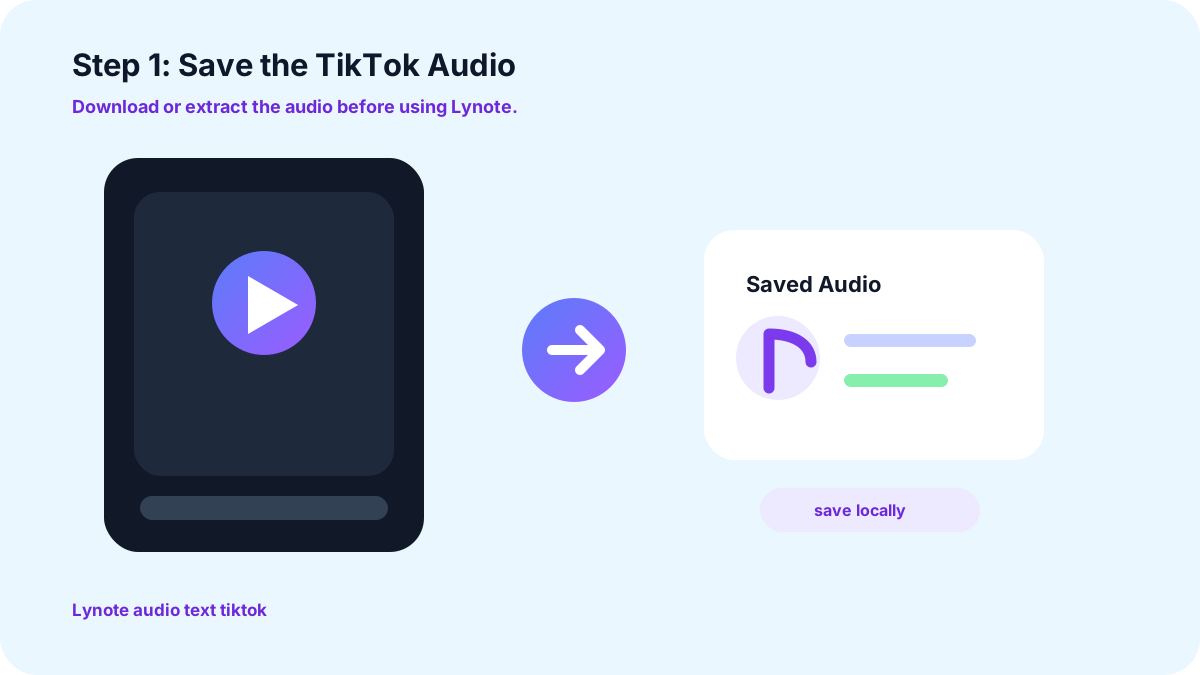
1. Save the TikTok Audio
Start by downloading or extracting the audio from the TikTok video you want to transcribe. Lynote does not retrieve audio directly from TikTok links, so the audio file needs to be saved on your device first.
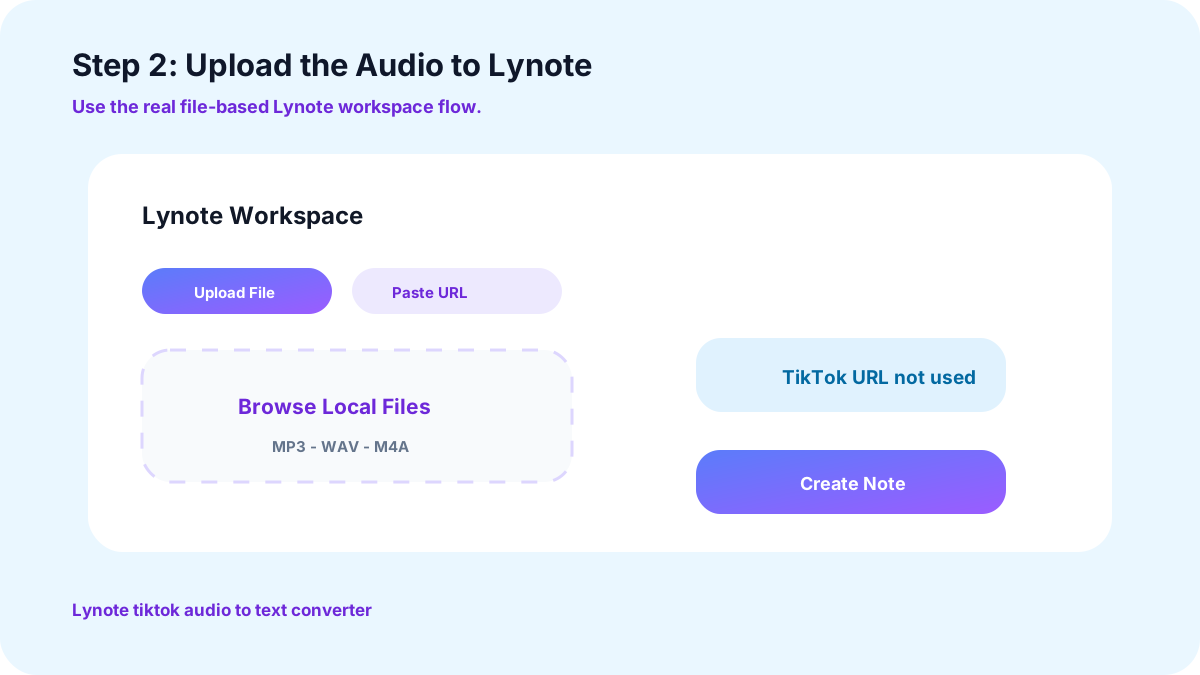
2. Upload the Audio to Lynote
Upload the downloaded TikTok audio file to Lynote. Lynote processes the spoken content and converts the TikTok sound into readable text, so you do not have to pause, replay, and type every sentence yourself.
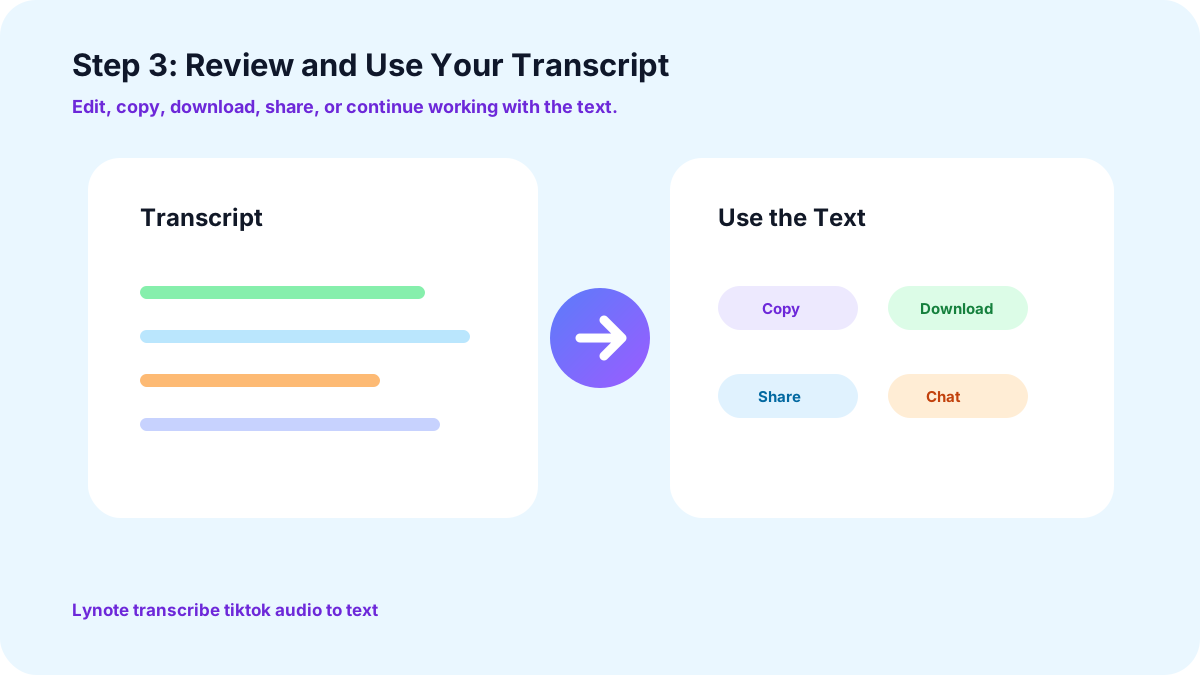
3. Review and Use Your Transcript
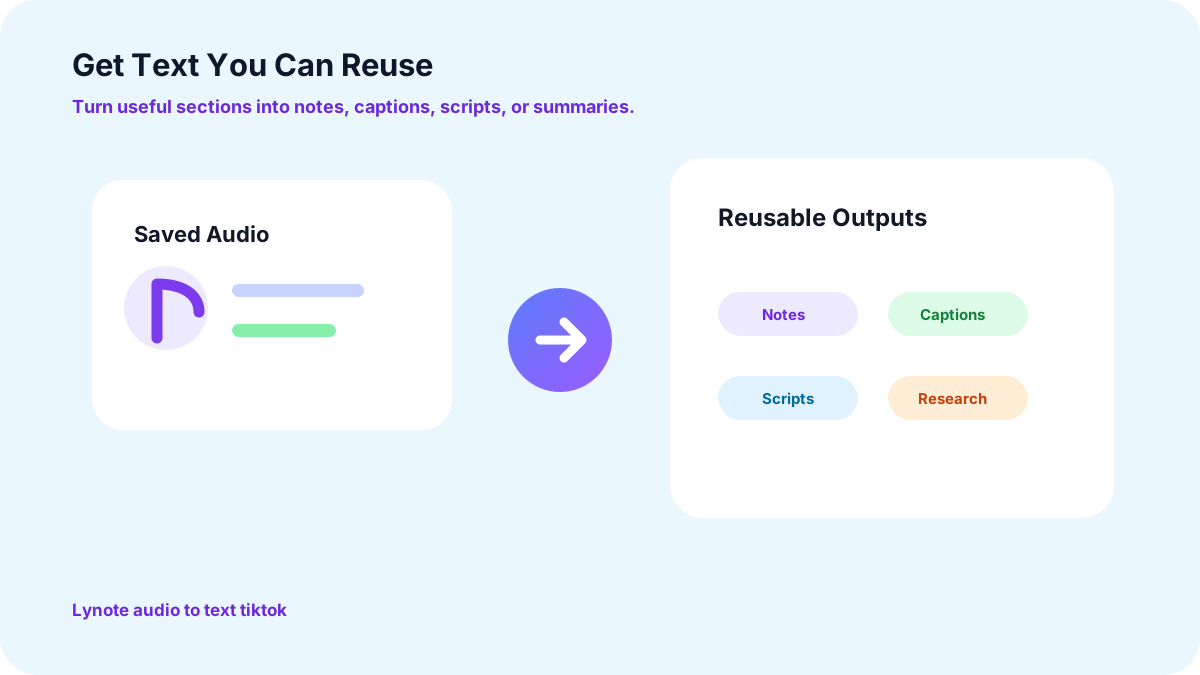
Once the transcription is complete, review the text and use it for notes, research, content analysis, scripts, captions, or other workflows.
Transcribe Spoken TikTok Content
Stop Replaying the Same Clip
Make TikTok Content Searchable
Get Text You Can Reuse
Convert TikTok Video Audio to Text
More Than Just a TikTok Transcript

Turn TikTok Tutorials Into Notes
Found a useful tutorial or explanation? Convert the audio into text so you can review important steps and ideas without repeatedly playing the original video.

Research Creator Content
Transcribe downloaded TikTok audio to review key points, messaging, examples, hooks, and talking points more efficiently. Instead of moving through a video second by second, scan the transcript and focus on the sections that matter.

Analyze TikTok Ads and UGC
Marketers can turn TikTok audio into text to review spoken hooks, product benefits, calls to action, creator messaging, and other elements of UGC or advertising content.

Repurpose Your Own TikTok Content
If you created the original TikTok, use its transcript as a starting point for captions, social posts, scripts, articles, or future video ideas.

Save Useful Information for Later
Useful information can quickly disappear in a fast-moving feed. Turning TikTok sound into text makes it easier to save, organize, search, and revisit later.
Who Can Use TikTok Audio to Text?

Content Creators
Turn your own TikTok voiceovers into text for captions, scripts, posts, and future content ideas.

Students and Learners
Convert audio from educational TikToks, tutorials, and explainers into text that is easier to review and organize into notes.

Marketers
Transcribe downloaded TikTok audio from ads, UGC, competitor videos, and creator content for messaging and creative research.

Researchers
Turn relevant TikTok speech into searchable text so information from different videos can be reviewed and compared more efficiently.
Why Convert TikTok Audio to Text?
Save Time
Skip the repeated pause, rewind, listen, and type workflow. Start with an AI-generated transcript and spend more time reviewing the information that actually matters.
Read Instead of Replay
A transcript lets you scan spoken content without playing the same TikTok multiple times.
Find Important Information Faster
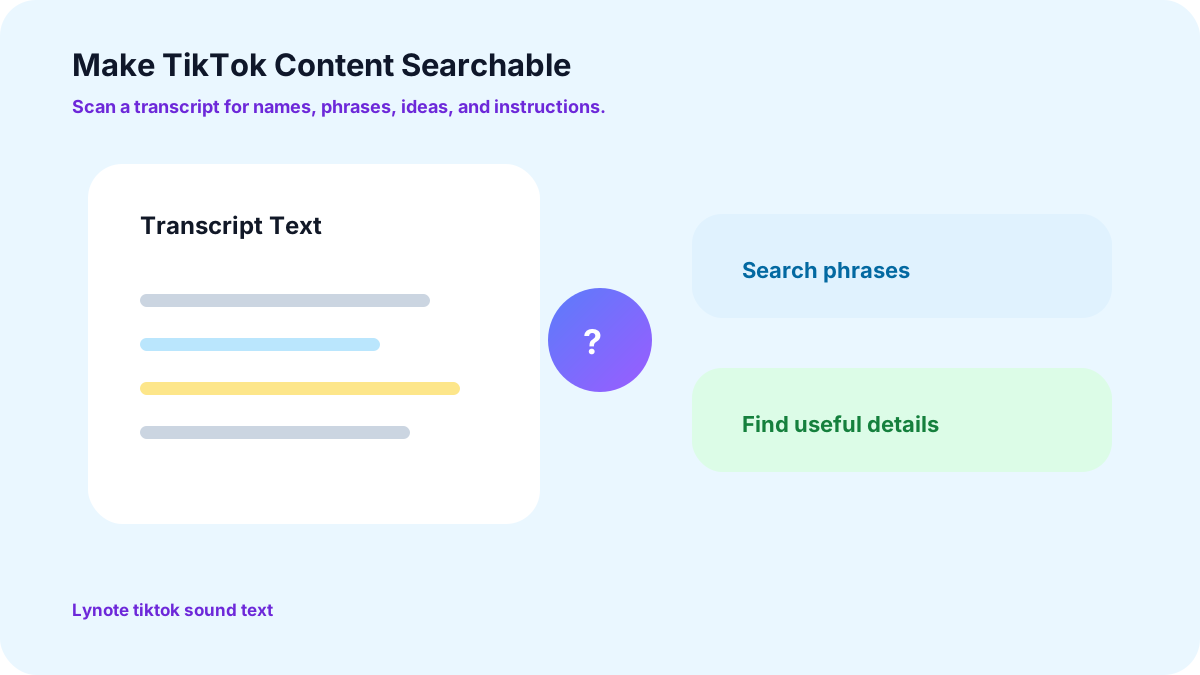
Search written content for specific names, phrases, ideas, instructions, or claims.
Keep Information Organized
Move useful information out of your TikTok feed and into a format that is easier to save, review, and reference.
Reuse Your Own Spoken Content
Turn your existing TikTok voiceovers into text that can support captions, scripts, articles, and other content formats.
How to Get Audio Text on TikTok
File-Based TikTok Audio Transcription
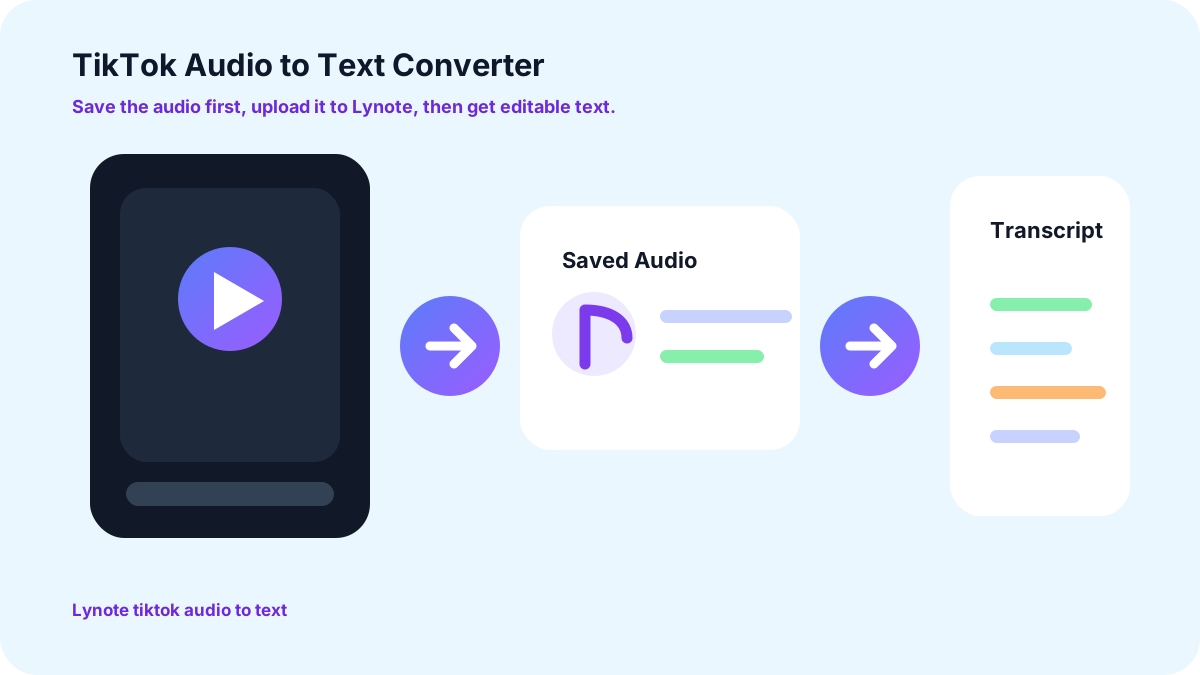
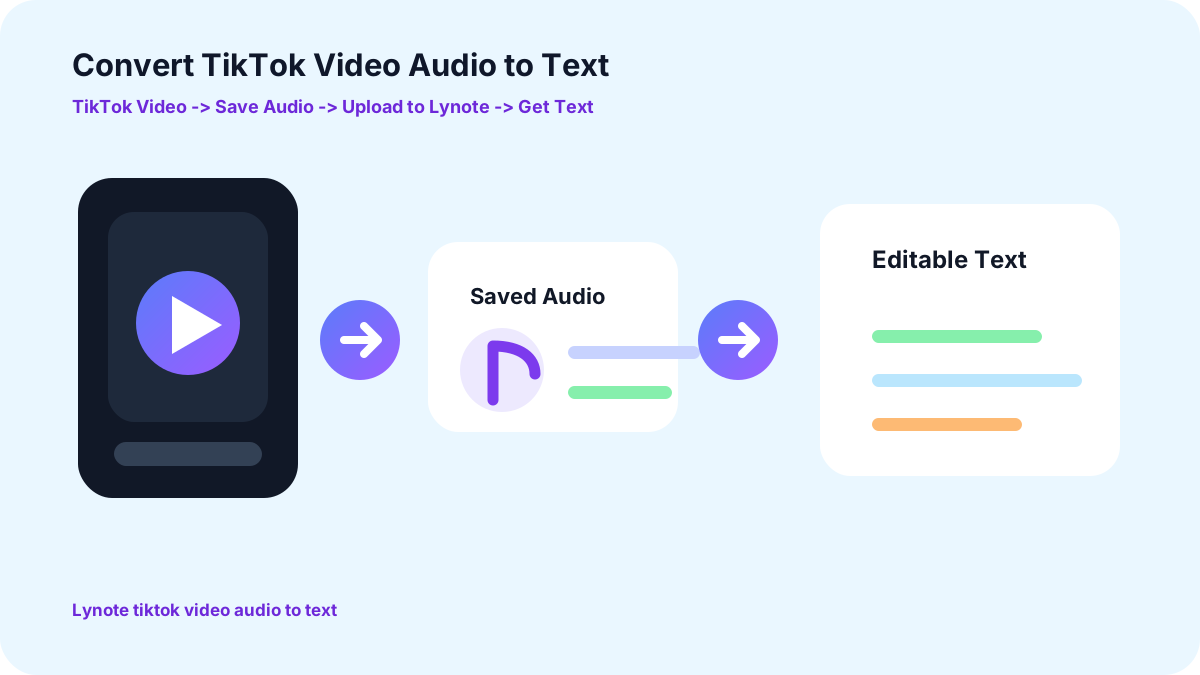
Find the TikTok video, download or extract its audio using a method you are authorized to use, save the audio file to your device, upload the audio file to Lynote, let Lynote convert the TikTok audio to text, then review and use the generated transcript.
TikTok Audio to Text for Different Types of Content
Tutorials
Capture spoken instructions and review each step without repeatedly replaying the original TikTok.
Educational Videos
Turn explanations, lessons, definitions, and examples into text for easier study and reference.
Creator Commentary
Read longer opinions and explanations in transcript form and identify important points faster.
TikTok Ads
Extract spoken advertising copy and review hooks, product benefits, positioning, and calls to action.

UGC Videos
Review how creators describe products, experiences, and recommendations in their own words.

Interviews and Conversations
Turn spoken dialogue into text that is easier to review, organize, and research.
Why Use Lynote for TikTok Audio Transcription?
Simple Audio-to-Text Workflow
Once the TikTok audio is saved on your device, upload the file to Lynote and convert the spoken content into readable text without manual transcription.
Work With the Information After Transcription
Transcription is only the starting point. Use the text as part of your broader workflow for studying, researching, organizing information, and creating content.
Bring Different Sources Into One Workspace
Useful information does not live only on TikTok. Lynote helps you work with audio, video, YouTube content, PDFs, webpages, and other learning materials in one AI workspace.
Spend Less Time Taking Notes Manually
Start from an AI-generated transcript instead of typing everything from scratch, then focus on reviewing and organizing the information that matters.
Frequently Asked Questions
No. Lynote does not currently retrieve audio or generate a transcript directly from a TikTok URL. You need to download or extract the audio from the TikTok video first, then upload the audio file to Lynote.
First, save or extract the audio from the TikTok video. Then upload the audio file to Lynote. Lynote processes the spoken content and converts it into readable text.
Yes. Lynote cannot directly import audio from TikTok, so you need to save or extract the audio before uploading it for transcription.
Yes. Once the TikTok audio is saved as a supported audio file, upload it to Lynote to generate a text transcript.
First, download or extract the audio from the TikTok video. Then upload that audio file to Lynote to transcribe the spoken content into text.
Save the audio from the TikTok video first, then upload the audio file to an audio-to-text tool such as Lynote. Lynote converts the spoken audio into readable text that you can review and reuse.
You can use the transcript for notes, study, research, content analysis, captions, scripts, summaries, or repurposing your own content.
It can. Loud music, overlapping voices, unclear speech, and background noise may make some spoken words harder to recognize accurately. Always review important names, numbers, quotations, and other details in the generated transcript.
Only download, transcribe, reproduce, or reuse content when you have permission or another lawful basis to do so. Creating a transcript does not change the ownership or usage rights of the original content.
Explore More Audio and Transcription Tools









Learn More About Audio and Video Transcription
Explore practical guides on transcription, video learning, content research, and turning spoken information into useful text.


Convert Audio to Text With Lynote
Upload downloaded TikTok audio and turn spoken content into clear, editable text for notes, research, and content reuse.