

MP3 to Text With AI

Drop files or browse

Add study materials to enable the AI to extract and structure content.



Why Choose Our MP3 to Text Converter?

Accurate MP3 Transcription
Lynote helps you convert MP3 to text by detecting spoken words and turning them into editable transcript content for lectures, interviews, calls, podcasts, research recordings, and voice notes.

From Audio to Structured Notes
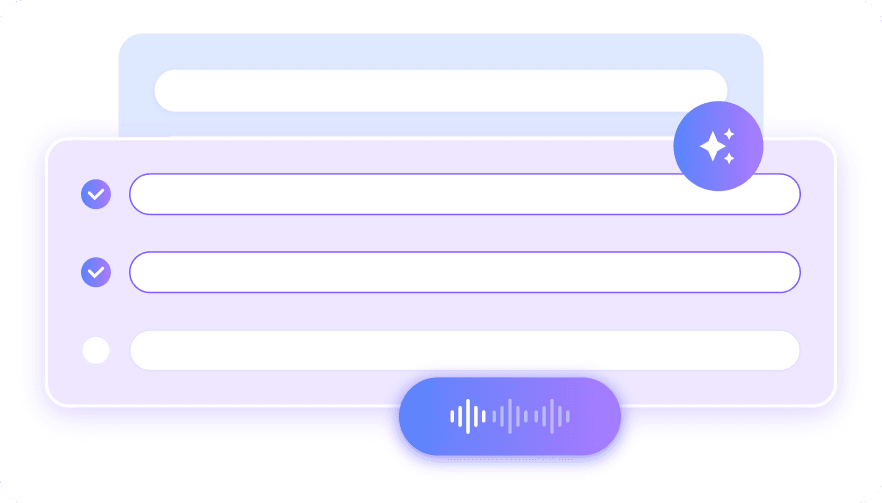
This is more than simple mp3 to text transcription. After transcription, Lynote can help organize the content into notes, summaries, key points, and study-ready material.

Online and Easy to Use
Use Lynote as an mp3 audio to text converter online free workflow from your browser. Upload your MP3, let AI process the audio, then review the generated transcript.

Useful for Long Audio Projects
If you are searching for mp3 to text no limit, you probably need a workflow for longer recordings. Lynote helps break audio into usable transcripts, notes, and summaries without manual typing.

Translate After Transcription
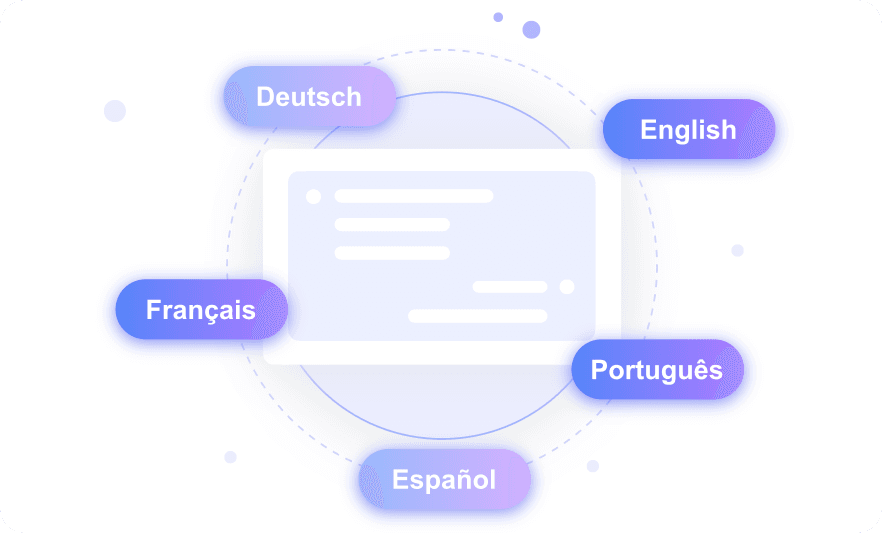
Need to translate mp3 to text for multilingual work? First transcribe the audio into editable text, then use Lynote AI workflows to translate, summarize, or ask questions about the content.

Built for Real Workflows
Whether you compare tools like veed io mp3 to text, elevenlabs mp3 to text, or other transcription apps, Lynote connects transcription with note-taking, AI Q&A, summaries, and learning workflows.
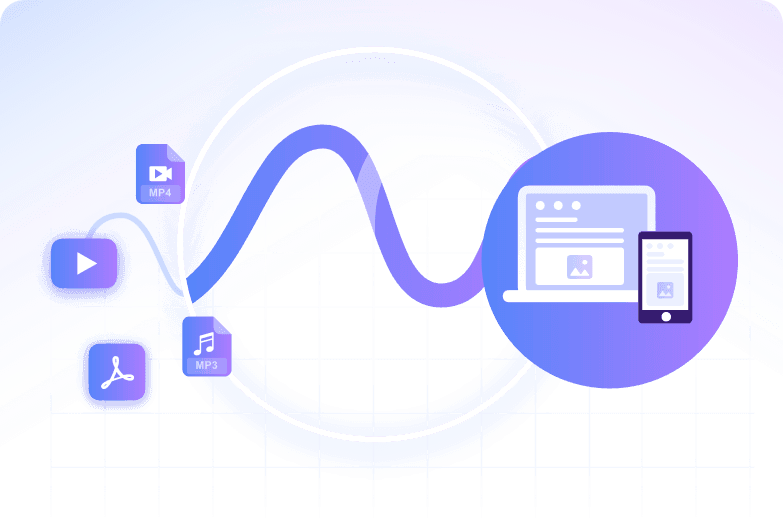
Convert Recordings Into Editable Transcripts
Create Notes From Long Conversations
Reuse Audio Content Faster
How to Convert MP3 to Text With AI
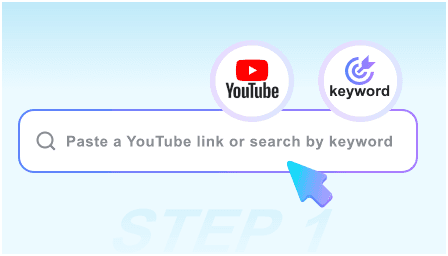
Step 1. Upload Your MP3 File
Upload your .mp3 file directly into Lynote. You can use it for meetings, interviews, lectures, voice notes, webinars, podcasts, or field recordings.
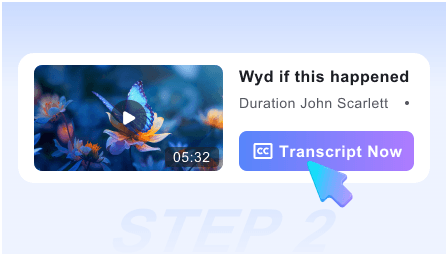
Step 2. Transcribe MP3 to Text
Lynote processes the audio and creates a text transcript. This helps you transcribe mp3 to text without listening back and typing every sentence manually.
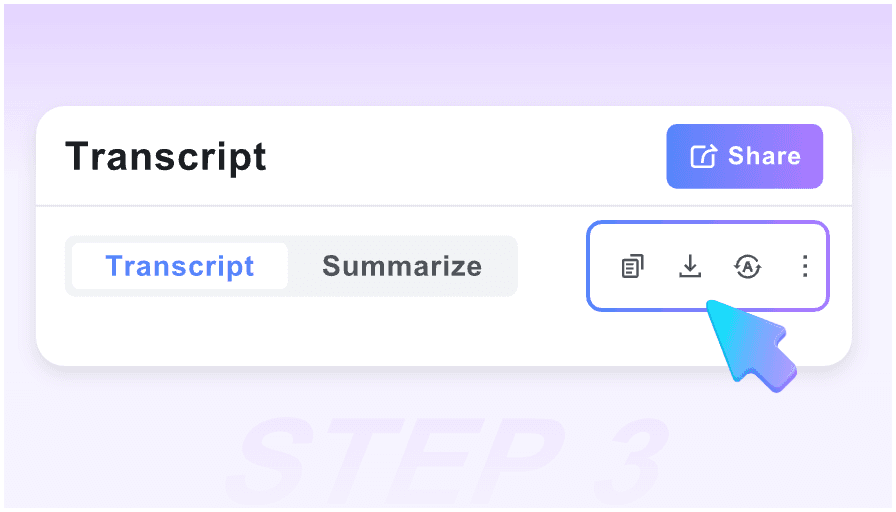
Step 3. Review, Edit, and Create Notes
Check the transcript, fix names or technical terms, then turn it into notes, summaries, translations, or AI chat prompts. You can also use the output as an mp3 to text transcript for later reference.
Who Can Benefit From MP3 to Text?

Students
Students can use transcribe mp3 to text free workflows for lectures, study recordings, group discussions, and class audio. The transcript can become notes, flashcards, or review material.

Researchers
Researchers can convert interviews, oral histories, field notes, and recorded observations into searchable text. This makes coding, quoting, and analysis easier.

Journalists
Journalists can turn recorded interviews into editable transcripts for article drafts, quotes, and fact-checking. Lynote helps reduce the time spent replaying audio.

Content Creators
Creators can use convert mp3 to text transcript workflows to repurpose podcasts, voiceovers, and episode notes into captions, outlines, and social posts.

Business Teams
Teams can transcribe meetings, sales calls, training audio, and customer conversations. The transcript can become action items, summaries, or internal documentation.

Local Professionals
If you need to know how to transcribe mp3 to text in Cagayan de Oro, Lynote works online from your browser. Users in Cagayan de Oro can upload MP3 recordings and create editable transcripts without desktop software.
What Our Users Say

Research Assistant

Lynote helped me turn interview recordings into searchable transcripts. I could review the key quotes faster and organize them into research notes.

Podcast Producer
I needed an mp3 to text converter that did more than give me raw text. Lynote helped me create a transcript, summary, and content ideas from one episode.

Student in Cagayan de Oro
I used Lynote to transcribe mp3 to text Cagayan de Oro lecture recordings. It made revision easier because I could search the transcript and turn it into notes.

Marketing Manager
Our team records many planning calls. Lynote helped us convert MP3 to text and then turn the transcript into action items and campaign notes.

Freelance Writer
I compared several mp3 to text conversion software options, but I liked that Lynote connected transcription with summaries and AI chat.

Online Educator
I used Lynote for mp3 to text transcription free testing on course audio. The editable transcript helped me create lesson notes and captions faster.
Frequently Asked Questions
Got questions about MP3 transcription, editable transcripts, and audio-to-note workflows? Start here.
An MP3 to text converter turns spoken audio from an MP3 file into editable written text. Lynote uses AI transcription to help you review, copy, summarize, translate, and organize the transcript.
Upload your MP3 file, wait for AI transcription, then review the generated text. Lynote lets you use the transcript for notes, summaries, Q&A, translation, and content reuse.
Lynote supports free online workflows for getting started with transcription. You can upload audio and test how free mp3 to text works before using transcripts in larger note-taking workflows.
Yes. You can upload .mp3 files and turn them into editable text. This makes Lynote useful for anyone searching for .mp3 to text or .mp3 to text free workflows.
Yes. Lynote works as an ai mp3 to text tool that converts speech into text and then helps you create notes, summaries, translations, and AI-powered follow-up content.
Yes, Lynote is useful for longer audio workflows such as lectures, interviews, podcasts, and meetings. If you are looking for mp3 to text no limit, check the live product limits and split very long recordings when needed for easier review.
You can first transcribe the MP3 into text, then use Lynote AI workflows to translate or summarize the transcript. This is helpful for multilingual interviews, lectures, and global content projects.
