

Free Online AI Speech to Text Converter

Drop files or browse

Add study materials to enable the AI to extract and structure content.



Why Choose Our Speech to Text Converter?

150 Languages
Transcribe speech in 150 languages for effortless multilingual transcription.

AI-Powered Accuracy
Get clear, reliable transcripts powered by advanced AI speech recognition.

Lightning-Fast Results
Turn speech into text in seconds without long processing times.

Free to Use
Try our speech to text converter online for free and start transcribing right away.

100% Online
Transcribe directly in your browser with no software download or installation required.

Effortlessly Simple
Upload your file and get your transcript in just a few clicks.
Editable Transcripts
Review and edit your transcript after conversion to prepare the text for your next task.

Built-In AI Tools
Use AI chat and translation tools to ask questions about your transcript and work across languages.
Transcribe Speech to Text Instantly
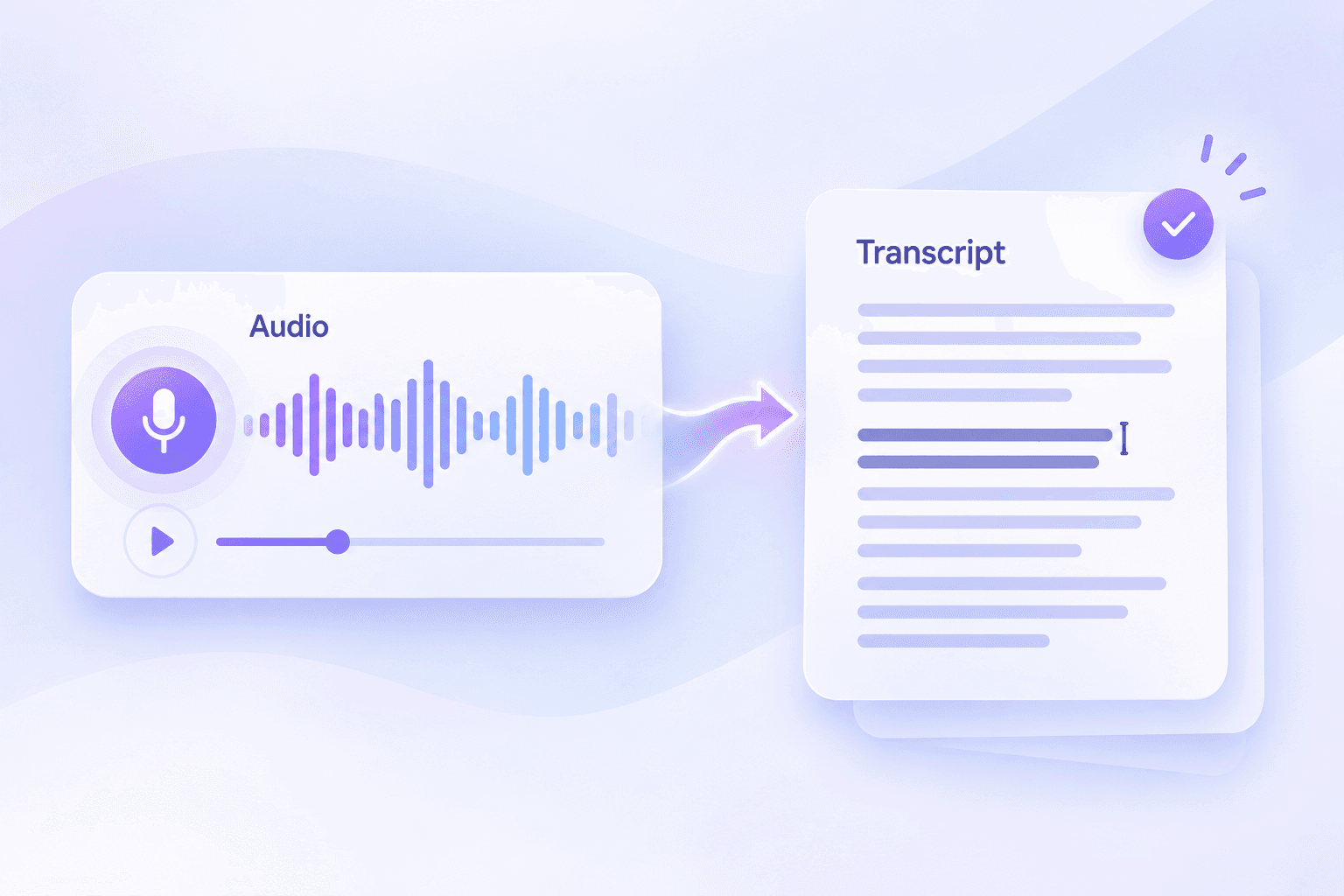
Bulk Speech to Text Transcription
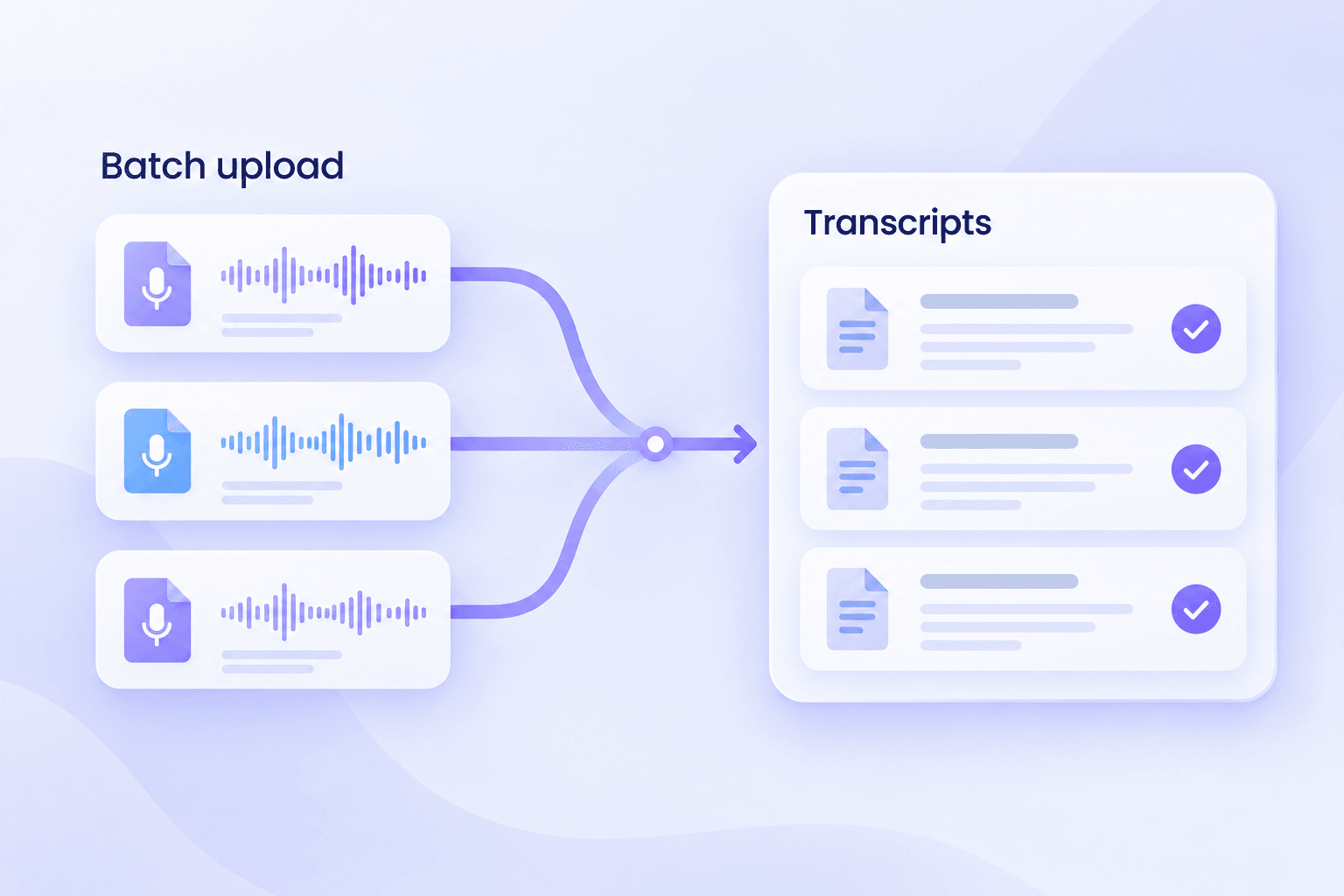
Transcribe Any Speech File to Text
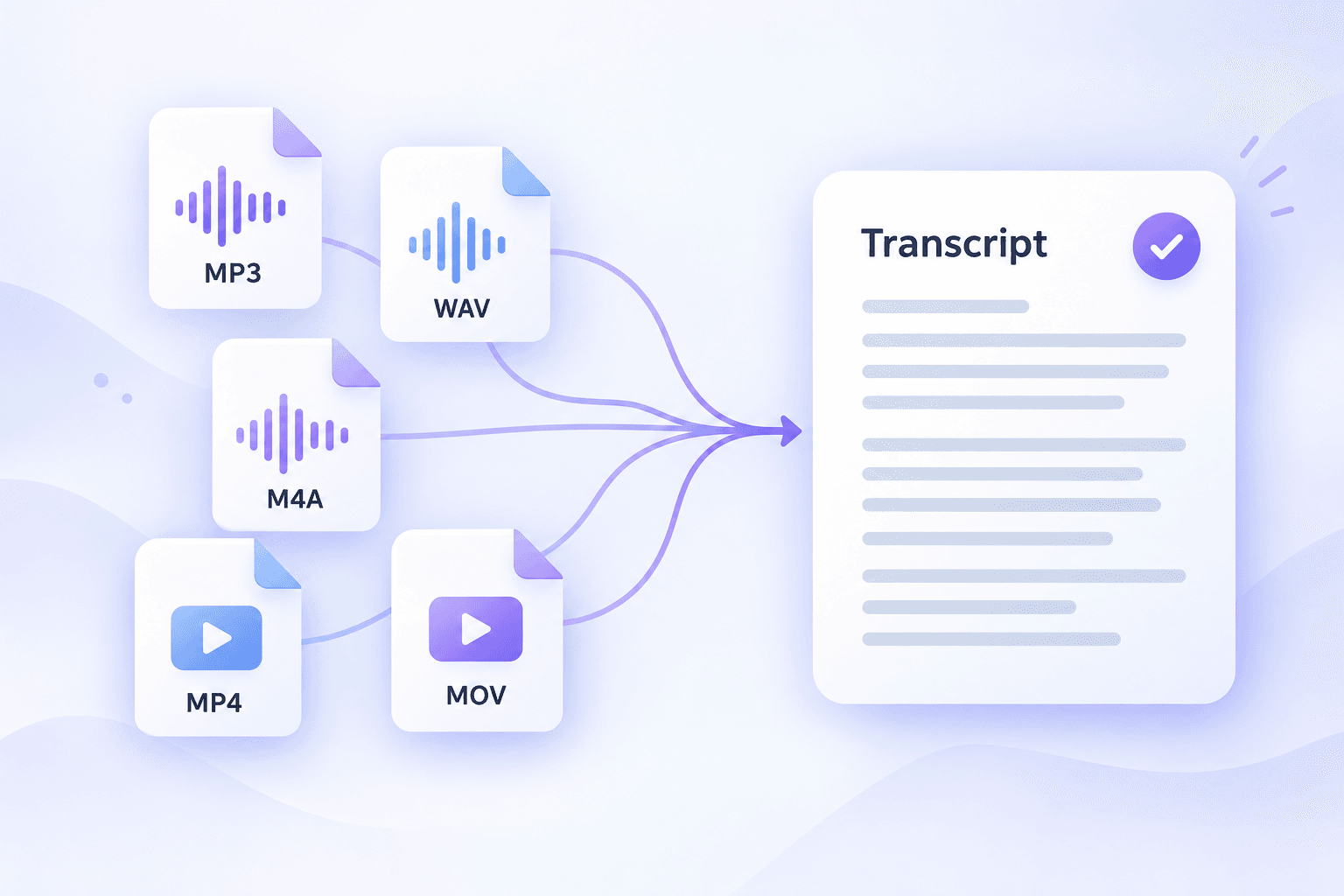
How to Convert Speech to Text in 3 Steps
Step 1. Upload Your Voice File
Select and upload your audio or video files directly from your device. Alternatively, paste a web link into the input field to begin the transcription process.
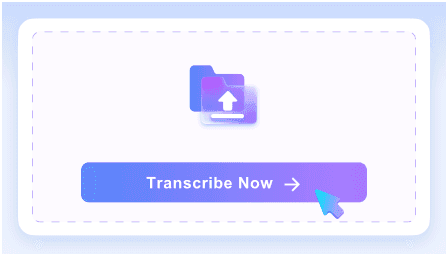
Step 2. Convert Voice to Text
Click the transcription action to start the automated AI process. The system will analyze the spoken content and create your text draft automatically in just a few moments.
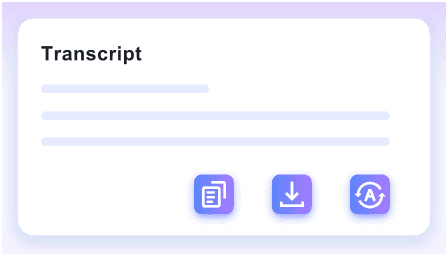
Step 3. Review and Export
Check the finalized text for any necessary adjustments. You can copy, edit, translate, or export the document to share with your team or use in your projects.
Who Uses This Speech to Text Generator?

Journalists & Reporters
Convert noisy field interviews and press conferences into publishable text using our speech to text online tool.

Students & Researchers
Turn long lecture recordings and focus groups into structured study notes with this automated voice to text generator.

Video Creators
Generate accurate text from YouTube videos to create captions, subtitles, and blog posts with our voice to text converter.

Business Professionals
Convert speech to text from recorded sales calls and meetings, turning audio into fully searchable corporate documentation.

Podcasters
Transcribe full podcast episodes to improve SEO, boost accessibility, and generate detailed show notes in minutes.

Global Support Teams
Transcribe and translate multilingual customer support calls into text to ensure quality assurance across global operations.
What Our Users Say

Investigative Journalist

"This speech to text converter handled a two-hour noisy field interview recording perfectly. The high-accuracy AI transcription captured every detail from my raw WAV file."

Content Marketer
"The batch transcription workflow is a huge timesaver. I uploaded ten webinar MP4s at once, and it generated text for all of them simultaneously."

University Professor
"I needed to transcribe Arabic guest lectures for my department. The multiple language speech to text feature handled the 60-minute recordings beautifully."

Podcast Producer
"I love that it supports MP3, WAV, M4A, and even YouTube links directly. Uploading my raw M4A podcast files for automated transcription is incredibly straightforward."

HR Manager
"Secure file processing is critical for our confidential internal HR meeting recordings. I trust this tool to keep our sensitive 50MB audio files completely private."

Freelance Writer
"The fact that there is no sign-up required is fantastic. I can just paste a 10-minute voice memo and get free voice to text instantly."
Frequently Asked Questions
Still got questions about our speech to text tool? Here are the answers.
A speech to text online tool uses artificial intelligence to listen to audio or video files and automatically generate written transcripts. It allows you to convert spoken words from meetings, interviews, or lectures into editable text documents without manual typing.
You can upload common media formats including MP3, WAV, M4A, MP4, and MOV files. Alternatively, you can paste a YouTube link to transcribe online videos directly.
Our AI transcription engine supports 150 different languages. It accurately recognizes diverse accents and dialects, making it ideal for global teams and multilingual content creators.
Our tool delivers high accuracy for clear, long-form recordings. Keep in mind that heavy background noise, strong accents, or poor audio quality may impact the final text precision.
Yes, your uploads are processed with strict security measures. We only use your files to generate the transcript, ensuring your personal data remains private.
Yes. Once the speech to text transcription is complete, you can review and edit the text directly in the interface before exporting or sharing the final document.


