Original Draft
We would like to take this opportunity to request that you provide your feedback regarding the proposed schedule by Friday so that we can proceed with making the necessary arrangements.


Exploring a QuillBot AI Humanizer alternative? Turn an awkward first draft into writing that gets to the point.
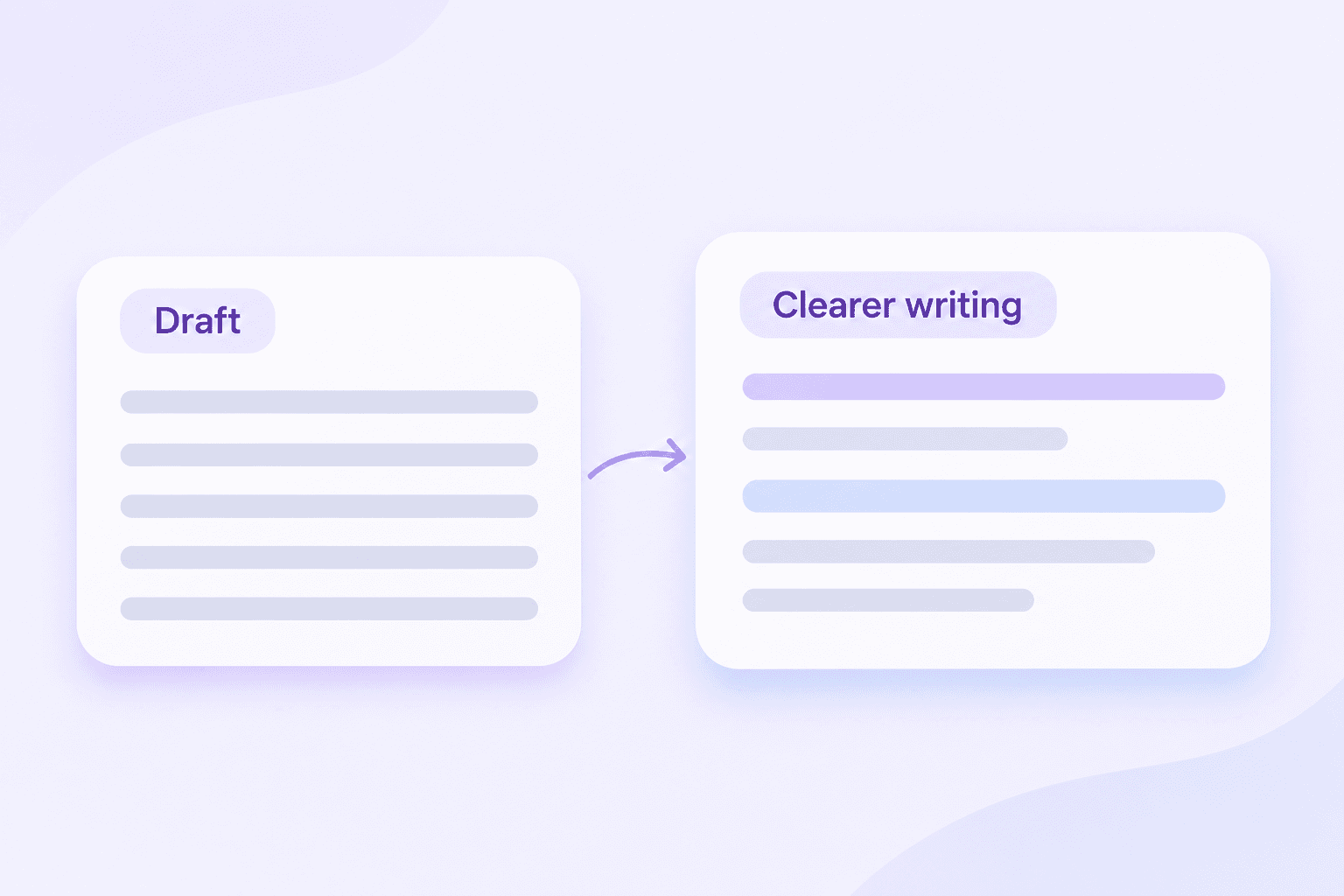
QuillBot’s AI Humanizer revises AI-assisted drafts to improve phrasing, rhythm, and transitions. Its official page offers free basic humanizing with word and usage limits, alongside Premium options.
If you searched for “AI humanizer QuillBot” to find the official service, use the link above. To try a separate rewriting workflow, start with Lynote.
The aim of humanizing should be a better reading experience: a clear point, appropriate tone, and wording you would actually choose.

You do not need to rewrite a whole document because one paragraph feels stiff. Identify the section that interrupts the flow and focus your review there.

A reader should not have to work through an elaborate introduction to find the answer. Look for wording that makes the message clear from the opening sentence.

A smoother sentence is not always a better sentence. Retain names, examples, conditions, and explanations that make your writing specific.

A friendly update and a formal proposal need different voices. Decide how you want the reader to feel and what you want them to do next.

Keep the original beside the rewrite. Check whether a cautious statement became a promise or an important exception disappeared.

Use the version that communicates your meaning best. Restore your own expressions where they work, and remove wording that sounds unlike you.
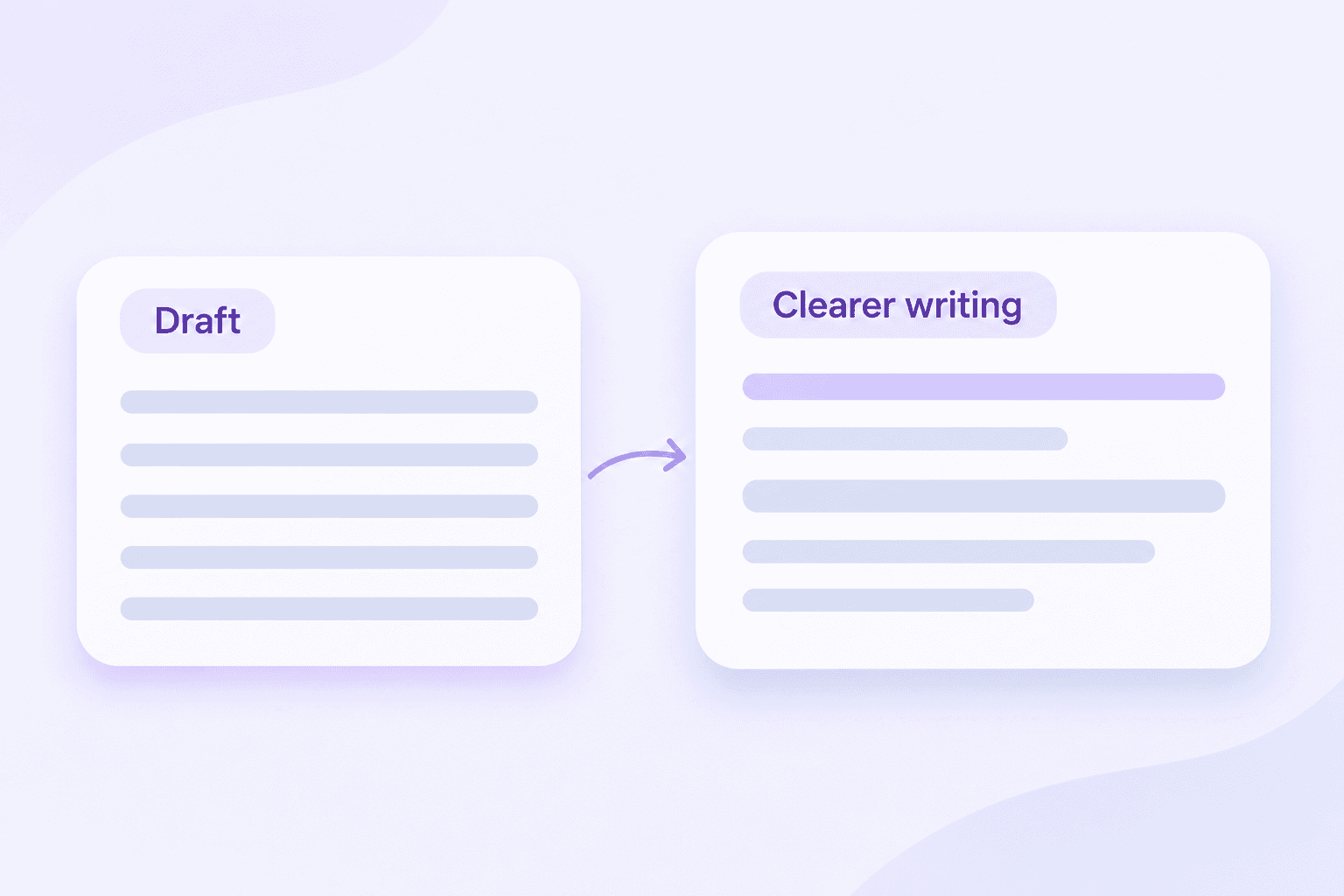
Lynote’s AI Humanizer rewrites AI-generated text for more natural phrasing. Use it when a draft feels repetitive, overly formal, or difficult to read.
As you review, pay attention to the connection between sentences. A paragraph should develop an idea rather than repeat it with different words.
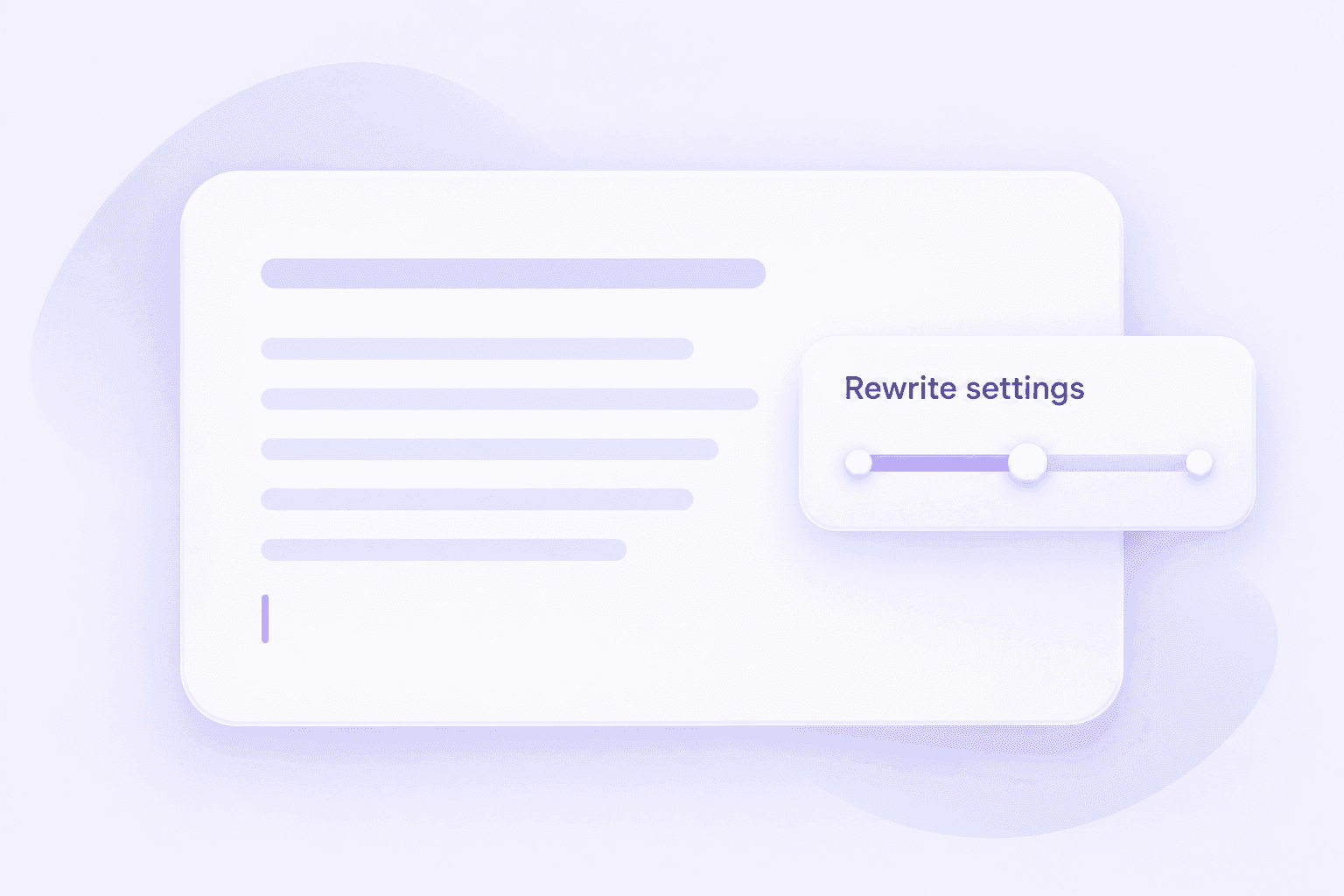
Choose from the rewriting settings available in Lynote. Start with the amount of change your text needs, then inspect the result before making another pass.
A good sentence may need only a small edit. Keep strong wording instead of changing it simply because a different version is available.
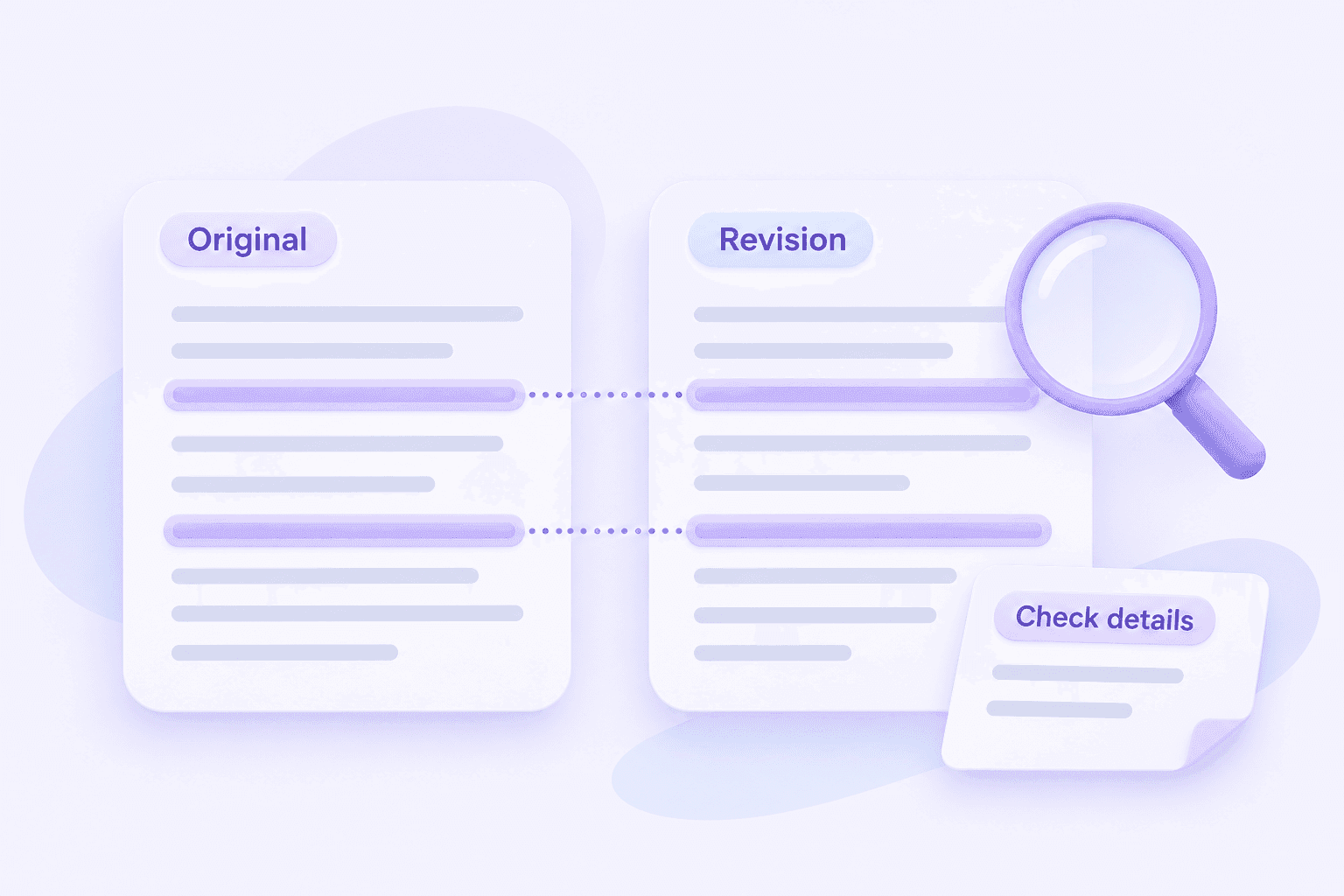
Compare the original and revised text for accuracy. Check figures, technical terms, names, quotations, and the limits of each claim.
If a revision removes a detail your reader needs, put it back. Natural writing should still be precise.
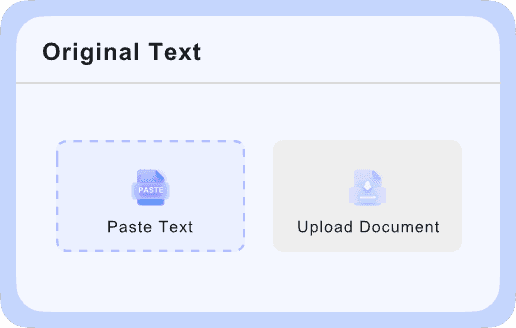
Paste your draft or upload a supported document.

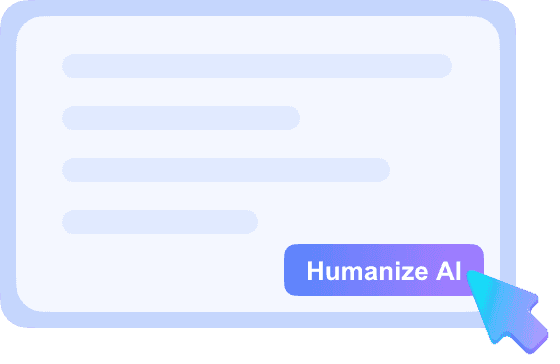
Select the available rewriting settings, then click Humanize.
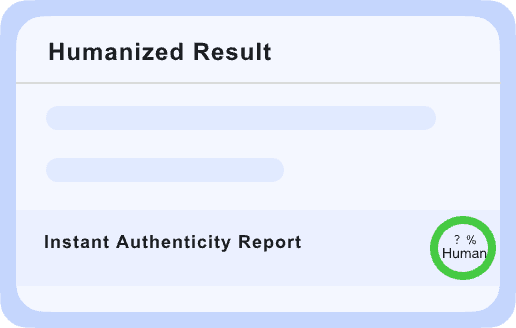
Check the meaning, add your final edits, and copy the result.
A useful edit makes the action easier to understand while retaining the information the reader needs.
Humanizing and detecting are different tasks. A rewrite changes the text; a detection result gives you another input to consider during review.
When using a QuillBot AI detector and humanizer workflow—or comparing it with Lynote—decide what you want to learn at each stage.
01
Improve unclear sentences, repeated ideas, and unsuitable tone. Keep the meaning and supporting information intact.
02
Read the output rather than accepting it automatically. Check that the text still reflects your argument, experience, or intended request.
03
A detector score is not a writing-quality grade. If you run a separate check, consider the result alongside the passage itself.
04
Verify facts, references, and task requirements. Publish or submit the version you can explain and stand behind.
Use the same original passage in each tool. Include a sentence with an important qualification or a specific detail so you can see whether the rewrite preserves it.
Does the revised passage make the same claim?
Would you use this wording when addressing your intended reader?
Are useful examples and concrete details still present?
Does the paragraph maintain a suitable tone from beginning to end?
How much manual correction does the output need?
Can you guide the rewrite in a way that suits your task?
Can you test a representative passage within the current limits?
Do the paid features solve a recurring problem in your workflow?
Make requests easy to find. Keep the recipient, deadline, and next action clear.
Replace broad introductions with a useful opening. Add the examples and explanations that make the article worth reading.
Separate recommendations from established facts. Simplify wording without making the conclusion stronger than the evidence allows.
Describe real responsibilities and achievements in direct language. Check that a rewrite has not added experience you do not have.
Make your reasoning easier to follow while retaining citations and necessary terminology. Follow the AI-use requirements for the assignment.
Keep the message concise and appropriate for the audience. Replace generic praise with information the reader can use.
<p>Yes. QuillBot provides a dedicated AI Humanizer for revising AI-assisted drafts. You can access it through the <a href="https://quillbot.com/ai-humanizer" style="color:#7651da;text-decoration:underline">official QuillBot AI Humanizer page</a>.</p>
<p>Open its humanizer, paste your draft, and select Humanize. Read the revision and make any final changes before using it. <a href="https://quillbot.com/ai-humanizer" style="color:#7651da;text-decoration:underline">QuillBot’s official instructions</a></p>
<p>QuillBot currently offers basic humanizing with word and usage limits. Premium provides additional access and features. Check the <a href="https://quillbot.com/ai-humanizer" style="color:#7651da;text-decoration:underline">official page</a> for the conditions that apply when you use it.</p>
<p>Its current official page still lists a Free option. If you encounter a limit, check your account and the current usage conditions rather than assuming free access has been removed. <a href="https://quillbot.com/ai-humanizer" style="color:#7651da;text-decoration:underline">QuillBot’s current options</a></p>
<p>Test it against a clear editing goal. Did the rewrite make the passage easier to read? Did it preserve the details? Did it introduce wording you would need to correct? Those answers are more useful than a general claim that a tool “works.”</p>
<p>For a rewriting tool, accuracy means preserving information. Compare the original and revised versions for changed dates, figures, terminology, qualifications, and references. Fluency alone does not establish factual accuracy.</p>
<p>Its usefulness depends on the draft and the result you want. Try a passage from your actual work, then evaluate how much of the output you would keep without further revision.</p>
<p>Do not treat any humanizer as a guarantee of passing Turnitin or another detector. A change in wording does not establish authorship or satisfy an institution’s AI-use rules. Focus on accurate writing and the requirements of your task.</p>
<p>They overlap. Paraphrasing changes how an idea is expressed; humanization usually emphasizes natural tone and readability. Evaluate the resulting text rather than relying on the product label.</p>
<p>A separate check can provide additional context, but it should not replace proofreading. Review the text for accuracy and clarity even when a detector gives it a low AI score.</p>
<p>Look for the original passage, revised output, settings, and manual corrections. A review is more useful when you can see what improved and what went wrong.</p>
<p>You can try Lynote on the same original passage for comparison. Avoid repeatedly rewriting an already revised version without checking for changes in meaning.</p>
<p>Consider an option that fits your input, editing needs, and review process. Try <a href="https://lynote.ai/ai-humanizer" style="color:#7651da;text-decoration:underline">Lynote AI Humanizer</a>, compare the result with your original, and keep the changes that improve the writing.</p>
<p>No. You still need to decide whether the text fits the reader, communicates the right point, and includes the information required for the task.</p>
Considering a QuillBot AI Humanizer alternative? Start with the paragraph that needs the most attention.


