Check Text in Your Browser
Paste your writing into Lynote or upload a supported document. You can review an essay, a client draft, or a report without installing an extension for this workflow.


Looking for a Hive AI Detector alternative? Check your text with Lynote and review AI scores and sentence highlights.
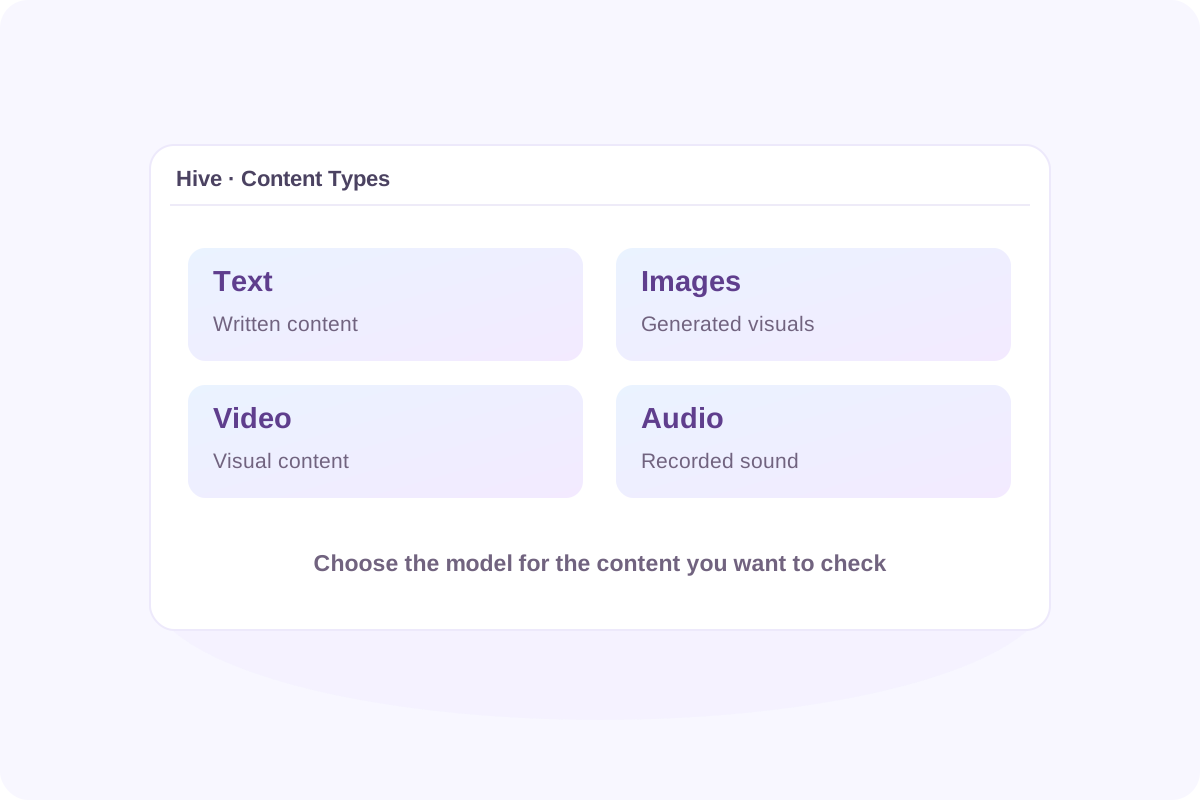
Hive AI Detector is part of Hive’s AI-generated content detection offering. Its tools cover text, images, video, and audio, with access through its browser extension and developer APIs. The input you choose determines which detection model analyzes your content.
The Hive moderation AI text detector addresses written content. The Hive AI image detector examines visual content. Hive also documents deepfake detection alongside its image and video detection models. Start with the type of content you want to check, then review the relevant result.
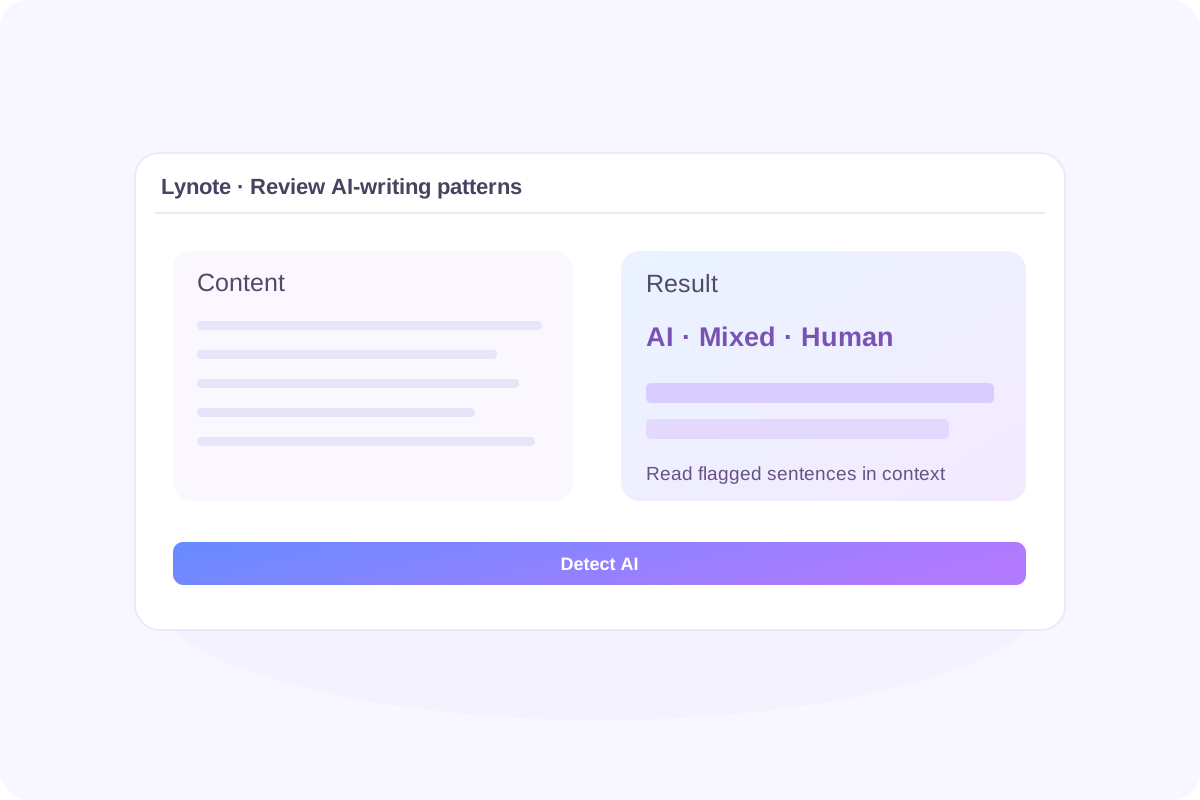
Paste your writing into Lynote or upload a supported document. You can review an essay, a client draft, or a report without installing an extension for this workflow.
Review Lynote’s probability estimates for AI-generated, mixed, and human-written content. These scores help you assess writing patterns and decide where to investigate further.
Use sentence-level highlights to locate passages that may show AI-writing patterns. Read the flagged sentences in context and compare them with your sources or earlier drafts.
Check your own writing before sending it to a teacher, editor, or client. Use the report to guide a review of clarity, source attribution, and any AI assistance you need to disclose.
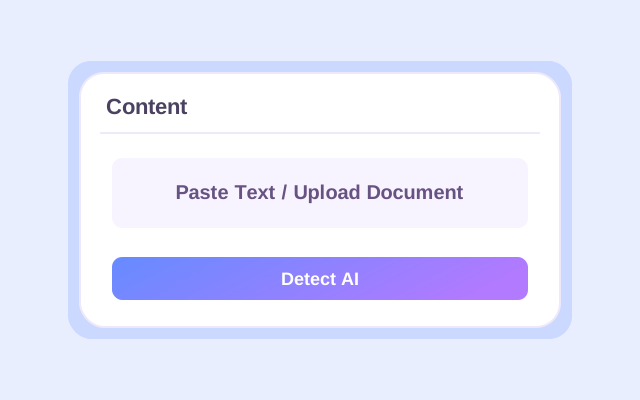
Paste your writing or upload a supported document.
Click Detect AI to generate Lynote’s report.
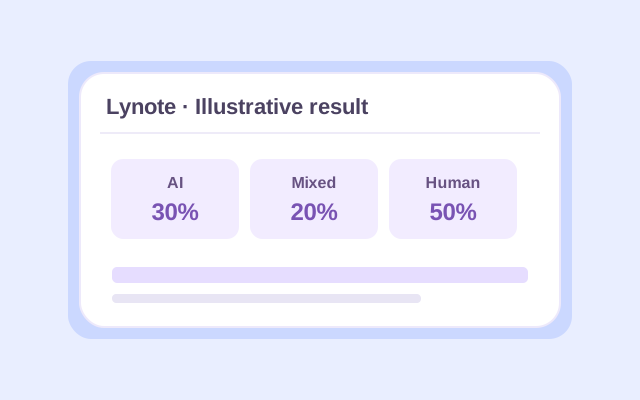
Read the scores and highlighted sentences alongside your draft, sources, and writing history.
An AI score is a signal about patterns in the submitted text. Use it to choose what to examine next.
| Part of the report | What to do with it |
|---|---|
| AI-writing scores | Review the overall assessment before inspecting individual passages. |
| Mixed-content estimate | Look for sections that may combine original writing with AI assistance or editing. |
| Sentence highlights | Read each flagged passage with the surrounding paragraph. Check whether the wording is repetitive, overly uniform, or missing specific detail. |
| Your supporting material | Compare the report with notes, drafts, references, and the author’s explanation of the work. |
If human-written text receives a high score, check whether a short sample, formulaic language, quotations, or extensive editing could affect interpretation. For an important academic or editorial decision, review the writing process and relevant evidence before acting.
Choose the workflow that fits the material you have and the review you need to perform.
| Review task | Hive | Lynote on This Page |
|---|---|---|
| Check written content | Offers AI-generated text detection through its supported tools. | Paste text or upload a supported document for a Lynote text assessment. |
| Check images | Offers AI-generated image detection. | Use the separate Lynote AI Image Detector. |
| Check video or audio | Documents detection models for these content types. | The tool on this page checks text. |
| Check content while browsing | The Hive AI Detector extension supports browser-based checks. | Open this page to check your text directly. |
| Interpret a result | Review the likelihood scores returned by the selected Hive tool. | Review Lynote’s scores and highlighted sentences. |
Hive’s supported content types are described in its documentation and extension listing. This page provides Lynote’s own detection results.

Review your draft and the passages that need a closer look. Keep notes and earlier versions so you can explain your writing process.

Use highlighted passages as a starting point for reviewing submitted work. Consider the assignment, references, and student’s explanation alongside the report.

Check contributed articles and identify sections that may need clarification, source checks, or a conversation with the writer.

Review essays, reports, and client work before delivery. Check that your final wording expresses your intended meaning and follows the recipient’s AI-use requirements.
Open Hive’s official tool or install its Chrome extension. The extension listing describes three ways to check content—right-click supported content on a webpage, paste text into its box, or upload a file. Review the result for the content type you submitted. Official Hive Extension
Hive’s Chrome Web Store listing describes the extension as free. API access and other services have their own terms. Check the current official offering for the access method you plan to use. Hive Extension Listing
A Hive moderation AI detector accuracy claim should be read with its test conditions. Check the content type, model version, sample selection, and how false positives and missed detections were measured.
For example, an image-detection result does not establish how well the text detector performs. When evaluating accuracy in 2026, look for a dated evaluation that matches your use case and examine the underlying examples.
Yes. Hive documents AI-generated image and video detection. Its image and video API also uses a separate model for face-manipulation deepfakes. Choose the result that corresponds to the question you are investigating. Hive Image and Video Detection
They address different detection tasks. Hive describes one model for entirely AI-generated images and another for face-mapping deepfakes. Their outputs can be returned through the same image and video endpoint. Hive Model Documentation
The extension is a separate Hive product. To use Lynote here, paste your text or upload a supported document, then click Detect AI. The report you receive is generated by Lynote.
Start with what you need to establish about an image. You may need an estimate of AI generation, information about editing, or evidence about the image’s source and history. Check what each product actually evaluates before comparing its output.
For a meaningful comparison, use the same original files and record the product version, test date, and results. Evaluate the mistakes as well as the successful detections before deciding which workflow suits you.
This page shows Lynote’s own assessment. If you also run a check with Hive, compare the reports independently and investigate any disagreement using the original content and supporting records.
Use Lynote AI Image Detector for an image-generation check. The text detector evaluates writing that you paste or submit in a supported document.
You can start with the access available in the live tool. The free text box supports up to 600 words, and Pro supports up to 3,000 words per request. Check the current account and plan details for your usage allowance.
A detection score estimates patterns in the submitted content. Authorship review also requires context, such as earlier drafts, notes, source material, and an explanation of how the work was produced.
Have a passage to review? Add it to Lynote and see which sentences deserve a closer look.


