Best AI Detector for Students Free Online
Our Promise to You
What is an AI Detector for Students
What Makes Lynote the Best AI Detector for Students
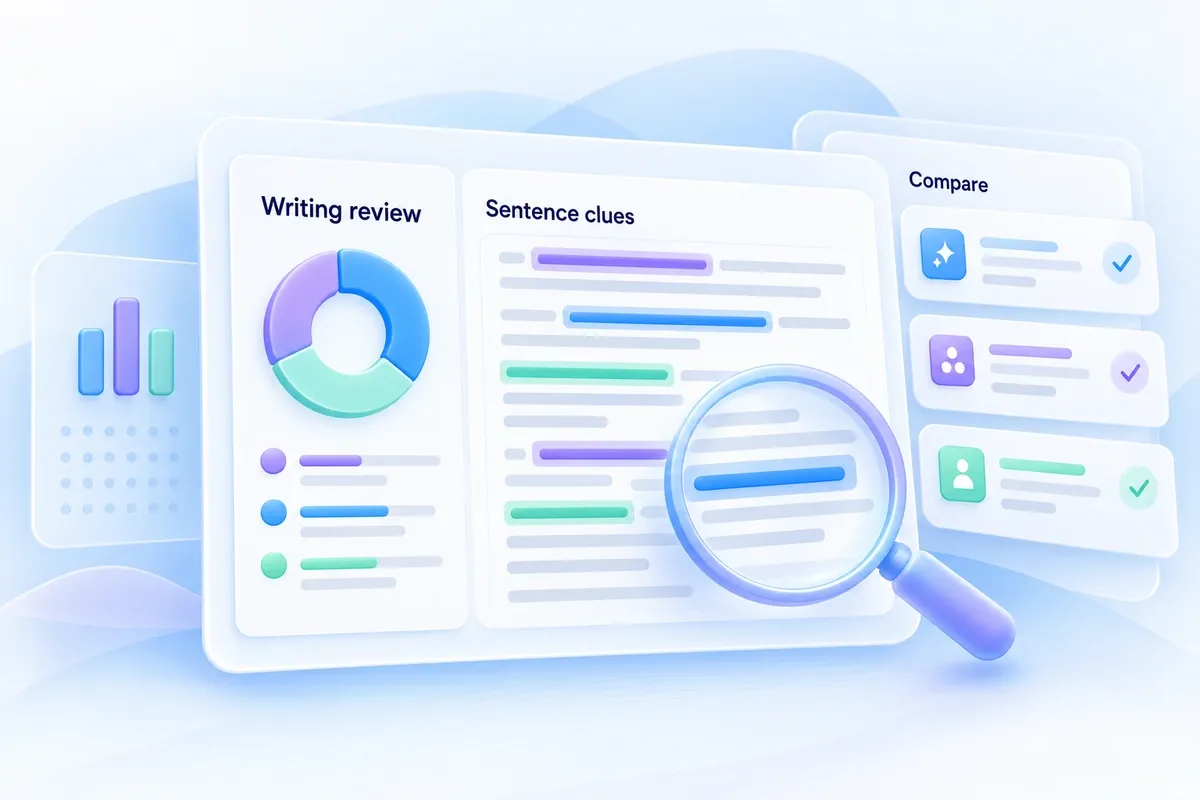
- More Than A Percentage: Check which parts of your assignment could appear AI-generated and to what extent before you submit.
- Cross-Checked Results: Cross-check your writing across multiple AI detection models to give you a complete picture of how your work may be classified.
- See What Others See: See how your writing may appear to AI detection systems before you submit your assignment.
100% Free AI Detector for Students
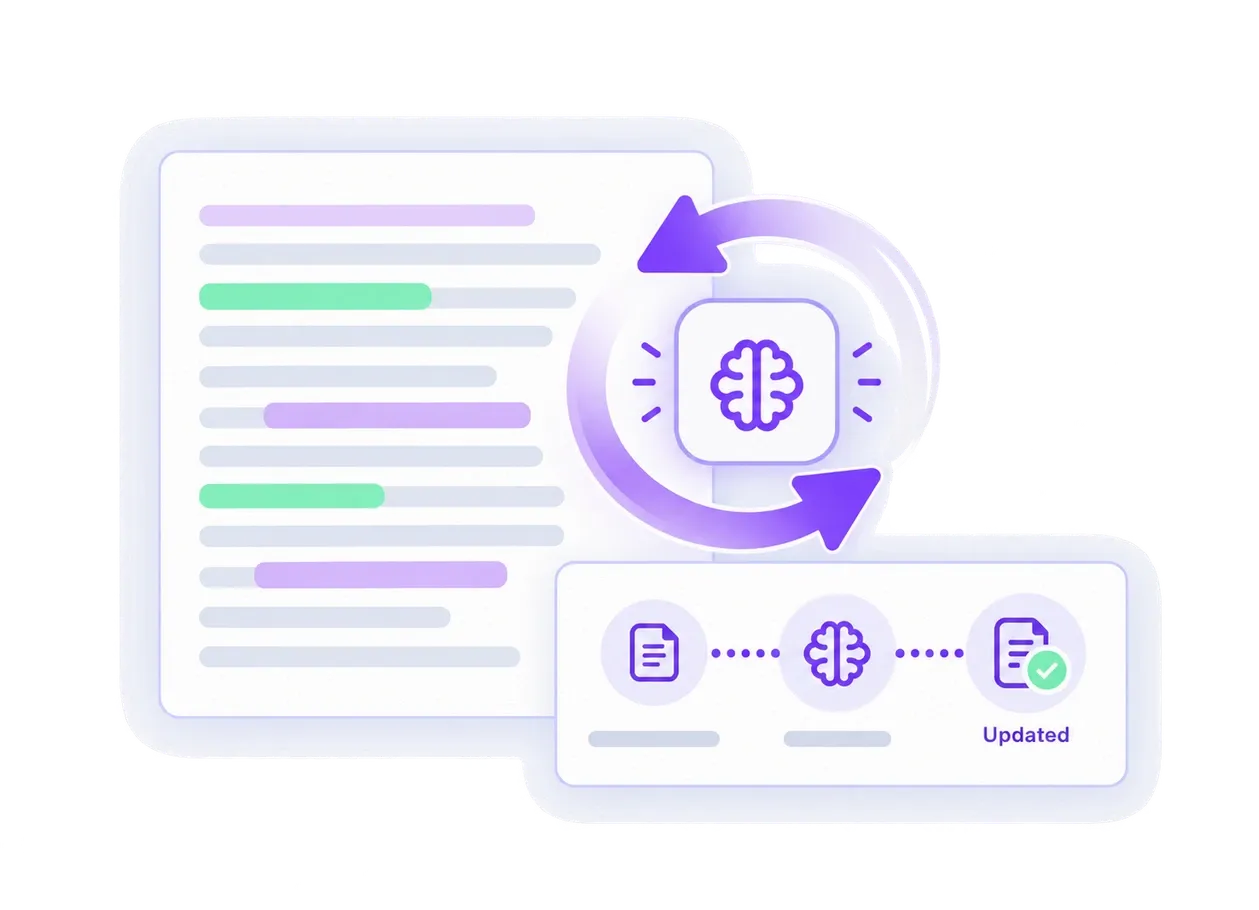
Always Up to Date with AI Changes For Student Writing
Private and Secure Results for Students
AI Detector for Student Writing and More

Essays and Assignments
Scan the documents before the final grading so you have evidence at hand in case the grade is disputed.

Research Papers
Keep your voice authentic, despite using AI’s assistance for editing or brainstorming.

AI-Assisted Writing
Compare Lynote against other AI detectors on the market to evaluate its accuracy and differentiation before making a decision.
How to Use Lynote’s AI Detector for Students
1. Paste or upload your work
Copy your essay, paper, or report into Lynote’s AI detector for students. You can also upload a document directly from your device.

2. Get instant results
Lynote scans your writing across multiple AI models and instantly highlights the specific passages that may have used AI-assisted writing.
3. Revise and submit with confidence
Fix the flagged sections in your own words, and proceed to submit your work without worrying about false flagging.

1. Paste or upload your work
Copy your essay, paper, or report into Lynote’s AI detector for students. You can also upload a document directly from your device.
2. Get instant results
Lynote scans your writing across multiple AI models and instantly highlights the specific passages that may have used AI-assisted writing.
3. Revise and submit with confidence
Fix the flagged sections in your own words, and proceed to submit your work without worrying about false flagging.
Best AI Detector for Students and Teachers

High School English Teacher

"Finally, a decent detector! It tells exactly how much AI is potentially used in every sentence. Amazing!"

Freelance Copywriter
"Lynote catches on phrases even I at times didn’t realise feel stiff"

College Sophomore
"Never submitting anything without checking through Lynote ever again."

Graduate Student
"I wish this existed when I was a freshman."

Undergraduate, Political Science Major
"This saved my grade by a margin! I somewhat took help from AI to write my essay, and it detected exactly where the flag might occur."

High School Senior
"Somewhat free, and is super accurate."
Academic Tutor
"Far better than half the paid detectors I've tried."
Sophomore, Business Major
"I sent it to my entire group chat before finals."
EdTech Consultant
"Detection tools are a crowded space, but the transparency angle of showing exactly what's flagged instead of a black-box score. To me, this was immensely useful"
Community College Student
"I didn't expect a free tool to actually be this reliable."
Keep Your Writing Authentic with Lynote
Most AI detectors are built with teachers in mind. We, however, strive to offer accurate results in detecting AI so students can fix their oversight. Every student deserves to write freely, use AI as a tool when it makes sense, and still submit with confidence that their work reads as their own. Check your work for free today!
AI Detector for Students FAQs
The best AI detector for students should provide clear results, highlight potentially AI-generated text, and help you understand how your writing is being classified. Lynote is built specifically for checking essays, assignments, research papers, and other student writing.
Yes. Lynote is a free AI detector for students that lets you check student writing for AI-generated content without paying to access your detection results.
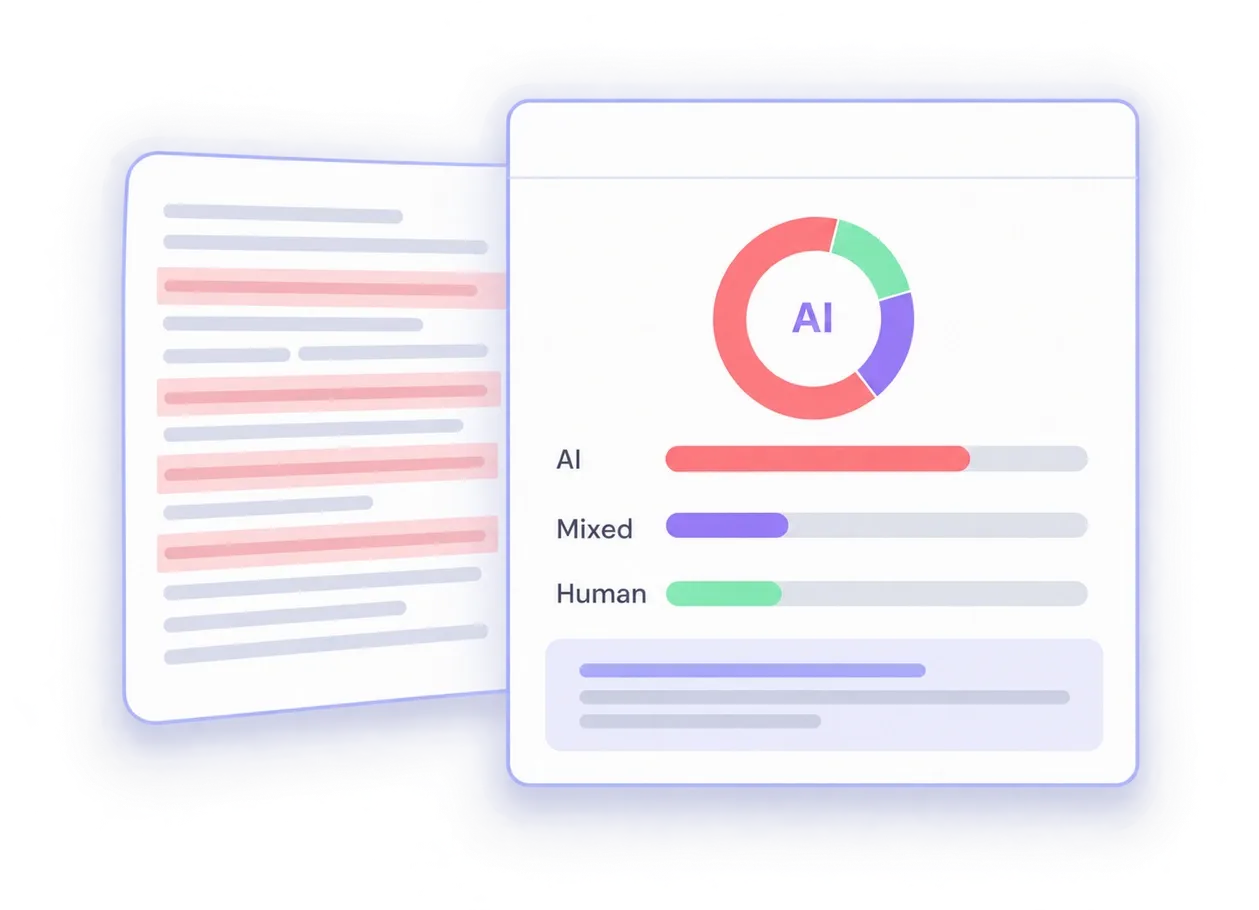
An AI detector analyzes patterns within your writing to estimate whether text appears human-written or AI-generated. Lynote checks your content and identifies sections that may show characteristics associated with AI writing.
Yes. You can use Lynote as an AI detector free for students to check essays, reports, assignments, and other academic writing before submission and review sections that may appear AI-generated.
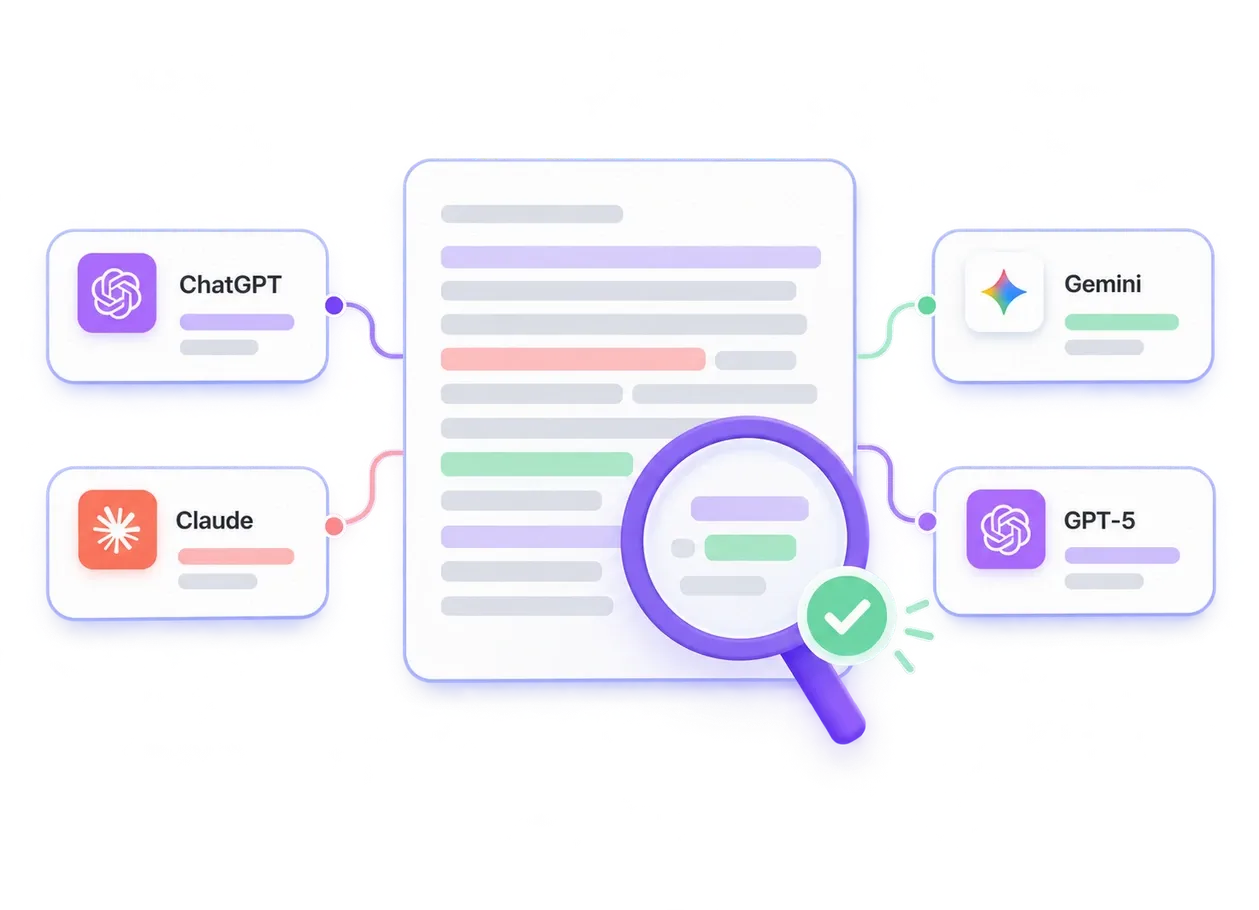
AI detectors can identify writing patterns commonly associated with AI-generated text, including content produced by tools such as ChatGPT, Claude, Gemini, and their models. However, AI detection is probabilistic, so don't treat a detection result as definitive proof that AI was used.
Yes. AI detectors can sometimes falsely predict whether a human or AI wrote content. This is why Lynote provides more context around detection results rather than treating an AI score alone as definitive proof of how a piece of writing was created.
More Lynote Tools for Student Writing Checks and Revision


Student Guides on AI Detection, Essay Review, and Authentic Writing
Read practical Lynote guides about checking assignments, understanding AI detector results, avoiding false positives, and revising student writing with more confidence.