Grammarly AI Detector Alternative for Closer Text Review
Looking for a second perspective after using Grammarly AI Detector? Check your draft with Lynote to review AI-writing signals, explore AI, mixed, and human-written scores, and find sentences that deserve closer attention.
Content
Paste Text⌘Vor click
Upload DocumentTXT.DOCX.PDF
Try Example:
ChatGPT
Claude
Human
Human + AI
0 words
Result
AI-generated
?%
Mix-generated
?%
Human-written
?%
Add text and click "Detect AI" to see the results.
Highlighted AI-Generated/Paraphrased Sentences
List sentences likely AI-generated here
Why Review Grammarly-Edited Writing with Lynote?
Read More Than One Category
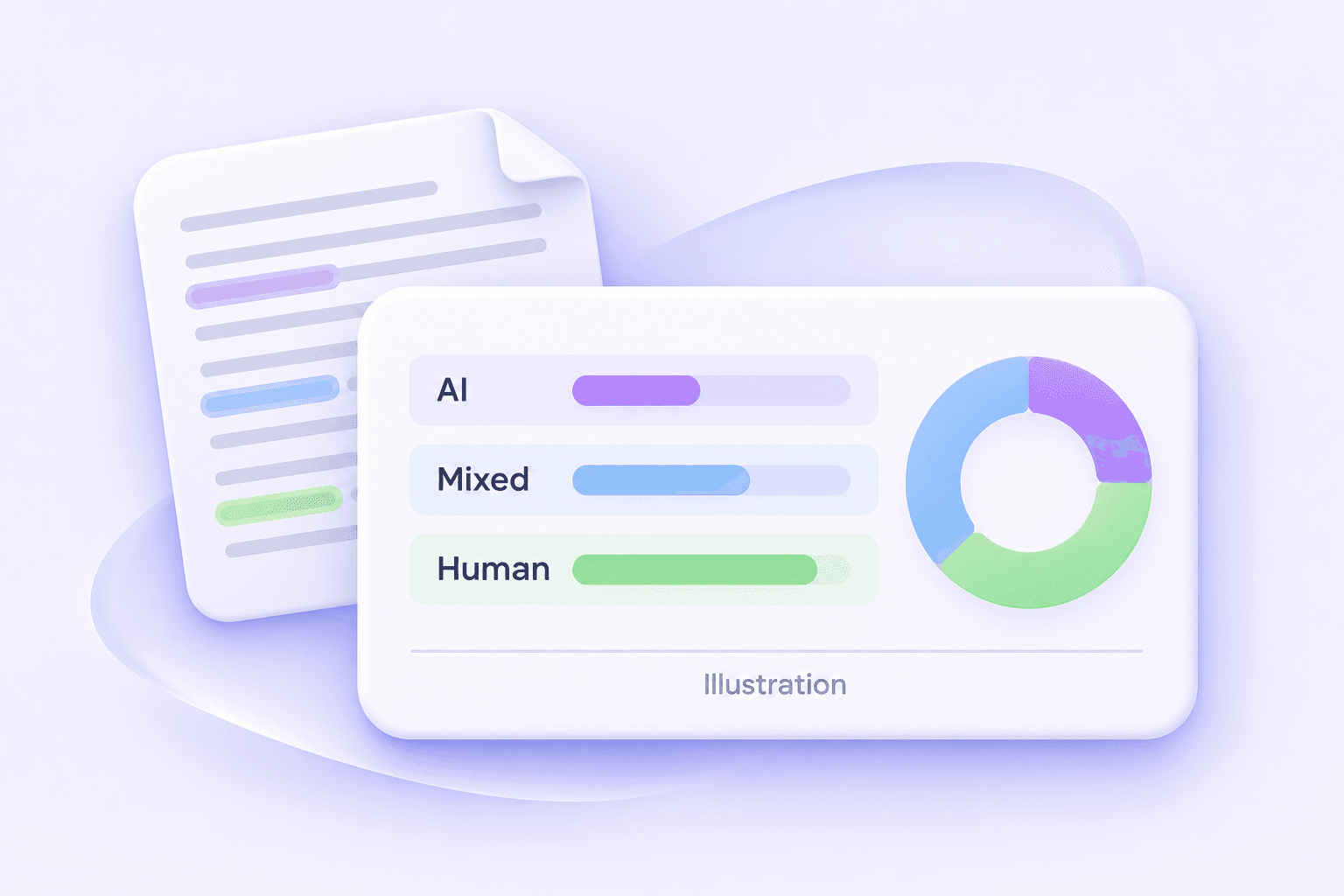
Review the AI-generated, mixed, and human-written breakdown together. Use these categories to understand the report before deciding which passages need attention.
Locate Specific Sentences
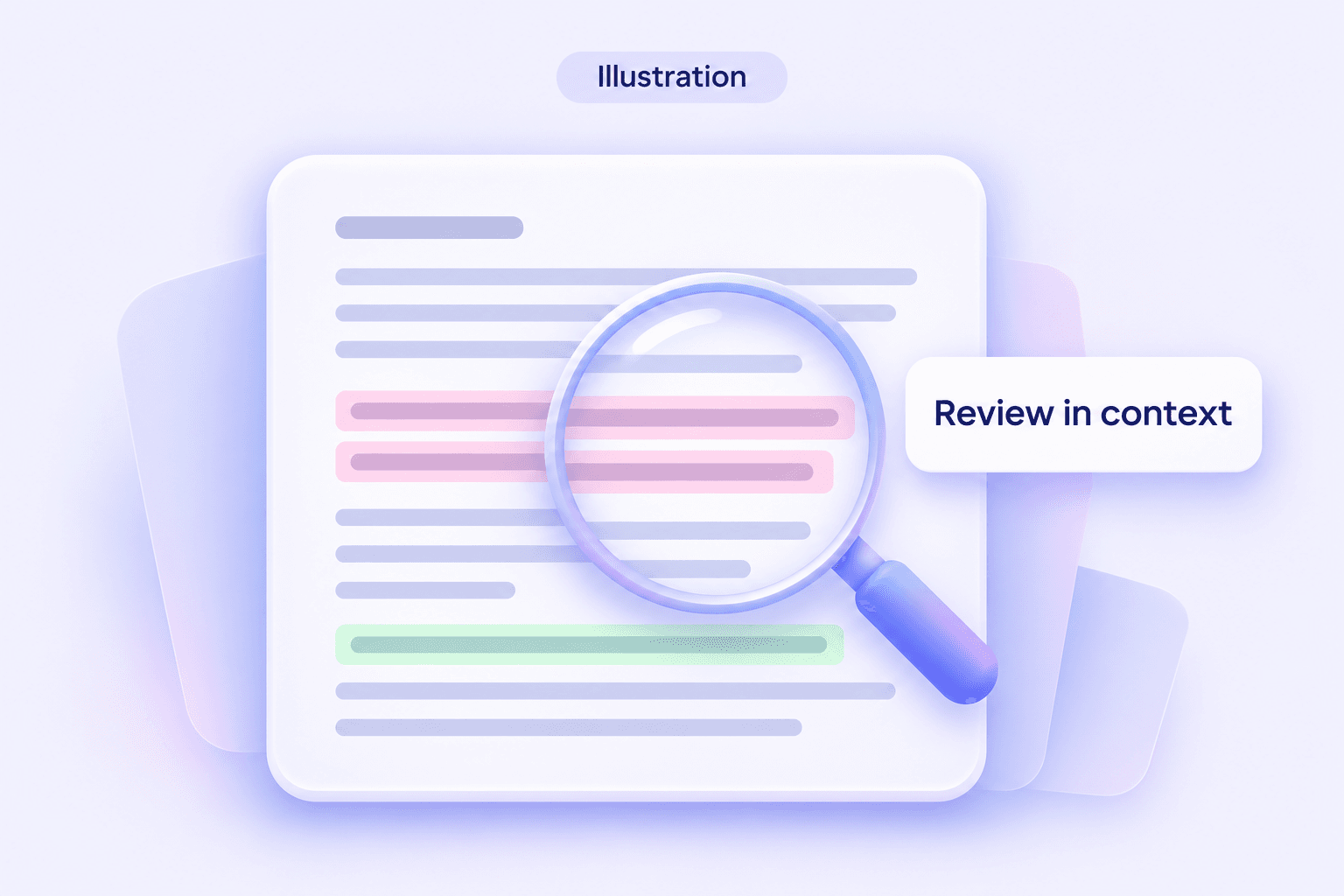
Sentence-level highlights help you move from a broad result to the wording behind it. Check the surrounding paragraph before deciding whether an edit would improve the text.
Work with Text or Documents
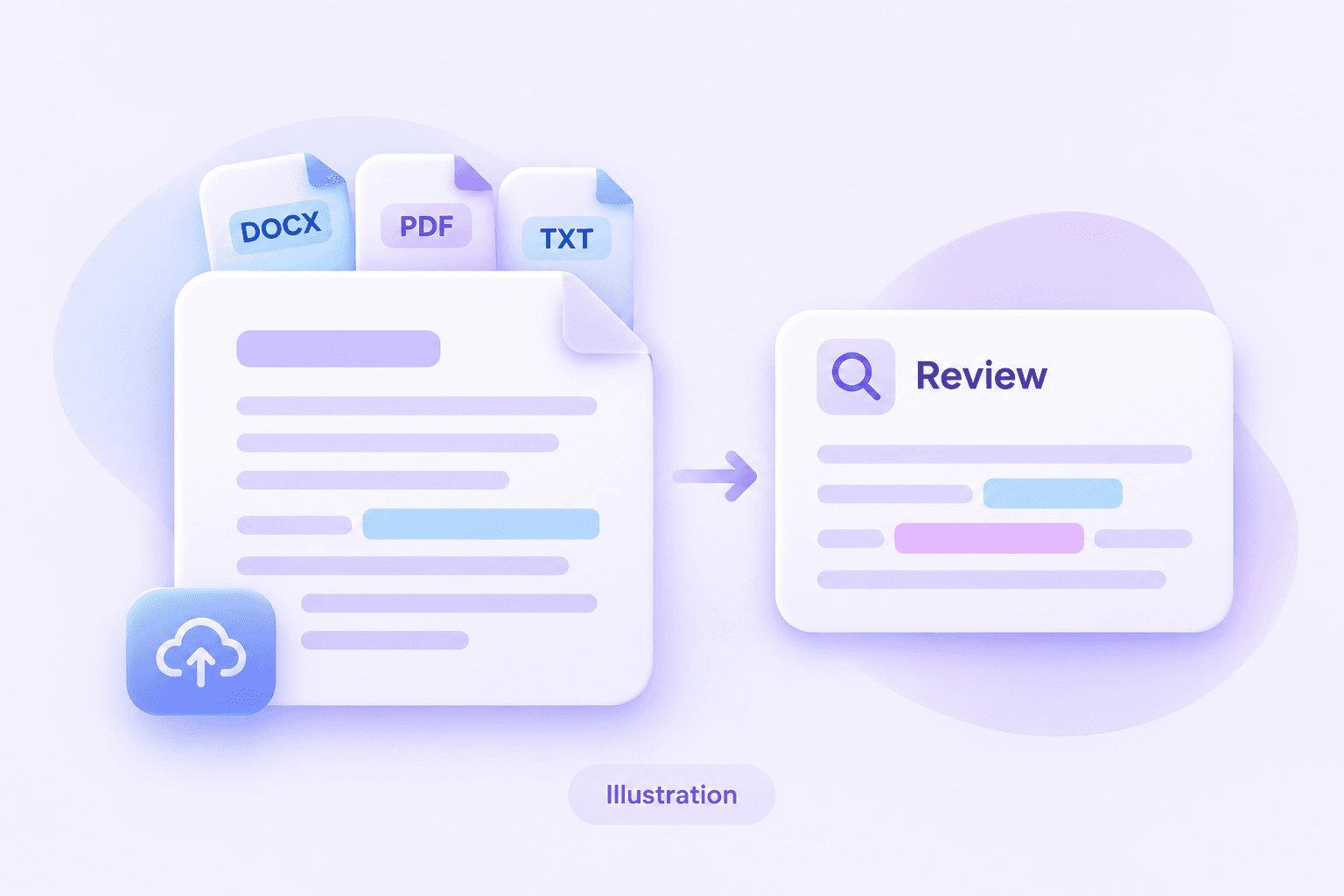
Paste a draft for a quick review or upload a supported DOCX, PDF, or TXT document. Check that the content was imported correctly before interpreting the result.
Compare Draft Versions
Keep your original and revised versions available. Reviewing both helps you understand what changed and preserve the reasoning, examples, and citations that make the work yours.
Keep Context in the Review
Read flagged passages alongside their sources and purpose. A technical definition, quotation, or standard phrase needs a different review from an unsupported claim.
Connect Review with Useful Editing
Use the findings to improve clarity, verify evidence, and remove unnecessary repetition. Aim for a stronger document rather than a particular detector score.
Read AI, Mixed, and Human Writing Signals Together
An overall number can leave you wondering what to inspect next. Lynote AI Detector presents separate writing categories so you can consider the report in more detail.
Review these signals alongside the text itself. A percentage is not a probability that a particular person cheated, and it does not establish which writing tool they used.
Find Passages That Need a Closer Look
Sentence highlights provide a starting point for editorial attention. Read the full paragraph, verify the evidence, and decide whether the wording accurately expresses the intended idea.
Keep accurate passages when they serve the document. Revise vague claims, unexplained transitions, or repetitive sentences because the edits help readers—not simply because a passage received a flag.
Review Essays, Reports, and Grammarly-Edited Drafts
Bring an essay, report, or other supported document into the same review workflow. You can inspect writing after proofreading, after a larger rewrite, or before sharing a final draft.
Preserve your earlier versions and source notes. They provide context that an AI text detector cannot reconstruct from the finished text alone.
Check Your Draft with Lynote in Three Steps
Step 1
Paste Text or Upload a File
Paste your draft or upload a PDF, DOCX, or TXT file.
Step 2
Click Detect AI
Click Detect AI to check your text for AI-writing signals.
Step 3
Review the Results
Review the scores and highlighted sentences, then check flagged passages in context.
Step 1
Paste Text or Upload a File
Paste your draft or upload a PDF, DOCX, or TXT file.
Step 2
Click Detect AI
Click Detect AI to check your text for AI-writing signals.
Step 3
Review the Results
Review the scores and highlighted sentences, then check flagged passages in context.
Is Grammarly AI Detector Accurate? What a Score Can Tell You
Grammarly’s own guidance says detection is not conclusive and should not establish authorship on its own. That matters whether your result looks reassuring or unexpected.
Separate Benchmark Results from Individual Decisions
A benchmark measures performance on a particular collection of texts under specified conditions. It does not automatically describe performance on your subject, writing style, language, or edited draft.
When researching Grammarly AI Detector accuracy, look for the evaluation date, sample composition, model versions, and definition of accuracy. A ChatGPT detection rate from one test cannot answer every question about mixed or revised writing.
Understand Both Kinds of Error
A false positive labels human writing as AI-like. A false negative misses AI-generated writing. Looking at only one of these errors can give an incomplete view of a detector’s usefulness.
Choose a review process that can handle uncertainty. For an important decision, preserve the original text, inspect the passages, and consider evidence of how the writing developed.
Check the Evidence Behind “Best” Claims
Questions such as “Is Grammarly the best AI detector?” need a defined task and comparable evidence. A useful comparison tests the same documents, records both kinds of error, and explains what each score means.
This page does not present a head-to-head accuracy test or claim that Lynote is more accurate than Grammarly.
How to Review an AI Detection Result Responsibly
A report becomes useful when you connect it to specific questions about the draft. Start with what the tool measured, then examine the text and supporting evidence.
What to review
What to ask
Useful next action
Overall result
What does this tool’s percentage represent?
Read the report’s category definitions before comparing numbers.
Highlighted sentences
Does the passage make a clear, supported point?
Read the surrounding paragraph and check its source.
Quotations and citations
Is borrowed wording identified correctly?
Verify quotation marks, references, and attribution.
Imported document text
Did extraction preserve the intended reading order?
Check for missing text, repeated headers, or broken paragraphs.
Draft history
How did the argument and wording develop?
Keep outlines, notes, and earlier versions available.
Conflicting results
Did both tools analyze the same material?
Compare inputs and explanations instead of averaging scores.
For teaching or editorial review, use unresolved questions to start a conversation. A detector result should not replace a discussion of the writer’s work.
Can AI Detectors Flag Writing Edited with Grammarly?
Changing a comma and replacing a paragraph are different kinds of assistance. Before asking whether AI detectors detect Grammarly, identify what actually changed in the document.
Proofreading and Generative Rewriting Are Different
Correcting a spelling error may leave your reasoning and expression largely intact. Generating or extensively rewriting a passage can change much more of the wording. Keep track of the assistance used, especially when an assignment or publication has disclosure requirements.
A Flag Does Not Identify the Editing Tool
A finished passage is not a complete activity log. Do not infer that someone used Grammarly, ChatGPT, or another particular service solely from a generic AI-writing score.
Preserve the Writing Process
Save a version before major edits and review suggested changes before accepting them. If a question arises later, explain how you developed the argument, selected sources, and revised the wording.
There is no universal rule that Grammarly-edited writing will always trigger—or never trigger—another AI detector.
Grammarly AI Detector vs. Turnitin and Other Checkers
The practical question is which workflow and report help you review your writing. The comparison below describes product routes and review features, not a ranking of detection accuracy. Access and plan details can change.
Evaluate relevant text samples rather than relying on a headline ranking.
Is Grammarly AI Detector the Same as Turnitin?
No. They are separate products with different workflows. Turnitin explains that its AI percentage concerns qualifying text and that its model can make mistakes. It should not be the sole basis for adverse action against a student.
A Grammarly score cannot certify what Turnitin will report. Follow your institution’s rules and retain evidence of your writing process.
How Should You Compare Grammarly with Other Detectors?
For GPTZero vs. Grammarly AI Detector, or QuillBot vs. Grammarly AI Detector, start with the same representative texts. Record the input, result, review detail, and whether each text’s origin is actually known.
Use that same approach for Grammarly vs. Copyleaks, ZeroGPT, or Pangram. Keep vendor benchmarks separate from your observations, and do not label disagreement as proof that either tool is correct.
AI Detection and Plagiarism Checks Answer Different Questions
An AI-writing assessment looks for patterns associated with generated text. A plagiarism or similarity check looks for overlap with other material. Neither result, on its own, resolves every question about attribution or authorship.
Question
Relevant review
What still needs human attention
Does this passage resemble AI writing?
AI detection
Context, draft history, and possible classification errors.
Does this wording overlap with a source?
Similarity or plagiarism checking
Quotations, citations, permissions, and acceptable reuse.
Is this claim accurate?
Source verification
Whether the evidence actually supports the statement.
Is the assistance allowed?
Assignment or publication policy
The permitted workflow and any disclosure requirements.
When comparing Grammarly’s plagiarism checker and AI detector, keep these tasks distinct. Lynote’s AI detection report should not be presented as a plagiarism check.
Review Writing in the Context That Matters
Students Preparing a Draft
Inspect passages that need clearer explanation or stronger evidence. Keep research notes and earlier versions, and follow your course’s rules on writing assistance.
Teachers Discussing Writing
Use report highlights to prepare specific questions about a student’s argument or drafting process. Consider their explanation and supporting work before drawing conclusions.
Editors Reviewing Submissions
Focus attention on vague claims, unsupported detail, and inconsistent voice. Discuss substantive edits with the author instead of relying on a score alone.
Researchers Revising Documents
Review the wording around methods, findings, and citations. Preserve technical meaning when editing and verify statements against the underlying research.
Professionals Refining Resumes and Reports
Replace generic descriptions with accurate, specific information. Use AI-writing signals as editorial prompts, not as a hiring decision or a guarantee of document quality.
Turn Flagged Passages into Clearer Writing
If your own draft needs smoother phrasing, Lynote AI Humanizer can help you revise its expression. Review the suggestions carefully so your facts, citations, and intended meaning remain accurate.
More Tools for Reviewing and Refining Your Drafts
Explore focused Lynote tools for essays, PDFs, resumes, and model-specific writing. Choose the tool that fits your document, then review its output alongside the original material.
FAQs About Grammarly AI Detector and Alternative Checks
<p style="margin:0 0 16px">Yes. The official detector is linked near the top of this page. If you want to use that service, follow the Grammarly link; the detection tool offered here is Lynote.</p>
<p style="margin:0 0 16px">Grammarly offers a free web checker. For the latest quotas and paid features, check its current product interface and plan information rather than assuming every Grammarly tool has the same allowance.</p>
<p style="margin:0 0 16px">On the official page, paste text or upload a document, then select <strong>Scan for AI</strong>. Check the result against the same version of your draft. <a href="https://www.grammarly.com/ai-detector" style="color:#7051df;text-decoration:underline">Official instructions</a>.</p>
<p style="margin:0 0 16px">Its developer documentation describes analyzing text sections for patterns in language, syntax, and complexity, then returning detection estimates. This is classification of text, not access to your writing history. <a href="https://developer.grammarly.com/ai-detection-api.html" style="color:#7051df;text-decoration:underline">Grammarly’s technical explanation</a>.</p>
<p style="margin:0 0 16px">There is no single percentage that describes every document you might check. Evaluate the test conditions behind accuracy claims, including the kinds of text, model versions, and editing involved. A benchmark result is not a guarantee about your draft.</p>
<p style="margin:0 0 16px">Use a result as a reason to examine the text, not as the final answer about its author. For a consequential decision, combine the report with sources, earlier drafts, and an explanation of how the work developed.</p>
<p style="margin:0 0 16px">There is no universal outcome. Consider whether the assistance was a small correction or a substantial rewrite, preserve the before-and-after versions, and avoid assuming that a flag identifies the editing tool used.</p>
<p style="margin:0 0 16px">No. The comparison section above explains their different product routes. Do not treat similar-looking percentages as evidence that both systems use the same definition or reach the same conclusion.</p>
<p style="margin:0 0 16px">It should not be used as a prediction or clearance certificate. A result from one service does not establish what another will report. Keep your drafts and follow the policy that applies to your submission.</p>
<p style="margin:0 0 16px">That requires comparable testing for your intended use. Compare known-origin samples, false positives, missed detections, and the usefulness of each report. A small collection of screenshots cannot establish which tool is best overall.</p>
<p style="margin:0 0 16px">Check the accepted formats in the specific Grammarly upload interface you are using; an API or another Grammarly product can have different requirements. For <a href="https://lynote.ai/ai-detector-pdf" style="color:#7051df;text-decoration:underline">PDF review with Lynote</a>, check that the imported text is readable and complete before interpreting the result.</p>
<p style="margin:0 0 16px">No. Source overlap and AI-writing patterns are different questions. Review citations and quotations even when an AI score is low, and do not assume that original wording automatically means an argument is properly sourced.</p>
<p style="margin:0 0 16px">Grammarly currently describes an AI Detector agent with Pro. Verify availability in the product surface you use; access to one feature does not establish availability in Word, a browser extension, or another integration. <a href="https://www.grammarly.com/ai-detector" style="color:#7051df;text-decoration:underline">Current product details</a>.</p>
<p style="margin:0 0 16px">Keep the original result and the submitted draft. Read the flagged passages, collect notes and version history, and explain your writing process if needed. Correct genuine weaknesses, but do not replace accurate work solely to chase a lower number.</p>
<p style="margin:0 0 16px">Treat individual reports as experiences to investigate. Check whether the post supplies the full input, date, tool version, and known writing process. A result without that context is not a controlled accuracy test or a reliable estimate of your own outcome.</p>
<p style="margin:0 0 16px">No. If you are searching for how to bypass Grammarly AI Detector, a promised pass score is not a dependable writing goal. Improve your own explanation, verify sources, and disclose assistance when required. Rewriting cannot certify authorship or another detector’s future result.</p>
Give Your Draft a More Informed Review
Looking beyond a Grammarly AI Detector result? Use Lynote to inspect writing signals, examine highlighted passages, and plan thoughtful revisions. Keep your sources and earlier drafts close as you decide what needs to change.