Review Product Mockups
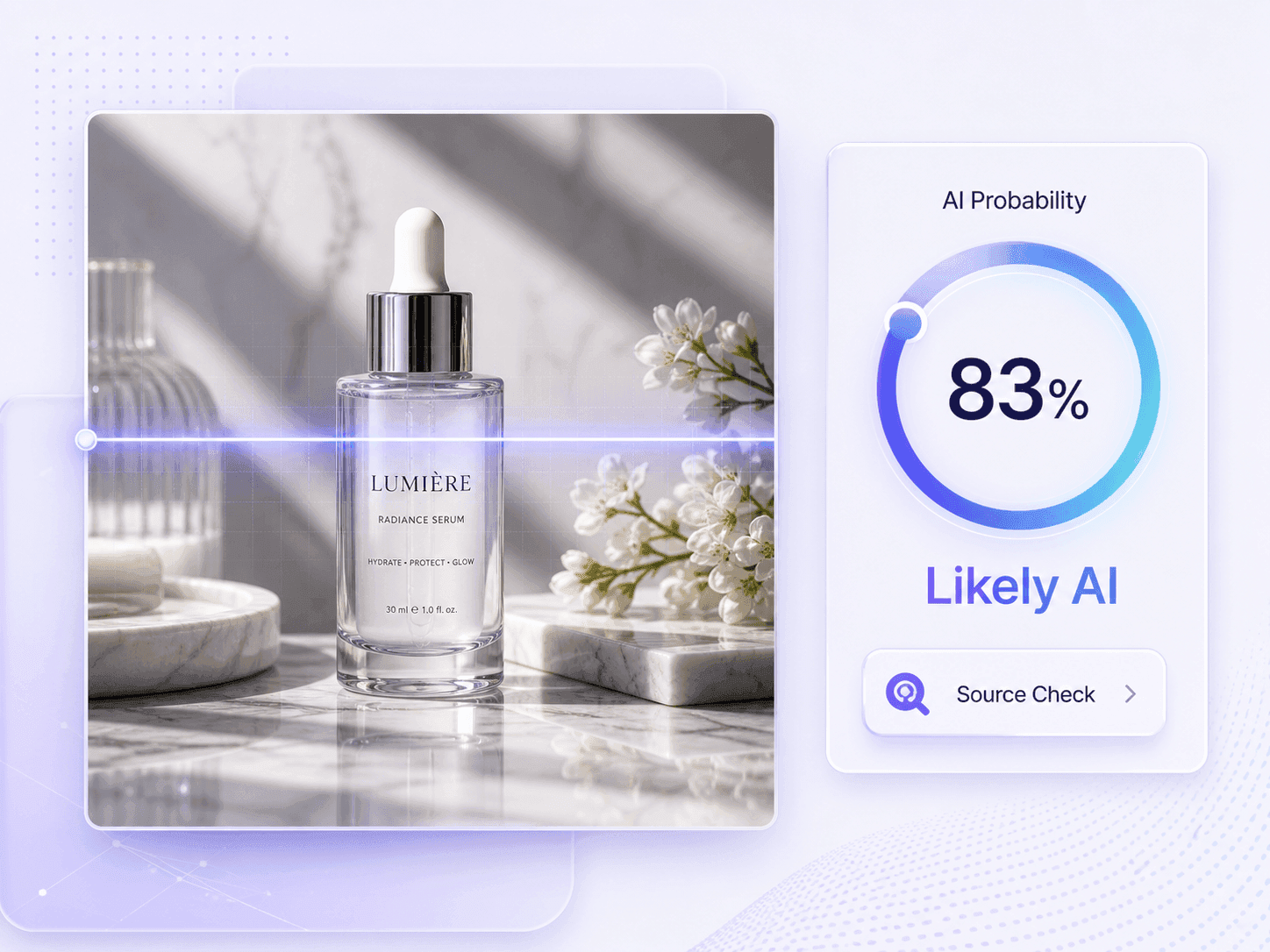
Flux can place products inside convincing studio scenes or combine several references into one composition. Check the final visual before approving a listing, campaign, or client presentation.




Drag & drop or upload an image
JPG · JPEG · PNG · WEBP · max 10 MB
Detected then deleted · Reports are independently verifiable

Upload an image to start
Drop a file on the left, or pick one of the sample images.
Try one of our sample images
Worried the summary sounds fabricated or stiff from a large language model? Send it to the detector in one click to review originality and credibility.



Click Choose Image or drag and drop the picture you suspect was generated or edited with Flux. Upload the actual file when possible; screenshots and reposts can still be checked, but they may contain less provenance information.
After the preview appears, click Detect Image to start the scan. You do not need to select FLUX.1, FLUX.2, or an editing workflow before the analysis begins.

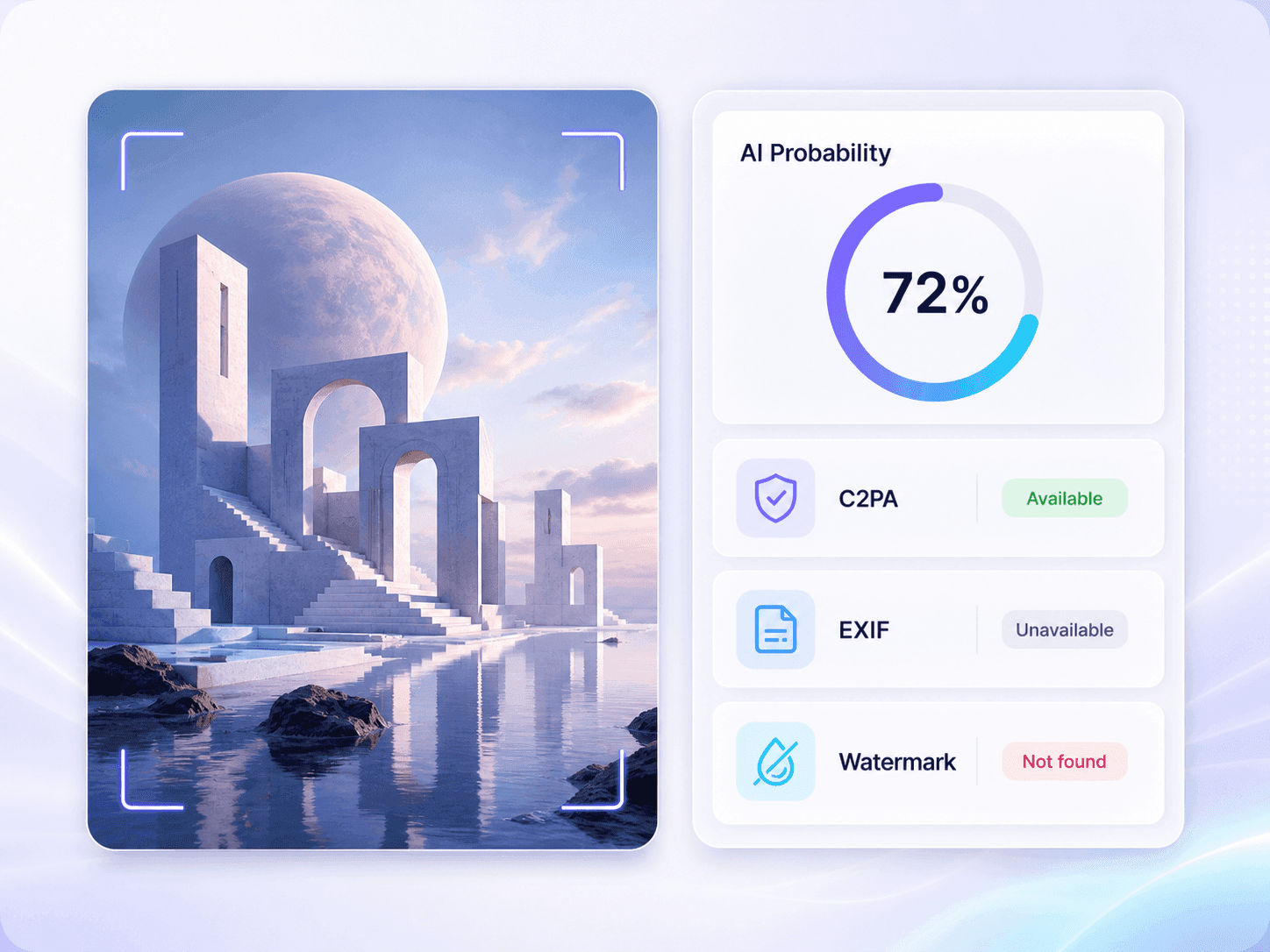
Review the AI probability and final verdict, then check any available watermark, C2PA, EXIF, dimensions, and file details. Use those signals with the source, caption, and original-file history rather than treating the result as proof of Flux authorship.
Flux can place products inside convincing studio scenes or combine several references into one composition. Check the final visual before approving a listing, campaign, or client presentation.
A polished headshot may look camera-made even when its face, clothing, and background were generated together. Use the result as a reason to request an original source when identity matters.
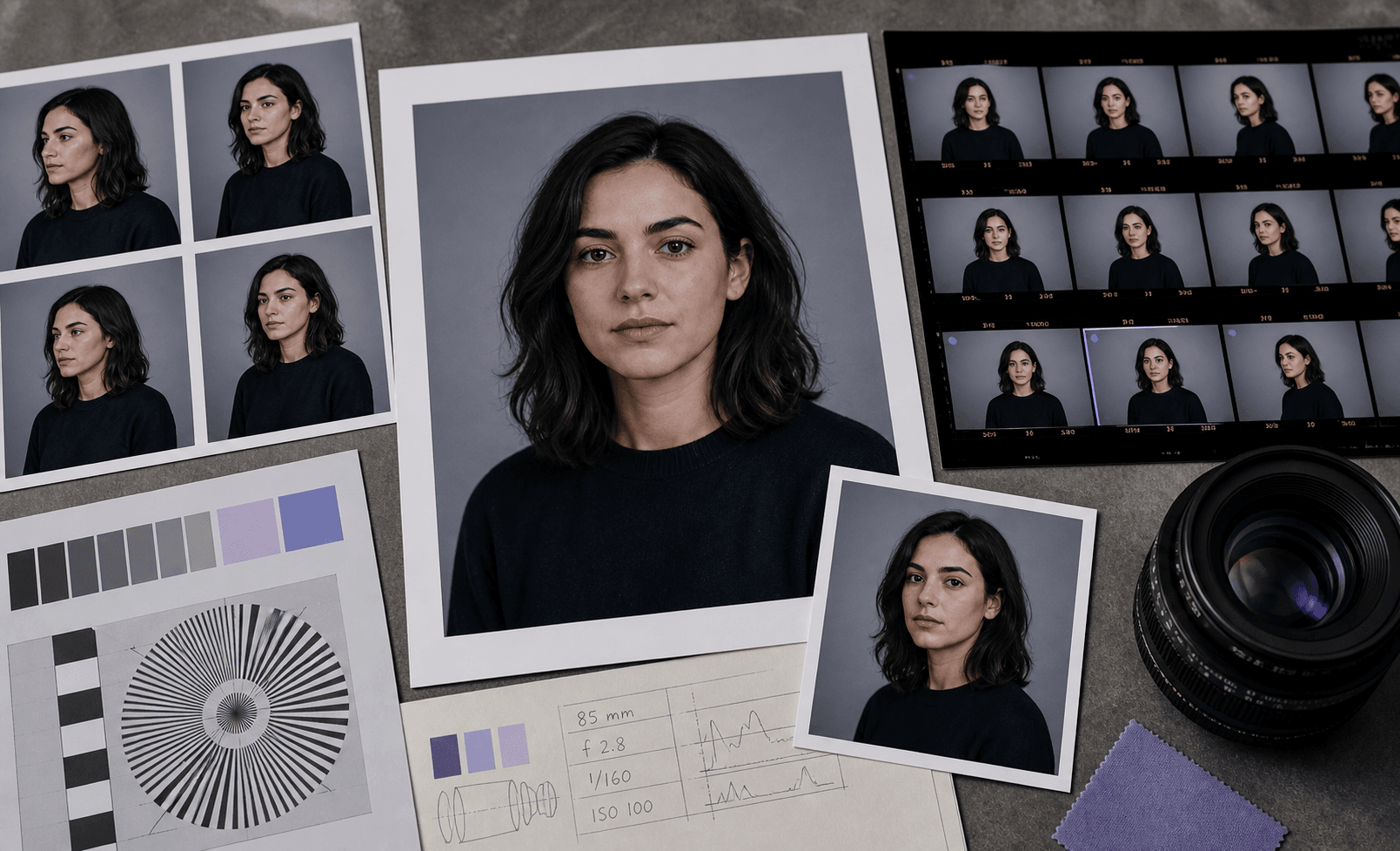
Creative teams use Flux for fast concepting and controlled visual edits. Review pitch images and ad concepts when the brief requires disclosure or distinguishes references from final photography.

FLUX.2 can create documentary-style scenes that resemble event or location photography. When an editorial image has no photographer, capture date, or traceable first post, check it before it enters an article, newsletter, or public report.
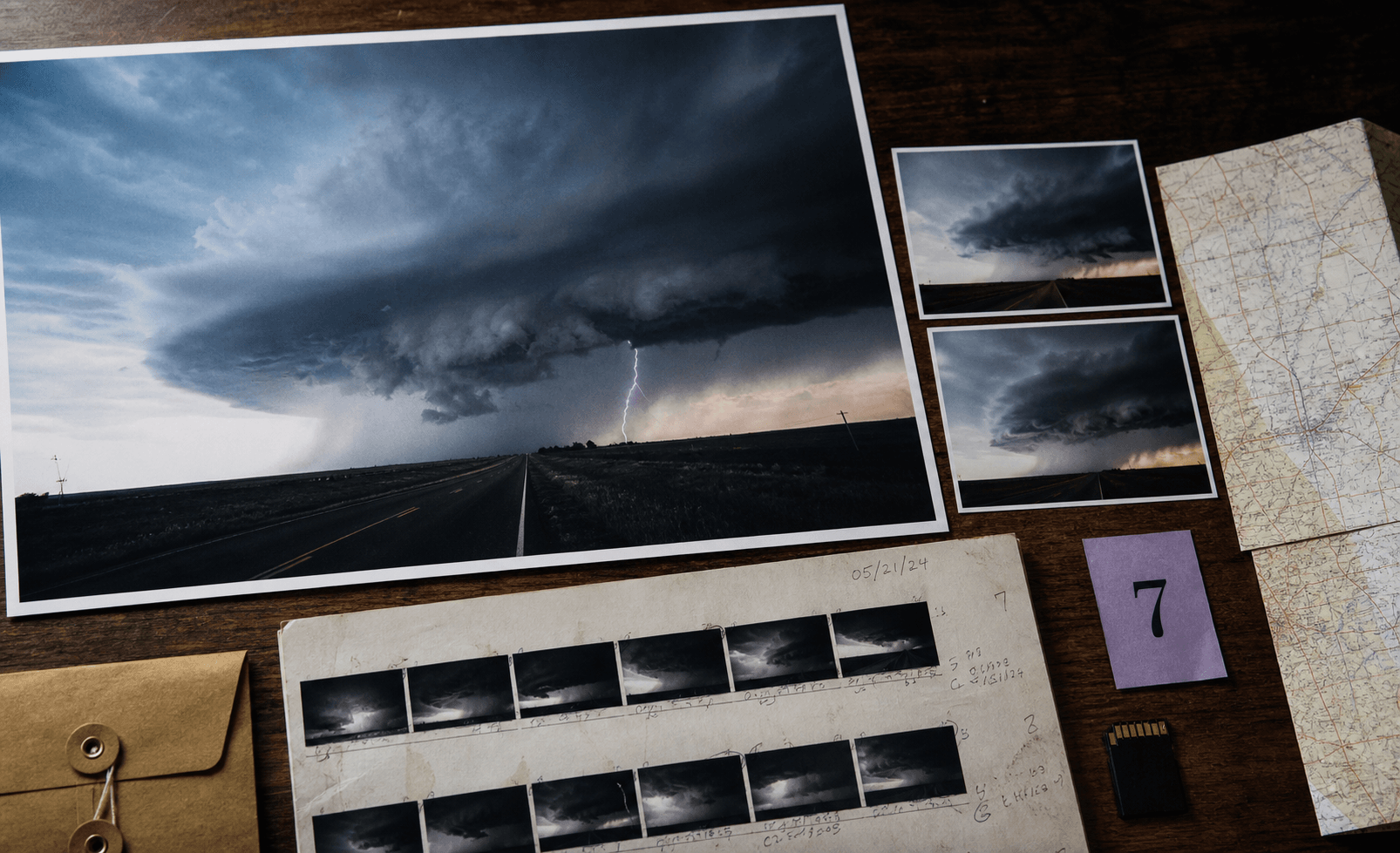
When a commission limits Flux or other generative tools, inspect the delivered artwork and compare the result with sketches, source files, and the creator's process notes. This is especially useful when Flux may have been used for generation, reference-based editing, or compositing.
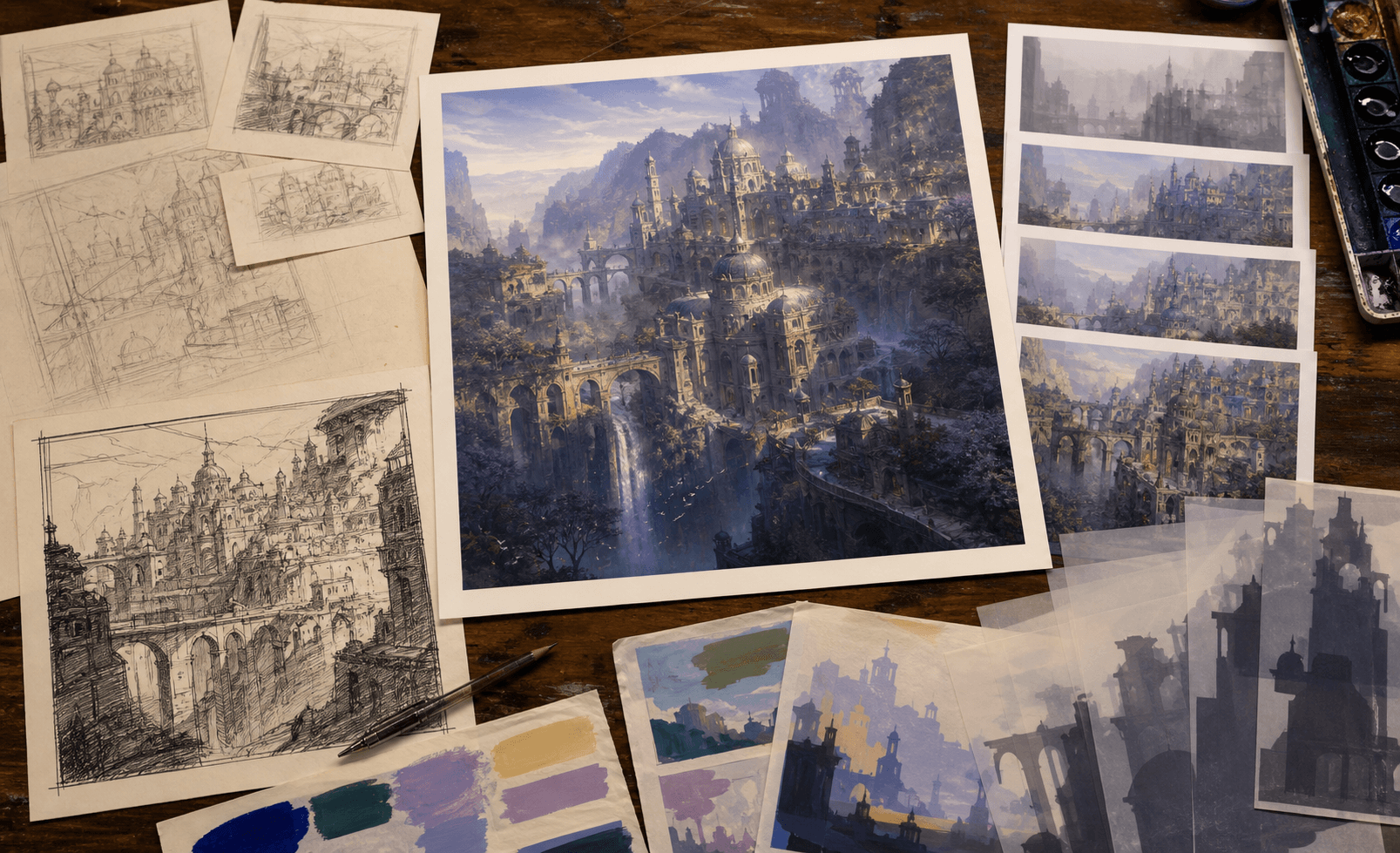
A Flux-generated image can pass through screenshots, crops, and compressed reposts before reaching you. Run the image check even when metadata is missing, then trace the earliest available upload before resharing the claim.
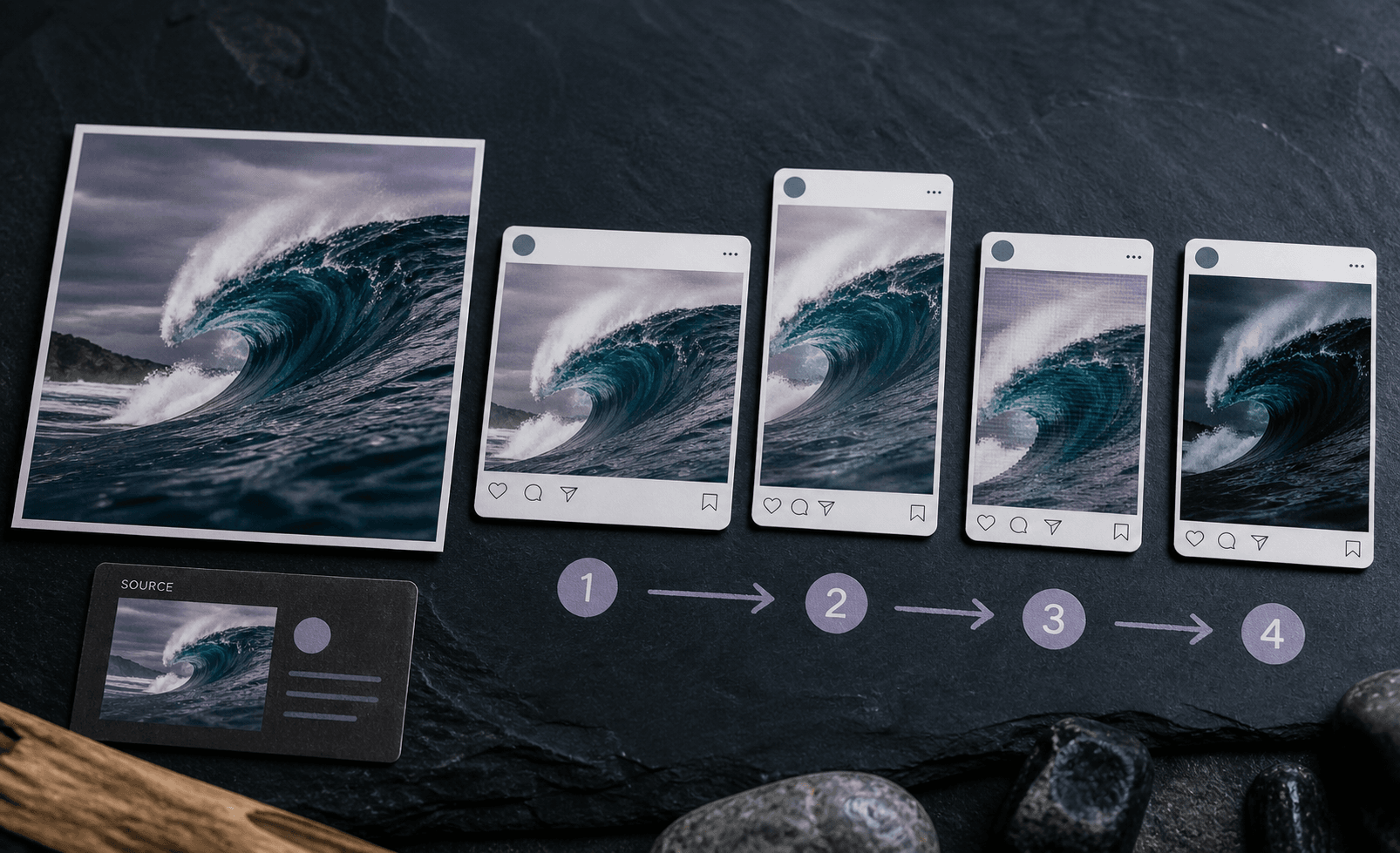
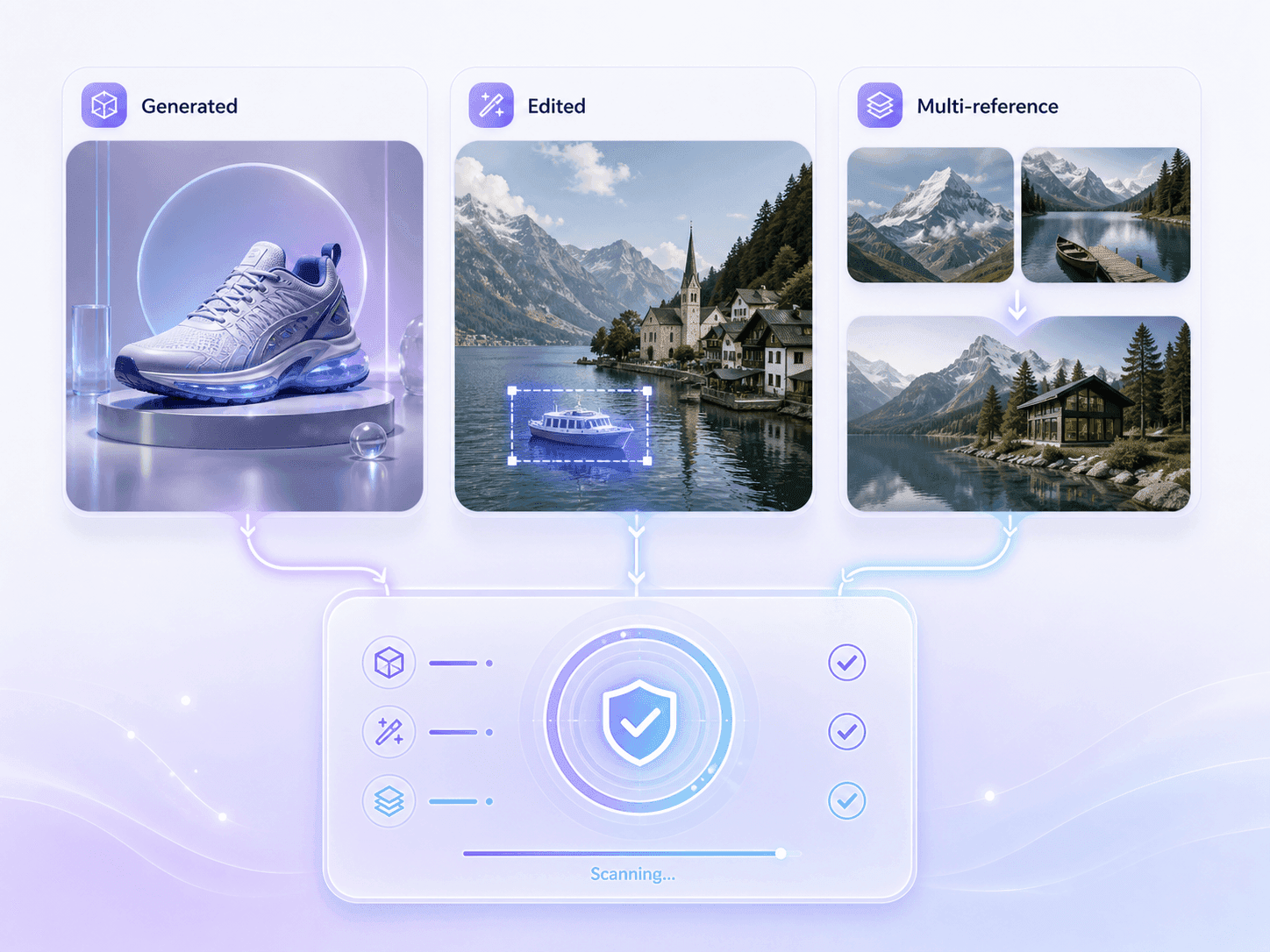
Flux workflows can produce complete images, edit existing photos, combine multiple references, render text, and create highly photorealistic visuals. Screenshots and reposts can be checked too, even when their original metadata is no longer available.
Lynote reviews the image-level AI likelihood and any available file evidence. It does not claim exact attribution to a specific Flux model or editing method.

Fully Generated Flux Images

Flux-Edited Photos

Multi-Reference Outputs

Photorealistic Flux Visuals

Flux Images With Text or Labels

Screenshots and Reposted Flux Images
Fully Generated Flux Images
Flux-Edited Photos
Multi-Reference Outputs
Photorealistic Flux Visuals
Flux Images With Text or Labels
Screenshots and Reposted Flux Images

Analyze suspected Flux visuals with guidance tailored to FLUX.1 and FLUX.2 generation and editing workflows, including photorealistic scenes and multi-reference compositions.

See how strongly the uploaded picture leans toward AI generation through a readable probability and verdict instead of an unexplained warning.

Check fully generated images as well as Flux-assisted edits and multi-reference compositions. The result evaluates the complete image without pretending to locate every edited region.

Review available watermark, C2PA, EXIF, dimensions, and file details beside the probability result. Missing evidence is shown as unavailable, not treated as proof.

No sign up is needed. Open the Flux image checker, upload the suspected picture, and start the review without creating an account or selecting a Flux model first.

Use common image formats without converting them first. The checker supports JPG, PNG, WebP, and HEIC files from creative, editorial, marketplace, and social workflows.

The checker remains useful after reposting. Review screenshots and shared images even when social platforms have removed their original metadata, with resulting evidence gaps clearly identified.

Treat the probability as a review signal, not proof of Flux authorship. This clear boundary helps you make a better decision without turning an estimate into false certainty.

Review reference artwork suspected of Flux generation or editing before incorporating it into a final project, then compare the result with the creator's source files.

Screen photorealistic news images suspected of Flux generation before publication, then trace the original upload, photographer, and surrounding context.

Review viral or reposted images that may have come from a Flux workflow, while treating missing metadata as an evidence gap rather than proof.

Screen campaign concepts, product mockups, and commissioned visuals for Flux-related AI signals before requesting source files or approving client use.

Check photorealistic product scenes and seller-submitted visuals with a Flux AI image detector before approving a listing, refund, or advertising claim.

Review visual assignments and project images for possible Flux involvement, then discuss the result alongside drafts, citations, and the student's process record.

Independent Journalist

A photo was spreading with no source, and it looked almost too perfect. I ran a check before using it. The score did not answer everything, but it told me I needed to keep looking for the original.

Creative Director
One of our moodboards included a few polished product scenes that looked Flux-made. The scan gave us a quick way to flag them and ask the team which images had been generated.

Community Moderator
We see a lot of screenshots and reposts, so the metadata is usually gone. I like that the report says what is missing instead of treating missing data as proof.

Digital Artist
Clients often send me reference images with no source attached. If something looks like a Flux render, I check it before I build on it. That can save an awkward conversation later.

Compliance Officer
We had a submitted campaign image that might have been AI-edited. The report put the score and file details in one place, which made it easier to document why we requested the original file.

Content Publisher
I use it as a second check on cover images and product visuals. If the result is uncertain, we pause the upload and verify the source instead of guessing.
Have questions about our Flux image detector? We've got answers.
A Flux image detector estimates whether an uploaded picture shows signs of AI generation or editing. Lynote reports an image-level AI probability and displays any available file or provenance evidence; it does not prove that a specific Flux model created the image.
Yes, the tool can check suspected FLUX.2 images and provide an overall AI probability score. However, it cannot guarantee exact source model attribution or precise localization of edited regions within the image.
FLUX.2 supports advanced image editing and multi-reference workflows. Our Flux image detector assesses the overall AI likelihood of the entire image you upload. However, it provides an image-level probability and cannot pinpoint or localize the exact edited regions within the picture.
No, it cannot guarantee identification of specific versions like FLUX.1 or FLUX.2. It provides an overall image-level probability alongside available file evidence.
No, missing EXIF data does not prove an image is AI-generated. Social media platforms often strip this metadata automatically during uploads.
Yes, you can check screenshots or reposted files. However, taking a screenshot or forwarding an image often removes original metadata. The report will evaluate the image probability independently, noting any unavailable provenance evidence like missing watermarks or C2PA data.
Upload the suspected image and click Detect Image. Lynote returns an image-level AI probability and verdict, then shows any available watermark, C2PA, EXIF, dimensions, and file details that can support a broader source review.
The report displays the overall AI probability and a final verdict for your file. It also lists any available provenance details, such as invisible watermarks, C2PA credentials, EXIF data, and general file information. Keep in mind that not every uploaded file will contain this metadata.
You can upload the most common digital picture formats for analysis. The Flux image checker currently supports JPG, PNG, WebP, and HEIC files.
No, the results serve as a probability signal rather than absolute proof. While the tool is highly capable, false positives can occur. For high-stakes decisions, always combine the detection score with source verification, contextual clues, and your own human judgment.
Yes. A digital watermark is only one possible evidence type, and many generated or reposted images do not contain one. The tool can still return an image-level probability, while a missing watermark is reported as unavailable evidence rather than proof of authenticity.
This specific Flux AI image detector is designed for users who already suspect a file was created using Flux models. The general AI Image Detector is better suited for evaluating pictures with unknown origins or when checking against multiple different image generators at once.