Review DALL-E Visuals Before Publishing
A polished illustration or editorial image may arrive without a clear creator or source trail. Check for DALL-E generation signals before it enters an article, newsletter, presentation, or campaign.



Drag & drop or upload an image
JPG · JPEG · PNG · WEBP · max 10 MB
Detected then deleted · Reports are independently verifiable

Upload an image to start
Drop a file on the left, or pick one of the sample images.
Try one of our sample images
Worried the summary sounds fabricated or stiff from a large language model? Send it to the detector in one click to review originality and credibility.



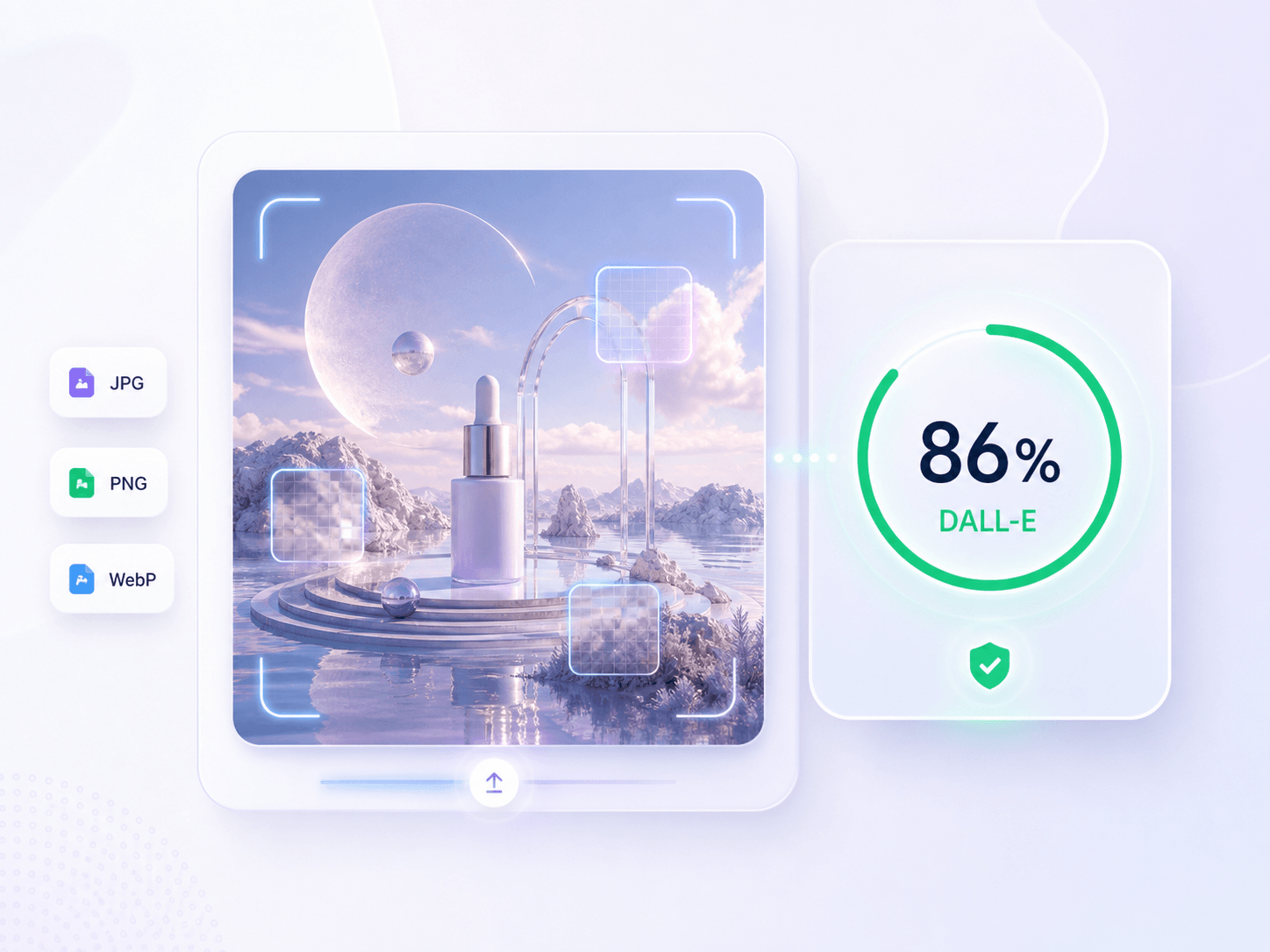

Click the Choose Image button or drag your image into the upload area. You can upload DALL-E-style artwork, screenshots, product images, profile visuals, or other pictures you want to verify.
Click the Detect Image button to start the scan. Lynote reviews the uploaded image for AI-like visual patterns, DALL-E-style polish, detail inconsistencies, and other signals that may need a closer source check.
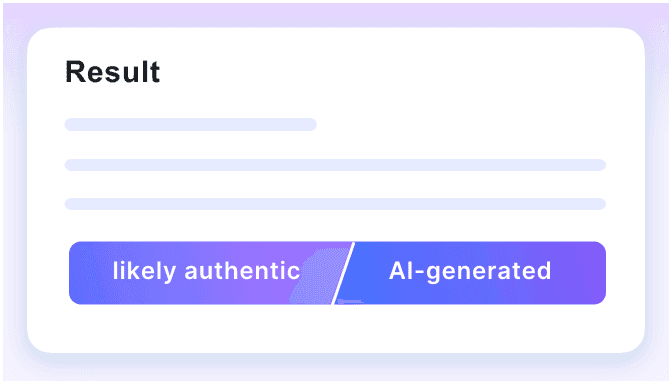
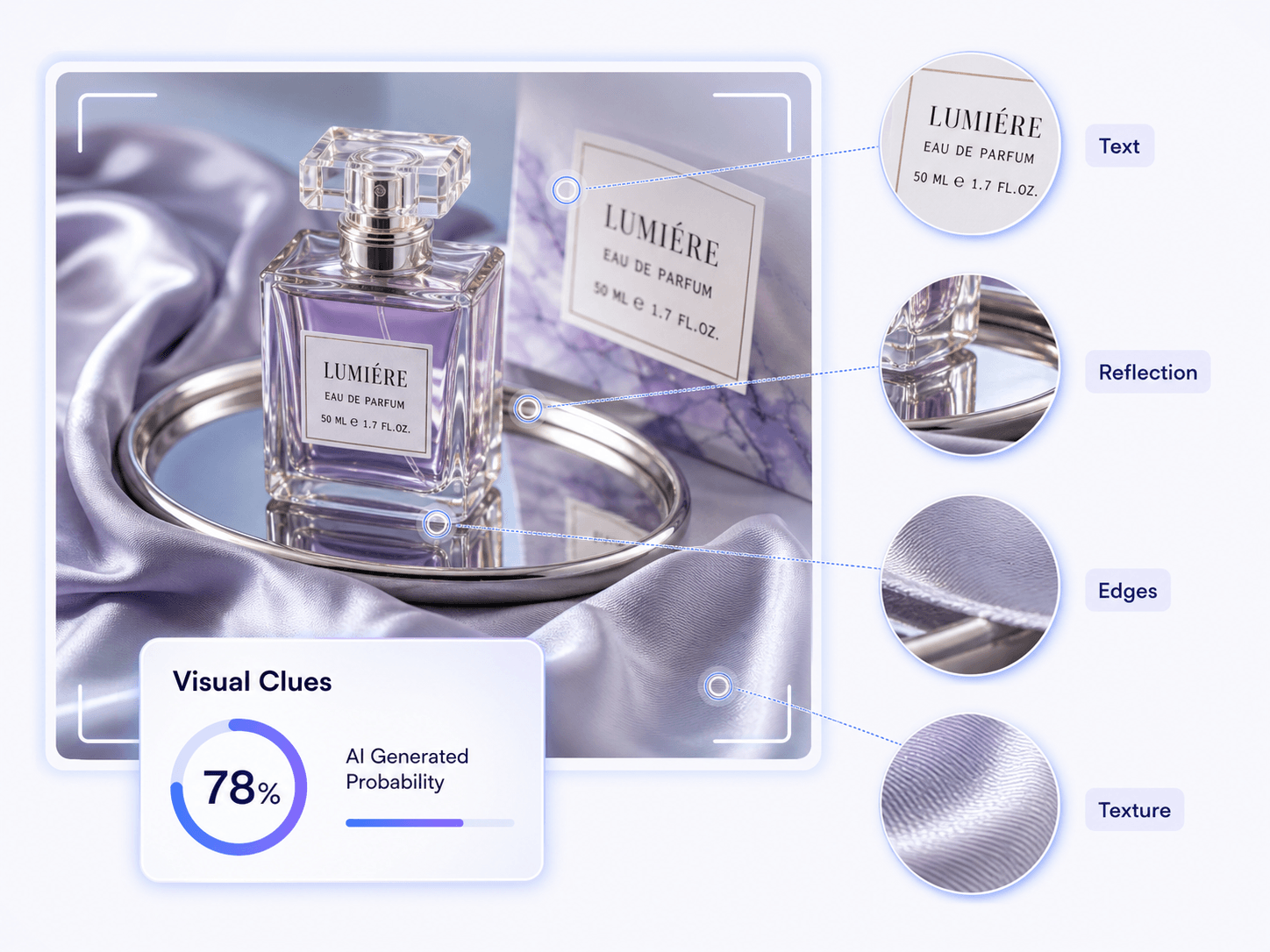
In seconds, you can review the result, including the AI probability score and visual clues behind the scan. Use the report to decide whether to approve the image, request source files, or ask follow-up questions.
DALL-E visuals can appear in polished creative work, product mockups, profile images, and viral posts. Use the detector as one review signal before you publish, approve, pay for, or reshare an image.
A polished illustration or editorial image may arrive without a clear creator or source trail. Check for DALL-E generation signals before it enters an article, newsletter, presentation, or campaign.
DALL-E can create convincing packaging, staged product scenes, and campaign concepts. Scan suspicious visuals before approving a listing, advertisement, or client deliverable.

Generated text and polished layouts can make fabricated evidence look credible. Review receipt-style images and payment screenshots for DALL-E signals before accepting them as proof.

An unusually polished portrait with no original post, photographer, or camera context deserves a closer look. Check whether the profile image may have been created with DALL-E.

Check concept art, portfolio pieces, book covers, and commissioned illustrations when authorship or disclosure of DALL-E use matters to the project.
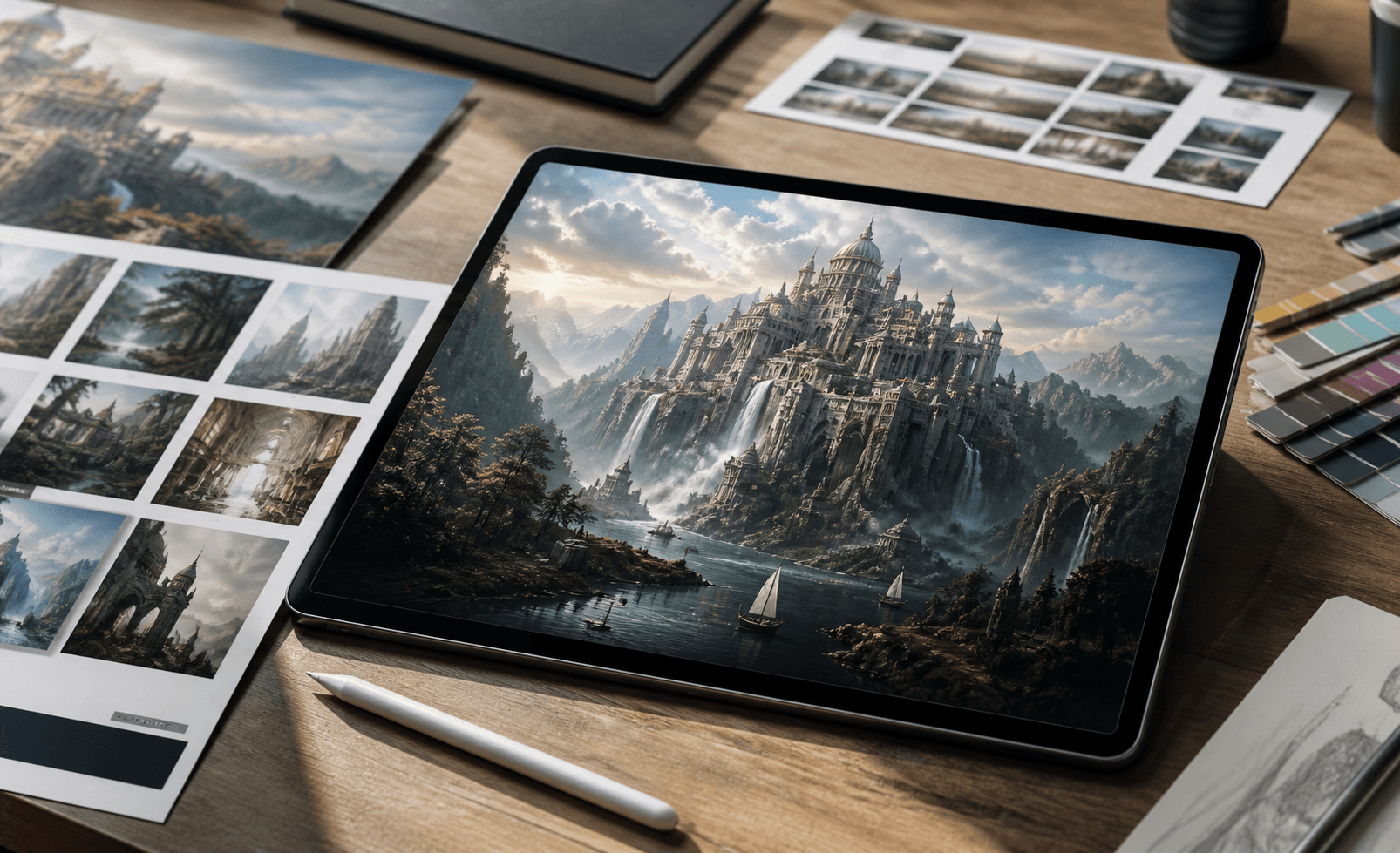
Dramatic DALL-E-style scenes can spread long after their source is lost. Scan the image, then trace the earliest available post before quoting, reporting on, or resharing it.
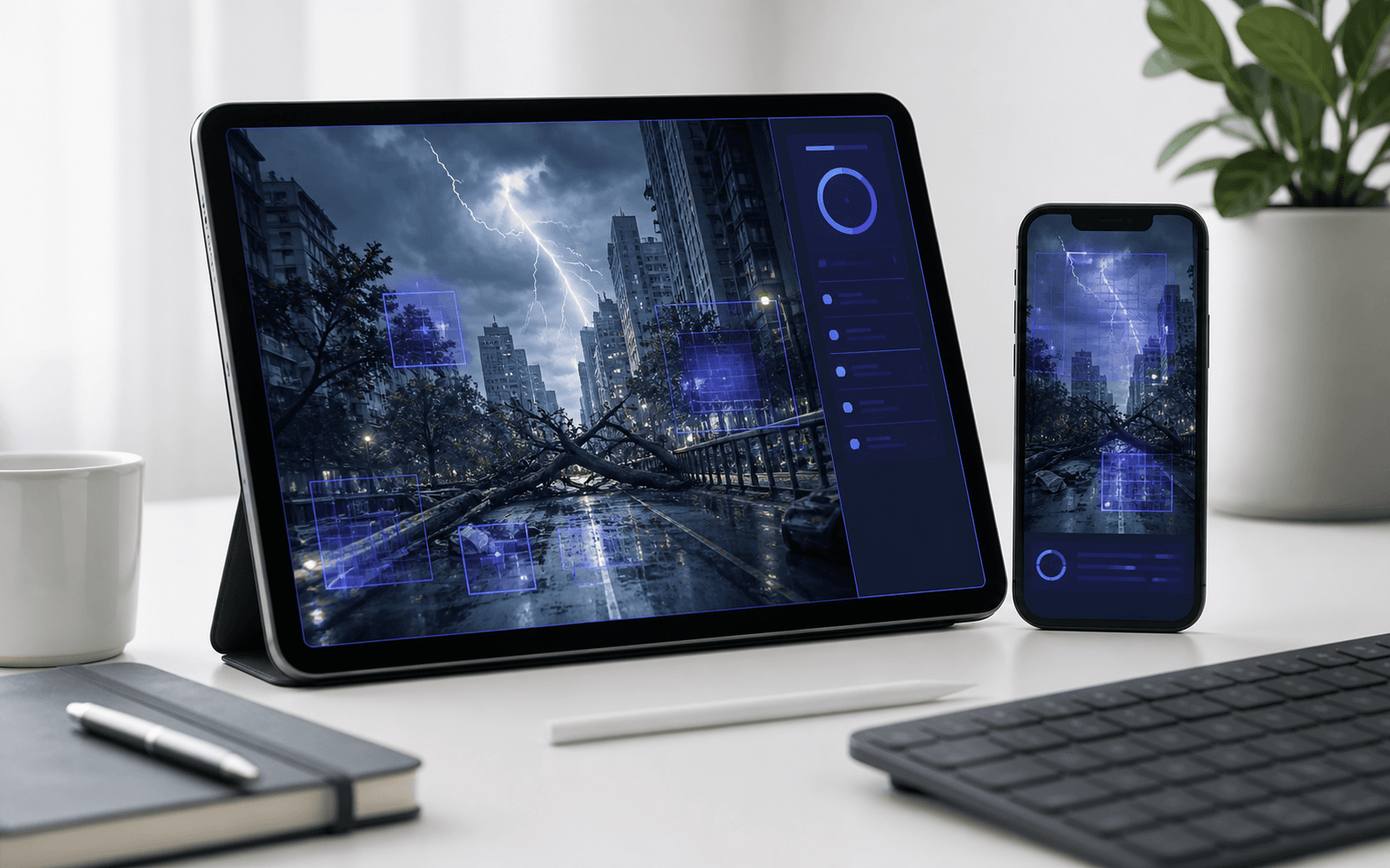
Newer DALL-E images can look convincing at first glance, so one odd detail is not enough to identify their origin. Inspect the whole image, compare several signals, and verify the source whenever the result affects a real decision.

Look closely at the areas where DALL-E must keep several details consistent at once:

Review whether an image may come from DALL-E or ChatGPT image generation, instead of relying on a generic visual check.

Review a clear AI probability score to quickly judge whether an image leans toward AI, mixed, or human creation.

Inspect visual clues like distorted hands, unnatural text, or weird reflections instead of trusting a black-box algorithm blindly.

Screen marketplace listings, academic projects, social posts, and ad campaign visuals instantly right from your browser.

Since no sign up is needed, you can instantly detect DALL-E images without creating an account first.

Make safer review decisions by treating the detection result as a helpful signal rather than an absolute accusation.

Verify concept art, product mockups, and digital advertisements where DALL-E aesthetics commonly blend with real photography.

Your sensitive uploads remain strictly private review material and are never stored to train future models.

Check campaign graphics, blog images, and social visuals before publishing to detect DALL-E images in your editorial workflow.

Review product photos, listing images, and seller-submitted visuals to confirm authenticity and maintain trust across your e-commerce platform.

Check student presentation visuals, image assignments, and project media to uphold academic integrity in your design courses.

Review concept art, portfolio pieces, and AI-assisted design submissions to understand exactly how much generative assistance was used.

Slow down viral image claims before quoting or resharing by running a quick scan with this DALL-E ai image checker.

Review profile images, ad creatives, and user-submitted visuals to protect your brand from publishing undisclosed AI-generated content.

News Editor

"I used this tool to check a 5MB viral news graphic that looked like a polished DALL-E scene before publishing. It helped our desk pause, verify the source, and avoid treating one scan as a final verdict."

Creative Director
"When reviewing a 4K concept art file, the client needed to know if generative tools were involved. This app explains common signals like polished composition, over-clean surfaces, and details that almost work."

Marketplace Reviewer
"I was checking a batch of 1080p product listing visuals that looked too perfect for the seller's source files. The scanner shows a clear AI, mixed, and human probability result for image review."

Design Educator
"This helps me review 15MB student image assignments without making a rushed accusation. It highlights visual clues behind the result, such as text, hands, logos, reflections, and repeated details."

Social Media Manager
"Running a quick check on a 2MB campaign visual before scheduling posts is now part of my routine. It provides fast online checks for publishing, marketplace, classroom, and creative approval workflows."

Agency Owner
"We check high-resolution private client artwork before delivery and source disclosure. I appreciate the privacy-minded image review, knowing they do not position our uploads as training data."
Still got questions about detecting AI images? Here are the answers.
A DALL-E detector is an online tool that helps estimate whether an image may have been created with DALL-E or ChatGPT image generation. It reviews visible clues and returns an AI probability score to support your authenticity check.
Lynote reviews the uploaded image for AI-like visual patterns, composition issues, lighting inconsistencies, and details that do not quite hold together. The result helps you decide whether the image deserves a closer DALL-E source check.
Upload your file directly from your device to the DALL-E AI image checker. We support standard formats like JPG and PNG for immediate scanning.
No detector can prove the exact generator from the image alone. Lynote gives you a probability signal and review clues, so you can decide whether to ask for source files, creation history, or additional context.
No, we do not store your uploaded images or use them to train our AI models.
Yes, the tool supports single image uploads up to 50MB per scan.
No, you can detect DALL-E images immediately without creating an account for basic scans.
Yes, basic usage of the tool is available at no cost.
General AI image tools answer a broad question: does this look AI-generated? This DALL-E AI image checker narrows the review around DALL-E-style use cases, such as polished concept art, product mockups, social visuals, and images with details that almost look right.
Most images are processed and scored within a few seconds, depending on the file size.
Yes, you can upload any visual file, including digital artwork, social media graphics, and product photos.
The tool analyzes the overall visual structure rather than reading specific text or verifying brand logos.