Check What the Test Actually Measured
Look for the languages, text lengths, subject areas, model versions, and kinds of editing included in an evaluation. A result on one collection of documents does not guarantee the same performance on your draft.


Looking beyond a Copyleaks AI Detector result? Check your draft with Lynote to review AI, mixed, and human-written signals and find sentences that deserve a closer look.
The Copyleaks AI Detector assesses text for signs of AI generation. It is part of a wider product range that includes plagiarism checking and integrations for different review workflows.
If you need the Copyleaks AI Detector official site, use the link above. The tool offered on this page is Lynote, which provides its own writing analysis rather than a Copyleaks score.
Already checked your draft? Use a second report to identify questions worth investigating—not to choose whichever percentage looks better.

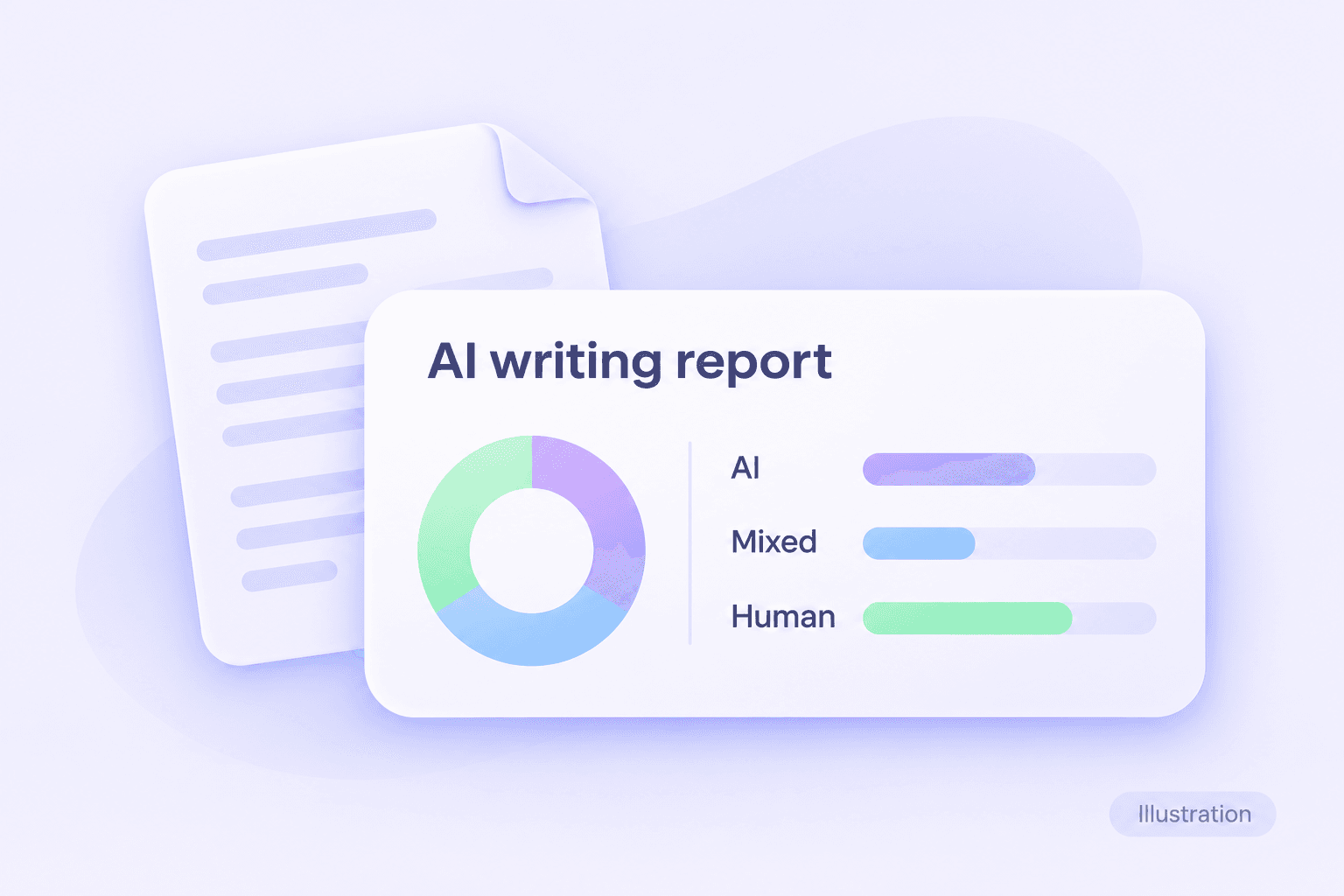
Review AI-generated, mixed, and human-written categories together. Look beyond one number before deciding whether a passage needs attention.

Use sentence-level highlights to locate passages for review. Read the surrounding paragraph to understand the full point.

Paste a draft or upload a supported PDF, DOCX, or TXT file. Check that your document’s text imported correctly before running the analysis.

Bring essays, research drafts, articles, and professional documents into the same process. Interpret the findings in light of the document’s purpose.

Compare flagged wording with source material and earlier drafts. These records can explain choices that a score alone cannot.

Use the report to prioritize unclear or repetitive passages. Improve the writing for your readers rather than chasing a particular score.
An AI-writing report should help you ask better questions about the text. Lynote separates writing signals into three categories so you can inspect the result in more detail.
Read the categories alongside the document itself. They do not establish which person or tool produced a passage, and they should not be treated as a verdict on its quality.
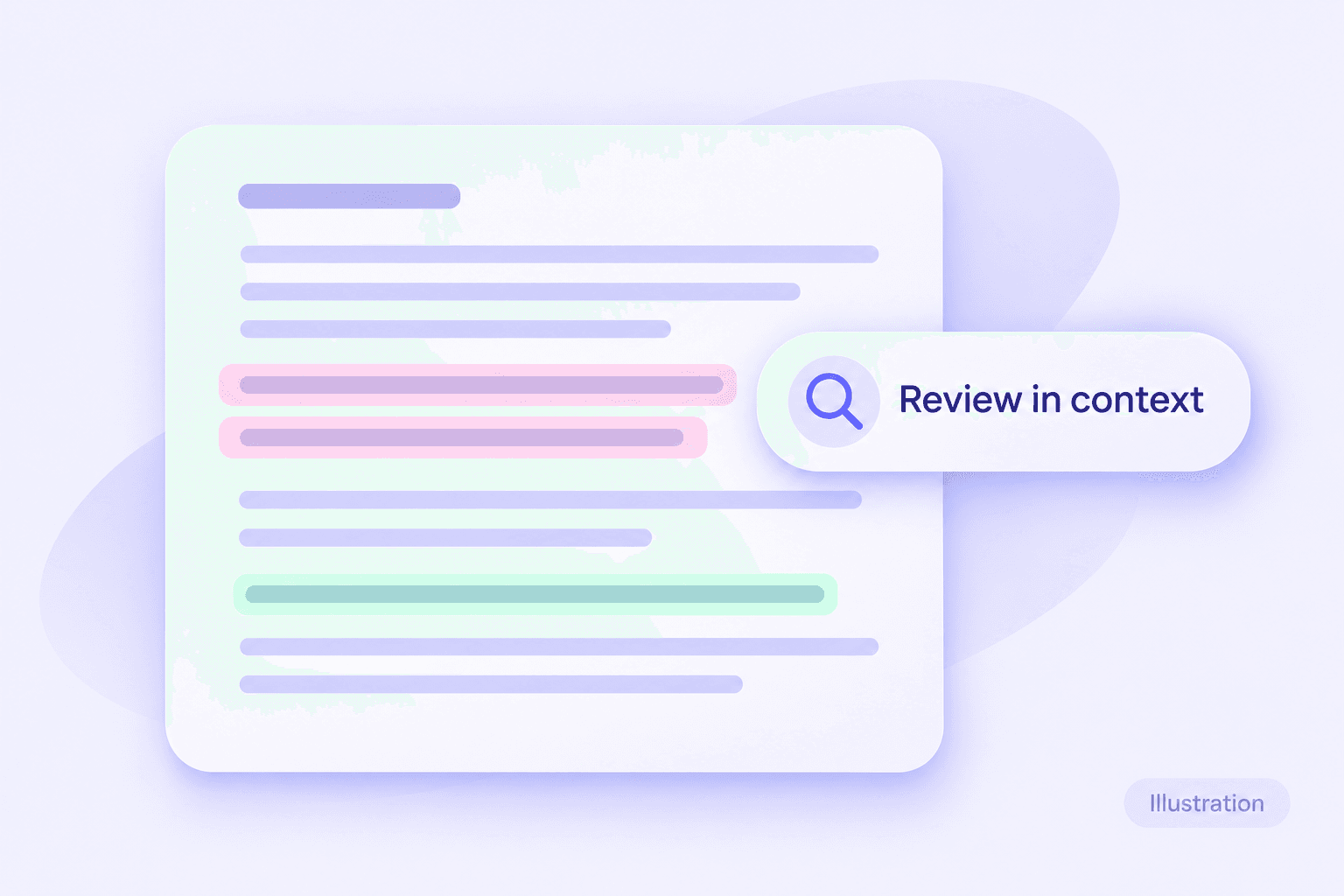
A long document can make it difficult to decide where to begin. Sentence highlights give you a manageable starting point for checking explanations, evidence, and wording.
Keep passages that are accurate and necessary. Where the writing is vague, add relevant detail; where a claim needs support, verify the source before revising it.
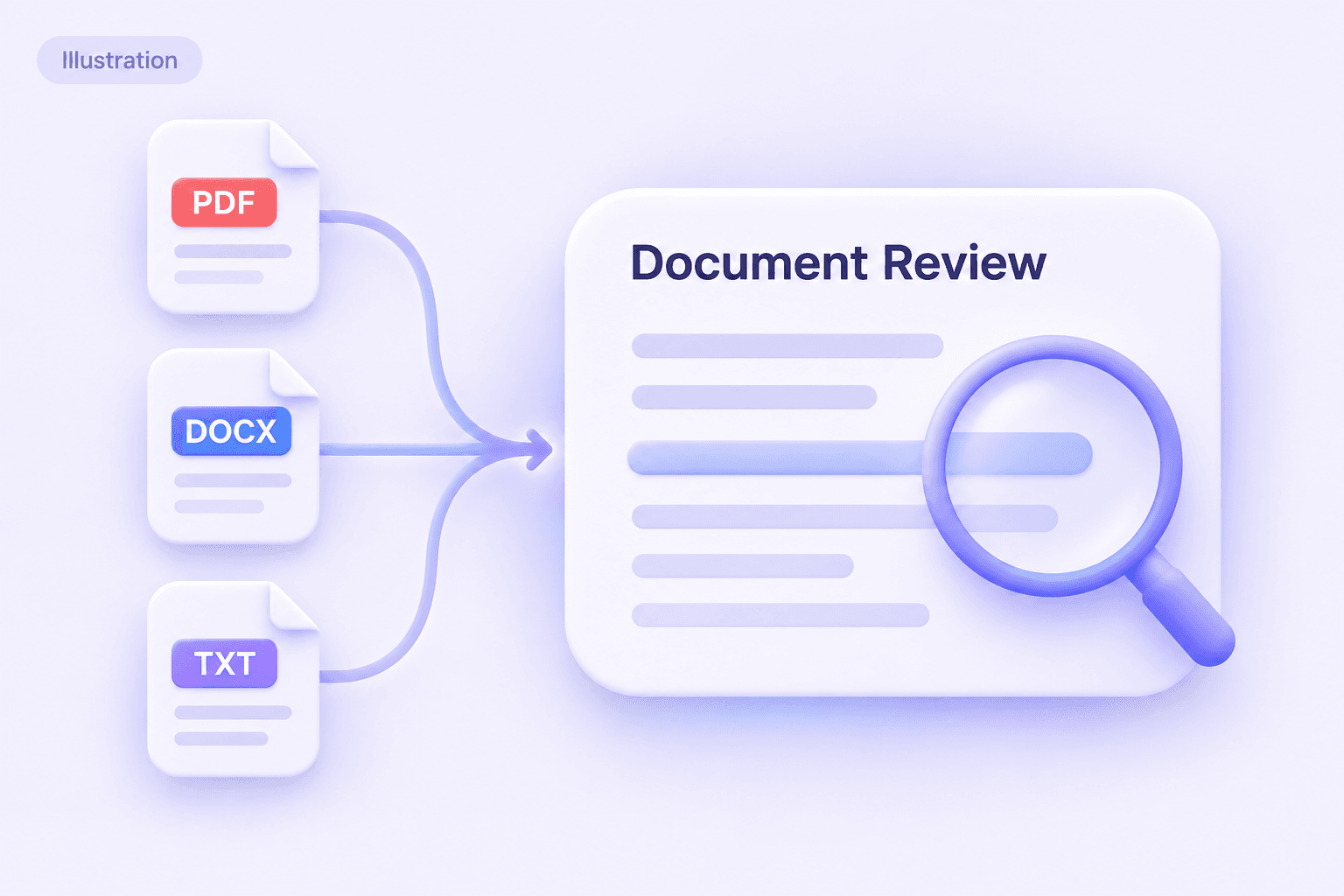
Review text before submission, publication, or delivery. Upload a supported document or paste a passage into Lynote AI Detector to begin.
When comparing a Copyleaks AI text detector result with Lynote, use the same text version. Differences in copied content, extraction, or revision can make the comparison less useful.
 Step 1
Paste Text or Upload a File
Paste your draft or upload a PDF, DOCX, or TXT file.

 Step 2
Click Detect AI
Click Detect AI to check your text for AI-writing signals.
 Step 3
Review the Results
Read the scores and highlighted sentences, then review flagged passages in context.

Paste your draft or upload a PDF, DOCX, or TXT file.
Click Detect AI to check your text for AI-writing signals.
Read the scores and highlighted sentences, then review flagged passages in context.
A percentage is a starting point. Connect the result to the actual wording and the evidence behind your draft before deciding what to change.
| Report element | How to use it |
|---|---|
| Overall score | Read the tool’s definition of the score; do not assume all detectors measure the same thing. |
| Writing categories | Consider the breakdown together rather than focusing on one label. |
| Highlighted sentences | Read the full paragraph and check whether the passage is clear and supported. |
| Quotations and references | Verify attribution and source accuracy separately from AI detection. |
| Different results across tools | Confirm that the inputs match and examine the explanations instead of averaging percentages. |
If a report flags something you wrote yourself, preserve your notes and earlier versions. These can provide useful context for a discussion with an editor, teacher, or reviewer.
Copyleaks publishes a testing methodology for evaluating its detector. When assessing Copyleaks AI Detector accuracy, read the test conditions as well as the headline result.
Look for the languages, text lengths, subject areas, model versions, and kinds of editing included in an evaluation. A result on one collection of documents does not guarantee the same performance on your draft.
A false positive flags human writing as AI-like. A false negative misses generated writing. Both matter when judging whether a detector is useful for your task.
For an important decision, review the passage, its sources, and how the document developed. Do not use a detector score alone to establish misconduct or reject someone’s work.
This page is a workflow guide, not an independent accuracy test. It does not claim that Lynote outperforms Copyleaks on a shared benchmark.
Choose a tool around the work you need to complete. This comparison separates product scope from detection accuracy; it does not rank either service as universally better.
| Review need | Copyleaks | Lynote on this page |
|---|---|---|
| Check writing for AI signals | Official AI content detector | Lynote’s own AI Detector |
| Examine the report | Review details depend on the product and access level | AI, mixed, and human categories with sentence highlights |
| Check source overlap | Separate plagiarism-checking capabilities | AI detection is not a plagiarism check |
| Fit an institutional workflow | LMS integration options | Direct text and document review workflow |
| Build an integration | Published developer documentation | This page provides the web tool, not an API integration |
| Refine wording after review | Check the capabilities of the specific Copyleaks product | Continue with Lynote AI Humanizer and review the edits yourself |
For current Copyleaks integration details, consult its LMS page and API documentation. For the writing tools described here, visit Lynote AI Detector and AI Humanizer.
An AI detector like Copyleaks can be useful for screening, but a second tool is still another estimate. Compare what each report helps you understand rather than assuming that agreement proves authorship.
Check whether your explanation is specific and supported. Retain drafts and research notes, and follow your course’s rules on writing assistance.
Use highlighted passages to prepare focused questions. Consider the student’s explanation and drafting process alongside any detector result.
Review articles, briefs, and submissions for vague claims or inconsistent wording. Verify facts and discuss substantive changes with the author.
Examine wording around methods, findings, and citations. Preserve technical meaning and check the underlying evidence when editing.
Review reports, resumes, and application materials for clear, accurate expression. Replace generic wording with relevant details you can substantiate.
Need help expressing your own ideas more naturally? Use Lynote AI Humanizer to revise awkward wording,check the facts, citations, and meaning remain intact.
<p style="margin:0 0 16px">Copyleaks offers a free web-checking entry point and paid options. For a Copyleaks AI Detector free trial or larger allowance, check the current <a href="https://copyleaks.com/pricing" style="color:#7051df;text-decoration:underline">pricing page</a> and the limits shown in your account. Free access should not be assumed to include every feature.</p>
<p style="margin:0 0 16px">The <a href="https://copyleaks.com/ai-detector" style="color:#7051df;text-decoration:underline">public detector page</a> offers a text-checking workflow and describes additional access with a free account. Check the current screen for sign-in requirements. A “Copyleaks AI Detector no login” search does not establish unlimited anonymous use.</p>
<p style="margin:0 0 16px">Open the official detector, enter the text you want to check, and follow its scan controls. Review the result and any available passage-level detail. To use Lynote instead, follow the three steps above.</p>
<p style="margin:0 0 16px">Accuracy depends on the evaluation and the writing being checked. Review the methodology, false-positive rate, missed detections, and relevance of the test samples. A vendor benchmark is not a guarantee about an individual essay or article.</p>
<p style="margin:0 0 16px">Keep the submitted text and report, inspect the flagged passages, and gather drafts or source notes. If the result affects a submission, explain your process and ask for a contextual review. Correct genuine weaknesses without changing accurate writing solely to lower a score.</p>
<p style="margin:0 0 16px">Judge its usefulness within a review process, not as a standalone verdict. Consider evidence of the writer’s work, the institution’s policy, and the possibility of classification errors. An AI-writing score is not proof of misconduct.</p>
<p style="margin:0 0 16px">No. AI detection assesses writing patterns, while plagiarism or similarity checking looks for source overlap. Even when both appear in a report, the findings answer different questions. A low AI score does not establish that quotations and citations are correct.</p>
<p style="margin:0 0 16px">LTI refers to a way educational tools connect with learning platforms. Copyleaks offers <a href="https://copyleaks.com/learning-management-systems" style="color:#7051df;text-decoration:underline">LMS integration options</a>; availability and setup depend on your institution. It is not a separate detector that Lynote provides on this page.</p>
<p style="margin:0 0 16px">Yes. Copyleaks provides a <a href="https://copyleaks.com/ai-detector/extension" style="color:#7051df;text-decoration:underline">browser extension</a>. Use its official installation route and check supported browsers, account requirements, and permissions. The extension is separate from Lynote’s web tool.</p>
<p style="margin:0 0 16px">Yes. Consult the <a href="https://docs.copyleaks.com/" style="color:#7051df;text-decoration:underline">Copyleaks API documentation</a> for endpoints and implementation requirements. For Copyleaks AI Detector API pricing in 2026, confirm current commercial terms rather than assuming a consumer subscription includes the API usage you need.</p>
<p style="margin:0 0 16px">Copyleaks has a separate image-detection product and <a href="https://docs.copyleaks.com/guides/ai-detector/ai-image-detection/" style="color:#7051df;text-decoration:underline">image API guide</a>. Image analysis is a different task from reviewing written text. The Lynote tool on this page checks text, not image authenticity.</p>
<p style="margin:0 0 16px">Do not assume the same workflow applies. Copyleaks markets code-related capabilities, but its <a href="https://docs.copyleaks.com/guides/authenticity/detect-plagiarism-code" style="color:#7051df;text-decoration:underline">code-plagiarism API guide</a> explicitly says AI Text Detection is not supported for source-code files in that workflow. Confirm the exact product and endpoint before relying on a code result.</p>
<p style="margin:0 0 16px">Start with your required workflow and test the same known-origin samples. Record both false positives and missed detections, then assess how useful the reports are for review. Check <a href="https://www.grammarly.com/ai-detector" style="color:#7051df;text-decoration:underline">Grammarly’s official detector</a> and Copyleaks separately for current features; neither score predicts the other.</p>
<p style="margin:0 0 16px">Individual experiences can suggest questions to investigate, but they are not a controlled benchmark. Look for the full input, date, product version, and known writing process. A screenshot without that context cannot establish overall reliability.</p>
<p style="margin:0 0 16px">Results can disagree, classification errors can occur, and a score does not reconstruct the writing process. Review each tool’s definitions and supported inputs. Consult the official pages for <a href="https://gptzero.me/" style="color:#7051df;text-decoration:underline">GPTZero</a>, <a href="https://originality.ai/" style="color:#7051df;text-decoration:underline">Originality.ai</a>, and Copyleaks before comparing their reports.</p>
<p style="margin:0 0 16px">No rewrite can guarantee a pass. If you are searching for how to bypass Copyleaks AI Detector or how to get past a flag, focus on accurate, well-supported writing and explain permitted assistance when required. A Copyleaks AI detector and humanizer workflow should support editing, not certify authorship.</p>
<p style="margin:0 0 16px">“Best” depends on the documents, languages, review features, and integrations you need. Choose through relevant testing and a clear review process. This page does not present an independent ranking or claim one tool is the most accurate for everyone.</p>
<p style="margin:0 0 16px">Start at <a href="https://copyleaks.com/" style="color:#7051df;text-decoration:underline">copyleaks.com</a> and use its official login link. Lynote does not manage Copyleaks accounts, subscriptions, or results.</p>
Learn how detection works, why results can be wrong, and how to review writing with evidence and context.
Looking for a Copyleaks AI Detector alternative? Use Lynote to inspect writing signals, review highlighted sentences, and decide what needs closer attention.


