Where to Start Reading
An overall result can help you prioritize a document for review. Highlights then direct your attention to individual passages.


Need a ZeroGPT AI Detector alternative? Check your writing with Lynote and review AI scores and highlighted sentences.
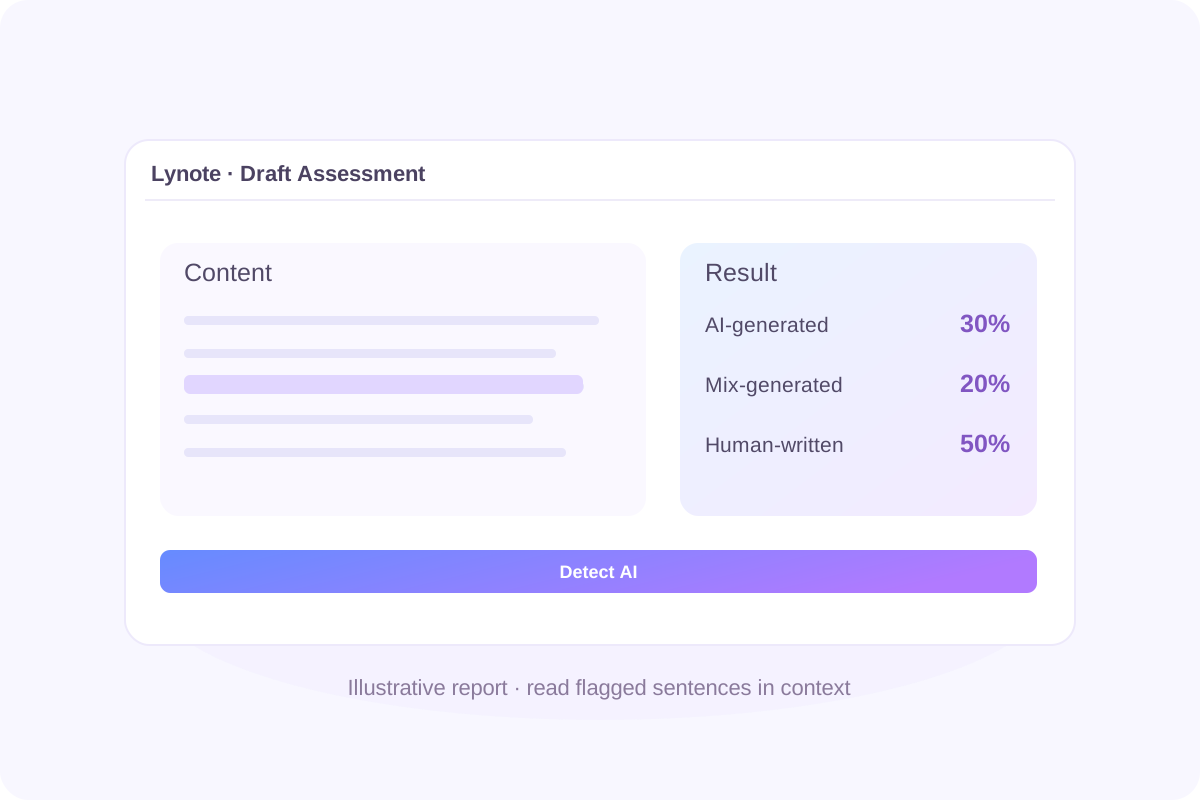
ZeroGPT AI Detector is an online tool that assesses writing for patterns associated with AI-generated content. Its text checker provides an overall percentage and highlights passages for review.
The ZeroGPT AI content detector is part of a wider platform that also offers image detection, plagiarism checking, and writing tools. Those services address different tasks; a text-detection result does not automatically include the other checks.
If you want another assessment of your writing, Lynote provides its own scores and sentence highlights. Use the result to guide a closer reading of your draft.
An overall result can help you prioritize a document for review. Highlights then direct your attention to individual passages.
Read flagged sentences alongside the surrounding explanation. Check whether the author’s examples, references, and reasoning support what the passage says.
An AI check does not verify facts, validate citations, or reconstruct a document’s drafting history. Review those separately before making an important decision.
Keep the same document version when comparing reports. Editing between checks makes it harder to understand why the results differ.
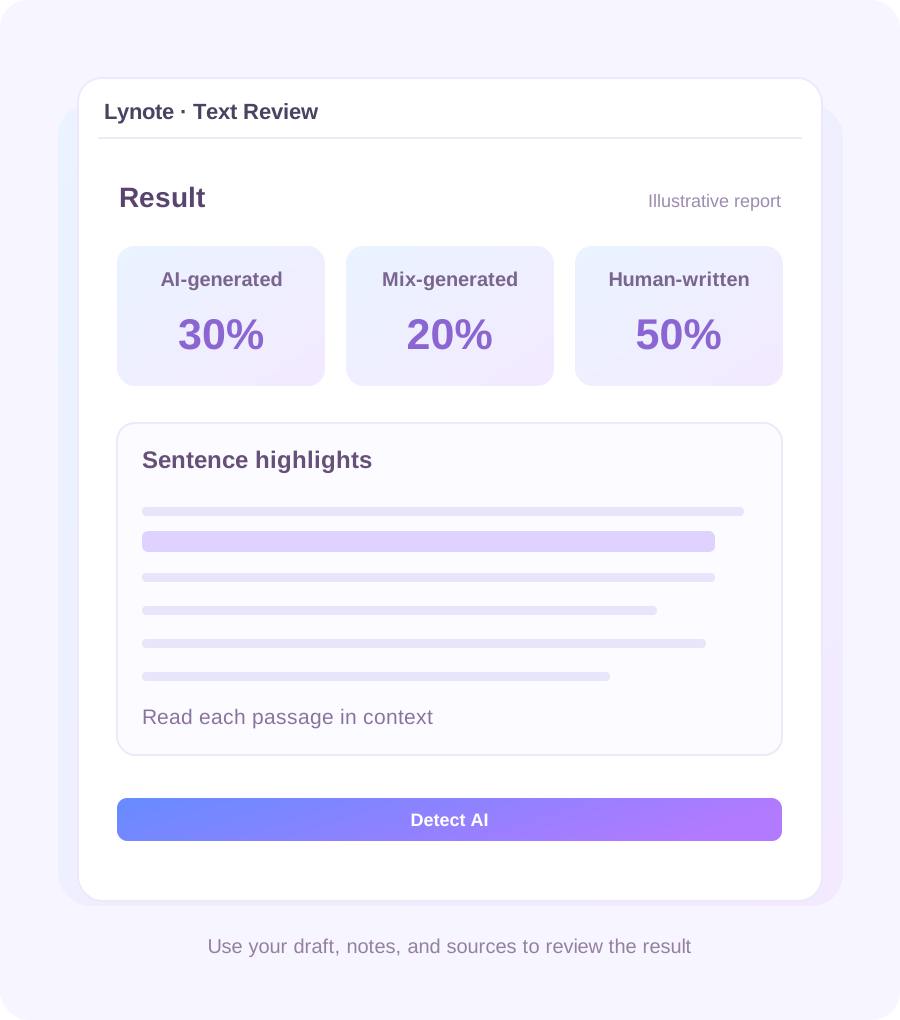
Add your writing directly or upload a supported TXT, DOCX, or PDF file.
See Lynote’s AI-generated, mixed, and human-written estimates. Read them as indicators rather than a final judgment about authorship.
Find passages worth examining without manually searching through the whole document.
Compare the feedback with your notes, sources, and earlier versions. Decide whether a passage needs clarification or further investigation.
 Step 1
Add Your Draft
Paste your text or upload a supported document.

 Step 2
Run the Check
Click Detect AI to generate your report.
 Step 3
Read the Highlights
Review flagged sentences with your draft, notes, and sources.

Paste your text or upload a supported document.
Click Detect AI to generate your report.
Review flagged sentences with your draft, notes, and sources.
Check what the percentage describes before interpreting it. Do not assume that a number proves how a document was created.
A highlighted sentence may make more sense within its paragraph. Look at the explanation around it and the sources it draws on.
Save the draft you checked. If you later revise it, record the new version separately so you can explain what changed.
Use the report to support a review of the writing. Keep academic requirements, editorial standards, and any AI-use disclosures in view.

Use a text detector when you want to assess possible AI-writing patterns in an essay, article, or report.

The ZeroGPT AI image detector is a separate tool for visual content. An image assessment differs from extracting words from a picture and checking those words.

ZeroGPT also offers an AI Humanizer for rewriting text. A humanizer changes wording; a detector evaluates the submitted writing. Neither a revised score nor more natural wording establishes how the original draft was produced.
Different reports can point to different passages. Work through the disagreement before changing your draft.
Compare the submitted versions, including any omitted paragraphs or formatting changes.
Look for overlap between the reports. Investigate the actual passages rather than averaging the percentages.

Use outlines, annotations, references, and version history to understand how the document developed.

If the concern is source attribution, investigate the sources. If it is permitted AI assistance, check the relevant rules and the writer’s disclosure.

Review coursework drafts while keeping your research notes and earlier versions available.

Check articles and client work before delivery. Use the feedback to revisit wording that needs a closer look.

Identify passages to discuss with contributors and examine their supporting sources.

Consider the report alongside the assignment, student explanation, and available drafting evidence.
ZeroGPT offers free access. Its public text field currently displays a 15,000-character limit.
ZeroGPT publishes performance claims, but those figures do not guarantee a correct result for every document.
Its own guidance recommends reviewing highlighted passages alongside the overall score and acknowledges that some human writing can be flagged.
Assess reliability against the writing you actually handle. A useful ZeroGPT AI Detector review should explain its test texts, known authorship, product version, and errors.
Consider both human text incorrectly flagged and AI-generated text that the tool misses.
Short snippets provide less material to assess. ZeroGPT’s guidance recommends longer samples and notes that very short or heavily edited passages carry fewer detection signals.
Use a complete, relevant passage when possible rather than treating one sentence as conclusive.
The ZeroGPT AI text detector is marketed for ChatGPT and other language-model outputs. Its documentation describes coverage across multiple model families.
That does not mean a result identifies the exact model, prompt, or account used to produce a passage.
That depends on your requirements and the writing being assessed. Compare both tools using the same labeled documents and examine false positives, missed AI content, and feedback clarity.
There is no universal answer for every language, document type, and model version. A fair comparison requires representative texts and a consistent testing method.
Evaluate whether the flagged passages help you conduct a useful review. QuillBot itself describes detector scores as signals rather than verdicts.
A ZeroGPT result cannot predict what an institution’s Turnitin report will show. The tools have separate systems, reporting rules, and operating conditions.
Turnitin also warns that its AI assessment can misidentify writing and should not be the sole basis for adverse action against a student.
Popularity and accuracy are different questions. Claims such as “the most popular free AI detector” need current, comparable usage evidence.
Choose a tool based on your documents, feedback needs, usage limits, and review process rather than popularity alone.
If you encounter a “ZeroGPT Plus” offer, verify its exact plan name and included features on the official pricing page.
Check allowances, billing terms, and feature access before paying. Do not assume a third-party description matches the current service.
A rewrite cannot guarantee a particular outcome across all detectors. A lower score also does not establish authorship or compliance with an assignment’s rules.
Review changes for meaning, factual accuracy, citations, and any required disclosure of AI assistance.
No. Lynote returns its own assessment. The tool on this page does not reproduce ZeroGPT’s report or guarantee the same score elsewhere.
Looking for a ZeroGPT AI Detector alternative? Check your writing with Lynote, review the highlighted sentences, and decide what to examine with the full document in view.


