YouTube to Flashcards Converter

Drop files or browse

Add study materials to enable the AI to extract and structure content.



Why Use Lynote for YouTube to Flashcards?

Paste a YouTube Link
Paste a YouTube link to start instead of copying captions or typing notes while the lesson plays.

Keep the Source Note
Lynote creates a readable note first, giving each flashcard set useful context from the video.

Edit Before Studying
Edit each question and answer before studying to correct unclear details and match your learning goal.

Clear Q&A Format
A clear Q&A format turns video ideas into short prompts and answers you can test without rereading a transcript.

100+ Study Languages
Create video notes and flashcards across more than 100 supported study languages.

Works Across Subjects
Works across subjects using lectures, tutorials, certification lessons, language videos, and professional training.

Reuse Your Video Notes
Reuse your video notes to generate another card set when your topic or study focus changes.

Review Important Details
Review important details and check high-stakes facts against the source before relying on the cards.
What Is a YouTube to Flashcards Converter?
Convert a YouTube Video to Flashcards From a Link
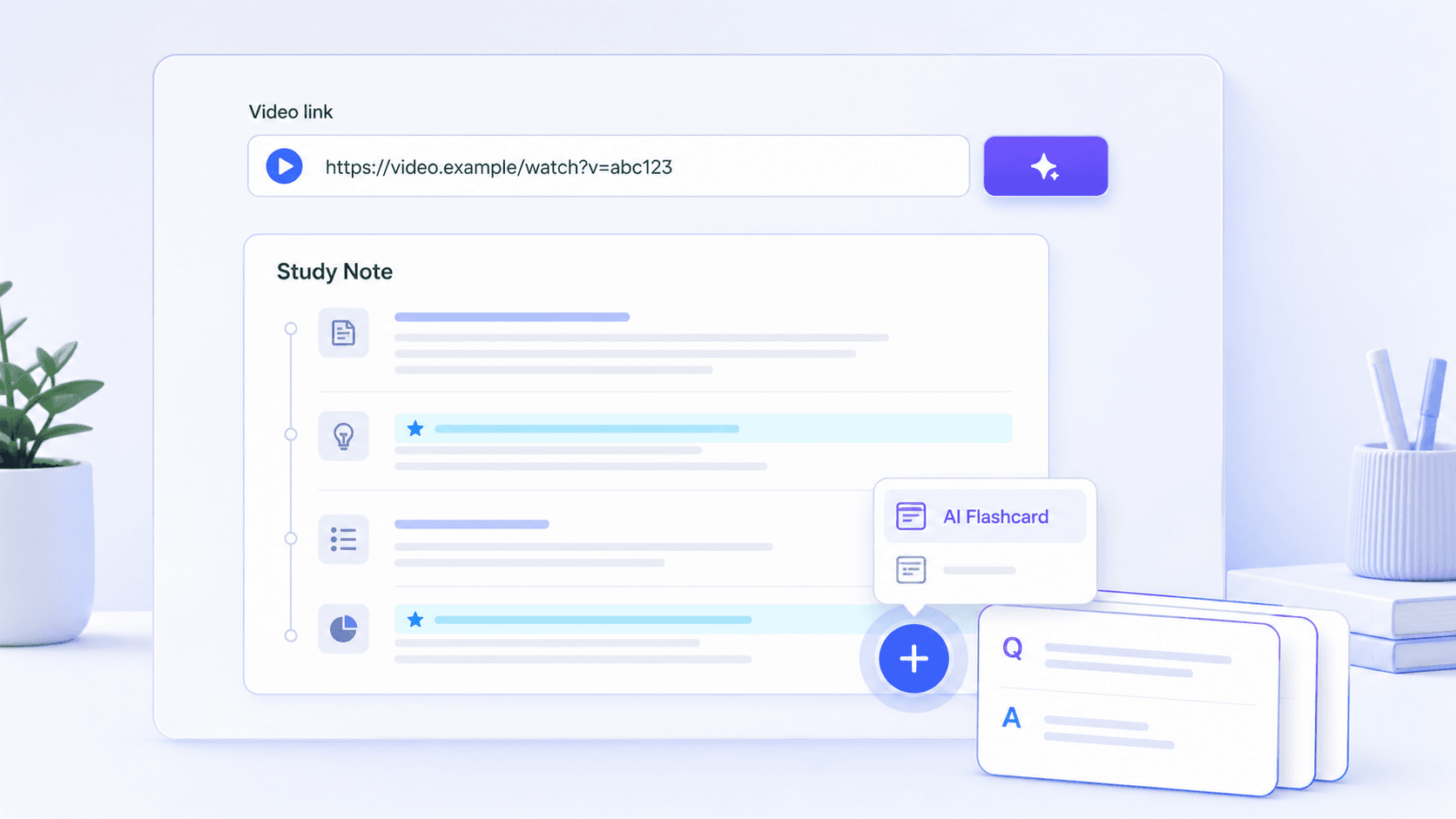
Study YouTube Videos Without Constant Pausing and Rewatching
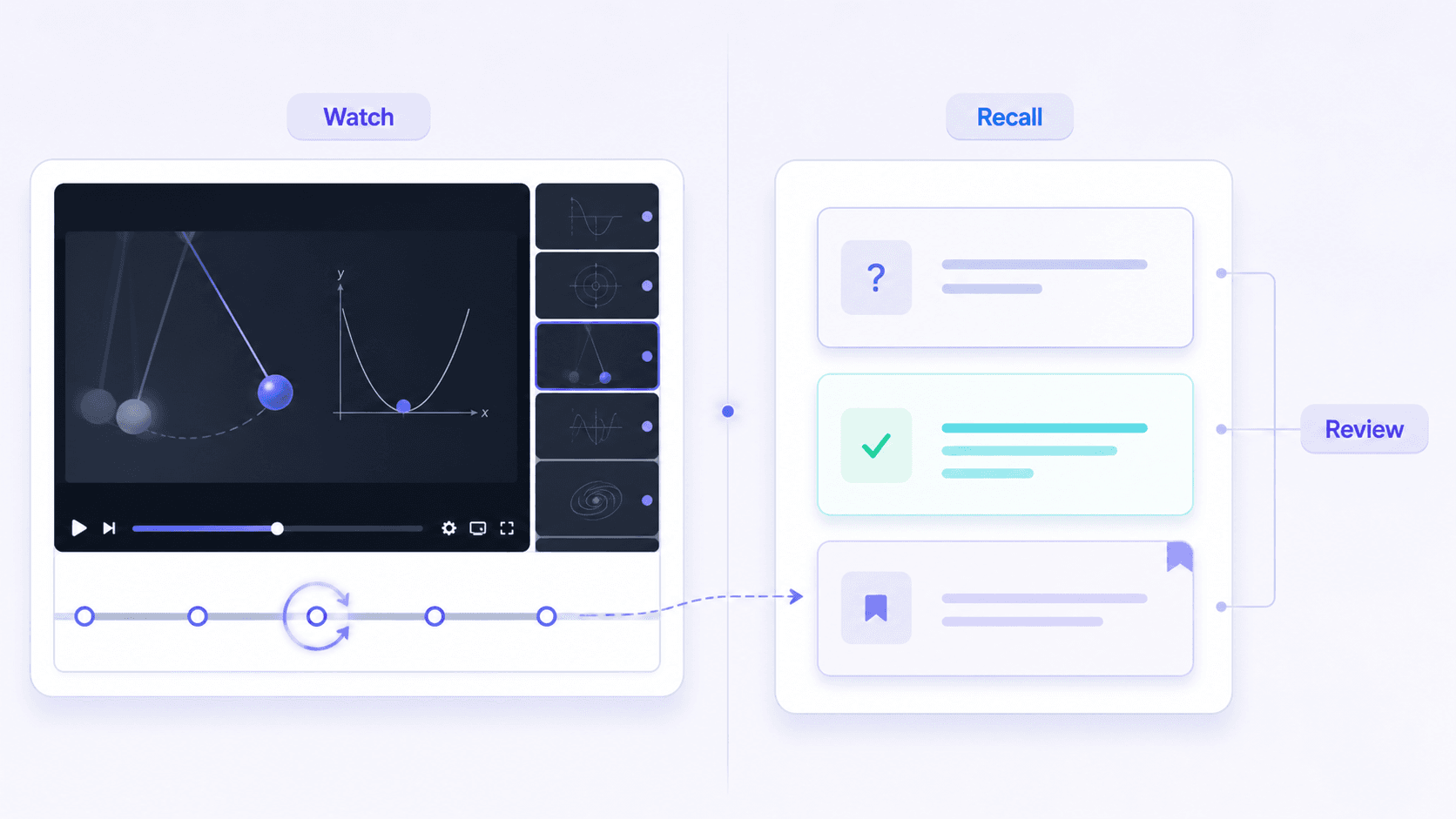
How to Turn a YouTube Video Into Flashcards
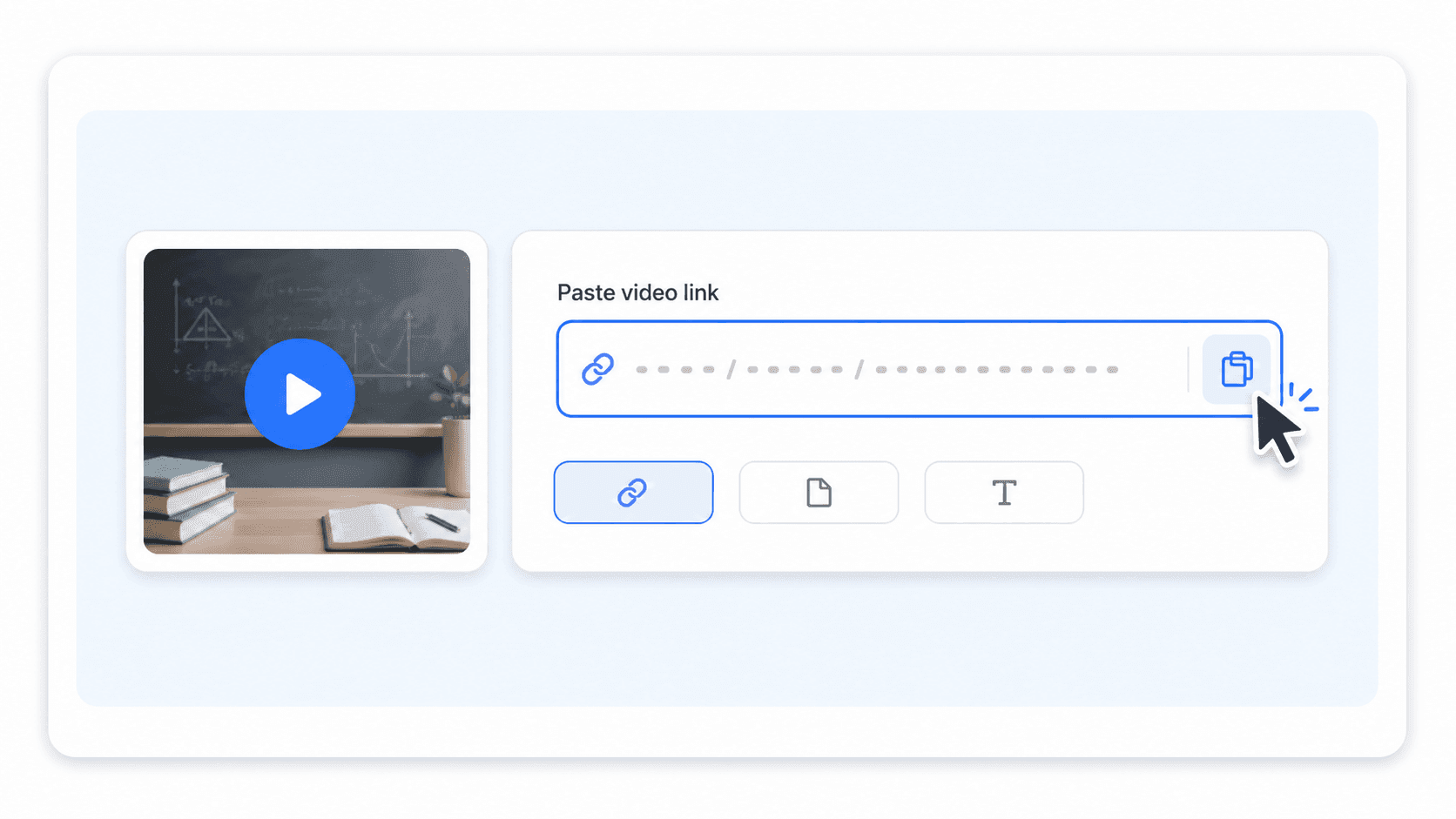
Paste the YouTube Link
Add the URL of the lecture, tutorial, explainer, or training video you want to study.
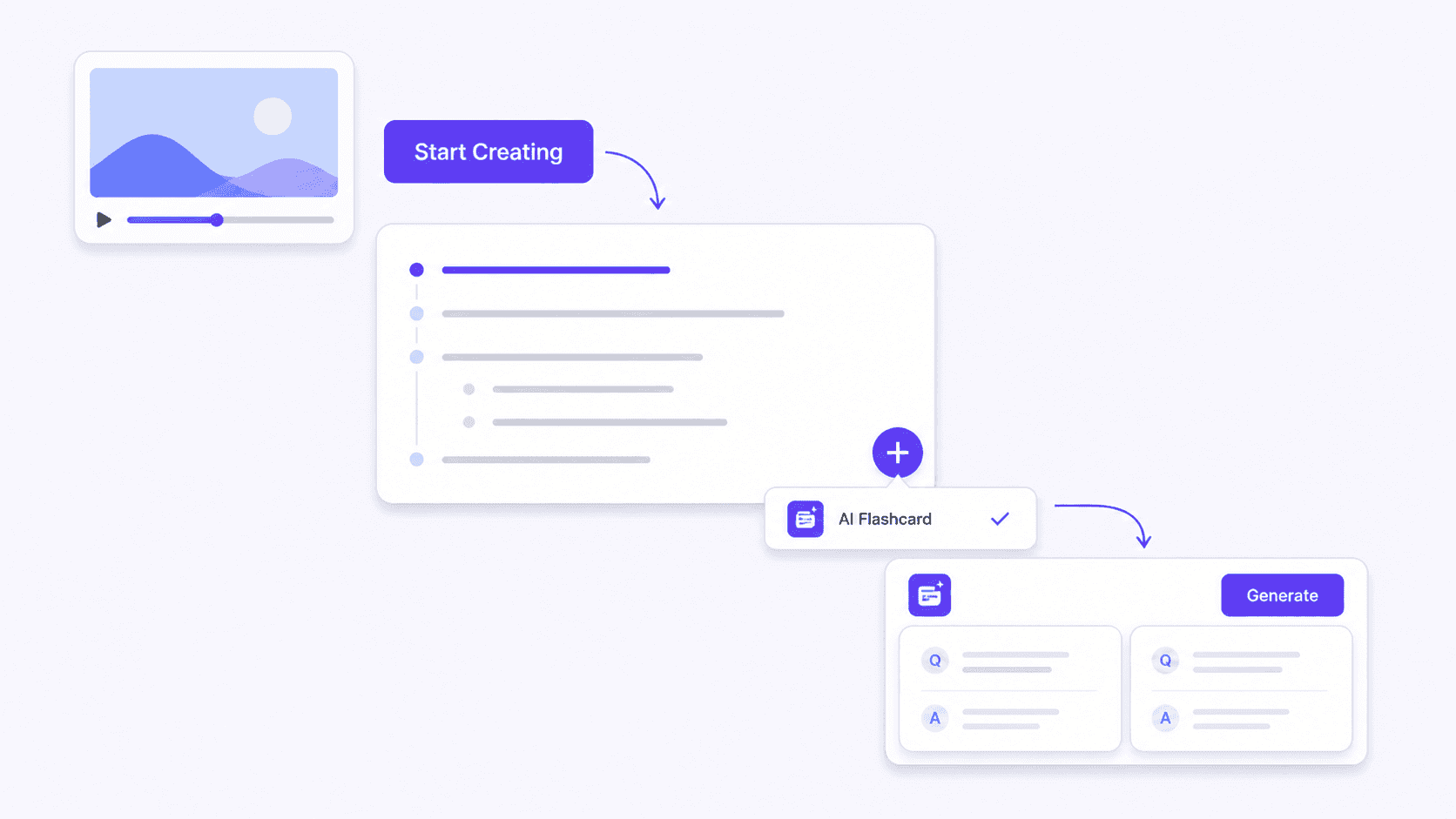
Create the Note and Generate Flashcards
Click the purple Start Creating button. After Lynote creates the note, click +, choose AI Flashcard, and click Generate.
Review and Study the Cards
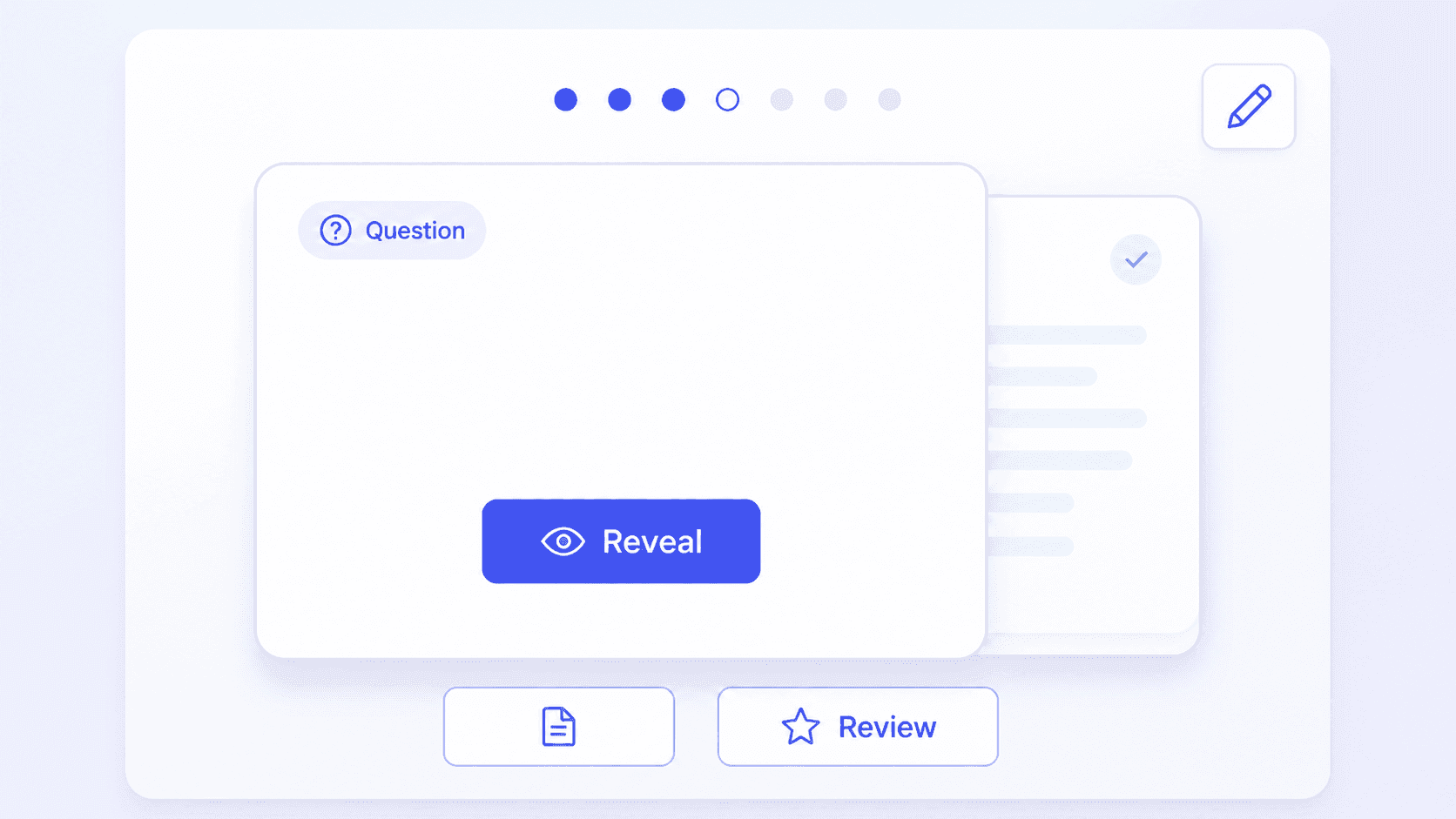
Check the questions and answers, edit unclear details, and test yourself before revealing each response.
How Learners Use YouTube Flashcards

College Student

I used a recorded biology lecture to build questions around cell signaling. The cards gave me something concrete to test after watching instead of replaying the whole lecture.

Certification Candidate
I turn cloud certification walkthroughs into review cards. Creating a note first lets me check the context before I rely on a technical answer.

Language Learner
A Spanish lesson became a compact set of vocabulary and example-phrase cards. I edited two answers, then used the deck for a quick review the next day.

Software Learner
For a long coding tutorial, the questions helped me separate the concepts I understood from the steps I needed to revisit in the video.

High School Teacher
I made review prompts from an explainer assigned to my class. Being able to check and edit the cards made them more useful for our discussion.

Workplace Learner
I used a product-training video to create a note and a short Q&A set. Keeping both together made it easier to confirm details before a knowledge check.
Who Uses a YouTube to Flashcards Converter?

College Students
Turn recorded lectures and course explainers into review cards before quizzes, midterms, and final exams.

Certification Candidates
Build Q&A cards from exam-prep lessons, technical walkthroughs, and certification training videos.

Language Learners
Review vocabulary, grammar points, and example phrases from YouTube language lessons in supported study languages.

Tutorial Learners
Convert coding, design, software, and practical how-to videos into cards covering concepts and key processes.

Teachers and Tutors
Prepare discussion prompts and review cards from educational videos assigned to a class or tutoring session.

Workplace Learners
Reinforce onboarding, compliance, product, and professional-development videos with focused review questions.
YouTube to Flashcards FAQs
Learn how Lynote turns YouTube video content into notes and editable study cards.
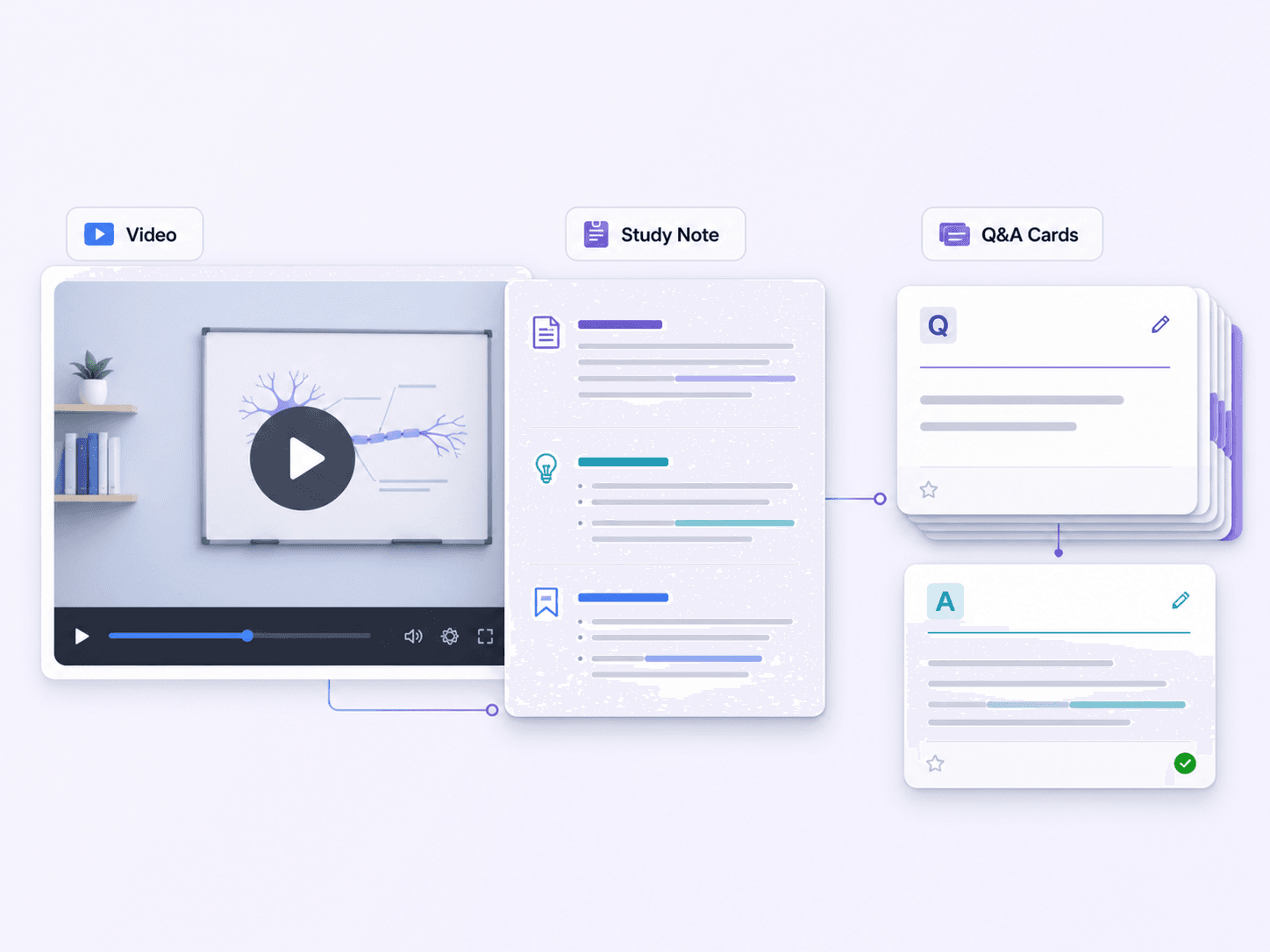
A YouTube to flashcards converter helps turn the learning content in a video into question-and-answer cards. With Lynote, you paste the YouTube link, create a source note from the video, and then generate editable AI Flashcards for review.
Paste the video URL and click Start Creating. When Lynote finishes the note, click +, select AI Flashcard, and click Generate. Review and edit the questions and answers before studying.
The video first becomes a Lynote note. You then generate AI Flashcards from that note. This extra step keeps the source content available for context and makes it easier to review the generated cards.
Lectures, tutorials, explainers, language lessons, certification classes, and training videos with clear subject matter are useful sources. Focused, well-structured videos generally produce more useful study notes and cards.
Yes. Review the generated questions and answers and correct wording, context, or technical details before using the cards for study. High-stakes facts should also be checked against the source.
You can use longer educational videos, but card quality depends on how clearly the video is structured and how much relevant material it covers. Review the source note and generated cards, especially when a long video discusses several unrelated topics.
Card quality depends on the clarity of the video and the source note created from it. Review generated questions and answers against the video or note, especially for technical, medical, legal, or exam-critical details.
Lynote offers a free way to start creating study materials from supported sources. Available usage and account requirements may depend on the current plan, so access is not described as unlimited or no-sign-up.