Free AI Practice Test Generator
Use our free AI practice test generator to turn study materials into questions and answers for focused review.

Drop files or browse

Add study materials to enable the AI to extract and structure content.



Why Choose Our AI Practice Test Generator?
Clean, Focused Practice Sets
Review clear questions and reference answers in one focused practice set.
Editable Before You Practice
Review and refine generated questions before testing yourself.
Review at Your Own Pace
Review at your own pace whenever your schedule allows.
Works Across Subjects
Prepare for school subjects, certifications, and workplace training.
80+ Languages Supported
Create practice material across more than 80 supported languages.
Free to Start
Use the free plan to start generating practice questions.
Fits Solo and Group Study
Fits solo and group study with one reusable practice set.
Secure Material Handling
Your study materials are processed through Lynote's secure workflow.
What Is a Practice Test Generator?
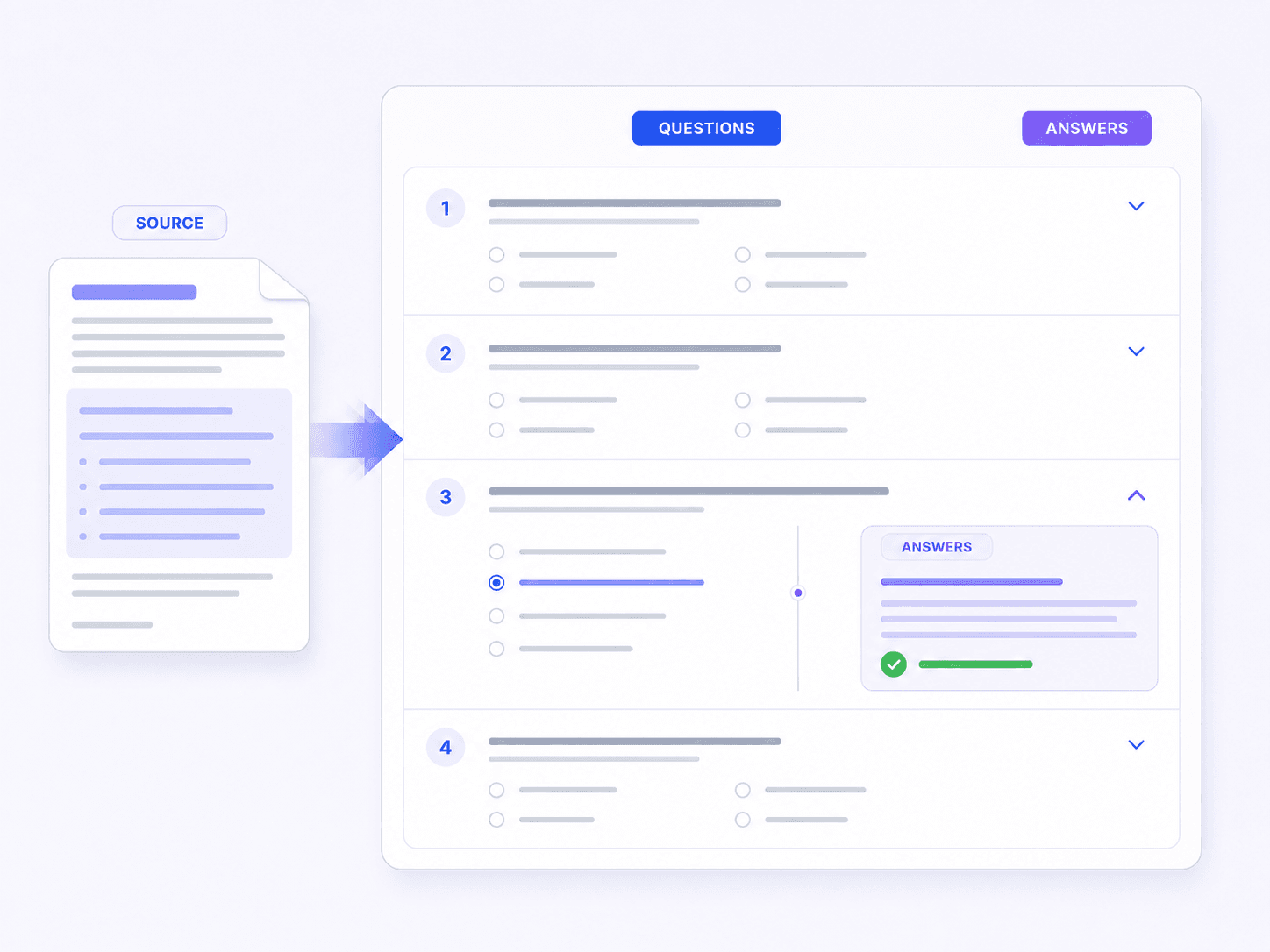
Create Custom Tests From Your Materials
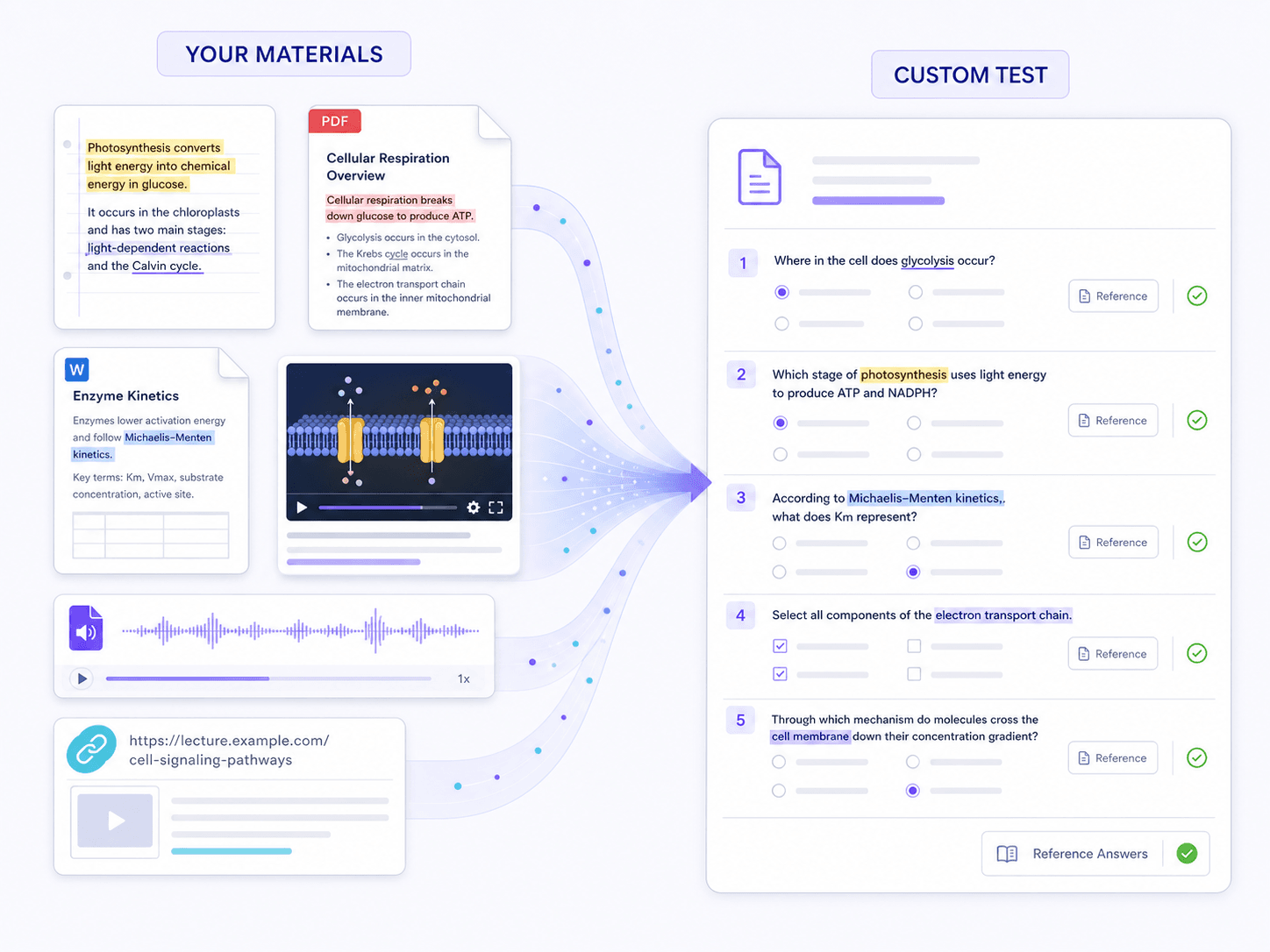
Turn Practice Into Real Progress
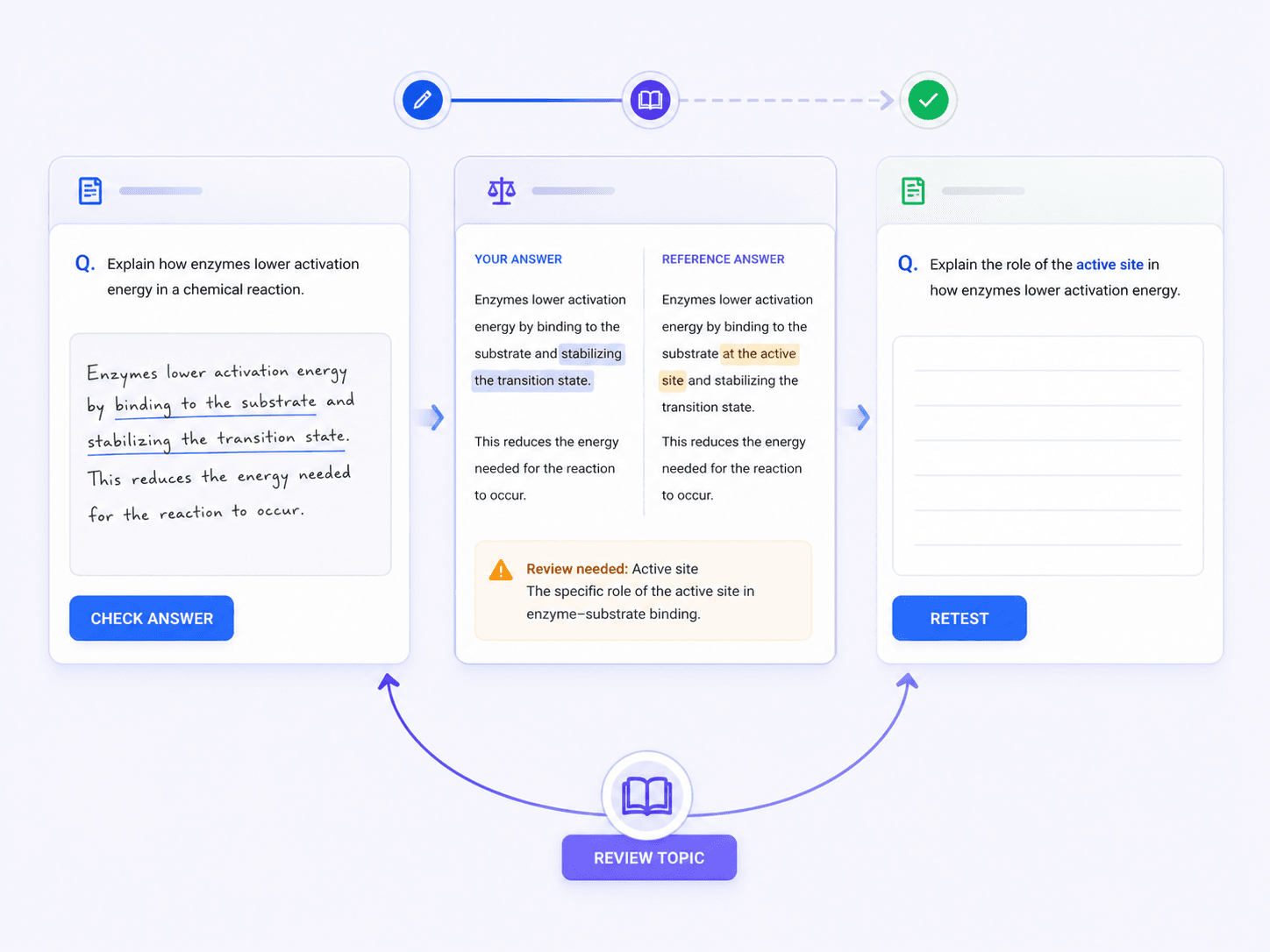
Exam Prep That Works for You
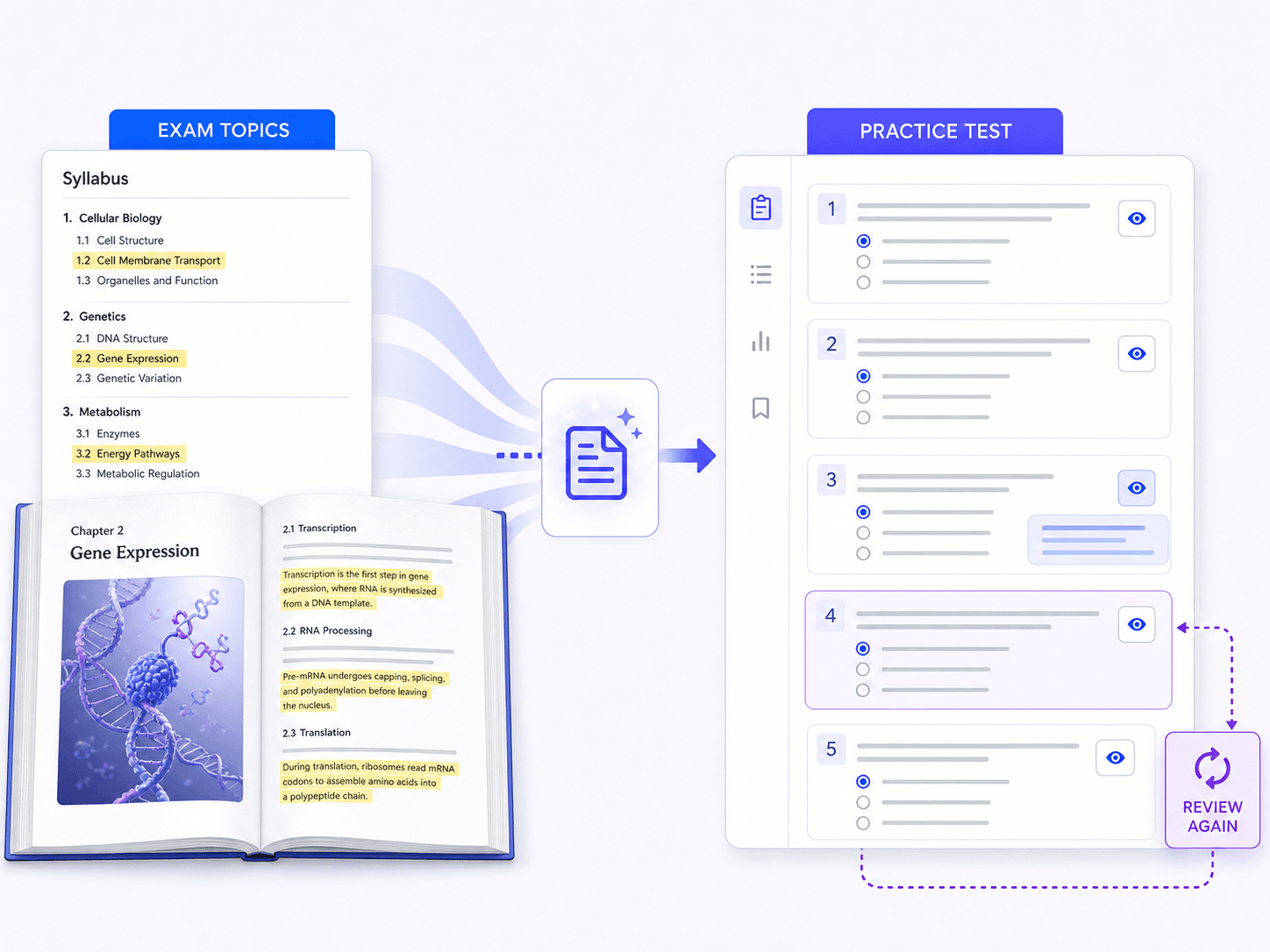
How to Generate Practice Tests With AI
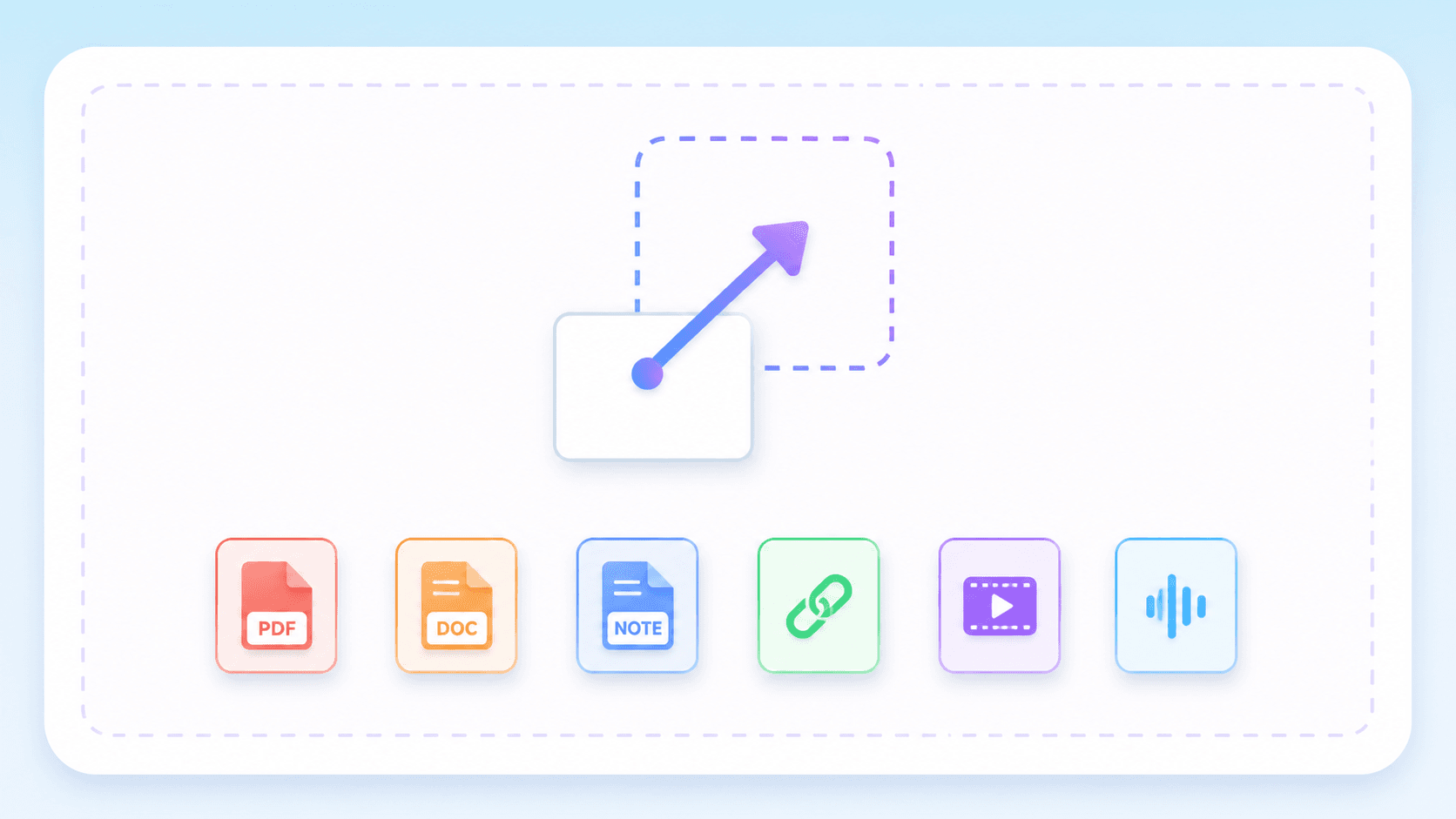
Step 1. Add Your Study Material
Begin by uploading the notes, PDFs, documents, videos, or audio files you want to study. You can also paste supported links to ensure the practice test covers your exact curriculum.
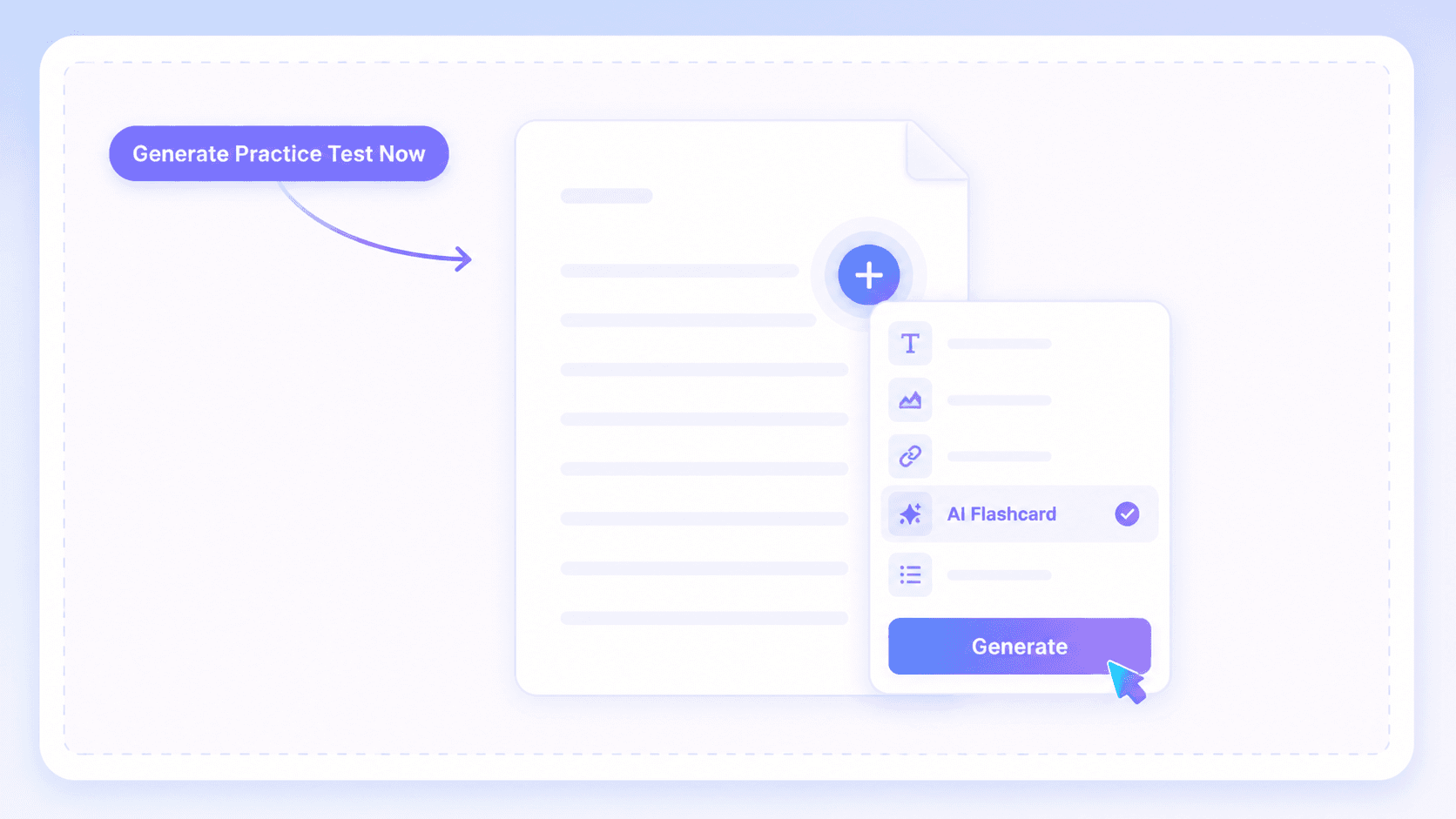
Step 2. Generate Practice Questions
Now click the purple Generate Practice Test Now button. Lynote will create a note from your material. Click the "+" button, choose "AI Flashcard," and then click "Generate" to build your practice questions.
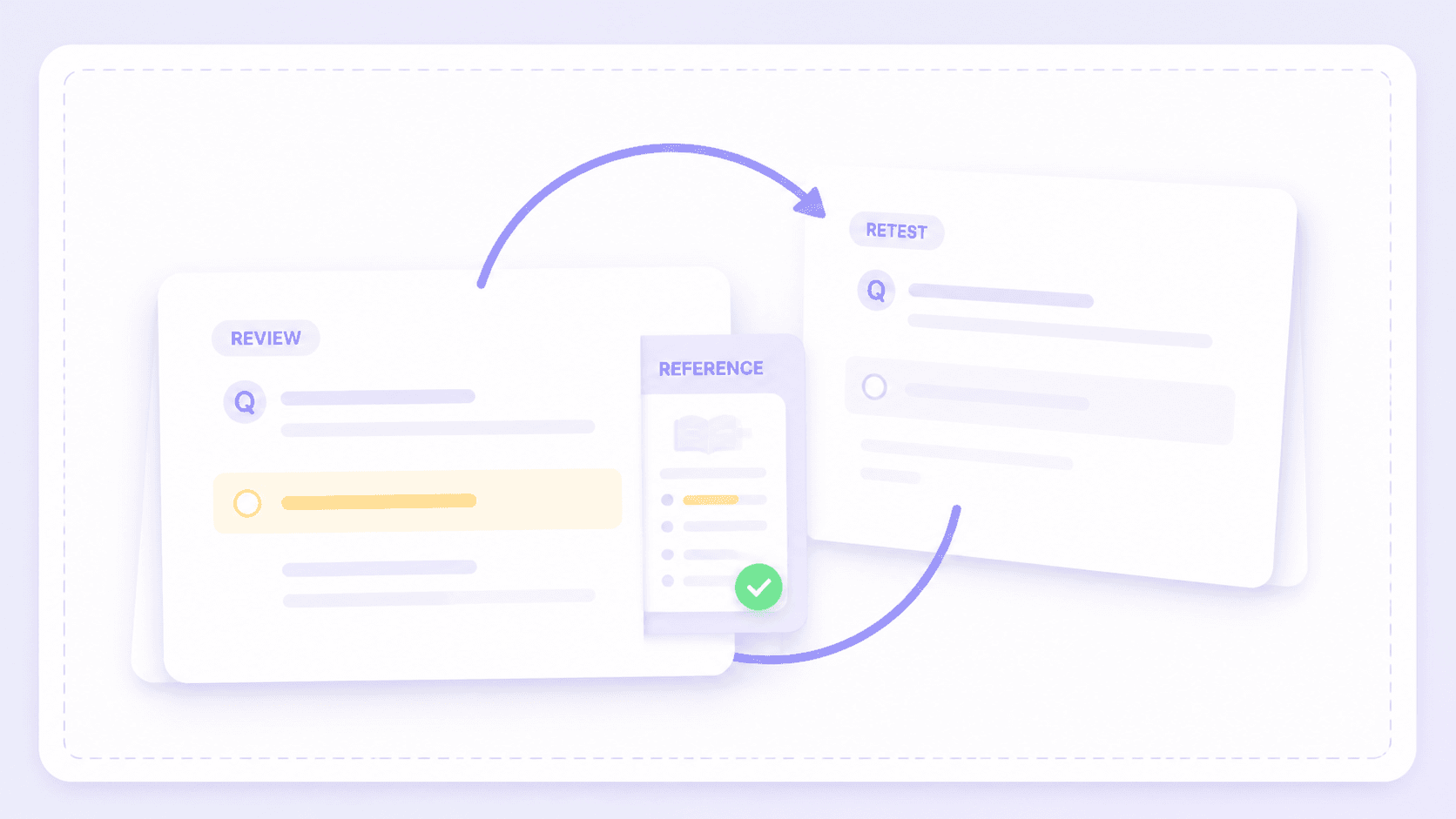
Step 3. Check Answers and Retest
Work through the generated questions and compare your responses with the reference answers. Edit any unclear items, identify your knowledge gaps, and repeat missed topics to strengthen your recall.
How Learners Use Our Practice Test Generator

College Student

"I pasted a 5,000-character study guide into this tool and got a full Q&A set. Repeating the missed questions helped me find my weak spots right before my biology midterm."

Corporate Trainer
"I uploaded a 40-page PDF compliance manual and received a usable first set of review questions. After a quick edit, the same set worked for individual preparation and our group session."

Certification Candidate
"I needed to create custom tests from my own materials. I uploaded a dense DOCX IT networking manual, and it pulled out the exact technical concepts I needed to memorize for my exam."

Language Tutor
"I use Spanish news articles and lesson transcripts to create targeted vocabulary and comprehension questions. The language support makes it much easier to prepare material for different learners."

High School Teacher
"I love that the questions are editable before you practice. I upload scanned history textbook chapters, let the AI generate the baseline questions, and then refine them before handing the sets to my class."

Study Group Leader
"We used to waste time quizzing each other manually. Now we just drop a 1-hour YouTube lecture link into the tool to turn videos into a shared practice set we can all review."
Who Uses an AI Practice Test Generator?

Students
Turn daily lecture notes and course PDFs into active-recall self-tests to identify knowledge gaps before quizzes and finals.

Teachers
Create targeted review exercises directly from your lesson materials, ensuring students study the exact concepts covered in class.

Certification Candidates
Test your recall on complex technical topics by generating practice questions straight from official certification manuals and study PDFs.

Corporate Trainers
Check employee comprehension of new company policies and training content without spending hours manually writing assessment questions.

Tutors
Prepare targeted practice questions for individual learners based on the specific reading assignments or worksheets they struggle with.

Study Groups
Combine everyone's lecture notes or recorded study sessions to create a shared practice set the whole group can use.
Frequently Asked Questions
Learn how to create, review, and use AI-generated practice tests from your own materials.
A practice test generator is a tool that turns your supplied learning materials into a custom set of questions and reference answers. Instead of relying on generic question banks, AI generated practice tests create targeted review material for self-testing.
You upload your study material, and the AI analyzes the text to extract key facts, concepts, and dates. It then automatically formats this information into question-and-answer pairs you can use to test your recall and check your progress.
Yes. Lynote offers a free plan for generating practice questions from your study materials. Available limits may depend on your current plan.
You can upload a wide variety of sources to build your custom practice sets. Supported formats include typed notes, PDF documents, Word files, audio recordings, video files, and even supported YouTube links. This flexibility lets you study from whatever format you prefer.
They can be useful first drafts, but accuracy depends on source quality and how well each question reflects the material. Review every question and reference answer against your notes, especially for high-stakes exams, certifications, or technical subjects.
The AI practice test generator vs manual question writing choice comes down to speed and control. AI produces a useful first draft faster, while manual writing gives you tighter control over difficulty, wording, and coverage. A practical workflow is to generate the initial set, compare each question with the source, and edit it for your learning goals.