Feedback You Can Locate
An overall number gives you a starting point. Passage-level feedback helps you find the parts of a document that deserve closer reading.


Looking for a Winston AI Detector alternative? Check your text with Lynote and review AI scores and highlighted sentences.
Winston AI Detector is a content-checking service for reviewing possible AI-generated writing. The Winston AI platform also offers separate tools for plagiarism checking and AI-image detection, alongside developer APIs.
The Winston AI text detector addresses written content. The Winston AI image detector examines images, while the plagiarism checker looks for source overlap. These checks serve different purposes, so choose the tool that matches your material.
For a browser-based text review, Lynote provides another workflow: add your draft, run a check, and examine the sentences highlighted in its report.
An overall number gives you a starting point. Passage-level feedback helps you find the parts of a document that deserve closer reading.

Check what each percentage represents. A human-writing score and an AI-writing score point in different directions, even when both appear on a 0–100 scale.

Text assessment, image analysis, and plagiarism checking answer different questions. Decide which question you need to resolve before choosing a tool.

Think about the documents you handle, the checks you run, and who needs to examine the result. Compare the full workflow rather than choosing on one advertised accuracy figure.
Paste your writing or upload a TXT, DOCX, or PDF file. Bring an essay, article, report, or client draft into the same text-checking workflow.
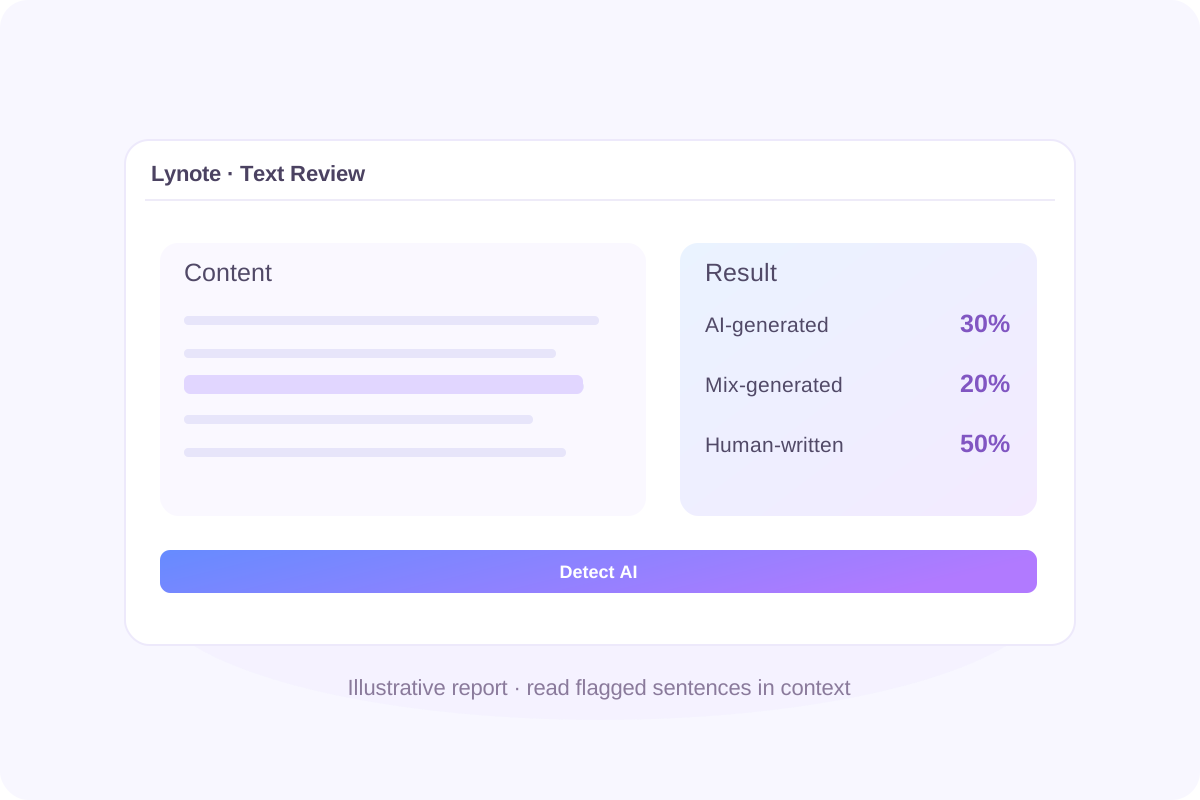
Review Lynote’s estimates for AI-generated, mixed, and human-written content. Use the result to decide where to investigate further.
Sentence-level highlights help you locate passages within a longer draft. Read each highlighted sentence alongside the surrounding argument.
Compare the report with your sources, earlier versions, and intended meaning. Decide whether a passage needs clarification, factual verification, or a conversation with its author.
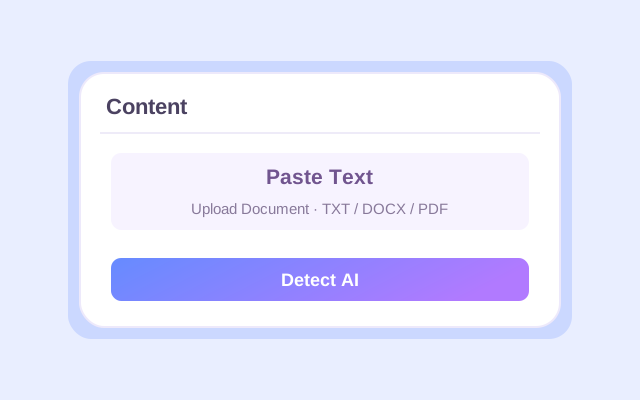
Paste your draft or upload a supported document.
Click Detect AI to generate your report.
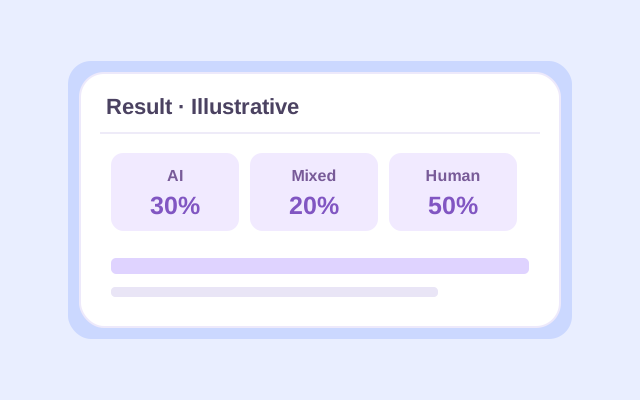
Read the scores and highlighted sentences in context.
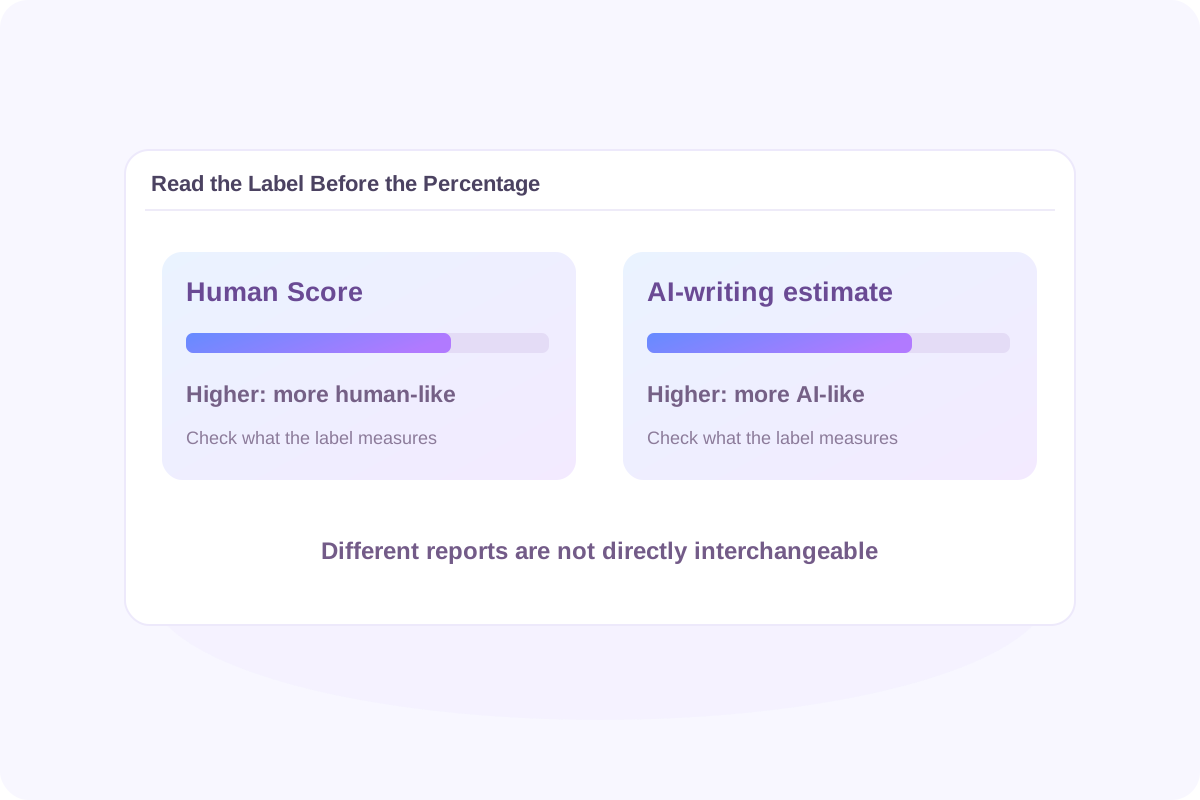
Two tools can display similar percentages while describing different things.
Winston AI’s documentation describes an overall Human Score from 0% to 100%. Higher values indicate that the document more closely resembles human writing. Its AI Prediction Map provides additional passage-level feedback.
Move from the overall assessment to the relevant sentences. Consider whether the wording accurately represents the author’s knowledge, sources, and reasoning.
Do not average percentages from different detectors or assume that one score can be converted directly into another. Compare what the reports identify and investigate those passages.
Winston AI describes a Human Score and AI Prediction Map. Lynote displays AI-generated, mixed, and human-written estimates with sentence highlights.
Look at how each format helps you move from a document-level result to the passages you want to examine.
Winston AI offers a broader collection of content-checking services. This Lynote page focuses on reviewing written content.
If you also need image analysis, source matching, or a developer integration, assess those requirements separately.
For your own comparison, use documents similar to those you normally review. Include writing with a known drafting history and record which passages each tool flags.

Review articles, newsletters, and client drafts. Check that the wording communicates your intended message before delivery.

Identify passages that need closer reading. Use the feedback to guide source checks and discussions with contributors.

Examine essays and assignments while keeping your outline, references, and drafting history available.

Use report findings as one part of a contextual review. Consider the assignment and the student’s explanation before drawing conclusions.
Check what the passage says and why it was included. Preserve accurate wording when it already expresses the intended meaning.
Confirm quotations, references, examples, and factual claims against their original sources.
Save outlines, research notes, and earlier drafts. These help explain how the finished document developed.
Follow the AI-use and disclosure rules that apply to the assignment, publication, or client project.
Winston AI currently lists a free trial with 2,000 credits over 14 days. This is a limited trial rather than an unlimited ongoing allowance.
If you are looking for a Winston AI Detector free option, check the current official pricing page before starting.
Winston AI publishes its own accuracy claims and evaluation results. Those figures describe particular testing conditions; they do not guarantee a correct result for every document.
When assessing Winston AI Detector accuracy, examine the test data, language, content length, model versions, false positives, and missed AI-generated writing. See the evaluations presented on Winston AI’s official website.
Reliability depends on the material and the decision you need to make. A useful Winston AI Detector review should explain its testing method and include both human-written and AI-generated examples.
For an important decision, examine the writing and supporting records alongside the report.
There is no single tool that is best for every workflow.
If you are comparing the best AI detector tools in 2026, including Turnitin, GPTZero, Originality.ai, and Winston AI, start with your requirements. Consider report clarity, supported inputs, access conditions, and how well the tool performs on representative documents.
A Winston AI Detector vs. Turnitin comparison should distinguish the services, report formats, and access available to you.
Do not assume that a Winston result predicts the report produced by an institution’s Turnitin system. Follow the institution’s own review process when that is the result that matters.
Yes. The Winston AI image detector is a separate offering for assessing visual content. It should not be confused with running an AI-writing check on text contained in an image. View Winston AI’s image detector.
Lynote also provides a separate image-checking tool; the detector on this page reviews writing.
No. A Winston AI plagiarism detector check addresses source similarity, while AI-text detection assesses writing patterns associated with AI generation.
Use source matches to investigate attribution and AI feedback to investigate possible AI involvement. Check the current plan for access to each service.
Yes. The Winston AI Detector API is offered through its developer service. Review its documentation, authentication requirements, and usage terms before planning an integration. Explore Winston AI’s API.
The Lynote tool on this page does not call Winston AI or return its reports.
The official website is gowinston.ai. Its login link leads to app.gowinston.ai.
If you searched for “Go Winston AI Detector” or “Winston AI Detector login,” use those official destinations to access your Winston account.
Winston AI Detector Reddit discussions can highlight individual experiences, questions, and possible issues. They do not usually provide a controlled accuracy comparison.
Look for the original text, a documented drafting history, and the product version used before treating a post as evidence of performance.
No. Lynote generates its own assessment. The result on this page is not a Winston AI report and does not guarantee the same outcome in another detector.
Looking for a Winston AI Detector alternative? Check your draft with Lynote, locate passages worth examining, and review the result with your sources and writing history in view.