Translate Korean to English Online

Why Choose Our Korean to English Translator?

Free Without Sign-Up
Translate Korean to English online without opening an account. Paste your text or add one supported file and start immediately.

Clear English in Seconds
Get a readable English version of Korean messages, notes, captions, and longer passages in seconds, ready for a careful review.

Text and File Translation
Translate Korean text directly or upload a PDF, DOCX, PPTX, or XLSX when the content is already inside a document.

Context-Aware Results
Get context-aware English results instead of a word-by-word swap. Lynote considers surrounding Korean wording, including unstated subjects and tone carried through sentence endings, to form clearer English.
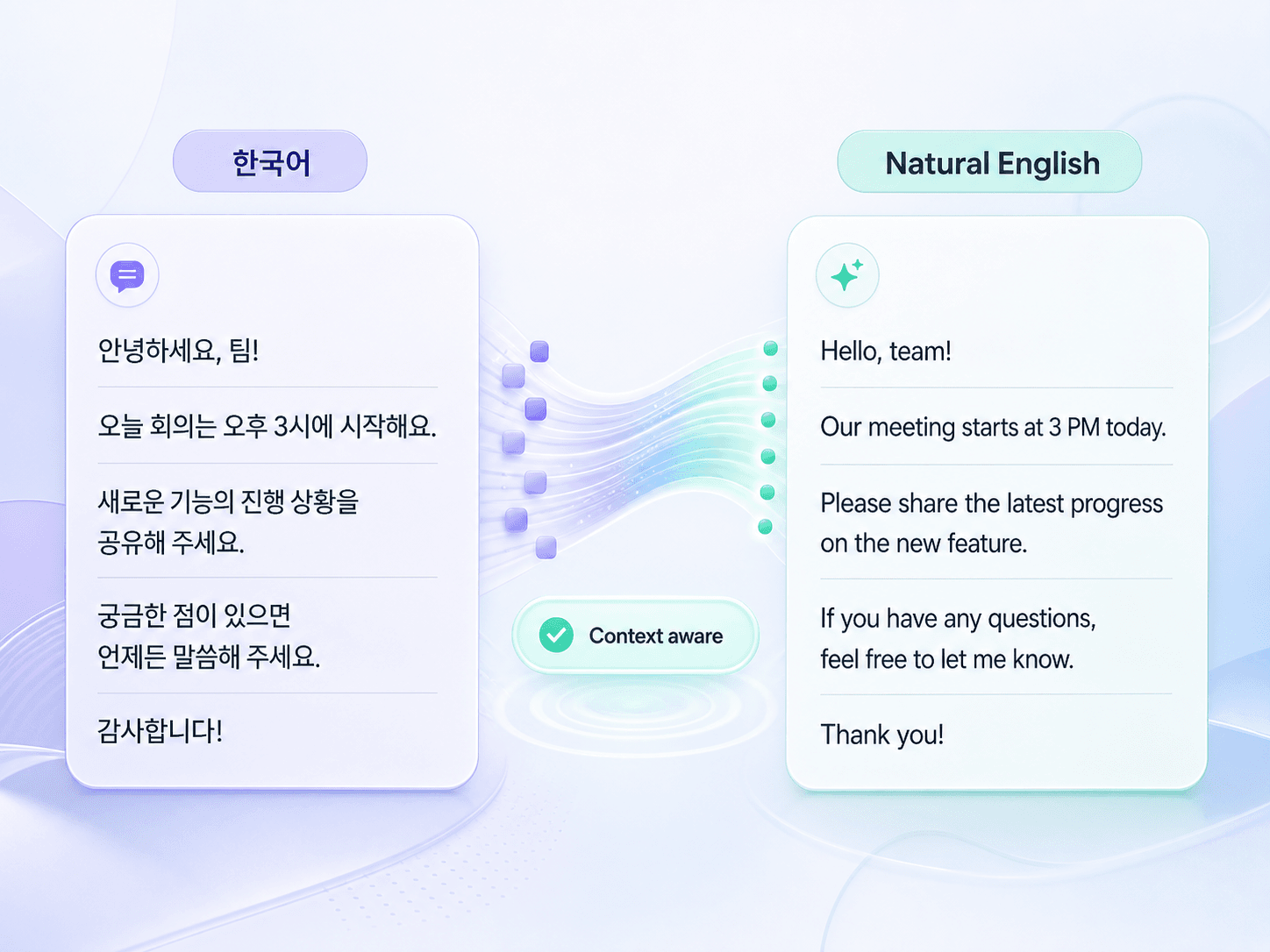
Natural Korean to English Translation
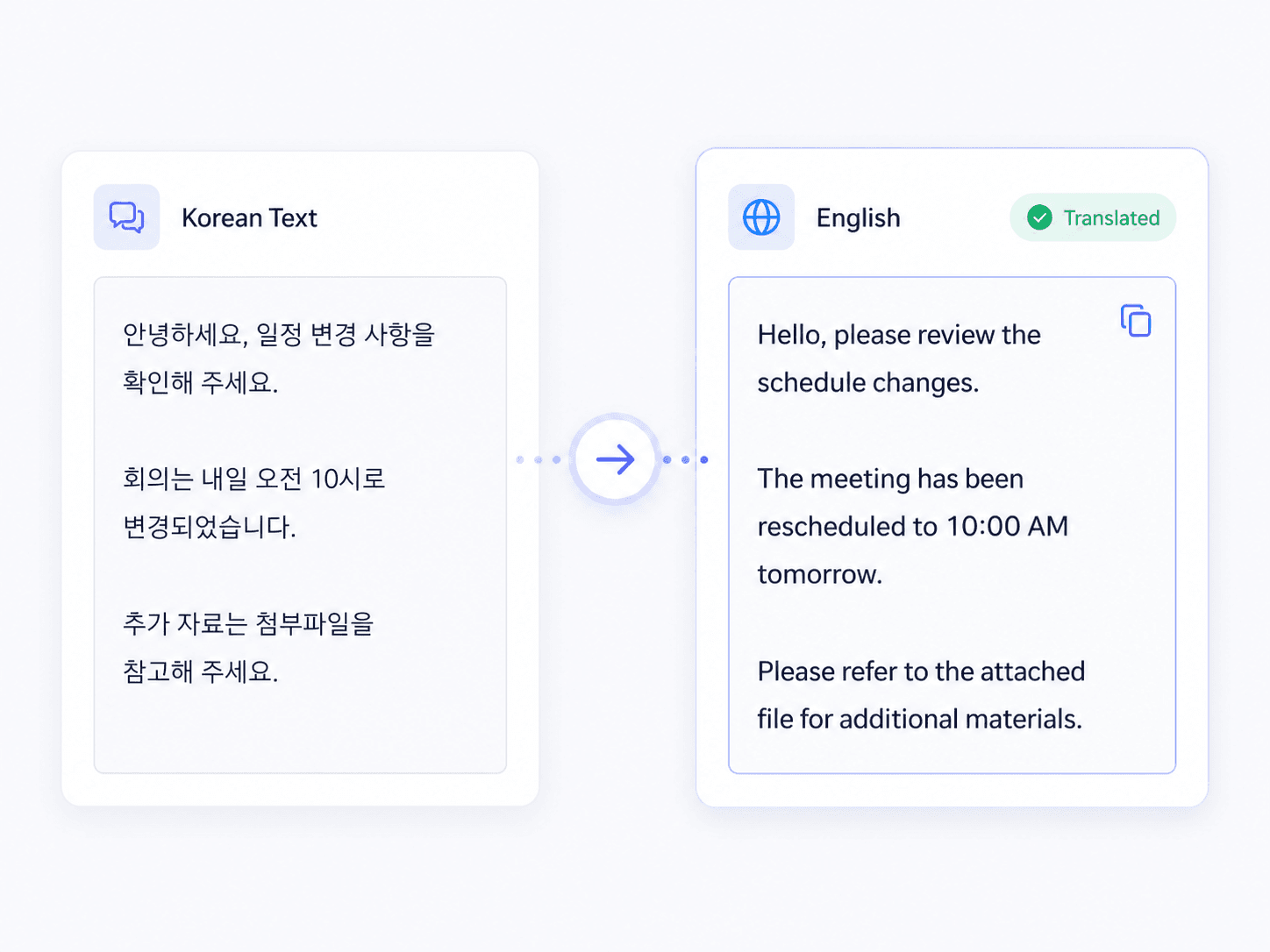
Translate Korean Text to English Fast
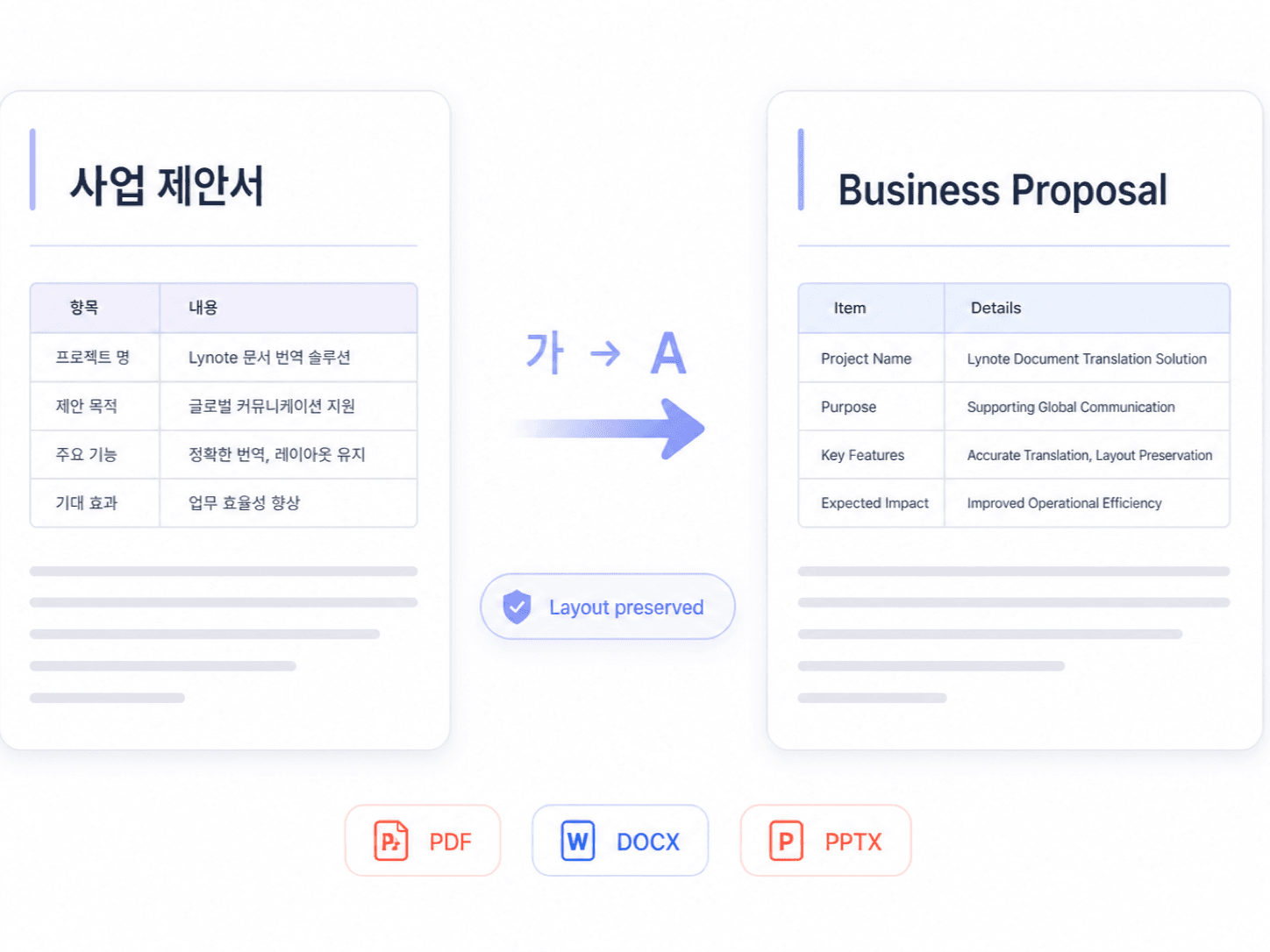
Translate Korean Files to English
How to Translate Korean to English Online
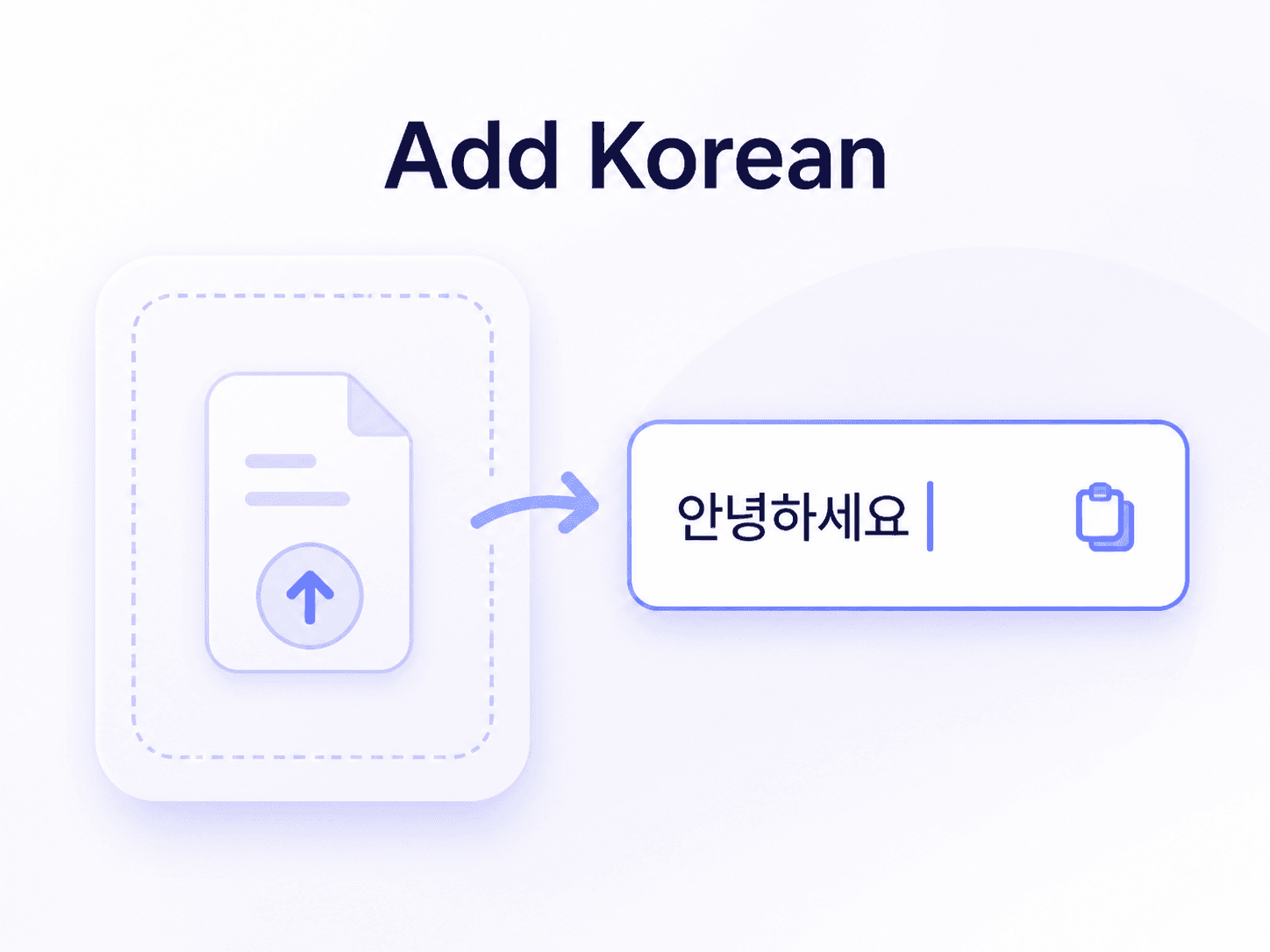
Add Korean Text or File
Paste the Korean text you want to understand, or upload a Korean document directly from your device.

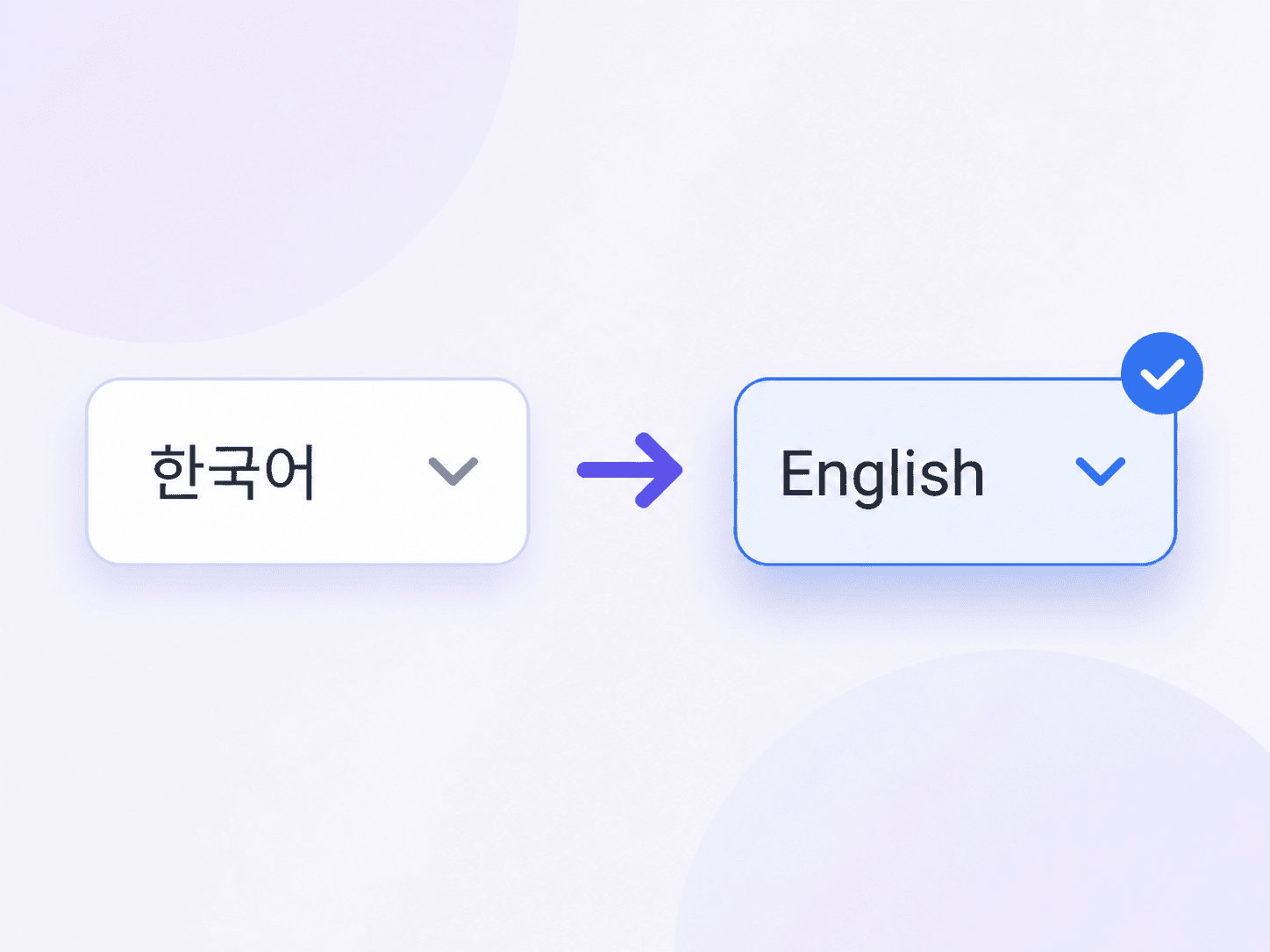
Select English
Choose Korean as the source language, or use automatic detection. Set English as the target language and start translating.
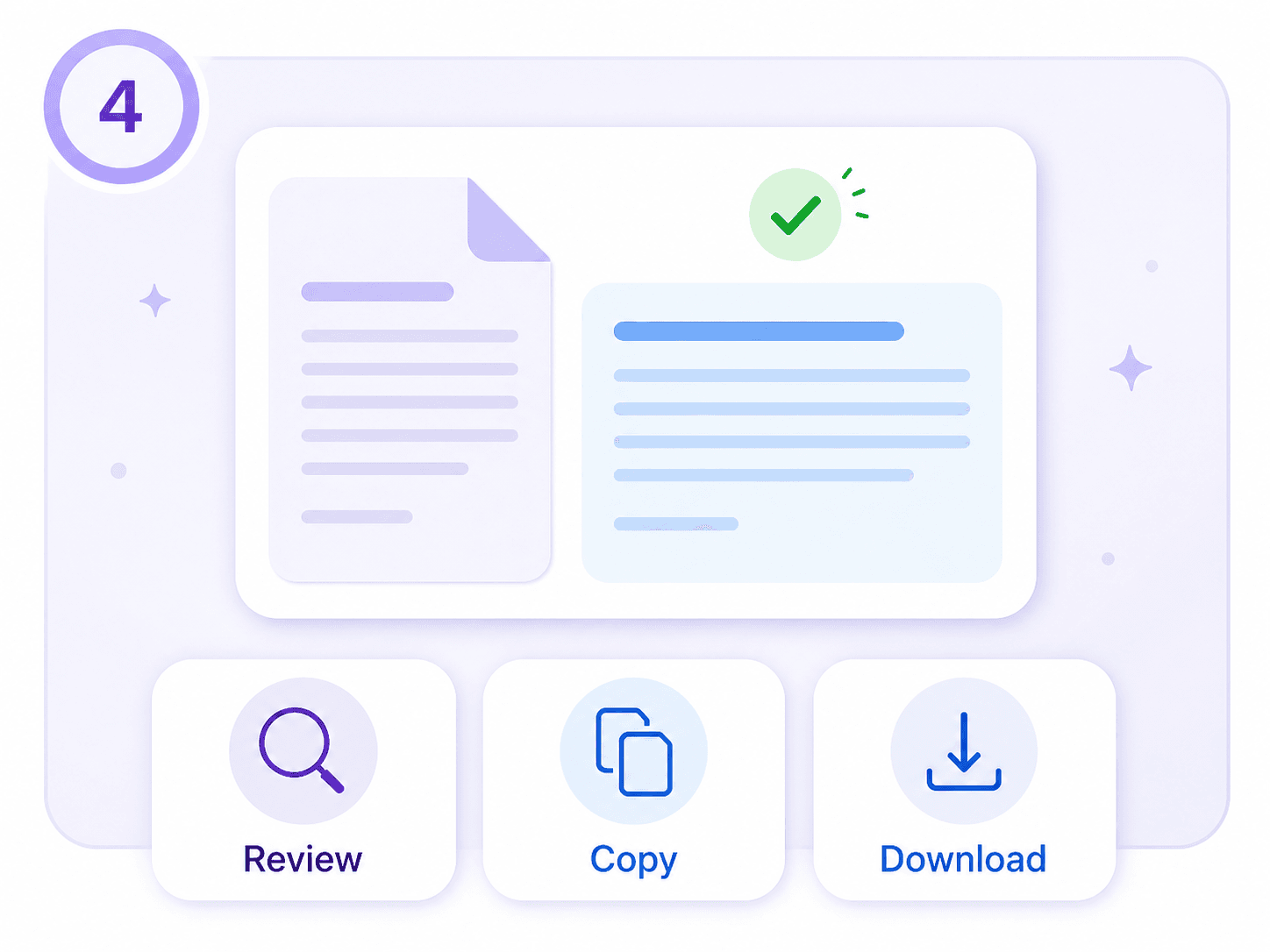
Review and Export
Read the English result for meaning, tone, names, dates, and numbers. Copy the text or download the translated document.
Who Uses a Korean to English Translator?

Korean Language Learners
Translate readings, example sentences, and class notes into English, then compare particles, omitted subjects, and sentence endings with the Korean source.

Customer Support Teams
Understand Korean customer questions and prepare English handoff notes without asking teammates to translate every message manually.

Cross-Border Sellers
Translate Korean product details, supplier files, marketplace messages, and shipping information into English before listing or responding.
How People Translate Korean to English

Korean Language Student

I use it when a textbook explanation is a little beyond my level. Seeing a full English version helps me work out the missing subject and then go back to the Korean sentence instead of just memorizing a word list.

Customer Support Lead
A customer sent us a detailed message in Korean about an order problem. I translated it for the internal ticket, checked the order number and names, and our team could respond without waiting for a separate handoff.

Ecommerce Editor
I received a Korean product sheet with specifications spread across a table. The translated file kept enough of the structure for me to compare each field, which saved a lot of copying.

Research Assistant
For Korean journal articles, I translate the abstract and selected sections first. It gives me a quick view of the argument, but I still keep the source open when technical terms or quoted material matter.

Travel Coordinator
A local partner sent pickup instructions and a revised schedule in Korean. I translated the message, checked every time and place name, and shared a clear English version with the group.

Presentation Designer
I uploaded a Korean slide deck and used the English draft to rebuild only the headings that needed more space. The layout stayed usable, so I was not starting from an empty presentation.
Frequently Asked Questions
Quick answers about translating Korean text and files into English with Lynote.
Paste Korean text or upload one supported file, choose English as the target language, and run the translation. Review the result, then copy the text or download the translated document.
Yes. You can use the supported free online Korean to English translator workflow without signing up.
The text translator supports up to 5,000 characters per request.
You can upload one PDF, DOCX, PPTX, or XLSX file up to 10 MB at a time.
AI translation can provide a useful draft for everyday communication and general understanding. Korean often omits subjects and expresses formality through endings, so compare ambiguous wording with the source. Use a qualified human translator for legal, medical, contractual, or other high-stakes content.
The translator uses context when converting Korean sentence endings and honorific wording into English. English does not express every relationship in the same way, so review titles, speaker roles, and the intended tone.
Yes. OCR can read text in a scanned Korean PDF before translation. Check the extracted Hangul, names, tables, and page layout in the result.
Yes. Swap the source and target languages to translate English text or a supported file into Korean.