

Transcribe Russian Audio to Text Free Online

Upload your Russian audio or video file
✓Files are processed securely, never used for training, and removed after conversion.


Why Choose Lynote for Russian Audio Transcription?

Convert Russian Speech into Cyrillic Text
Turn spoken Russian into a written transcript using Cyrillic characters. Preserve the original language instead of automatically replacing Russian words with an English translation or Latin-letter pronunciation guide.

Transcribe Multiple Audio and Video Formats
Upload supported MP3, WAV, M4A, MP4, MOV, and other common media files. Whether you have a short Russian voice note or a recorded lecture, you can begin with the original file without unnecessary format conversion.

Identify Speakers in Russian Conversations
Use automatic speaker detection to organize interviews, meetings, and discussions involving multiple voices. Speaker labels make conversations easier to follow, although individual speaker identities should be confirmed before sharing.

Find Important Moments with Timestamps
Use timestamped transcripts to locate specific statements or explanations. Revisit difficult passages in the original recording instead of listening to the entire file again.

Search and Edit Russian Transcripts
Find Russian words, names, or topics in the generated text. Correct unfamiliar vocabulary, punctuation, and transcription mistakes to create a clearer final document.

Summarize and Translate Your Recording
Use AI summaries to review the main points of lengthy audio, then translate the transcript when you need a version in another language. Check the original wording before relying on a translation or summary for important information.
How to Transcribe Russian Audio to Text in 3 Steps
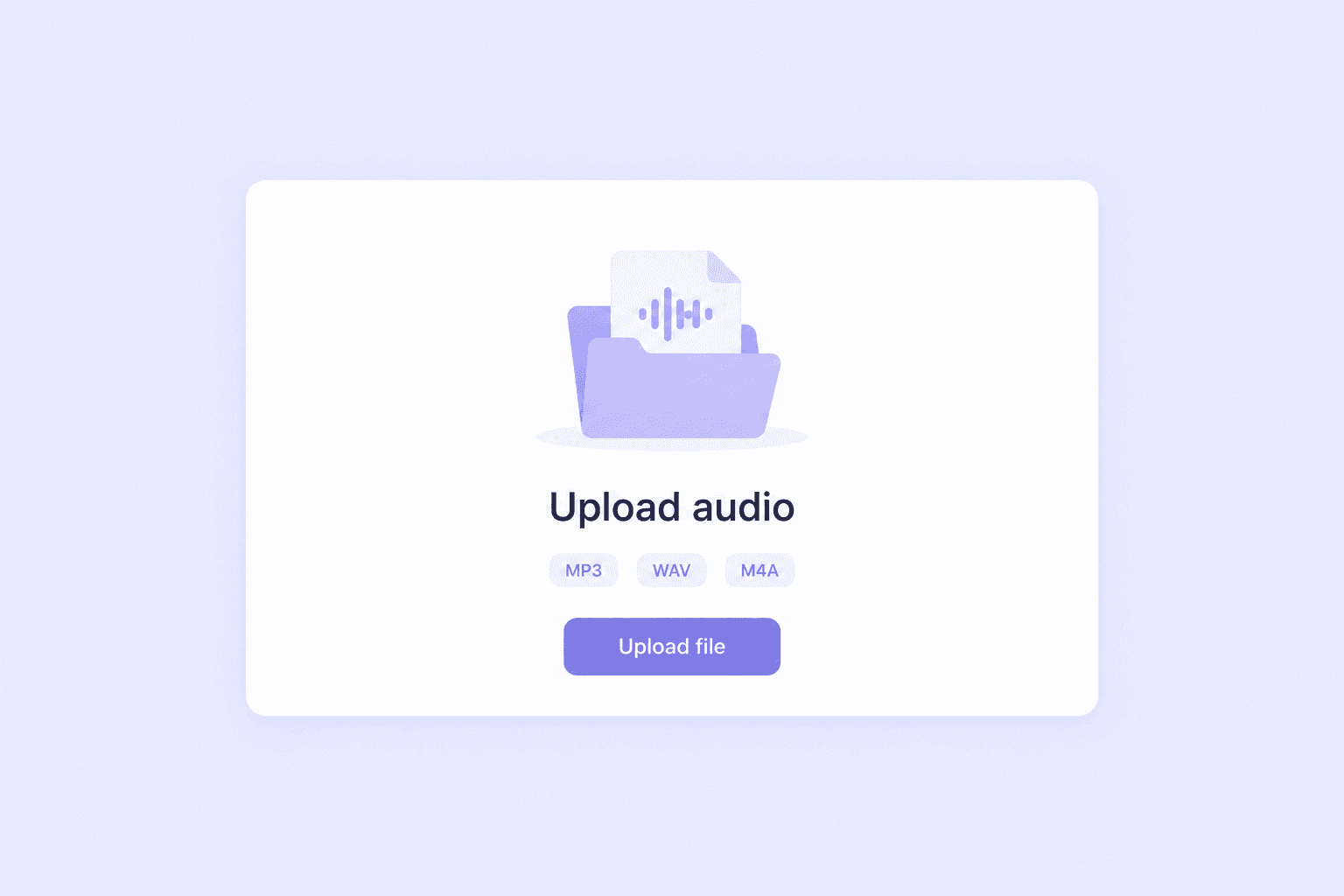
Step 1. Upload Your Russian Audio File
Choose a Russian audio recording from your device and upload it to Lynote. Supported formats include MP3, WAV, M4A, and compatible audio or video files. If the tool presents language selection, choose Russian (Русский). Otherwise, follow the available language detection workflow and verify that the generated text matches the language spoken in the recording.
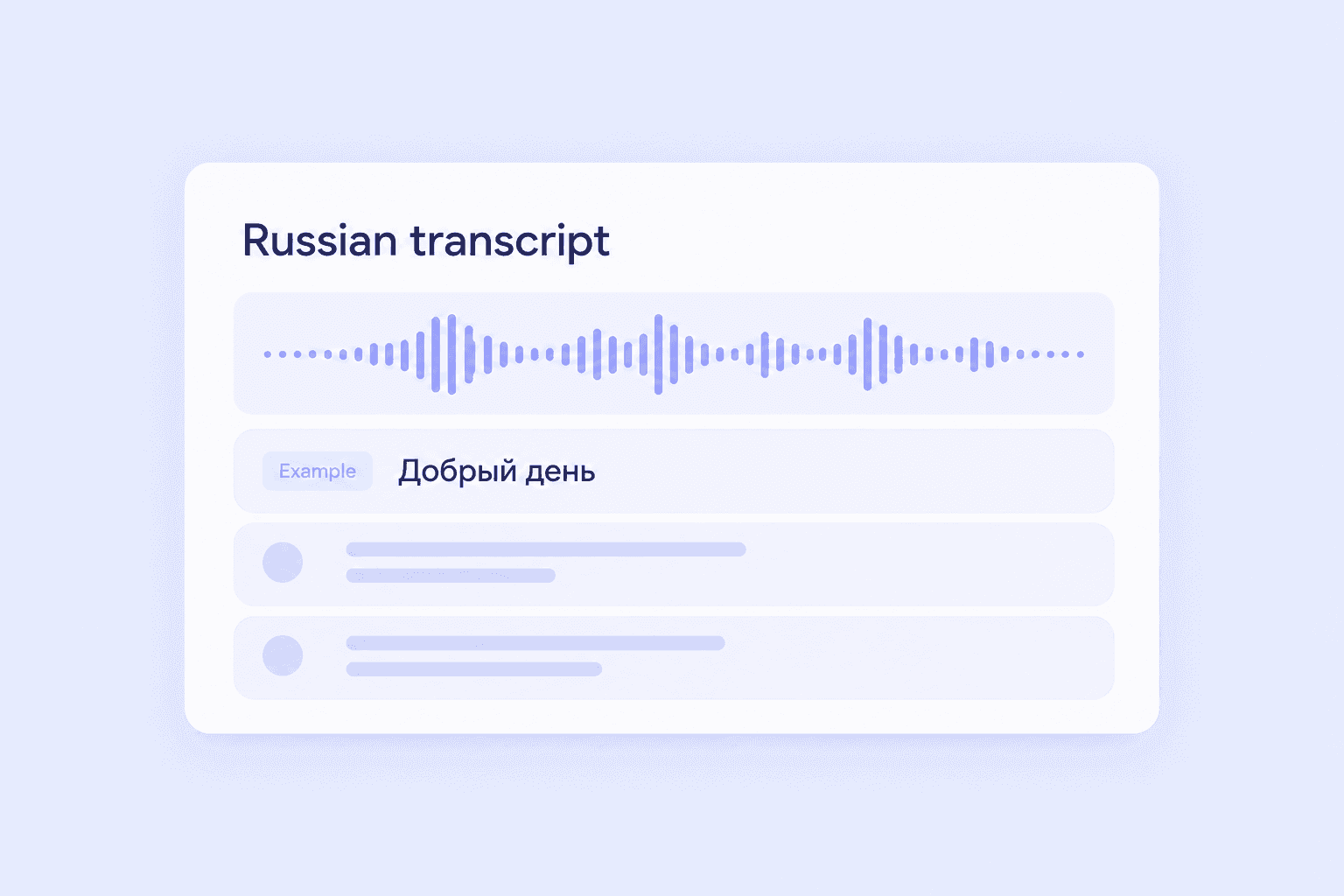
Step 2. Generate Your Russian Transcript
Start the transcription process and let Lynote convert the recorded speech into text. The resulting transcript can include Cyrillic text, speaker labels, and timestamps to help you follow the conversation. Review any sections containing background noise, overlapping speakers, or unclear vocabulary. Automatic transcription provides a useful draft, but it may not capture every word perfectly.
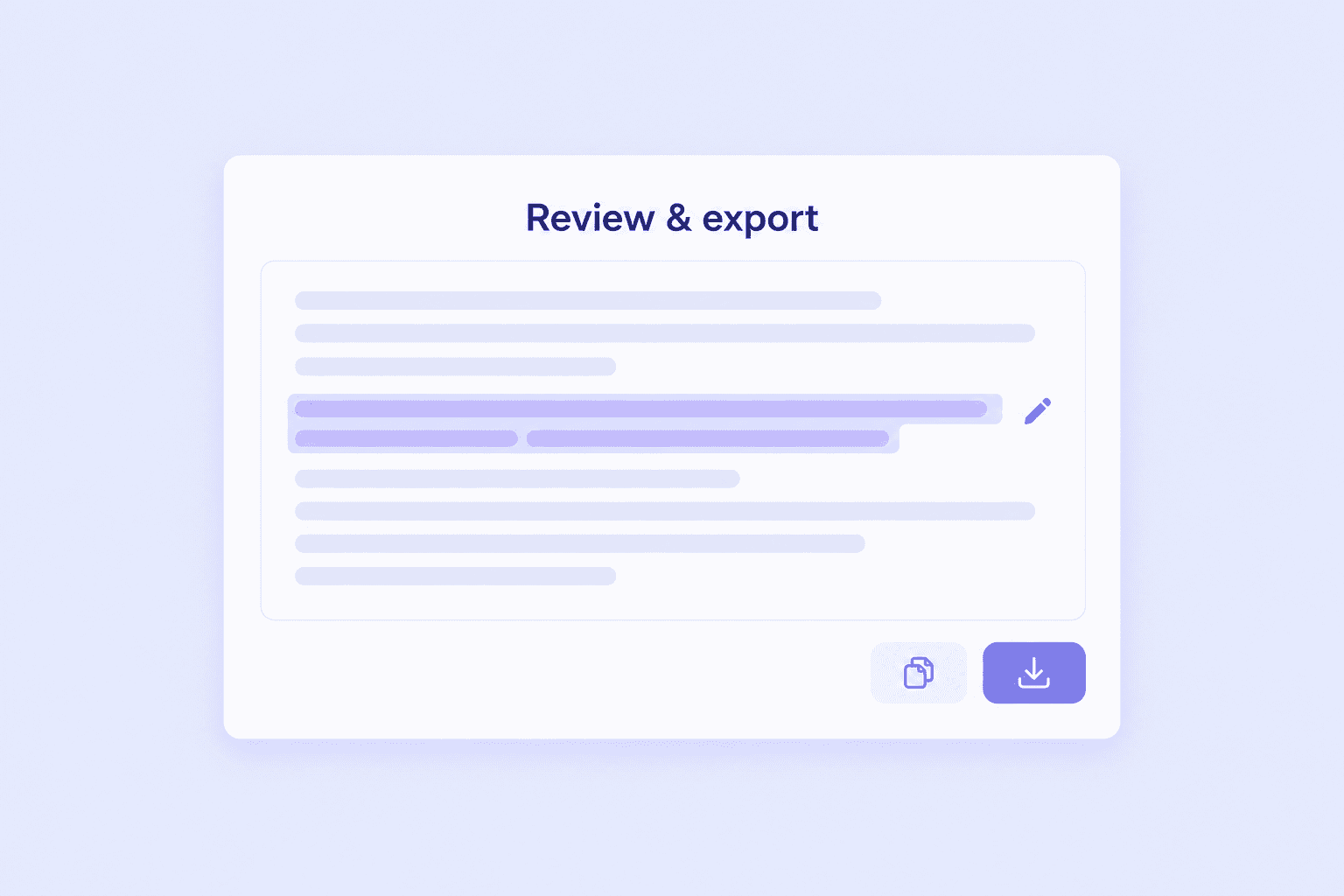
Step 3. Edit, Translate, and Export
Read the generated Russian text and correct important details, including proper names, technical terms, and numbers. Search for specific expressions or review a summary of the recording. If you need English text, use the available translation workflow after transcription. Copy or export the revised result using the tool's supported options.
Russian Audio to Text Example: See Cyrillic Transcription in Action
A Russian speech-to-text converter should produce readable Russian text when the source language is Russian. This means retaining Cyrillic characters, ordinary Russian spelling, and the meaning of the original conversation.
The following fictional example illustrates how a short Russian meeting transcript can be organized with speakers and timestamps.
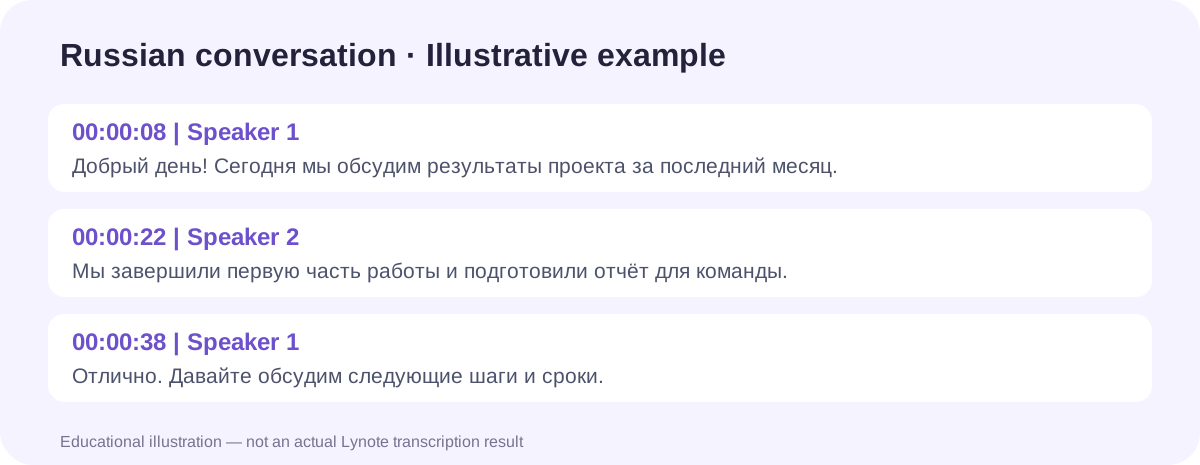
Example Russian Conversation
00:00:08 | Speaker 1
Добрый день! Сегодня мы обсудим результаты проекта за последний месяц.
00:00:22 | Speaker 2
Мы завершили первую часть работы и подготовили отчёт для команды.
00:00:38 | Speaker 1
Отлично. Давайте обсудим следующие шаги и сроки.
English Translation of the Example
Speaker 1: Good afternoon! Today we'll discuss the project's results over the past month.
Speaker 2: We've completed the first part of the work and prepared a report for the team.
Speaker 1: Great. Let's discuss the next steps and deadlines.
What Does the Example Show?
The Russian transcript preserves the original spoken language in Cyrillic characters. Speaker labels distinguish the participants, while timestamps provide reference points in the recording.
The English version is a translation of the Russian text, not the original transcription. For real recordings, review the source audio to confirm names, terminology, and statements before using the transcript.
*This conversation is an illustrative example, not an actual Lynote transcription result.*
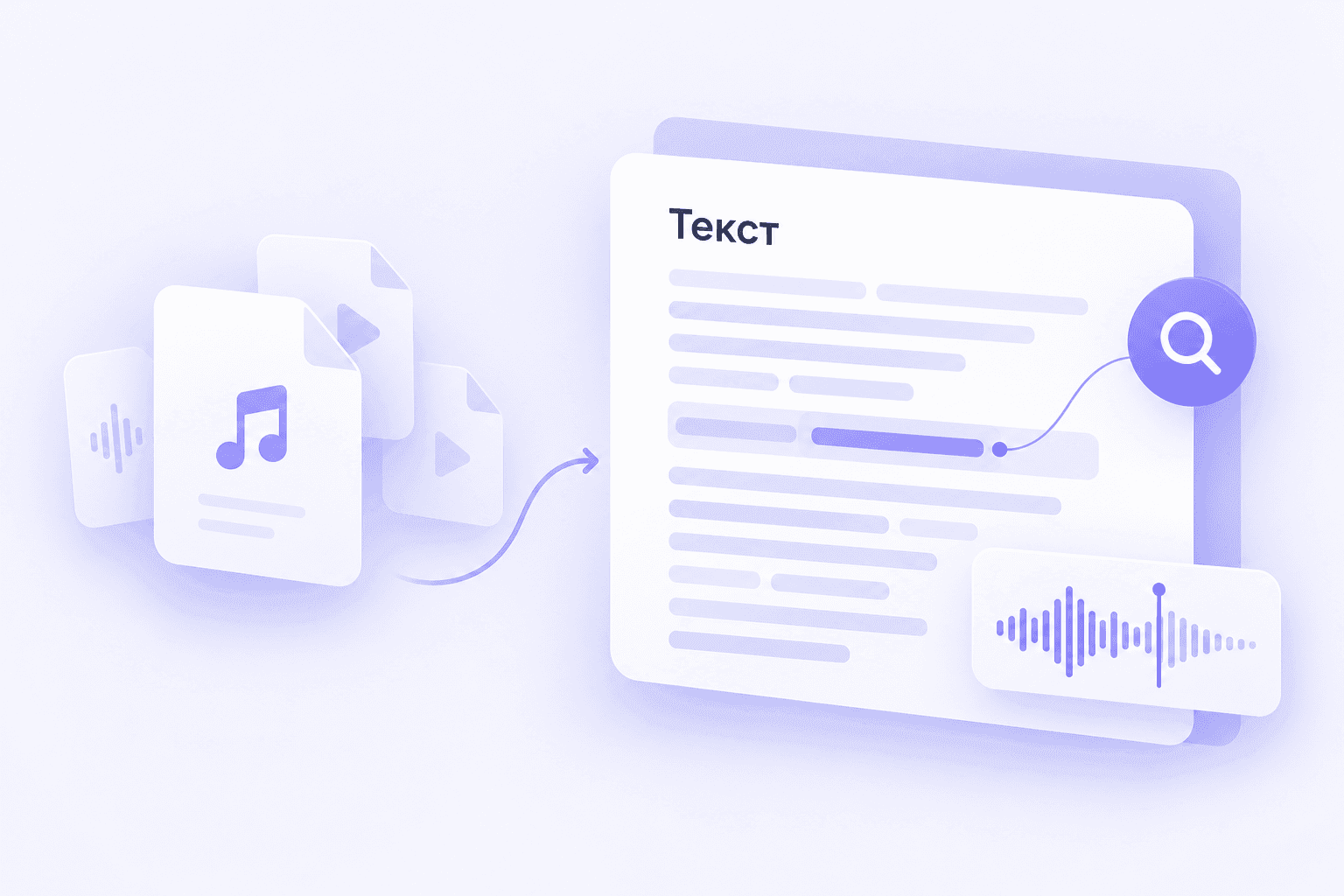
Convert Russian Recordings into Searchable Text
Long Russian recordings can contain explanations, quotations, and details that are difficult to retrieve by listening alone. A searchable transcript lets you find the relevant passage more quickly.
With Lynote, you can convert supported Russian audio and video recordings into editable text. Search for words or topics, correct unclear passages, and prepare the content for reference or further writing.
This workflow is useful for recorded lectures, interviews, podcasts, language-learning materials, and research discussions.
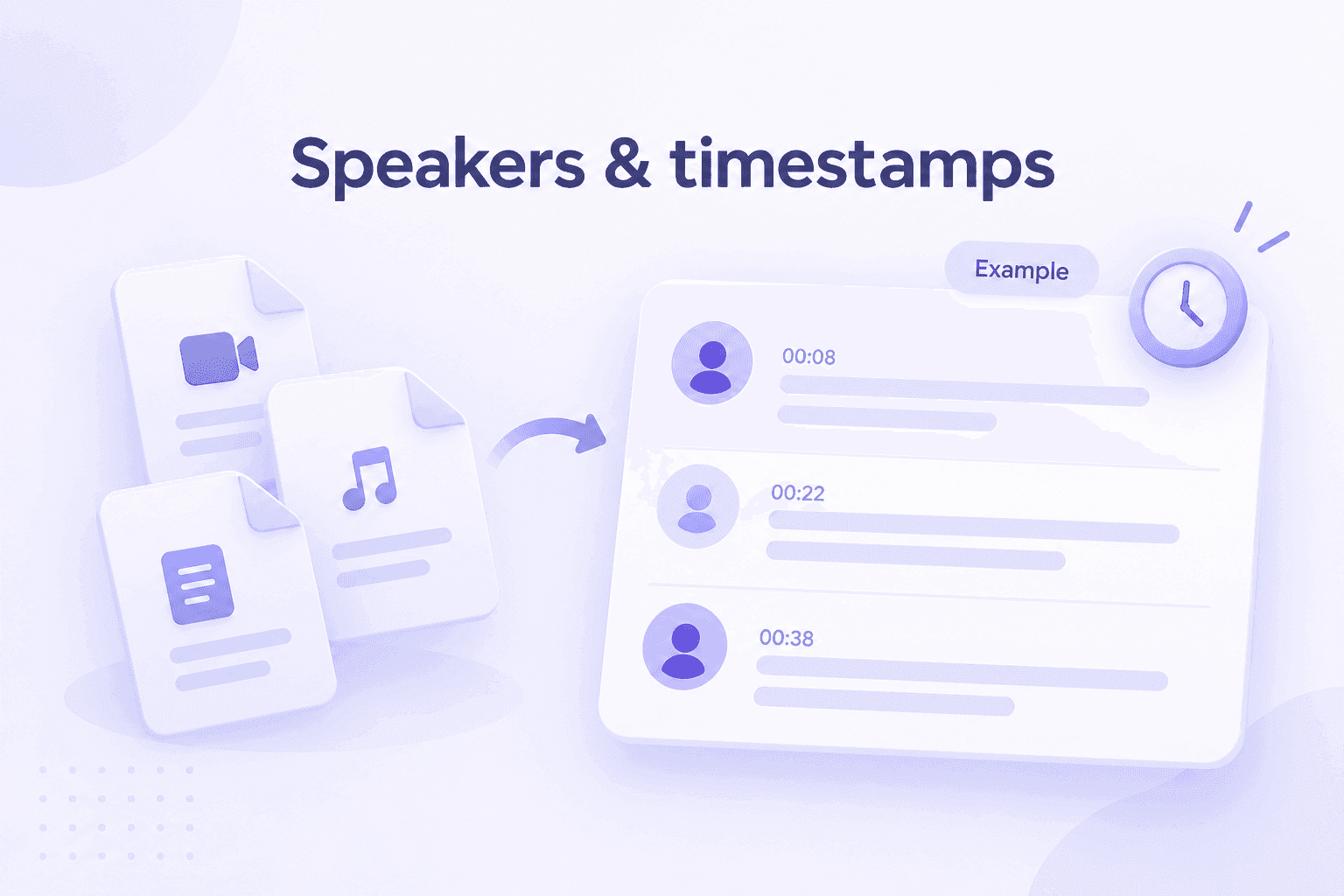
Keep Russian Conversations Organized with Speakers and Timestamps
Following multiple speakers in a foreign-language recording can be challenging, especially when participants speak quickly or interrupt each other.
Lynote provides speaker labels and timestamps to help organize the text and identify where a statement appears in the source recording. This makes it easier to review interviews and conversations.
Speaker detection is not the same as verifying a person's identity. Check the recording before attributing quotations to a particular speaker.
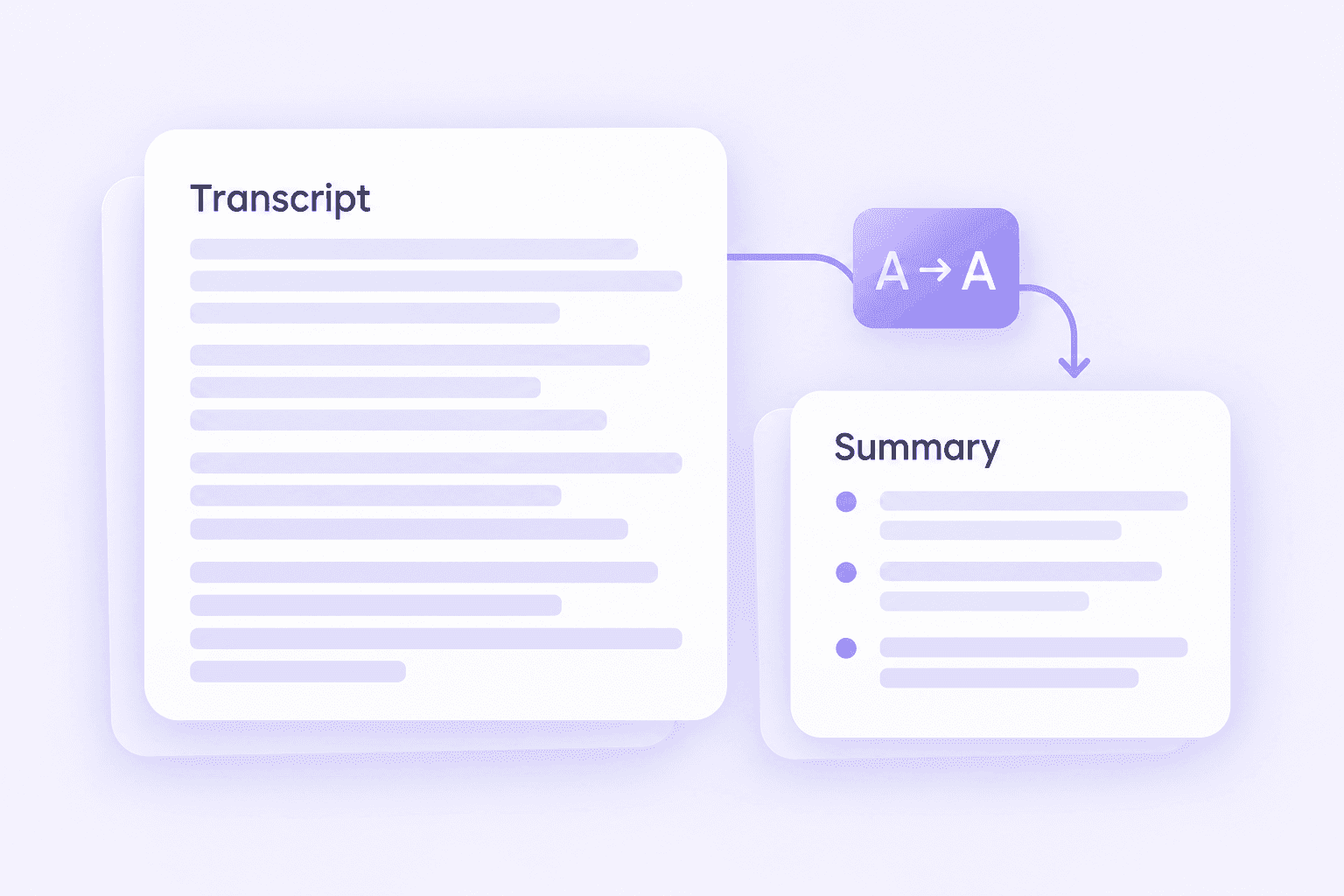
Edit, Summarize, and Translate Russian Audio
A transcript gives you the spoken words in written form, but you may need a shorter explanation or a version in another language.
Lynote supports transcription alongside editing, summarization, and translation capabilities. You can first review the Russian text, then summarize important points or prepare an English translation.
For professional or academic materials, compare the output with the original recording to confirm that important meaning has not been lost.
Russian Audio to Text vs. Russian Audio to English Text
Russian transcription and Russian translation serve different purposes. Understanding the difference helps you choose the correct workflow for your recording.
| Task | Output | Example |
|---|---|---|
| Russian Audio to Text | Written Russian in Cyrillic | Добрый день |
| Russian Audio to English Text | English translation of Russian speech | Good afternoon |
| Russian Transliteration | Russian words represented in Latin letters | Dobryy den' |
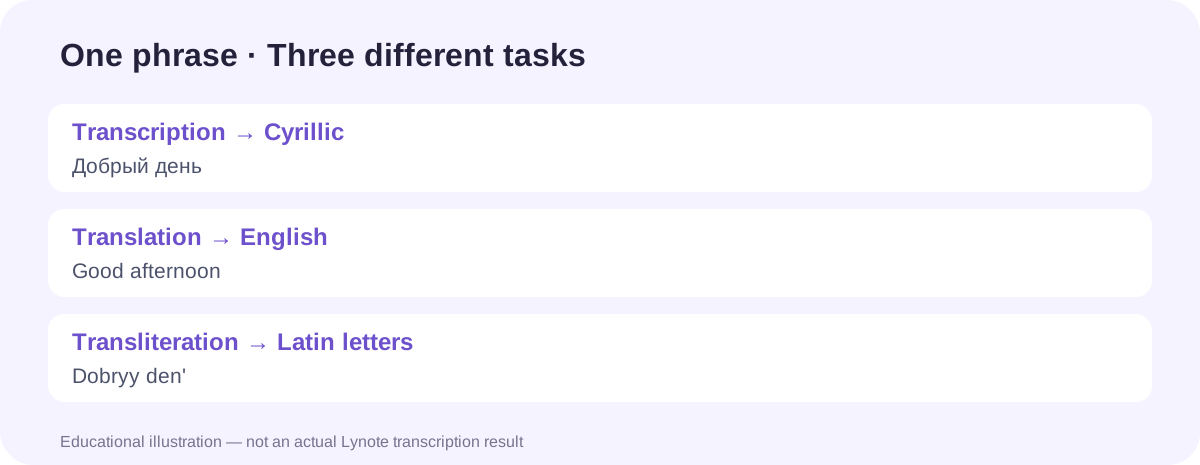
Russian Speech to Cyrillic Text
When you transcribe Russian audio, the goal is to represent the spoken Russian words in written Russian. The result should preserve the source language rather than replace it with an English interpretation.
This is useful when preparing Russian subtitles, interview records, study notes, and source quotations.
Russian Audio to English Translation
If you want to understand Russian speech in English, first create and review the Russian transcript. Then translate the text into English using an available translation tool or workflow.
Keeping the Russian original makes it easier to check unfamiliar words and verify whether the translation accurately reflects the speaker's meaning.
Russian Transliteration into Latin Letters
Transliteration represents Russian spelling using characters from another writing system, usually the Latin alphabet. It is different from translating the meaning of the sentence.
For example, Добрый день means “Good afternoon,” while a Latin-letter transliteration represents how the Russian words are written or pronounced according to a chosen system.
Lynote's Russian transcription workflow should not be described as a dedicated romanization tool unless that feature is separately supported.
What Can You Transcribe from Russian Audio?
Russian Language Lessons and Lectures
Turn recorded Russian lessons, classroom explanations, and language exercises into readable text. Compare the written transcript with the audio to review vocabulary, pronunciation, and sentence structure.
Russian Podcasts and Interviews
Create written transcripts from Russian podcasts and authorized interviews. Identify important passages, verify quotations, and prepare summaries or content outlines for future work.
Russian Business Meetings
Convert recorded Russian meetings into text for internal documentation. Review participants' statements and check important decisions or deadlines before preparing finalized meeting notes.
Russian Videos and Webinars
Transcribe the spoken content of supported Russian video recordings. Use the text as a reference when preparing educational materials, summaries, or caption drafts.
Research and Academic Interviews
Organize authorized Russian-language research interviews into searchable transcripts. Preserve the original recording to verify quotations and maintain the context of participants' responses.
Russian Voice Notes and Personal Recordings
Convert personal Russian voice memos, spoken ideas, and other saved recordings into editable text. Search the result, correct unclear wording, and keep useful information in a more accessible written format.
Supported Russian Audio and Video Formats
Lynote accepts several common audio and video formats, so you can often transcribe Russian speech directly from the file you already have.
| File Format | Typical Use | Transcription Workflow |
|---|---|---|
| MP3 | Russian podcasts, interviews, voice recordings | Upload the audio file |
| WAV | High-quality recordings, research audio | Upload the audio file |
| M4A | Phone voice memos and saved recordings | Upload the audio file |
| MP4 | Russian lectures, webinars, recorded video | Transcribe the spoken audio |
| MOV | Compatible video recordings | Transcribe the spoken audio |
Russian MP3 to Text
MP3 is a common format for podcasts, interviews, and compressed recordings. Upload a supported Russian MP3 file to generate a text transcript.
For better results, choose a recording with clear speech and limited background noise.
Russian WAV to Text
WAV files are often used when higher-quality audio is available. Lynote can process supported WAV recordings and convert spoken Russian into text.
Clear audio can make difficult words easier to recognize, although it does not eliminate the need for proofreading.
Russian M4A to Text
Many mobile voice recorders and audio applications save recordings as M4A files. Upload a supported M4A recording directly to Lynote without manually copying the speech.
Russian Video to Text
If the Russian speech is contained in a compatible MP4 or MOV video, Lynote can transcribe the spoken audio. This is useful for recorded lectures, interviews, webinars, and other educational videos.
The output is based on the speech in the file, not a complete visual analysis of everything shown on screen.
Tips for More Accurate Russian Audio Transcription
Russian has several spelling and grammatical characteristics that make careful transcription review especially important. Good audio quality helps, but the final text may still require correction.
1. Check Unstressed Vowels and Similar-Sounding Words
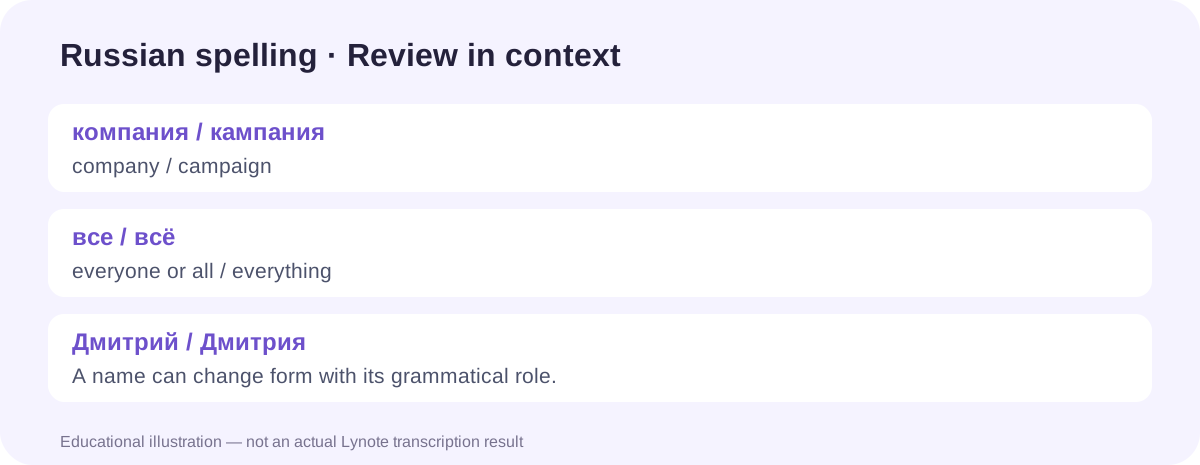
In Russian, unstressed vowels may sound different from how they are written. Words such as компания (company) and кампания (campaign) can require context to distinguish in speech.
Review uncertain words in the full sentence rather than relying on pronunciation alone.
2. Review the Difference Between Е and Ё
Russian texts sometimes omit the dots in ё, but the distinction can change meaning. For example, все means “everyone” or “all,” while всё means “everything.”
Check whether the generated wording matches the intended meaning, especially in educational and published material.
3. Verify Russian Names and Grammatical Endings
Russian nouns and personal names can change form depending on their grammatical role. For example, Дмитрий and Дмитрия may refer to the same person in different sentence contexts.
Make sure corrections preserve the grammar and identify the intended person correctly.
4. Check Technical Terms and Abbreviations
Business meetings, university lectures, and specialized interviews may contain names, abbreviations, or borrowed terminology. These expressions can be misunderstood by automatic speech recognition.
Use a relevant glossary or original source material when checking important words.
5. Review Overlapping Speakers and Background Noise
When several speakers talk at the same time, both word recognition and speaker labels can become less reliable. Background music, echo, and low microphone volume may also affect the result.
Replay unclear sections and correct the final text before sharing.
6. Keep the Original Russian Recording Available
A transcript is a convenient working document, but the audio remains the original source of spoken content. Retain the recording when permitted so you can confirm quotations, dates, and technical explanations.
For sensitive or high-stakes uses, consider additional human review by someone proficient in Russian.
Russian Audio Transcription vs. Live Speech Recognition
Not every Russian speech-to-text tool works in the same way. Some tools process saved recordings, while others are designed for live dictation or real-time captions.
| Feature | Recorded Audio Transcription | Live Russian Speech Recognition |
|---|---|---|
| Input | Saved Russian audio or video file | Live microphone or meeting audio |
| Timing | After recording is available | During speech |
| Common Uses | Interviews, podcasts, lectures, recordings | Live captions, dictation |
| Review Workflow | Edit completed transcript | Review live or captured text |
| Lynote Audio to Text | Supported file upload workflow | Not advertised as a live dictation tool |
Transcribe Saved Russian Audio Online
Use Lynote to process a supported Russian recording that has already been saved to your device. Upload the file, generate a transcript, and review the result.
Convert Live Russian Speech to Text
If you need captions or dictation while someone is speaking, choose a tool specifically designed for live speech recognition.
Do not assume a file-based transcription tool automatically records microphones, joins online meetings, or displays live captions.
Frequently Asked Questions About Russian Audio to Text
Open Lynote Audio to Text and upload a supported Russian audio file, such as MP3, WAV, or M4A. Start the transcription and review the generated Cyrillic text. Free access is subject to current account, usage, and file limits. Check the tool for the latest allowance before processing long recordings.
Lynote offers a browser-based audio transcription tool, so you can upload supported recordings online without installing a desktop transcription program. You still need a compatible audio or video file and must follow any applicable free usage restrictions.
Upload your recording to Lynote and follow the available transcription workflow. If language selection is provided, choose Russian; otherwise, verify the detected language in the result. Review the Cyrillic transcript, edit important words, and export or copy the final text as needed.
Yes. Lynote supports MP3 recordings, including those containing spoken Russian. Choose the file, generate the transcript, and review uncertain words before using the result for work or study.
Yes. Lynote accepts supported video formats such as MP4 and MOV and can convert their spoken audio into text. For example, you can process a saved Russian lecture or interview video. The transcription focuses on speech rather than extracting all visual information shown in the video.
Russian transcription is intended to produce written Russian using Cyrillic characters. This is different from translating the recording into English or rendering the words with Latin letters. Check the transcript to confirm that the language and spelling match your needs.
Yes, through a transcription and translation workflow. First generate the Russian transcript, then use the available translation functionality to create English text. Review names, technical terminology, and context in the final translation. Transcription and translation are separate tasks.
No. Transcription converts spoken Russian into written words. Transliteration represents Russian characters using another writing system, typically Latin letters. For example, a transcript might contain Привет, while a transliteration might read Privet. Neither automatically provides an English translation.
Lynote provides automatic speaker detection and labels in its audio transcription workflow. These can help organize recorded Russian conversations involving multiple people. However, labels may not correctly identify every individual, particularly when voices overlap. Verify important speaker assignments.
Yes. Lynote provides editable transcripts so you can correct spelling, names, punctuation, and unclear phrases. Edit carefully to preserve what was actually said rather than unintentionally changing the speaker's meaning.
Lynote supports timestamped transcripts, helping you find the approximate location of statements in the original recording. This is especially useful for interviews, podcasts, and long lectures where you may need to replay a specific section.
Yes. Lynote includes AI summarization capabilities for supported recordings and transcripts. A summary can help you identify important subjects or explanations, but it may omit details. Verify important facts against the full transcript and original audio.
Lynote supports transcription of audio recordings, including longer content, subject to current file and usage limits. For lengthy interviews or lectures, check supported file size, duration, and available processing allowances in the tool.
Lynote supports multilingual transcription, including Russian-language speech. Recognition quality can vary depending on accent, regional pronunciation, audio quality, and vocabulary. Review difficult passages carefully rather than assuming that every dialect or speaking style will be recognized perfectly.
Lynote offers batch transcription for multiple supported audio files. This can be helpful when organizing a series of lectures, interviews, or voice recordings. Check the tool's current batch processing options and usage limits before uploading a large collection.
The Audio to Text workflow described here processes saved audio and video files. It is not presented as a live microphone dictation or real-time meeting transcription service. For live speech-to-text needs, use a tool with documented real-time recognition capabilities.
Accuracy depends on the quality of the recording, background noise, speaker clarity, vocabulary, and grammatical context. AI-generated Russian transcripts may contain errors in names, endings, technical terms, and ambiguous words. Review the result before using it in professional or published materials.
Before uploading confidential recordings, review Lynote's current privacy policy and data-processing information. Confirm that your use complies with consent requirements and any organizational restrictions. Avoid uploading sensitive third-party material unless you are authorized to process it.
Guides for Transcription, Translation, and Better Notes

Turn Your Russian Audio into Editable Text
Ready to transcribe Russian audio without manually typing every sentence? Upload your recording to Lynote and turn Russian speech into searchable Cyrillic text. Review speaker labels and timestamps, correct important details, and use summarization or translation when you need to work with the content further. From Russian language lessons and interviews to podcasts and meetings, make your recordings easier to read, understand, and reuse.
