

Private Note: Organize Your Personal Notes with AI

Drop files or browse

Add study materials to enable the AI to extract and structure content.
Create AI Notes





Why Choose Lynote for Private Notes?

AI-Powered Note Creation
Turn lengthy PDFs, lectures, videos, and webpages into structured notes. Lynote identifies key ideas and organizes information into readable sections, giving you a starting point for your personal notes.

Editable Personal Notes
Make every generated note your own. Add thoughts, revise explanations, remove unnecessary information, and adjust formatting with the built-in rich-text editor.

Support for 20+ Formats
Create notes from PDFs, DOCX files, images, MP3 recordings, MP4 videos, YouTube links, and webpages. Work with different learning materials in one AI note-taking workflow.
Clear and Structured Organization
Make information easier to revisit with headings, key points, summaries, and supporting details. Lynote helps transform lengthy source content into a more readable structure.

AI Chat with Your Notes
Ask questions about your uploaded content and explore important concepts. AI Chat uses information from your source materials to help you understand and revisit relevant details.

Flashcards for Active Review
Turn important concepts from your notes into question-and-answer flashcards. Use them to practice recall and revisit information during future study sessions.
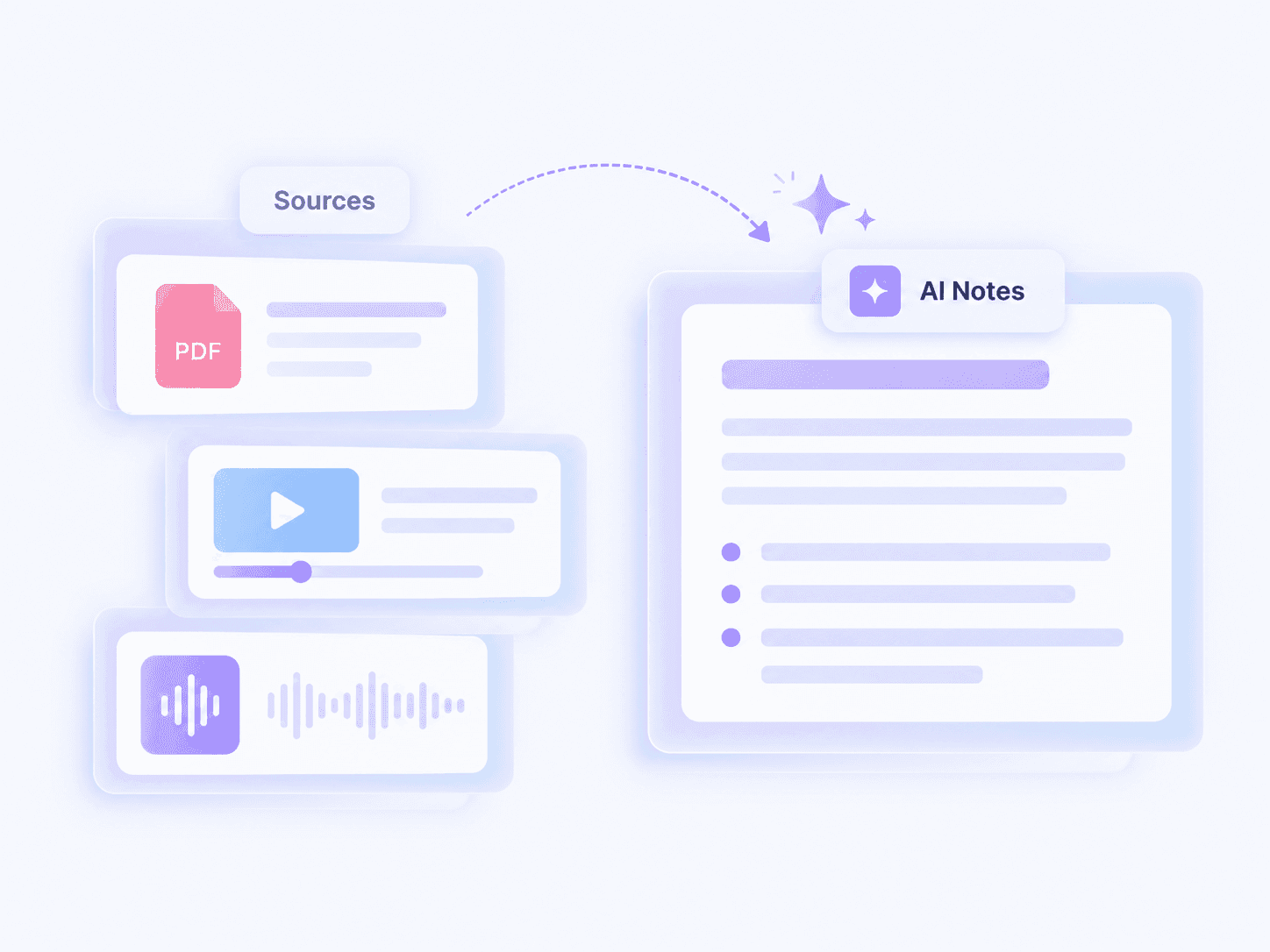
Turn Different Materials into Organized Notes
Personal notes often begin as scattered information across PDFs, videos, recorded lectures, and online articles. Manually extracting the important details from every source can take more time than expected.
Lynote helps you generate structured notes from supported materials in one workflow. Instead of repeatedly copying content, you can focus on reviewing key concepts and refining the information that matters.
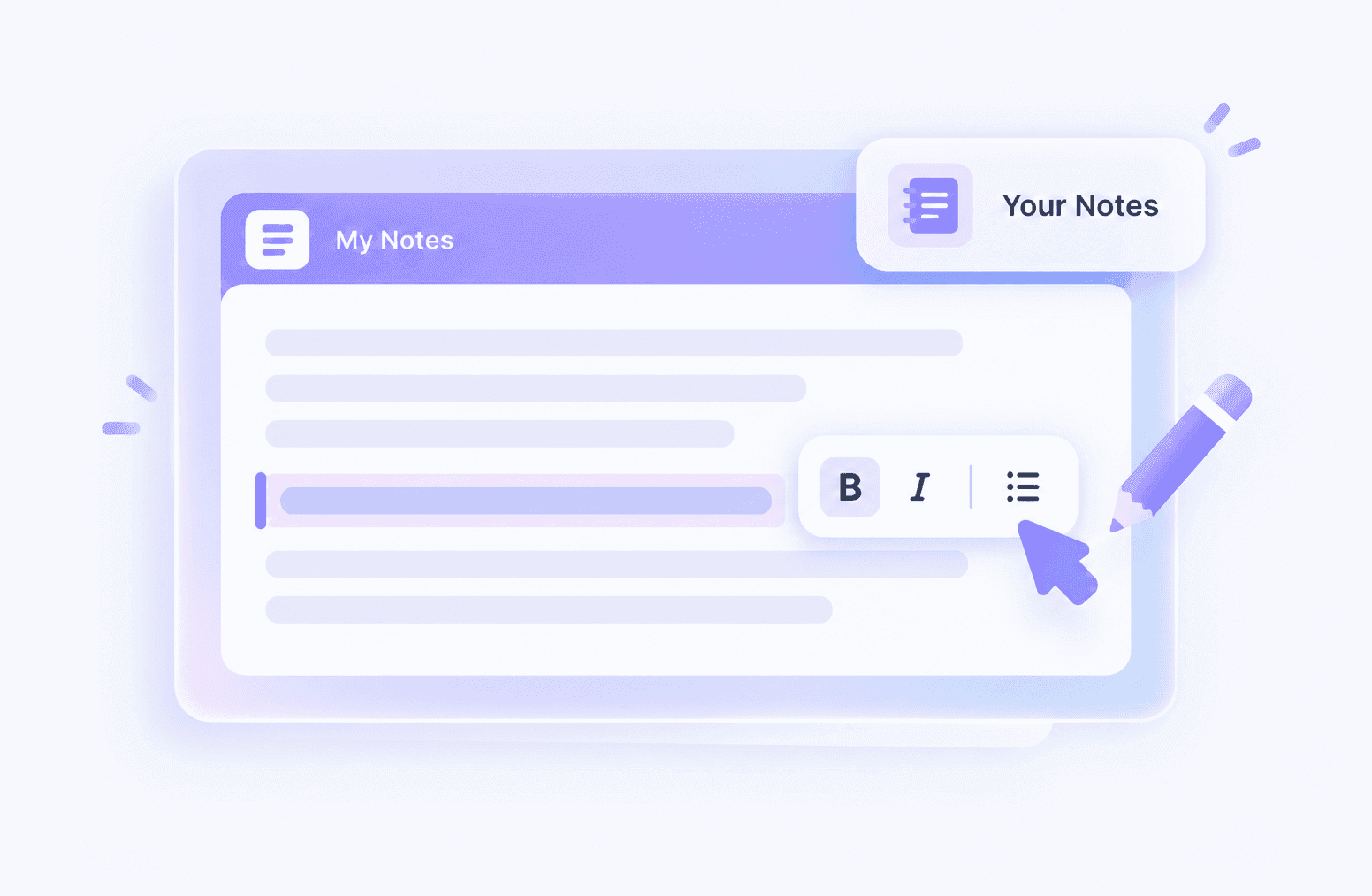
Edit and Personalize Every Note
AI-generated notes are a starting point, not the finished result. Your own explanations, questions, and observations are what make them useful for future reference.
With Lynote's built-in editor, you can reorganize headings, adjust text, highlight important details, and add personal insights. This helps you turn generated content into notes that reflect your understanding.
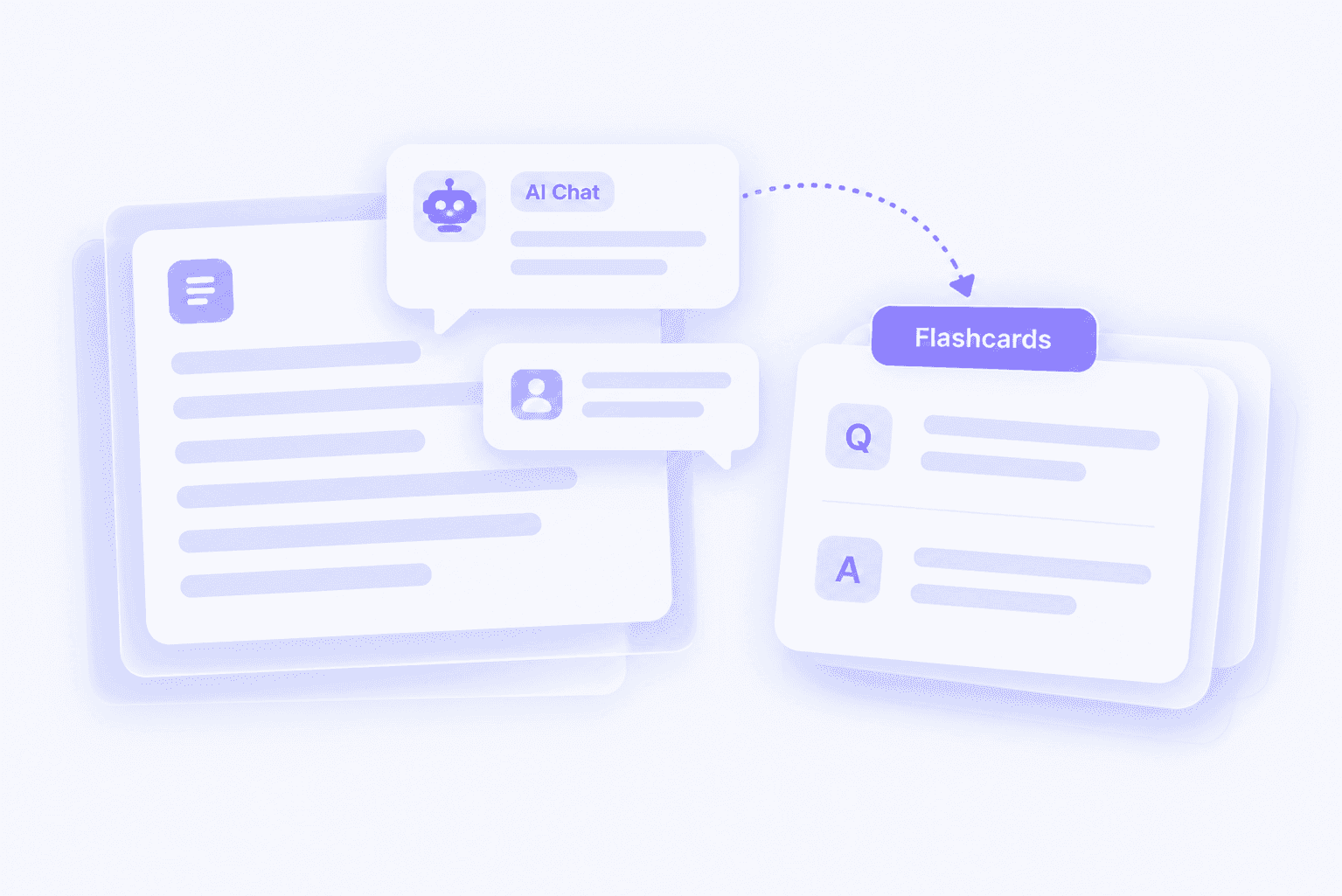
Review Your Notes with AI Chat and Flashcards
Good notes are easier to use when you can return to them with specific questions. Lynote connects structured notes with AI Chat and Flashcards to support review.
Ask AI Chat about information contained in your materials, or generate flashcards to practice recalling important concepts. These tools help you move beyond simply storing information toward actively reviewing it.
How to Create Private Notes Online with Lynote
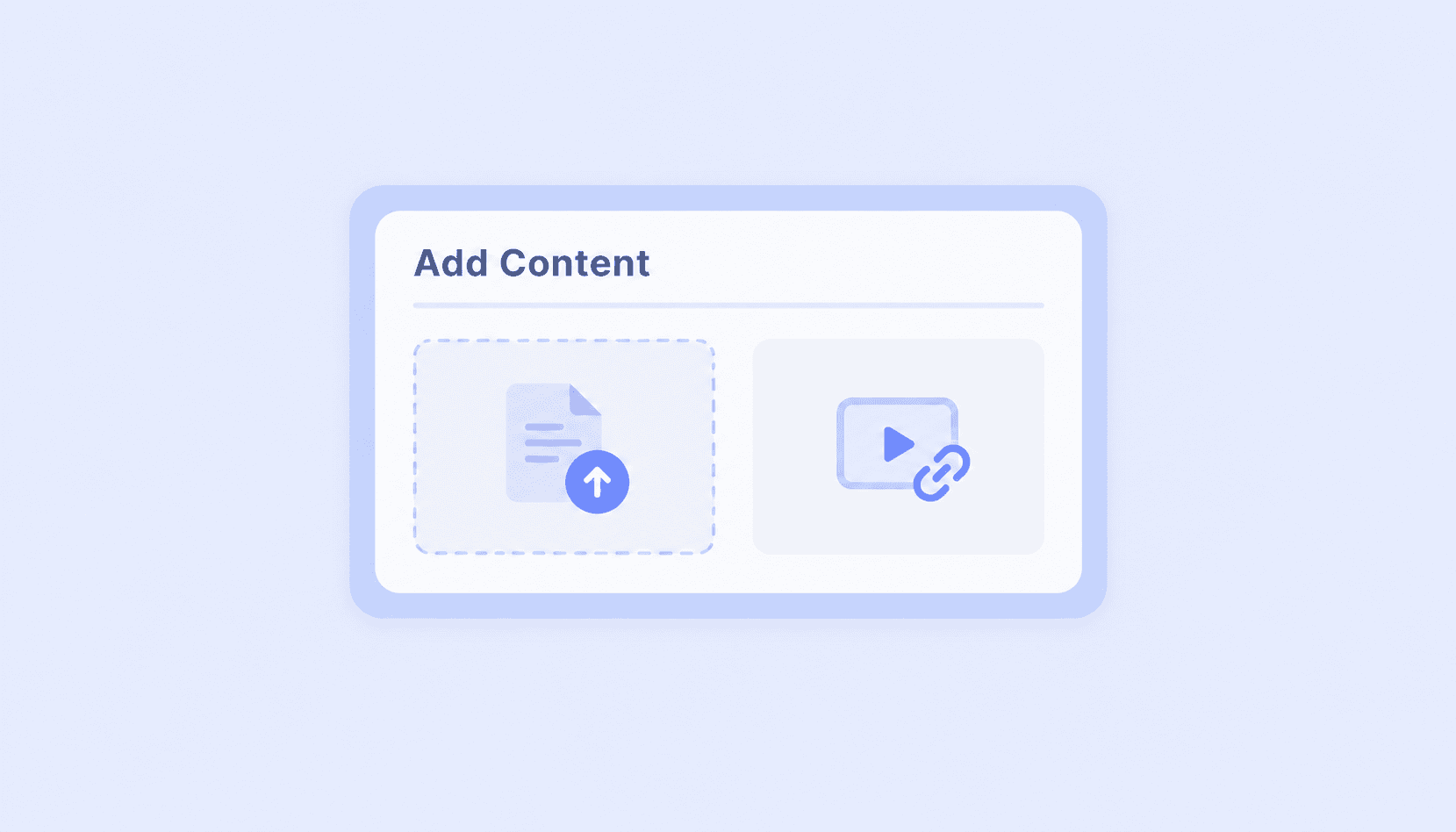
Step 1. Upload or Add Your Content
Open Lynote and upload a supported document, image, audio recording, or video. You can also paste a YouTube link or webpage URL to work with online content. Choose the material you want to turn into notes before starting the generation process.
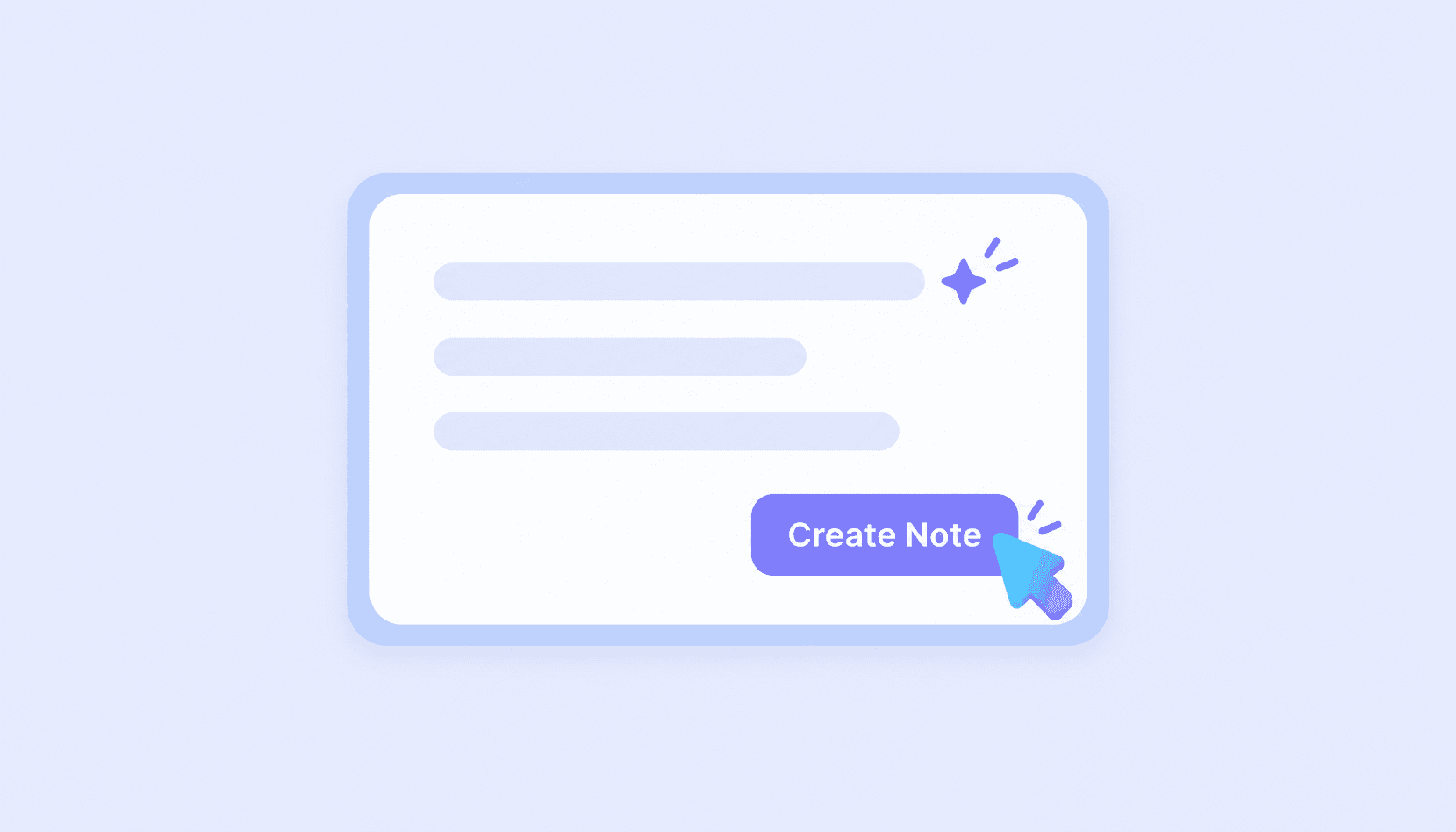
Step 2. Generate Structured Personal Notes
Click the actual note-generation button shown in the product interface and let Lynote analyze your source material. The AI organizes relevant information into sections, summaries, and key points. Review the generated structure and check important details against the original content.
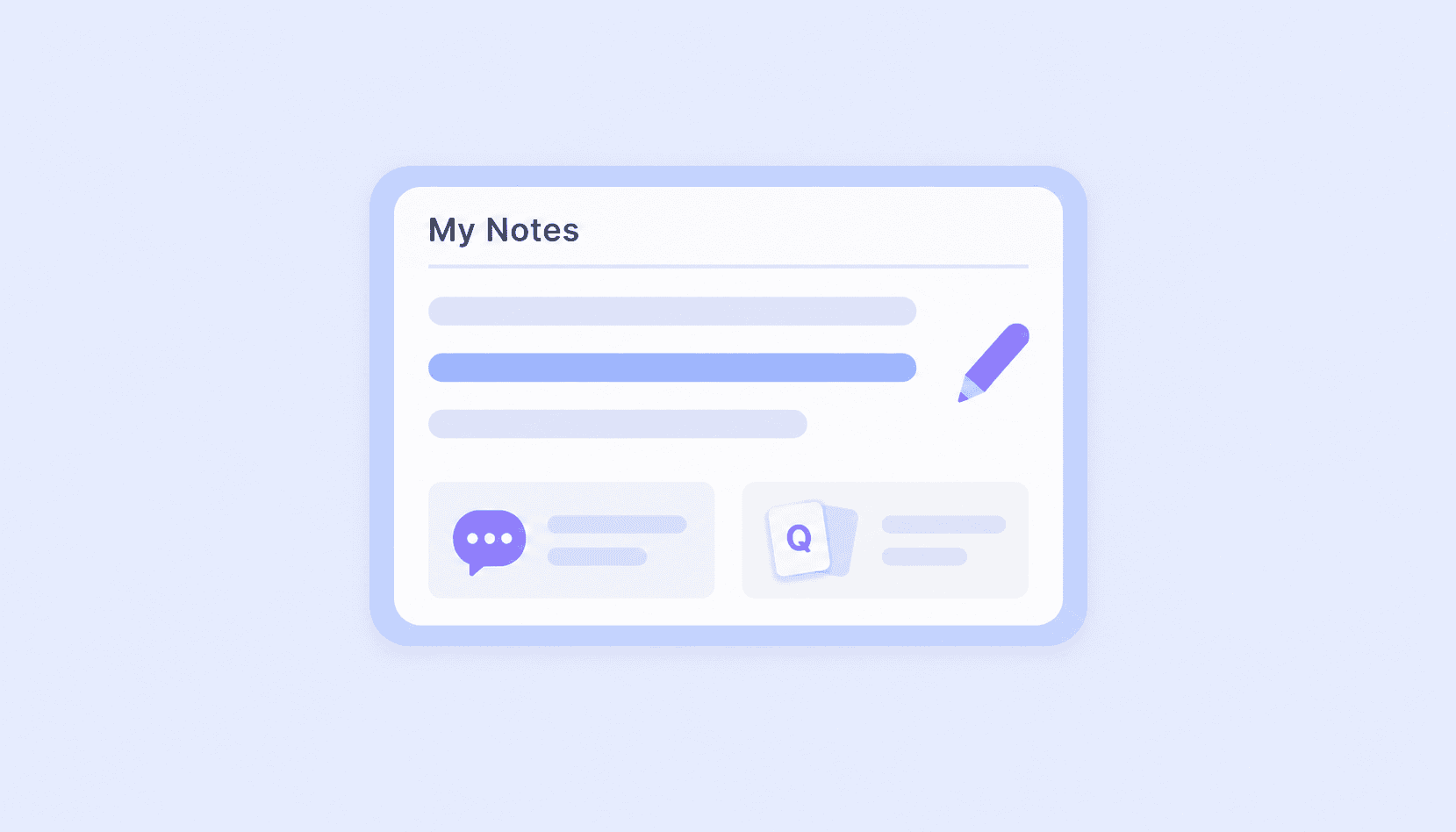
Step 3. Edit, Review, and Revisit
Use the editor to personalize your notes by adjusting explanations, reorganizing sections, and adding your own observations. You can then use AI Chat to explore the source content or turn important concepts into flashcards. Return to your notes when you need to review or build on the information.
What Can You Use Private Notes For?

Study Notes
Turn course PDFs, recorded lessons, and educational videos into structured study notes. Edit explanations, highlight important information, and use flashcards to prepare for exams.
Turn course PDFs, recorded lessons, and educational videos into structured study notes. Edit explanations, highlight important information, and use flashcards to prepare for exams.

Research Notes
Organize information from papers, articles, and other research materials. Capture major findings, add your own observations, and revisit concepts when reviewing sources.
Organize information from papers, articles, and other research materials. Capture major findings, add your own observations, and revisit concepts when reviewing sources.

Work and Meeting Notes
Create structured notes from supported meeting recordings, training videos, and work documents. Review important details and add personal follow-up points before using the notes as references.
Create structured notes from supported meeting recordings, training videos, and work documents. Review important details and add personal follow-up points before using the notes as references.

Personal Learning Notes
Build notes from tutorials, online courses, and educational resources. Keep useful ideas easier to revisit as you develop new knowledge and skills.
Build notes from tutorials, online courses, and educational resources. Keep useful ideas easier to revisit as you develop new knowledge and skills.
AI-Powered Personal Notes vs. Traditional Note-Taking
Traditional note-taking gives you direct control over every sentence, but manually extracting information from long materials can require significant effort. AI-assisted note-taking helps prepare an initial structure while leaving room for human editing and judgment.
| Feature | Traditional Note-Taking | Lynote AI Notes |
|---|---|---|
| Note Creation | Mainly manual writing | AI generation from source materials |
| Input Materials | Manually copied or referenced | PDFs, videos, audio, images, URLs |
| Organization | Manually structured | AI-generated headings and key points |
| Editing | Manual | Editable generated notes |
| Question Answering | Manual review and search | Source-based AI Chat |
| Study Review | Manual questions and cards | Integrated AI Flashcards |
| Accuracy | Depends on the note taker | Requires checking AI output against sources |
Lynote does not replace the need to understand your materials. It helps reduce repetitive preparation work so you can focus on editing, connecting ideas, and reviewing your notes.
Privacy and Personal Note Management
A private note is generally a note intended for personal use rather than public distribution. People may use private notes to organize learning materials, record personal observations, or maintain information they do not want to publish.
Lynote provides a personal AI note-taking workflow, and its published privacy statements should be consulted for information about how uploaded content is handled. You can review and edit generated notes within the workspace.
Private note-taking is not the same as encrypted or self-destructing messaging. If you need features such as end-to-end encryption, password-protected notes, or expiring secret links, review the platform's documented security capabilities before storing sensitive information.
For personal study and everyday note organization, focus on keeping the content accurate, limiting unnecessary sensitive details, and reviewing sharing options before distributing any notes.
Who Can Benefit from Private Notes?
Create and organize personal notes for study, research, work, and independent learning.
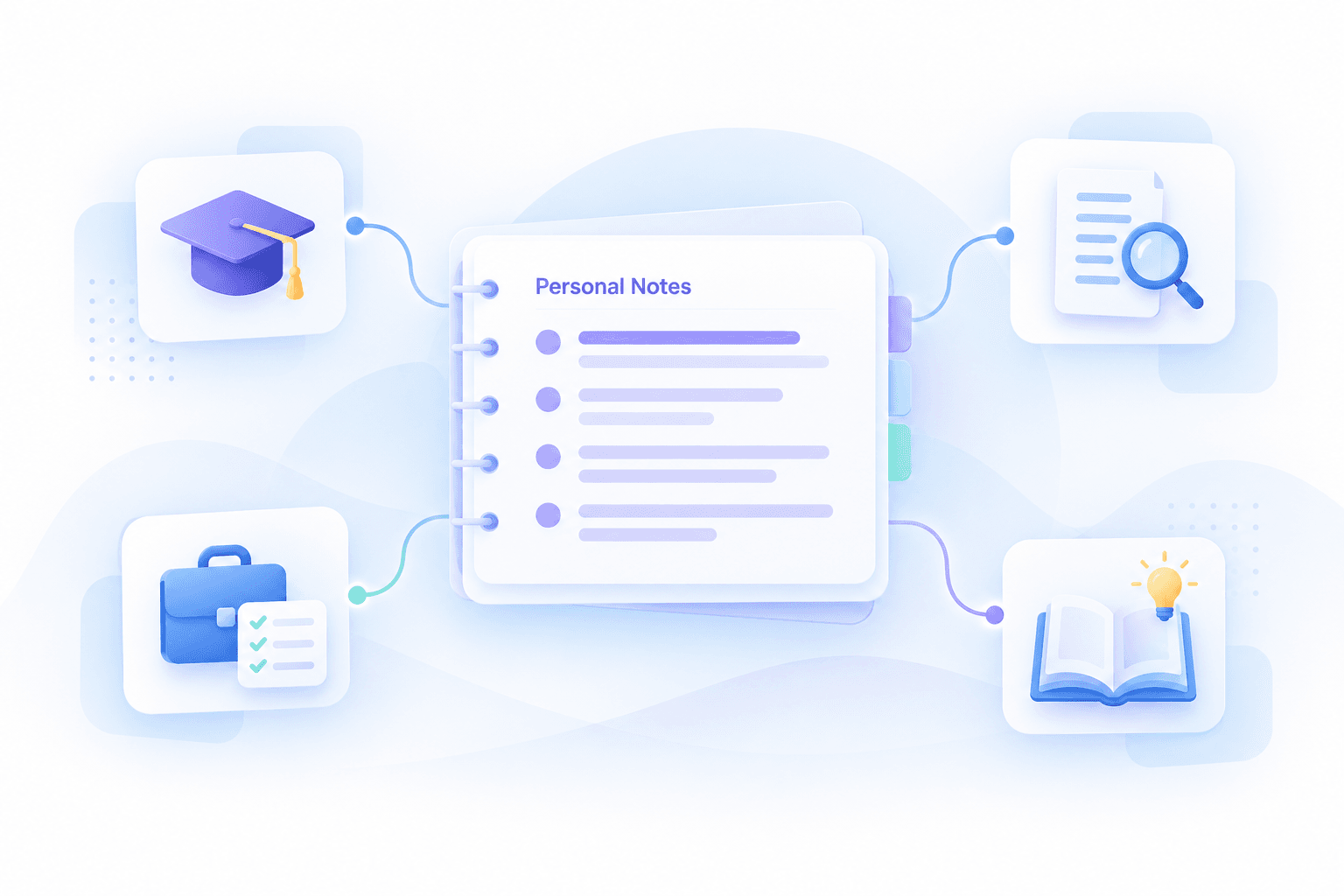
- Students: Organize lecture recordings, course PDFs, and educational videos into editable notes. Create flashcards to review key concepts before exams.
- Researchers: Prepare notes from articles, research documents, and other reference materials. Add your own analysis and revisit relevant information when developing projects.
- Professionals: Convert supported reports, meeting recordings, and training content into structured reference notes. Edit the results to capture decisions, explanations, and follow-up details.
- Independent Learners: Turn online lessons, tutorials, and study resources into notes you can review later. Use AI Chat and flashcards to revisit ideas while learning at your own pace.
Frequently Asked Questions About Private Notes
A private note is a personal record of information, ideas, or observations that you do not intend to publish publicly. Private notes may include study materials, personal reflections, work references, or research details. Lynote helps users generate and edit personal notes from existing documents, recordings, videos, and webpages. Specific privacy and access protections depend on the platform's documented features.
Yes. You can use online note-taking platforms to prepare and manage personal notes without installing traditional desktop software. With Lynote, you can upload supported source materials, generate structured AI notes, and customize the content using its editor. The workflow is designed around source-based AI note generation rather than a standalone blank-note writing tool.
If you're looking for iPhone private notes or a private note iPhone solution, Apple's Notes app provides native note-taking features, including options to lock supported notes. Lynote offers a web-based AI note-taking service, although the availability and functionality of individual features on an iPhone should be checked in your browser. If your primary goal is password-protected notes stored directly on your iPhone, consider using the built-in Apple Notes security features.
Google Calendar allows users to add descriptions to events, but the visibility of event details depends on calendar sharing permissions and event privacy settings. It is not a dedicated private notebook. For people searching for Google Calendar private notes, consider using a separate notes application for personal information and referencing relevant calendar events only when needed. Lynote does not claim a native Google Calendar private-notes integration.
X, formerly Twitter, offers features such as bookmarks and drafts, but these are not the same as a dedicated private note-taking system. Visibility and availability depend on the feature and account settings. If you're looking for private notes on Twitter, a separate personal notes workspace may be more practical for organizing research and content ideas. Lynote can generate structured notes from supported source materials, but it does not provide a native private-note feature within X.
The term privatenotes may refer broadly to personal digital notes or to specialized services that share encrypted messages through temporary links. These are different use cases. Lynote focuses on generating, editing, and reviewing personal notes from source materials. It is not marketed as a one-time secret-message service with self-destructing links.
Yes. Lynote includes a rich-text editor for generated AI notes, allowing you to add information, remove unnecessary sections, and reorganize content. This helps you adapt AI-generated drafts to your own understanding. Always review important facts before relying on the notes for study, research, or professional tasks.
Yes. Lynote can turn supported PDFs, documents, audio recordings, videos, and webpages into structured AI notes. For example, you can generate notes from a recorded lecture or course document, then edit the resulting sections and review important concepts using AI Chat or flashcards.
Encryption depends on the note-taking service and its documented security architecture. A product being described as private does not necessarily mean it provides end-to-end encryption or zero-knowledge storage. Check Lynote's published privacy documentation for its current security and data-processing details. Do not assume any specific encryption model without explicit confirmation.
Lynote is a web-based AI note-taking platform for generating and editing personal notes from source materials. It can help organize learning content and make information easier to review. If you're searching for a private notes website with encrypted messaging, password-protected sharing, or automatic message destruction, those are separate capabilities that should not be assumed to be part of Lynote.
Better Ways to Create and Organize Personal Notes
Explore practical guides to note-taking, study organization, and AI-assisted learning.
Make Your Personal Notes Easier to Create and Review
Turn PDFs, videos, audio recordings, and webpages into structured notes with Lynote. Edit important details, organize your ideas, and review what you've learned using AI Chat and flashcards. Start building a more useful personal note-taking workflow today.