

PDF AI Detection Tool-AI Detector for PDF File Free Online
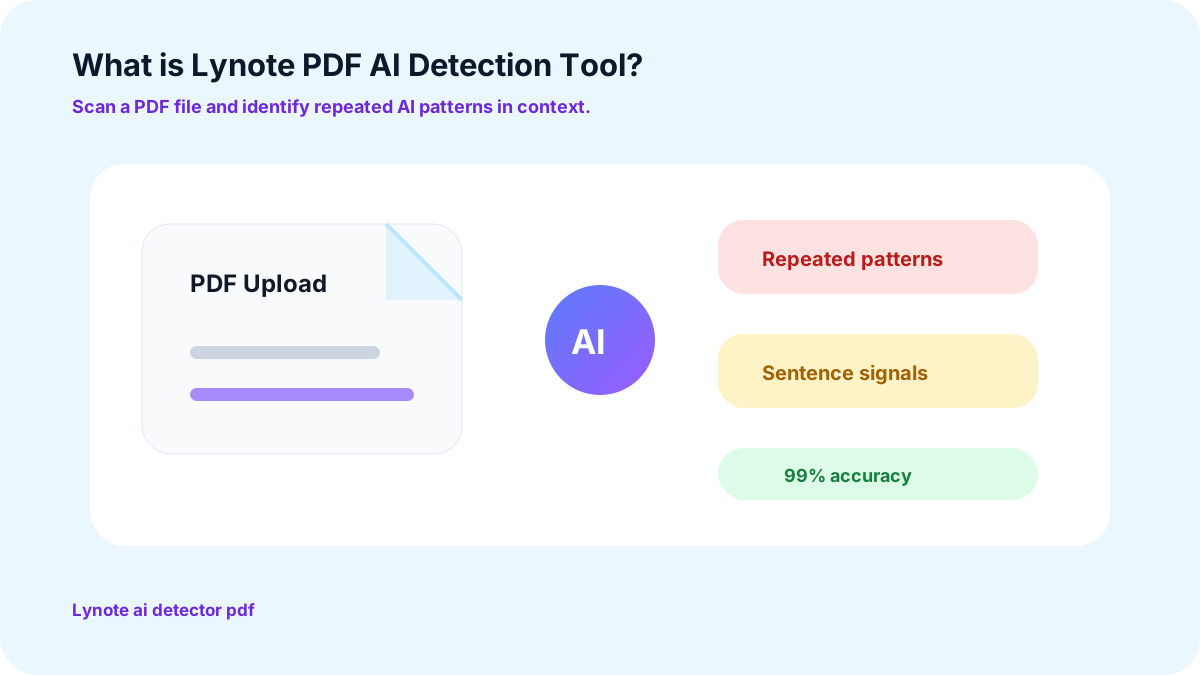
What is Lynote PDF AI Detection Tool?
Why Choose Lynote for PDF AI Detection?

99% Accuracy Rate
Lynote AI Detector guarantees a 99% accuracy rate in the results. It offers you reliable insights instead of mere guesswork. No matter if it is authenticating the assignments or analyzing business proposals, our tool will help you verify your work.

Comprehensive Analysis
AI Detector for PDF files scans each and every sentence separately. After the complete scanning process, it gives detailed reports on AI, human-written, and mixed content. Get a detailed report that highlights the areas requiring further review.

Provides Instant Results
Lynote AI detector of PDF can scan files in direct PDF, DOCX, and TXT formats to give you instant results. Get the full report on the AI detector by just a single click.
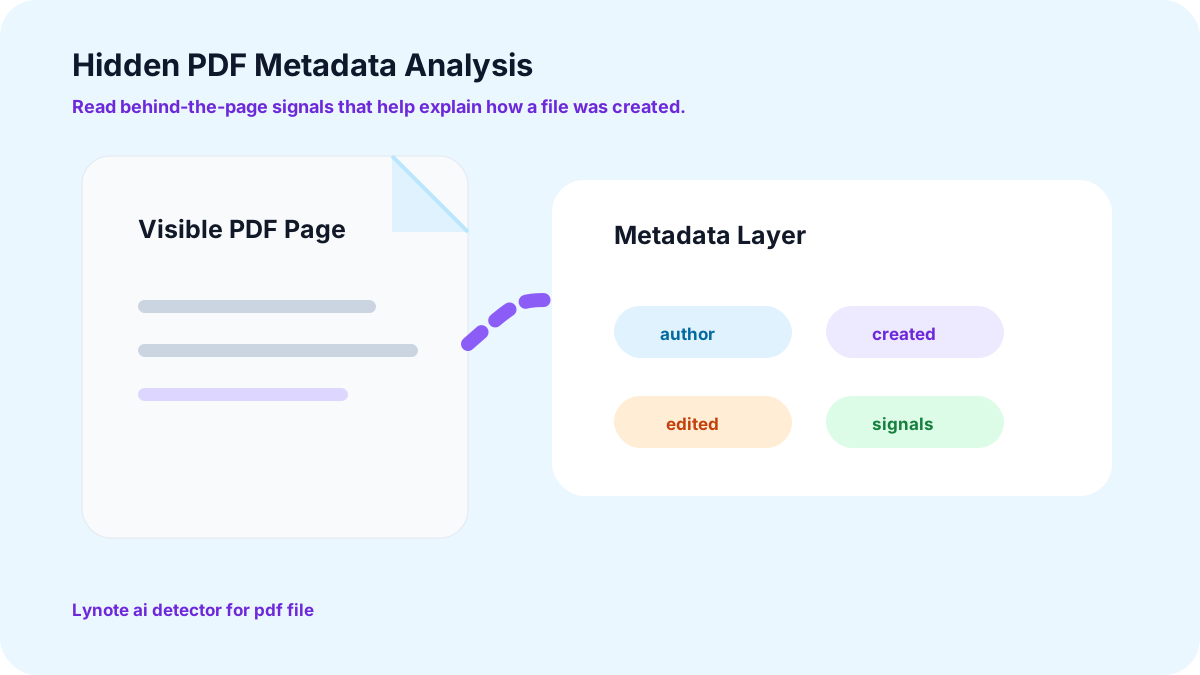
Hidden PDF Metadata Analysis
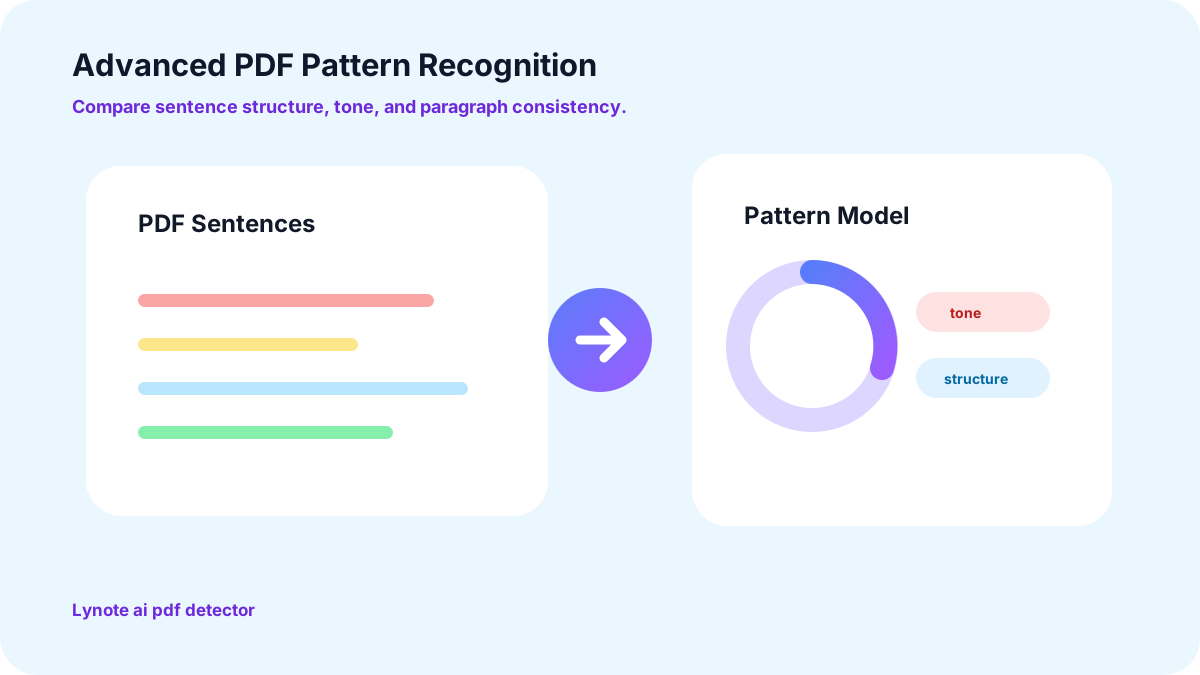
Advanced PDF Pattern Recognition
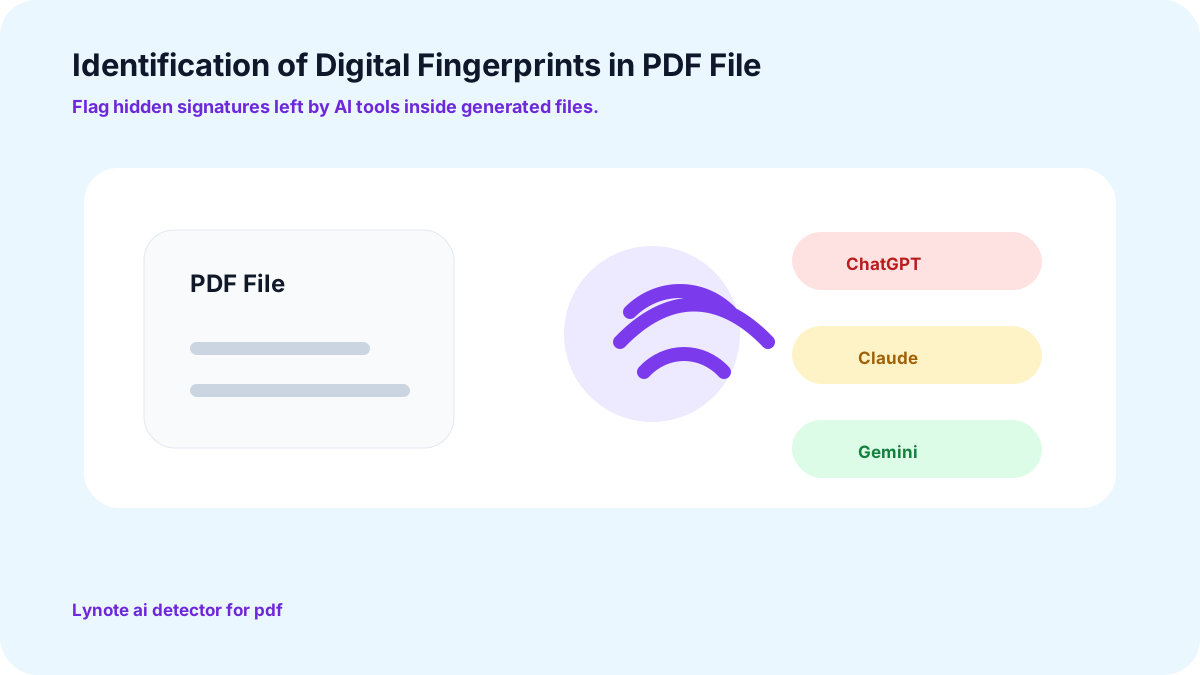
Identification of Digital Fingerprints in PDF File
Who is Lynote AI PDF Detector for?

Educators
Checking each word in an assignment consumes too much time and effort. Educators will find it easy to grade their students' assignments using the Lynote AI Text Detector PDF.

Publishers
AI-generated researches and articles often raise questions on authors credibility. Publish your content confidently with Lynote PDF AI Detector. It analyzes the file precisely to ensure no sentence sounds mechanical for the readers.

Content Managers
AI-generated content can never attract an audience. Content managers can use an AI Detector to ensure every script is human-written.

HR Professionals
If someone is used to writing their applications, they might have the same attitude after hiring. To ensure HR hires the right person, run all the applications quickly through our AI detector and select the deserving ones.
How to Use Lynote AI Detector for PDF?
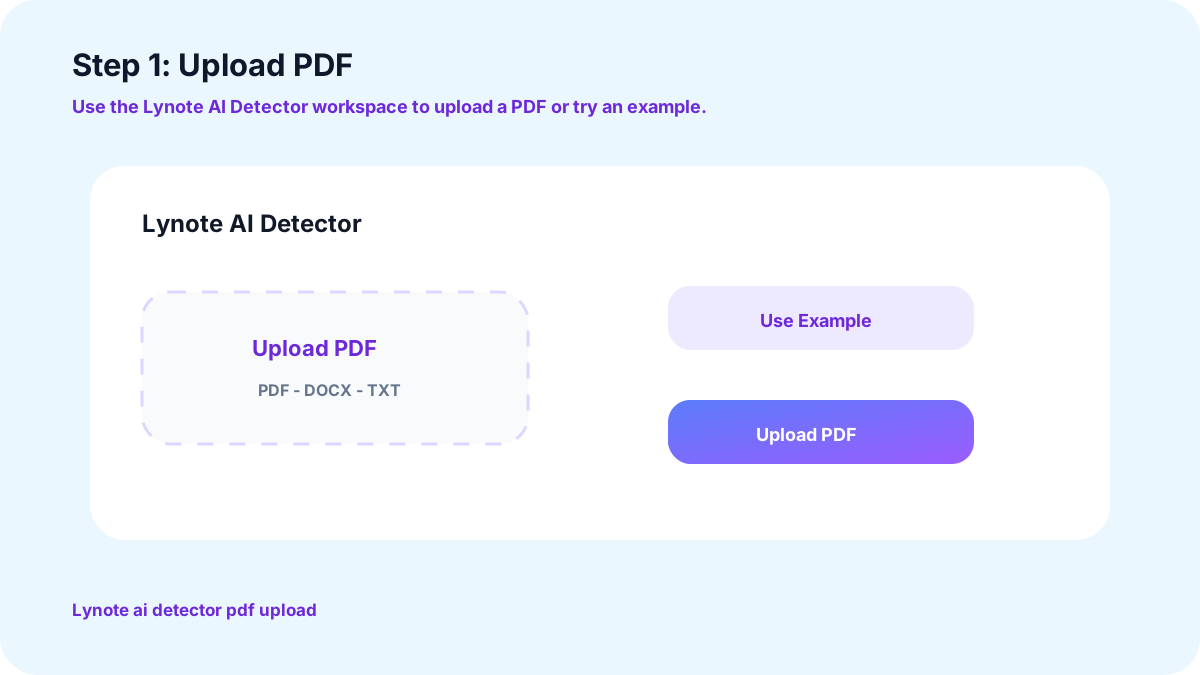
Step 1: Upload PDF
Go to the Lynote AI Detector web-page and click on “Upload PDF.” Click on the file that needs to be detected. You can also run a test by clicking on the “Use Example” option.
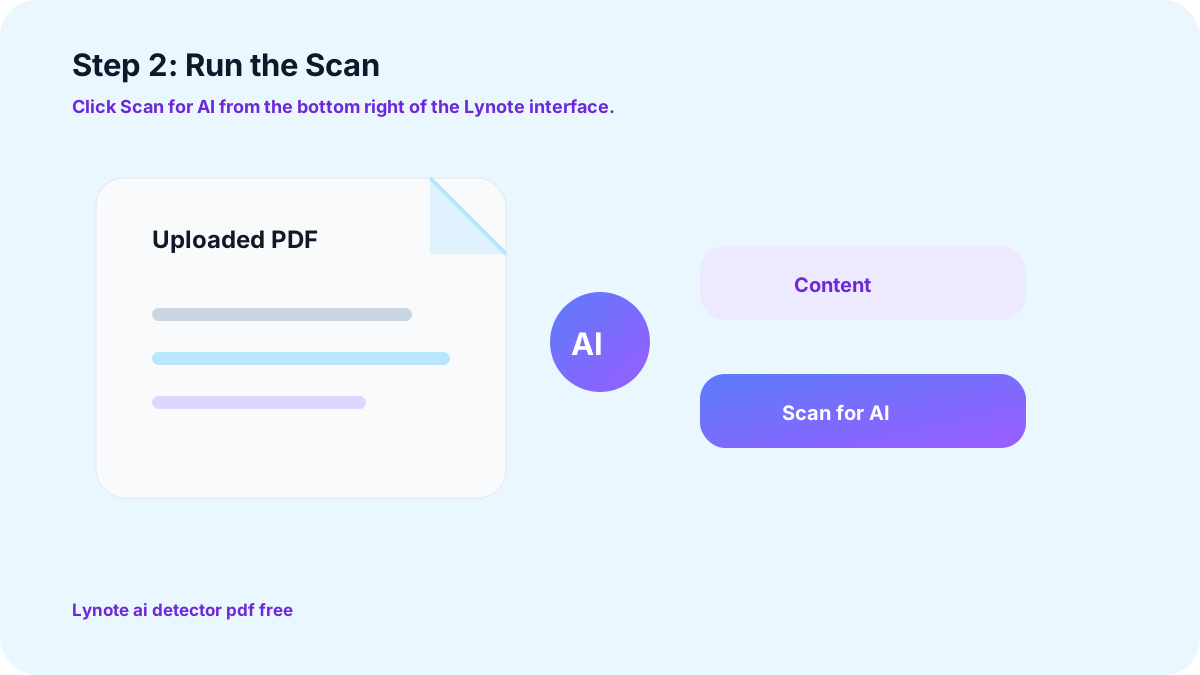
Step 2: Run the Scan
Click on the “Scan for AI” button located at the bottom right corner.
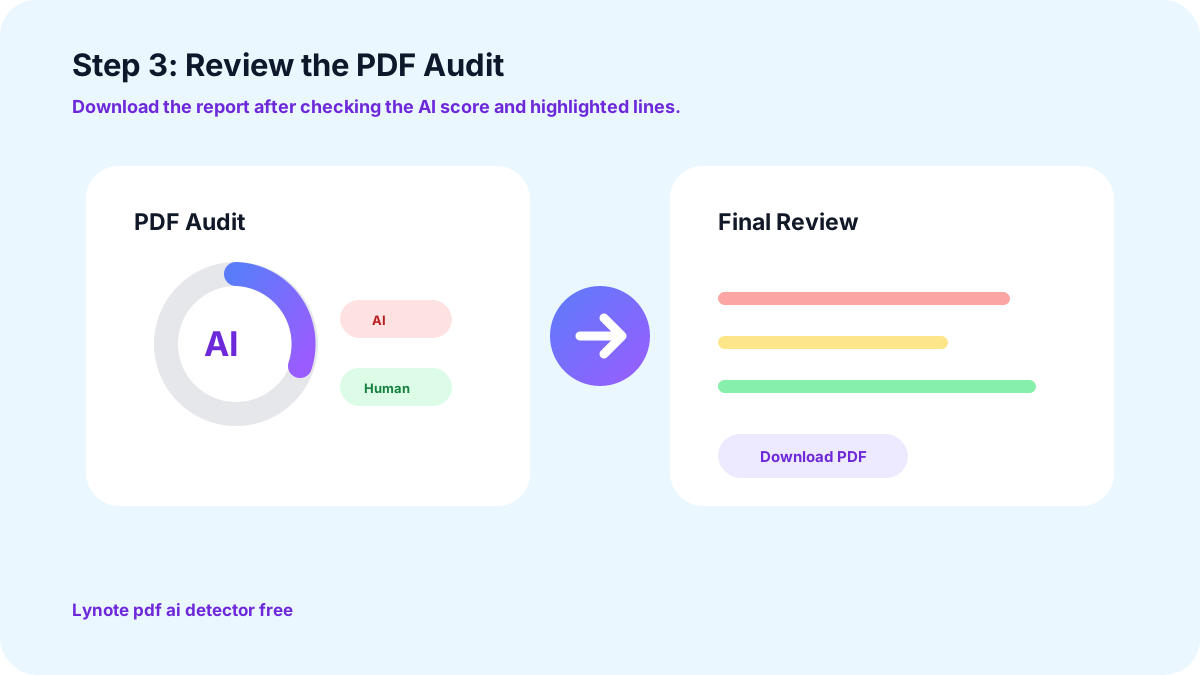
Step 3: Review the PDF Audit
Once the scan is complete, you will get a detailed report with an AI score. Click on “Download PDF” to save the scanned file and review it for the final audit.
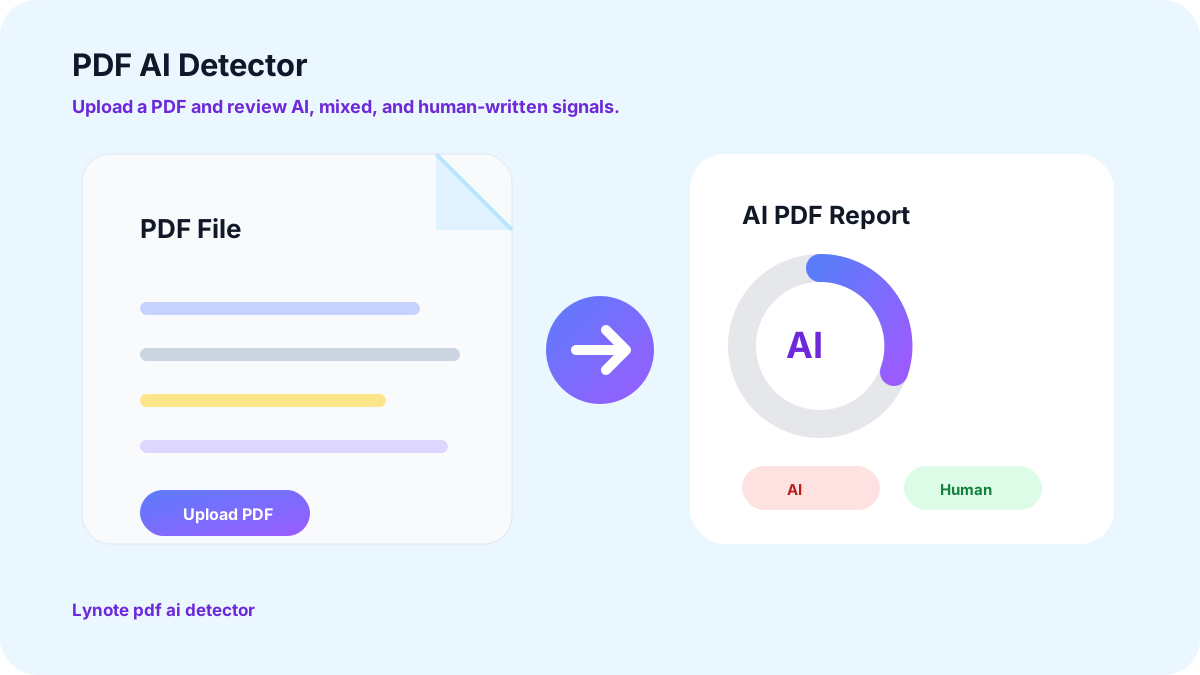
Why PDF AI Detector Accuracy Matters
FAQs
Repetitive content or sentences with filler words are usually flagged as AI. In addition, content containing consistent paragraph length and sentence structure is also AI-generated.
Lynote PDF AI Detector scans your files at the sentence level. It provides a detailed breakdown of AI-generated or mixed content. The tool can even recognize paraphrased sentences.
Lynote AI Detector does not save files that are uploaded for AI detection. It does not even require your personal data to scan your files. Hence, there is no way to retrieve the uploaded content.
Yes, you can upload your file in TXT or DOCX format for AI detection. In addition, you can also simply paste text in the “Content” section of our AI detector.
Usually, any score above 15-20% is considered bad, both for content writing and academic purposes. You can use our AI Humanizer to reduce the AI score of your files.
Yes, Lynote AI Detector PDF free generates 99% accurate results. It uses advanced machine learning models to analyze a report. So, you can review and share your files without any second thoughts.
Ready to Try Lynote PDF AI Detection Tool?
Excited to try the new Lynote AI Detector PDF file? Simply upload your file and receive a sentence-level breakdown for free.
More Lynote Tools for PDF Review, AI Scores, and Safer Final Files











PDF AI Detection Guides for Uploaded Files and Sentence-Level Review
Read Lynote guides about checking PDF files, understanding AI scores, reviewing highlighted sentences, and improving documents after an AI detection report.


