

Notes for Exam: Create AI Study Notes in Minutes

Drop files or browse

Add study materials to enable the AI to extract and structure content.
Create Exam Notes





Why Choose Lynote for Exam Notes?

Turn Study Materials into Exam Notes
Create structured notes from PDFs, documents, audio recordings, videos, and webpages. Spend less time manually copying information and more time reviewing the material.

Organize Key Concepts Clearly
Get exam notes with headings, summaries, and important explanations. Clear sections make it easier to find definitions, processes, and supporting details.

Customize Notes for Your Syllabus
Edit generated notes to match your teacher's revision guidance or exam syllabus. Add missing explanations, remove irrelevant sections, and highlight the concepts you want to review.

Ask AI About Your Study Materials
Use AI Chat to ask questions about the information in your uploaded sources. Revisit explanations and explore concepts without repeatedly searching through long documents.

Turn Notes into Flashcards
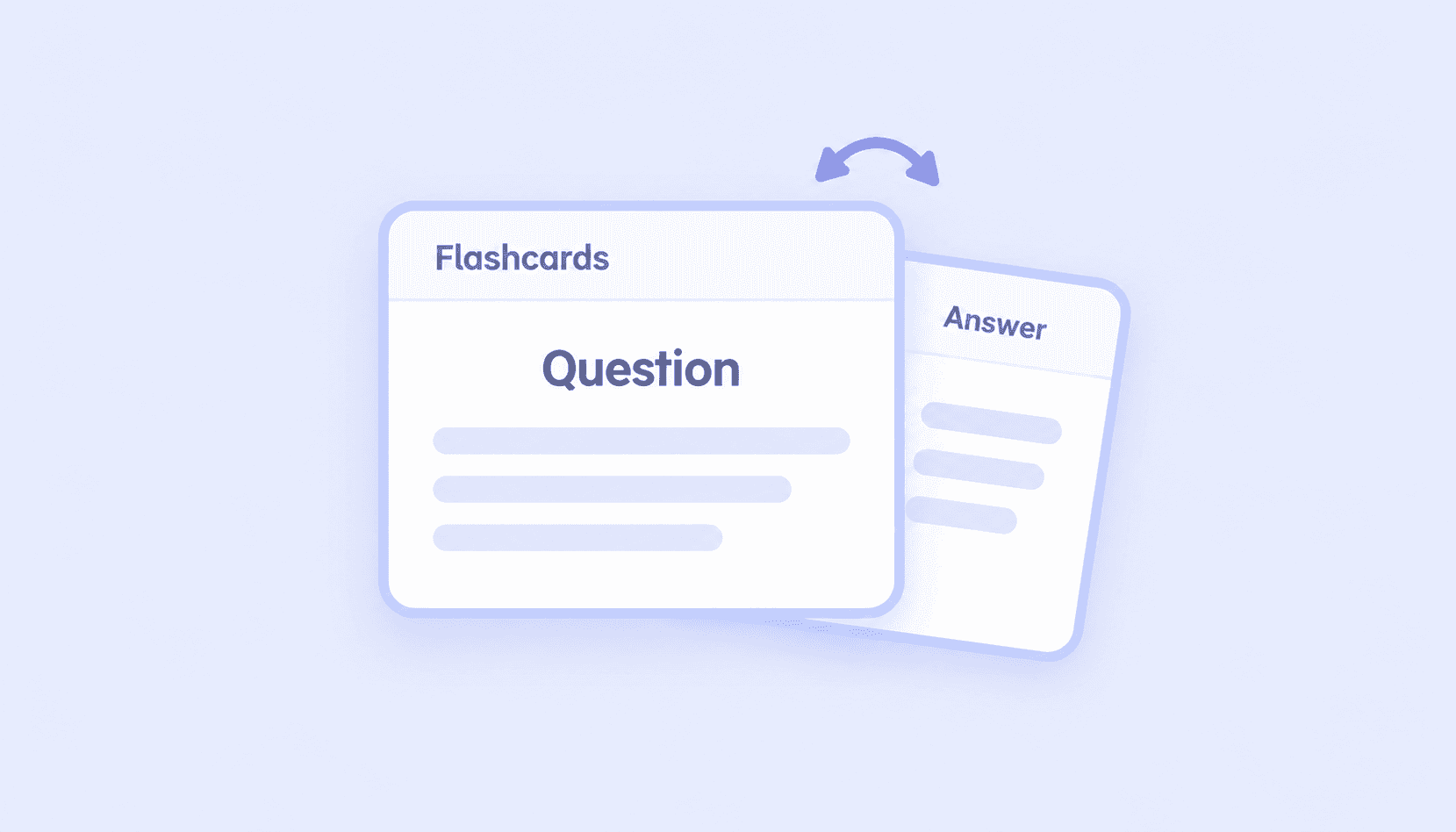
Create question-and-answer flashcards from your study notes. Practice recalling definitions and concepts instead of only rereading the same information.

Study Across Subjects and Languages
Prepare revision notes from supported materials in different subjects and languages. Whether you're reviewing science, IT, or business concepts, Lynote helps organize the source content into a consistent note-taking workflow.
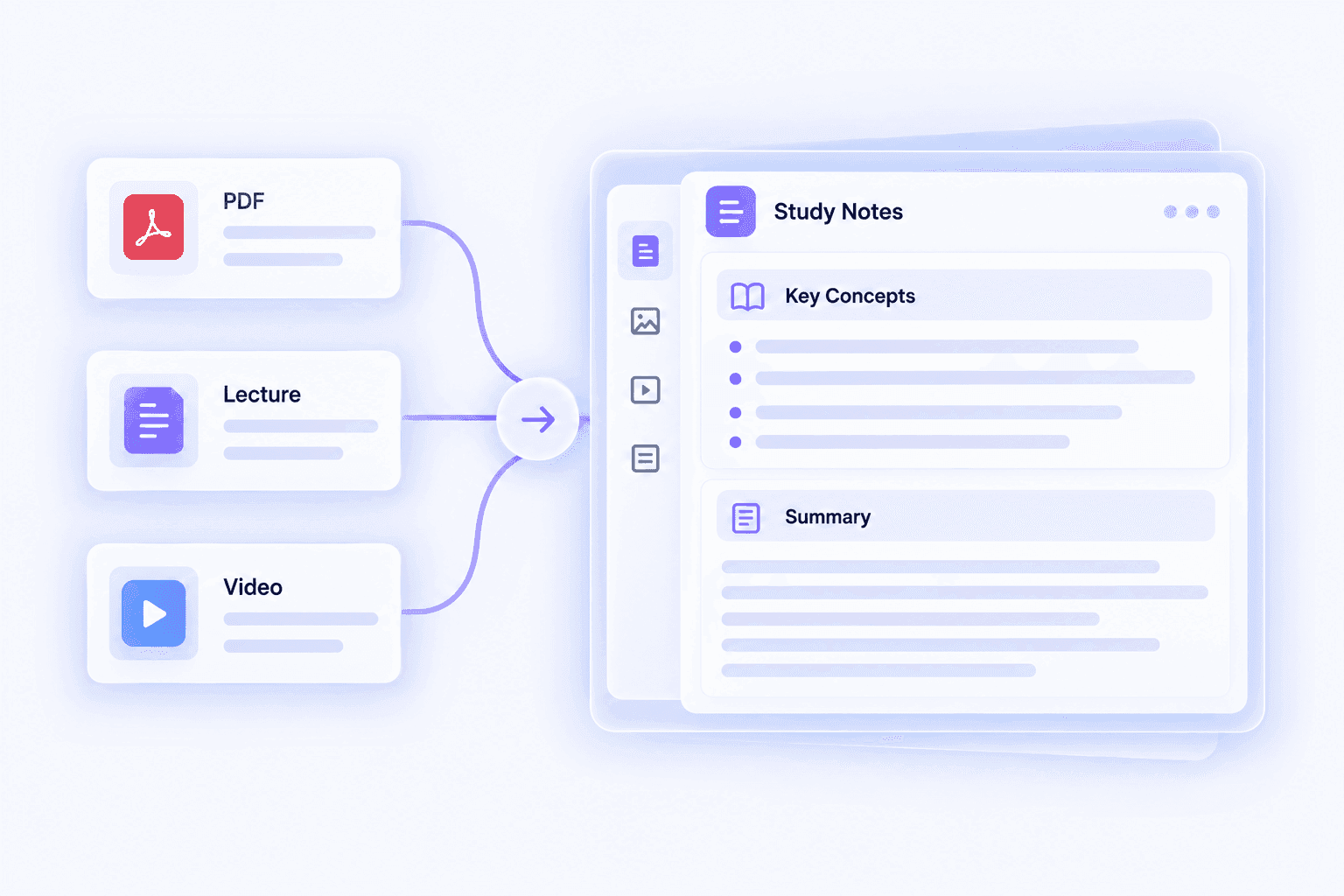
Turn Long Lessons into Structured Exam Notes
Exam preparation often starts with lengthy textbook chapters, lecture recordings, and revision documents. Important information can be difficult to locate when it is spread across several files.
Lynote converts supported study materials into organized notes with clear headings, summaries, and key concepts. You can use the generated content as a starting point for building revision notes based on your course requirements.
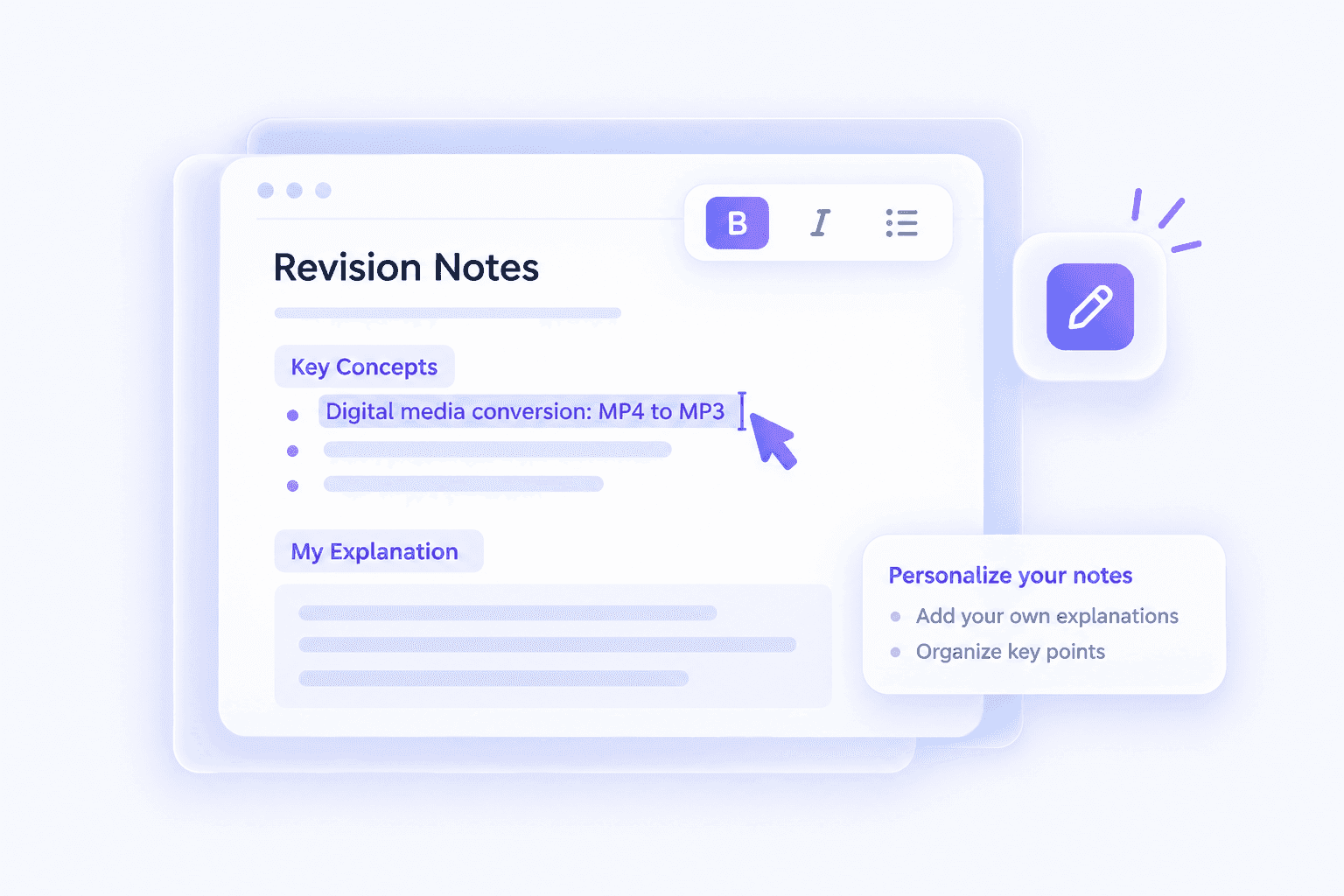
Personalize Your Notes for Exam Preparation
Not every detail in a textbook or lecture will be equally relevant to your upcoming exam. Your instructor's syllabus, revision checklist, and course objectives should help determine what you need to prioritize.
With Lynote's editor, you can adjust generated notes, add personal explanations, and reorganize sections. This helps you create a study resource that reflects your learning goals rather than relying on an unedited AI summary.

Review Key Concepts with AI Chat and Flashcards
Reading your notes is only one part of exam preparation. Testing whether you can explain or recall the information is equally important.
Lynote connects your AI notes with AI Chat and Flashcards, allowing you to ask source-based questions and practice remembering key concepts. Review the answers carefully and return to your original materials whenever you need more context.
How to Create Notes for Exams with Lynote
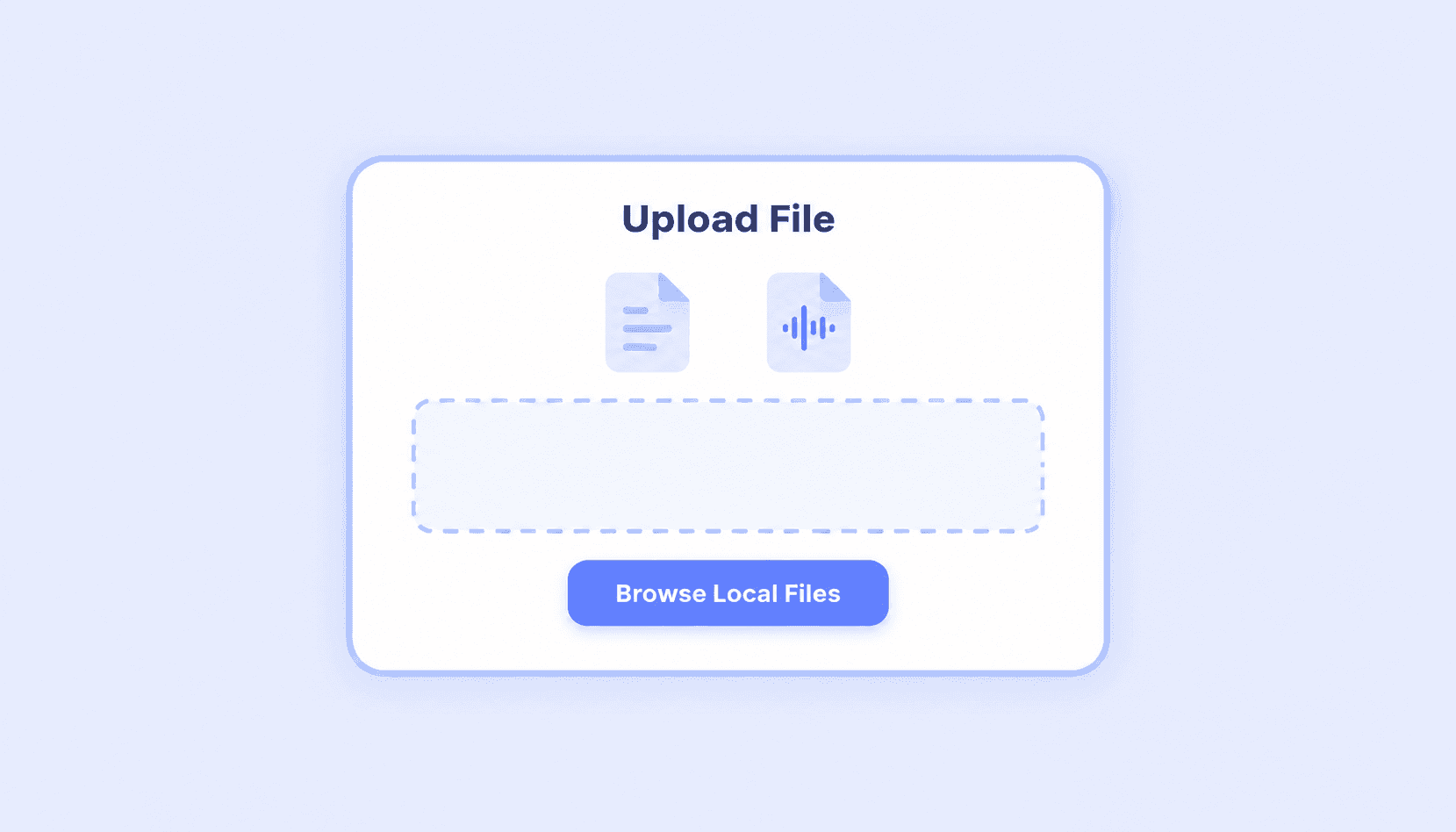
Step 1. Upload Your Study Materials
Upload PDFs, documents, lecture audio, videos, or images to Lynote. You can also paste a supported YouTube or webpage URL to generate notes from online educational content. Choose materials that match the lessons or topics you need to revise.
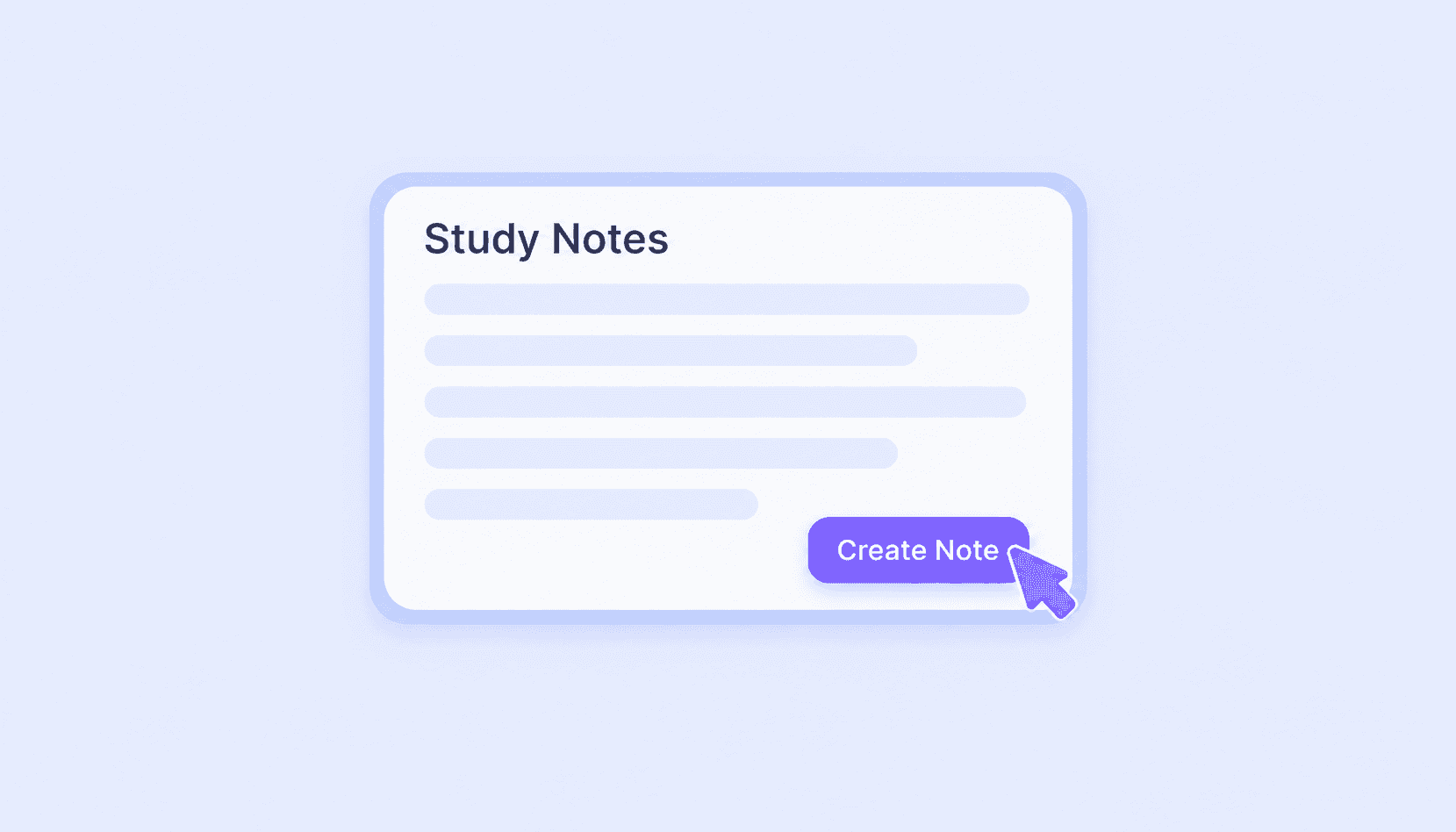
Step 2. Generate and Edit Your Exam Notes
Click Create Note to generate structured AI notes from the selected content. Lynote organizes information into readable sections with key ideas and supporting details. Review the output, correct any inaccuracies, and customize it according to your exam requirements.
Step 3. Review with AI Chat and Flashcards
Use AI Chat to explore information included in your uploaded materials. Turn important concepts into flashcards and practice answering questions without immediately looking at the answers. Revisit difficult topics and compare important details with your original learning materials.
How to Study for Exams with AI Notes
Effective exam preparation involves more than collecting information. A useful revision process should help you organize materials, understand important concepts, and check what you can remember.
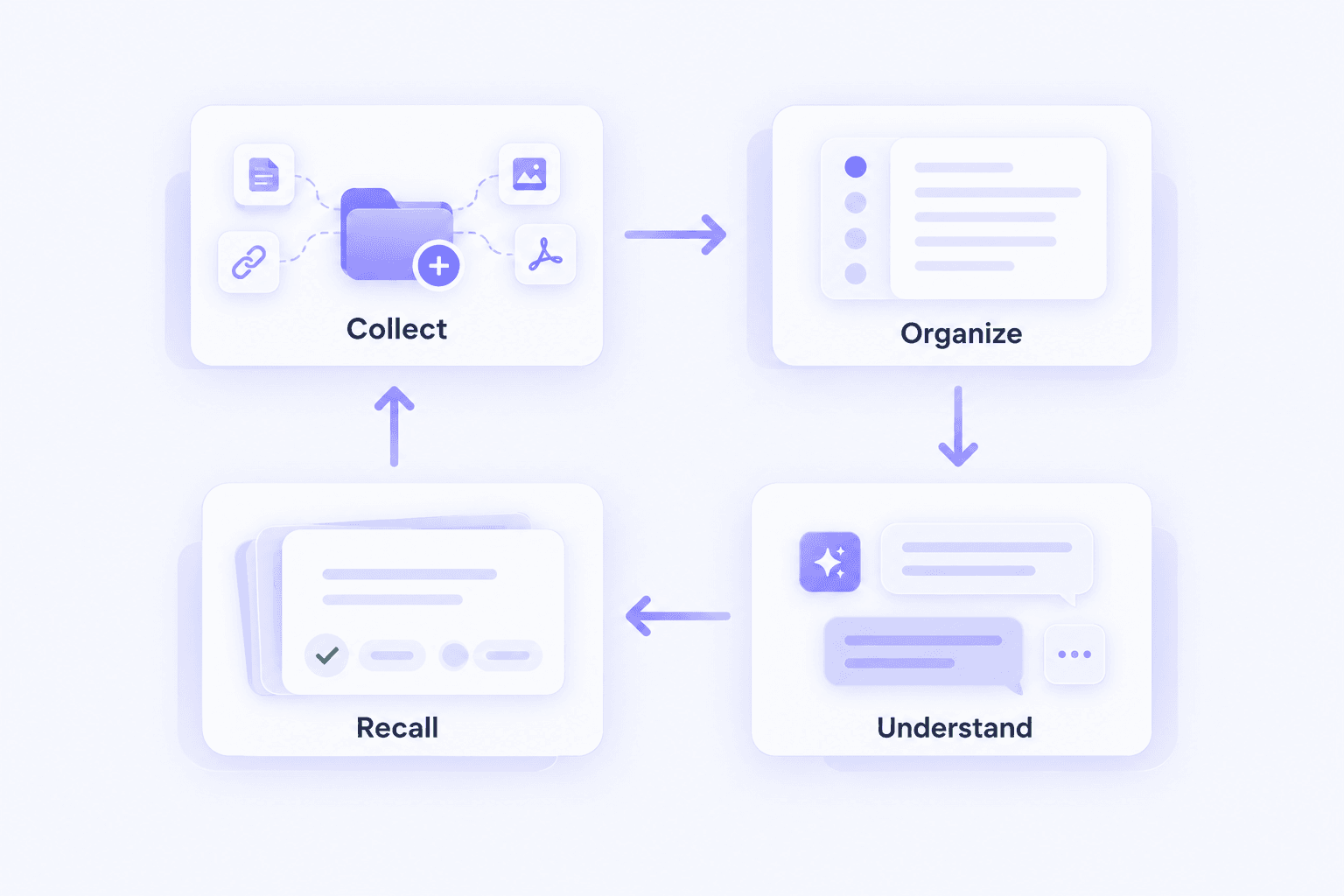
1. Collect Materials That Match Your Exam
Start with your syllabus, course slides, textbook chapters, and lecture recordings. Identify the topics your instructor or official curriculum expects you to understand.
2. Generate and Organize Revision Notes
Use Lynote to create structured exam notes from the relevant materials. Review the generated content and organize it according to the chapters, units, or topics in your revision plan.
3. Check Your Understanding with AI Chat
Ask questions about concepts that are unclear in your notes. Use the responses to revisit explanations in your source materials, and consult additional reliable resources when the necessary information is missing.
4. Practice Recall with Flashcards
Turn important definitions and concepts into flashcards. Try answering each question before checking the response, then repeat the ones you find difficult.
This workflow helps you move from collecting study materials to reviewing information more actively. It does not replace official practice papers, marking schemes, or instructor feedback.
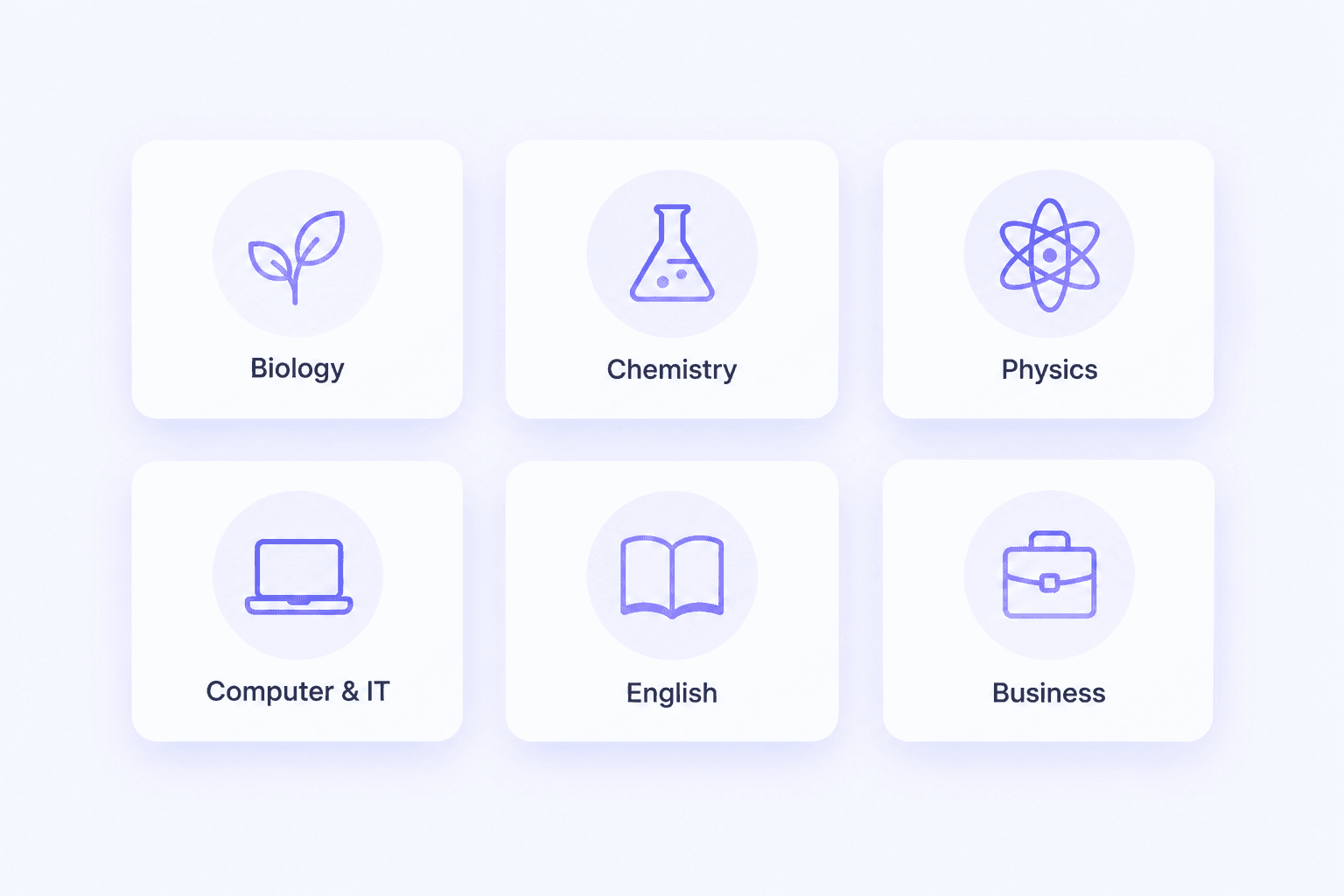
Exam Notes for Different Subjects
Different subjects require different approaches to revision. Lynote helps organize the study materials you provide, while you decide which information is most relevant to your exam.
Biology Exam Notes
Create structured notes from biology textbooks, lecture slides, and recorded lessons. Organize definitions, biological processes, diagrams, and key explanations for revision.
Students looking for A Level or O Level biology notes can use supported course materials to prepare their own notes. Always check the content against the relevant examination syllabus.
Chemistry Exam Notes
Turn chemistry chapters and class materials into revision notes covering concepts, reactions, terminology, and explanations. Use flashcards to review definitions and important ideas.
For A Level and O Level chemistry preparation, verify equations, units, and calculations against trusted course resources before studying from AI-generated notes.
Physics Exam Notes
Generate notes from physics lectures, textbooks, and educational videos. Organize physical laws, formulas, definitions, and worked explanations included in your materials.
Students preparing for A Level or O Level physics should cross-check formulas, units, assumptions, and worked examples with their curriculum and teacher's guidance.
Computer and IT Exam Notes
Prepare computer notes for competitive exams from textbooks, tutorials, and technical documents. Organize topics such as operating systems, networking, databases, programming, and computer fundamentals.
Lynote can also help generate IT exam notes from supported technical resources. Review code examples and technical details carefully before using them for assessment preparation.
English and Competitive Exam Notes
Create English notes for competitive exams from grammar materials, reading lessons, and educational resources. Organize vocabulary, language rules, explanations, and examples from your source content.
For science notes for competitive exams, use course materials to structure definitions and important concepts. Match your revision notes to the official syllabus rather than assuming every generated topic will appear on the exam.
Business and Professional Exam Notes
Organize management theories, workplace concepts, and business case materials into clear study notes. This can be useful for organisational behaviour exam notes, where definitions, models, and examples need to be reviewed together.
Students preparing for professional qualifications, including CFA exams, can use Lynote to structure notes from appropriately licensed learning materials. Lynote does not provide official CFA curriculum content or certification-specific practice questions.
Example: Biology Exam Notes on Photosynthesis
Here is a simplified example of how structured biology exam notes might look. The content is illustrative, and your actual notes will depend on the study material you upload.
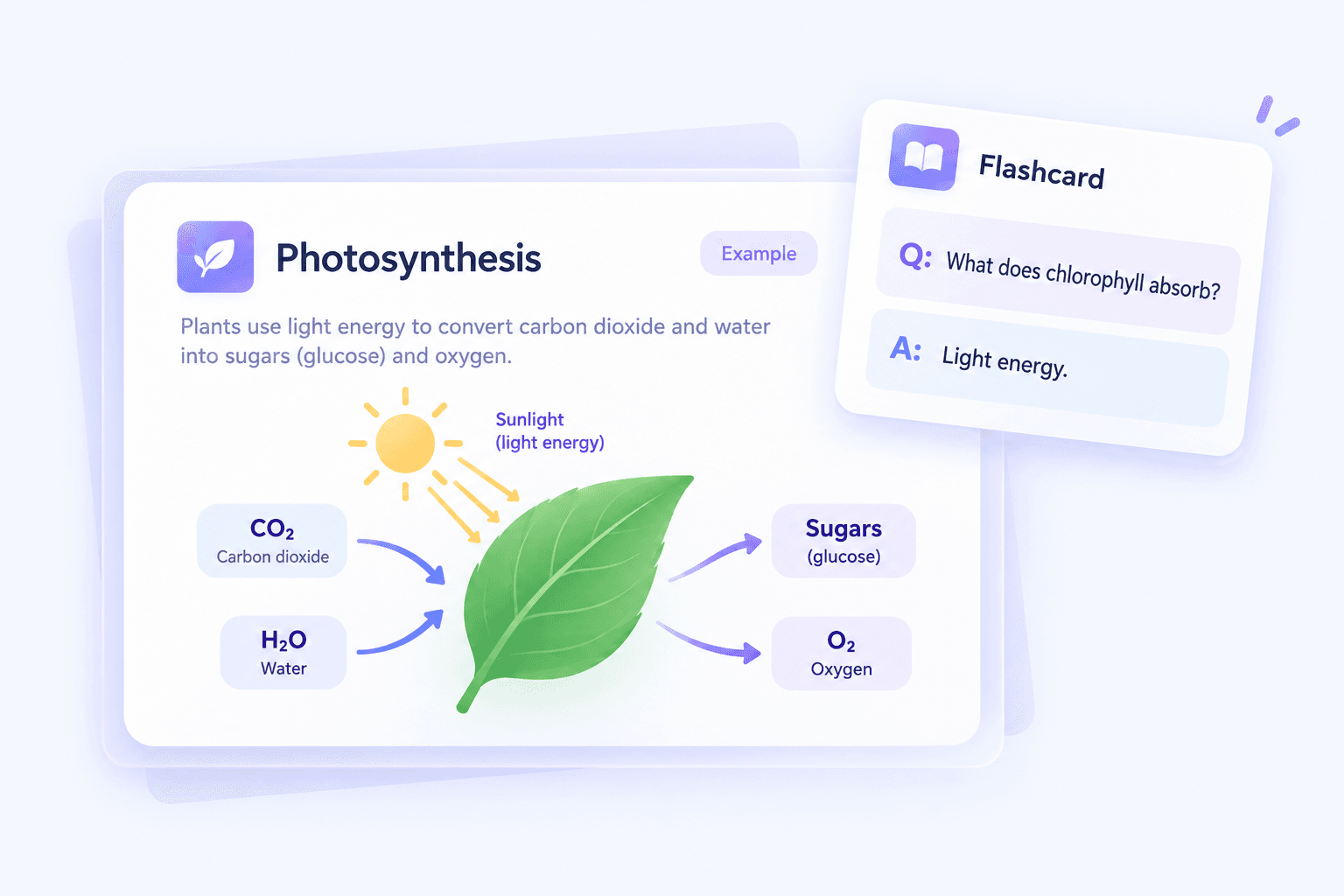
Subject: Biology
Topic: Photosynthesis
Key Concepts
- Photosynthesis converts light energy into chemical energy stored in sugars.
- Chlorophyll absorbs light energy used in photosynthesis.
- Carbon dioxide and water are used to produce sugars, with oxygen released.
- The process helps support plant growth and food webs.
Important Terms
- Chloroplast
- Chlorophyll
- Light-dependent reactions
- Glucose
Quick Summary
Photosynthesis allows plants to use light energy to produce sugars from carbon dioxide and water. Oxygen is released, and the chemical energy stored in sugars supports plant growth and other biological processes.
Flashcard Example
Question: What is the main function of chlorophyll in photosynthesis?
Answer: Chlorophyll absorbs light energy used in the photosynthetic process.
Revision Tip
Use the flashcard to test yourself before checking the answer. Then return to the original study material to review any part of the explanation you cannot remember.
Who Can Benefit from AI Exam Notes?

High School Students
Turn class materials, textbooks, and recorded lessons into structured revision notes. Organize important topics and use flashcards when preparing for school exams.

College and University Students
Prepare exam notes from lecture recordings, presentation slides, and course readings. Edit generated content to match your course requirements and revision priorities.
Competitive Exam Candidates
Organize supported materials for general knowledge, science, English, computer fundamentals, and other competitive exam subjects. Check every topic against the relevant official syllabus.

Professional Certification Learners
Create study notes from your own licensed training materials and professional learning resources. Use AI Chat and flashcards to revisit terminology and concepts while relying on official materials for exam-specific requirements.
Frequently Asked Questions About Exam Notes
Notes for exam preparation are organized summaries of the information students need to review before a test. They often include key concepts, definitions, formulas, explanations, and examples from course materials. Good exam notes should follow the relevant syllabus and make important information easier to revisit. Lynote helps prepare structured notes from existing learning materials, which you can then edit for your revision needs.
Upload supported study materials to Lynote or add a YouTube or webpage URL. The AI analyzes the source content and generates structured notes with headings, summaries, and important concepts. You can then edit the notes, ask source-based questions, and generate flashcards for review. Always check important information before relying on it for an exam.
Yes. Lynote supports PDFs, documents, recorded audio, videos, and other formats for AI note generation. You can turn course readings, lecture recordings, and educational videos into structured notes. Review the generated content to ensure it covers the topics required by your syllabus.
Lynote can help organize study notes from CFA-related educational materials that you are authorized to use. It can extract concepts from supported documents, recordings, and other source content. However, Lynote does not provide official CFA Institute curriculum materials, guaranteed examination questions, or CFA-specific certification guidance. Always use official curriculum resources to confirm current exam requirements.
Yes. Upload supported computer science textbooks, IT tutorials, or technical documents to generate structured revision notes. You can organize topics such as networking, databases, operating systems, and computer fundamentals. The coverage depends on your source materials, so compare your notes with the relevant examination syllabus.
Lynote can generate notes from supported English and science study materials. For English, you might organize grammar rules, vocabulary, and reading explanations, while science notes may include definitions, processes, and core concepts. The tool does not automatically guarantee coverage of a particular competitive examination. Use your official syllabus and trusted materials to check completeness.
Lynote can help organize your own UPSC-related study materials, including supported documents, lecture recordings, and educational videos. You can edit the generated notes and use AI Chat to revisit information available in the sources. Lynote does not provide an official UPSC study-material library or verified current-affairs coverage. For examination requirements and current information, refer to official UPSC resources and other reliable sources.
Yes. You can create revision notes from supported Biology, Chemistry, and Physics resources for A Level and O Level preparation. If you use educational materials from a third-party provider, make sure you have permission to upload or process them. Lynote generates notes from your materials and is not affiliated with any examination board or revision-content publisher.
Lynote and Save My Exams serve different purposes. Save My Exams provides prepared revision materials and examination-focused learning resources, while Lynote helps generate editable AI notes from study materials you supply. Students searching for Save My Exams biology notes, chemistry notes, or physics notes can use Lynote as an additional note-organization tool. It should not be presented as a source of official Save My Exams content.
Lynote does not claim to host official Exam Winner notes, Exam Guruji MPPSC notes, or Guruji World exam study notes. These names refer to separate education resources and content providers. If you have study materials you are authorized to process, Lynote can help convert supported files into structured personal revision notes. Always confirm the content against the official examination syllabus.
Yes. Class 10 students can upload supported textbooks, lesson documents, and educational videos to prepare study notes. Whether you are studying Biology, Chemistry, Physics, Mathematics, or another subject, the AI organizes information based on the uploaded content. Review the notes with your school curriculum and teacher's guidance.
Lynote supports multilingual AI note generation, so Tamil-language study materials may be suitable for creating structured notes. Output quality can vary with the source format, audio clarity, and language. For users searching for EB exam notes in Tamil, Lynote can assist with note preparation from supported materials, but it does not provide an official EB examination content library.
Start by checking your notes against the original learning materials and official syllabus. Make sure important definitions, calculations, and explanations are accurate. Next, create flashcards from the key concepts and practice answering questions from memory. Use AI Chat for additional explanations grounded in your uploaded sources, and combine your revision with official practice questions when available.
Study Guides and Note-Taking Tips for Better Exam Preparation
Explore practical guides to creating organized notes, reviewing important concepts, and building more effective study habits.

Turn Your Study Materials into Notes for Exam Preparation
Make exam revision easier to organize with Lynote. Transform your PDFs, lecture recordings, videos, and documents into structured study notes, then customize the content and review important concepts with AI Chat and Flashcards. Spend less time preparing notes and more time understanding what you study.