Establishing a consistent study routine can contribute to improved learning outcomes. By allocating time to reviewing materials and identifying areas of difficulty, students can develop a more comprehensive understanding of the subject.
NoteGPT AI Humanizer: Humanize AI Text
Turn stiff AI drafts into clear, natural writing with smoother sentences and a voice that feels like you.

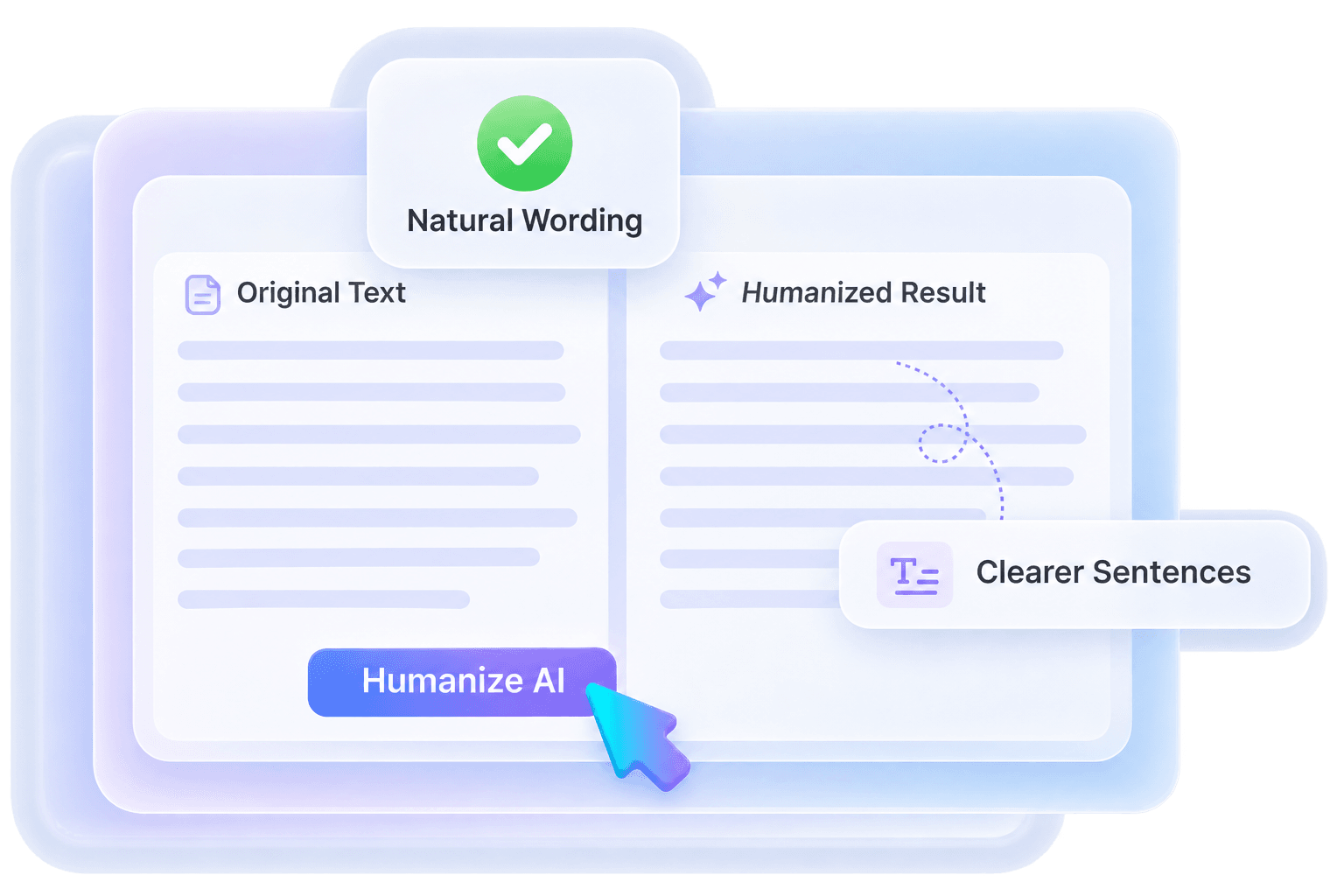
Make AI Writing Sound Natural with NoteGPT AI Humanizer
Your draft has the right ideas, but the wording feels stiff. Turn formal phrases and long-winded sentences into writing that gets to the point.
Start with a paragraph, compare the rewrite, and keep the phrasing that fits your voice.

Give Your Draft a Smoother Flow
Repeated sentence patterns can make a good explanation hard to stay with. Break up heavy passages and give each idea room to land.
A natural draft mixes short, direct sentences with longer explanations. Read the rewrite aloud to hear where it flows—and where it still needs an edit.
NoteGPT AI Humanizer: Before and After
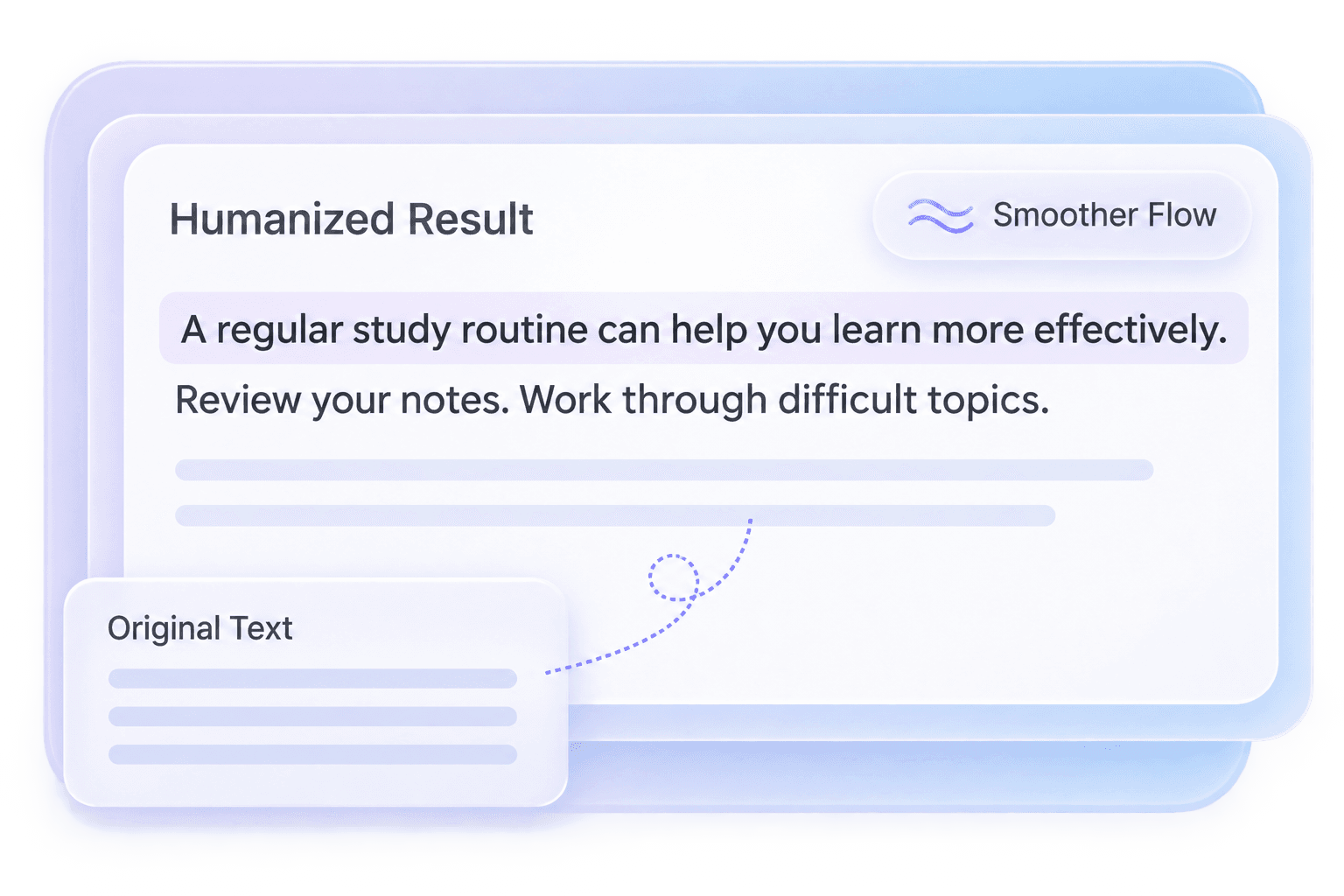
See how simpler wording makes the same idea easier to follow. Illustrative editing example.
A regular study routine can help you learn more effectively. Set aside time to review your notes and work through difficult topics so you understand the subject more clearly.
How to Use NoteGPT AI Humanizer

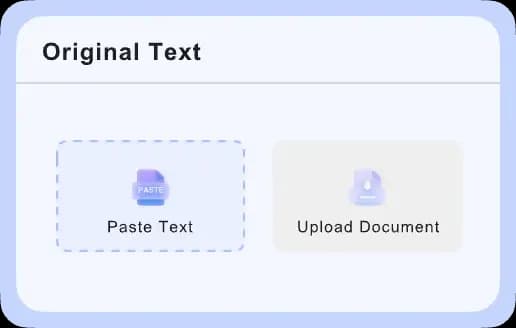
Add Your Draft
Paste a complete paragraph into the editor. Include enough context for the main idea to make sense.

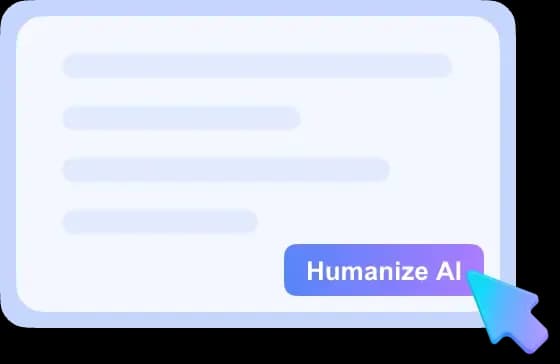
Humanize Your Text
Click Humanize to rewrite your passage. Check the editor’s current allowance and any account requirements before starting.

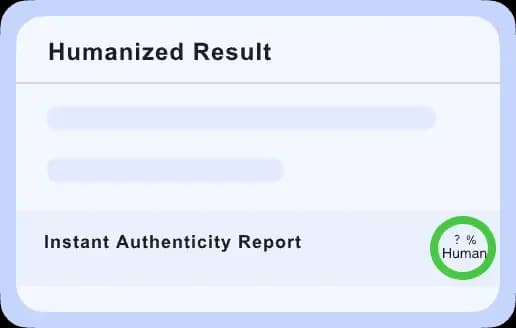
Review Your Rewrite
Compare both versions, check important details, and adjust any phrase that does not sound like you.
NoteGPT Humanizer for Everyday Writing

Essays and Assignments
Make a complicated point easier to follow without burying your argument in formal language. Keep your own analysis at the center and use editing assistance where your course allows it.
Study Notes and Summaries
Turn dense explanations into notes you can read without slowing down. Keep key terms and definitions intact, then add an example that helps you remember the idea.
Blog Posts and Articles
Give repetitive introductions and heavy paragraphs a more natural rhythm. Connect each section to the next, and add your own examples so the article has something specific to say.
Emails and Messages
Make requests sound direct and considerate. Replace stiff openings with everyday language, and make the deadline or next step easy for the person reading your message to find.
Reports and Proposals
Help readers reach the main point faster. Shorten wordy explanations while keeping the numbers, technical terms, and recommendations that matter to the decision in front of them.
Social Posts and Captions
Turn a generic caption into something you would actually say. Keep the opening clear, trim unnecessary wording, and add a detail or opinion that makes the post yours.
Keep Your Meaning. Make It Sound Like You.
The best version should still say what you intended.

Keep the Details Right
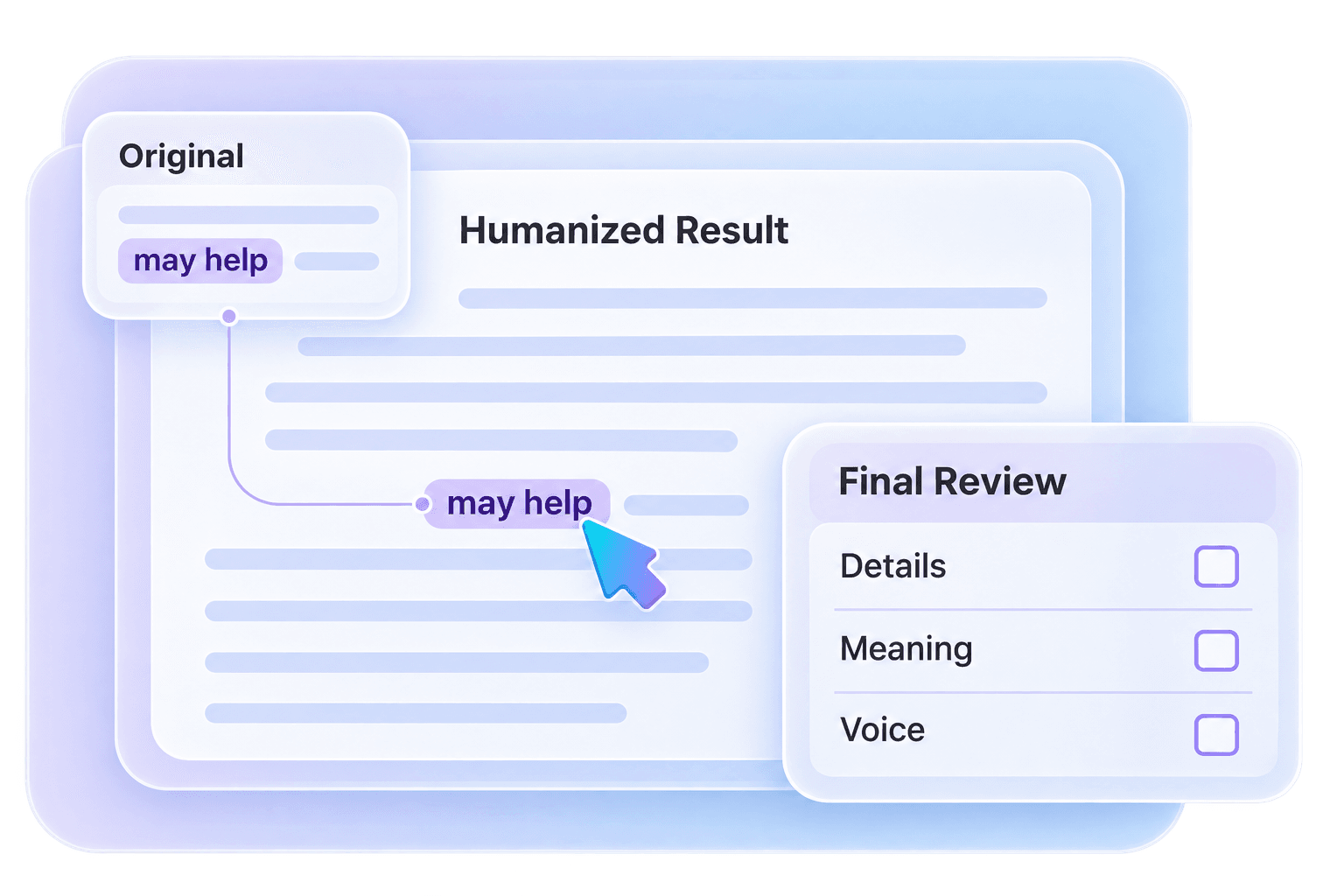
Check names, numbers, and key terms against your draft. A smoother sentence should not change the facts.
Bring Your Own Voice
Keep expressions you would normally use. Add a personal example where the writing feels too general.
Read It Once Aloud
Listen for awkward phrases and sentences that run too long. Make the final edits in your own words.
NoteGPT AI Humanizer FAQs
NoteGPT AI Humanizer is a rewriting tool offered by NoteGPT to make AI-assisted text sound more natural. It focuses on wording, flow, and tone. This page provides a separate humanizing tool; it is not the official NoteGPT service.
On NoteGPT’s website, add your text, choose an available mode, and select Humanize Now. Review the rewritten version before using it. If you are using the editor on this page, follow the three steps above and the limits shown in that editor.
NoteGPT advertises free humanizing, while its current editor also lists modes that use credits or quotas. Check the selected mode before you start. The editor on this page has its own access rules and allowance.
NoteGPT promotes no-sign-up access, but availability can depend on the mode and current usage rules. Check whether your chosen option requires an account or credits. That offer does not establish the access requirements of the separate editor on this page.
It can. A rewrite may shift emphasis or remove an important detail, even when it reads more smoothly. Compare the versions and check facts, quotations, and cautious wording such as “may” or “could” before accepting the changes.
Start with prose such as an email, article, report, or study summary. A complete paragraph gives more context than a few disconnected phrases. Keep direct quotations unchanged and review specialized terminology carefully.
Yes. Rewriting does not guarantee a particular detector result, and detectors can make mistakes. Judge the rewrite by its clarity, accuracy, and fit for your audience. Follow any disclosure rules that apply to your work.
Keep the phrases you would use in conversation and replace anything that feels forced. Add a concrete example, observation, or detail from your own experience. Reading the text aloud is a quick way to spot wording that does not fit.
Give Your AI Draft a Natural Finish
Start with the paragraph that feels hardest to read. Find clearer wording, smoother sentences, and a tone that fits your reader.