

You ask an AI tool to produce the first version of an article or essay. Even if you supplied the topic and outline, the resulting sentences came from the tool. When reviewing this kind of draft, separate the origin of the wording from the quality of the ideas. A detection result does not tell you whether its facts or references are correct.
GPTZero AI Detector: Check AI Writing
Check your draft for AI writing signals. Understand the result and review your text before you share it.
Content
Paste Text⌘Vor click
Upload DocumentTXT.DOCX.PDF
Try Example:
ChatGPT
Claude
Human
Human + AI
0 words
Result
AI-generated
?%
Mix-generated
?%
Human-written
?%
Add text and click "Detect AI" to see the results.
Highlighted AI-Generated/Paraphrased Sentences
List sentences likely AI-generated here
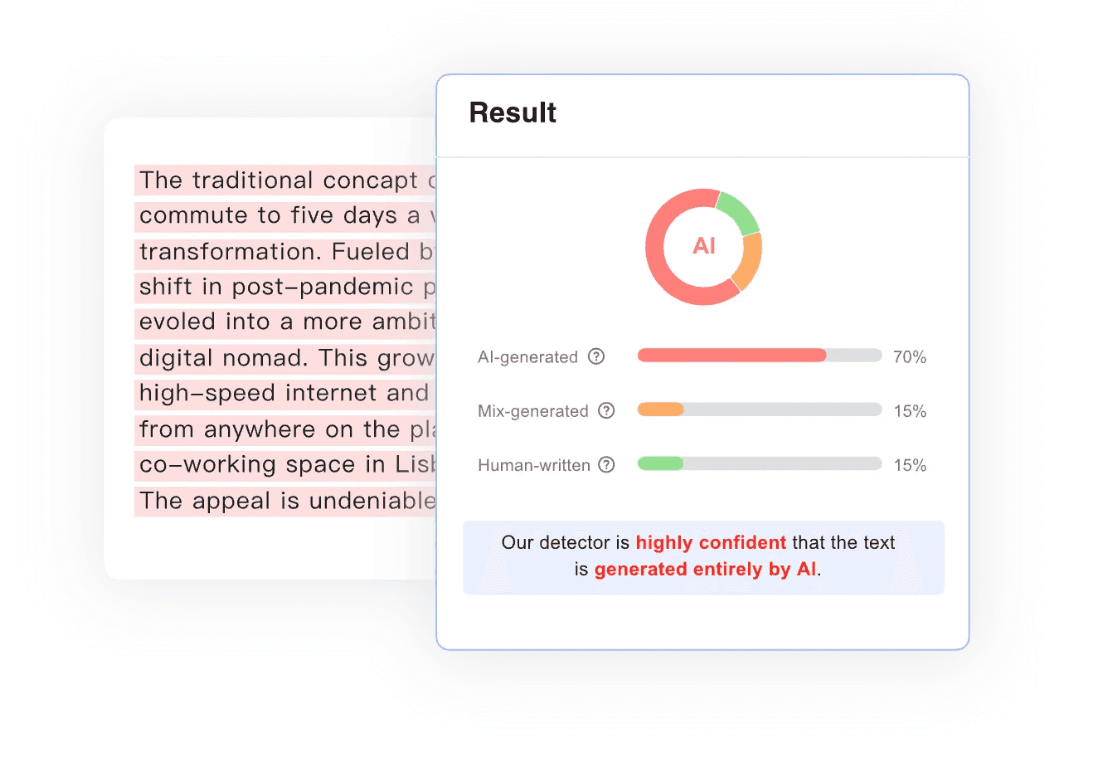
GPTZero AI Detector: Check Your Draft
Check essays, articles, and reports for signs of AI writing before you submit or publish.
Start with the overall assessment, then review flagged passages in context. An AI text check helps you focus your review where it matters.
Understanding GPTZero AI Scores and False Positives
Read what the score means before deciding what to do next.
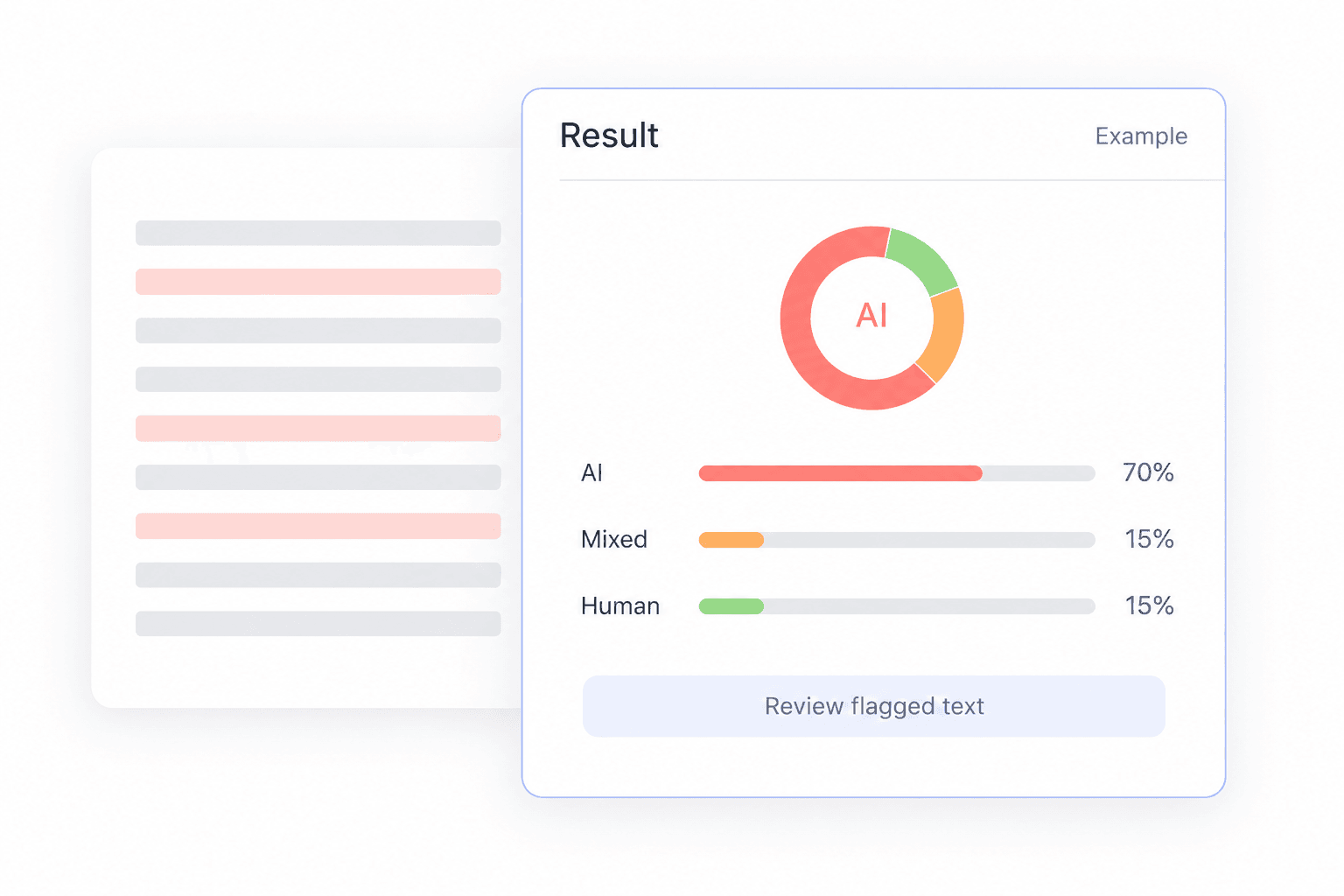
Read the classification and confidence together
GPTZero distinguishes AI, human, and mixed writing. Confidence describes how strongly the model supports its assessment. For example, 75% AI confidence does not mean that 75% of the words or sentences were generated by AI.
Use highlights to locate what needs a closer look
A marked sentence is a place to start reading, not a standalone verdict. Read the paragraph around it. A quotation, a repeated definition, and a change in writing style each need a different kind of review.
Leave room for uncertainty
A false positive happens when human writing is flagged as AI; a false negative happens when AI writing is missed. An uncertain result is a reason to gather more context, not to turn a tentative score into a firm conclusion.
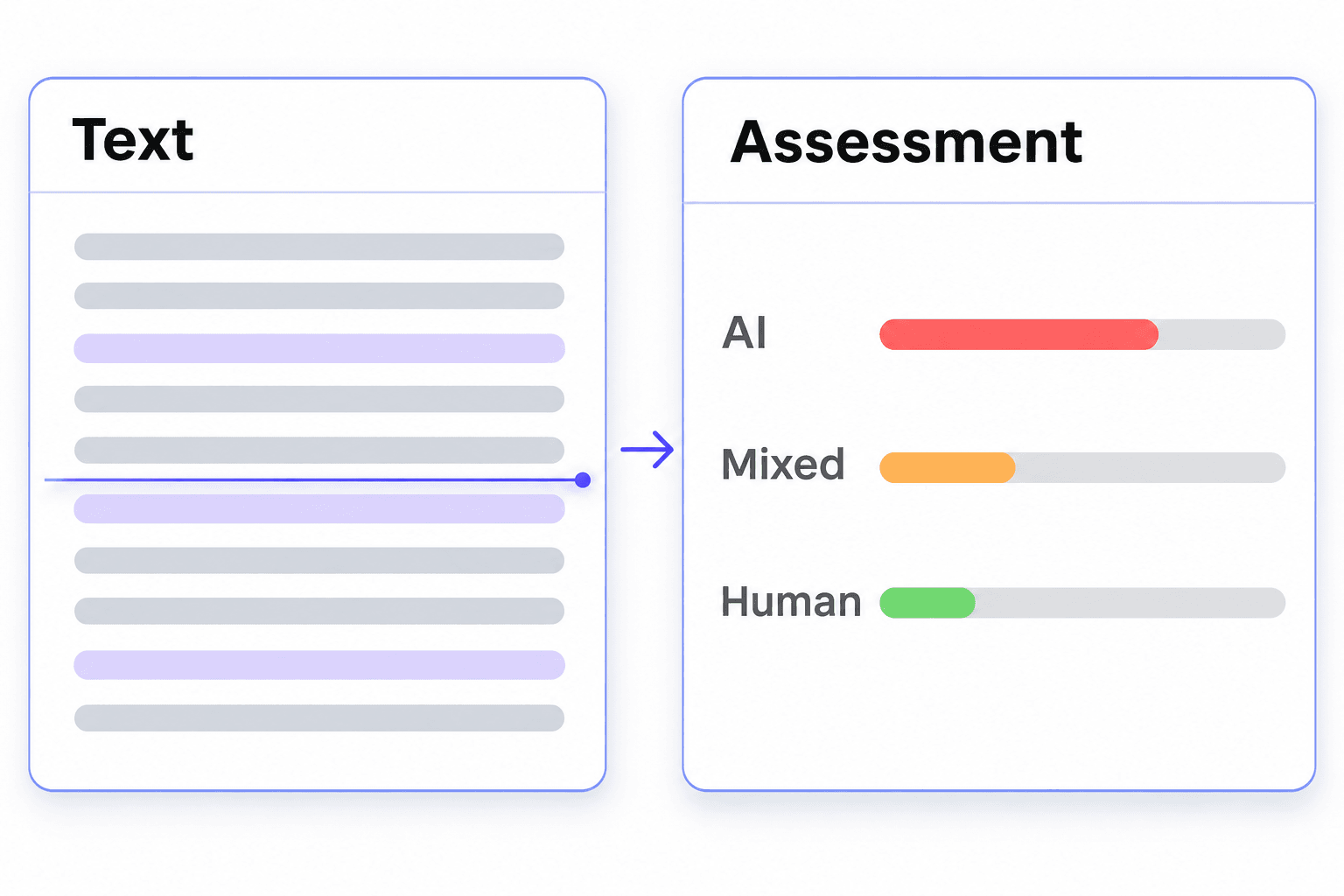
How GPTZero AI Detection Works
GPTZero analyzes wording and sentence patterns to estimate whether text is human-written, AI-generated, or mixed.
Check a complete passage, then read the assessment alongside your text. A score guides your review; it does not prove authorship.
How to Use an AI Text Detector
Check a complete passage, then spend your review time where it matters.
 Step 1
Paste Your Text
Paste a complete passage of at least 60 words into the editor. Keep its paragraph breaks, and check the allowance shown before starting. A connected passage gives you more context to review than an isolated sentence.

 Step 2
Select Detect AI
Click Detect AI to start the check. Follow any sign-in or credit prompt shown by the editor. Keep the version you submitted so you can compare the assessment with the exact wording you checked.
 Step 3
Read the Assessment
Read the overall result first, then look at any detailed feedback available. Review the relevant passage for meaning, accuracy, and appropriate AI use. Treat the score as one part of your review.

Step 1
Paste Your Text
Paste a complete passage of at least 60 words into the editor. Keep its paragraph breaks, and check the allowance shown before starting. A connected passage gives you more context to review than an isolated sentence.
Step 2
Select Detect AI
Click Detect AI to start the check. Follow any sign-in or credit prompt shown by the editor. Keep the version you submitted so you can compare the assessment with the exact wording you checked.
Step 3
Read the Assessment
Read the overall result first, then look at any detailed feedback available. Review the relevant passage for meaning, accuracy, and appropriate AI use. Treat the score as one part of your review.
GPTZero AI Content Detector for Different Writing Workflows
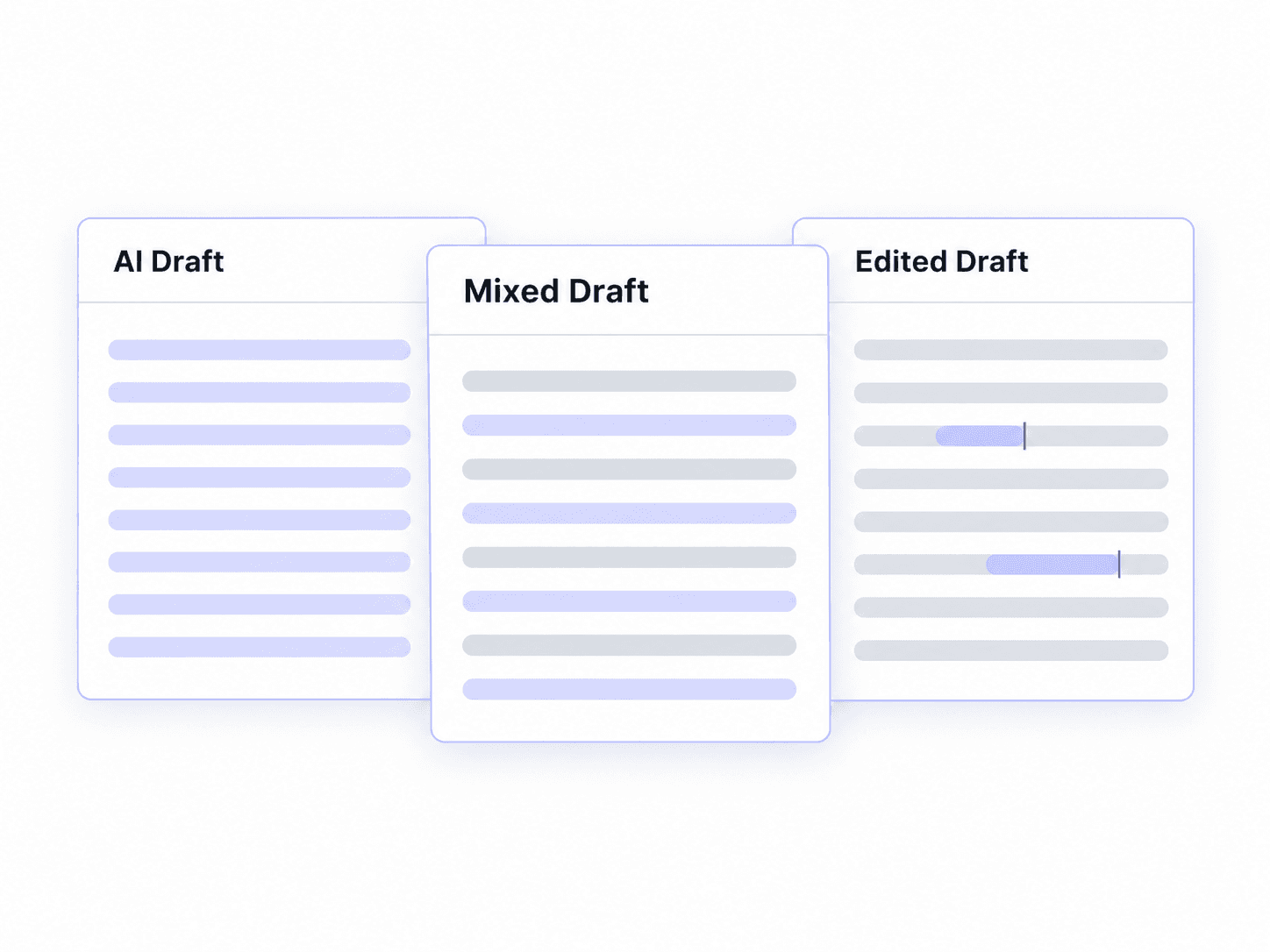
A generated draft, a mixed document, and an edited paragraph have different histories. Keep that history in mind when you check them.
You write the main argument, then use AI to add an introduction or expand one section. The document now combines different writing processes. Review the inserted section alongside the surrounding paragraphs, and keep track of what was added. A mixed classification is an estimate, not a precise map of which author wrote each word.
Correcting a typo and replacing a whole paragraph are different levels of assistance. Note whether a tool only fixed errors or substantially rewrote the text. GPTZero describes AI-paraphrasing analysis in its Advanced Scan, but detection can still be wrong. Editing history helps explain the process more clearly than a score alone.
What Can You Check with GPTZero AI Detector?
From essays to website copy, take a closer look at your writing before it goes out.

Essays and Coursework
Check your draft before submitting it. Review unexpected flags alongside your notes and earlier versions, and follow your course’s rules on AI assistance.

Research Papers
Review a paper before sharing it with a supervisor or journal. Read flagged passages in context, and check quotations, citations, and technical terms separately.

Blog Posts and Articles
Add an AI writing check to your editing routine. Look more closely at flagged sections, then check the facts, examples, and sources before publishing.

Freelance and Client Work
Review a draft before handing it over. Keep your revision history handy so you can discuss any questions alongside the client’s brief and agreed writing process.

Website and Product Copy
Check landing pages, product descriptions, and other website copy before launch. Review the result alongside your brand voice, product details, and supporting evidence.

Reports and Proposals
Check a report or proposal before sharing it with your team. Investigate unexpected flags and verify the figures, recommendations, and sources during your final review.
GPTZero AI Detector FAQs
Practical answers about accuracy, free checks, text length, and AI-assisted writing.
GPTZero is a text-analysis service that estimates possible AI involvement in writing. It assesses documents and, in supported reports, provides more detailed feedback on passages. An AI content detector helps focus a review; it does not replace a reader’s understanding of the subject or how the document was created.
There is no single accuracy percentage that predicts every result. Performance depends on the text being tested, the detector version, and how mistakes are measured. Look for evaluations that include both AI-generated and human-written samples similar to your own work. Check how often human writing is flagged as well as how much AI writing is detected.
The best choice depends on your task. Test tools on writing whose origin you know, using the same complete passage each time. Compare the clarity of the results, false positives, language support, and access limits. A tool that explains an uncertain result may be more useful than one that gives you a confident number without enough context.
It can be useful as a draft-review aid. Check how your course allows AI assistance, keep your working notes, and understand what the score means before acting on it. A result should not replace your teacher’s review of the work. If your writing is questioned, explain your process and provide relevant evidence.
Yes. GPTZero offers a free plan for basic AI detection, with usage and feature limits. Its paid plans provide additional allowances and tools. The editor on this page operates separately and shows its own credit and access requirements. Check the current prompts before starting, especially when working with a long document.
Use a complete passage with enough context to read naturally. The editor on this page requires at least 60 words; GPTZero’s own service has separate limits. Avoid treating a title, a short answer, or a single sentence as a substitute for the full document. Stay within the limit shown by the tool you are using.
GPTZero says its detector covers writing from multiple AI models, including ChatGPT and Claude. That does not mean it can reliably identify the exact model behind every passage. Model detection and text classification are different questions; read the actual report instead of assuming that an AI flag identifies its source.
It may. GPTZero’s Advanced Scan includes analysis for possible AI paraphrasing, but no result is infallible. Rewording a passage does not establish human authorship. When you evaluate edited text, consider the original draft, the extent of the edits, and the rules governing AI assistance for that work.
No. A mixed classification is not a word-by-word record of your process. Read the report’s definition of its score and distinguish classification confidence from a measured share of text. Your own record of what was drafted, inserted, and rewritten is a better way to explain the assistance you used.
Tools use different models, thresholds, and definitions. Some scores describe confidence; others describe estimated portions of text. Check that you submitted the same version and read each explanation before comparing numbers. Averaging unrelated percentages will not produce a more reliable answer.
Check the language coverage of the specific detector and plan you use. Support for a language does not imply equal performance on every writing style. When evaluating a tool, try known-origin samples in that language. Translating a document first changes the text being assessed, so the result is no longer a check of the original wording.
No. This page is independently operated and is not affiliated with GPTZero. Its editor provides a separate AI assessment with its own access conditions. Use GPTZero directly when you need its official report, account features, or Advanced Scan. The explanations here help you understand the topic and review your writing more carefully.
Take a Closer Look at Your Draft
Paste your text, run an AI writing check, and review the result before your next submission or handoff.
More Tools for Your Writing Workflow
Explore related tools to check AI writing, refine wording, and review your next draft.


