Clever AI Humanizer: Humanize AI Text

Turn stiff AI text into a more natural draft. Rewrite, refine, and keep the words that sound like you.

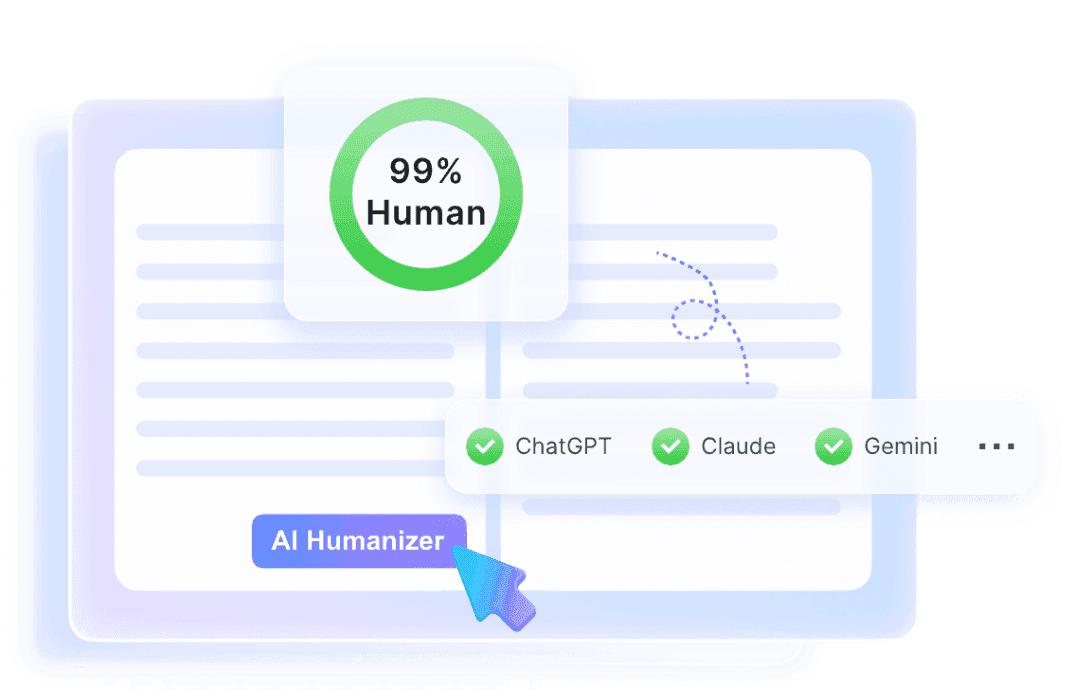
AI Humanizer interface illustration with a human score and model badges

Clever AI Humanizer for More Natural Writing

The ideas are there, but the draft feels stiff. Work on wordy phrases and formal language so your point is easier to follow.

Keep the changes that sound like you, then add your own examples and finishing touches.

    Humanize AI Text
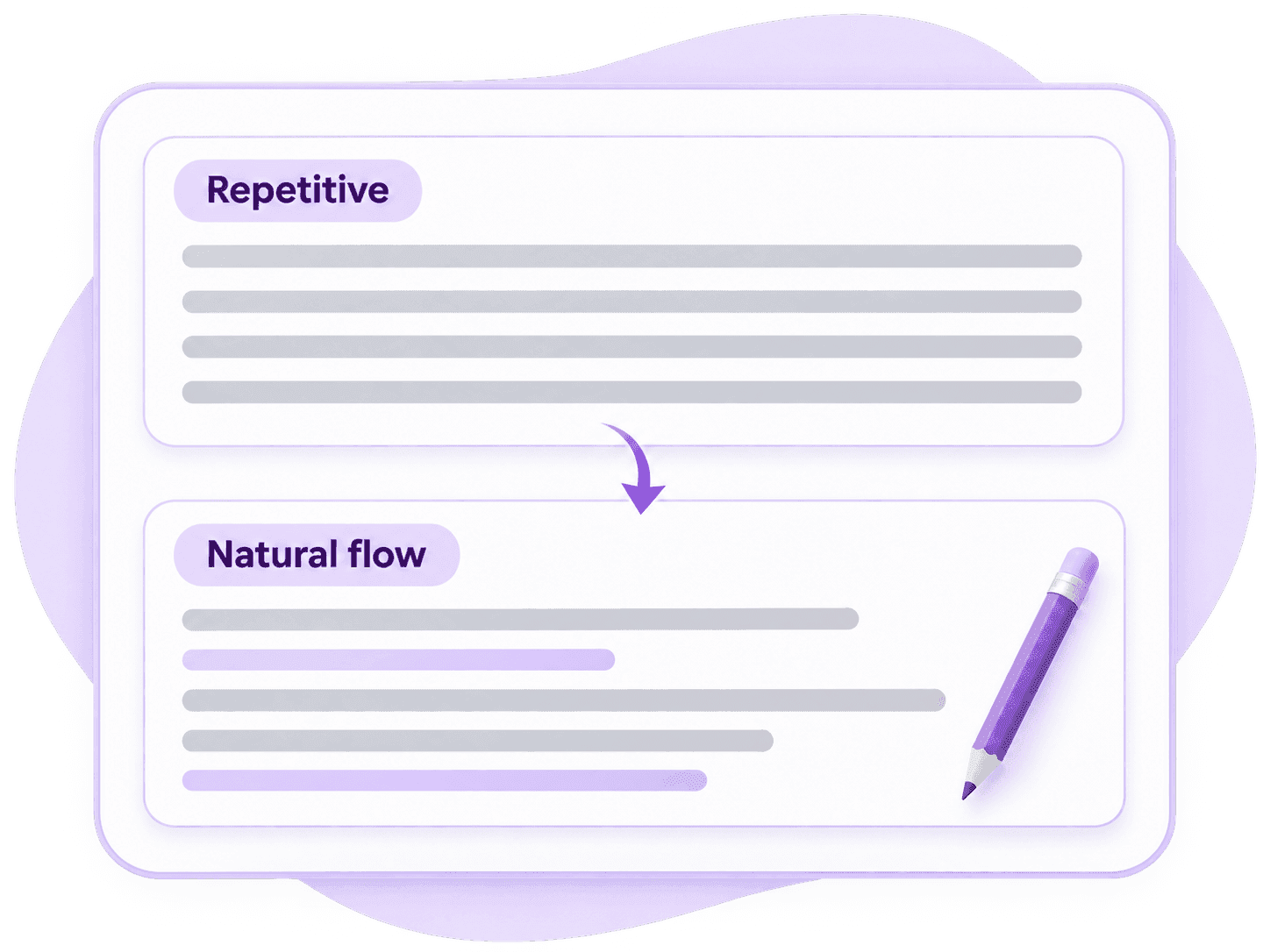
    Equal-length text lines become a varied sentence rhythm

    Give Your AI Text a Better Flow

    When every sentence follows the same pattern, a useful paragraph can feel flat. Vary the rhythm and connect ideas more smoothly.

    Read the new version aloud. Shorten anything that feels heavy, and keep longer sentences where the explanation needs room.

      Clever AI Humanizer: Before and After

      See how a more natural rewrite keeps the request and deadline clear. Illustrative editing example.

      Original Draft
      Before

      I am writing to inquire as to whether you have had the opportunity to review the proposal. It would be greatly appreciated if you could provide your feedback prior to Friday. This will enable our team to finalize the plan and prepare the materials for our next meeting.

      48 words
      Before AI Score
      ChatGPT logoChatGPT
      Claude logoClaude
      Grok logoGrok
      Gemini logoGemini
      DeepSeek logoDeepSeek
      Copilot logoCopilot
      Humanized Text
      After

      Have you had a chance to review the proposal? Please send your feedback before Friday so our team can finalize the plan and prepare the materials for our next meeting.

      30 words
      After Human Score
      GPTZero logoGPTZero
      BrandWell logoBrandWell
      Winston AI logoWinston AI
      Crossplag logoCrossplag
      Copyleaks logoCopyleaks
      Writer logoWriter
      ZeroGPT logoZeroGPT
      Turnitin logoTurnitin

      How to Use Clever AI Humanizer

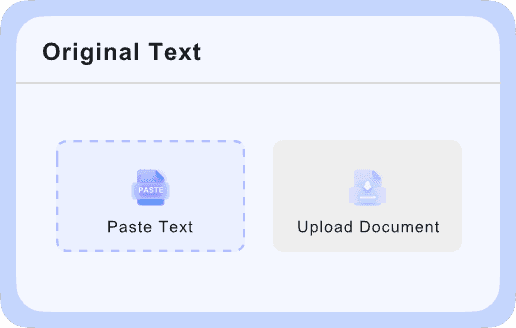
      Paste text into the original-text panel
      Step 1

      Add Your Draft

      Paste a complete passage into the editor. Check the displayed word allowance before you start.

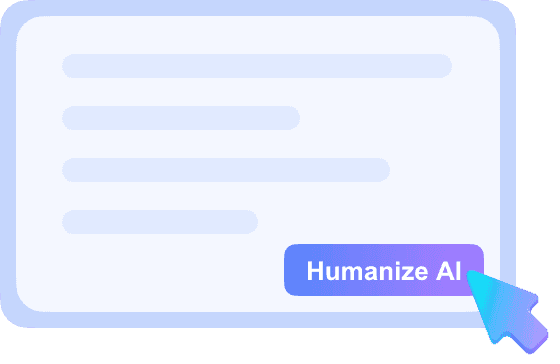
      Select the Humanize AI button
      Step 2

      Humanize the Text

      Choose the available settings and click Humanize. Follow any sign-in or credit prompt.

      Review details in the rewritten text
      Step 3

      Review Your Rewrite

      Compare the result with your draft. Check the facts and tone, then make it your own.

      Clever AI Humanizer for Everyday Drafts

      Choose the finishing touches that fit your reader.

      Emails People Can Act On

      Make the request, deadline, and next step easy to find. Keep the tone right for the person reading it.

      Articles With a Personal Voice

      Smooth a heavy introduction or a repetitive paragraph, then add an example from your own experience.

      Reports That Read Clearly

      Simplify dense explanations while preserving technical terms, figures, and the evidence behind your conclusion.

      Social Posts That Sound Like You

      Turn a stiff caption into something you would actually say. Keep the main point easy to spot, then add your own detail or perspective.

      Product Copy With Clear Benefits

      Explain what a product does in everyday language. Replace vague claims with useful details, and check every feature against the facts.

      Scripts That Feel Natural Aloud

      Make presentation notes and video scripts easier to say. Break up long sentences, leave room for pauses, and read the result aloud.

      Keep Your Meaning. Add Your Voice.

      A final read makes the rewrite yours.

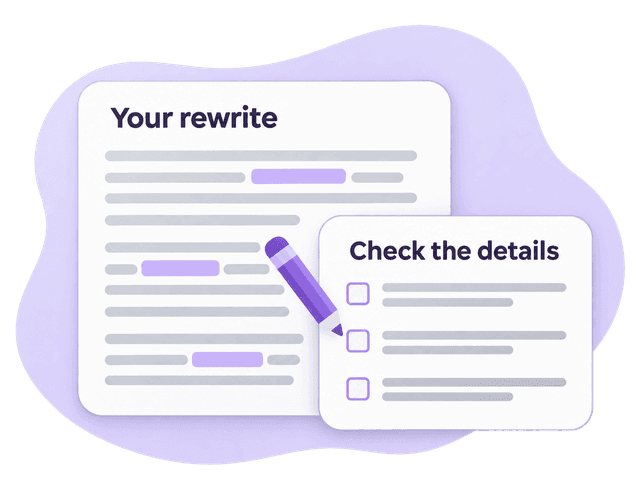
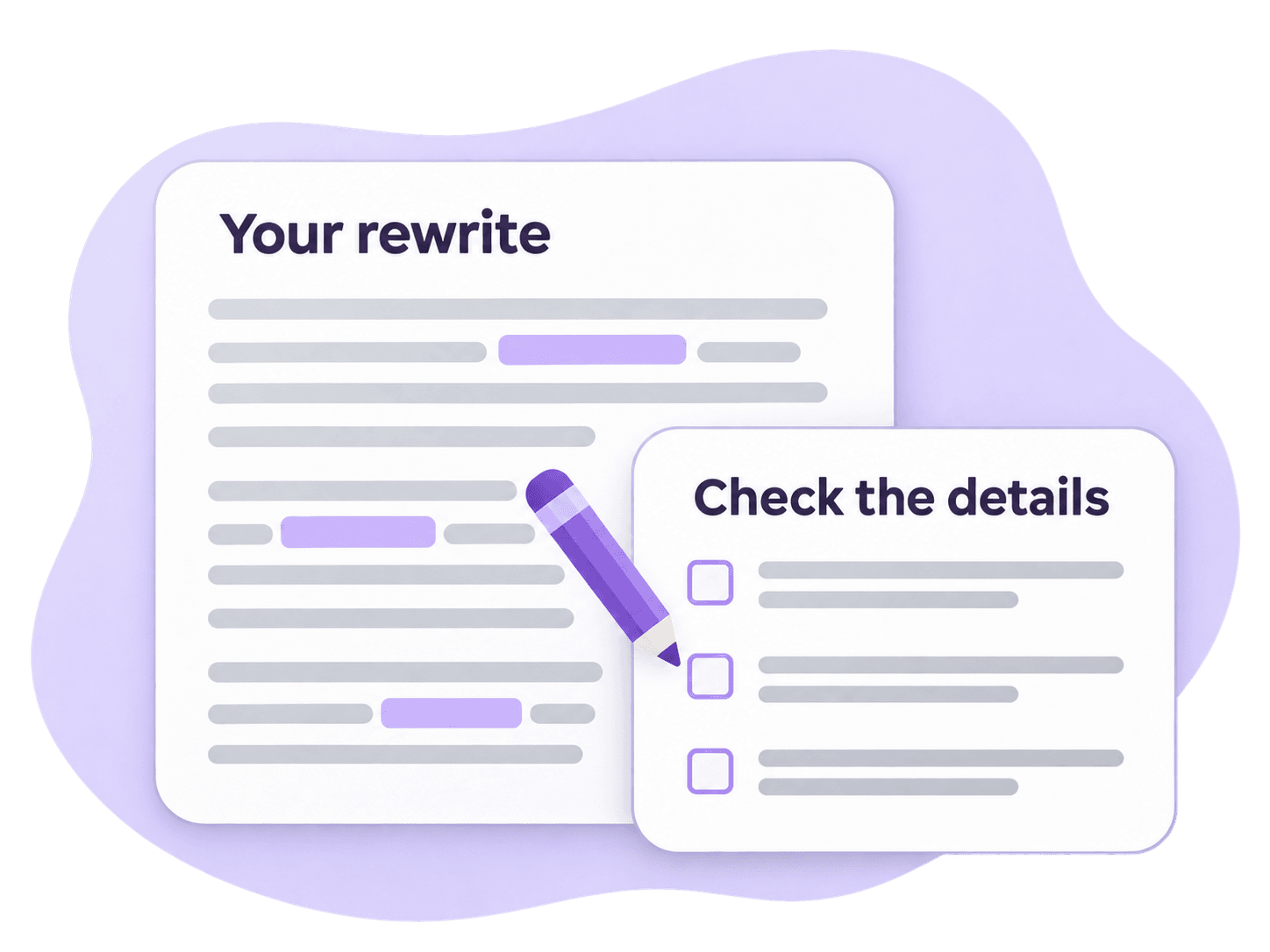
      A rewrite paired with a manual detail checklist

      Check the details

      Keep names, dates, figures, and technical terms accurate. Make sure “may help” has not become “will solve.”

      Add something specific

      Replace a vague claim with your own example or observation. That is where your perspective comes through.

      Read it aloud

      Change any phrase you would not normally use. You do not have to accept every suggestion.

      Clever AI Humanizer FAQs

      An AI humanizer rewrites an existing draft to improve how it reads. It can help you work on wording, sentence flow, and tone. You provide the ideas and review the result; the final text should still reflect what you mean.

      Free access is available through the allowance shown in the editor. Check the current word limit and any sign-in or credit requirements before starting. Begin with a short passage to see how much editing the rewrite needs.

      Use a complete paragraph with a clear point. After rewriting, read it aloud and replace anything you would not normally say. Add concrete details where the draft feels vague, and keep useful terminology instead of simplifying every word.

      It can. A rewrite may change emphasis, omit a detail, or make a cautious statement sound certain. Compare names, dates, figures, quotations, and claims with your original before you use the result.

      Yes. Rewriting does not guarantee a particular detector score. Focus on whether the text is clear, accurate, and appropriate for your audience, and disclose AI assistance where your work requires it.

      Use AI-assisted editing where your course or publication permits it. Keep your own reasoning, verify references, and preserve direct quotations. Humanizing text does not replace research or make an uncited source your own work.

      The tasks overlap. Paraphrasing restates a passage, while humanizing focuses on making the voice and flow feel more natural. Neither removes the need to cite a source when you use someone else’s ideas.

      No. This is an independently operated writing tool page and is not affiliated with the Clever Humanizer service. Access rules and results may differ between services.

      Give Your Draft a Natural Finish

      Start with the paragraph that needs the most work. Rewrite it, read it aloud, and make it yours.

      More Tools to Rewrite and Check Your Text

      Explore related tools for clearer wording and a closer review of your draft.