Students Reviewing a Report Card
See how your included subjects contribute to an overall average. Look at each course as well as the final number.


Turn report card grades into a GPA estimate. Check your average and understand how each class counts.
A grade tells you how you are doing in one subject. Your GPA brings the grades from several subjects into one average. It can help you review a report card, notice changes between grading periods, and prepare questions for a teacher or counselor.
Middle schools use different grading policies, and some report individual grades without an official GPA. Lynote gives you an estimate based on the grades and calculation settings you use. Your school's records determine your official result.
See how your included subjects contribute to an overall average. Look at each course as well as the final number.
Use the breakdown to discuss which subjects feel manageable and where a student could use more support.
Bring a clear list of grades and questions about course placement, grading rules, or the next reporting period.
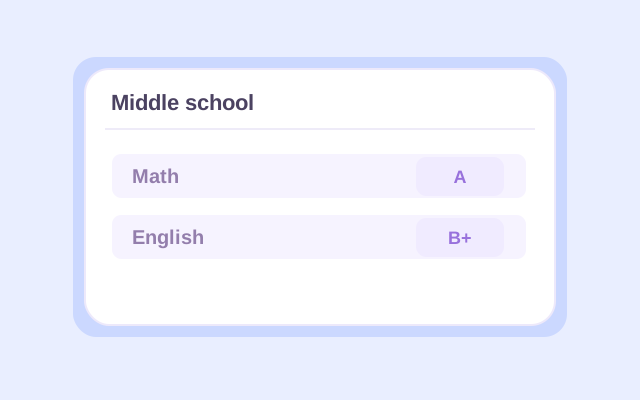
Choose Middle school and enter each course name with its letter grade. Use grades from the same reporting period. Add the subjects your school includes in the GPA you want to estimate.
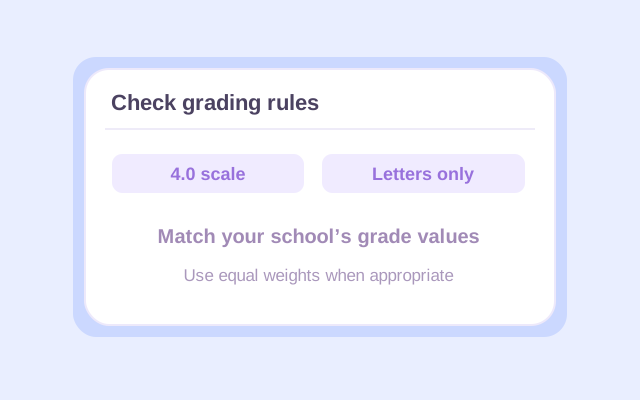
Compare the grading preset with your school's grade-point chart. For an equal-course average, keep every included class at the same weight. If a weight or credit value is required, use 1 for each equally counted class. Check different weighting rules before combining courses.
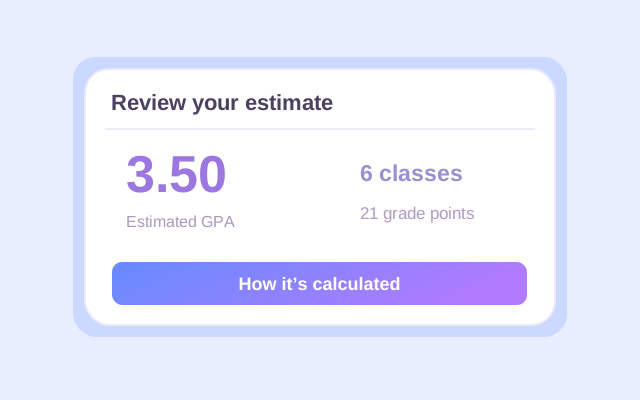
Click Calculate to review your GPA and calculation details. Check that the correct classes and grades were counted. If you change an entry, calculate again before exporting the result.
To calculate GPA in middle school, first match each letter grade to its point value. The table below shows Lynote's standard 4.0 plus/minus preset. It is a calculation preset, not a grading policy that every school must use.
| Letter Grade | Grade Points | Letter Grade | Grade Points |
|---|---|---|---|
| A+ / A | 4.0 | C | 2.0 |
| A− | 3.7 | C− | 1.7 |
| B+ | 3.3 | D+ | 1.3 |
| B | 3.0 | D | 1.0 |
| B− | 2.7 | D− | 0.7 |
| C+ | 2.3 | F | 0.0 |
If your school does not distinguish plus and minus grades, use Letters only: A is 4.0, B is 3.0, C is 2.0, D is 1.0, and F is 0.0. In that preset, B+, B, and B− all use the B value.
Percentage cutoffs are a separate issue. A number such as 89 should first be converted using your school's letter-grade rules. A standards-based proficiency mark, such as 3 out of 4, is not automatically a 3.0 GPA.
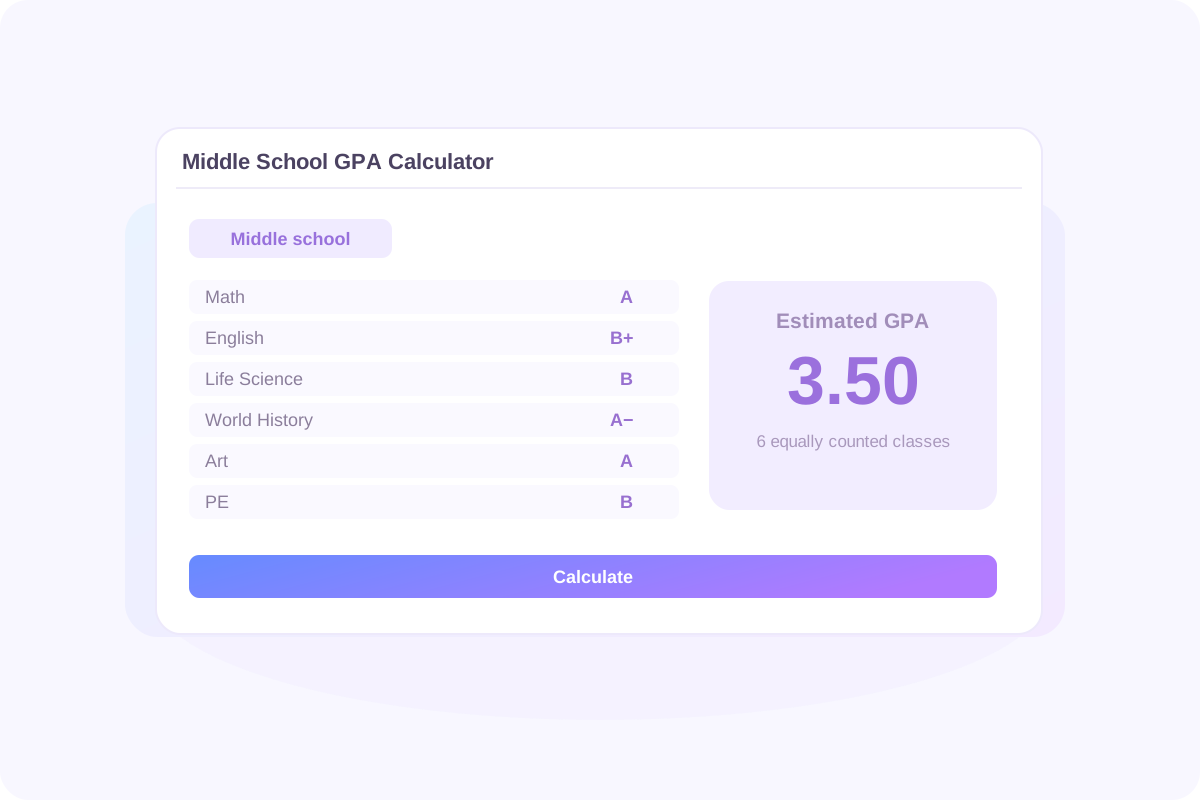
When all included classes count equally, add their grade points and divide by the number of classes. This example assumes that all six subjects below belong in the calculation and have the same weight.
Equal-course GPA = total grade points ÷ number of included classes
| Subject | Letter Grade | Grade Points | Equal Weight |
|---|---|---|---|
| Math | A | 4.0 | 1 |
| English | B+ | 3.3 | 1 |
| Life Science | B | 3.0 | 1 |
| World History | A− | 3.7 | 1 |
| Art | A | 4.0 | 1 |
| PE | B | 3.0 | 1 |
| Total | — | 21.0 | 6 |
21.0
4.0 + 3.3 + 3.0 + 3.7 + 4.0 + 3.0
6
Each subject contributes one equal unit.
3.50
21.0 ÷ 6 = 3.50 on the default 4.0 scale.
Blank rows and excluded grade symbols do not become extra classes in the denominator. Include each counted grade once, then compare the calculation with your school's method.
If your report card has no credit column, you may still be able to estimate a GPA. The question is whether your school gives each included class the same influence.
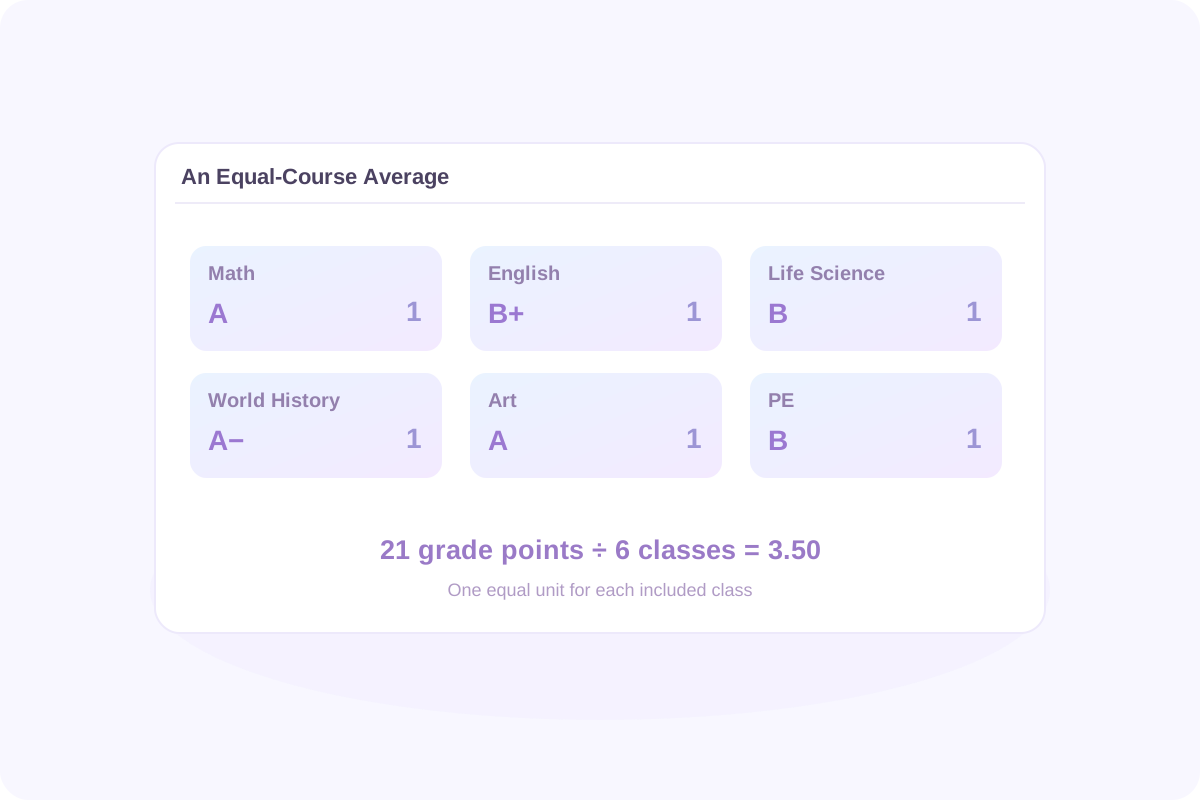
You do not need different credit values to calculate an equal-course average. Keep all class weights equal; entering 1 for each class, when required, expresses that equality. It does not award the course an official credit.
Use the school's course-weighting rule. A shorter class does not automatically count as half a class, and a quarterly grade does not automatically carry a 0.25 weight. Confirm the rule and whether the available calculator settings match it.
For different class weights: GPA = Σ(grade points × class weight) ÷ Σ(class weights)
Class weight describes how much a course contributes to the average. It is different from an advanced-course bonus that changes the points assigned to a grade.
The result is most useful when you can explain the numbers behind it. Review the GPA, the included classes, and the grade points or quality points in the calculation breakdown.
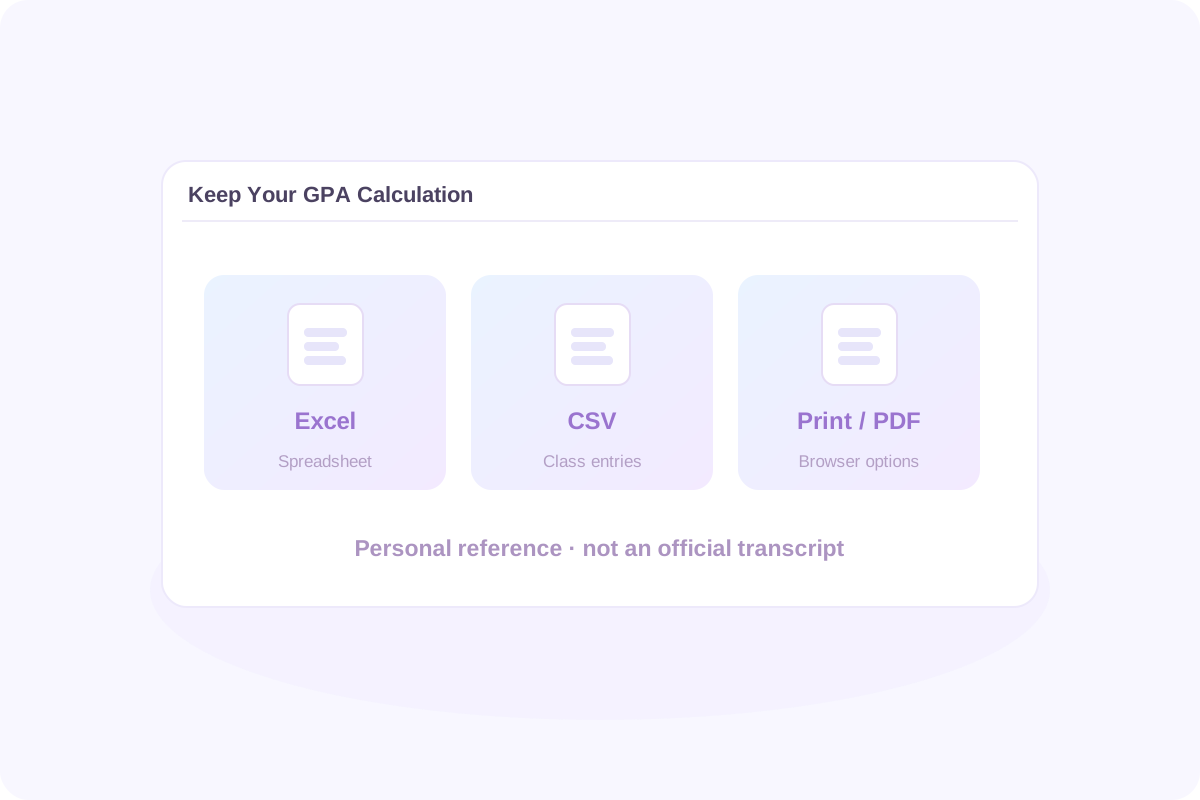
Save any result you need before refreshing or leaving the page. Course entries are not automatically retained after a page refresh. An exported calculation is a personal reference, not an official report card or transcript.
Decide what you want to measure before combining grades. A quarter, semester, school year, and several years can contain different sets of course entries. Use the reporting periods and grade treatment that match your purpose.
If a final course grade already summarizes the year's work, adding it alongside its component quarter or semester grades can double count that coursework. Use a consistent type of grade throughout the calculation.
When using Previous GPA, pair the earlier GPA with the total course weight or GPA credits behind it. Use the same grading scale and weighting basis for the new entries. Do not mix an equal-course count with actual credits measured differently.
Combined GPA = (earlier GPA × earlier total weight + new quality points) ÷ (earlier total weight + new total weight)
For example, suppose an earlier GPA of 3.20 represents 12 equally weighted class-grade entries. The six new entries from the report card example add 21.0 points.
38.4
3.20 × 12 = 38.4 points.
21.0
Six new entries at one equal unit each.
3.30
(38.4 + 21.0) ÷ (12 + 6) = 3.30.
The 18 entries represent grades across the included periods, not necessarily 18 different subjects. Do not re-enter coursework already represented by Previous GPA. An estimate built from rounded earlier GPAs can also differ slightly from one calculated using all original grades.
Start with your school's expectations and the individual subjects behind the average. On the default unweighted 4.0 scale, these values provide useful reference points.
4.0
Reference value on the default unweighted scale.
3.0
Reference value on the same grading preset.
2.0
An overall average, not proof that every class is passing.
Honor roll, activities, and advanced-course placement can have different requirements. A published GPA requirement may also be accompanied by minimum course grades or other conditions. Ask which rules apply instead of assuming one cutoff works everywhere.
Look beyond the final number. If one subject has become difficult, the next useful step may be help with that subject rather than trying to move an overall average by a few hundredths.
Your overall middle school GPA and the treatment of a high-school-credit course are separate questions. Ask your school about courses such as Algebra I or a world language completed before high school.
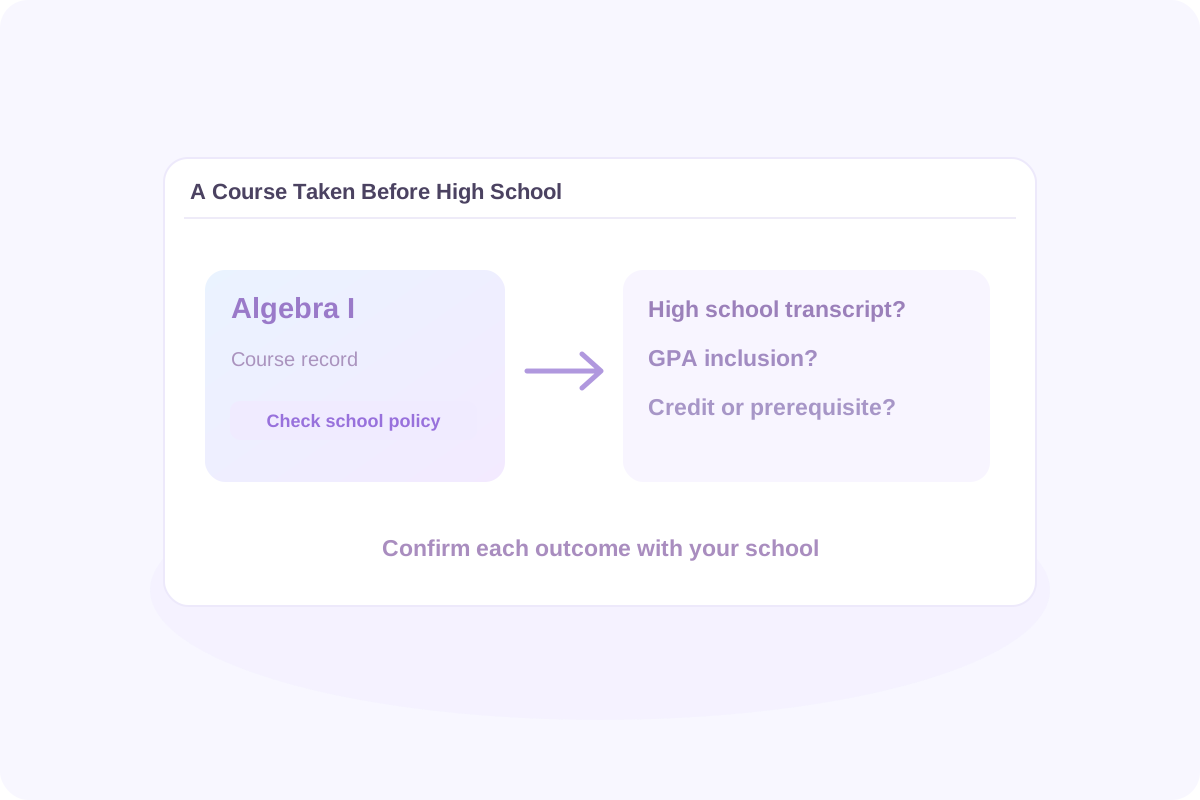
Confirm whether it appears only on the middle school record or also on the high school transcript. A course's grade level alone does not answer that question.
Check whether it contributes to high school GPA, earns graduation credit, or meets a prerequisite for another course. Those outcomes are not interchangeable.
For a district-specific example, Fairfax County Public Schools explains how high school courses and earlier coursework can enter its GPA and transcript rules. Your school may follow a different policy.
College application requirements are another separate issue. This middle school GPA estimate does not reproduce a college's admissions calculation or predict an admission decision.
Use the calculation to identify a question you can act on. You might ask why a course grade changed, what feedback appears repeatedly, or which work can still be completed for credit.
Look for missing assignments, unexpected marks, and upcoming assessments. Ask your teacher about anything unclear and whether late work can still receive credit.
Use class notes, worked examples, or practice questions to review a specific skill. Bring a problem you attempted when asking for help.
Compare the same subjects and reporting periods when possible. Discuss the changes with a parent, teacher, or counselor and choose a practical next step.
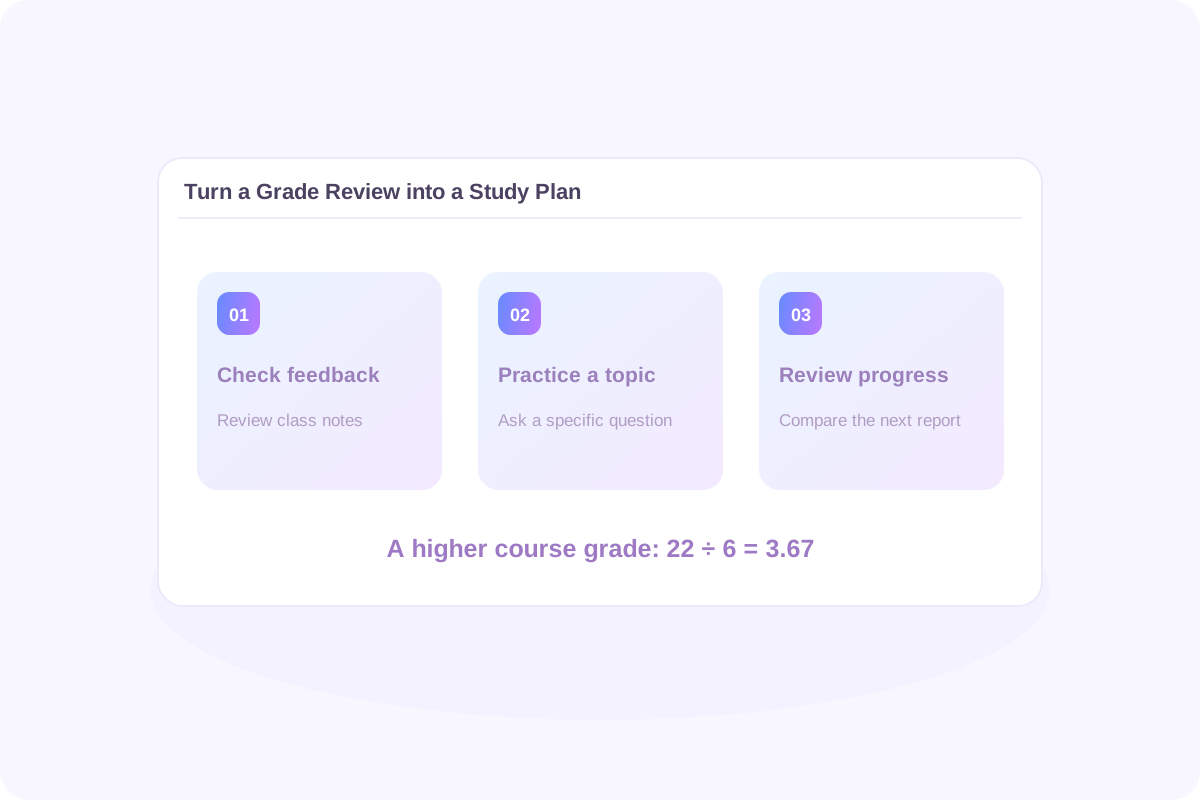
To explore a possible outcome, change a course grade and click Calculate again. In the six-class example, improving Life Science from B to A adds 1.0 point: 22.0 ÷ 6 = 3.67, compared with 3.50 before the change.
This illustrates the effect of a higher final course grade. One improved assignment will not necessarily move the course into a new letter band. The calculator supports manual comparisons; it does not automatically solve for a target GPA.
No. Some schools report an overall GPA, while others provide subject grades or proficiency marks. You can estimate an average from letter grades, but that does not mean your school officially reports or uses that GPA.
Use the grades and rules for the period you want to review. Convert included letter grades to points, apply any required class weights, and divide the total quality points by the total weight. With equal weights, add the points and divide by the number of included classes. The arithmetic does not change simply because you move to another grade level.
Yes, for an equal-course estimate. Each included class needs the same weight; use 1 for each if a weight value is required. If your school weights subjects differently, an equal-course result may not match its GPA. Confirm the rule before treating your estimate as a school result.
This workflow uses letter grades. Convert each numerical grade to a letter using your school's grading chart before entering it. A middle school GPA calculator with no credits still needs a valid grade conversion; removing credits does not make percentages directly equivalent to GPA points. Do not assume that 90 always means A or divide a percentage by 25.
No. A proficiency scale measures performance against learning standards and may use different definitions from a letter-grade GPA. Use a conversion only if your school provides one. Do not substitute GPA points for proficiency marks simply because both scales use similar numbers.
Include them if they belong in the GPA your school calculates. A course's subject or length does not automatically determine whether it counts or how much weight it receives. Check the report card instructions, school handbook, or counselor's guidance.
In Lynote's GPA rules, F contributes zero grade points and still counts toward the included weight. P, NP, W, and I are excluded from both quality points and the GPA denominator. Schools may use special marks differently; do not turn a check mark or “Satisfactory” into an A or F without an official conversion.
Use one consistent reporting basis that matches the result you need. A quarter GPA uses that quarter's included grades. An annual calculation may use final course grades. Do not combine final grades with their component period grades as extra entries unless the school's method calls for that treatment.
Yes, when the entries use compatible grade values, weights, and counting rules. Add the quality points and corresponding weights from each included period, then divide. Simply averaging term GPAs works only when their total weights match, and using already rounded GPAs can introduce small differences.
Only when the GPA calculation you need awards those points. A class being called advanced or gifted does not automatically make it an Honors, AP, or IB course for GPA purposes. Use an unweighted calculation unless the school's policy and the selected calculator settings support the required bonus.
Check the grading preset, included subjects, class weights, reporting period, special marks, and rounding. A portal may also use grades that have not yet appeared on your report card. Lynote does not connect to your school gradebook or automatically synchronize those records.
High-school-credit courses completed before high school may appear on the high school transcript or affect its GPA under local rules. Ask separately whether the course earns credit, appears on the transcript, and contributes to GPA. An overall middle school average does not answer those questions.
Your school sets the requirement. It may consider the overall GPA, individual course grades, conduct, or other conditions. Check the published rule for the relevant reporting period. A 3.0 or 3.5 GPA is not a universal honor-roll qualification.
Lynote's GPA tool offers 50 free calculations without signing up and a one-time allowance of 100 free calculations for signed-in users. Additional use follows its credit rules. Export results to Excel or CSV, or use browser Print / PDF. Entries are not automatically retained after a refresh; check the allowance and export controls shown in the tool.
| Tool | Study Use |
|---|---|
| Word Counter | Check the word count of a report or other written assignment. |
| AI Learning Path Generator | Organize topics you want to learn or revisit. |
| AI Notes Generator | Organize supported learning materials into study notes. |
| AI Humanizer | Review draft wording where AI-assisted revision is allowed. |
| AI Detector | Review AI-content estimates as one signal, without treating them as proof of authorship. |
| Invisible Character | Copy blank characters for text formatting where permitted. |
| Document Translator | Translate supported documents for multilingual study. |
| AI Flashcards | Create practice cards from supported materials for recall practice. |
| PDF Summarizer | Review key ideas from supported readings and textbook PDFs. |
| Audio to Text | Turn recordings you have permission to process into text for review. |
A useful study routine starts with materials you can understand and revisit. Explore these Lynote guides for reading and note-taking ideas. Find ways to capture important ideas from assigned reading without copying every sentence. Compare different note structures and choose one that suits the subject and task. Learn a text-based review workflow for recordings you are allowed to use.
Start with your report card, check how your school counts each class, and see the calculation behind your average. Keep a copy and use it to plan your next conversation about learning.