Find Out How an AI Checker Reads Your Draft
Run your text through Lynote to get an independent assessment of possible AI writing. You can check the version you plan to submit or an earlier draft you are still working on.
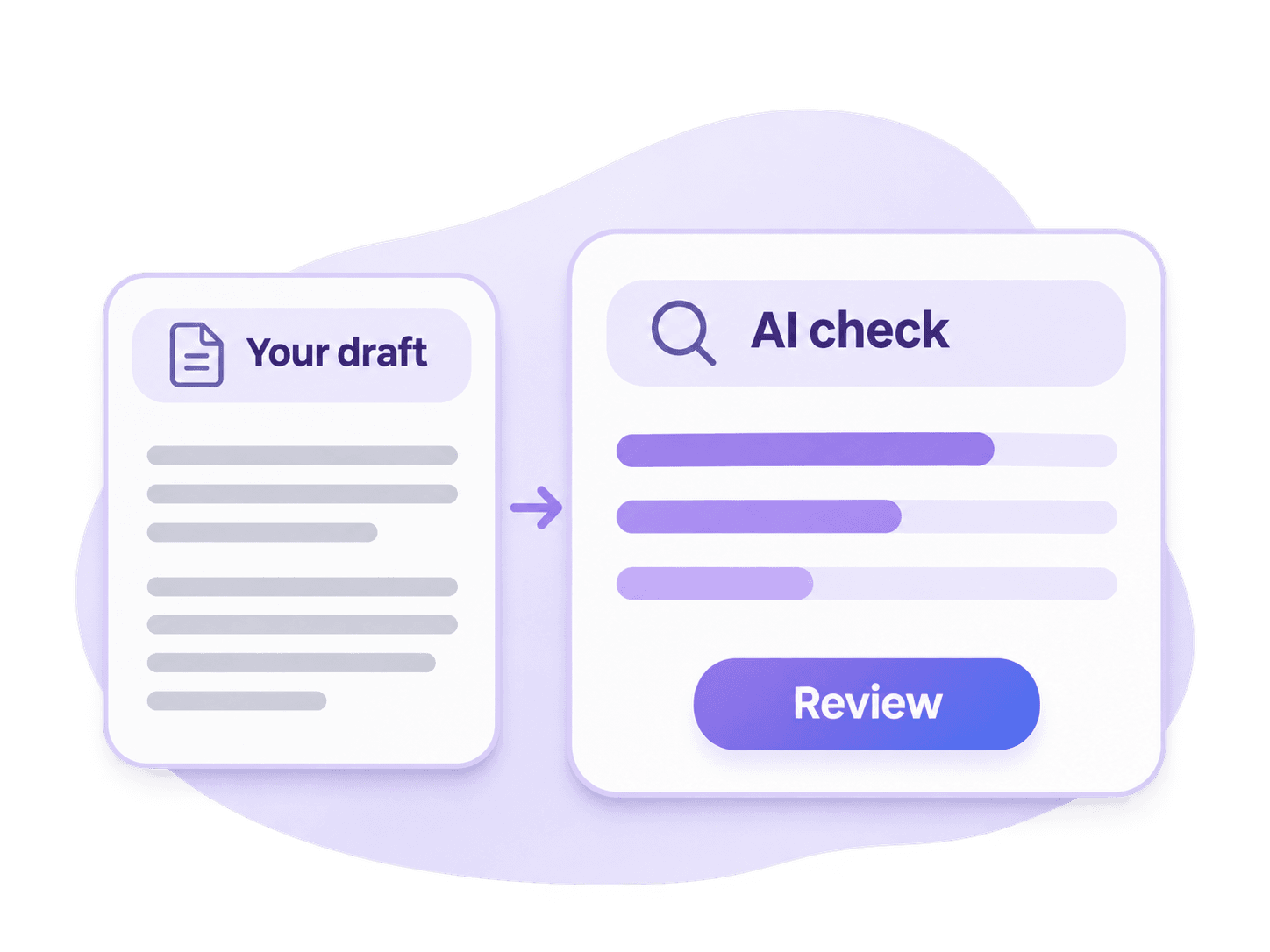


Wondering if your essay sounds AI-generated? Check your draft before submitting to Turnitin. Get an AI writing assessment, review the result, and take another look at your text while you still have time to edit.
You have finished your essay. Before you hand it in, you want to check whether your writing might raise questions about AI use. Start with your draft. An AI check gives you feedback to consider while you can still review the text, revisit your sources, and make changes.
Run your text through Lynote to get an independent assessment of possible AI writing. You can check the version you plan to submit or an earlier draft you are still working on.
A surprising result is easier to work through before the deadline. Read it alongside your draft and decide what deserves another look.
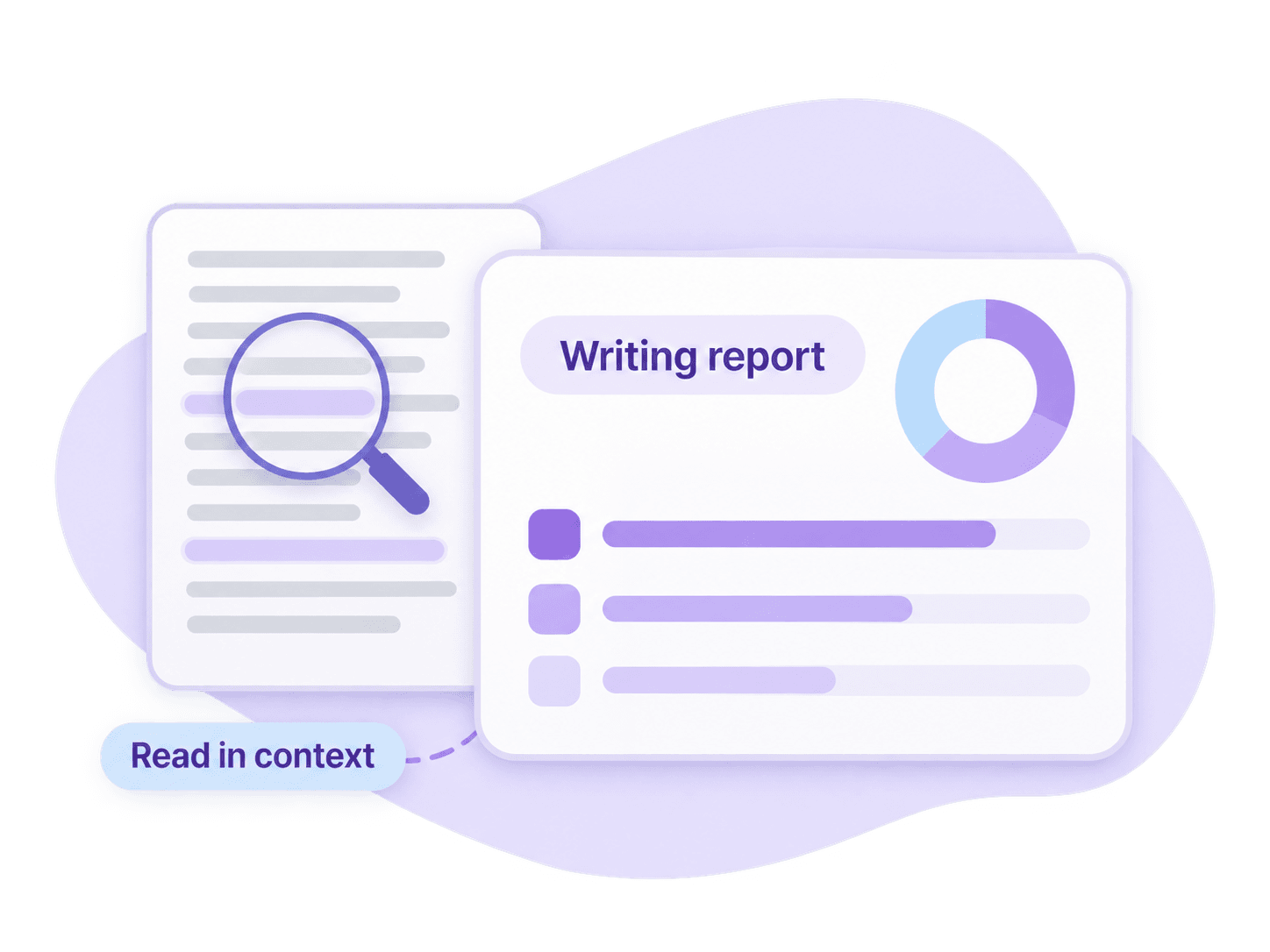
Use the feedback to review how clearly you have expressed your thinking. Make edits you can explain, and keep the details that reflect your work.
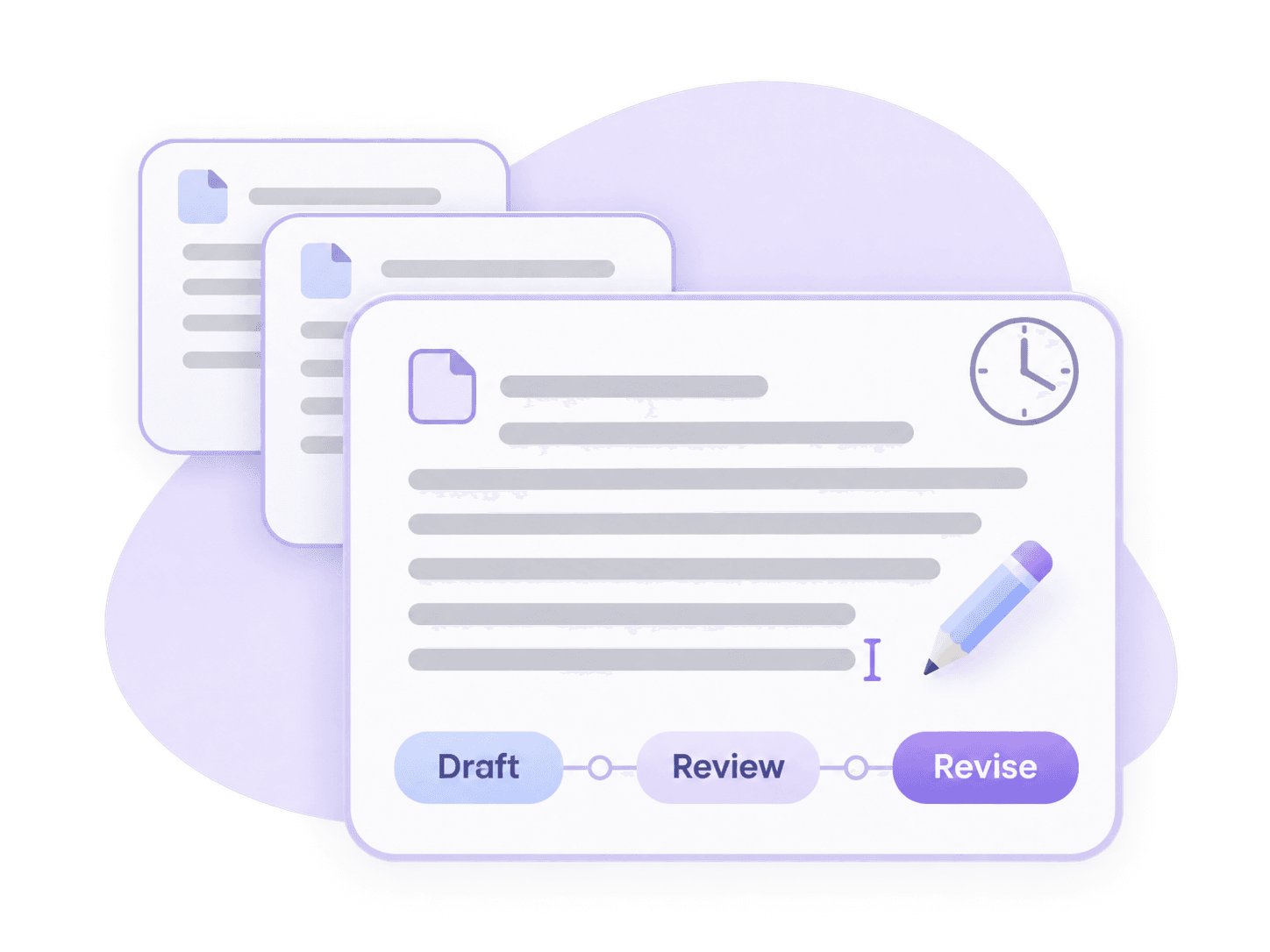
If your school uses Turnitin’s AI writing detection, you may want feedback before your assignment enters the submission process. A separate draft check gives you a chance to review your writing first.
Perhaps you used an AI tool during brainstorming. Perhaps you wrote every word yourself and want to see how a detector assesses it. Either way, the result can help you decide whether to take a closer look.
Treat the check as one part of preparing your assignment. Your argument, evidence, citations, and course requirements still deserve a final review.
Start with the text you already have. Get an independent AI writing assessment before submission, then read the report alongside your draft. If the result surprises you, revisit your writing history before deciding what to change.
Review your draft for possible AI-generated writing.
Check an updated version after making meaningful revisions.
Get feedback on an essay or paper before submission, while you still have time to edit.
Add a final AI check to your usual proofreading routine.
Copy your draft into the checker. Make sure the text has pasted correctly and falls within the length limits displayed in the tool.
Select Detect AI to analyze your writing. Follow any on-screen prompt to unlock the full report, then read the result and its explanation.
Return to the text with the result in mind. Review anything that needs attention, save your changes, and follow your school’s submission requirements.

Run a free check using the Study Credits available to you. Check the credit requirement before starting, and follow any prompt to unlock the full report.

Copy text from your writing document into the checker. Use the version you want to review, whether it is your first draft or your final edit.

Get an AI writing assessment and return to your draft with that feedback in mind. You decide which changes improve the assignment.

As your draft develops, you can check the updated text after substantial revisions. Keep earlier versions so you have a record of your progress.
Turnitin’s AI writing detector analyzes qualifying text for patterns its models associate with AI-generated writing. It produces an AI writing assessment within supported Turnitin services.
Access depends on your institution’s service and permissions. Students looking to review a draft beforehand may use a separate AI checker such as Lynote.
An independent check produces its own result. It does not provide access to Turnitin’s model or generate an official Turnitin report.
A Turnitin AI score estimates how much qualifying text its model identifies as potentially AI-generated. It needs to be read with the report and the submission itself.
A 0% result means the model did not identify qualifying text as likely AI-generated. That result addresses the AI writing assessment, rather than the overall quality or originality of the assignment.
Turnitin uses an asterisk for detections above 0% and below 20%. It suppresses a precise percentage in this range because false positives are more likely.
For results of 20% or higher, Turnitin displays a percentage and identifies relevant passages. Those passages need review before conclusions are drawn about how the work was written.

Review argumentative essays, reflective writing, and other coursework before you hand them in. Use the check alongside your usual review of structure, evidence, and grammar.

Check the prose in a research draft while you work through your final edits. Review citations separately to make sure each source is represented accurately.

Check your statement as you refine the story you want to tell. Keep the examples, experiences, and details that make it personal.
Review sections within the checker’s supported length. Keep your drafts and research notes as your argument develops across the project.
Lynote offers a separate place to check your draft. Turnitin’s AI writing report is accessed through an institution’s enabled service.
| What to compare | Lynote AI Checker | Turnitin AI Detection |
|---|---|---|
| Where you use it | On this page | Through an institution’s Turnitin service |
| Typical use | Reviewing your draft before submission | Reviewing work within an institutional workflow |
| Assessment provided | An independent AI writing result | Turnitin’s AI writing result |
| Access | Free checking within the displayed limits | Subject to institutional access and permissions |
| Official Turnitin report | No | Yes |
You can use Lynote before submitting through your school’s usual process. The two tools may return different results.
Turnitin’s detection capabilities include identifying possible AI-generated writing and, in supported models, AI-paraphrased text. Capabilities vary across language models and product updates.
Changing a few words or running text through a rewriting tool does not guarantee a particular result. If you use AI while working on an assignment, follow your course’s rules and check whether you need to disclose that use.
AI detection can make mistakes. Human-written text can be flagged, and AI-generated text can go undetected.
A report should be considered alongside the assignment, the student’s drafts, and other relevant context. Turnitin advises against using its AI result as the sole basis for action against a student.
The same care applies when reading an independent AI check. A result from Lynote cannot guarantee what your school’s report will show.
Get an independent assessment while you still have time to review your essay. Check the draft you intend to submit and read the result in context.

Add an AI check to your writing review if you want another point of feedback. Keep wording that accurately expresses your ideas, even when a result makes you pause.
Review sections of longer academic projects during drafting. Keep a clear record of your sources, notes, and revisions as the work develops.
Run a check when your draft is ready for review. You can fit it into your writing process before the submission deadline.
Try the checker with the free Study Credits available to you. Review any report-unlock prompt before continuing.

Keep the review in your hands as you read the feedback, return to your draft, and decide what needs attention. You stay responsible for the final wording and the ideas it expresses.
Answers about access, accuracy, free checks, and unexpected results.
Yes. Turnitin has an AI writing detection feature in supported services. Whether it is used for your assignment depends on your institution’s access and settings. Ask your instructor if you are unsure how your course handles AI detection.
You need access through an institution with the relevant Turnitin service. Users with the required permissions can open the AI writing report through the reporting interface. If you are a student, ask your instructor how to view or discuss your report. You can use Lynote for a separate check before submitting.
Turnitin’s AI detector can make errors, so accuracy needs to be considered in context. Text length, the supported language model, and the material being assessed can affect the result. A score should be reviewed alongside the writing and other evidence of how it was produced.
Ask your instructor which passages raised concern. Explain your writing process and gather any outlines, notes, earlier drafts, and version history that support it. Keep a copy of the submitted work. Follow your school’s review process, and focus the discussion on how you developed the assignment.
Turnitin uses its own AI writing detection models. Independent checkers produce separate assessments, even when their pages describe them as Turnitin AI detector alternatives.
No. Lynote is an independent AI checker. You can use it to review your draft before a Turnitin submission, but it does not generate an official Turnitin report.
Yes. You can start with Lynote’s free Study Credits. Each check uses credits based on text length, and access to the full report may require an unlock step. Check the current allowance and prompts in the tool before starting.
Results may differ because the tools use separate detection systems. Use your Lynote result to guide a review of your draft. It cannot predict an exact Turnitin percentage.
Choose edits that improve your writing. Repeatedly changing words to lower a score can make your meaning less clear. Focus on a well-supported argument, accurate sources, and wording you can explain.
Your draft is ready for another look. Paste your text, run a free AI check, and review the result before you hand it in. Independent AI assessment. Results may differ from Turnitin.

