

Free AI Chat with Images

Drop files or browse

Add study materials to enable the AI to extract and structure content.
What is AI Chat With Image
Benefits of an AI Chat With Pictures Tool

Learn To Read Any Picture At Any Time!
Display an image and ask a question about it. The content and the little details will be fetched in a second.

Automatically Extract Valuable Information From The Data
Read information and data presented in text, numbers, and tables from a picture. It will automatically extract the data from the image.

Make Visuals With This Tool For AI Chat With Images
Never read or draw a drawing or diagram slowly. The answer is provided in seconds – usually within 10 minutes.

Turn Your Images into Searchable & Actionable Assets
Create a folder of photographs that are contained in a searchable collection. It is not necessary to have a set of files, say, IMG_4021.

Unlock Smarter Decision-Making
Examine photographs, glean information, and convert an image into an idea and decision to take action, in a workspace or own project.
How Chat With Image AI Works
Advanced Image Processing
All pixels are tested to obtain a clear understanding of the image. Picks up on things, places and details without asking questions.
Context Understanding in AI chats with pictures
This is more than just naming objects in AI chats with pictures. For one, it reads relationships. This is why the solutions seem to be correct.
Natural Language Interaction
Phrase your question in the usual manner. It will provide you with a response in no time. Images are much more expressive than text.
Why Choose Lynote AI Chat with Images
Interactive Chat
Continue the discussion. You do not have to take the picture again on every occasion.
Multiple AI Styles
Choose a tone appropriate for the circumstance: warm, business-like, and sincere. Picture equals many answers to accommodate the need.
Instant Responses
No waiting and no spinning wheel! Click upload image and, upload the question, and the answer will be given.
Deep Analysis
Not only "what is this," but real detail on the picture; even most tools don't get down to this level of detail.
Multi-language Support
Ask your question in your own language. One thing to know is that Language sensitivity is not a feature of the image, nor of Lynote.

Simple Sign-Up Process
No complicated sign-up procedure to create an account! In only a few steps, upload a picture to start talking.
Create AI Chat With Images Using Intelligent Image Analysis
Natural Language Interaction For AI Chat With Image
Detailed Visual Descriptions Upon Chatting With Image AI
Contextual Understanding with This AI Chat With Image Tool
Chat With Image AI Tool That Is Flexible And Versatile
Interactive Q&A After AI Chatting with Pictures
Real Ways to Use AI Chats With Pictures

Document & Receipt Analysis
Read text and terms from a picture of a receipt or contract without re-typing a single line.

Product & E-commerce Management
Make a product photo and write a listing description that lists all of the elements of the product that a shopper would want to know.

Marketing & Content Creation
No blank facing backwards. Capture and share to create ad copy right from a screen.

Examine A Chart, Graph, And/Or Presentation And Assess Its Effectiveness
Avoid interpreting the meaning of a chart. Ask with our tool.

Accessibility & Image Descriptions
Create descriptive and alternative text for images that is accessible to all and will improve your SEO.

Education & Research
Make inferences from a diagram or a scanned page of notes by asking questions. It can be used to interpret a scientific number as well.
How to Use This AI Chat With Image Upload Tool
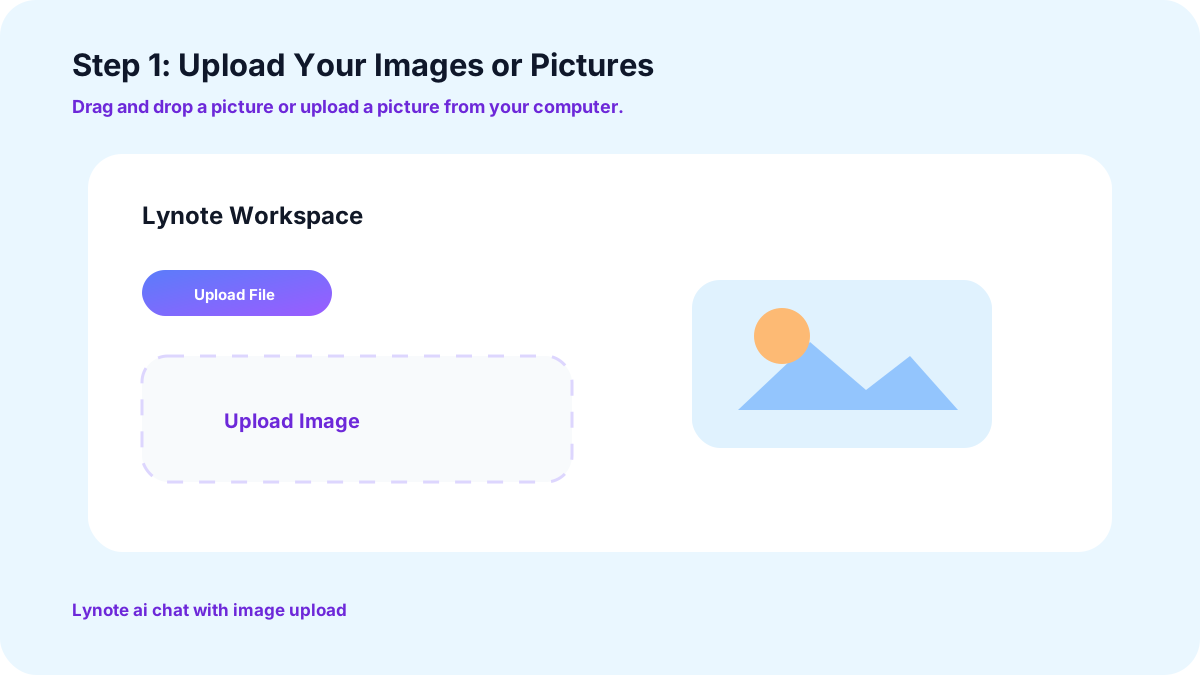
1. Upload Your Images or Pictures
Drag and drop a picture or upload a picture from your computer. Most common formats are okay, such as JPG.
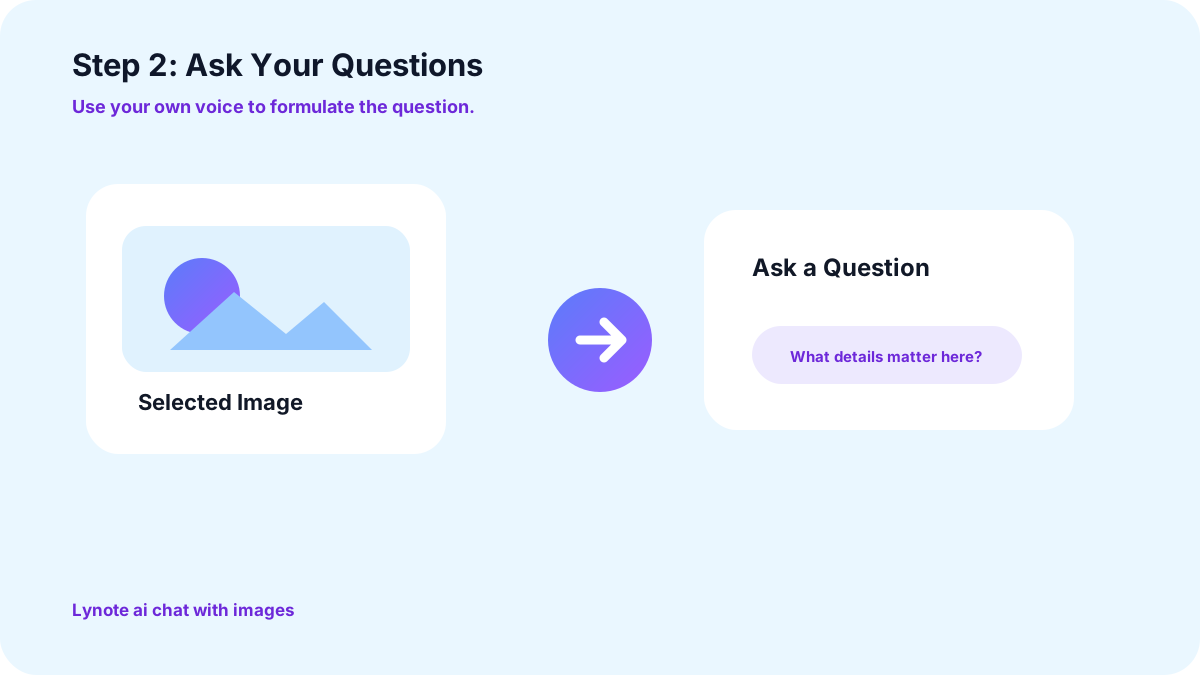
2. Ask Your Questions
Use your own voice to formulate the question and ask it as you would ask a person standing next to you. There isn't a particular format to ask the question.
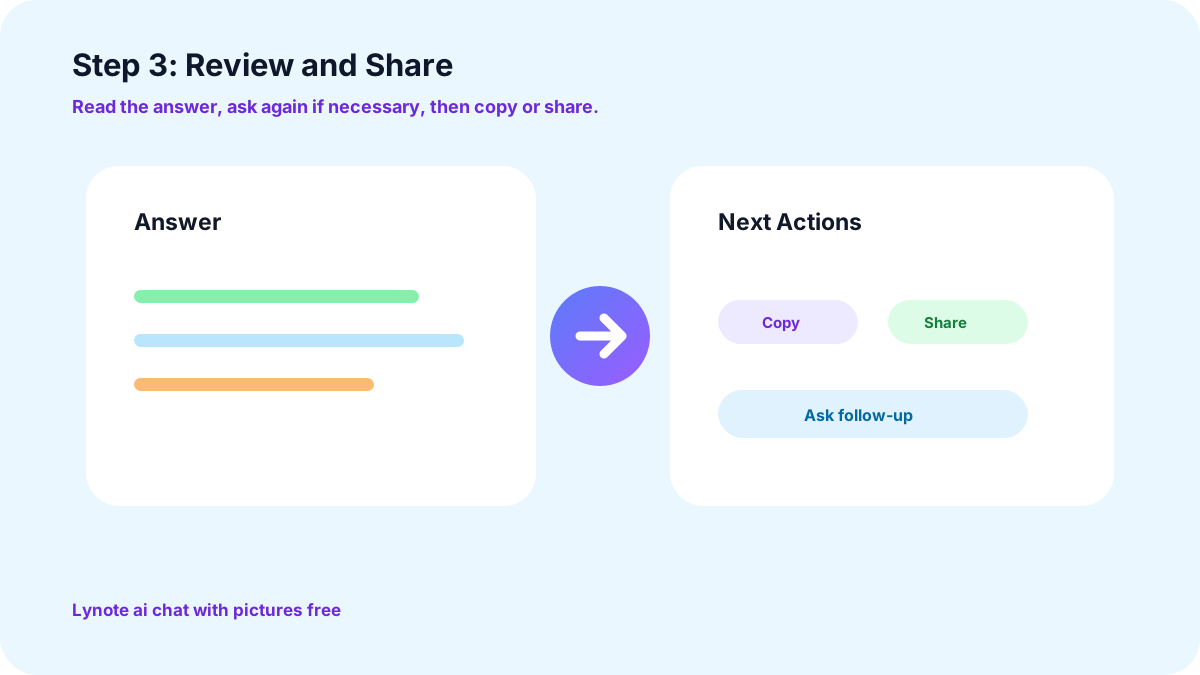
3. Review and Share
Read the answer, ask (if necessary), and copy the answer (or share it as necessary).
Customer Feedback on Chat With Image AI

Content Creator

Once, I used to take 10 minutes on a picture and think about where to write it; now I ask myself, and I get 3 ideas before I have my coffee!

Teacher
“Showing photos of old textbook diagrams (with no words on the diagram) helps my students to understand the diagrams for class discussion.”

Photographer
I use it to get a second opinion on what lighting or composition I have on my shots. The only thing I don't have to do is discuss the weather - nice and easy.
Start Chatting with Your Images
Don't ask yourself what's in the picture. Get the authentic answer for free in seconds by uploading it to Lynote.
Frequently Asked Questions
Yes, no account/payment required. Submit a photo and start questioning right away.
Most common formats (including JPEG). It's not a requirement and won't require any conversions either.
Yes, if there are any more words left to say. Include a follow-up or pivot to another part of the same image.
Yes, pose your question in your native language and be responded to in the same way.
Yes. It can get text and labels directly from a picture. You don't need to re-enter the information on a receipt.
You can use it for free to some extent.
More Lynote Tools for Image Chat, Visual Reading, and Content Review


Image Chat Guides for Visual Questions, AI Review, and Better Outputs
Read Lynote guides on asking better visual questions, reviewing AI-assisted content, improving image-based workflows, and turning visual details into usable text.


