Free AI PDF Summarizer

Drop files or browse

Add study materials to enable the AI to extract and structure content.
What Is an AI PDF Summarizer?
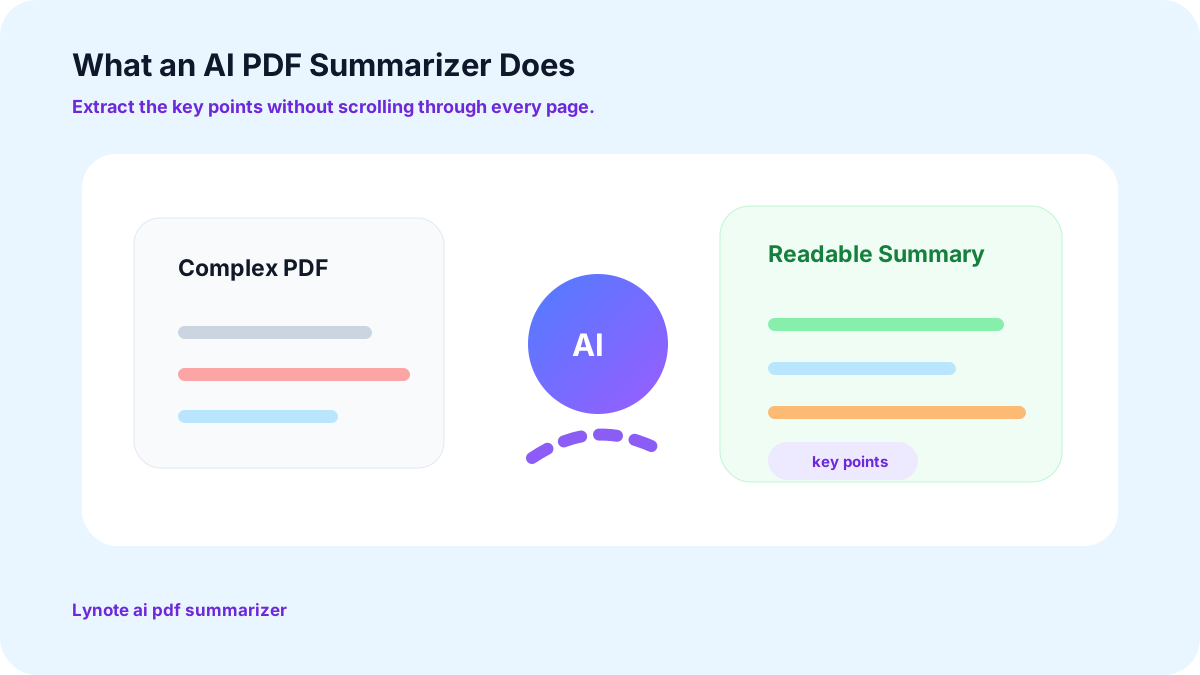
What Is an AI PDF Summarizer?
Everything You Actually Need in a PDF AI Summarizer

Effortless Overviews From This AI PDF Summarizer Free Tool
No sign-ups or downloads. Upload your file and get your summary back in seconds, in whatever format you prefer.

An Intuitive Interface for This PDF Summarizer AI
Focus on learning, not figuring out new tools. Whether you're a student, researcher, or professional, the design here hands you summarized insights without a learning curve.

Versatile Summaries From a True PDF AI Summarizer
Choose how you want your summary: bullet points for a quick scan, key insights for a decision, or a detailed overview with AI chat for deeper understanding. Adjust it to fit any need.

AI Summarizer PDF Tool That Works on Any Device
Use it on Windows, Mac, Linux, iOS, or Android, whenever you need it, wherever you happen to be working.

AI-Powered Insights Built to Summarize PDFs
Refine summaries with AI chat and get clickable page references for quick access to the source material, perfect for navigating large documents and verifying information.

Secure and Private Every Time You AI Summarize PDF Files
GDPR compliant, ISO/IEC certified, and encrypted in transit, so your files and summaries stay exactly as safe and secure as you'd expect.
Why Choose Lynote AI PDF Summarizer?
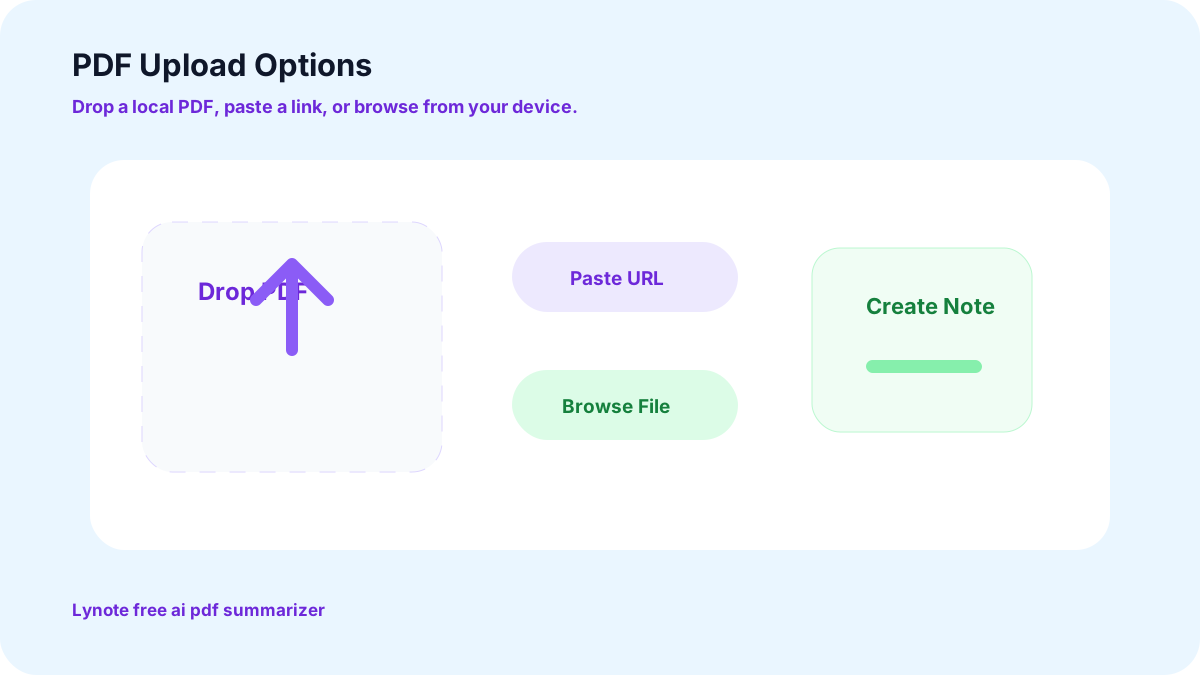
Drag, Drop, or Paste a Link Into This Free AI PDF Summarizer
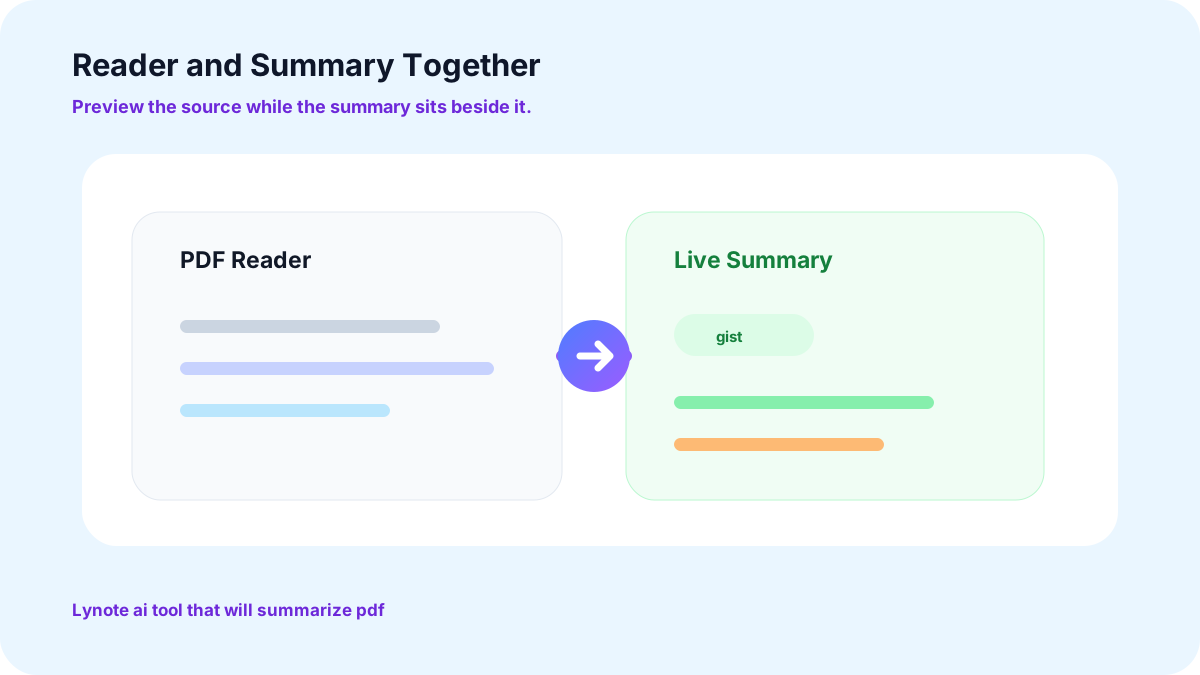
An AI Tool That Will Summarize PDF Files as You Read
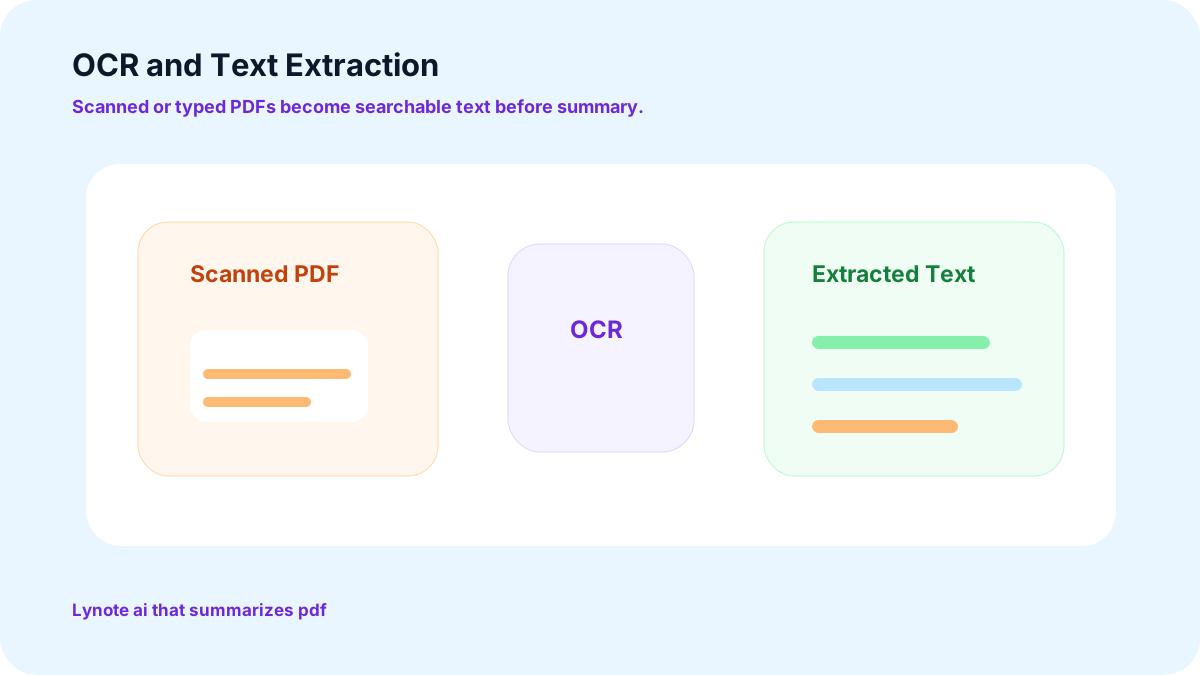
The PDF Extractor Inside This AI That Summarizes PDF Text
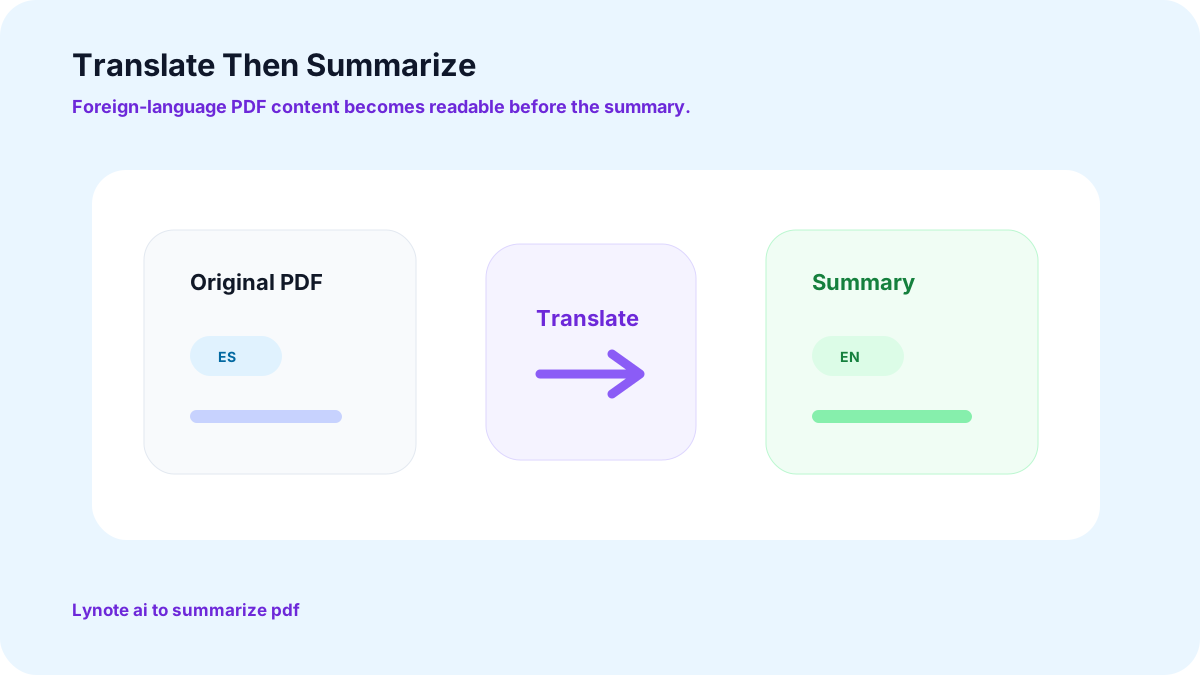
Translate First, Then Use AI to Summarize PDF Content
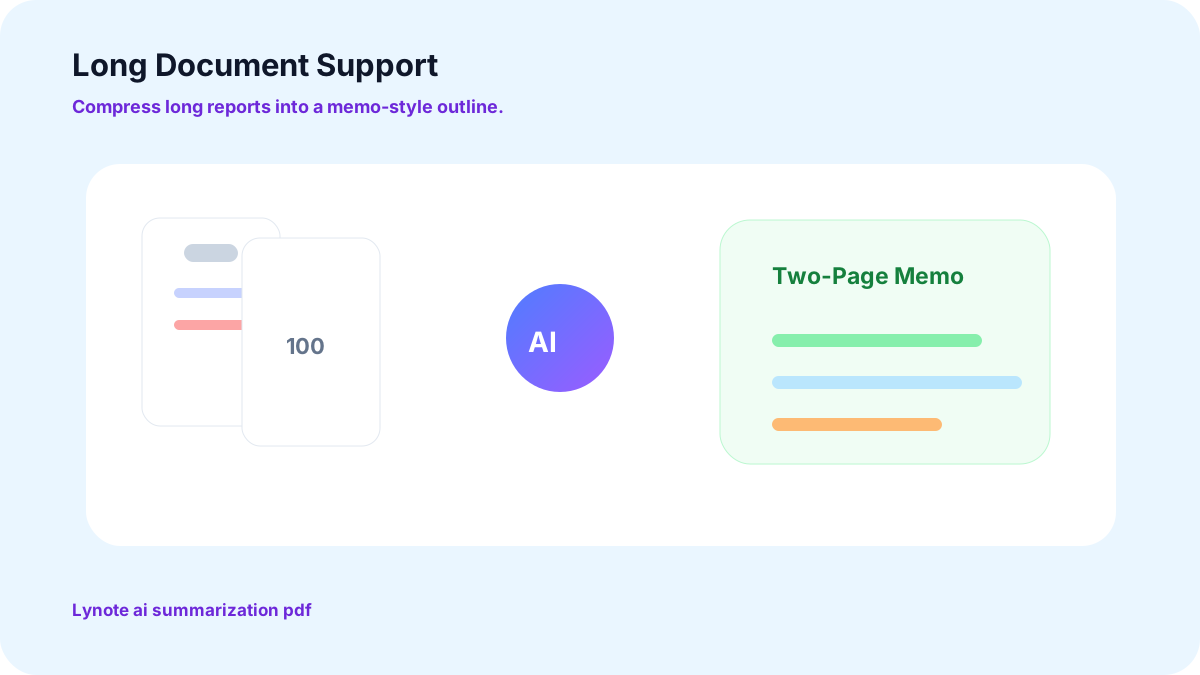
Long-Document AI Summarization PDF Support Built In
Reports of 100 pages or more are treated as a two-page memo. Long documents are returned as summaries, key points, and outlines that you can use.
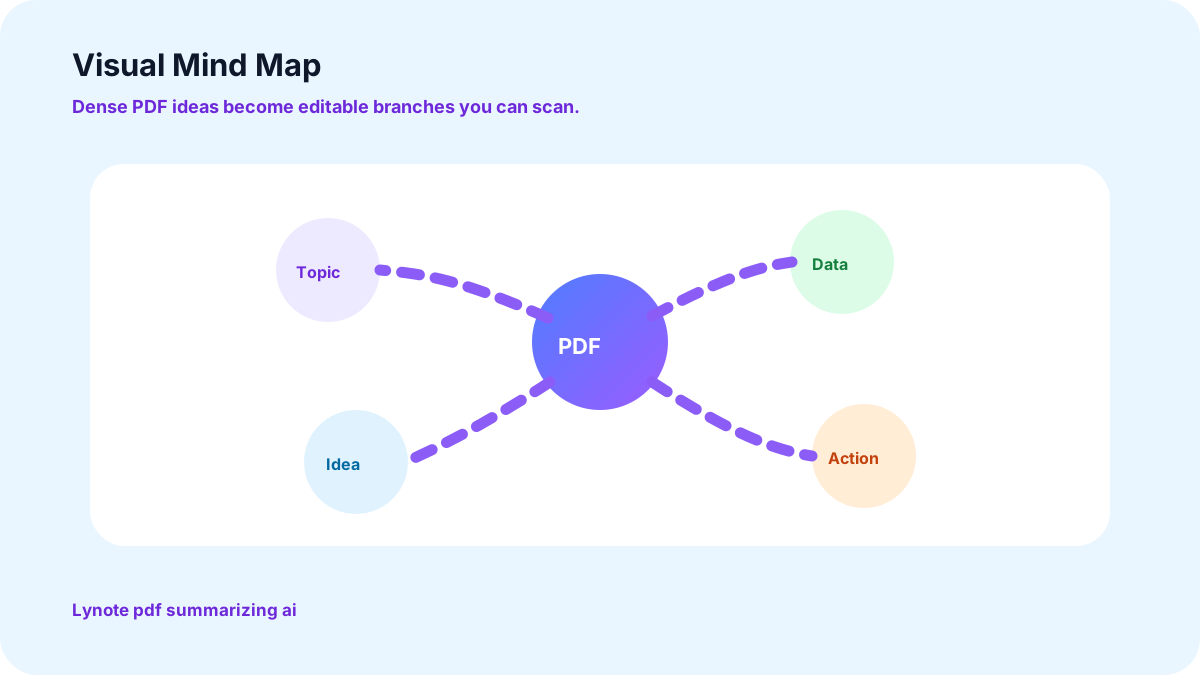
A Visual Side to This PDF Summarizing AI
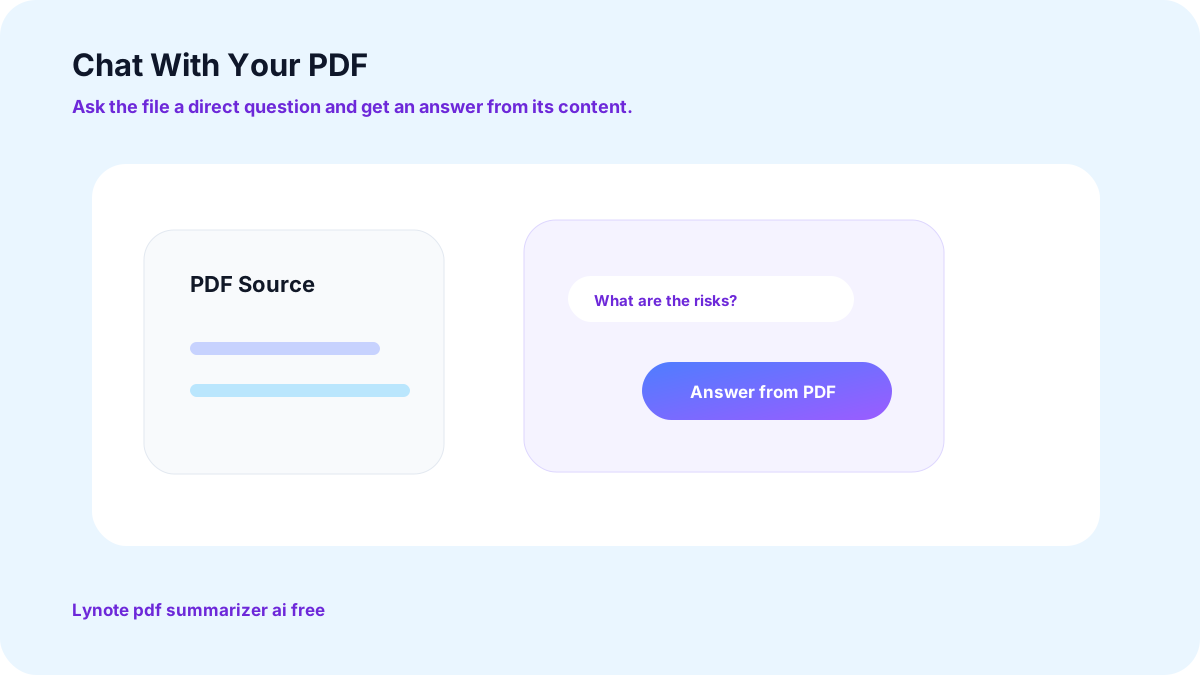
Chat With Your PDF on This PDF Summarizer AI Free Plan
Question the document, rather than search through it. It responds to the content of the file that you uploaded.
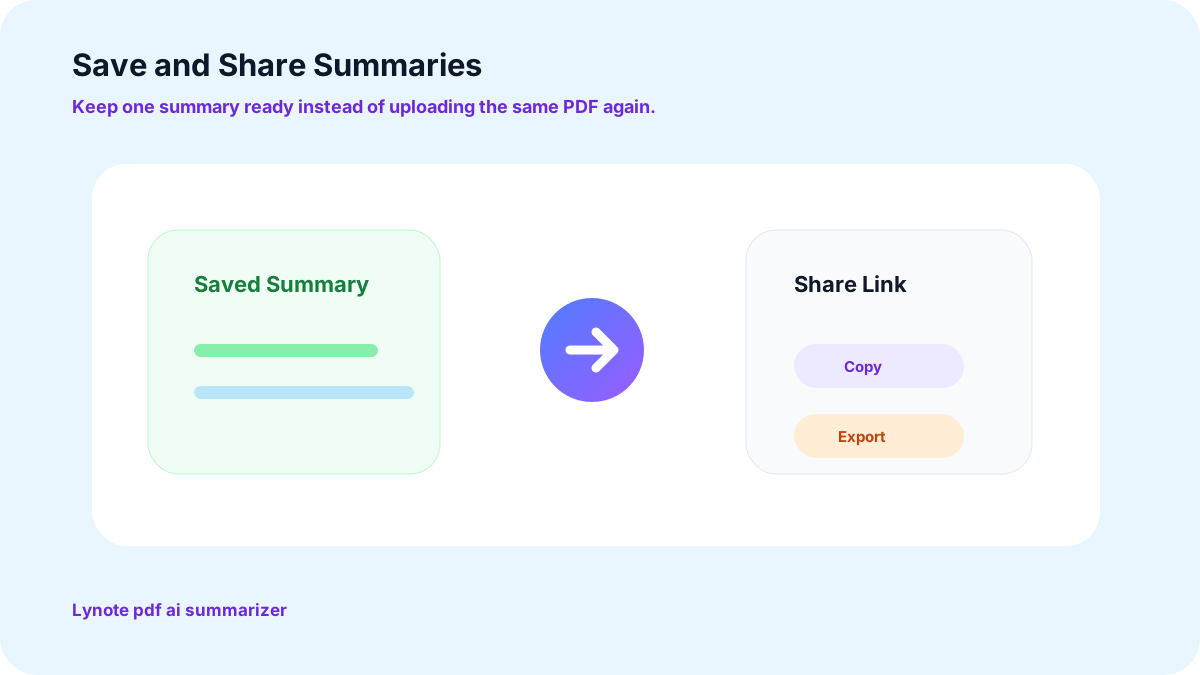
Save Summaries From Your AI PDF Summarizer and Share Them
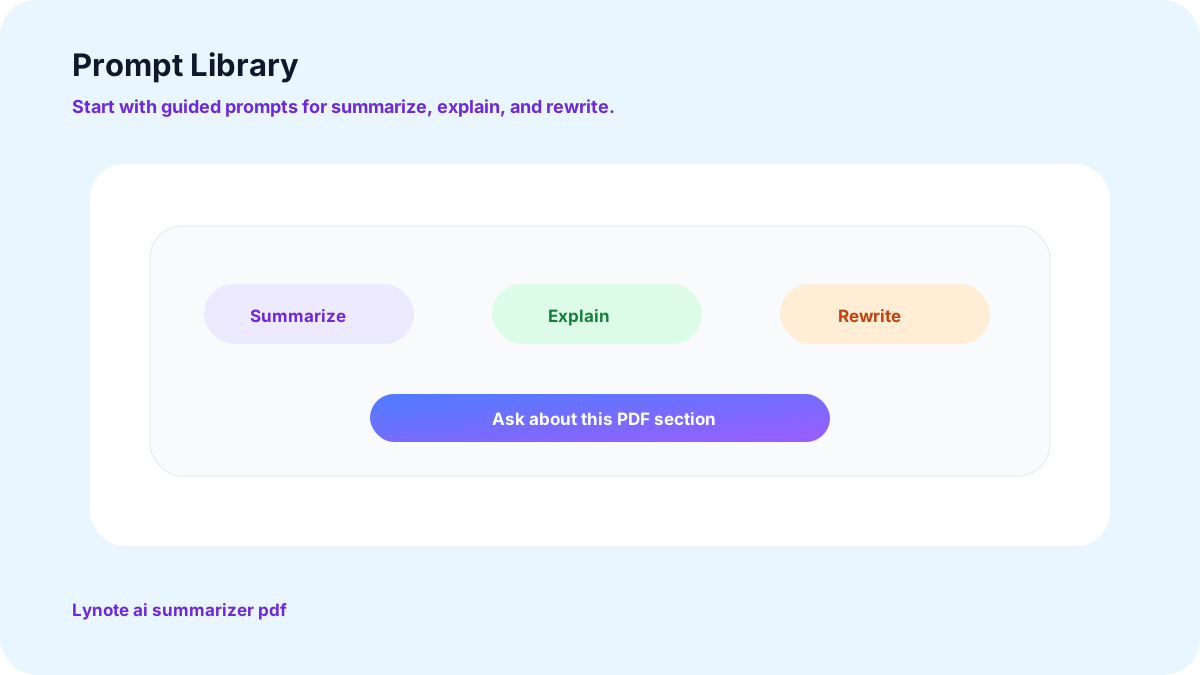
A Ready-Made Prompt Library for This PDF Summarizer AI Tool
More Ways Lynote Helps You Summarize PDFs With AI
Summarize PDFs With AI, Fast and Easy
It's just not feasible to skim a 100-page report by hand on a deadline. Lynote's AI PDF Summarizer can extract the key points of any chapter, contract, or document into concise notes in just a few clicks, ideal for students, researchers, and anyone who needs to get the gist of a document without reading every word in its entirety.
AI-Powered PDF Summaries and Chat, Together
Upload a file and receive a summary of the document with the key takeaways automatically extracted. Want to see more information about one section? The built-in chat enables you to ask the document directly, rather than scrolling back through the document yourself.
Summarizes More Than Just PDF Files
PDFs are summarized in the same way as Word documents, Excel spreadsheets, PowerPoint presentations, and even image files are summarized.
Build Notes, Chapters, and Study Guides With This AI PDF Summarizer
In seconds, a single chapter or a quick study guide returns as a clear, concise overview, tailored to the content of the material.
Real Ways People Put This AI PDF Summarizer to Work

Research Paper Summaries
Read and summarize academic papers quickly, extracting methodology, main results, and conclusions without reading all the citations. Perfect for literature review and market research.

Contract Review Summaries
Identify the critical terms, conditions, time limits, and liability provisions of legal documents, and a first reading of any contract takes minutes rather than an entire afternoon.
How to Use This AI Summarizer PDF Tool, Step by Step
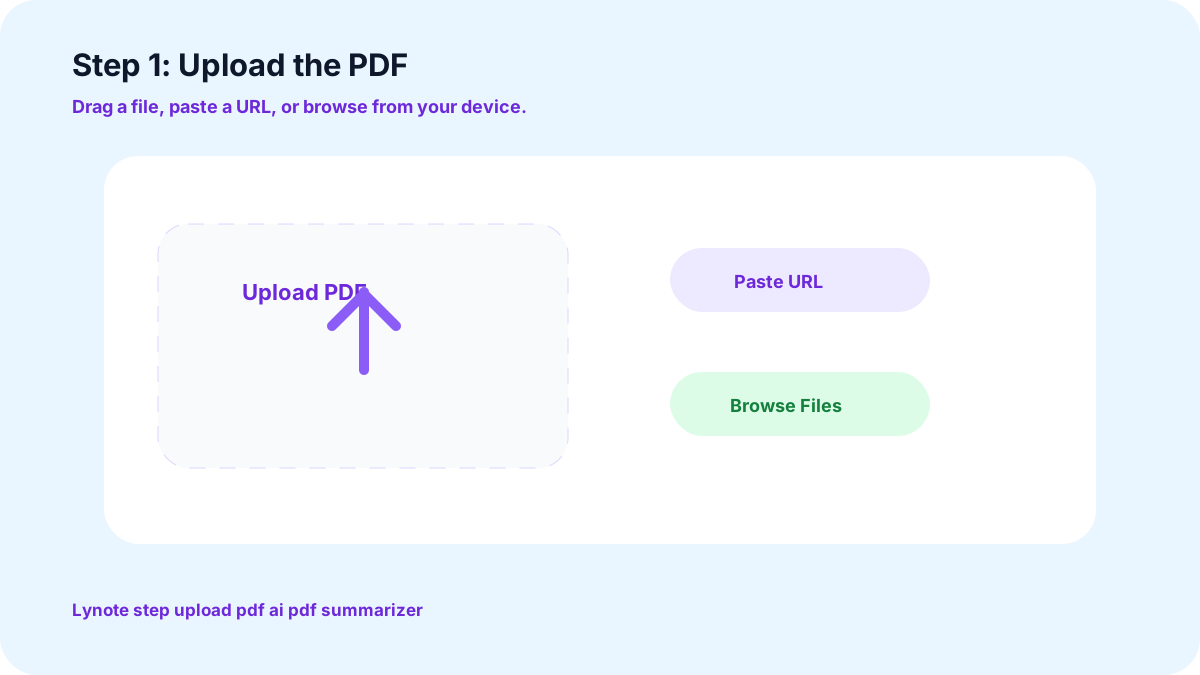
1. Upload the PDF
Drag and drop the file in, paste a URL, or upload directly from your device. This also works with scanned documents.
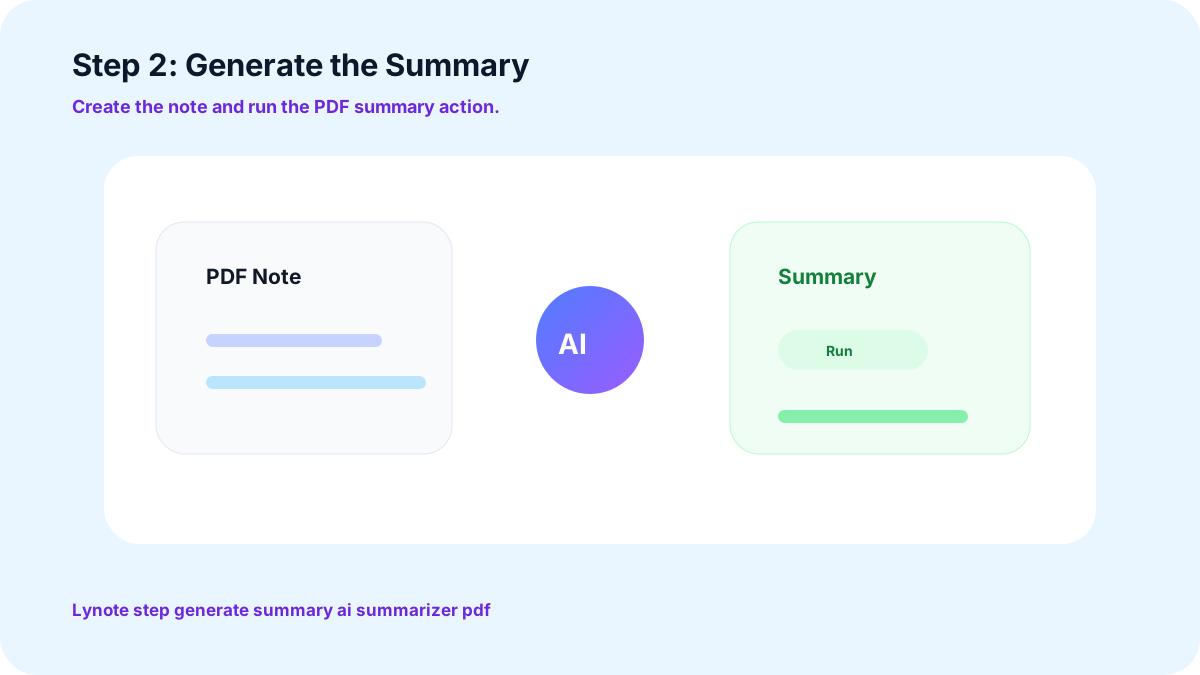
2. Generate the Summary
With one click, the engine reads the entire document and returns key points, an outline, and a clear summary you can use.
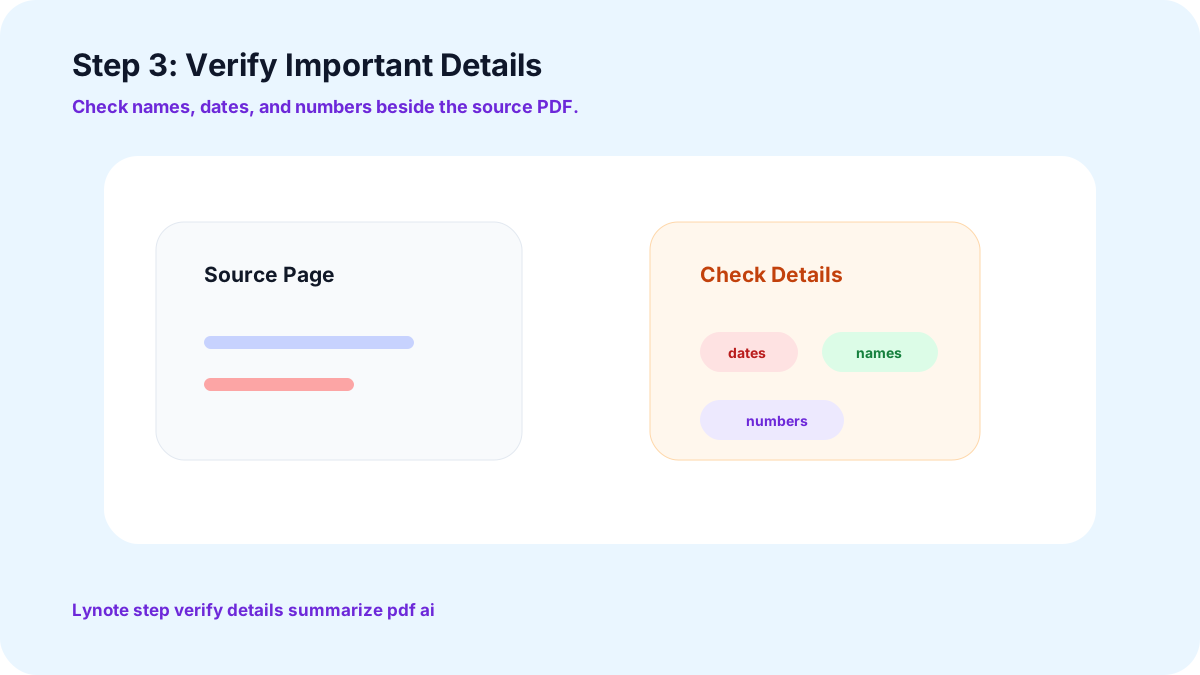
3. Verify Important Details
Verify names, dates, and numbers before using them where it counts.
User Reviews for This AI PDF Summarizer

Research Scientist

Previously, I used to spend afternoons reading long research papers, and now I get the methodology and findings summarized in minutes and then move on to the analysis.

Graduate Student
The built-in reader and summaries make going through the stack of dense readings every semester manageable.

Marketing Manager
Dragging files in or pasting a URL makes this easy enough that I actually use it every day, and the translation feature helps with our international reports too.

Educator
This used to take a lot of preparation time to get the summary of a long report ready for students to read.

Entrepreneur
The mind map feature turns a dense document into something I can actually visualize and act on. It's become part of how I review new proposals.

Legal Analyst
Reviewing lengthy contracts used to eat up my whole day. Extracting the text and summarizing the key clauses first has been a genuine time-saver.
Medical Professional
I read a lot of research in languages besides English. The translation feature keeps me current with global studies without waiting on a separate translator.
Medical Professional
Chatting with a file instead of searching through it has made pulling patient-study details out of long PDFs a lot less tedious.
Financial Analyst
The prompt library points me straight at the sections of a financial report that actually matter, instead of me guessing where to start each time.
Welcome to Your New AI PDF Summarizer
Stop scrolling through pages looking for the point. Upload a PDF to Lynote and get the summary that actually matters, free, in under a minute.
Frequently Asked Questions
Yes, it can. The extractor can also extract text from scanned documents, which means that image-based PDFs are also summarized correctly.
Yes, long reports and full-length books are broken down the same way as a short memo, but they don't lose the main points.
Yes, you can ask the document a specific question and get a specific answer from the actual contents of the document, not a generic answer.
Yes, all of Word, Excel, PowerPoint, and image files are summarized with the same engine.
Your files stay private and aren't shared or used to train outside models. They're there for you to summarize and export, nothing more.
Yes, no account or payment is required. Upload a PDF and get your summary back right away, with no hidden limits on your first documents.
More Lynote Tools for PDF Summaries, Review, and Reuse










PDF Reading Guides and Document Summary Workflows
Explore Lynote guides for compressing long documents into notes, checking AI-written text, and building smoother reading workflows from PDFs, reports, and study files.