

Chat with PDF and Ask Questions About Your Document

Drop files or browse

Add study materials to enable the AI to extract and structure content.



Why Use Lynote to Chat with a PDF?

Ask Natural Questions
Instead of searching page by page, ask what a section means, where a term appears, or what the document says about a topic.

Summarize Long Sections
Use chat to turn chapters, reports, contracts, or papers into shorter notes before you decide what to read closely.

Check Answers in Context
Treat answers as a guide back to the document. Verify important wording, numbers, and claims in the PDF before using them.

Handle Research and Work Files
Use PDF chat for papers, manuals, meeting notes, reports, policies, and class readings.

Reduce Skimming Time
Jump to the parts that matter instead of scanning a long document from the first page every time.

Ask Follow-Up Questions
Clarify confusing sections, request examples, or ask for a simpler explanation after the first answer.
Use PDF Chat for Specific Answers
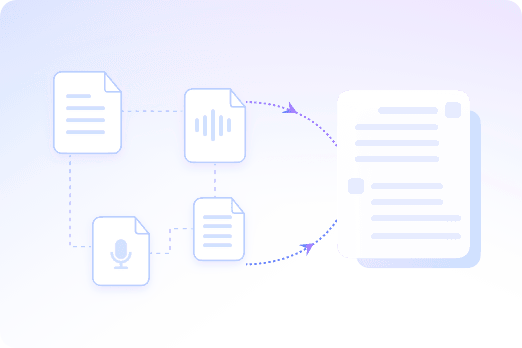
Summaries and Q&A Work Together
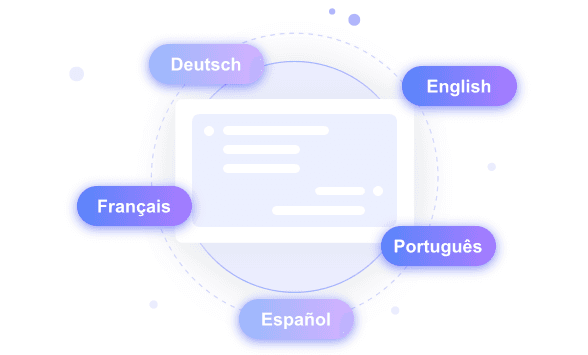
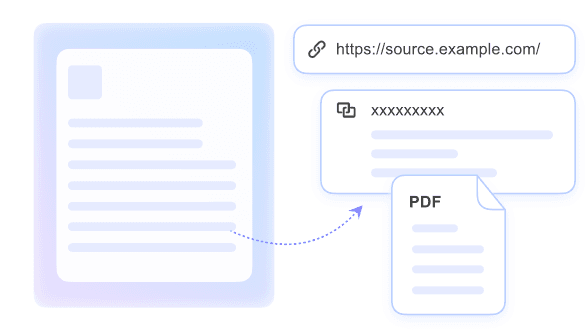
Verification Still Matters
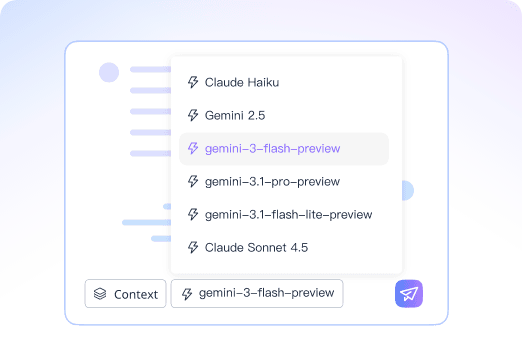
Ask PDFs Questions with Advanced AI Models
How to Chat with a PDF
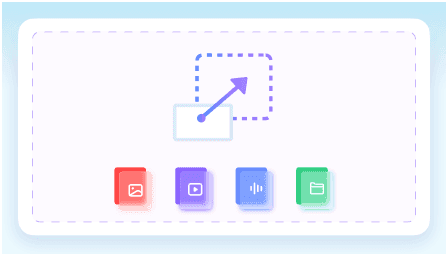
Upload the PDF
Choose a readable document and let Lynote prepare it for chat.
Ask a Focused Question
Ask about a topic, section, definition, finding, clause, or next step.
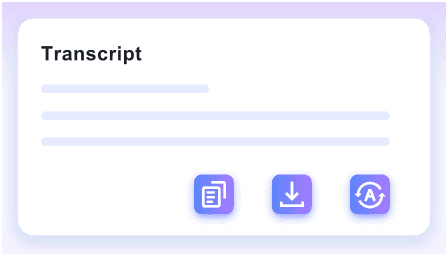
Review and Follow Up
Use the answer to find the relevant part of the PDF, then ask follow-up questions when context is missing.
Who Should Use PDF Chat?

Students
Ask questions about textbook chapters, papers, and assigned readings.

Researchers
Review methods, findings, and limitations across long papers.

Business Teams
Search reports, proposals, and internal documents faster.

Legal and Compliance Readers
Use PDF chat for triage, then verify exact wording in the source.

Support Teams
Find answers in manuals, product guides, and troubleshooting docs.

Everyday Readers
Understand long downloads without reading every page first.
What People Say About Us

Researcher

"I needed to compare three 40-page clinical trial PDFs. The AI chat with PDF tool lets me chat across multiple PDFs in a single thread, pulling methodologies from all of them at once."

Legal Counsel
"Verifying clauses in a 100-page vendor contract used to take hours. Now I get source-backed answers with exact citations, pointing me straight to the page I need."

Biology Student
"Finding definitions in a dense biology textbook PDF is tedious. Getting quick answers to save reading time before finals has completely changed how I study."

Financial Analyst
"I love being able to chat with any PDF. Asking direct questions about the Q3 revenue in a massive annual report gives me the exact figures without scrolling through endless tables."

HR Manager
"Translating a Spanish employee handbook PDF was a huge bottleneck. The cross-language PDF chat workflows let me ask questions in English and get accurate policy details instantly."

Sales Director
"When reviewing a 50-page technical spec sheet, I just want the core facts. I can extract key insights quickly through dialogues and prep for my client meetings in minutes."
Frequently Asked Questions
Answers to common questions before using this tool.
It means you upload a PDF and ask questions about its contents through an AI chat interface.
Yes. You can ask for a whole-document summary, a section summary, or a list of key points.
Yes. Follow-up questions are useful when you need examples, definitions, or a simpler explanation.
No. Use answers to navigate and understand the document, then verify important details in the original PDF.


