

URL Video to Text Converter

Drop files or browse

Add study materials to enable the AI to extract and structure content.



Why Choose Our URL Video to Text Converter?

Built for Video Links
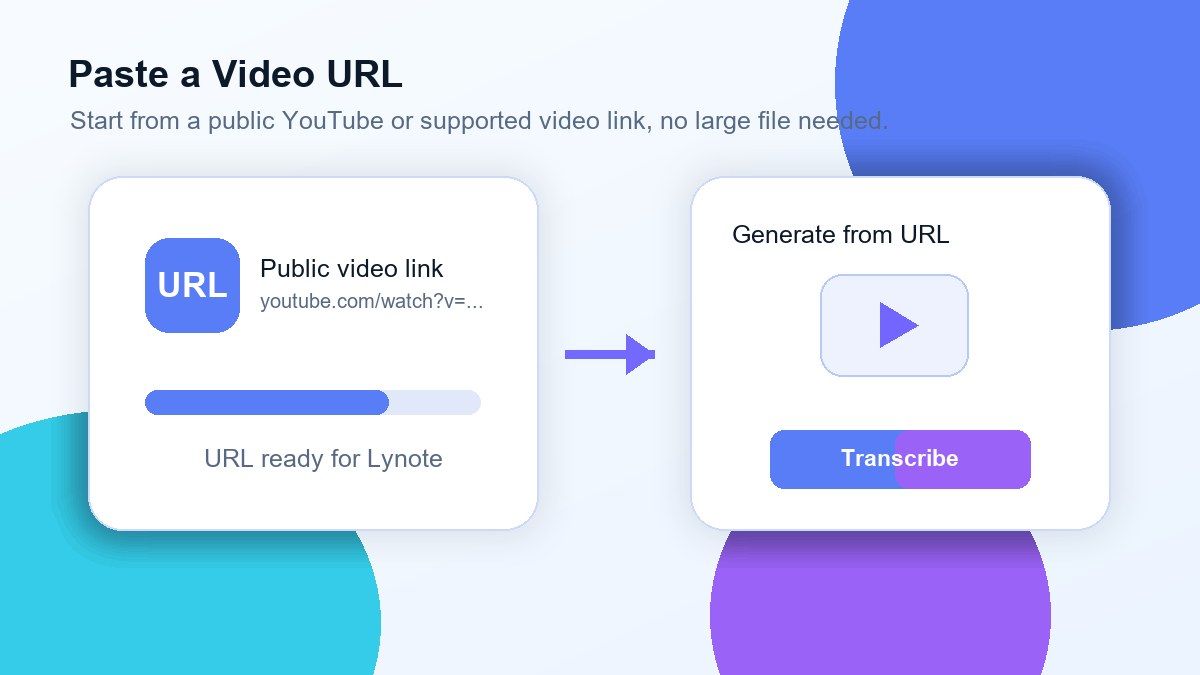
Lynote helps convert URL video to text when you have a video link but do not want to download a large file. Paste a supported video URL, let Lynote process the source, and get editable text you can search, copy, summarize, or reuse.

Great for YouTube URLs
If you need YouTube video URL to text, Lynote gives you a direct workflow. Paste the YouTube URL, generate the transcript, and turn long videos into text for learning, research, captions, show notes, or content repurposing.

Faster Than Manual Rewatching
A video may contain a few useful ideas buried inside many minutes of speech. With a video URL to text converter, you can quickly scan the transcript, find key sections, and copy the exact lines you need.

Works for Public and Accessible Videos
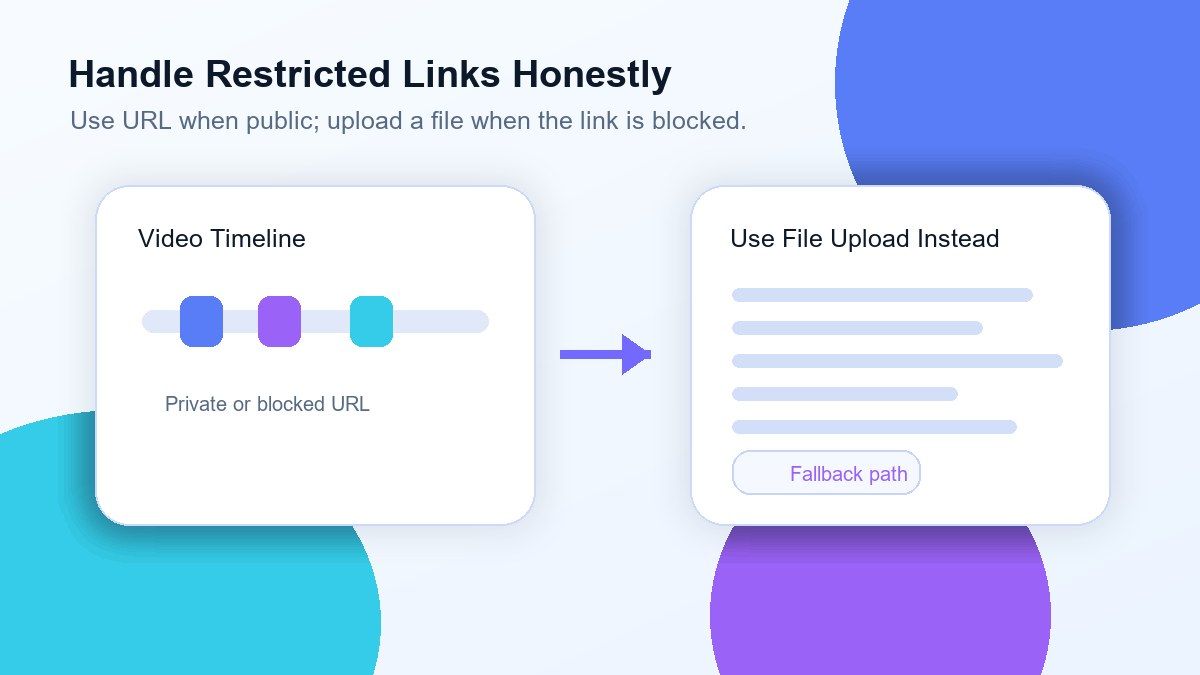
URL-based transcription depends on whether the video source is accessible. Lynote works best with public links and supported platforms. For private or restricted videos, upload the video file instead.

Clean Text for Notes and Captions
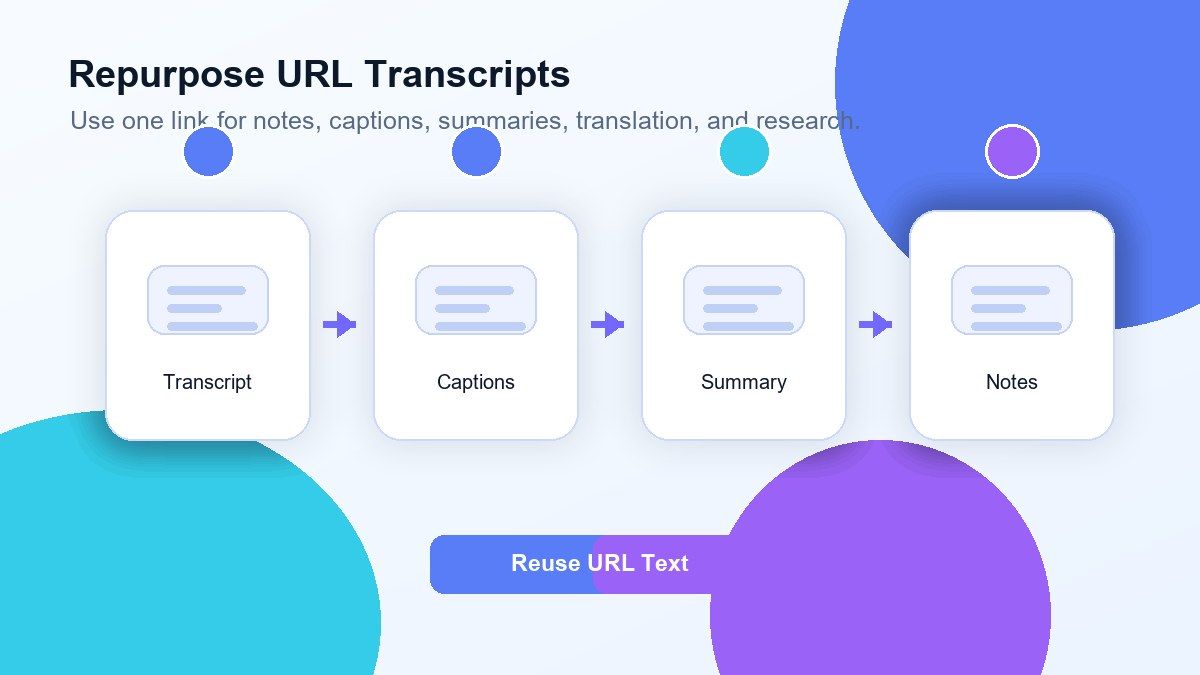
Once the video URL is converted to text, you can use the output for study notes, meeting recaps, captions, subtitles, blog drafts, research notes, or documentation.

More Than a Basic Transcript
Lynote helps you move from video to usable text. After transcription, you can copy, edit, summarize, translate, organize, or turn the transcript into notes and follow-up content.
Convert Public Video URLs Into Editable Text
YouTube Video URL to Text in One Workflow
Turn URL Transcripts Into Useful Outputs
Handle Restricted Links Honestly
How to Transcribe URL Video to Text Online
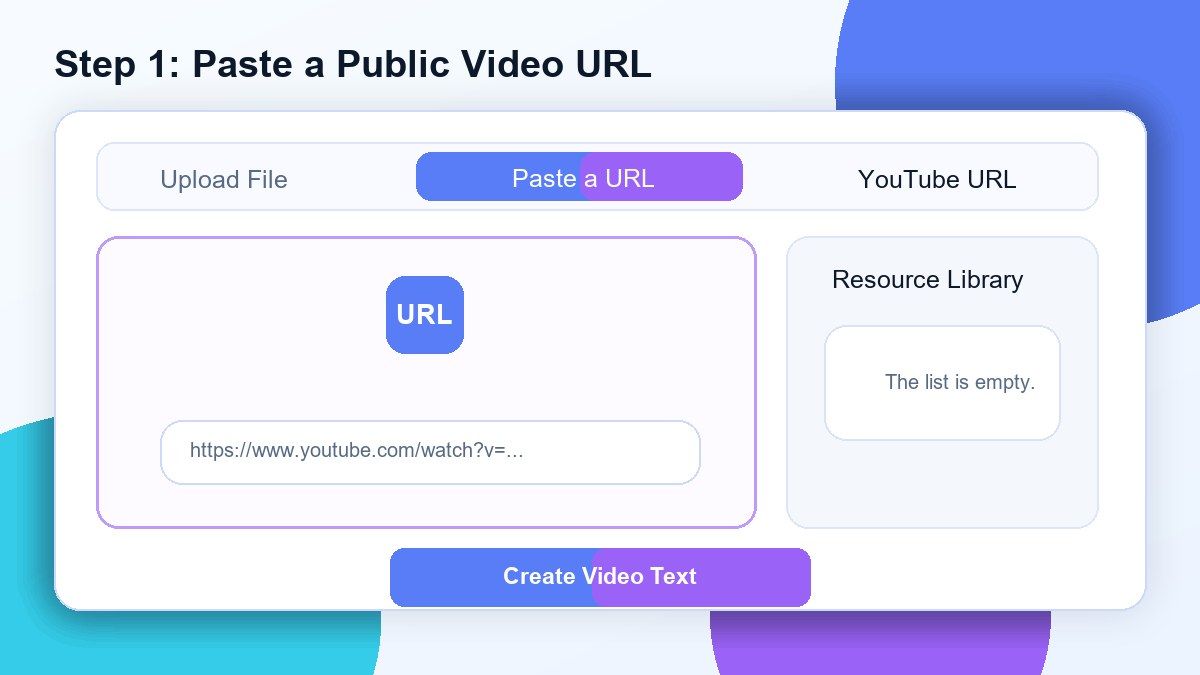
Step 1. Paste a Public Video URL
Copy the video URL you want to transcribe and paste it into Lynote. YouTube URLs and other supported public video links usually work best.
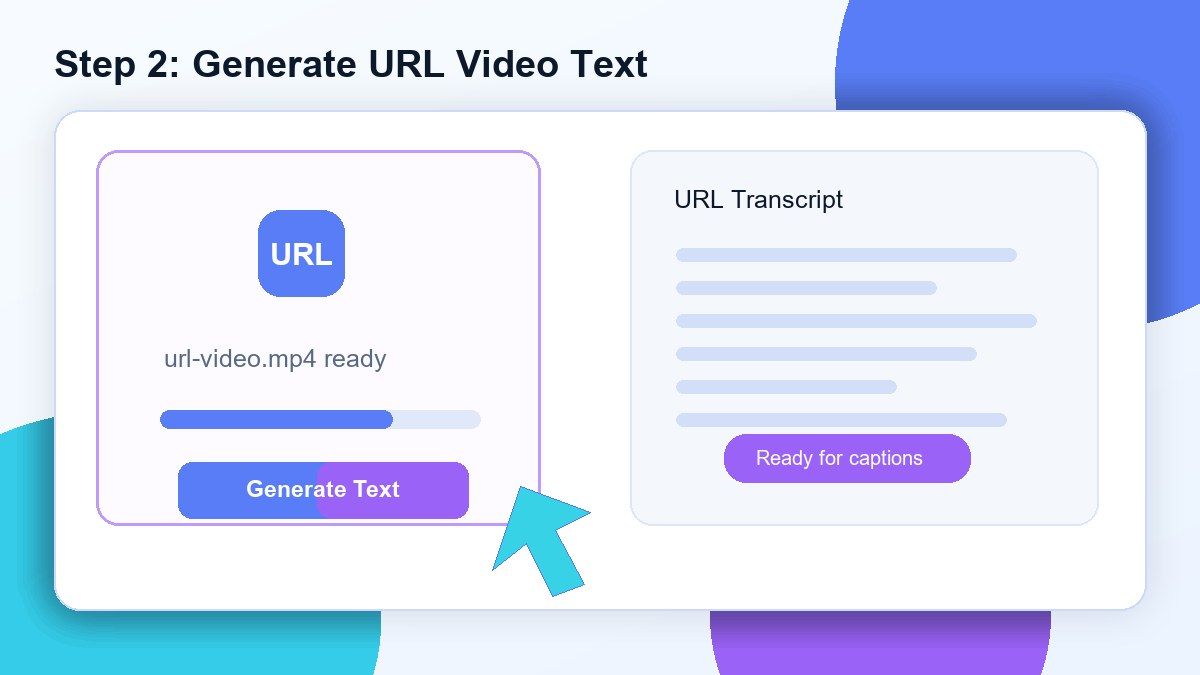
Step 2. Generate Video Text
Click the create or convert button and Lynote will process the video source. The tool extracts spoken content and turns it into editable transcript text.
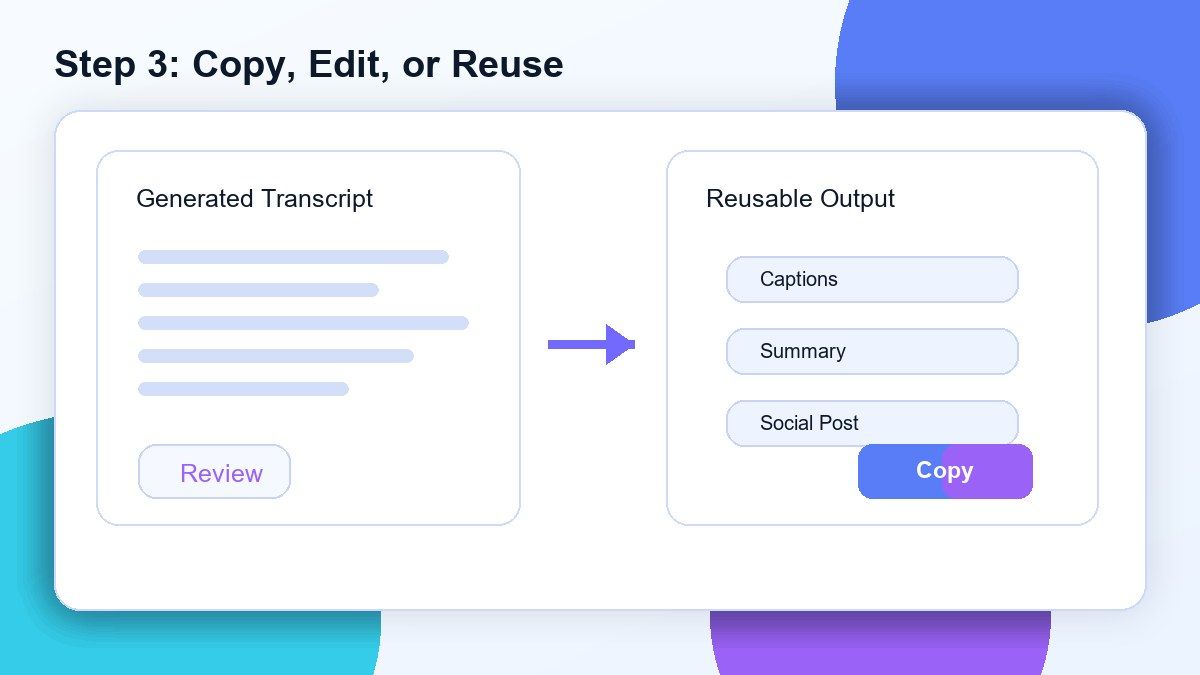
Step 3. Copy, Edit, or Reuse the Transcript
Review the generated transcript and correct any names, brand terms, or unclear phrases. Then copy the text into captions, notes, summaries, blog drafts, training documents, or research files.
Who Is This URL Video to Text Tool For?

Students
Convert lecture URLs, tutorials, and educational videos into searchable notes for faster review.

Researchers
Turn public video interviews, presentations, and documentary clips into text for analysis and citation support.

Content Creators
Convert video URL to text and reuse the transcript for captions, scripts, newsletters, blog drafts, or social posts.

Marketers
Analyze public webinars, product demos, video testimonials, and competitor content in text format.

Journalists
Capture quotes from public video sources and review long recordings without rewatching every minute.

Trainers and Teams
Convert training video links into written documentation, onboarding notes, and internal learning materials.
What Users Say About Lynote URL Video to Text

Graduate Student

I paste YouTube video URLs into Lynote and turn long lessons into searchable notes. It saves me from replaying the same section over and over.

Content Strategist
This video URL to text converter helps our team pull quotes and outline articles from public webinars much faster.

Research Assistant
I use Lynote to transcribe video URLs for interviews and presentations. Having editable text makes analysis much easier.

Marketing Manager
We use Lynote to convert video links into text for campaign research. It helps us compare messaging without watching every video twice.

Creator
I paste tutorial URLs and use the transcript to plan captions, summaries, and blog posts. The workflow is simple and fast.

Training Coordinator
Turning training video URLs into text helps us create documentation for the team. Lynote makes the process much more manageable.
Frequently Asked Questions
A URL video to text converter turns spoken content from a supported video link into editable text. You paste the video URL, generate the transcript, and reuse the text for notes, captions, summaries, or research.
Lynote provides an online workflow for converting supported video URLs into text. Availability may depend on account limits, source access, and file processing requirements.
Yes. YouTube URLs are one of the best use cases for Lynote. Paste the YouTube video URL, generate the transcript, and copy the text for your workflow.
No. URL transcription depends on whether the video source is public and accessible. Private, login-protected, expired, embedded, or region-restricted links may not work.
Download the video if you have permission, then upload the video file to Lynote. Uploading the file gives Lynote direct access to the video audio.
Yes. URL transcription starts from a public video link, while upload transcription starts from a file on your device. URL is faster when the link is accessible; upload is more reliable for restricted videos.
Yes. Once you have the transcript, you can translate it, summarize it, edit it, or turn it into notes and content drafts.
No. Lynote works online. Paste a supported video URL in your browser, generate text, and copy or reuse the transcript.