Arabic to English Translator




Why Choose Our Arabic to English Translator?

Free Without Sign-Up
Start translating Arabic into English online without creating an account first.

Arabic Source Auto-Detection
Let Lynote detect Arabic automatically, or select Arabic and English yourself.

Review Before You Reuse
Review the English output against its Arabic source before reusing names, dates, amounts, or technical language.

Works in Your Browser
Open the translator in your desktop or mobile browser; there is no separate translation app to install.
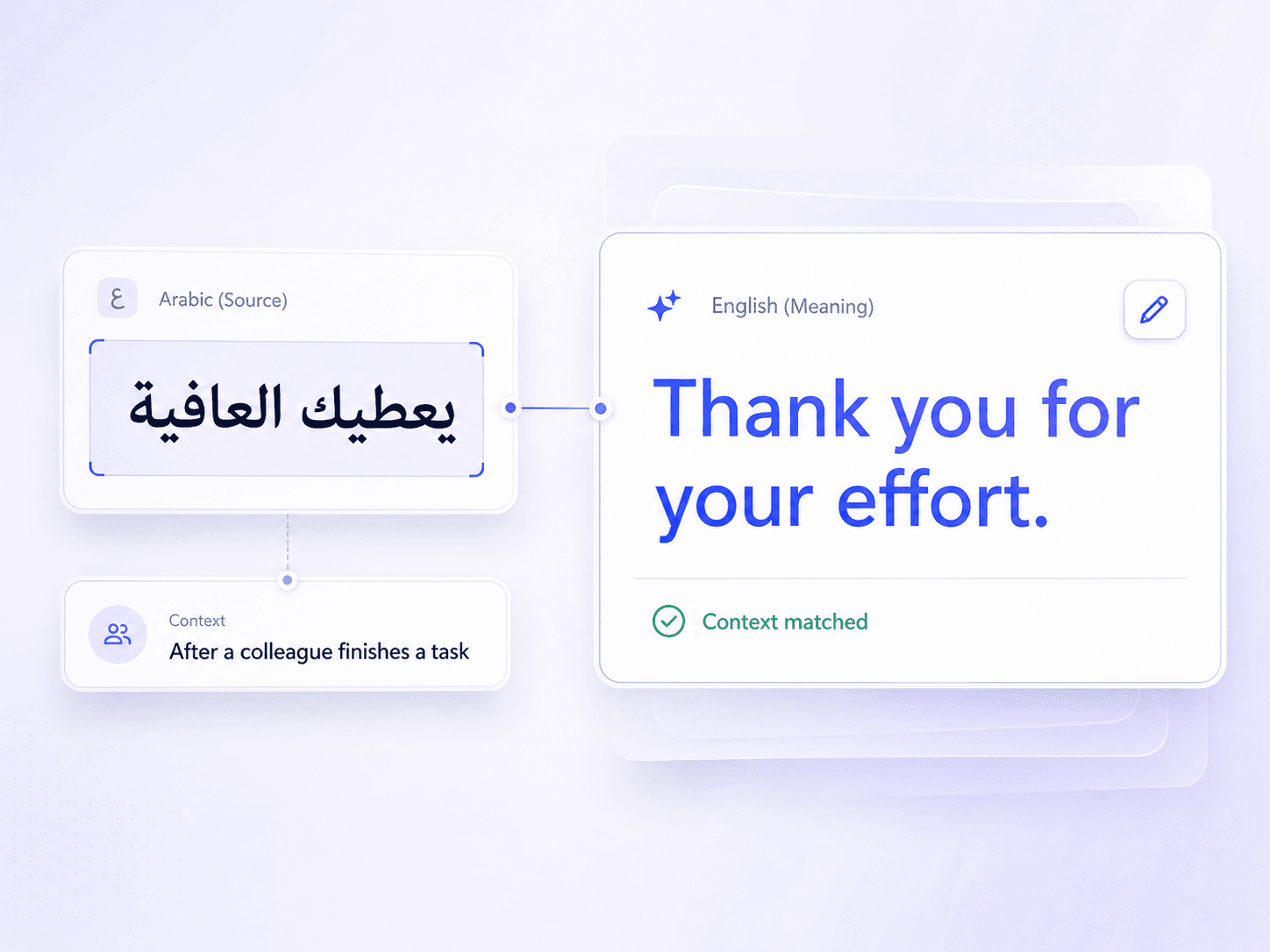
Translate Arabic Meaning Into Natural English
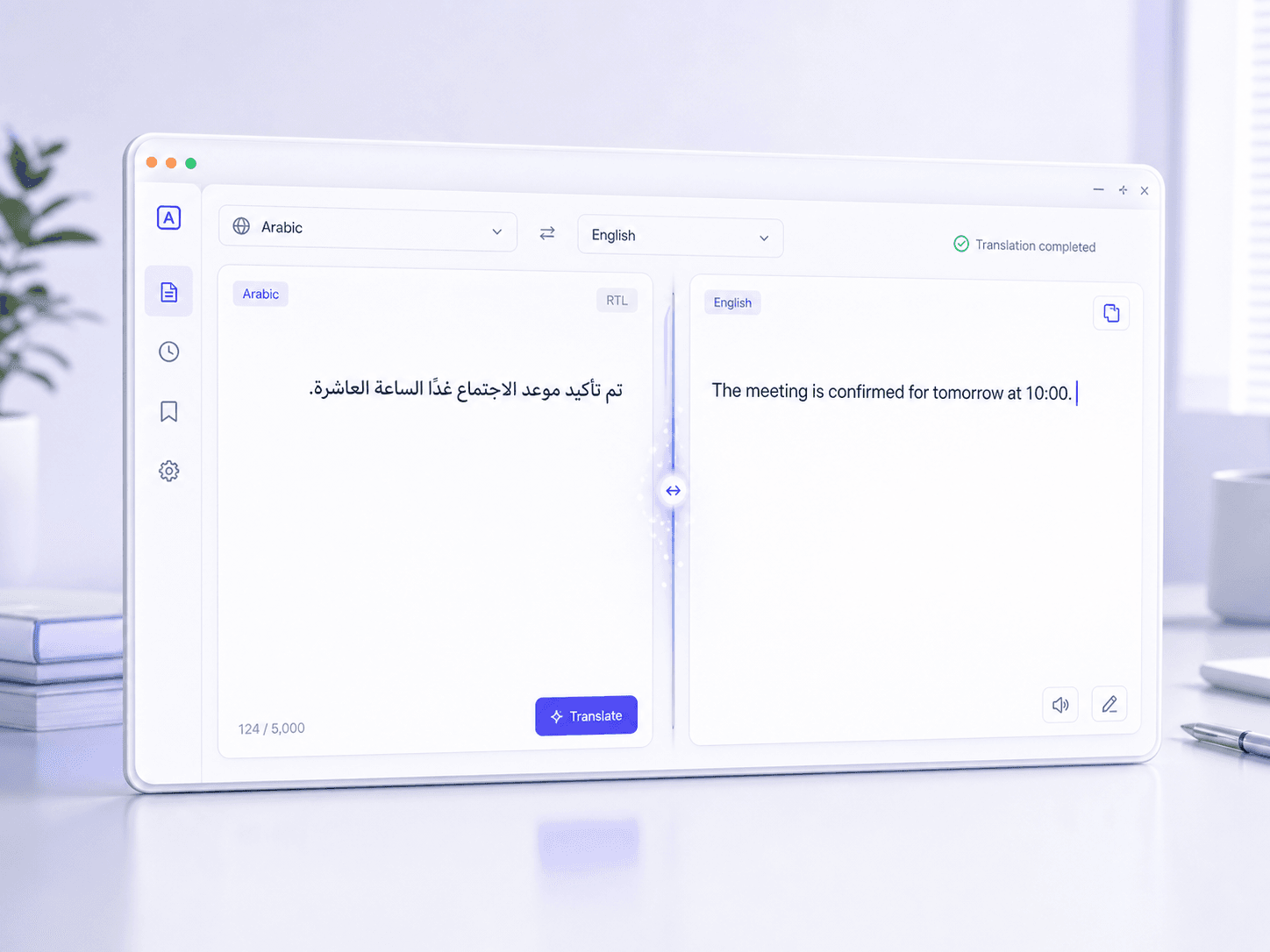
Translate Arabic Text Online in Seconds
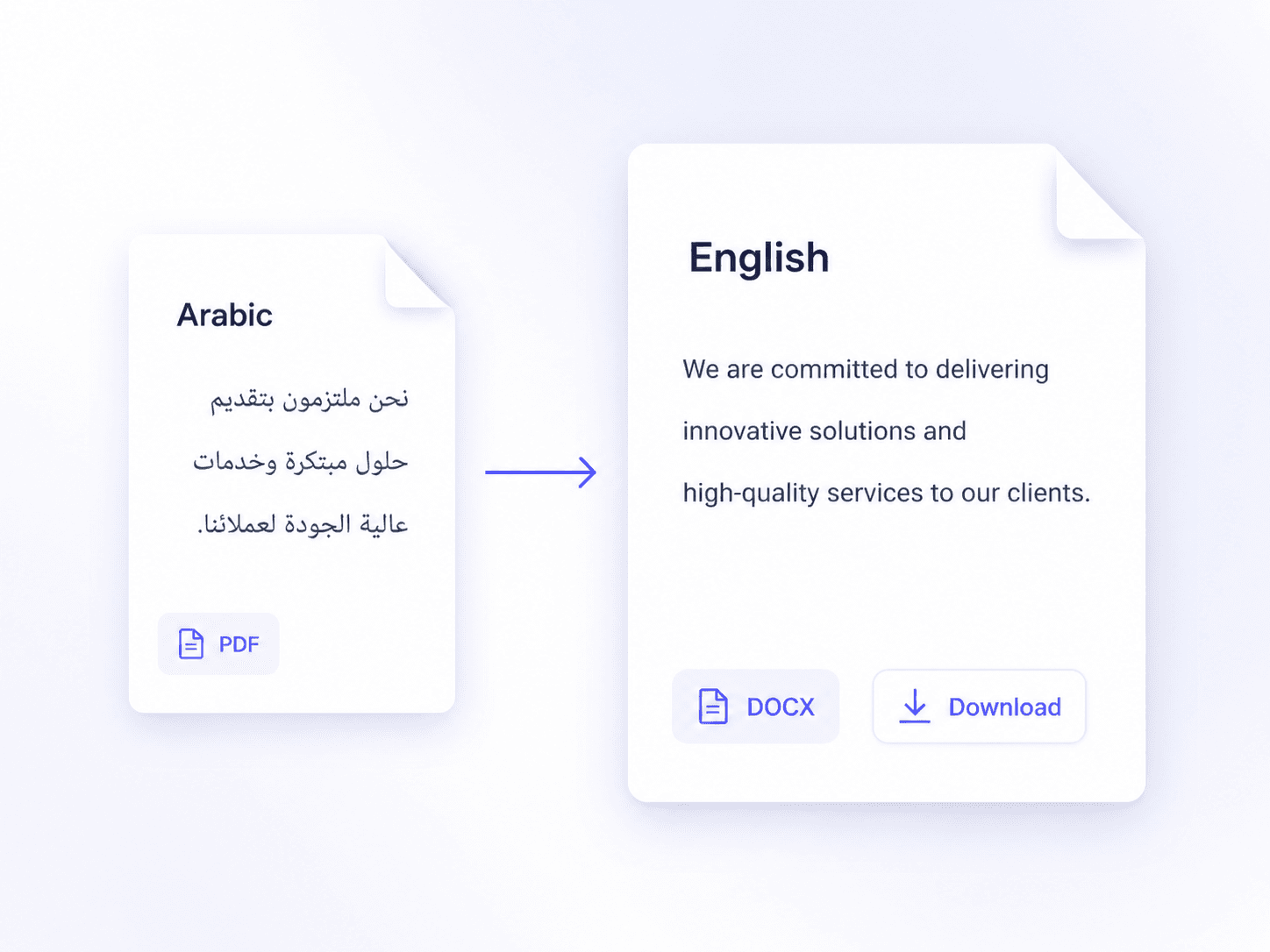
Translate Arabic Files Into Organized English
How to Translate Arabic to English Online
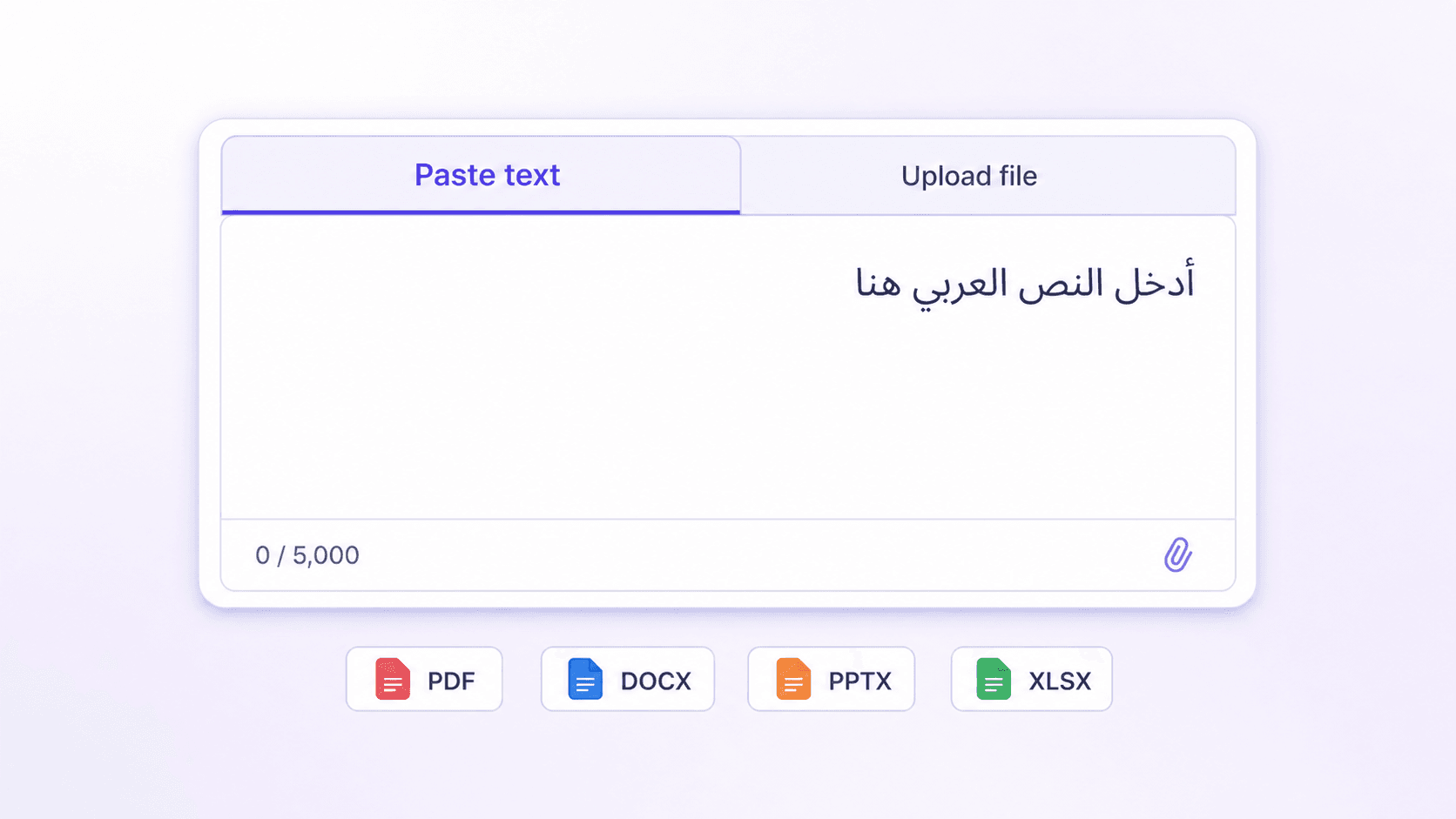
Step 1. Add Arabic Text or a File
Enter an Arabic passage of no more than 5,000 characters, or choose a supported office document or PDF under 10 MB.

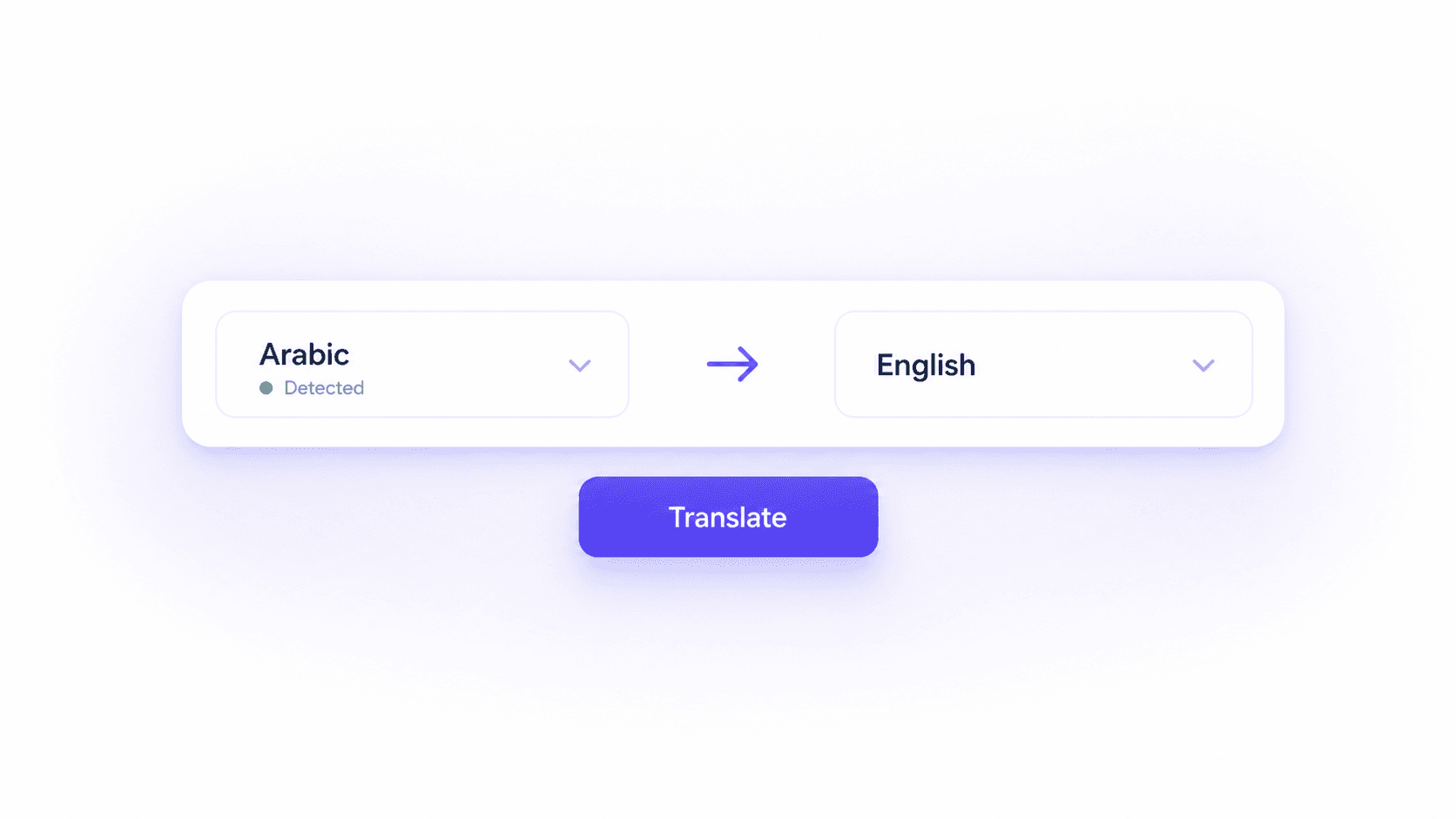
Step 2. Select Arabic and English
Confirm Arabic on the input side and English on the output side. Automatic source detection can make the first selection for you.
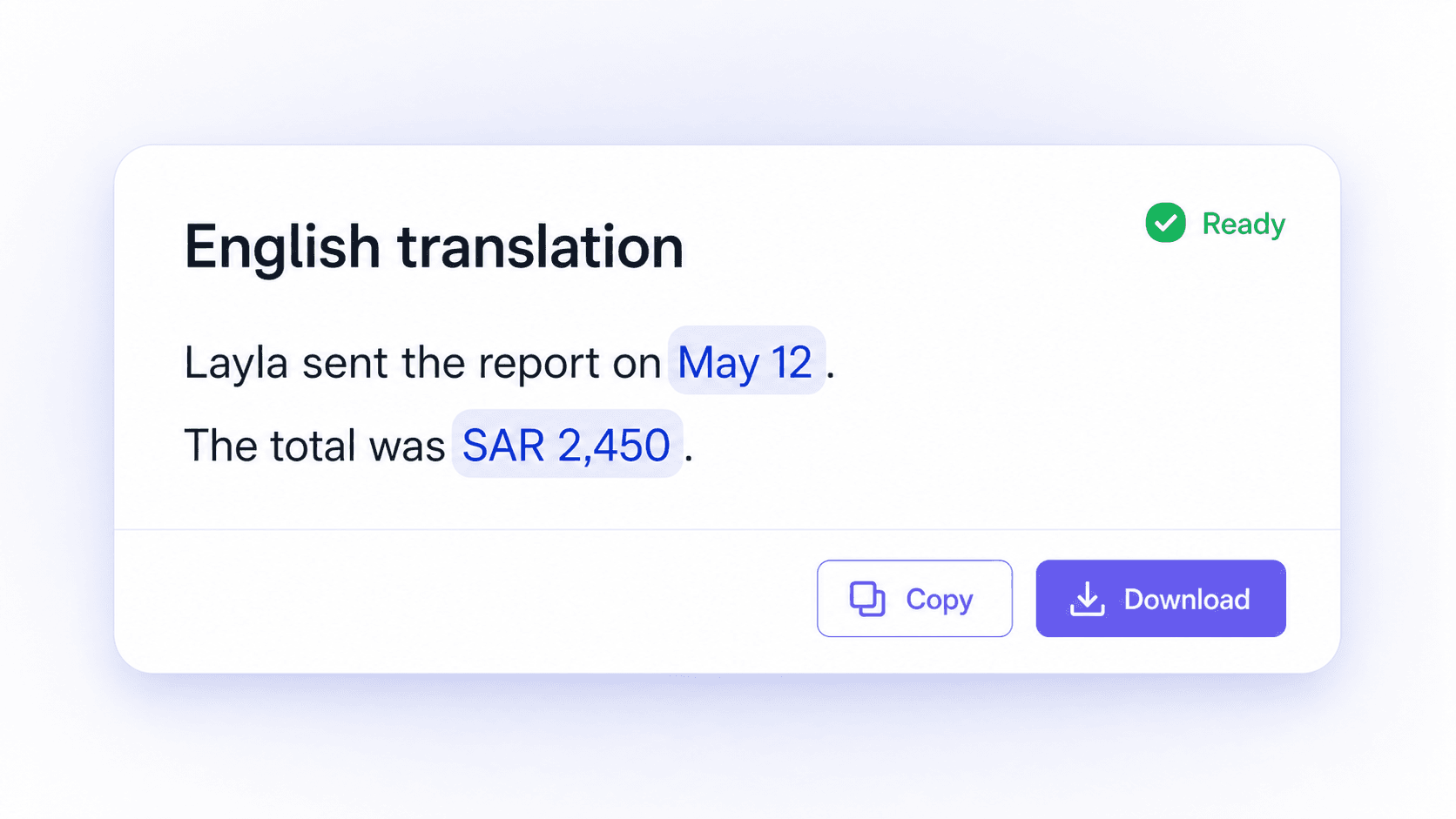
Step 3. Review and Copy or Download
Check names, dates, amounts, dialect wording, and specialist terms. Then copy the English text or download the translated file.
Who Uses an Arabic to English Translator?

Students and Researchers
Translate Arabic readings, reports, and source excerpts into English for comprehension, note-taking, and terminology checks.

Business and Support Teams
Turn Arabic emails, inquiries, presentations, and working documents into English for routing, editing, and collaboration.

Travelers and Multilingual Families
Understand Arabic booking details, directions, notices, school messages, and family communication in clear English.
Arabic to English Translation in Real Tasks

Graduate Student

“I translated a Modern Standard Arabic research abstract, then compared the English version with the source to check two technical terms before adding it to my literature notes.”

Customer Support Lead
“An Arabic service message included a customer name and an order number. I reviewed both against the original before routing the English ticket to the right team.”

Project Coordinator
“I uploaded an Arabic PPTX and received an English copy with a usable slide structure. I adjusted a few line breaks instead of rebuilding the whole presentation.”

Travel Coordinator
“I pasted an Arabic booking message and got the English details quickly. I still checked the arrival date, property name, and location before sending the itinerary.”

NGO Researcher
“OCR extracted the Arabic text from a scanned field report. I compared each quotation with the scan before using the English version in our research summary.”

Operations Manager
“The translated XLSX kept the rows organized well enough for review. I checked every amount, date, and column heading before sharing the English workbook.”
Frequently Asked Questions
Get practical answers about translating Arabic text and files into English with Lynote.
Open the online Arabic to English translator, paste your text or add one supported file, and set English as the output language. Read through the result before copying it or downloading the translated document.
Yes. Lynote provides a supported free Arabic to English translation workflow, and no sign-up is required to start.
Yes. Paste Arabic messages, sentences, or passages of up to 5,000 characters per request. Split longer text into smaller sections and review each English result in context.
Upload one PDF, DOCX, PPTX, or XLSX file up to 10 MB. OCR can extract Arabic text from scanned PDFs before translation.
AI translation can produce useful English for everyday Arabic text, but accuracy depends on context, source clarity, dialect, names, numbers, and specialist terminology. Compare important details with the Arabic source. Contracts, medical information, immigration records, and other high-stakes material should be reviewed by a qualified human translator.
It can process Modern Standard Arabic and many everyday expressions, but dialect vocabulary and omitted short vowels can make some phrases ambiguous. Lynote does not offer a guaranteed dialect-selection mode, so review regional wording against the source.
Check personal and company names, dates, amounts, addresses, honorifics, idioms, dialect expressions, and technical terms. For documents, also review line direction, table order, and number placement.
Yes. Use the English to Arabic translator to reverse the language direction, then review the Arabic result before reuse.