

Translate Spanish to English Online




Why Choose Our Spanish to English Translator?

Free Without Sign-Up
Start translating Spanish into English online without creating an account first.

Spanish and English in One Place
Set Spanish and English directly, or let Lynote detect the source language.

Paste Text or Add a File
Move from a short Spanish message to a full office file without changing tools.

Copy or Download the Result
Copy the English text immediately or download the translated file for editing.
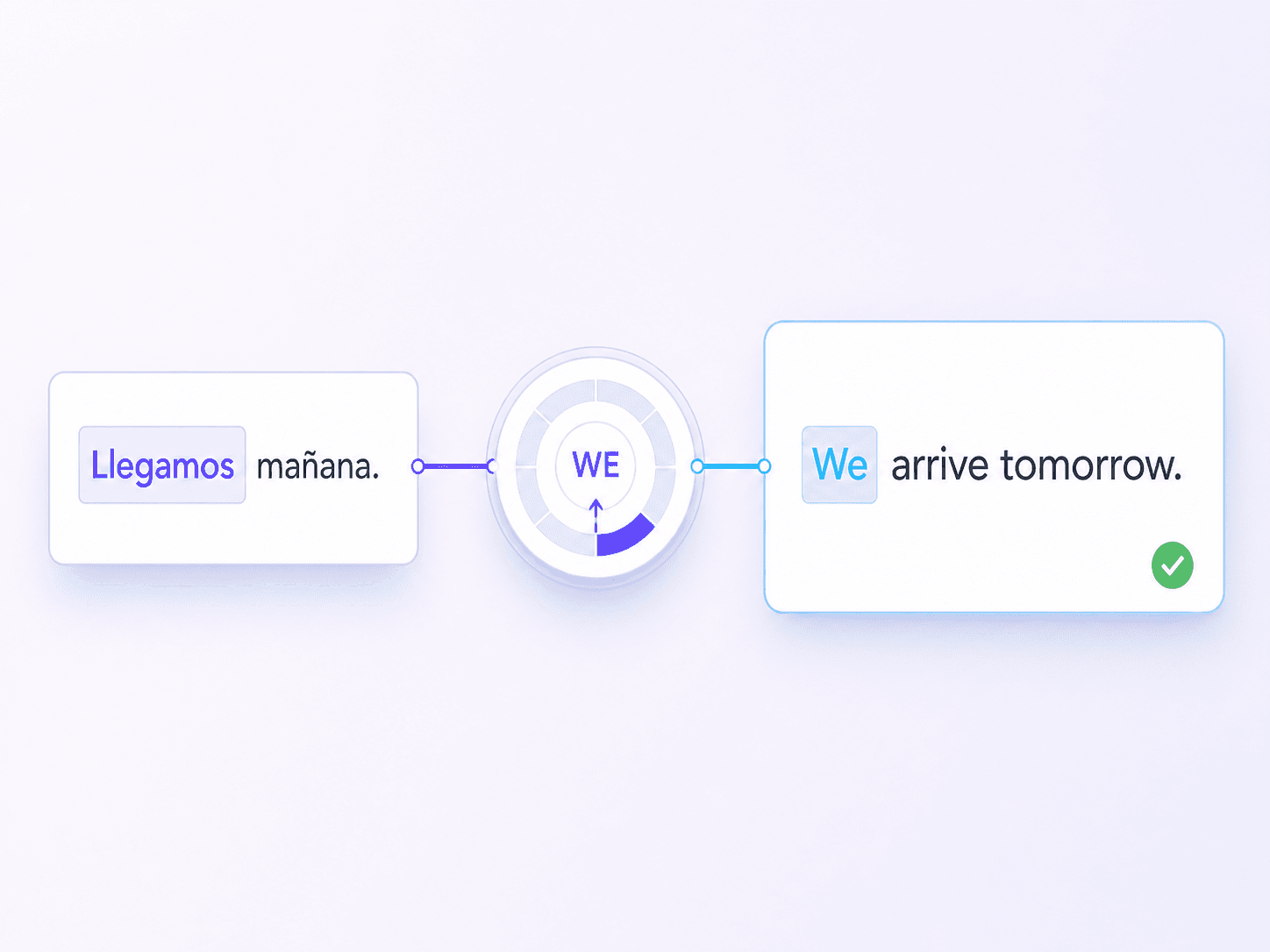
Understand Spanish Sentences Beyond Individual Words
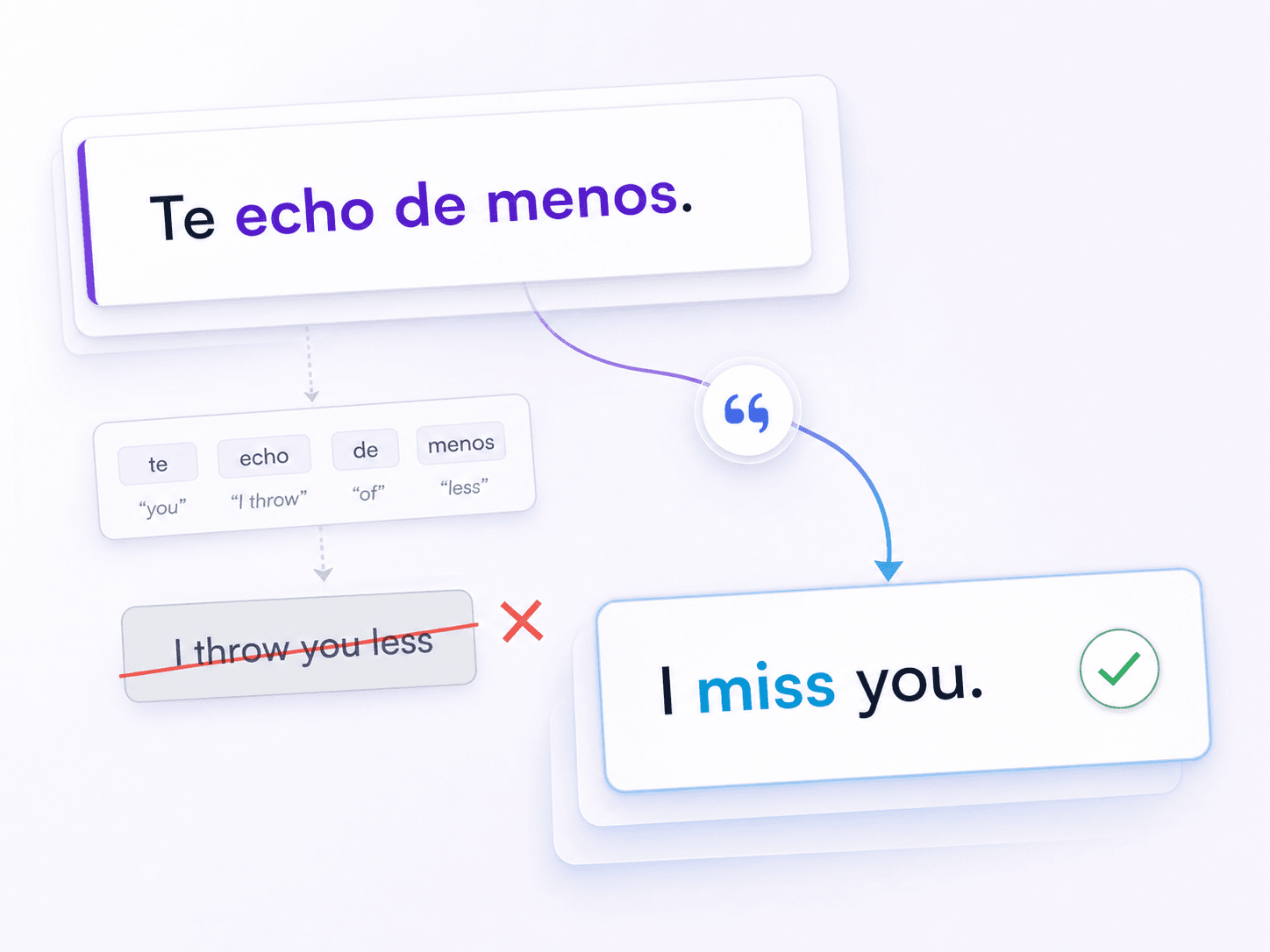
Turn Spanish Idioms Into Clear English
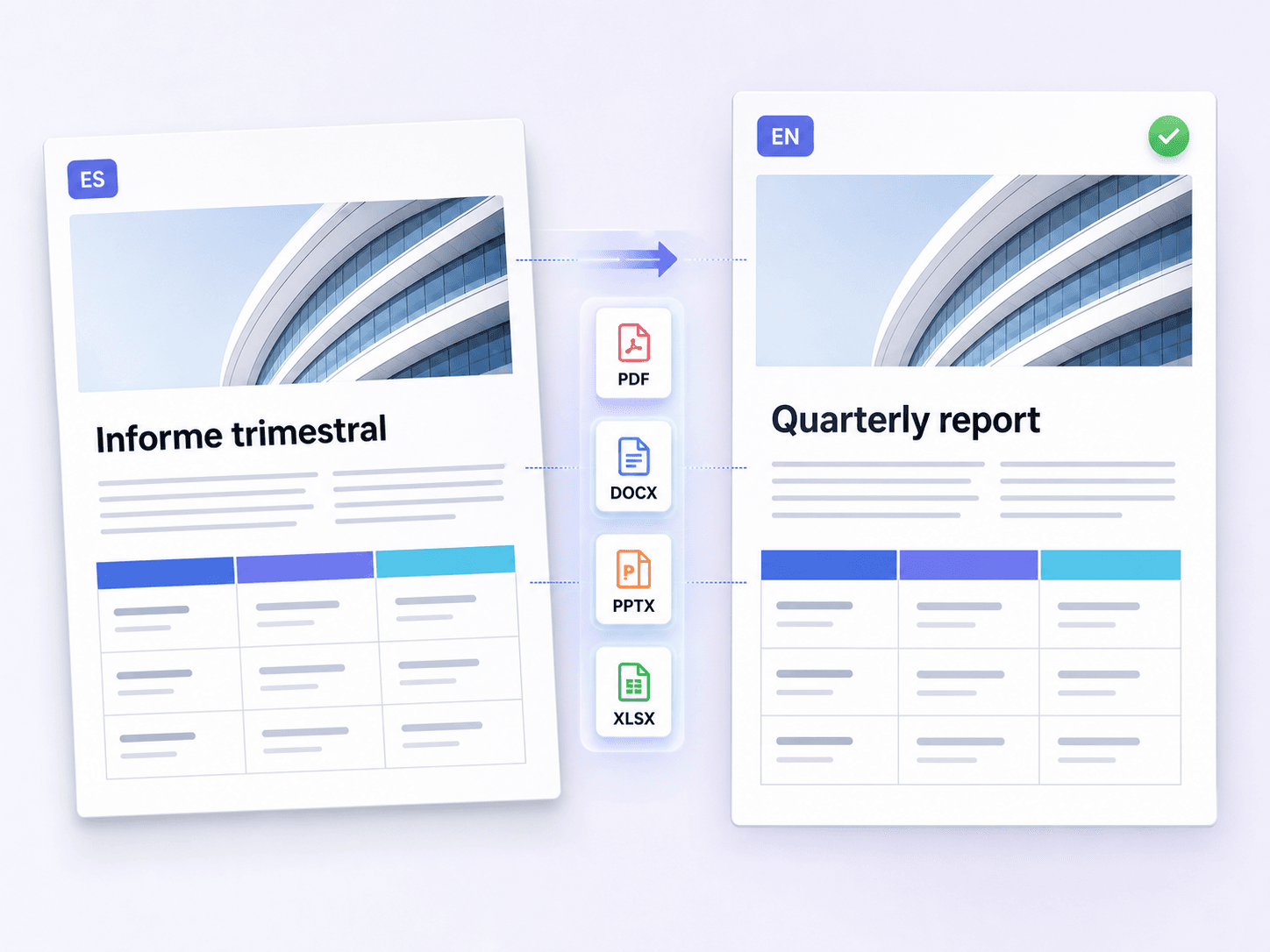
Translate Spanish Documents Without Rebuilding the Layout
How to Translate Spanish to English Online
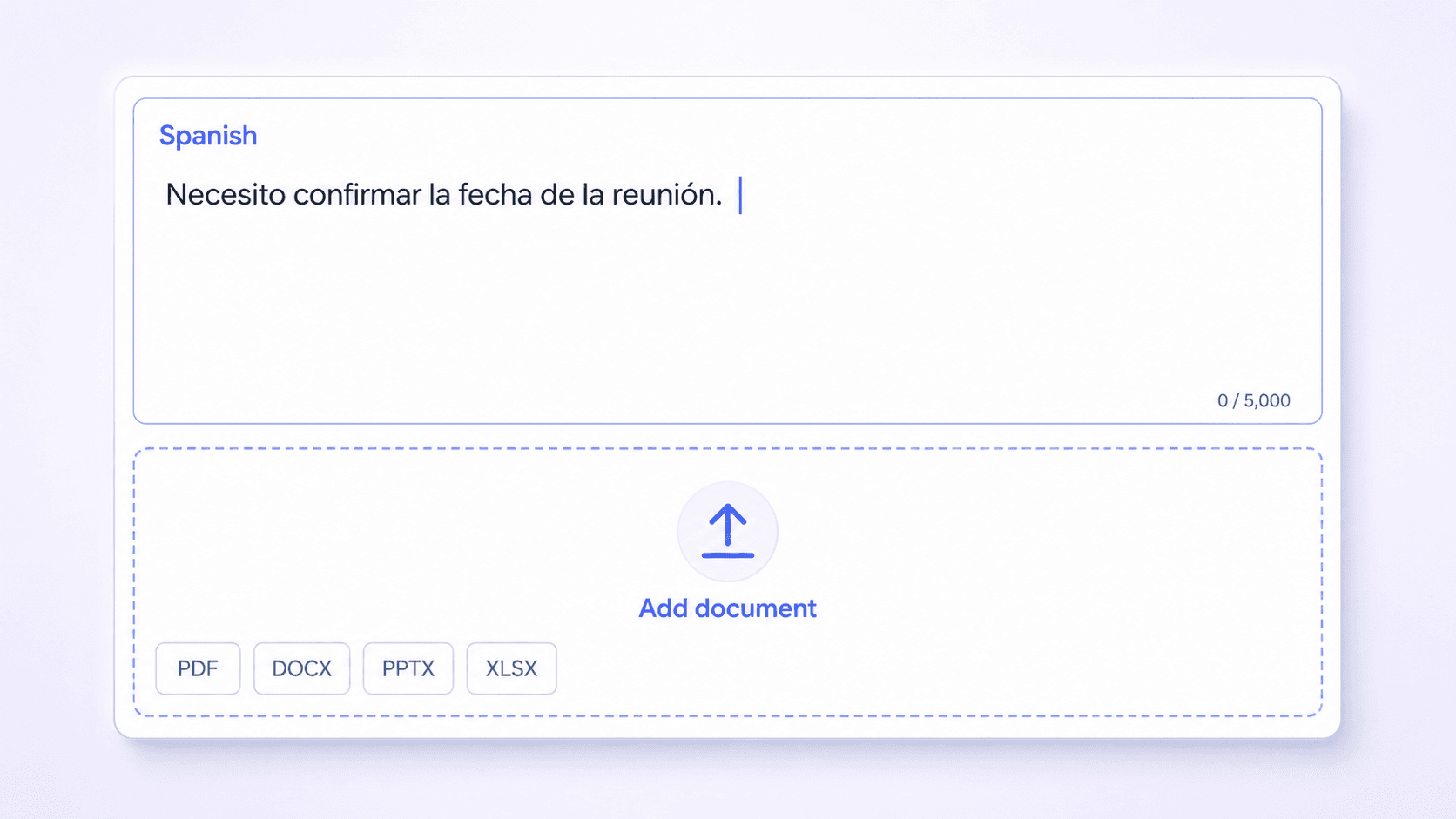
Add Spanish Text or a Document
Paste up to 5,000 characters of Spanish text, or upload one PDF, DOCX, PPTX, or XLSX file up to 10 MB.

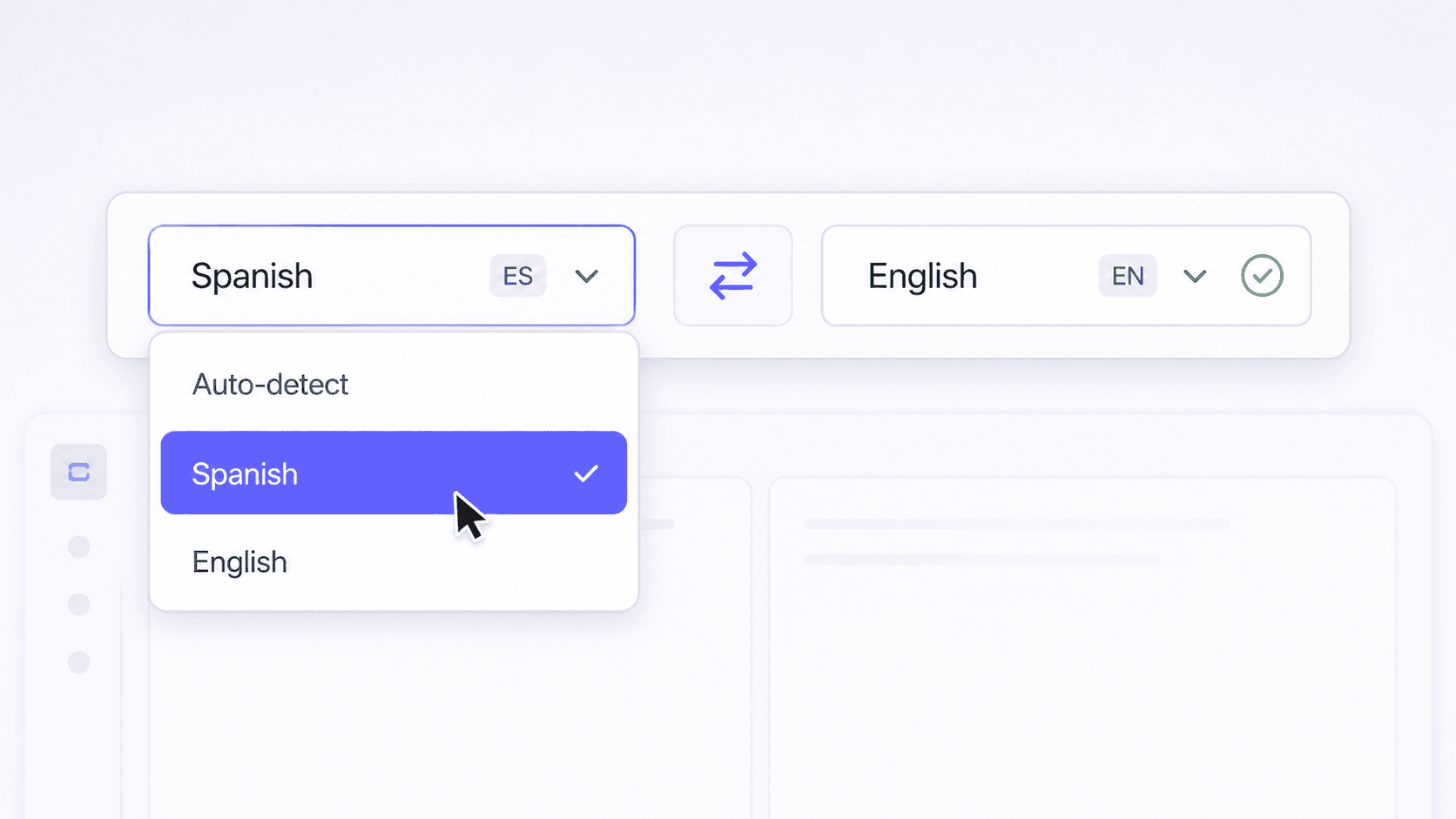
Select Spanish and English
Choose Spanish as the source and English as the target. You can also leave the source language on auto-detect.
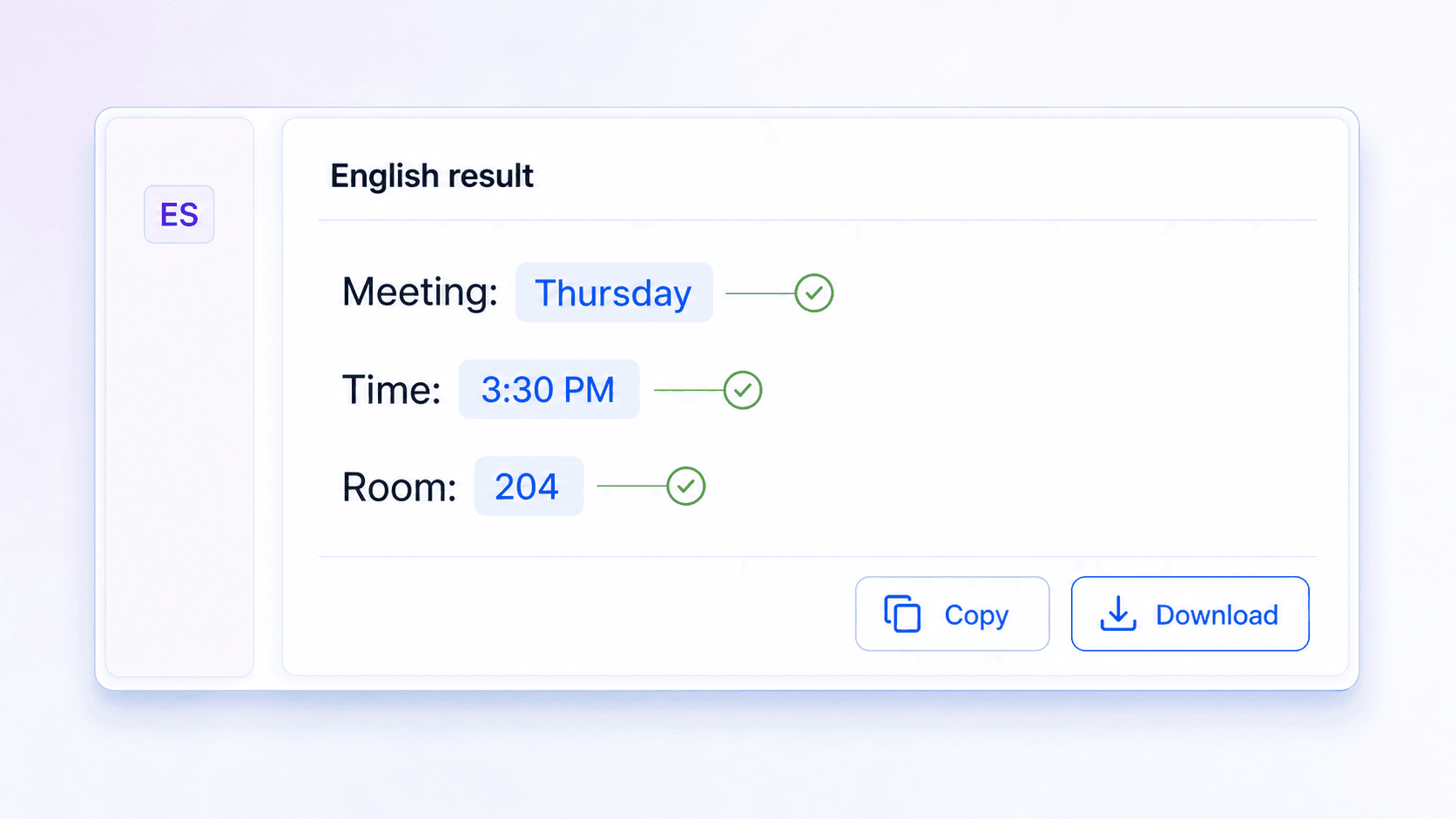
Review and Copy or Download
Compare the English result with the Spanish source, checking names, dates, numbers, idioms, and specialist terms. Then copy the text or download the translated document.
Who Uses a Spanish to English Translator?

Students & Researchers
Translate Spanish readings, journal abstracts, and source excerpts into English for comprehension, note-taking, and terminology checks.

Travelers & Families
Understand Spanish booking details, directions, WhatsApp messages, and school communications in clear English.

Support & Content Teams
Turn Spanish tickets, reports, and presentation drafts into English for routing, editing, and internal review.
Spanish to English Translation in Daily Work

Graduate Student

“I translated a Spanish journal abstract, then compared it with the source to check an omitted subject and several technical terms before adding it to my research notes.”

Hotel Coordinator
“A guest used a Spanish idiom I did not recognize. The English version made the intended request clear, and I copied the key details into our front-desk handover.”

Parent
“I used the Spanish to English translator for a school notice, then checked the student name, meeting date, and pickup time before sharing the summary.”

Customer Support Lead
“We paste Spanish support tickets into the tool so the English-speaking team can route them. I still compare product names and order numbers with the original ticket.”

Presentation Designer
“I uploaded a Spanish PPTX and received an English version with a usable slide structure. That let me focus on wording and line breaks instead of rebuilding the deck.”

Community Coordinator
“OCR picked up the Spanish text in a scanned community form. I reviewed every address and number in the English output before preparing an accessible summary.”
Frequently Asked Questions
Get quick answers about translating Spanish text and documents into English with Lynote.
To translate from Spanish to English, paste your text or upload one supported document, then choose English as the target. Check the result before copying the text or downloading the translated file.
Yes. Lynote provides a supported free Spanish to English translation workflow, and no sign-up is required to start.
Yes. Paste Spanish sentences or passages of up to 5,000 characters per request. Split longer text into smaller sections and review each result in context.
You can upload one PDF, DOCX, PPTX, or XLSX file up to 10 MB. OCR is available when a scanned PDF contains Spanish text that needs to be extracted first.
AI translation can be useful for everyday Spanish text, but accuracy depends on context, idioms, regional vocabulary, and specialist terminology. Compare important details with the source. Legal, medical, immigration, and other high-stakes material should be reviewed by a qualified human translator.
Spanish verb endings often indicate the subject even when no pronoun appears. English usually requires an explicit subject, so review whether the surrounding context supports “I,” “you,” “he,” “she,” or “they.”
Usually not. Idioms are clearer when translated by meaning. For example, “echar de menos” means “to miss,” not a literal combination of “throw” and “less.”
Yes. Swap the language direction, set Spanish as the target, and run a new English to Spanish translation.