

Translate English to Arabic




Why Choose Our English to Arabic Translator?
Translate Arabic and English with clearer context, right-to-left writing support, and a workflow built for real use.

Arabic Writing That Reads Right
Translate English to Arabic writing with output designed for Arabic’s right-to-left flow, sentence rhythm, and natural structure.

Two-Way Arabic Translation
Use Lynote for English to Arabic translation, Arabic to English translation, or quick checks in both directions.

Useful for Names, Letters, and Words
Translate English letters to Arabic, check Arabic names in English, or translate English to Arabic words for everyday use.

Better Context for Formal Arabic
Handle professional English to Arabic translation for emails, announcements, study notes, and business messages with clearer tone.

Arabic to English Made Easier
Paste Arabic text to understand messages, documents, posts, and short passages in English without switching tools.

Document Translation Support
Use Lynote when you need Arabic document translation to English or want to translate document content from English to Arabic.

Simple Online Workflow
Translate from English to Arabic or translate from Arabic to English directly in your browser without extra setup.

Translate English to Arabic With Readable RTL Flow

Switch Between Arabic and English Translation

Translate Arabic Names, Letters, Text, and Documents
How to Translate English to Arabic Online
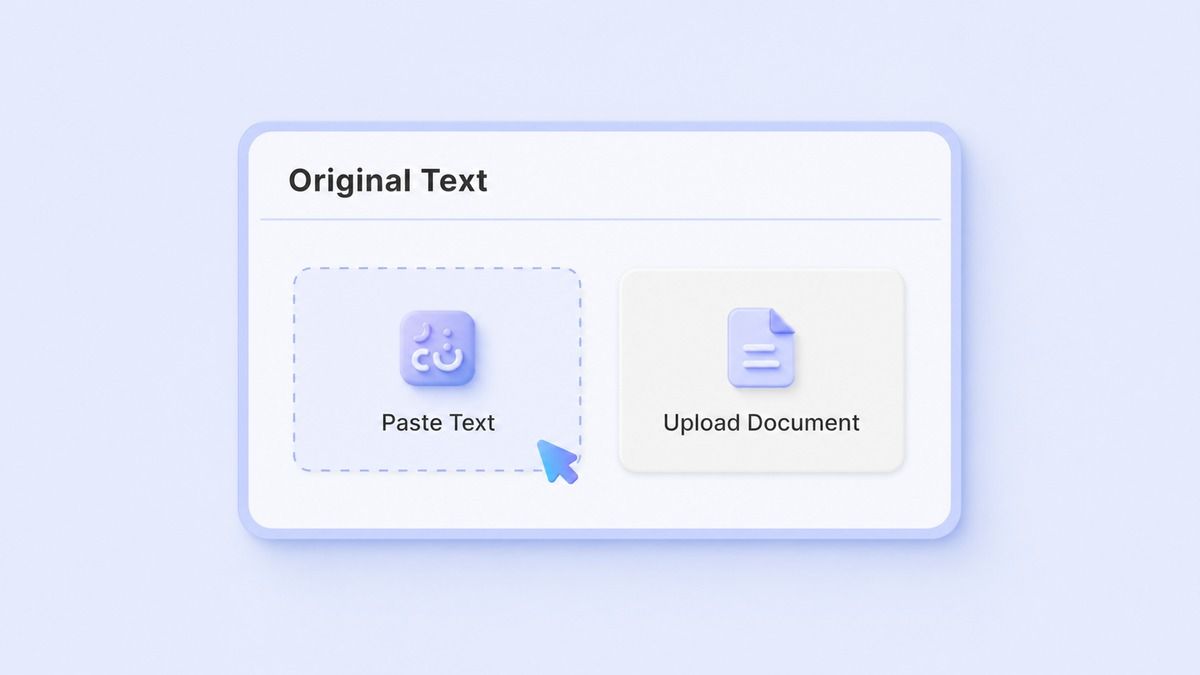
Step 1. Paste English or Arabic Text
Paste English text, Arabic text, names, letters, words, sentences, or copied document content into Lynote. You can use it for English translate to Arabic tasks, Arabic to English translate tasks, or quick phrase checks.

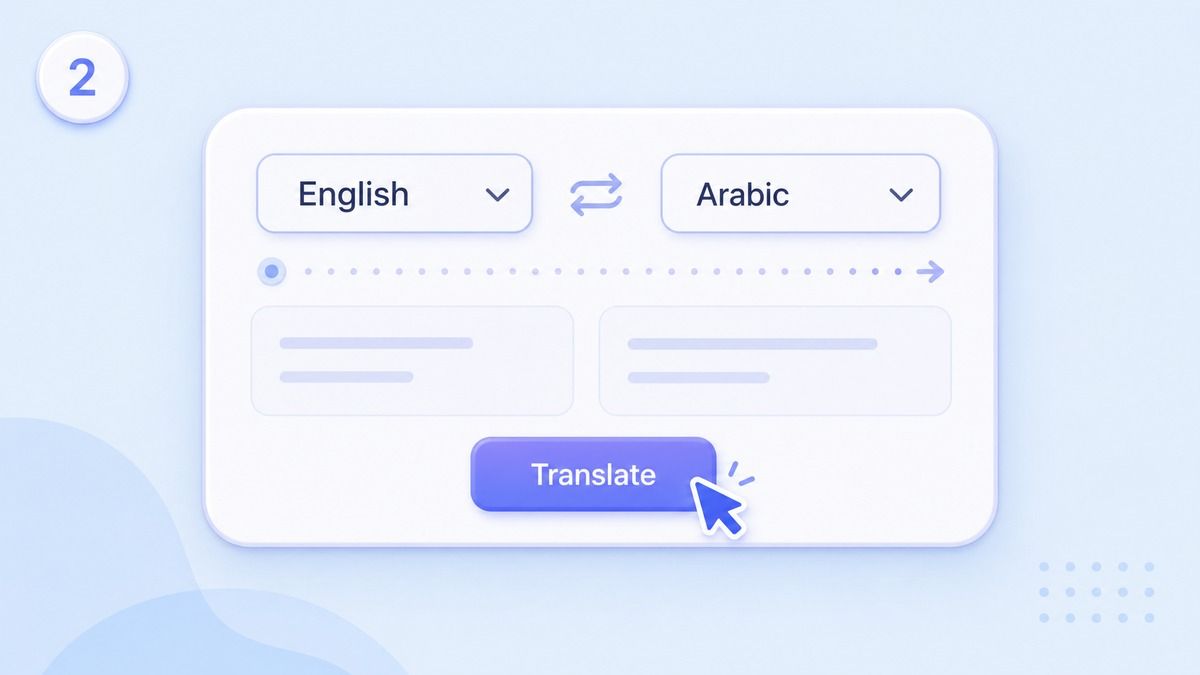
Step 2. Choose Arabic or English Output
Select Arabic when you want translation from English to Arabic. Select English when you need translate Arabic to English language output for reading, reviewing, or replying.
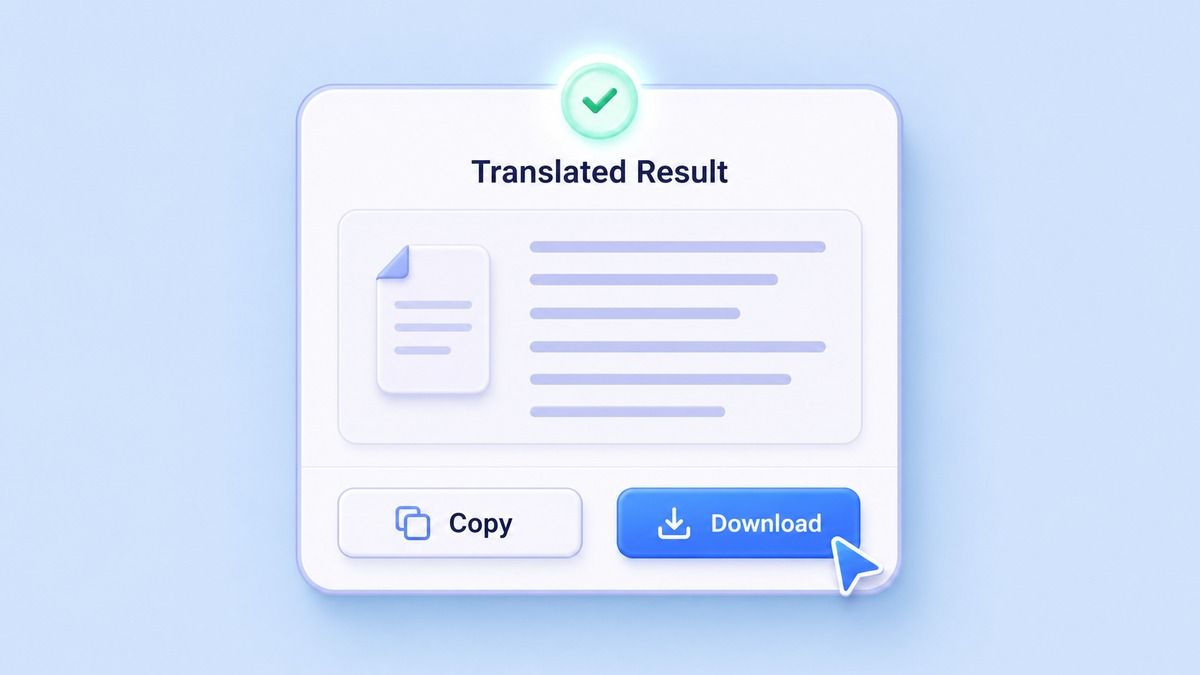
Step 3. Copy or Download Your Translation
Review the translated result and check names, dialect terms, technical words, and tone before using it. Copy the translation for emails, documents, chats, captions, study notes, product pages, or business messages.
Who Is This English to Arabic Translator For?

Arabic Language Learners
Translate English to Arabic words, Arabic text to English, and short phrases to compare vocabulary and sentence structure.

Students and Researchers
Use Arabic to English language translation for notes, articles, excerpts, and study materials before summarizing or writing.

Travelers and Expats
Translate English to Arabic text for directions, greetings, booking messages, local instructions, and everyday communication.

Business and Support Teams
Prepare professional English to Arabic translation for emails, product answers, customer replies, and service messages.

Content Creators
Translate captions, posts, scripts, and community updates between Arabic and English for multilingual audiences.

Document Users
Translate document from Arabic to English or prepare English to Arabic document text for review, sharing, or editing.
What Users Say About Lynote Arabic Translation

Arabic Language Student

I use Lynote to translate English to Arabic words and compare the Arabic structure with my class notes. It helps me learn faster.

Customer Support Lead
Our team handles Arabic to English translation for support messages, then writes English to Arabic replies. Lynote keeps the workflow simple.

Travel Writer
I needed quick English to Arabic translation for travel notes and local messages. The results are easy to copy and review.

Research Assistant
I paste Arabic passages into Lynote when I need a readable English version. It helps me understand the main point before deeper research.

Ecommerce Manager
We use Lynote as an English to Arabic translator for product copy and buyer messages. It gives us a strong draft before final review.

Content Strategist
I switch between Arabic and English for captions, newsletters, and short campaigns. Lynote makes the translation process much faster.
Frequently Asked Questions
Answers about English to Arabic translation, Arabic to English translation, RTL writing, names, documents, and dialects.
Yes. Paste your English text, choose Arabic as the output language, and Lynote will generate the translation online. You can use it for words, sentences, names, messages, and copied document text.
Yes. Lynote supports translate Arabic to English, Arabic to English translation online, and Arabic to English language translation. You can switch the target language depending on your task.
Yes. You can use Lynote for English to Arabic letters translation or translate English letters to Arabic. For names and transliteration, review the result because Arabic spelling can vary by preference and region.
Lynote can help create a clear first draft for professional English to Arabic translation. For legal, medical, financial, or official documents, always review the translation with a qualified human reviewer.
Yes, you can use Lynote with copied Arabic document text or supported document content. If the document is scanned, extract readable text first, then translate from Arabic to English.
Lynote can help with many Arabic inputs, but dialects such as Egyptian Arabic and Moroccan Arabic can include local expressions. For translate English to Egyptian Arabic or Moroccan Arabic to English translation, add context and review the result carefully.