Hindi Audio to Text Converter Online

Drop files or browse

Add study materials to enable the AI to extract and structure content.



Why Use Lynote as a Hindi Audio to Text Converter?
Convert Hindi audio to editable text, then review, translate, summarize, and reuse the transcript in one focused workflow.

Hindi Audio Transcription
Convert Hindi recordings from lectures, interviews, podcasts, meetings, voice notes, and videos into clear, editable text.

Editable Hindi Text
Review and correct the generated Hindi transcript before copying, sharing, translating, or exporting it for your next task.

Hindi and English Review
Work with recordings that move between Hindi and English, then review the transcript carefully for names, terms, and context.

Simple Online Audio Upload
Upload a supported audio or video file directly in your browser and begin transcription without installing separate software.

MP3 and Common Formats
Use MP3, WAV, M4A, MP4, MOV, and other supported formats for lectures, interviews, podcasts, meetings, and voice notes.

Clean, Editable Transcript
Turn spoken Hindi into a structured transcript that is easier to review, correct, copy, translate, and reuse.

Long Recording Support
Process long classes, interviews, webinars, podcasts, and meeting recordings without typing the entire conversation manually.

Secure File Processing
Lynote processes uploaded files securely and states that customer content is not used to train its AI models.
Convert Hindi Audio Files Into Editable Text
Upload Hindi lectures, interviews, podcasts, meetings, or voice notes in formats such as MP3, WAV, M4A, MP4, and MOV. Lynote converts the spoken content into an editable transcript without requiring a separate file-conversion step.
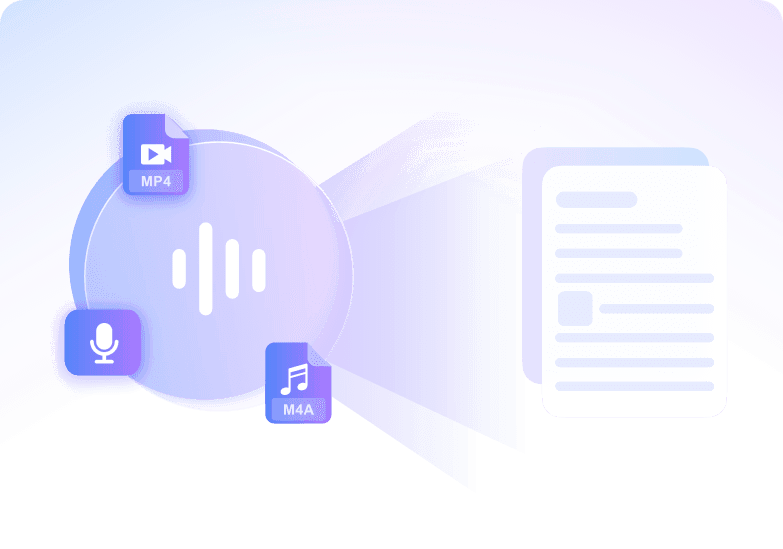
Review Hindi Speech With Clear AI Transcription
Turn clear Hindi speech into structured text, then review names, numbers, and technical terms before using the transcript. Speaker-aware formatting can make interviews and multi-person conversations easier to follow.
Ask Questions About Your Hindi Recording
Use AI Chat to ask questions about the recording, generate a concise summary, or identify key points after transcription. This helps move from raw audio to useful notes without replaying the full file.
Handle Long Hindi Lectures, Interviews, and Podcasts
Process long lectures, interviews, webinars, meetings, and podcasts in the same workflow. Review the transcript, correct important details, and reuse the written content for study, research, or publishing.
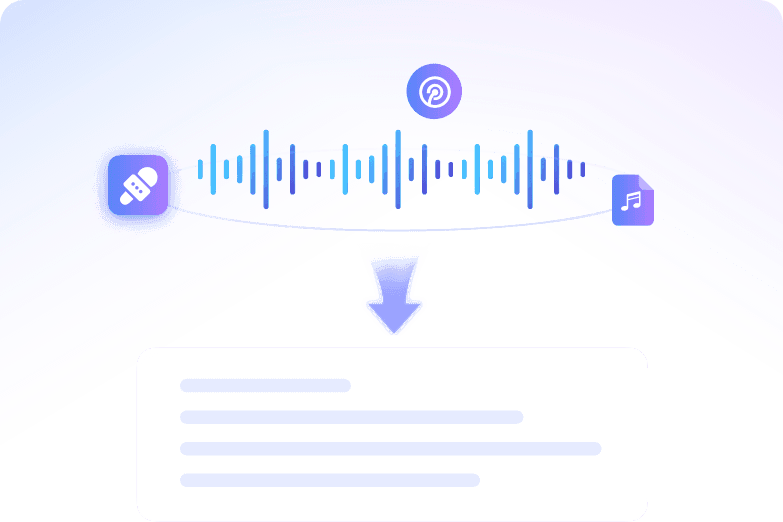
How to Convert Hindi Audio to Text Online
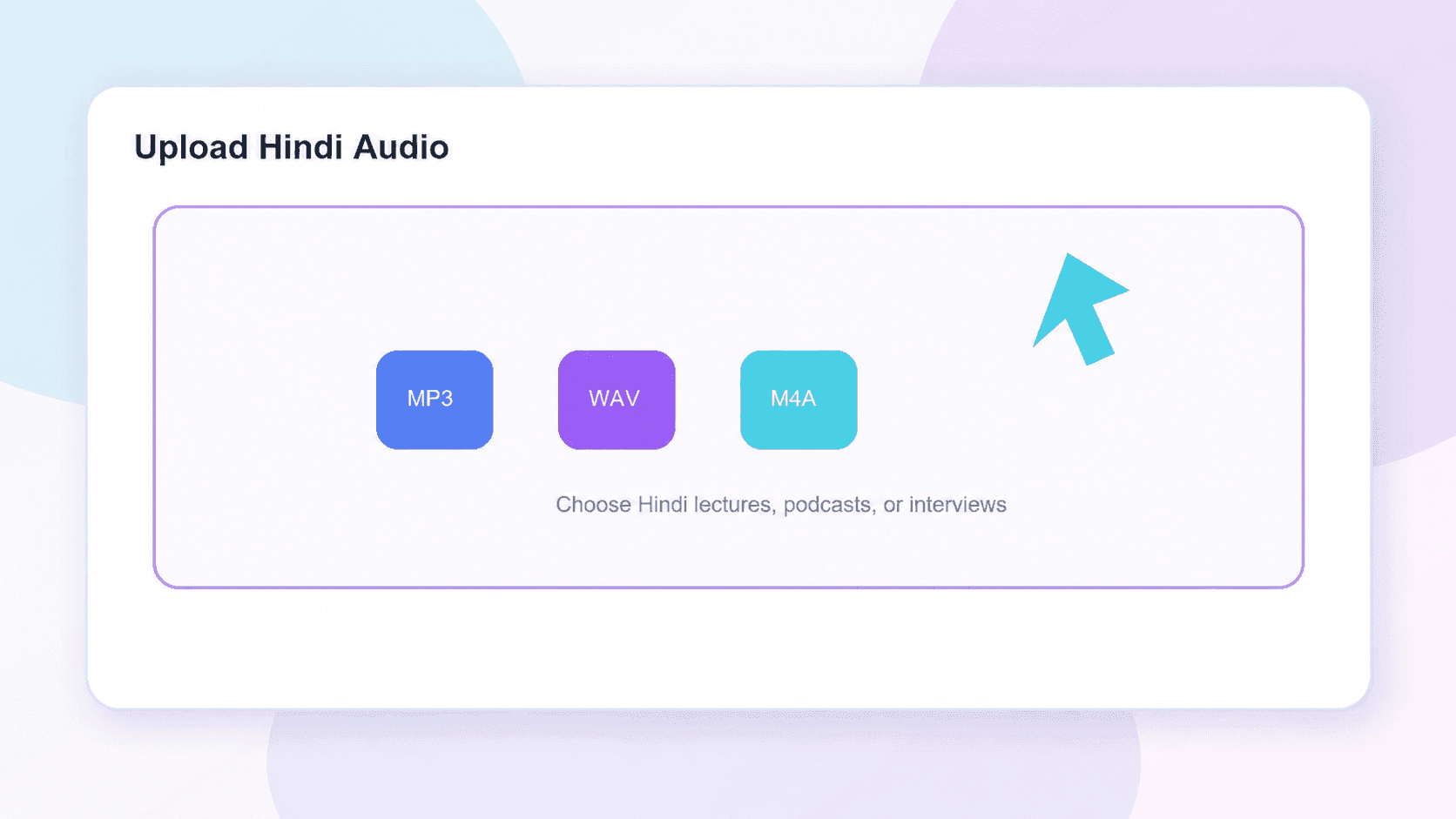
Step 1. Upload Your Hindi Audio
Choose an MP3, WAV, M4A, MP4, MOV, or another supported file. Clear speech and lower background noise can make the transcript easier to review.
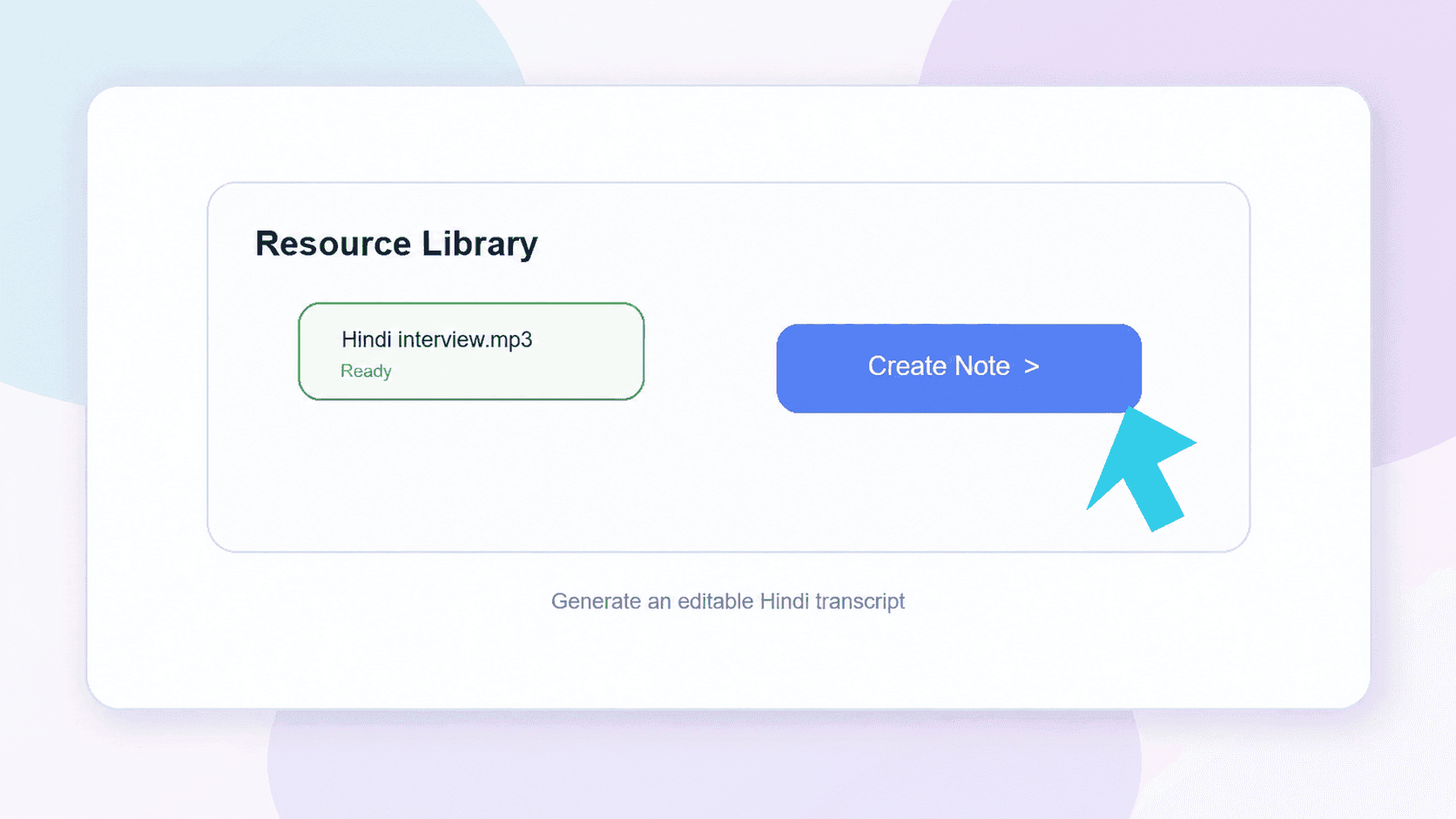
Step 2. Generate the Hindi Transcript
Start the process and let Lynote turn the spoken content into editable text. Review names, numbers, and technical terms after processing.
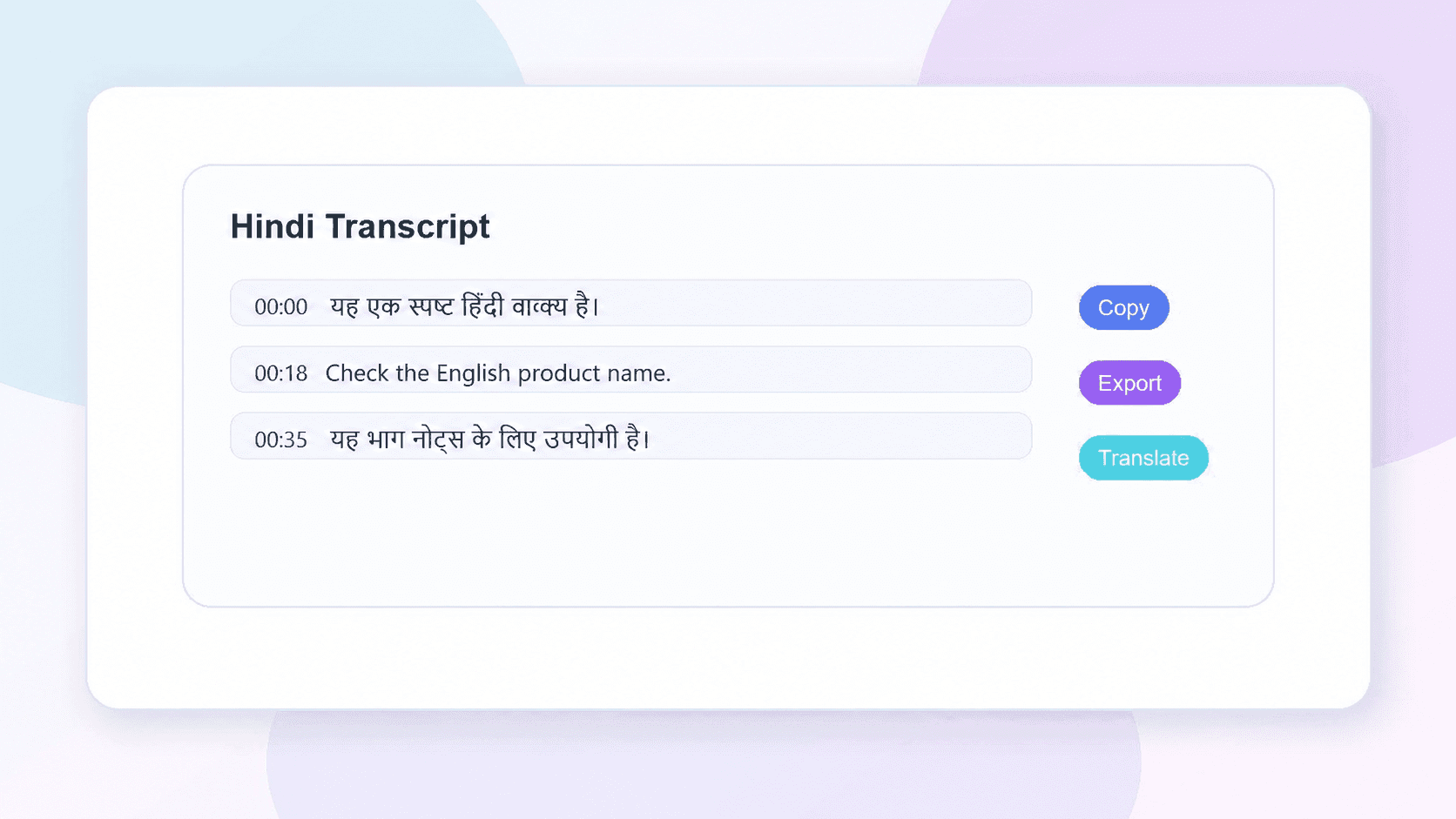
Step 3. Review, Export, or Translate
Correct the text, then copy, export, share, or translate it. You can also continue with summaries and AI Chat inside Lynote.
Who Can Use a Hindi Audio to Text Converter?

Students
Convert lectures, study recordings, and online classes into text for faster review. Search key topics without replaying long audio again.

Journalists
Transcribe interviews, press recordings, and voice notes into accurate text. Quickly capture quotes and important details for articles and reports.

Content Creators
Turn podcasts, videos, and recordings into transcripts for captions, blogs, social posts, and repurposed content.

Researchers
Convert interviews, discussions, and research recordings into searchable transcripts. Review and analyze information more efficiently.

Professionals
Transcribe meetings, calls, webinars, and voice memos into organized text. Save time on manual note-taking and documentation.

Podcasters
Turn podcast episodes into readable transcripts for content review, SEO, accessibility, and audience engagement.
How People Use Lynote for Hindi Audio Transcription

Podcast Producer

“I use Lynote to transcribe podcast episodes and interviews every week. The transcripts are clean, accurate, and much faster than doing it manually.”

University Student
“I upload recorded lectures and convert them into text for review. It saves a huge amount of time before exams.”

Journalist
“Transcribing interviews used to take hours. Now I can quickly search the transcript and pull important quotes almost instantly.”

Marketing Manager
“We use it to transcribe meetings and webinars for internal notes and content planning. The transcripts are easy to edit and share.”

Research Assistant
“I work with long interview recordings, and Lynote makes them much easier to review. Being able to search the transcript is incredibly useful.”

Content Creator
“I turn video and audio recordings into text for captions, blogs, and summaries. It helps me repurpose content much faster.”
Hindi Audio to Text Converter FAQs
Have questions? We've got answers. If you can't find what you're looking for, feel free to contact us.
An AI audio to text converter automatically transcribes spoken audio into written text using speech recognition technology. It helps turn recordings, meetings, lectures, interviews, and other audio files into editable transcripts.
Lynote supports popular audio and video formats including MP3, WAV, M4A, MP4, MOV, and more. You can also paste a YouTube link for transcription.
Our AI provides highly accurate transcription for clear recordings and spoken conversations. Accuracy may vary depending on background noise, audio quality, and speaker clarity.
Yes. You can transcribe podcasts, lectures, interviews, webinars, meetings, and other long-form recordings into searchable text.
Yes. You can transcribe audio to text online for free and generate editable transcripts in minutes.
Yes. Paste a YouTube link and Lynote will automatically generate a transcript from the video audio.
Yes. Once your transcript is generated, you can review, edit, copy, export, share, or translate the text.
Your files are processed securely and are never used to train AI models. Your recordings and transcripts stay private.
Accuracy is influenced by the clarity of the audio, speaking pace, background noise, accent, and overlapping voices. Lynote provides editable text, so you can review and edit the transcript before using it.
Lynote uses secure processing for your uploaded audio, and we do not use your audio or transcripts to train AI models.
Keep Working After Your Hindi Transcript







Practical Guides for Working With Hindi Audio
Explore practical ways to prepare cleaner recordings, review transcripts, translate spoken Hindi, and turn long audio into useful notes.