
Hangul Filler Copy & Paste (U+3164)
Copy Hangul Filler for blank-looking text, and find the U+3164 code and simple paste instructions.
Copy Hangul Filler in One Click
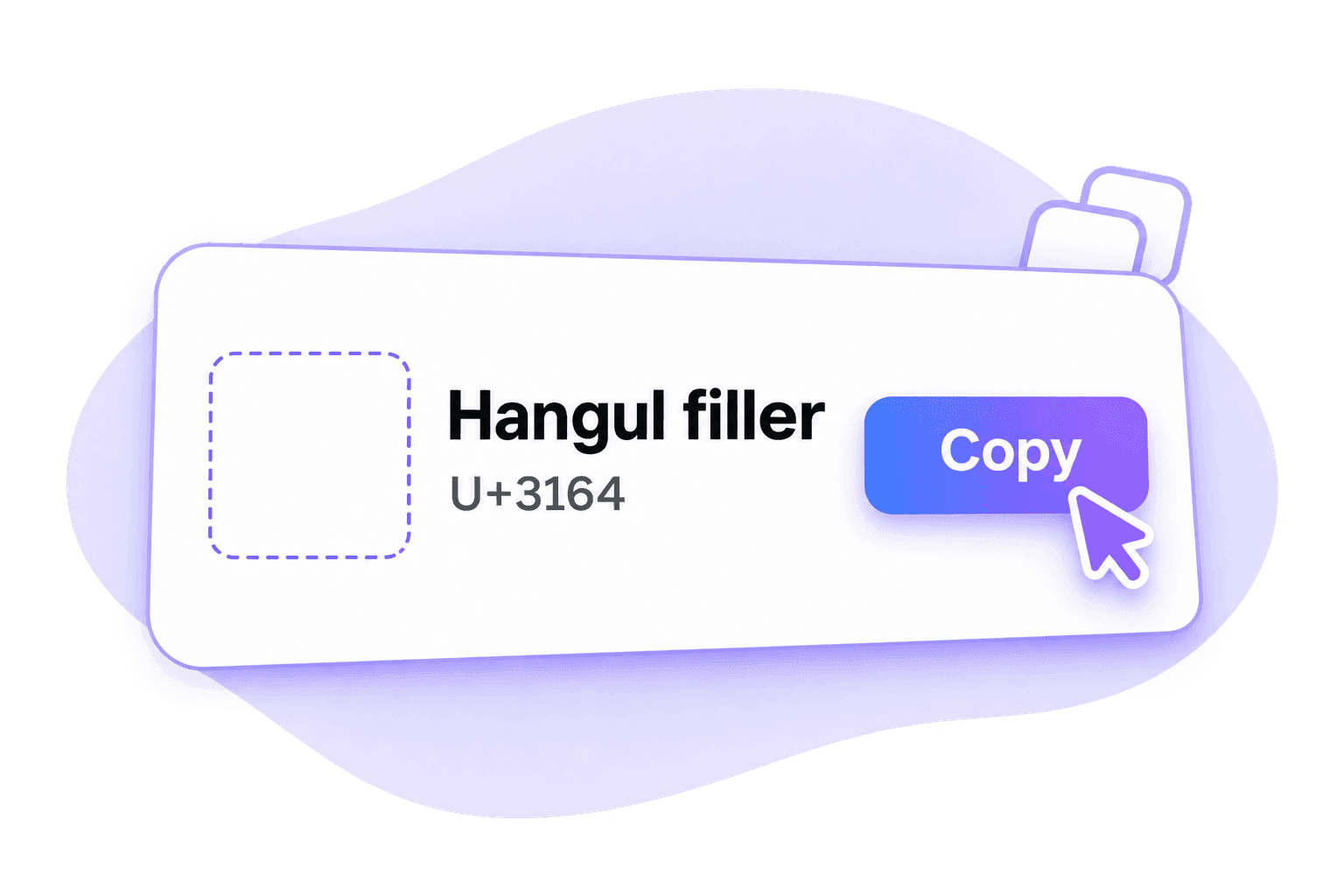
Get one Hangul Filler (U+3164) without trying to select an empty-looking patch of text. The main Copy button provides the character itself, ready for you to paste.
Each click copies one character.
Hangul Filler Is Different From a Space
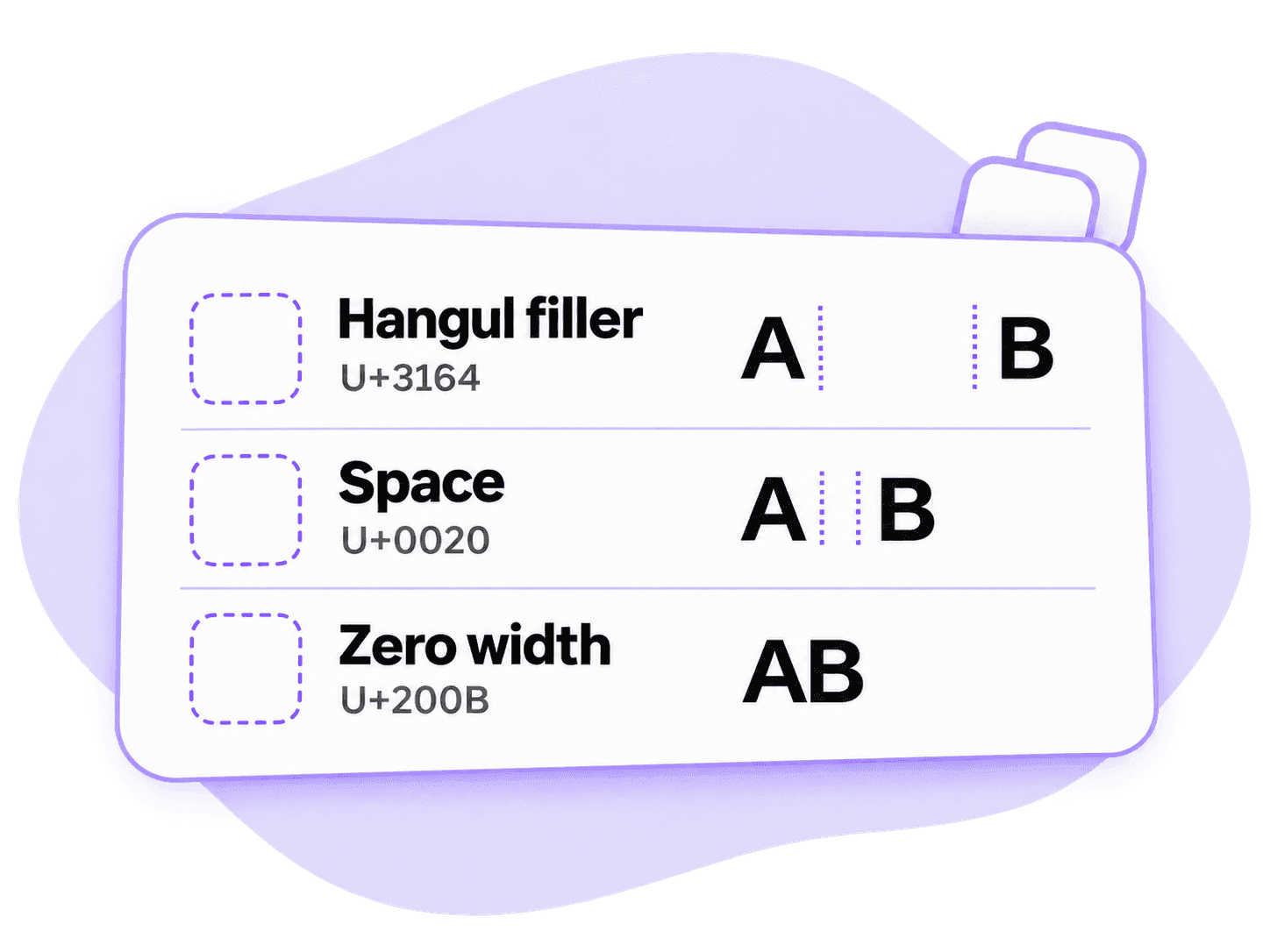
Hangul Filler is a blank-looking letter, not the space from your keyboard. It usually takes up room, while a zero width space adds no visible gap.
For specific steps, see our Instagram Highlights, WhatsApp and Free Fire guides.
Find Hangul Filler Unicode and HTML Codes
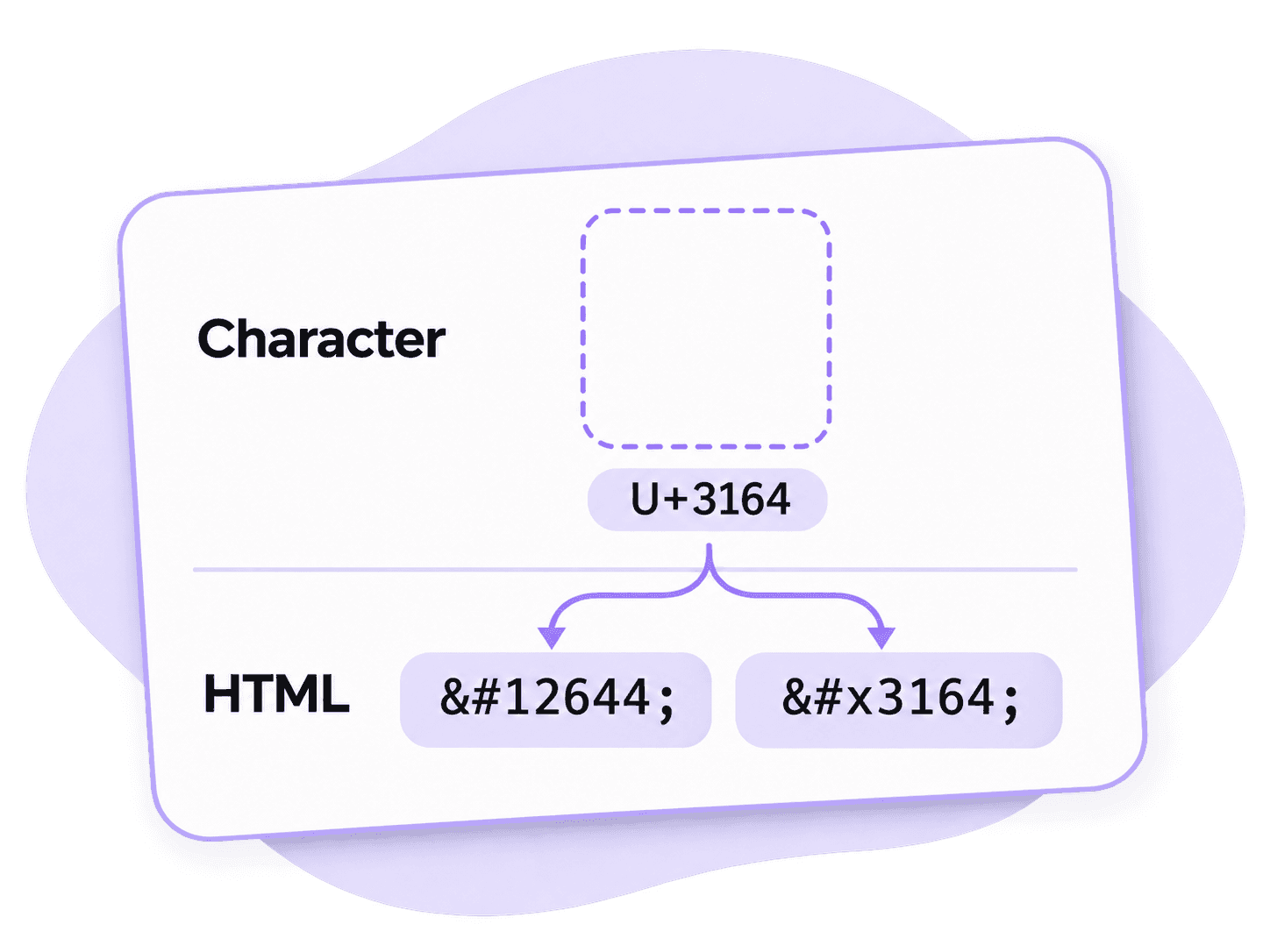
Looking for “Unicode 3164”? The character is Hangul Filler, written as U+3164. Its HTML codes are ㅤ and ㅤ.
Use these codes in HTML source. In a normal name or message field, paste the actual character instead of typing its code.
How to Copy and Paste Hangul Filler
Step 1. Copy Hangul Filler
Click the main Copy button to get one U+3164 character. Sign in if asked.
Step 2. Paste Where You Need It
Open the name, label or text field you want to edit, then choose Paste.
Step 3. Check the Saved Result
Save your change, then reopen the field to check the result. If the blank disappears or a box appears, try another character from the list.
Hangul Filler FAQ
Hangul Filler is the Unicode character U+3164. It comes from Korean text encoding and often looks blank. Unicode classifies it as a letter rather than an ordinary space.
No. Hangul Filler usually occupies space on screen. Zero Width Space is a different character, U+200B, which adds no visible gap.
No. They are related Hangul characters with different codes. U+FFA0 is Halfwidth Hangul Filler; U+1160 is Hangul Jungseong Filler. Choose U+3164 when you need Hangul Filler specifically.
An app may remove the character, or its font may display a visible mark. Try another blank character and check the saved result in the app you are using.
You copied the visible code label instead of the character. Return to the main Copy button to copy Hangul Filler itself.
The result depends on the field and the app's current rules. After pasting, check the saved Highlight name, the message input or the nickname preview. Follow the relevant guide linked above for that app's steps.